 ChatGPT
 Perplexity
 Claude
 Gemini
 Grok
Grok



"Free online AI video generator" sounds simple, but the moment you start clicking, the word "free" splits into a dozen meanings. Some tools refill credits every day, some give you a one-time trial that runs out by lunch, and almost all of them stamp a watermark on whatever you make. The result is a lot of sign-ups and not much usable video.
This guide cuts through that. We checked the free tiers of the most popular browser-based generators in June 2026, comparing how much you actually get, how long the free credits last, and what limits they hide, then ranked the 7 that genuinely let you create without paying. Every one runs in your browser, so there is nothing to install. The best free strategy is rarely one tool, so we also show how to stack a few daily free tiers for more total output.
What "Free" Really Means for AI Video Generators
Before the list, it helps to know the three flavors of "free," because they decide whether a tool is useful past your first session.
The first kind is a daily-renewing free tier: you get a batch of credits that resets every day, so you can keep generating for free indefinitely. The second is a one-time trial: a fixed pile of credits or renders that, once spent, is gone unless you pay. The third is a limited free demo, often the lowest paid plan with the price set to zero, which usually means a watermark, a short length cap, and a lower resolution. Most cloud tools fall into the first or third group, and clean no-watermark exports on a free plan are genuinely rare in 2026.
So when a tool says "free," the questions that matter are: does it renew, does it watermark, and how long can a clip be. The table below answers those for each pick, and the breakdown that follows fills in the resolution caps and other detail.
How We Compared the Free Tiers
We signed up for each tool's free tier in the browser in June 2026 and looked past the marketing to the actual free experience, checking the limits each one hides rather than benchmarking render quality.
For every generator we checked four things: how generous the free tier is (daily renewal beats a one-time trial), whether free output carries a watermark, the maximum clip length and resolution you get without paying, and what the tool is best at. We also noted who each tool suits best, since the right free generator for a quick social clip is not the one for a cinematic shot. Here is the at-a-glance version.
| Rank | Tool | Free tier | Watermark | Max free length | Best for |
|---|---|---|---|---|---|
| 1 | PixVerse | ~60 credits/day + 90 on signup | Yes | ~5 to 8s | Most free generations per day |
| 2 | Kling AI | ~66 credits/day | Yes | Up to 10s | Realistic motion |
| 3 | Google Veo | ~50 credits/day | Yes | ~8s | Best free quality + audio |
| 4 | Hailuo | Daily free generations | Yes | ~6s (720p) | Cinematic motion physics |
| 5 | Pika | Credits on signup | Yes | ~5s | Stylized social clips |
| 6 | Luma Dream Machine | ~30 renders/month | Yes | ~5s | Camera movement |
| 7 | Runway | 125 one-time credits | Yes | ~5 to 10s | Pro editing tools |
Free-tier amounts are accurate as of June 2026 and change often, so confirm the current limits on each tool's own site before you rely on them.
The 7 Best Free Online AI Video Generators
Here is the full ranking, with what each free tier gets you and where it falls short.
1. PixVerse: Best Free Tier Overall
PixVerse wins on the one thing that matters most for a free user: it keeps giving. New accounts get about 90 credits, then roughly 60 more renew every single day, which is among the most generous recurring free allowances in 2026. That daily refill is why it is the natural starting point if your plan is to never pay.
It runs entirely in the browser and is fast, which makes it ideal for high-volume experimenting: you can test a dozen ideas a day and come back tomorrow for more. It suits social creators and anyone learning the ropes who wants reps without a credit card. The honest catch is the standard free-tier trade-off: free output is capped on resolution and carries a watermark, and the daily reset means you cannot save up a big batch for one heavy session. For sheer free mileage, though, nothing here beats it.
Pros: Most generous daily free credits, browser-based and fast, great for high-volume practice.
Cons: Watermark on free output, resolution capped, daily reset limits big batches.
 PixVerse refreshes free credits daily, the most generous recurring tier here. Captured June 2026.
2. Kling AI: Best Free Realistic Motion
Kling AI is the pick when you want your free clips to actually look good. It built its reputation on photorealistic human motion, and the 3.0 release kept that quality while maintaining one of the more sustainable free tiers around.
On the free plan you get roughly 66 credits a day that renew, which is enough for three to four short clips, with a maximum length of about 10 seconds before you pay. That daily renewal plus genuinely strong motion makes it the best free option for realistic content like a fashion reel or a lifelike product shot. It fits creators who care more about how the clip looks than about cranking out volume. The downsides are familiar: free generations sit in a queue and can be slow at peak times, complex scenes occasionally show artifacts, and free output is watermarked. Within those limits, few free tiers look this good.
Pros: Excellent realistic motion, daily renewing credits, strong quality for a free tier.
Cons: Free-tier queue waits, watermark on free output, 10-second cap before paying.
 Kling AI pairs strong realistic motion with a daily free credit refill. Captured June 2026.
3. Google Veo: Best Free Frontier Quality
Google Veo is the surprise of the free category: it puts frontier-grade quality within reach at no cost through Google's own apps. Its signature trick is native audio, generating synchronized dialogue, sound, and music alongside the video in one pass, which almost no free rival offers.
You can access Veo for free in your browser through Google's Gemini at gemini.google.com, with roughly 50 free credits a day, enough to sample the best-looking output on this list without paying. It fits anyone who wants quality over quantity and already uses Google's tools, for example a polished short scene or a cinematic establishing shot. The catch is that Veo runs through Gemini rather than a dedicated video studio, so there is little project tooling, those credits burn quickly at this quality, and free output is watermarked. If your priority is the single best free-quality clip, this is where to look.
Pros: Frontier-grade quality, native synchronized audio, free daily credits via Gemini.
Cons: Tied to Google's apps, credits deplete fast, watermark on free output.
 Google Veo brings frontier quality and native audio to a free daily allowance. Captured June 2026.
4. Hailuo: Best Free Cinematic Motion
Hailuo, from MiniMax, is the free pick when believable movement matters most. It is widely regarded as having some of the most convincing motion physics in the budget group, so a free clip does not come out stiff or floaty.
The free tier gives you several generations a day, enough to test cinematic ideas like a dramatic product reveal or a short narrative beat. It runs in the browser and leans into physical realism, which sets it apart from the more stylized free tools. The trade-offs are the usual ones for a free plan: clips are short, the best resolutions sit behind a paywall, and free output is watermarked. For believable motion, few free tools come close.
Pros: Best-in-class motion physics for a free tool, browser-based, good for cinematic shots.
Cons: Short free clips, higher resolution needs paying, watermark on free output.
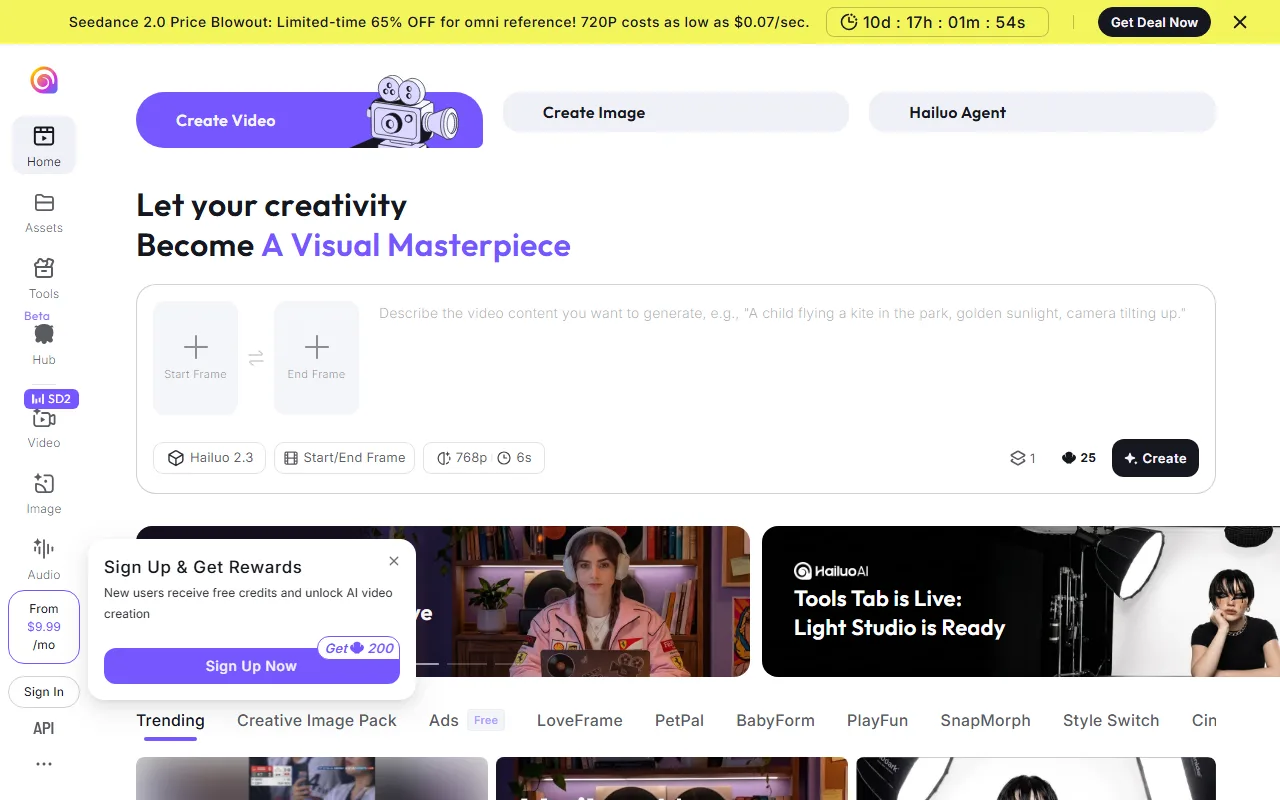 Hailuo from MiniMax is known for convincing motion physics on its free tier. Captured June 2026.
5. Pika: Best Free Stylized Clips
Pika is the fun one, and it is one of the easiest ways to get a scroll-stopping clip for free. The 2.5 release leans into stylized effects, and its signature "Pikaffects" let you trigger playful transformations (melt it, inflate it, explode it) that perform well on social feeds.
Pika gives free credits on signup, which is plenty to learn whether its look fits your channel. It suits social creators and meme-makers who want an eye-catching clip in minutes rather than a polished film. The limitations are the flip side of its strength: clips are short, the aesthetic is stylized rather than photoreal, and free output is watermarked. If your content runs on personality and motion gimmicks, Pika is the most fun free tool on the list.
Pros: Fun stylized effects, quick and approachable, free credits to start.
Cons: Short clips, stylized over realistic, watermark on free output.
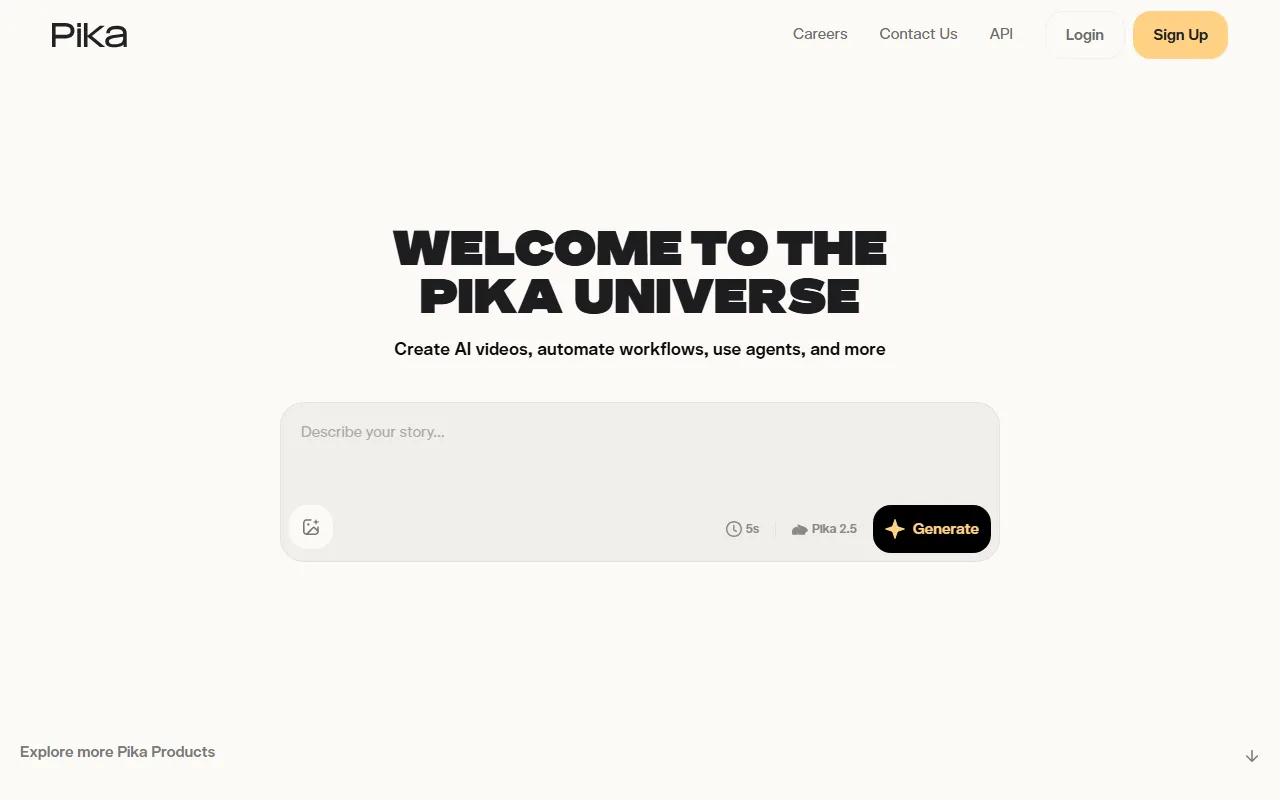 Pika focuses on stylized, shareable clips with free signup credits. Captured June 2026.
6. Luma Dream Machine: Best Free Camera Control
Luma Dream Machine stands out for cinematic camera movement, giving free clips a sense of motion and depth that flat generators miss. It is a strong choice when you want a shot that feels filmed rather than static.
Luma's free tier works on a monthly allowance of around 30 renders rather than a daily refill, so it rewards planning your generations rather than spamming them. It fits creators who want sweeping camera moves and dreamlike sequences, like an establishing shot or a moody transition. The catches are that the monthly cap is easy to exhaust if you experiment freely, and free output is watermarked. Used deliberately, those 30 monthly renders go a long way for cinematic motion.
Pros: Excellent cinematic camera movement, dreamlike output, browser-based.
Cons: Monthly cap rather than daily refill, watermark on free output, runs out fast if you experiment.
 Luma Dream Machine specializes in cinematic camera movement on a monthly free allowance. Captured June 2026.
7. Runway: Best Free Pro Toolset
Runway is the free door into professional-grade tools. Its Gen-4.5 model is a favorite among editors, and even on the free tier you get access to controls most simple generators lack, like motion brushes and camera-path direction.
Runway's free offering is a one-time allowance of about 125 credits to try the platform, so it is best thought of as an extended demo rather than an ongoing free tool. It fits creators who want to test serious creative control before deciding to subscribe, and it accepts video input for restyling. The trade-offs are that the credits do not renew, the learning curve is steeper than the one-click tools, and free output is watermarked. If you want to sample pro features for free, this is the place, just do not expect it to last.
Pros: Pro-level control even on free, accepts video input, strong creative toolset.
Cons: One-time credits that do not renew, steeper learning curve, watermark on free output.
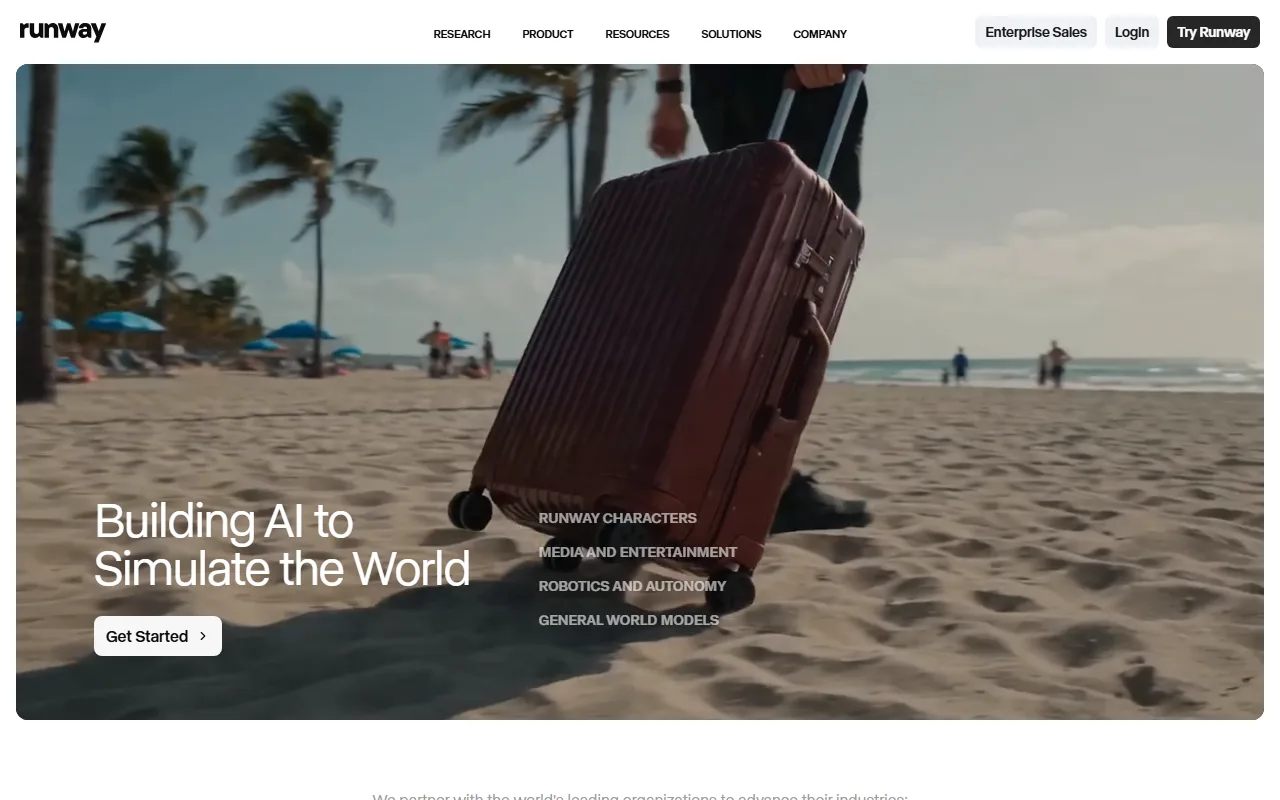 Runway gives a one-time free allowance to sample its pro creative tools. Captured June 2026.
How to Get the Most From a Free AI Video Generator
A few habits stretch a free tier much further than picking the "best" tool once.
First, match the tool to the job instead of loyalty to one app. Use a daily-renewing tool like PixVerse or Kling for everyday volume, save a high-quality free allowance like Veo for the one shot that has to look great, and reach for Luma when the scene needs camera movement. Stacking two or three daily free tiers gives you more total free output than maxing out any single one. Second, treat the free tier as a draft space: nail your idea on a watermarked free clip, then decide whether the final version is worth a paid, clean export.
The one trap to avoid is assuming "free" means "ready to publish." Almost every free tier here watermarks output and caps resolution, so a free clip is great for testing and social drafts but rarely client-ready. Check the watermark and resolution limits before you build a workflow around any tool, and you will never be surprised at export time.
Conclusion
There is no single best free online AI video generator, only the best free tier for what you are making. PixVerse gives the most daily free credits, Kling and Veo offer the best free quality, Hailuo and Luma win on motion and camera work, Pika is the most fun, and Runway lets you sample pro tools. All seven run in the browser and genuinely let you create without paying, as long as you accept a watermark on free output. Try two or three with the same idea, stack their daily free tiers, and you can make a lot of AI video for nothing.