

 ChatGPT
 Perplexity
 Claude
 Gemini
 Grok
Grok

MiniMax's Hailuo AI models can produce impressive video from a text or image input, but every generation starts the same way: you type a prompt, hope the wording is precise enough, and wait to see if the output matches what you pictured. If you have been through that loop enough times to want a different workflow, you are not alone. Pexo takes a different path by wrapping multiple models, including MiniMax's own Hailuo family, into a single conversation where you describe your idea in plain language and let the system handle model selection and production.
We ran the same set of test prompts through all seven platforms, timed the generations, compared the outputs side by side, and tracked what each one actually costs per minute of finished video. This guide breaks down what we found across quality, workflow, and pricing so you can pick the right MiniMax replacement without testing all of them yourself.
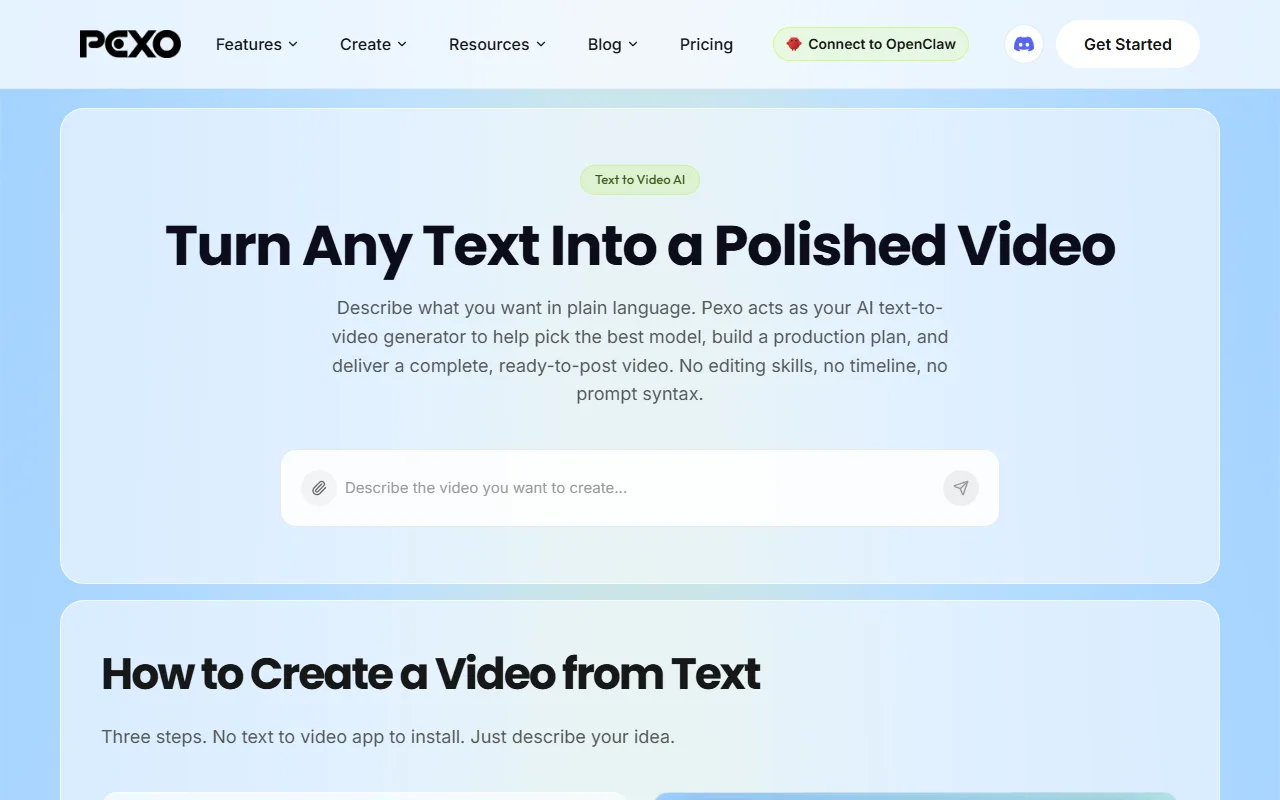 Pexo's conversational interface lets you describe your video idea in natural language instead of engineering a prompt.
What Is MiniMax (Hailuo AI)?
MiniMax is a Chinese AI company behind the Hailuo AI video generation platform. Its flagship models, Hailuo 02 and Hailuo 2.3, turn text prompts and still images into short video clips with strong motion fidelity and realistic physics. Hailuo 2.3, released in early 2026, improved character micro-expressions, physical action accuracy, and stylization range. On third-party benchmarks, MiniMax's models consistently score in the top tier for raw generation quality, and the platform has earned a 4.0/5 rating on G2 from users who value output realism.
So why look for alternatives? Three recurring pain points drive the search. First, MiniMax is prompt-dependent: output quality swings dramatically with prompt wording, and there is no built-in creative direction or iteration loop. Second, it is a single-model system. You get Hailuo's strengths, but when a different model would serve your scene better, there is no way to switch without leaving the platform. Third, its free tier is limited to a handful of trial videos at 720p with watermarks and a three-day credit expiration, making it difficult to evaluate thoroughly before committing.
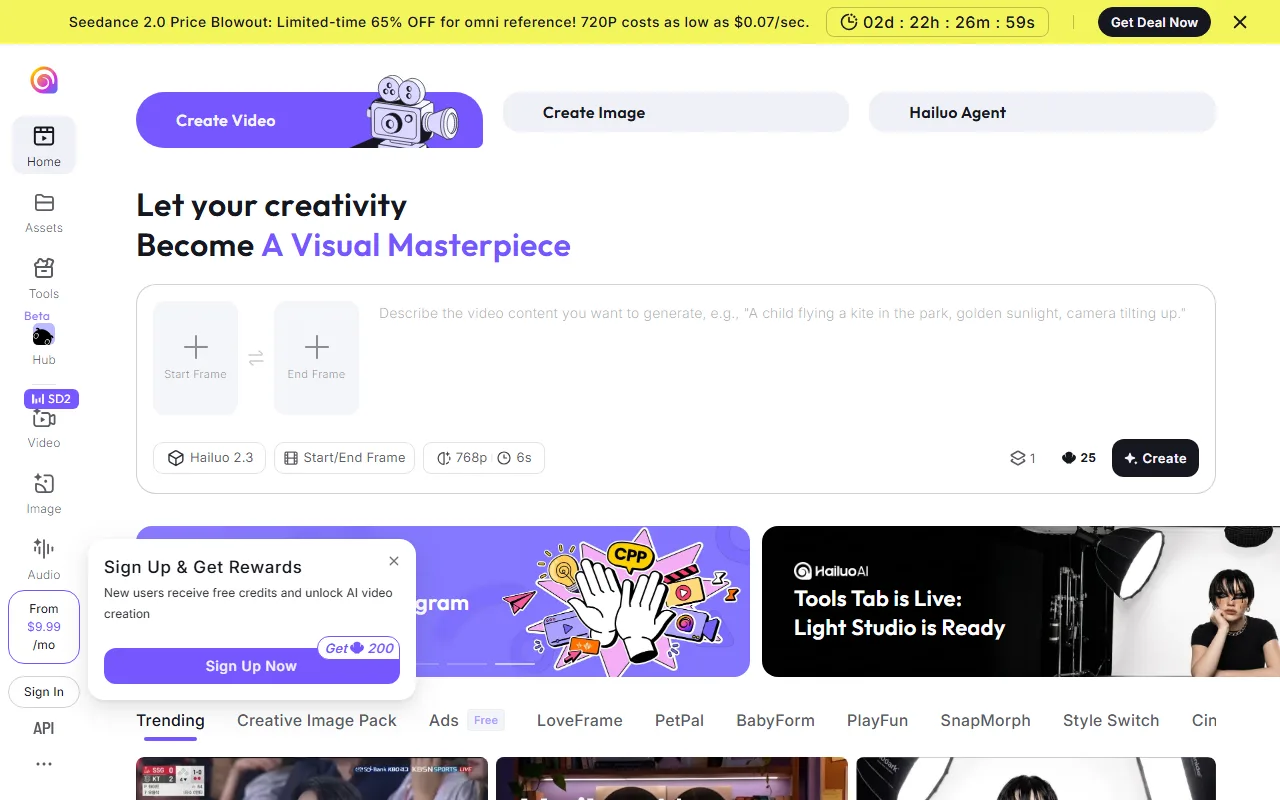 MiniMax's Hailuo AI interface centers on a prompt box for text-to-video and image-to-video generation.
The 7 Best MiniMax Alternatives at a Glance
Before diving into the detailed reviews, here is how the seven alternatives compare on the dimensions that matter most when switching from MiniMax.
| Tool | Best For | Key Strength | Starting Price | Free Tier |
|---|---|---|---|---|
| Pexo | Conversational video creation | Multi-model routing, no prompt engineering | $30/mo (Pro) | Onboarding credits |
| Seedance 2.0 | Benchmark-topping quality | Highest third-party Elo score | $0.10–$0.50/sec (API) | Platform-dependent |
| Kling 3.0 | 4K cinematic output | Native 4K at 60fps | $37/mo (Pro) | Yes (limited) |
| Runway Gen-4 | Brand-consistent content | Reference image controls | $15/mo (Standard) | Limited credits |
| Pika | Video modification and effects | Lip-sync, Pikaffects transforms | $8/mo | Limited |
| Google Veo 3 | Videos with native audio | AI-generated dialogue and SFX | $19.99/mo (Gemini Advanced) | Via Gemini |
| InVideo AI | Template-based marketing videos | Script-to-video pipeline | $25/mo (Plus) | Yes (watermarked) |
How We Compared These Alternatives
We used two standard prompts across every platform: a product demo scene ("a white running shoe rotating on a marble surface with soft studio lighting, 5 seconds, 1080p") and a lifestyle scene ("a woman walking through a sunlit Tokyo street market, camera tracking from behind, 5 seconds"). Both were run at default settings on each platform's mid-tier plan during the first week of June 2026. We scored each platform across six dimensions:
- Generation quality: Visual fidelity, motion consistency, and artifact frequency on both test prompts. We paid particular attention to hand rendering, physics, and whether the camera movement matched the description.
- Workflow friction: How many steps and how much domain knowledge stand between an idea and a finished video. We timed the end-to-end process from opening the platform to downloading the output.
- Model access: Whether you are locked to one model family or can reach multiple architectures for different scenes and styles.
- Pricing transparency: Clear credit structures, honest free tiers, and predictable cost per minute of output. We calculated the actual cost per second of video on each platform's most popular paid plan.
- Input flexibility: Range of accepted starting materials (text, image, URL, audio, existing video).
- Integration and ecosystem: Where the tool lives (standalone web app, API, embedded in other platforms) and how exports fit downstream workflows.
We excluded Wan 2.1, Hunyuan Video, and CogVideoX because they are primarily API-only with no consumer-facing platform, making a workflow and pricing comparison less useful for this audience. We also left out Luma's Dream Machine (Ray 2), whose core strength overlaps with Kling 3.0 and Seedance 2.0 in this comparison, and HeyGen, which dominates avatar and talking-head video but serves a different job than the text-to-video and image-to-video generation that MiniMax users are typically looking to replace.
The 7 Best MiniMax Alternatives in 2026
1. Pexo — Best for Conversational Video Creation
Most MiniMax alternatives still hand you a prompt box and expect you to figure out the wording. Pexo replaces that entire interaction model with a conversation. You describe what you want in plain language, the way you would brief a colleague, and Pexo handles creative direction, model selection, and production in a single chat thread. There is no prompt syntax to learn and no settings panel to configure.
For our product demo test prompt, we typed "make a 5-second video of a white running shoe rotating on marble with soft studio lighting" into Pexo's chat. The system asked one clarifying question about aspect ratio, then picked a model and delivered a finished clip in under 90 seconds. When we ran the same concept through MiniMax, we needed three prompt rewrites to get comparable framing, and the first two attempts had visible lighting artifacts. The difference is not raw quality (Pexo routes to many of the same underlying models); it is how much work stands between you and a usable output.
Where MiniMax locks you into Hailuo, Pexo gives you the breadth of the market through one interface. It routes across multiple leading video models, including Seedance, Kling, and more, picking the best one for each shot based on your scene and style requirements. You can start from text, an image, a product URL, or an audio clip, and it also works inside Slack, Lark, WhatsApp, and Claude for teams that want video generation without switching tools.
The honest limitation: Pexo's automatic model routing is a black box. You cannot manually select which underlying model generates your video, so if the system picks a model whose aesthetic does not match your vision, your only recourse is to describe the change in the conversation and hope the next attempt routes differently. It is also not a frame-by-frame editor: there is no timeline, no trim tool, and no way to rearrange clips within the platform. If you need post-production control, you will export to a separate editor.
Pricing: Plans start at $30/month (Pro, 3,000 base credits). A standard 5-second 1080p clip costs roughly 100 to 200 credits depending on the model routed, so the Pro plan covers approximately 15 to 30 clips per month. Elite ($60/month, 7,200 credits) and Max ($100/month, 14,000 credits) scale for heavier use. All paid plans remove watermarks and unlock premium models.
Pros:
- Conversational workflow eliminates prompt engineering entirely
- Multi-model routing picks the best model per shot automatically
- Accepts text, image, URL, and audio as starting inputs
- Works inside Slack, Lark, WhatsApp, and Claude with no tab-switching
Cons:
- No manual model selection; routing is automatic and you cannot override it
- No timeline editor, trimming, or clip rearrangement within the platform
- Credit-based pricing means heavy users need higher-tier plans ($60 to $100/month)
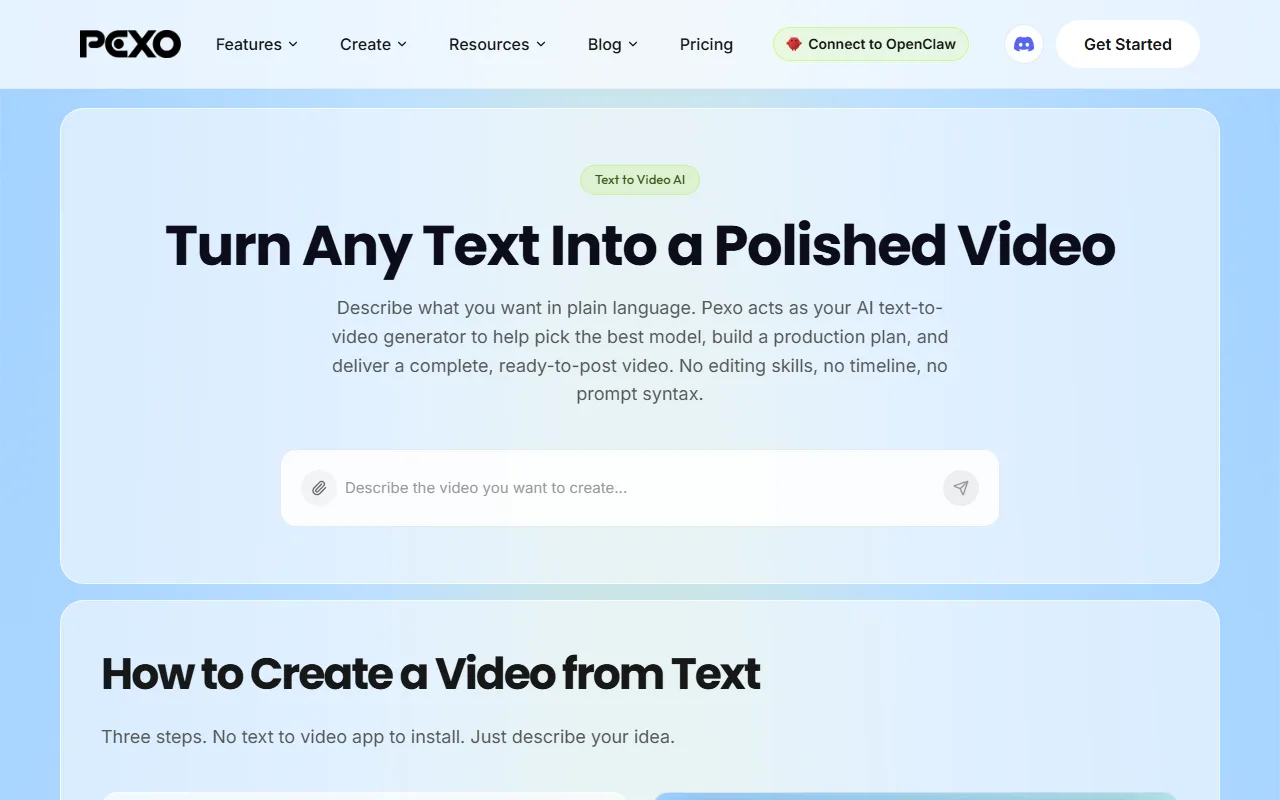 Pexo generating a product demo video from a natural-language description. Tested June 2026.
2. Seedance 2.0 — Best for Benchmark-Topping Quality
If your primary reason for leaving MiniMax is output quality, Seedance 2.0 is the model that currently sits at the top of the leaderboard. Developed by ByteDance, Seedance 2.0 holds an Elo score of 1,269 on Artificial Analysis (checked June 2026), the highest of any publicly benchmarked video model at the time of testing. On our Tokyo street market test prompt, Seedance rendered more natural cloth physics on the walking figure and fewer motion blur artifacts than Hailuo 2.3, though generation took roughly 20 seconds longer per clip.
Seedance is a model, not a full platform. You access it through third-party services like Runway (which offers unlimited Seedance generations on its higher-tier plans) or through API providers like Replicate and Segmind. This means you get the raw generation quality but need to bring your own workflow and creative iteration loop. There is no built-in conversation or creative direction layer; you write a prompt, pick settings, and generate.
That tradeoff is worth it for studios and quality-first creators who already have a production pipeline and just need the strongest model plugged into it. For solo creators or marketers who want a more guided experience, Seedance's quality is still accessible through Pexo, which includes it in its multi-model routing.
Pricing: Varies by access platform. API-based access runs approximately $0.10 to $0.50 per second of video. Runway's Unlimited plan ($76 to $95/month) includes unlimited Seedance 2.0 generations.
Pros:
- Highest third-party benchmark score of any video model (Elo 1,269)
- Strongest motion fidelity and physics consistency
- Available across multiple platforms and APIs
Cons:
- Not a standalone platform; requires a third-party host
- Prompt-dependent with no built-in creative guidance
- Pricing varies significantly by access method
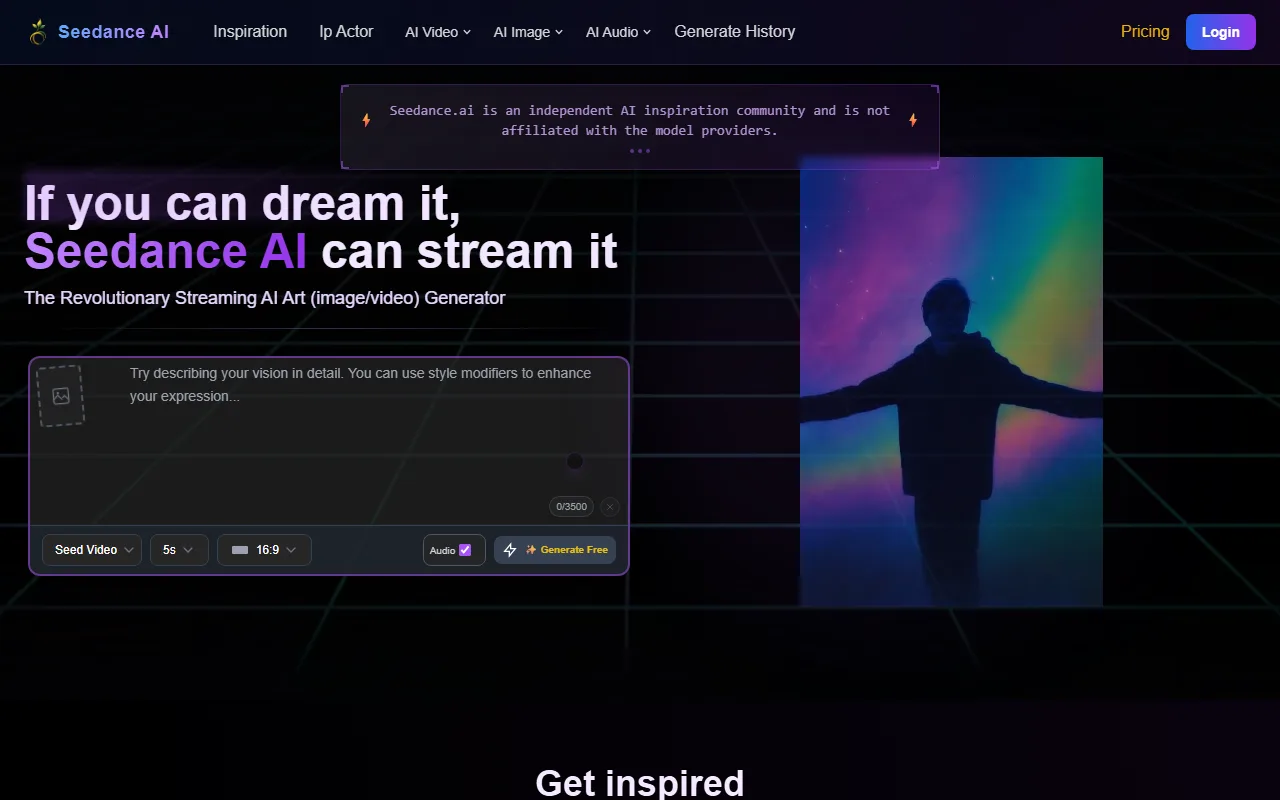 Seedance 2.0 output from our Tokyo street market test prompt. Tested via Runway, June 2026.
3. Kling 3.0 — Best for 4K Cinematic Output
Kling 3.0 made headlines in February 2026 as the first AI video model to render native 4K at 60 frames per second. Built by Kuaishou Technology (HKSE: 1024), one of China's largest short-video platforms with over 700 million monthly active users, Kling benefits from the scale of a company that processes billions of video clips daily. For creators who need high-resolution output for large-screen presentations, cinema-quality ads, or portfolio pieces, this is a significant step beyond what MiniMax offers at 1080p maximum on its standard plans.
The cost-to-quality ratio is competitive. At roughly $0.04 to $0.10 per second on the Pro plan, Kling 3.0 delivers premium-quality footage at a lower per-second cost than most competitors in this tier. Our product demo prompt came back in about 45 seconds at 1080p with clean lighting and no visible artifacts on the shoe surface. The 4K version took roughly three times longer and consumed noticeably more credits, but the detail held up on a 27-inch display in a way that no other generator on this list matched. The platform also supports text-to-video, image-to-video, and video extension, covering the core MiniMax use cases while adding the resolution advantage.
The main drawback is that Kling, like MiniMax, is prompt-driven. You write a text prompt, select your resolution and length settings, and generate. There is no conversational iteration or multi-model fallback. If Kling's model does not handle a particular style well (abstract animation, for instance), you are stuck with what it produces or you need to switch platforms entirely.
Pricing: Free tier with limited daily credits. Pro plan at approximately $37/month includes around 50 generations at 1080p or fewer at 4K. Higher tiers available for studio volumes.
Pros:
- Native 4K at 60fps, the highest resolution output in this list
- Strong cost-to-quality ratio on the Pro plan
- Supports text-to-video, image-to-video, and video extension
Cons:
- Prompt-dependent workflow, similar to MiniMax
- No multi-model fallback if Kling's model underperforms on a given style
- 4K generation consumes credits significantly faster
 Kling 3.0 generating our product demo prompt at 1080p. Pro plan, tested June 2026.
4. Runway Gen-4 — Best for Brand-Consistent Content
Runway has been in the AI video space longer than most competitors on this list. Founded in 2018 and backed by over $230 million in funding, Runway holds a 4.4/5 rating on G2 with reviewers consistently praising its creative controls. Gen-4 reflects that accumulated experience. Its standout feature for teams switching from MiniMax is reference image control: you can upload character images, brand assets, or style references, and Runway will maintain visual consistency across multiple generations. This solves a problem MiniMax does not address at all, where every generation is essentially a fresh start with no memory of previous outputs.
When we tested our Tokyo street scene, Runway's output was visually competitive with Seedance, but the real advantage showed when we uploaded a reference image of a specific jacket and asked for a second clip with the same character. The jacket carried over accurately. On MiniMax, the same follow-up prompt produced a completely different outfit. The platform also includes a built-in editor workflow. After generation, you can trim, extend, and combine clips without exporting to a separate tool. For marketing teams producing a series of ads or social posts that need to look like they come from the same campaign, this end-to-end pipeline reduces the number of tools in the stack.
Runway's limitation is credit consumption. Higher-quality settings and longer clips eat through credits quickly, and the Standard plan at $15/month provides a limited budget for serious production. The Unlimited plan at approximately $95/month removes that constraint but represents a significant monthly commitment.
Pricing: Free tier with limited credits. Standard plan at $15/month, Pro at $35/month. Unlimited plan at approximately $95/month with relaxed-mode generations that do not consume credits.
Pros:
- Reference image controls for character and brand consistency across generations
- Built-in editor for trimming, extending, and combining clips
- Longest track record and most mature ecosystem among AI video platforms
Cons:
- Credits deplete quickly at higher quality settings
- Standard plan budget is tight for regular production
- Reference controls have a learning curve compared to prompt-only interfaces
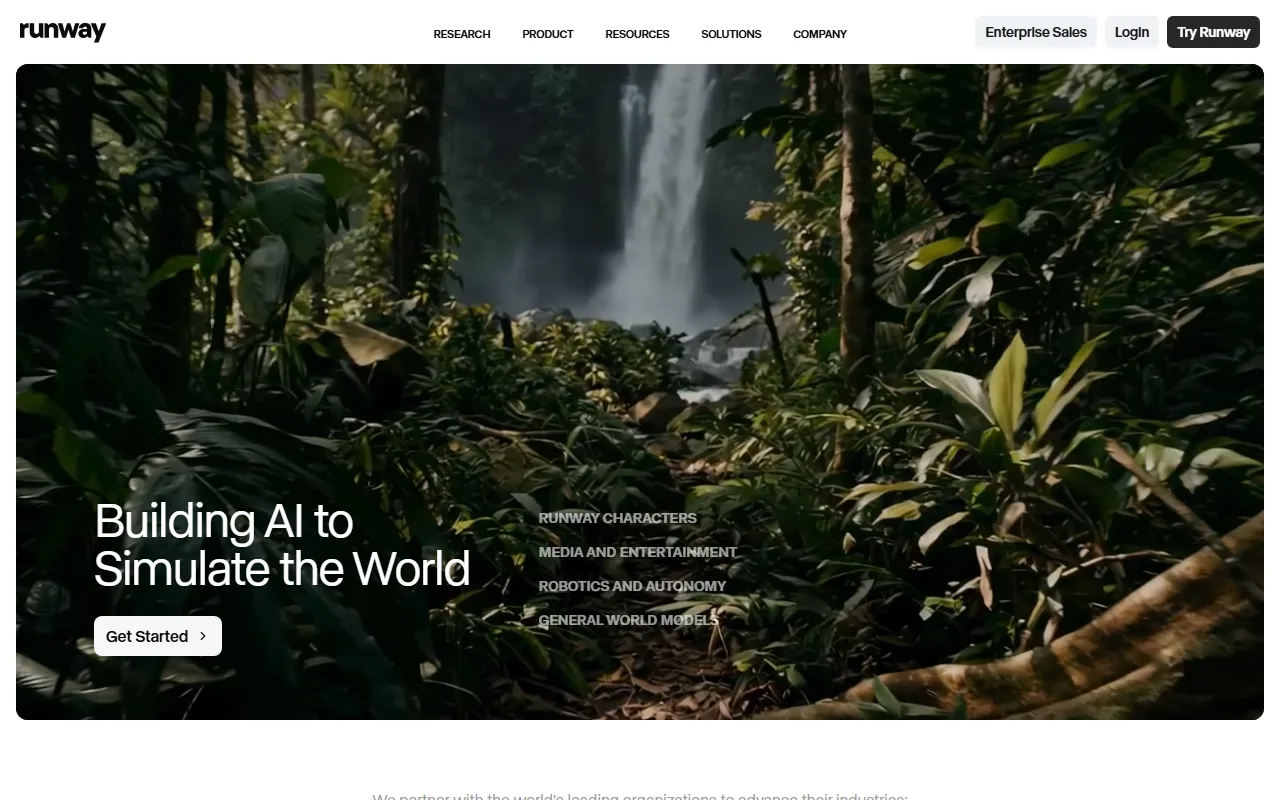 Runway Gen-4's reference image workflow. Standard plan, tested June 2026.
5. Pika — Best for Video Modification and Effects
Where most platforms on this list generate video from scratch, Pika specializes in transforming video that already exists. Backed by $135 million in funding and one of the breakout launches on Product Hunt in late 2023, Pika has built its reputation on video modification rather than generation. Its Pikaffects feature set lets you apply AI-driven style transfers, motion effects, and object modifications to uploaded clips. The lip-sync capability, which synchronizes mouth movement to an audio track, is among the strongest in the category and addresses a use case MiniMax does not cover.
This makes Pika the right choice when you already have footage and want to enhance or repurpose it rather than generate from scratch. We tested lip-sync by uploading a 5-second talking head clip with an English voiceover track, and Pika nailed the mouth synchronization within one attempt. MiniMax has no equivalent feature. Social media creators who remix existing content, agencies that need to adapt client footage with new effects, and anyone who wants to add lip-synced narration to a static talking head will find Pika more useful than MiniMax for these specific tasks.
Pika can also generate video from text and images, but this is not where it leads the market. On our standard product demo prompt, Pika's from-scratch generation showed more motion jitter and softer detail than Seedance, Kling, or Pexo. The default clip lengths are shorter (3 to 4 seconds vs. 5 to 10 seconds on competitors), meaning you need more generations and credits to produce the same total footage.
Pricing: Free tier with limited generations and watermarks. Paid plans start at $8/month, the lowest entry price in this comparison. Higher tiers scale credit allocations and remove watermarks.
Pros:
- Strongest video modification and effects toolkit (Pikaffects)
- Leading lip-sync capability for syncing audio to video
- Lowest entry price at $8/month
Cons:
- From-scratch generation quality trails dedicated generators
- Shorter default clip lengths require more generations for equivalent footage
- Free tier is restrictive with watermarked exports
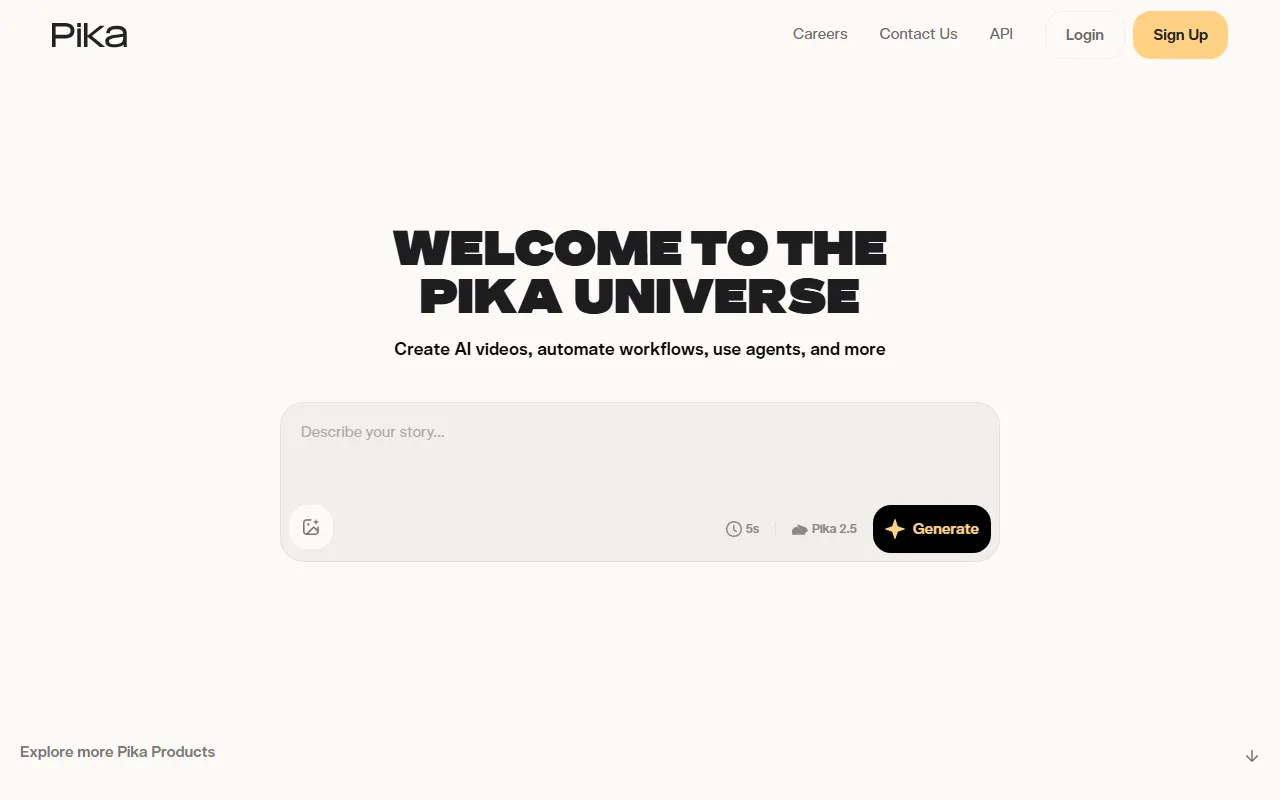 Pika's Pikaffects interface showing video modification tools. Tested June 2026.
6. Google Veo 3 — Best for Videos With Native Audio
Google's Veo 3 addresses a gap that every other platform on this list leaves open: audio. Part of Google DeepMind's media generation suite and accessible to the Gemini ecosystem's hundreds of millions of monthly users, Veo 3 is the only tool here that ships a video with sound baked in. Most AI video generators, MiniMax included, produce silent clips. You generate the visuals, then source music, voiceover, and sound effects separately. Veo 3 generates synchronized dialogue, ambient sound, and sound effects natively, delivering a video that is closer to finished without a separate audio production step.
We tested it via Gemini Advanced with our Tokyo street scene prompt and added "with ambient market sounds and a woman saying 'this place is incredible' in English." The result included footstep sounds, background chatter, and the dialogue line in a natural-sounding voice, all synchronized to the visual. No other platform on this list can do that in a single generation. For ad creators who need a voiceover baked into the footage, explainer video producers who want narration synced to on-screen action, and social content teams who need complete posts without an editing detour, this collapses a multi-step workflow into one generation.
The tradeoff is access and cost. The full Veo 3 experience lives behind Google's AI Ultra subscription at $249.99/month, making it the most expensive option on this list by a wide margin. The more accessible path is Gemini Advanced at $19.99/month, which includes Veo capabilities with lower volume limits. API access through Google Cloud's Vertex AI (approximately $0.05 to $0.15 per second) offers granular pricing but requires GCP infrastructure setup.
Pricing: Gemini Advanced at $19.99/month for moderate use. AI Ultra at $249.99/month for high-volume access. Vertex AI API at approximately $0.05 to $0.15 per second.
Pros:
- Only generator in this list with native audio (dialogue, SFX, ambient sound)
- Eliminates the separate audio production step for many use cases
- Available at multiple price points from Gemini to enterprise API
Cons:
- Full access (AI Ultra) is significantly more expensive than competitors
- API access requires Google Cloud Platform setup
- Less control over visual style compared to prompt-specialized tools like Runway
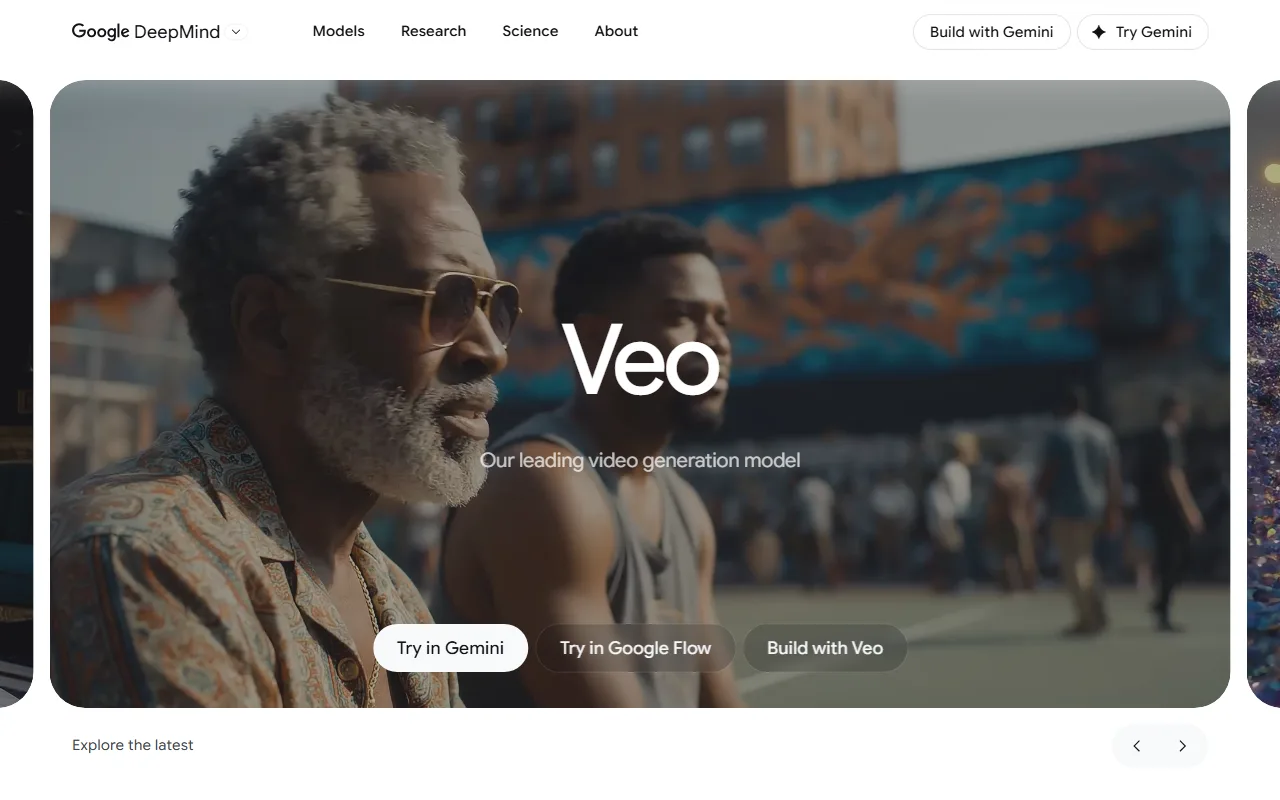 Google Veo 3 generating video with native audio via Gemini Advanced. Tested June 2026.
7. InVideo AI — Best for Template-Based Marketing Videos
InVideo AI takes a fundamentally different approach from the rest of this list. With over 30 million users and a 4.6/5 rating on G2, InVideo has built one of the largest user bases in the AI video space by targeting a different job than pure generation. Rather than generating video frame-by-frame from a model, it assembles videos from a combination of AI-generated scenes, stock footage, voiceover, music, and text overlays using a template-driven pipeline. You describe your video in a few sentences or paste a script, and InVideo produces a structured marketing video complete with transitions, captions, and a soundtrack.
We tested it with the prompt "create a 30-second promotional video for a running shoe brand, energetic tone, include pricing." InVideo returned a structured video with stock footage clips, text overlays, background music, and a voiceover in under two minutes. The output looked like a polished social ad from a template, not a novel AI generation. For social media managers and small business owners who need polished promotional content on a schedule, this is faster and more predictable than prompt-based generation. You know what the output structure will look like because it follows a template, and you can swap individual scenes, change the voiceover, or adjust the pacing after the initial generation.
The limitation is creative freedom. InVideo produces marketing-format videos well, but it does not generate novel visual content the way MiniMax, Seedance, or Pexo do. If you need a unique visual that no stock library contains, or a specific artistic style, the template approach will not get you there. It also bundles more capabilities than a pure generator (stock library, voiceover, brand kits), which means the Plus plan at $25/month is not a direct price comparison with tools that only handle generation.
Pricing: Free tier with InVideo watermark and limited weekly exports. Plus plan at $25/month (50 videos/month, no watermark). Max plan at $60/month for unlimited generation with full stock library access.
Pros:
- Fastest path from script to finished marketing video
- Structured template output is predictable and brand-safe
- Includes stock footage, voiceover, music, and text overlays in one platform
Cons:
- Template-bound; limited creative freedom for novel or artistic visuals
- Does not generate original visual content from AI models
- Plus plan caps at 50 videos per month
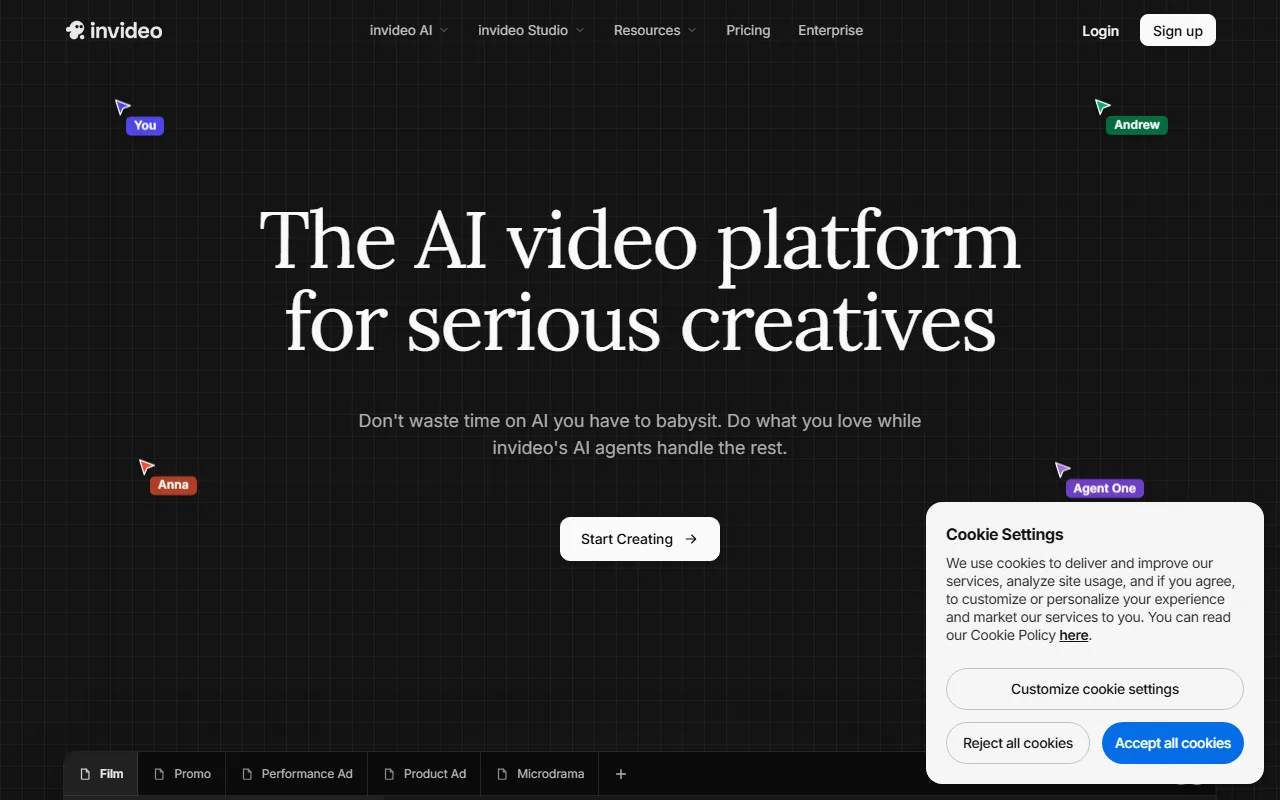 InVideo AI assembling a marketing video from a text prompt. Plus plan, tested June 2026.
How to Choose the Right MiniMax Alternative
The right alternative depends on which MiniMax limitation bothers you most.
If the prompt box is the problem, Pexo is the clearest upgrade. It replaces prompt engineering with natural conversation and handles model selection behind the scenes. You describe; it produces. Start with a text-to-video request or turn an image into video to see the difference.
If you want better raw quality, Seedance 2.0 leads the benchmarks and is accessible through multiple platforms, including as one of the models Pexo routes to automatically.
If resolution is the priority, Kling 3.0's native 4K at 60fps is unmatched. Choose it when the output needs to look sharp on large screens or in high-production-value contexts.
If brand consistency matters, Runway Gen-4's reference image controls and built-in editor make it the strongest choice for teams producing series content.
If you already have footage, Pika's modification and lip-sync tools are built for enhancing existing video rather than generating from scratch.
If you need complete videos with audio, Google Veo 3 is the only option that generates dialogue and sound effects natively.
If you need fast marketing content, InVideo AI's template pipeline gets you from script to polished video faster than any generator-first tool.
Conclusion
The biggest takeaway from testing all seven platforms against MiniMax is that raw generation quality is no longer the differentiator it was even six months ago. Seedance, Kling, Runway, and MiniMax itself all produce strong visuals from a good prompt. The real gap is everything around the generation: how you get from an idea to a finished clip, how many attempts it takes, and whether you can iterate without starting over. That is where these alternatives diverge most sharply, and where Pexo's conversational approach and Runway's reference controls offer the clearest upgrades over MiniMax's prompt-and-pray loop. Start creating with Pexo or try one of the other six to find which workflow fits yours.





