

 ChatGPT
 Perplexity
 Claude
 Gemini
 Grok
Grok
Six video skills. Six completely different jobs. The number of people asking us "which Claude Code video skill should I install?" has tripled since January, and the honest answer keeps being "it depends on what you're making." So we stopped giving short answers and ran all six — Remotion, HeyGen, inference.sh, Pexo, Higgsfield, and digitalsamba's Video Toolkit — through real production work: product ads, data dashboards, talking heads, batch campaigns.
They barely overlap. Remotion renders React into MP4 with zero AI. HeyGen puts an avatar on screen. inference.sh hands you 40+ raw AI models. Pexo orchestrates the full pipeline from brief to polished video. Higgsfield locks a face across clips. The Video Toolkit lets you self-host everything open-source. Below is what we actually found — not feature lists copied from landing pages, but observations from sitting down and shipping content with each tool.
![The skills.sh marketplace showing the open agent skills ecosystem with 420,000+ total installs]
All 6 Skills Side by Side
| Feature | Pexo | Remotion | HeyGen | inference.sh | Higgsfield | Video Toolkit |
|---|---|---|---|---|---|---|
| Approach | Full production pipeline | Programmatic React code | Avatar talking heads | Raw model API access | Cinematic generation | Open-source toolkit |
| AI Models | 10+ (auto-selected) | None (code-based) | HeyGen proprietary | 40+ (manual choice) | Seedance, Kling, Veo | Open-source models |
| Auto Model Selection | ✅ | N/A | N/A | ❌ Manual | ❌ Manual | ❌ Manual |
| Input Types | 5 (text/image/URL/script/audio) | Code only | Text + avatar | Text + image | Text + image | Text + templates |
| Output | Finished multi-shot video | Rendered MP4 from React | Avatar video | Raw single clip | Single/multi clip | Template-based MP4 |
| Music & Audio | ✅ AI-generated + mixing | ✅ Manual audio tracks | ✅ AI voiceover | ❌ | ❌ | ✅ Qwen3-TTS |
| Multi-shot Sequencing | ✅ Automatic | ✅ Via code | ❌ | ❌ | ❌ | ✅ Via templates |
| Lip Sync | ✅ | ❌ | ✅ | ✅ (via models) | ❌ | ❌ |
| Pricing | Subscription | Open source + Remotion license | API credits | Pay-per-inference | API credits | Free (GPU costs) |
The table tells half the story. What it can't show is how different each tool feels when you sit down to make something. Below, we dig into that experience for each skill.
Remotion Turns React Code into Finished Video
![Remotion — make videos programmatically with React code, 48k GitHub stars]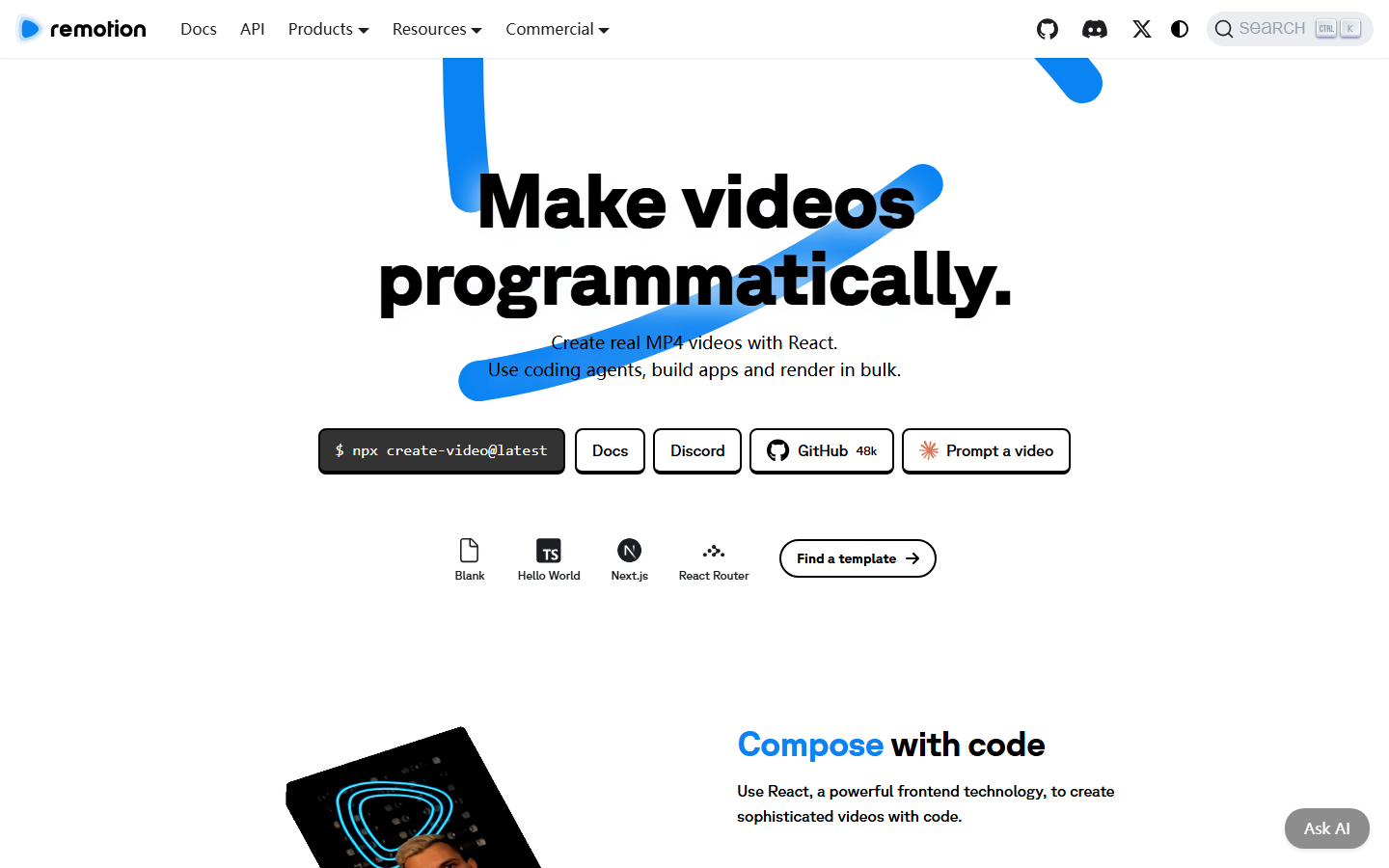
Most of the other tools on this list generate footage with AI. Remotion doesn't. It is the most installed skill on skills.sh — 126,000+ installs and counting — yet it contains zero generative AI.
What actually happens: Claude writes JSX components with spring animations, easing curves, and data-driven transitions. Remotion's renderer compiles those components into frames, then encodes an MP4. Every pixel on screen traces back to a line of code.
That makes Remotion unbeatable for one particular job: content where the output must be identical every single time. A weekly metrics dashboard video, a batch of product spec animations pulled from a CSV, a branded explainer that matches your Figma file down to the hex code — Remotion nails these. Nobody else comes close.
The catch? Claude has to write, debug, and sometimes refactor the code. Complex scenes can take 15-20 minutes before the first successful render. And the visual language is always programmatic — clean motion graphics, not photorealistic footage. If your brief says "cinematic product close-up," look elsewhere.
HeyGen Puts a Face on Your Script
![HeyGen — AI avatar video platform with 175+ language support]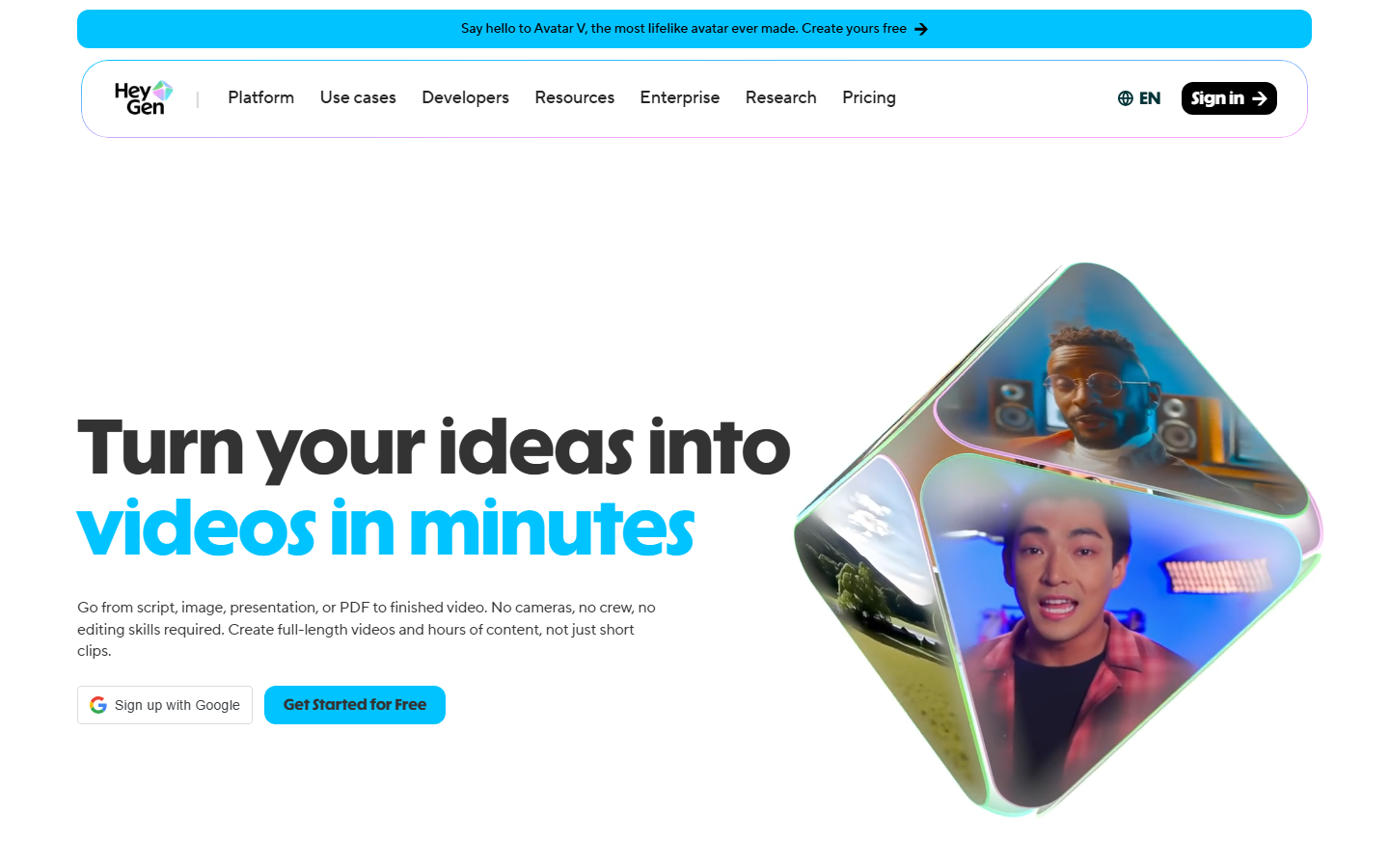
Some videos need a person talking to camera. HeyGen exists for exactly that.
Hand Claude a topic, and it drafts a script, picks a stock avatar and voice, then calls HeyGen's Video Agent API (shipped February 2026) to render the clip. Three to five minutes later you have a polished talking head with natural lip sync, professional lighting, and a shareable link. HeyGen supports 175+ languages, so a single script can become a dozen localized versions without reshooting anything.
The Soul Avatar upgrade is worth noting: record a few minutes of real footage and HeyGen trains a persistent digital twin. Every video after that keeps the same face, voice, and mannerisms. Useful for founders who want a consistent on-screen presence without blocking out filming days.
Where HeyGen stops: it produces one-shot avatar clips. You won't get multi-scene product footage, B-roll transitions, or AI-generated landscapes. Pair it with another tool if your video needs more than a talking head.
inference.sh Opens the Door to 40+ Models
![inference.sh — unified CLI gateway for 40+ AI video models, serverless execution]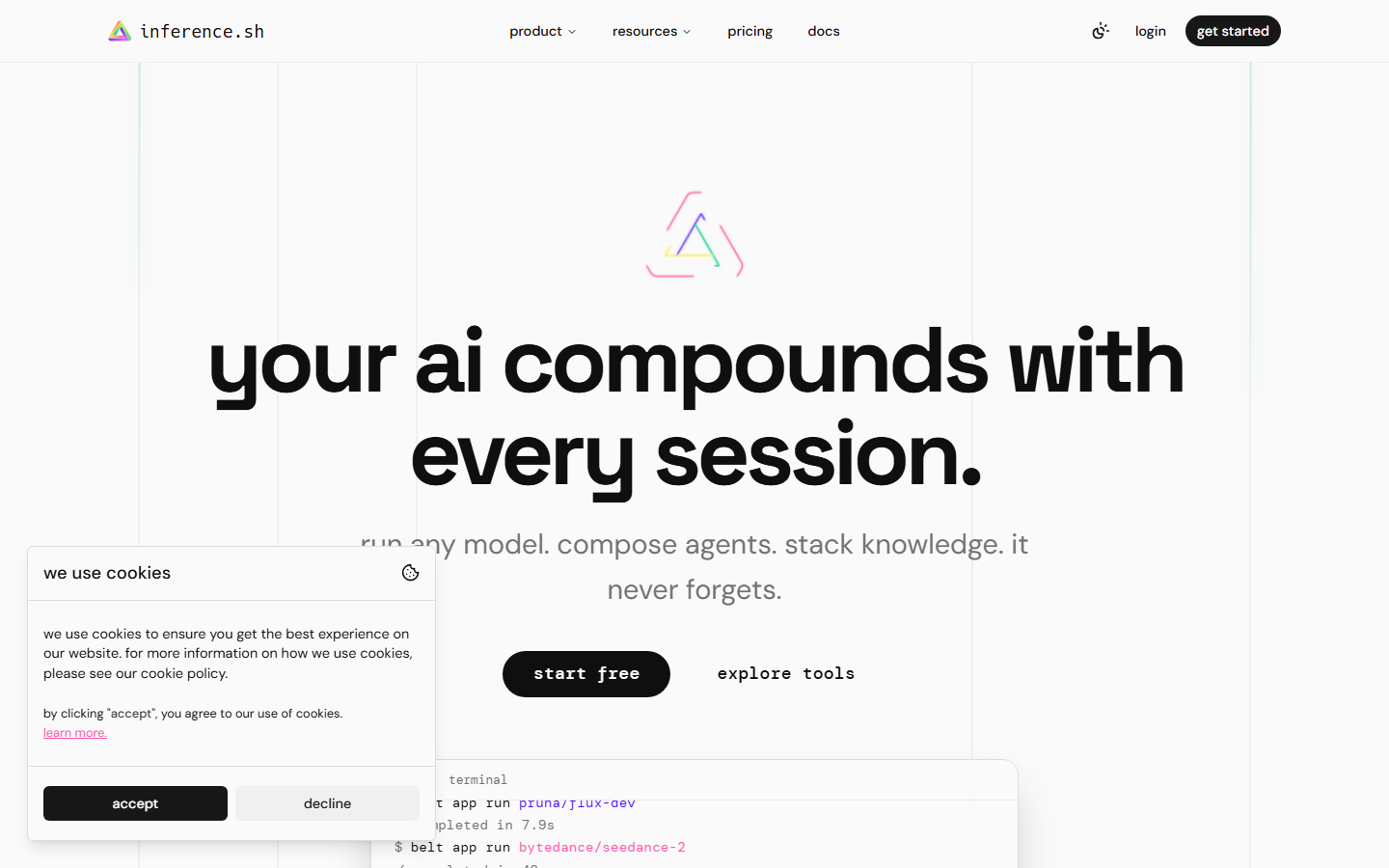
Think of inference.sh (also known as Skillsh) as a universal remote for AI video. One CLI, 40+ models — Google Veo 3.1, Seedance, Kling, Sora, WAN 2.5, and more. Pick the model, write a prompt, get a clip. Pricing starts at $0.05 per generation for WAN variants, scaling up for heavier models. Serverless, so no GPU babysitting.
Why would someone want this instead of a higher-level tool? Control. If you are benchmarking Seedance against Kling on the same prompt, inference.sh is how you do it. Building a custom pipeline that calls Veo for one scene type and WAN for another? inference.sh gives you the pipes.
But it also gives you only the pipes. Each generation returns a single raw clip. No transitions, no sequencing, no music. Turning five raw clips into a finished product ad means opening a video editor — or writing your own compositing logic. For teams shipping polished content on deadlines, the gap between "raw clip" and "uploadable video" is wider than it looks.
Higgsfield Keeps the Same Face Across Every Clip
![Higgsfield AI — Soul ID for persistent character identity across video clips]
Character consistency is an unsolved headache in AI video. Generate a person in one clip, re-generate in another, and the face drifts — different jawline, different eyes, uncanny valley territory.
Higgsfield attacks this problem with Soul ID. Upload 5-20 photos of a face, and Soul ID trains a persistent identity model. That model plugs into Seedance, Kling, or Veo, and every clip you generate afterward carries the same recognizable person. Not a deepfake overlay — a generation-level identity lock.
The skill also ships 17 production templates and a structured prompt formula called MCSLA (Model, Camera, Subject, Look, Action). Steep learning curve? Yes. Worth it if you are running a virtual influencer account, producing episodic brand content, or building a digital twin that needs to look consistent across fifty TikToks.
The output, though, is individual clips. Stitching them into a multi-shot sequence with transitions and music is your problem.
digitalsamba Video Toolkit: Full Open-Source, Full DIY
digitalsamba's claude-code-video-toolkit (573 GitHub stars) is the only option on this list where you own every layer of the stack. Open-source AI models — Qwen3-TTS for voiceover, FLUX.2 for stills, ACE-Step for music — deployed to cloud GPUs on Modal or RunPod via a /setup wizard that handles configuration and Cloudflare R2 file transfer.
No recurring SaaS fees. No vendor lock-in. No waiting for someone else's API to add a feature you need.
The price is complexity. You configure GPU instances, manage deployments, debug infrastructure issues, and accept that open-source models sometimes trail proprietary ones in raw output quality. Seedance 2 or Veo 3.1 will likely produce sharper footage than the open alternatives the Toolkit bundles. For teams with DevOps capacity and a philosophical preference for open source, this tradeoff is acceptable. For a marketing team that just wants videos, it probably isn't.
Pexo Runs the Whole Pipeline So You Don't Have To
![Pexo use cases — SaaS explainers, AI video slideshows, and sales video creation]
Every other skill on this list hands you a building block: a code renderer, a model API, an avatar engine, a face-lock system. Pexo skips the building blocks and gives you the finished building.
Describe what you want — plain English, product URL, uploaded image, written script, or even an audio file — and Pexo's pipeline takes over. It writes the script, breaks it into scenes, selects the right AI model for each shot (Seedance 2 for portraits, Kling 3.0 for wide-angle product shots, Veo 3.1 for text overlays), renders every clip, generates original music, mixes audio to -14 LUFS broadcast standard, composites the final video, and delivers a ready-to-upload MP4. A 15-second, 3-shot video finishes in 8-10 minutes.
Why Auto Model Selection Matters
The part of Pexo's pipeline that saves the most time is not rendering or compositing — it is model routing. With inference.sh you spend 15-20 minutes per video just deciding which model to use and tuning the prompt. Portrait scene? Probably Seedance. Product hero shot? Maybe Kling. Text-heavy overlay? Try Veo. Get it wrong and you wait for a bad clip, then start over.
Pexo skips that entire loop. The pipeline reads each shot's scene type, motion profile, and framing, then routes to the model most likely to deliver what the shot needs. Different shots in the same video can hit different models, and you never have to think about it. Production teams report 73% faster turnaround once they stop choosing models manually.
Five Ways to Start a Video
Most skills accept one or two input types. Pexo accepts five.
- Text: type a description and the pipeline scripts, storyboards, and renders from scratch.
- Image: upload a product photo and Pexo builds scenes around it.
- URL: paste a Shopify, Amazon, or any product page link. Pexo scrapes the images, title, and description, then generates a finished product ad. Currently the only video skill that does this.
- Script: provide your own copy. Pexo segments it into scenes, adds voiceover, and renders.
- Audio: feed a music track or podcast clip and Pexo creates a visual accompaniment.
Every input path ends at the same place: a polished multi-shot video with transitions, music, and compositing baked in.
Picking the Right Skill for the Job
Forget "which is best." These tools occupy different slots. Grab the one that matches what you are actually making.
| What You Need | Reach For | Why It Fits |
|---|---|---|
| Animated data dashboard or chart | Remotion | Code-controlled, deterministic, pixel-perfect |
| Talking head with a human face | HeyGen | 175+ languages, Soul Avatar, natural lip sync |
| Direct access to a specific AI model | inference.sh | 40+ models, full parameter control, cheap WAN tiers |
| Same AI character across many videos | Higgsfield | Soul ID persistent identity, no face drift |
| Self-hosted open-source video stack | Video Toolkit | Zero vendor lock-in, own every layer |
| Finished product ad from a URL | Pexo | URL in, video out, no post-production |
| Batch video ads for an e-commerce catalog | Pexo | Pipeline handles scaling natively |
Mixing Skills in One Session
You are not locked into one. Drop a Pexo prompt, get a product ad. In the same session, ask Claude to build an animated chart with Remotion. Then generate a talking-head intro through HeyGen. Each skill runs independently — no restarts, no conflicts, no setup between switches.
Stacks we have seen teams settle on: Pexo + Remotion when marketing and analytics both need video (one for the Instagram reel, the other for the weekly dashboard). Pexo + HeyGen when a product walk-through needs a human face for the first ten seconds and product footage for the rest.