

Pexo
FLUX 3 Image Klein

FLUX 3 Image Klein
Edit the image. Keep the idea.

FLUX 3 Image Klein is Black Forest Labs’ 5.6B-parameter image generation and editing model with open weights. Released on October 15, 2026, it supports text prompts, up to ten reference images and bounding-box guidance. Choose the distilled model for fast iteration, or the base model for training and research; the BFL API includes prompt upsampling.

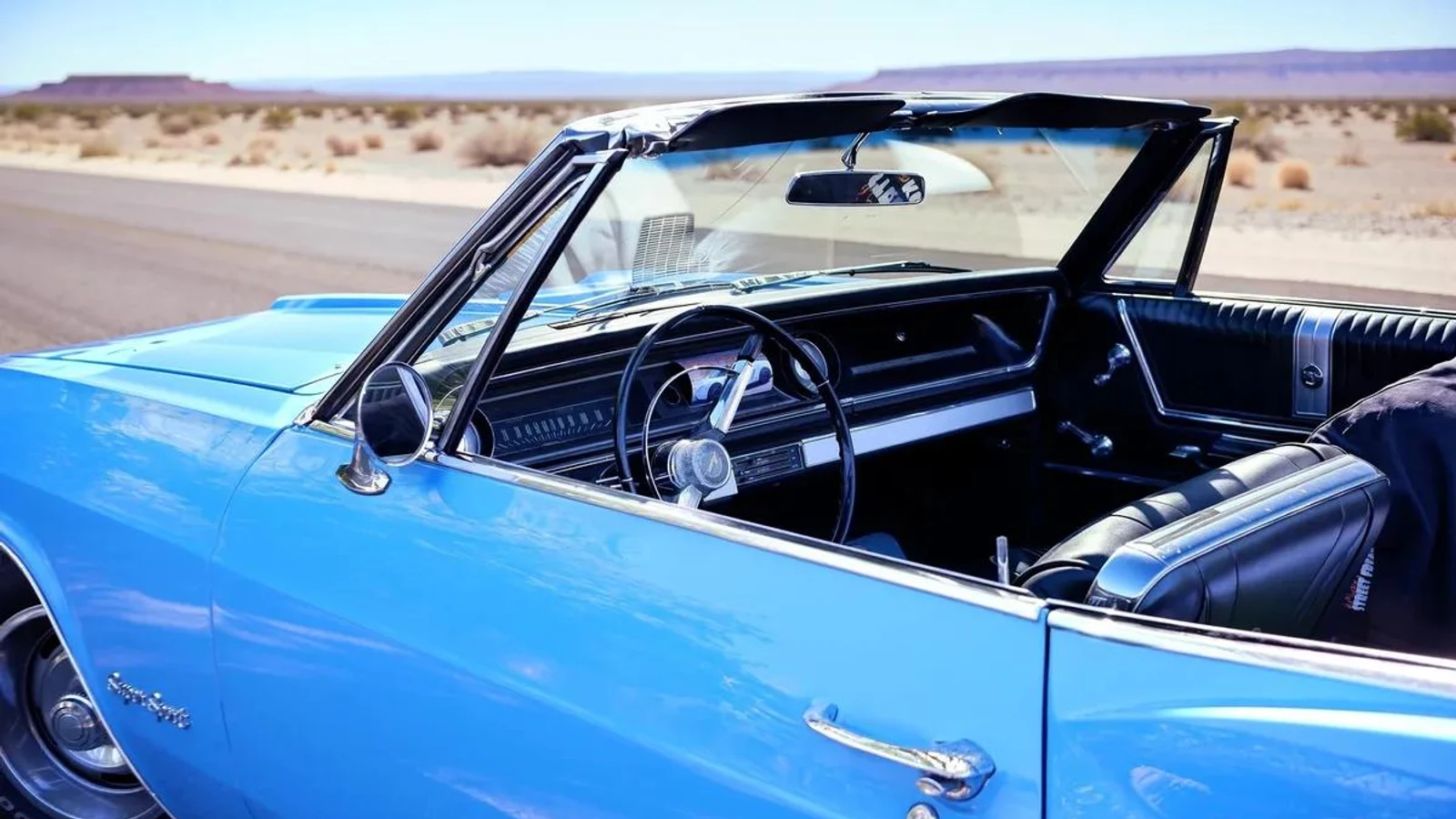
A blue convertible in a leafy car park, edited: Put the convertible on an empty desert road under a clear sky.

Core capabilities

A van on a tree-lined street
Input
A van on a tree-lined street, edited: Turn this summer street into winter after light snowfall.
Edited result
Prompt excerpt: “Turn this summer street into winter after light snowfall.”

Change a scene with an instruction

Turn a summer street into winter while keeping its viewpoint and vehicles recognizable. Give the model the image and describe the finished change. Klein’s prompt upsampler reads the references as well as your words; keep it in the local pipeline, or use the API where it runs automatically. Inspect architecture and small details after an edit.
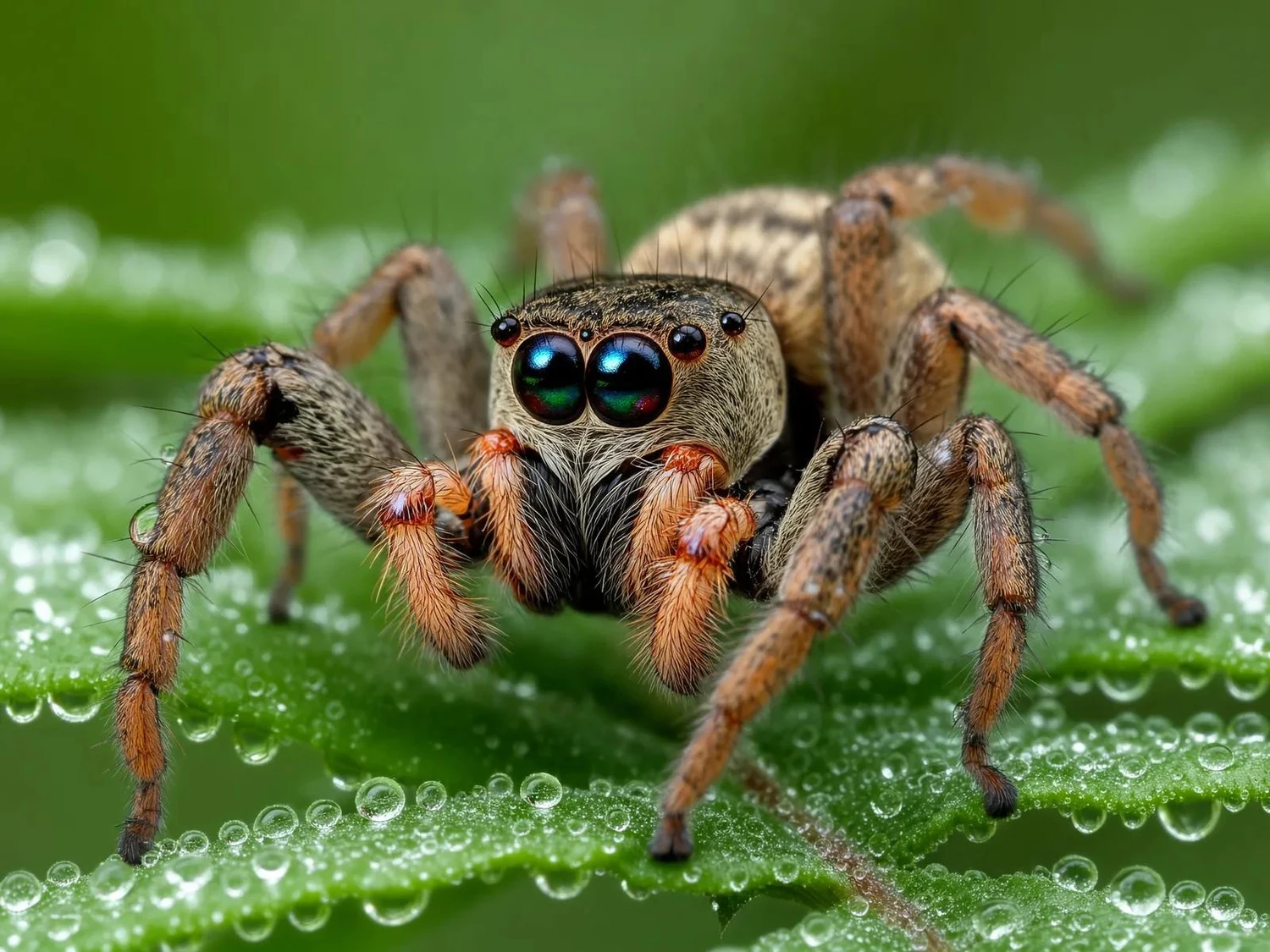
Macro of a jumping spider on a dewy fern
Macro scene study · Review detail at the intended delivery size.

Plan texture, scale and light

Describe the surface, viewpoint and lighting when detail matters. This macro study uses a small subject, dew and shallow focus to give the image a clear scale. Klein supports output up to 4K, but resolution alone does not prove physical or factual accuracy. Review fine edges and anatomy; this resized publisher example is not a new resolution test.

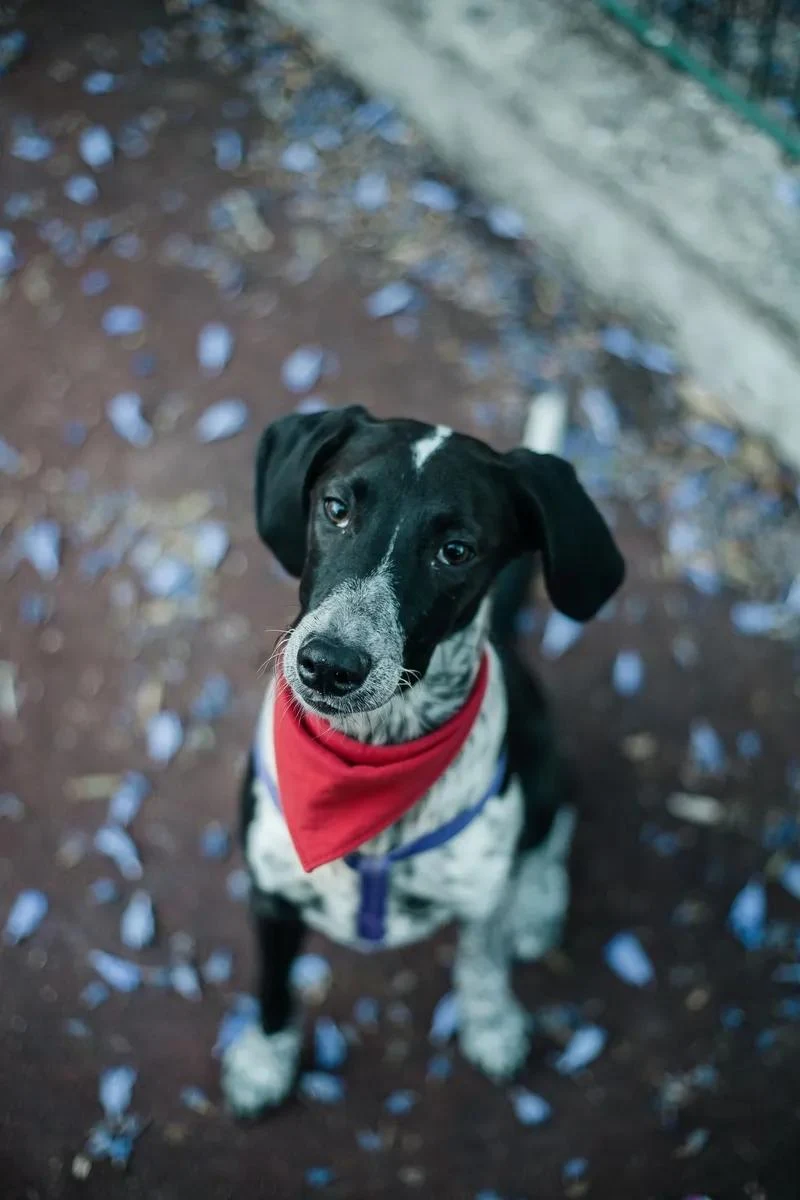
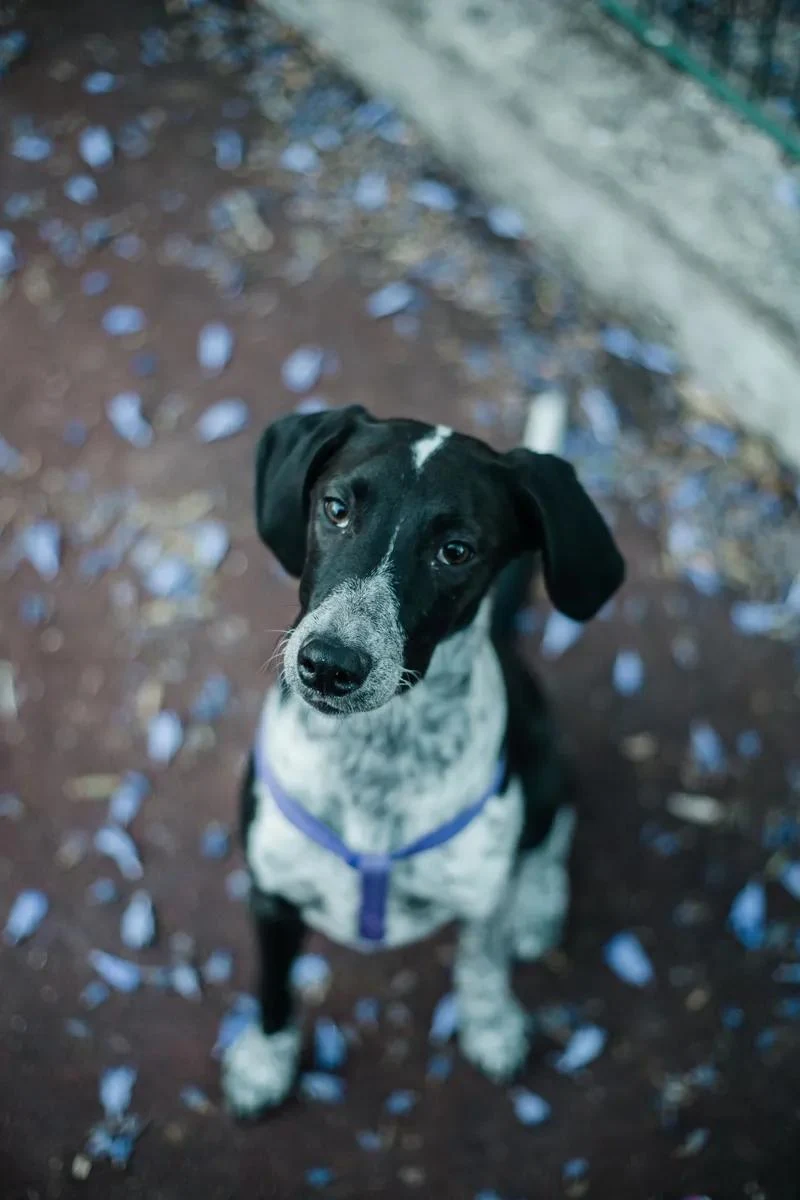
A dog looking up at the camera
Input
A dog looking up at the camera, edited: Tie a small red bandana around the dog's neck.
Edited result
Prompt excerpt: “Tie a small red bandana around the dog’s neck.”

Make a small, readable change

Use a focused instruction when the brief calls for one accessory rather than an entirely new scene. In this paired example, a red bandana is added to the dog. Bounding boxes can guide layouts or confine an edit to an area; the BFL API also provides pixel restoration for unedited regions. Check the selected route and inspect the boundary.

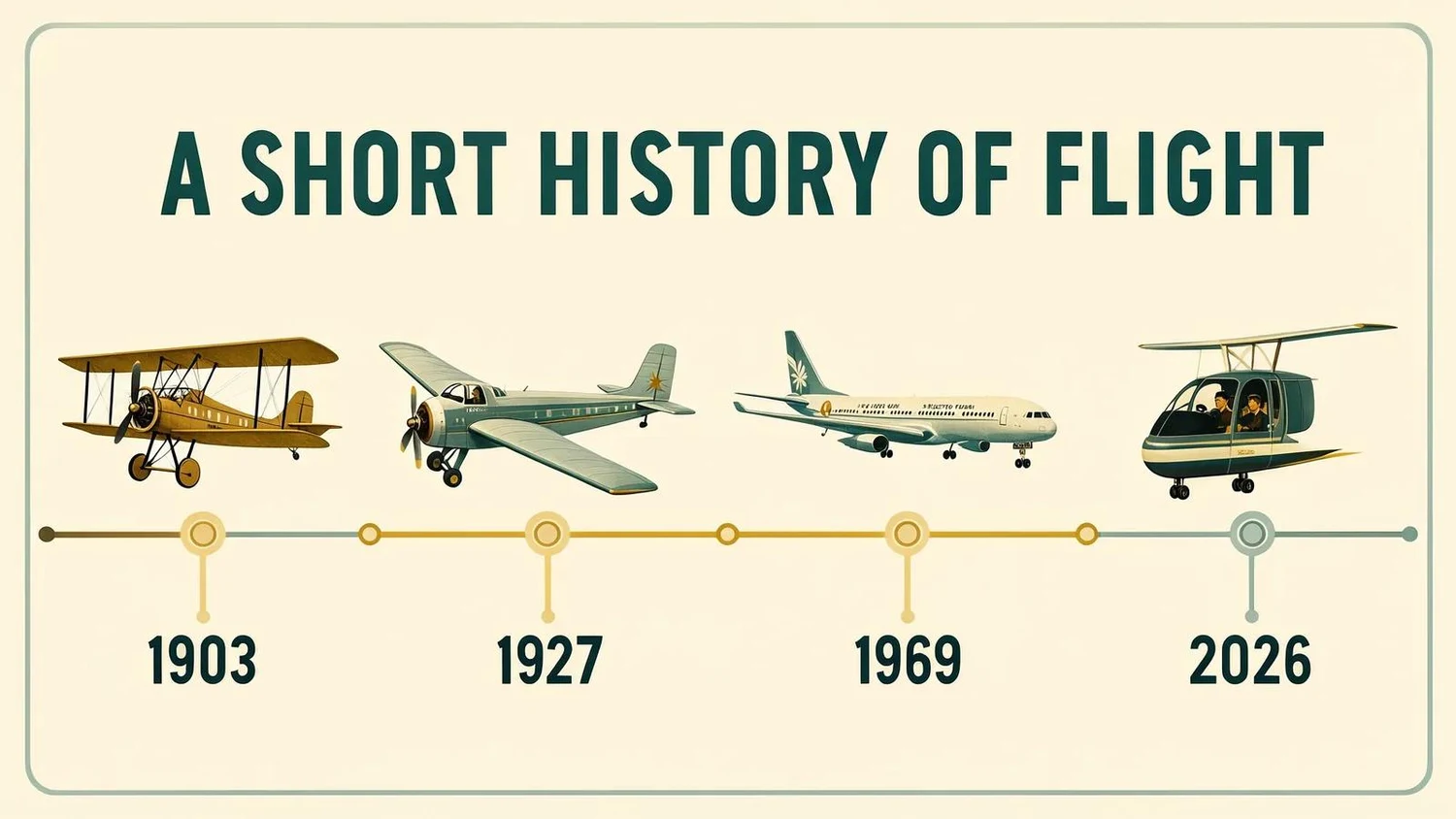
Timeline infographic: a short history of flight
Generated graphic example · Review the dates and lettering before use.

Compose words and visual information

Generate a graphic with a clear hierarchy, or develop a first draft of a diagram. This flight timeline combines illustrations, headings and dates in one image. Specify the wording and intended arrangement, then proofread every label. Bounding-box guidance can place elements; it does not replace editorial or factual checking.

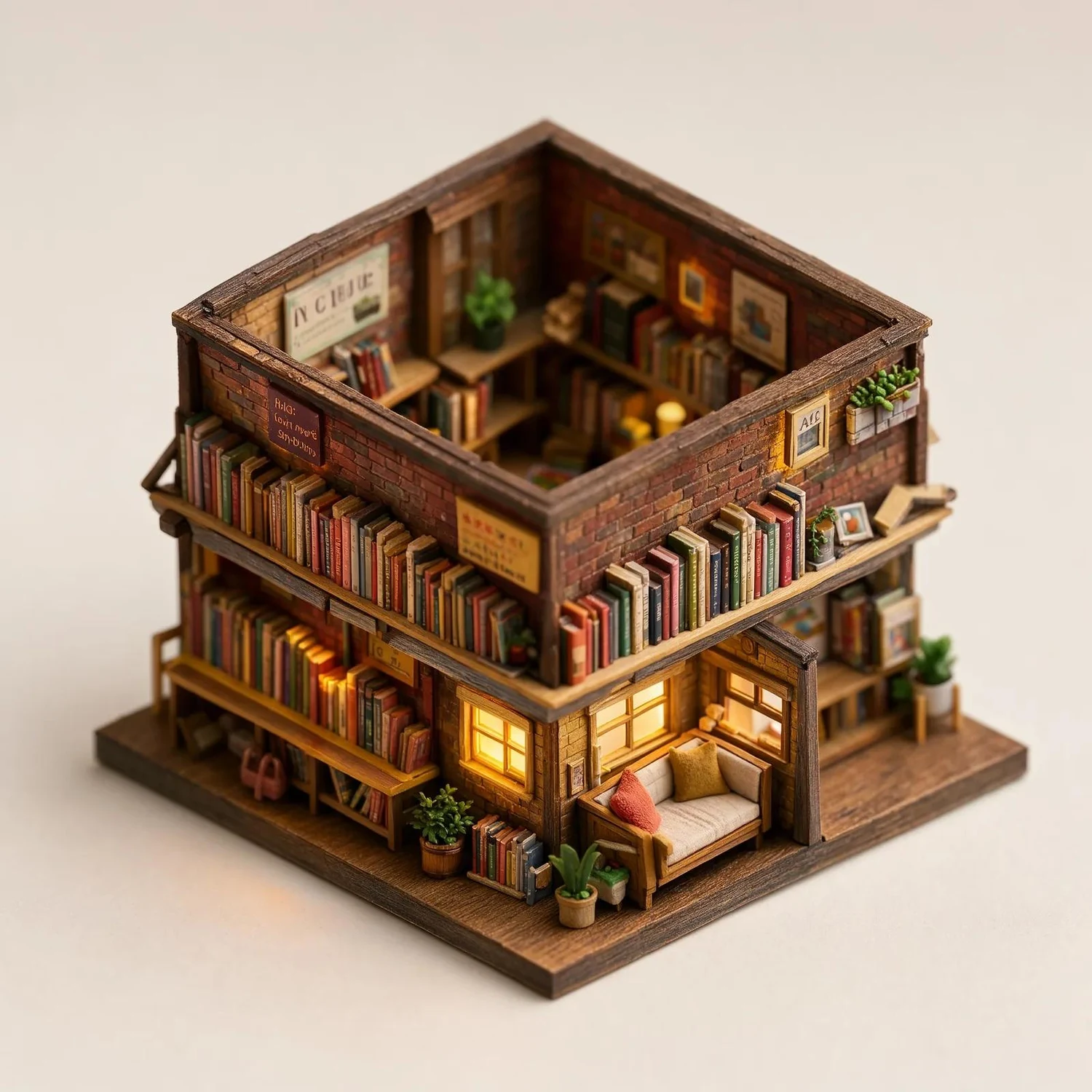
Isometric diorama of a tiny two-storey bookshop
Isometric bookshop · A generated style study, not an interactive 3D asset.

Explore a different visual medium

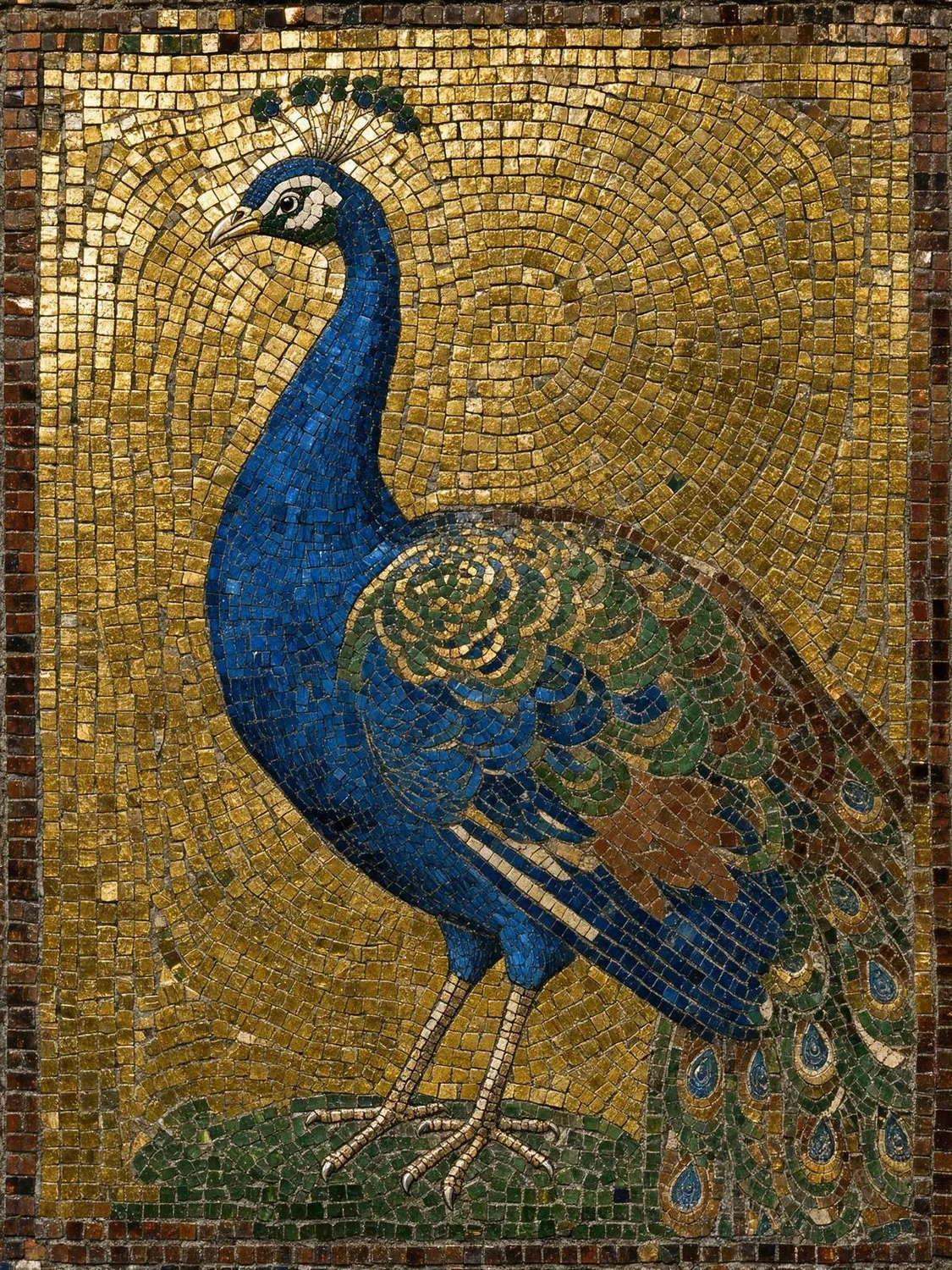
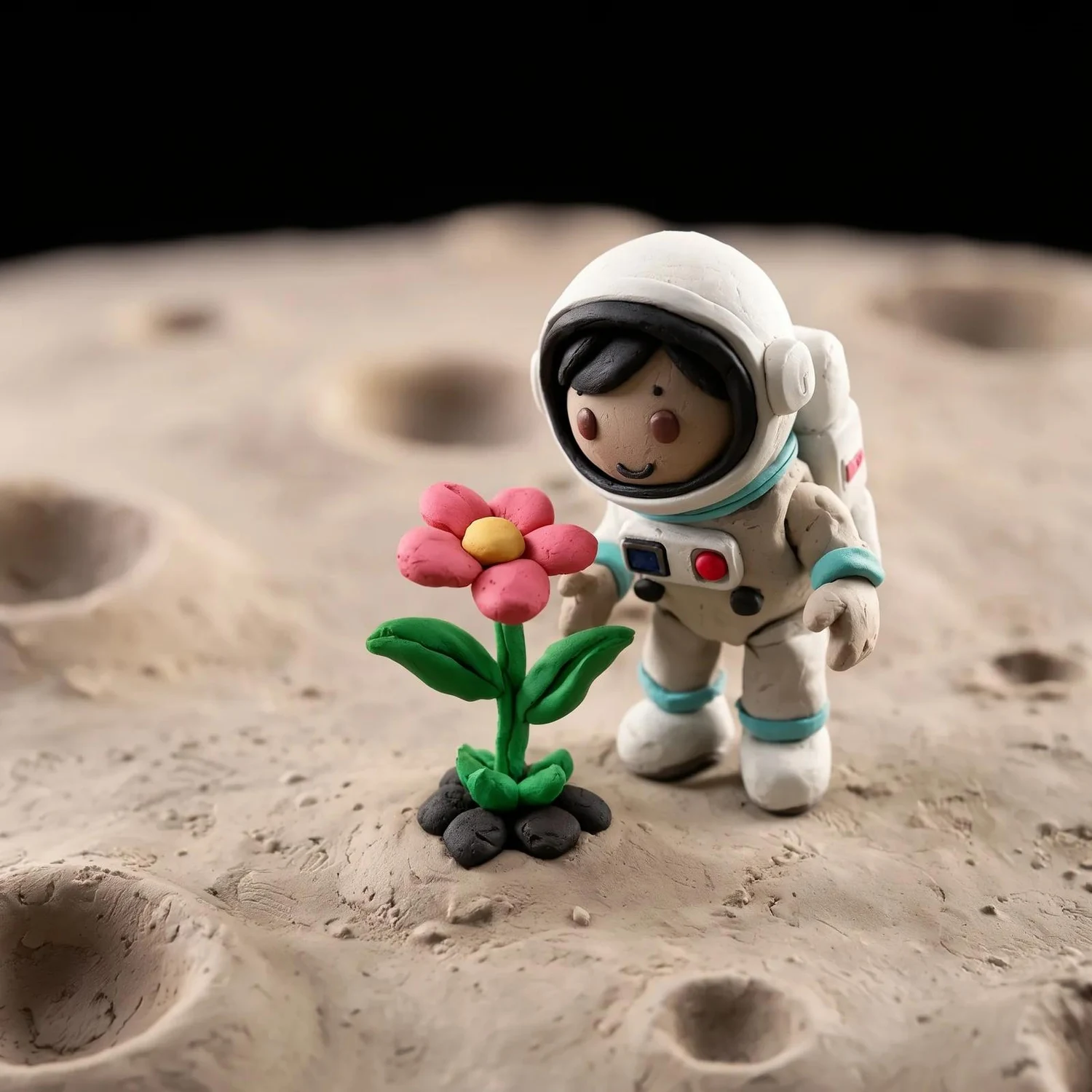
Use a prompt to develop illustration, clay, pixel, mosaic or photographic directions. The miniature bookshop expresses an architectural idea as an isometric diorama. Describe the viewpoint, materials and scene rather than relying on a style adjective alone. For repeatable specialization, train a LoRA on Klein Base and evaluate it on the distilled model.

Sand dunes at sunset
Input
Sand dunes at sunset, edited: Add a small caravan of three camels along the dune ridge.
Edited result
Prompt excerpt: “Add a small caravan of three camels along the dune ridge.”

Add elements while keeping a scene legible

References can anchor appearance, while an instruction describes a new element and its placement. Here a small camel caravan is added along a dune ridge. Klein accepts up to ten references for composition, but this illustration demonstrates an instruction edit, not a ten-image test. Compare the output with the source before approving a composite.

Image showcase

Source: Black Forest Labs’ official FLUX 3 Image Klein examples. Pexo navigation previews below are separate product images.

Model comparison

DIMENSIONFLUX 3 Image Klein · DistilledFLUX 3 Image Klein · Base
Image-generator parameters5.6B5.6B
Typical sampling16 steps; CFG 150 steps; CFG 3.5
Main roleFast image editing and generationFine-tuning, LoRA training and research
Image controlsUp to 10 references; bounding boxesUp to 10 references; bounding boxes
Resolution ceilingUp to 4KUp to 4K
AvailabilityBFL API and downloadable weightsDownloadable weights

Official variant specifications, not a same-input quality benchmark. Generator parameters exclude the prompt upsampler. The 9B upsampler adds memory requirements; an 8 GB INT8 configuration is not a guarantee that every full workflow or resolution fits on 8 GB.

Use-case scenarios

Product and environment variations

Develop alternative backgrounds, small accessories or materials around a reference. Review brand details and geometry before turning a study into a production asset.

Graphic concepts with exact wording

Build an information layout or illustrated graphic, then check every word, number and alignment. Keep editable source files for final corrections.

Local, specialized image workflows

Evaluate the open weights on suitable hardware, or adapt Klein Base with a LoRA. Confirm the current license and the complete pipeline’s memory needs before deployment.

Use cases

Develop approved still-image ideas further with these related Pexo video workflows.

Frequently Asked Questions About FLUX 3 Image Klein

What is FLUX 3 Image Klein?

It is Black Forest Labs’ compact FLUX 3 image model for text-to-image generation, instruction editing and multi-reference composition. The 5.6B figure refers to the image generator. It produces still images; shared learning from video and audio does not make this release a video generator.

Should I choose Distilled or Base?

Distilled is the fast inference variant, documented at 16 steps and CFG 1. Base is the undistilled 50-step model for training, LoRA work and research. Both support up to 4K output and bounding-box control. A LoRA trained on Base can run on Distilled, with its effect and scale checked on real examples.

How many reference images can it use?

Klein supports up to ten reference images. State which image supplies the subject, setting or other element, and check the result against each source. The API normally makes an edit the same size as the first reference; review the endpoint settings when a different canvas is needed.

Do I need the prompt upsampler?

Yes: BFL recommends running it for both generation and editing. The API includes it, and the modular Diffusers pipeline runs it automatically. It uses the same reference images as the image stage and adds a 9B model to the local pipeline, so include it in memory planning.

Can I use the weights commercially?

The launch announcement places the weights under the FLUX Kommunity License, including free commercial use for individuals and companies with annual revenue under $5 million. Larger organizations need the applicable self-hosted license or API terms. Read the current license and access conditions before use.

Official FLUX 3 Image Klein guide

Describe your idea and start your next creation.

Start creating