
Make Recipe Videos with Sora 2, Kling and Veo in Minutes
Turn any dish into a recipe video with Pexo. The AI recipe video generator writes the steps, generates the shots, and adds captions with Sora 2, Kling and Veo, up to 4K.
Turn any product idea into AI animated mockups that look studio built. Describe the device or upload a screen, pick a model, and Pexo stages the scene, animates the camera, and renders your mockup in minutes.
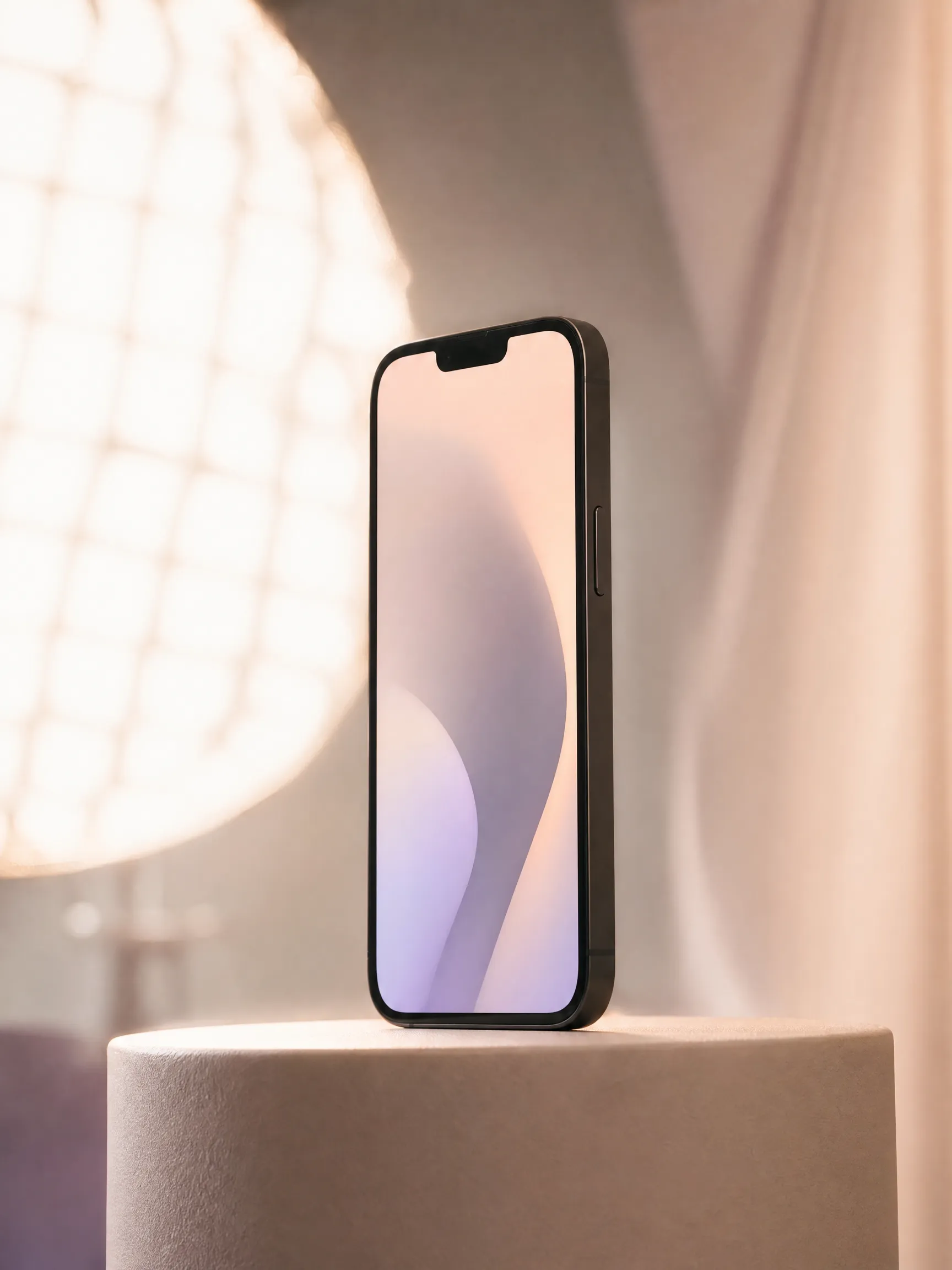
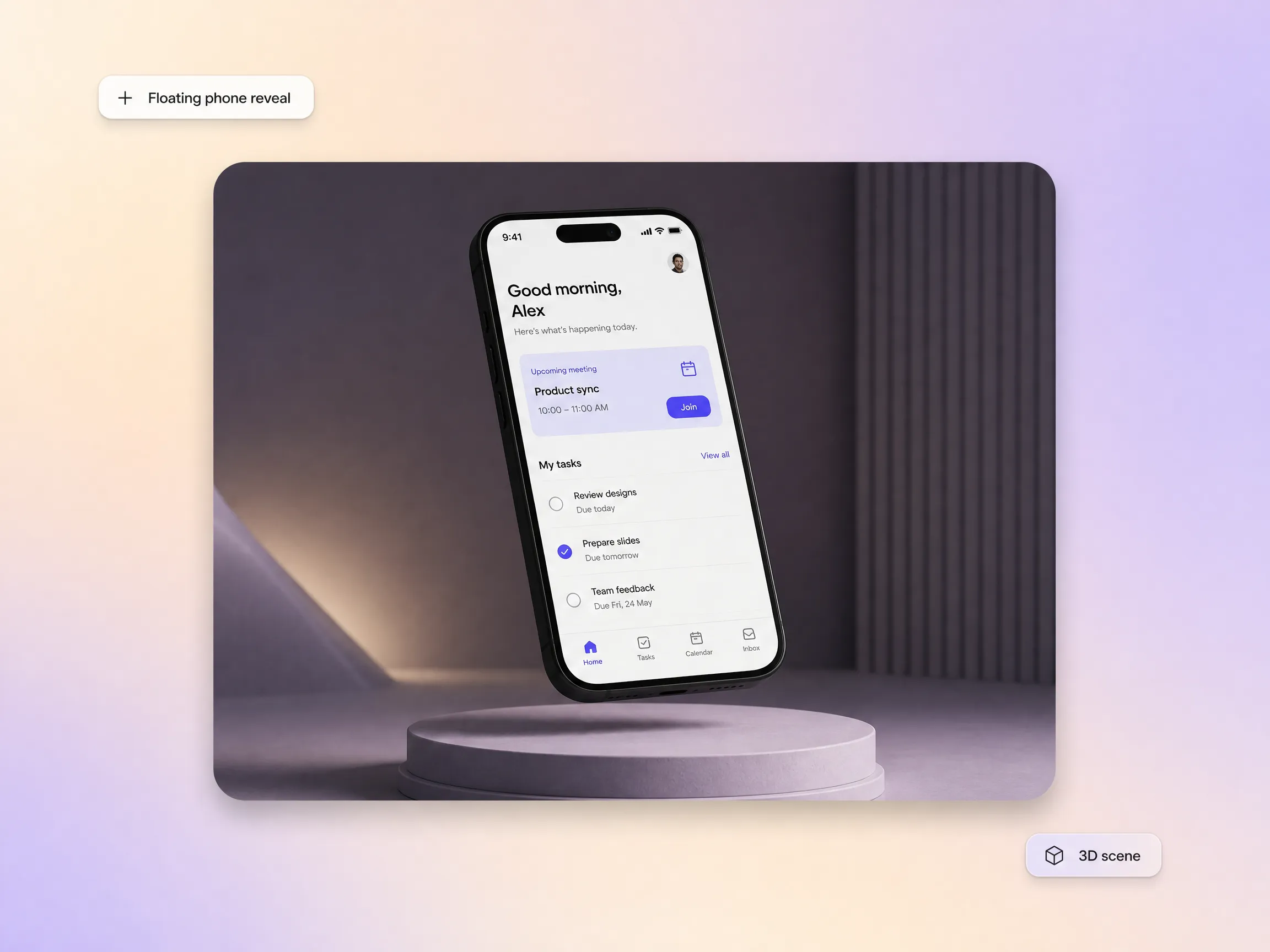
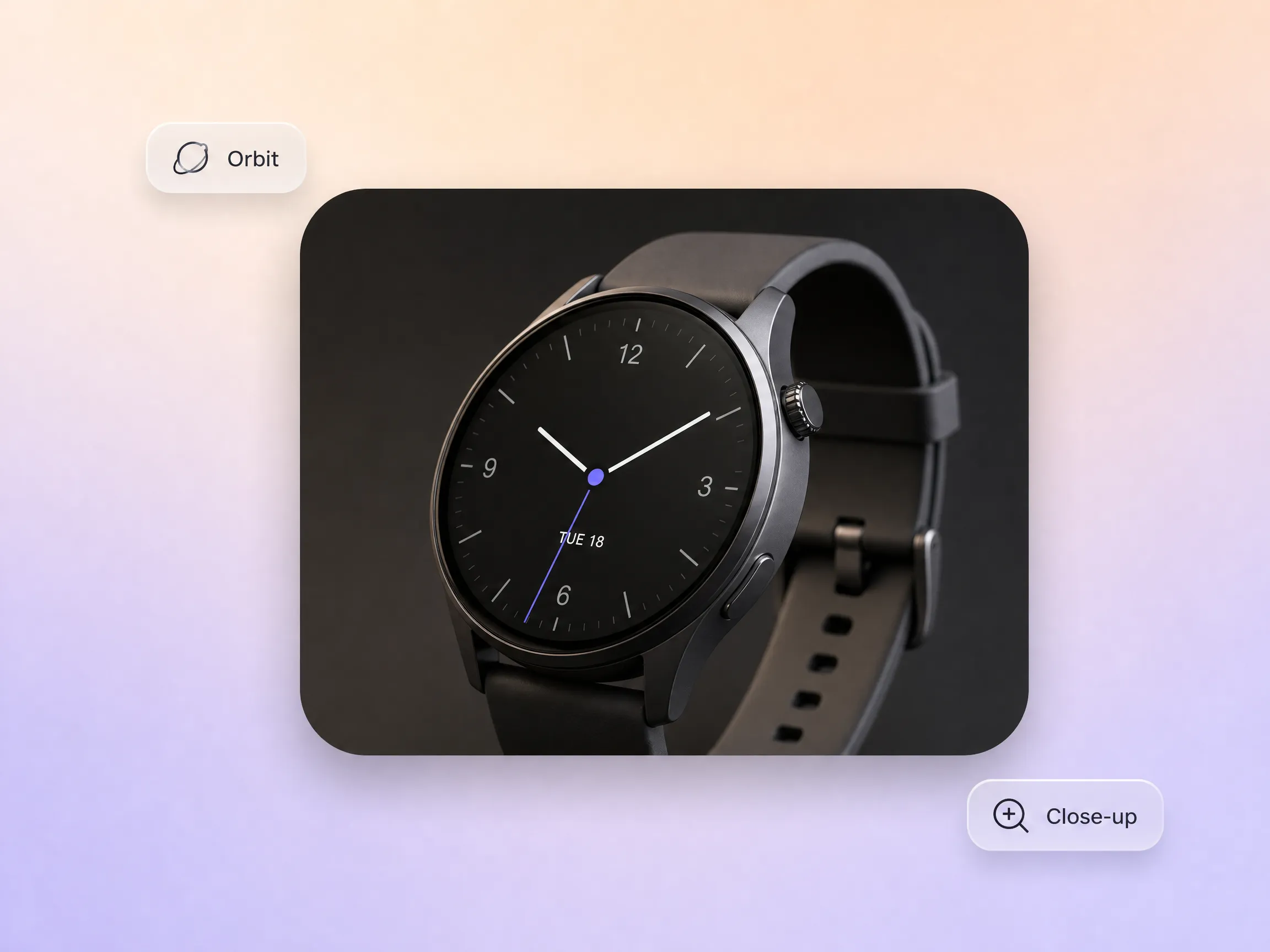
Start with a one-line brief such as a floating phone reveal, a rotating wearable close-up, or a dashboard gliding through layered screens. Pexo reads product type, camera behavior, scene depth, and lighting, then drafts your animated mockups so the first pass already feels intentional. No template hunting, no timeline, no 3D software between the idea and the finished animation.
Product designers and app teams preparing launch visuals
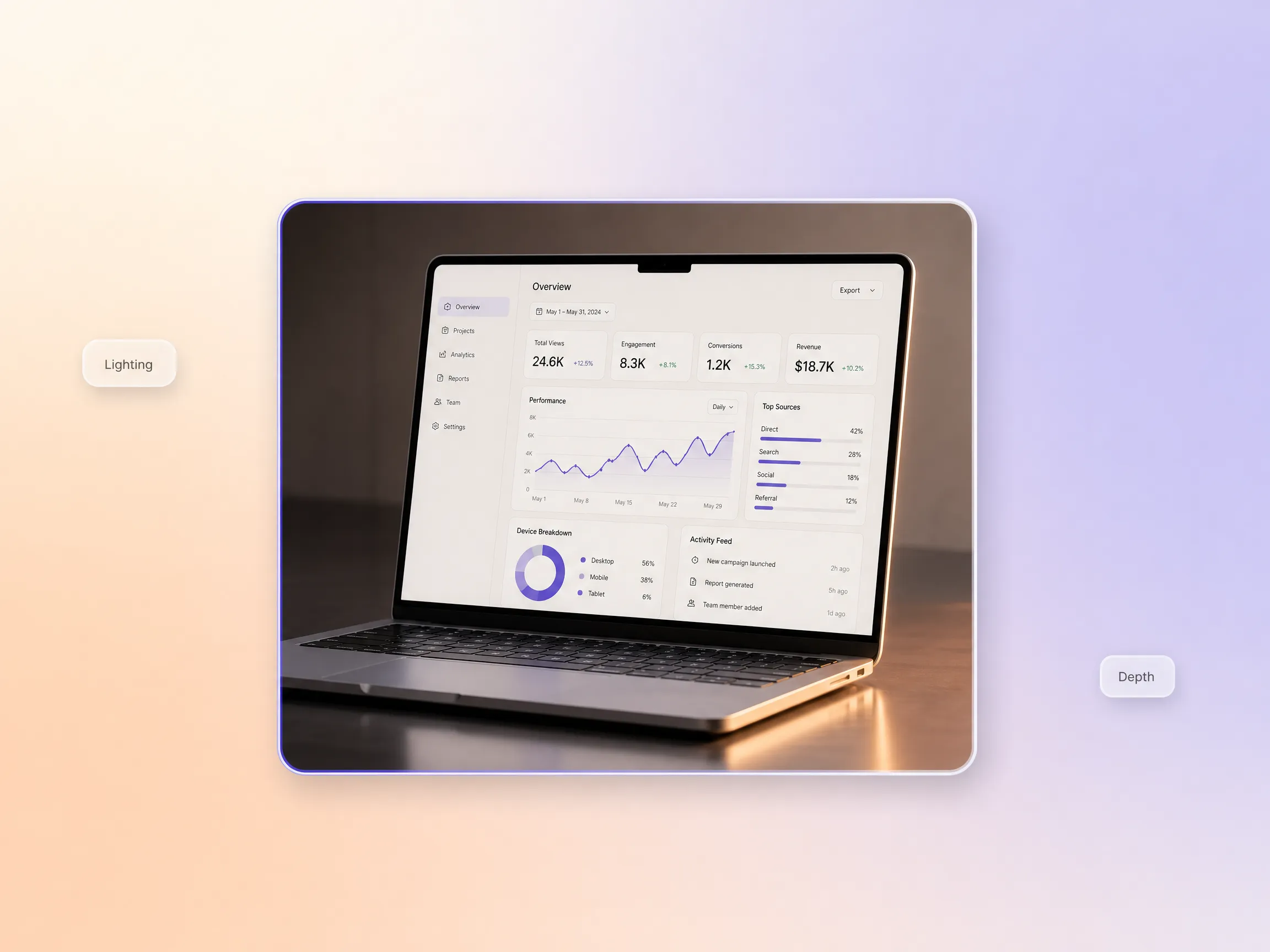
Pexo pushes animated device mockups beyond flat screen replacement. Camera travel, layered reflections, and material contrast give every frame the weight of a premium product trailer, ready for hero sections, concept showcases, and a product launch video where the hardware itself has to feel engineered and tactile. Pair the mockup with motion graphics when charts, logos, or UI callouts need to move in the same scene.
SaaS brands, hardware teams, and product marketers
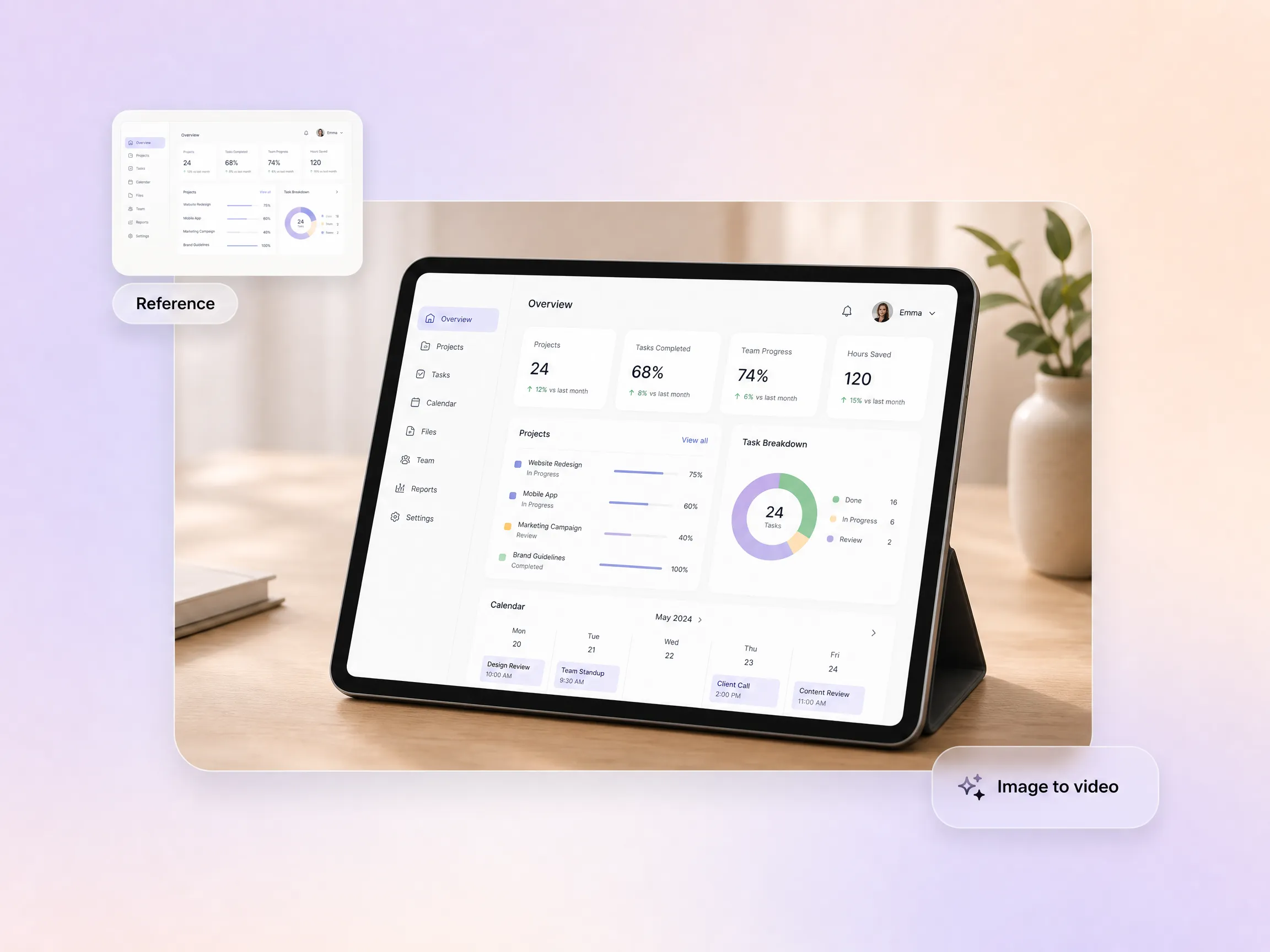
Different mockups call for different motion grammar. A phone launch visual wants a clean orbit and interface reveal, a tablet concept works better with layered UI transitions and wider framing, and an app promo video lives on tight interaction close-ups. Pexo matches camera moves to the scene so each animated mockup feels purpose built instead of a generic reusable loop.
Teams that want polished output without building a motion system manually
Upload a screenshot, render, or key visual and Pexo builds the motion around it, preserving your real interface while adding product framing, transitions, and environmental polish. Static comps become full animated device mockups without rebuilding the asset pipeline, and the same reference can seed a product reveal video or an explainer video for the rest of the launch story.
Designers turning still assets into launch-ready motion
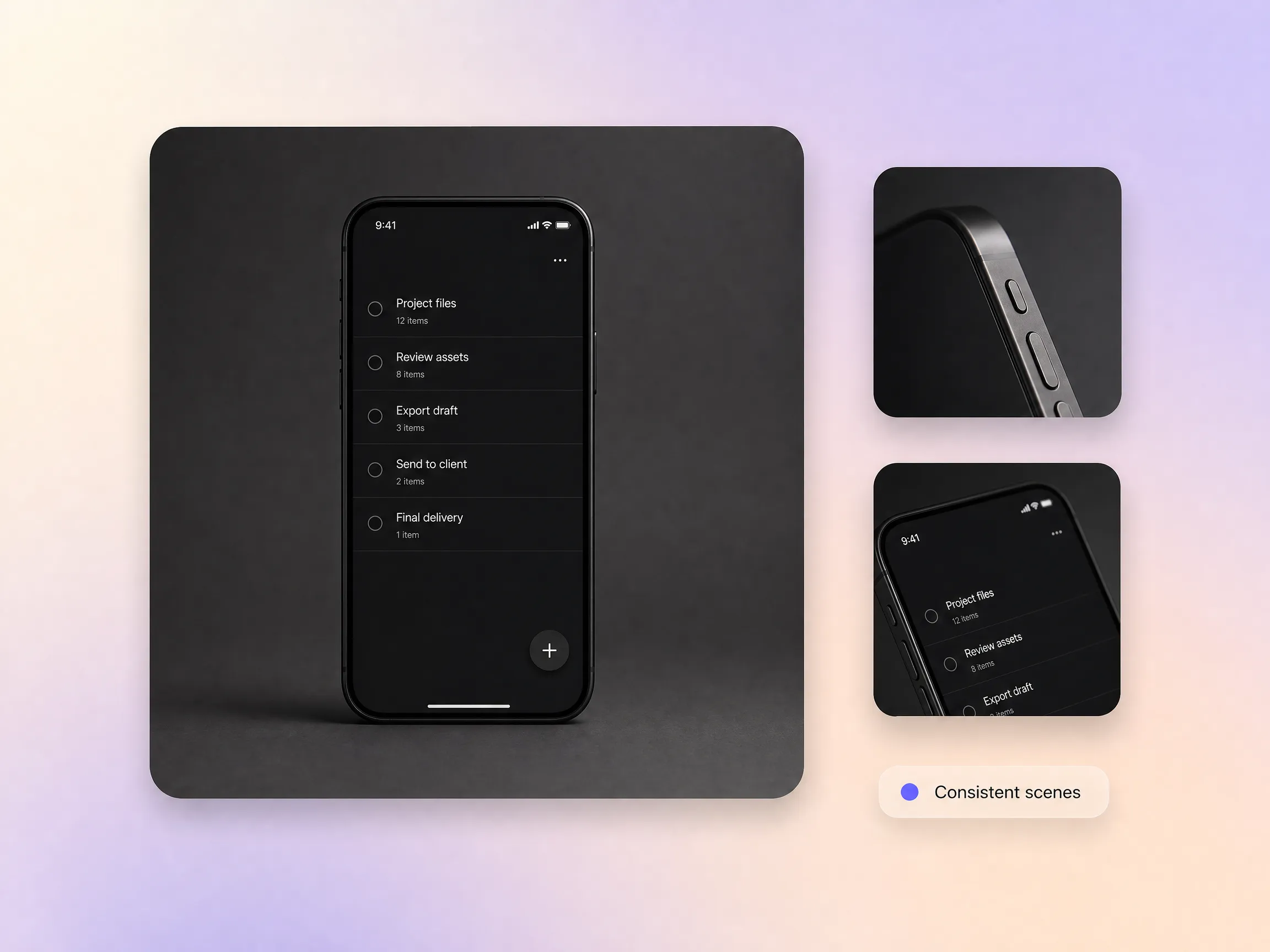
When you need a hero orbit, a close detail pass, and a UI interaction shot of the same device, consistency decides whether the set reads as one product. Pexo keeps the object, lighting logic, and visual tone aligned across scenes, so your 3D animated mockups cut together like one system across landing pages, product demos, and launch sequences.
Marketing teams building polished product storytelling

We needed a sharper way to show our mobile product than flat screenshots. Pexo turned a simple UI reference into a polished animated device mockup with real depth and motion, and it immediately looked fit for launch materials and investor presentations. It closed the gap between product design and presentation quality much faster than our usual workflow.
App Launch · Product Motion · Investor Deck
My clients respond far better when interface concepts are shown as motion, not just static comps. With Pexo, I can turn screens into animated mockups that feel like premium 3D product demos, which makes design reviews much more persuasive. It gives solo designers a way to present work with far more finish.
Client Presentation · UI Design · Animated Device Mockups
I focus on tech product storytelling, so I need visuals that feel sleek and dimensional rather than templated. Pexo helps me create animated mockups that look closer to premium product visualization, with camera movement and framing that actually support the device story. The result fits my niche much better than static mockup tools.
Social Media · Tech Content · Product VisualizationAnimated mockups are short motion renders that present an app, device, or product concept as a moving scene instead of a static frame: floating phones, rotating hardware, and UI reveals with real camera depth. They give landing pages and pitches the feel of a finished device film. With Pexo you describe the scene, and the animated mockup arrives complete with framing, lighting, and motion.
No. Pexo replaces the modeling, rigging, and rendering stack. You type a description or drop in a screenshot, and it stages the scene, drives the camera, and renders the animated mockup for you. Every clip is generated natively by Sora 2, Kling, or Veo, so there is no timeline to learn and nothing to install.
Widescreen 16:9, vertical 9:16, and square 1:1, at 5 to 120 seconds and up to 4K, so one animated mockup covers your website hero, app store preview, and social teaser. Each aspect ratio is generated natively for its placement rather than cropped after the fact, which keeps the device framing clean.
Pexo is one of the best AI tools for animated mockups because it aggregates Sora 2, Kling, and Veo in a single chat and picks the strongest take for every scene. You get studio-grade device motion up to 4K, products that stay consistent across cuts, and finished animated mockups in minutes rather than a week inside a 3D suite.
Animated mockups keep a real product or interface at the center of the frame, while motion graphics animate abstract shapes, charts, logos, and type. If the story is your device, stay on this page. If it is data or brand elements in motion, start from the motion graphics page, and for character-led scenes try 2D character animation.
Use the formula subject + action + camera movement + setting + style. For example: a matte black smartphone + slowly rising and rotating + orbit camera with a gentle push-in + dark studio with soft rim light + premium cinematic product film. Pexo expands that single line into finished animated mockups, scene, lighting, and motion included.
Turn any text into a polished video
Turn your image into a video
Paste a link, get a finished video
Describe your idea, get a stunning image
Visualize your audio and music
Turn written draft into a fully produced video
Generate music based on description
Generate AI images from text or image
Studio-Grade AI Lipsync Dubbing
Describe the device, product, or interface you want to show, and Pexo turns it into polished motion built for modern product storytelling.
Turn any dish into a recipe video with Pexo. The AI recipe video generator writes the steps, generates the shots, and adds captions with Sora 2, Kling and Veo, up to 4K.
Turn photos into a video slideshow in minutes with Pexo. The AI video slideshow generator arranges your slides, adds music and captions, and renders every scene with Sora 2, Kling and Veo, up to 4K.
Turn any song into a beat synced music video with Pexo. The AI music video generator times every scene to your track and renders with Sora 2, Kling and Veo in minutes.
Turn a photo or a one line idea into a dance video with Pexo. The AI dance video generator syncs every move to the beat and renders with Sora 2, Kling and Veo in minutes.
Make mouse cursor highlight videos with Seedance 2.5, Kling AI 3.0 and MiniMax H3. Describe the click path, add narration, and render in minutes.
Make motion graphics in minutes with Pexo. The AI motion graphics generator designs, animates, and scores every scene with Sora 2, Kling and Veo, up to 4K.
Create paper animation with Pexo, the AI paper animation generator for folded paper, newspaper, and torn cutout videos. Pexo picks the best take across Sora 2, Kling and Veo and ships a finished clip with music and captions in minutes.
Real estate video generator that turns a listing into a narrated property tour. Pexo scripts and voices every scene with Sora 2, Kling and Veo in minutes.