Pexo
Seedream 5.5

Seedream 5.5
Refine the image. Keep the idea intact.

Seedream 5.5 is ByteDance Seed’s image generation and editing model, introduced on November 9, 2026. Refine an image through successive edits, create native RGBA assets, and explore more natural light, texture and small-text layouts.

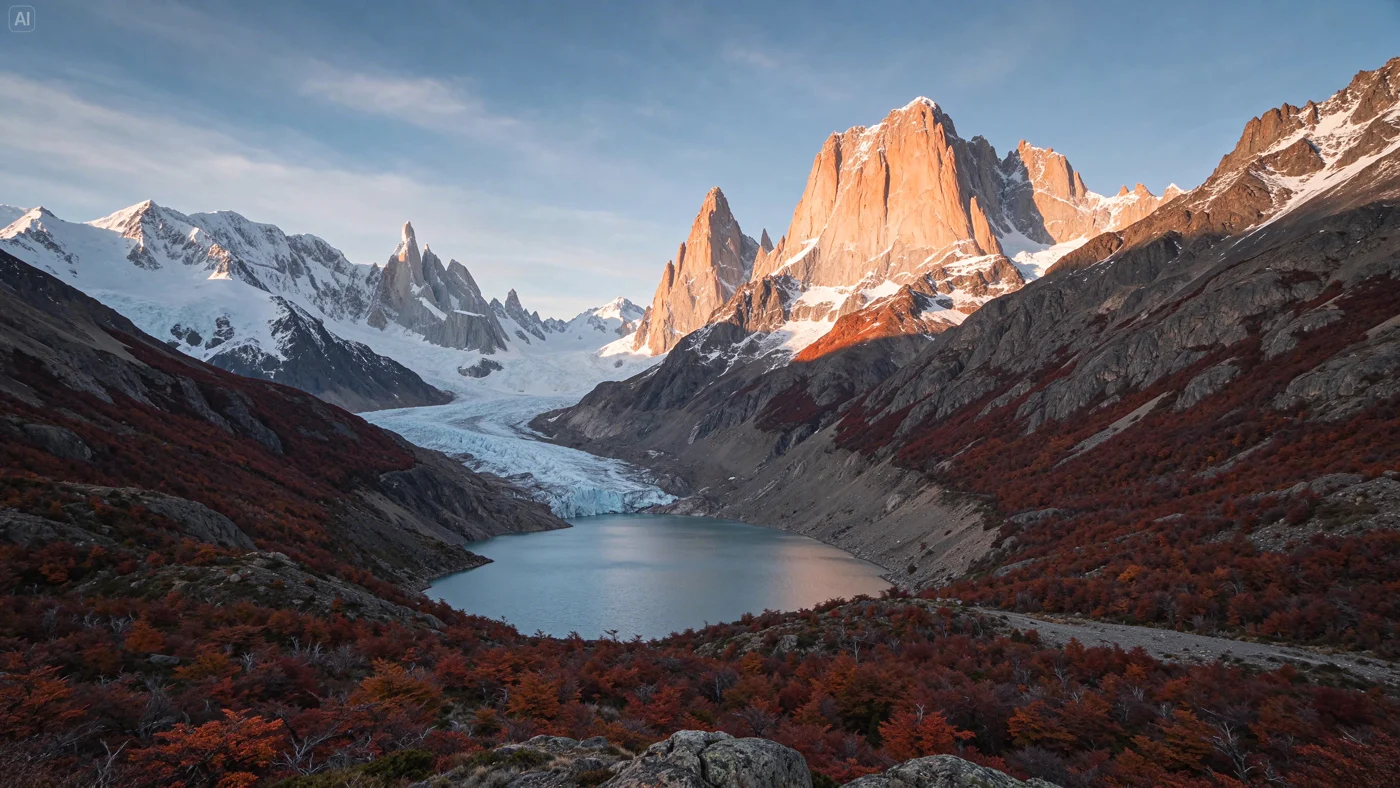
Patagonian mountain peaks and a blue glacial lake at sunset, an official Seedream 5.5 image

Core capabilities

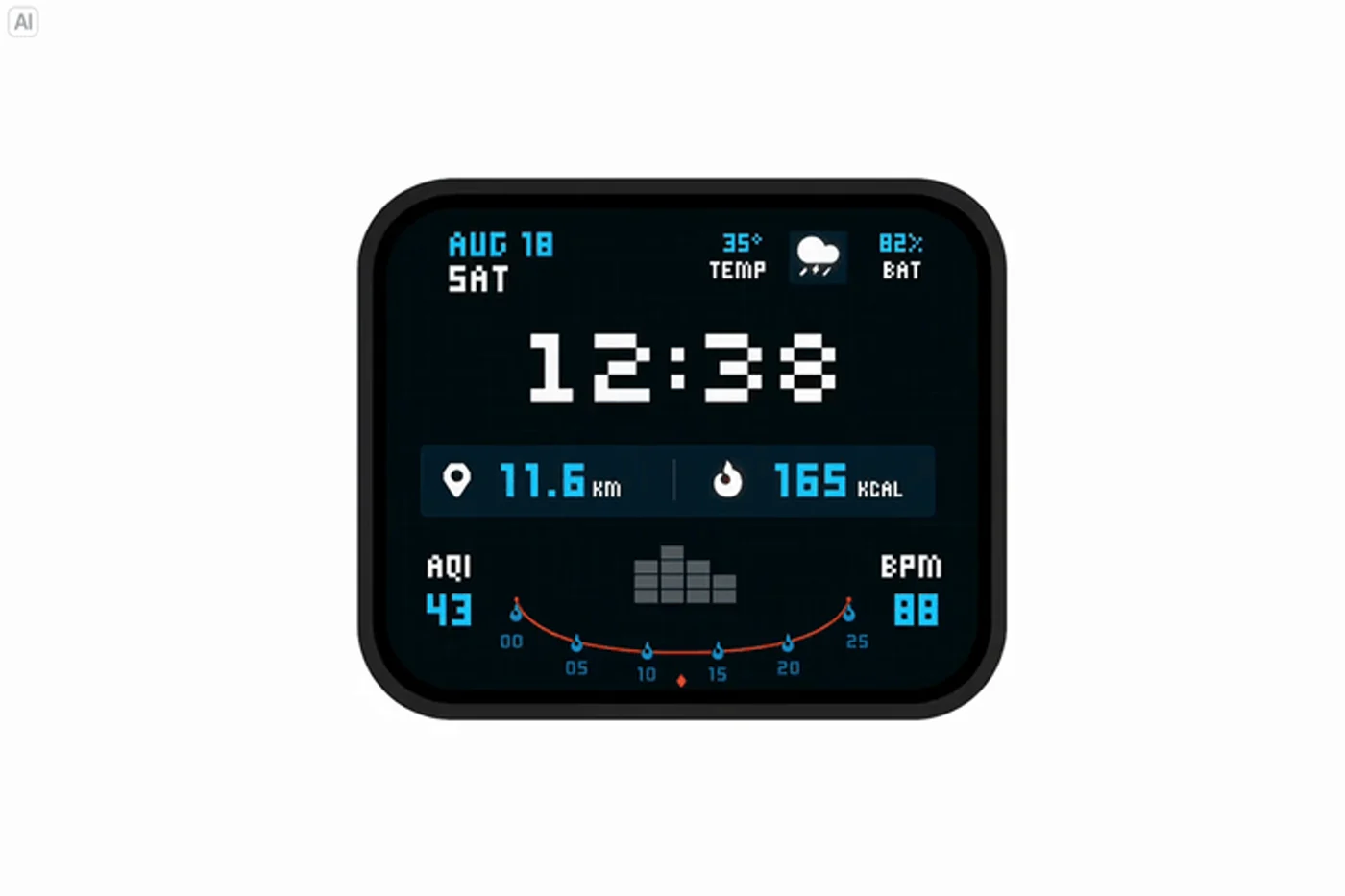
Original watch display in the official multi-turn editing sequence

Earlier state

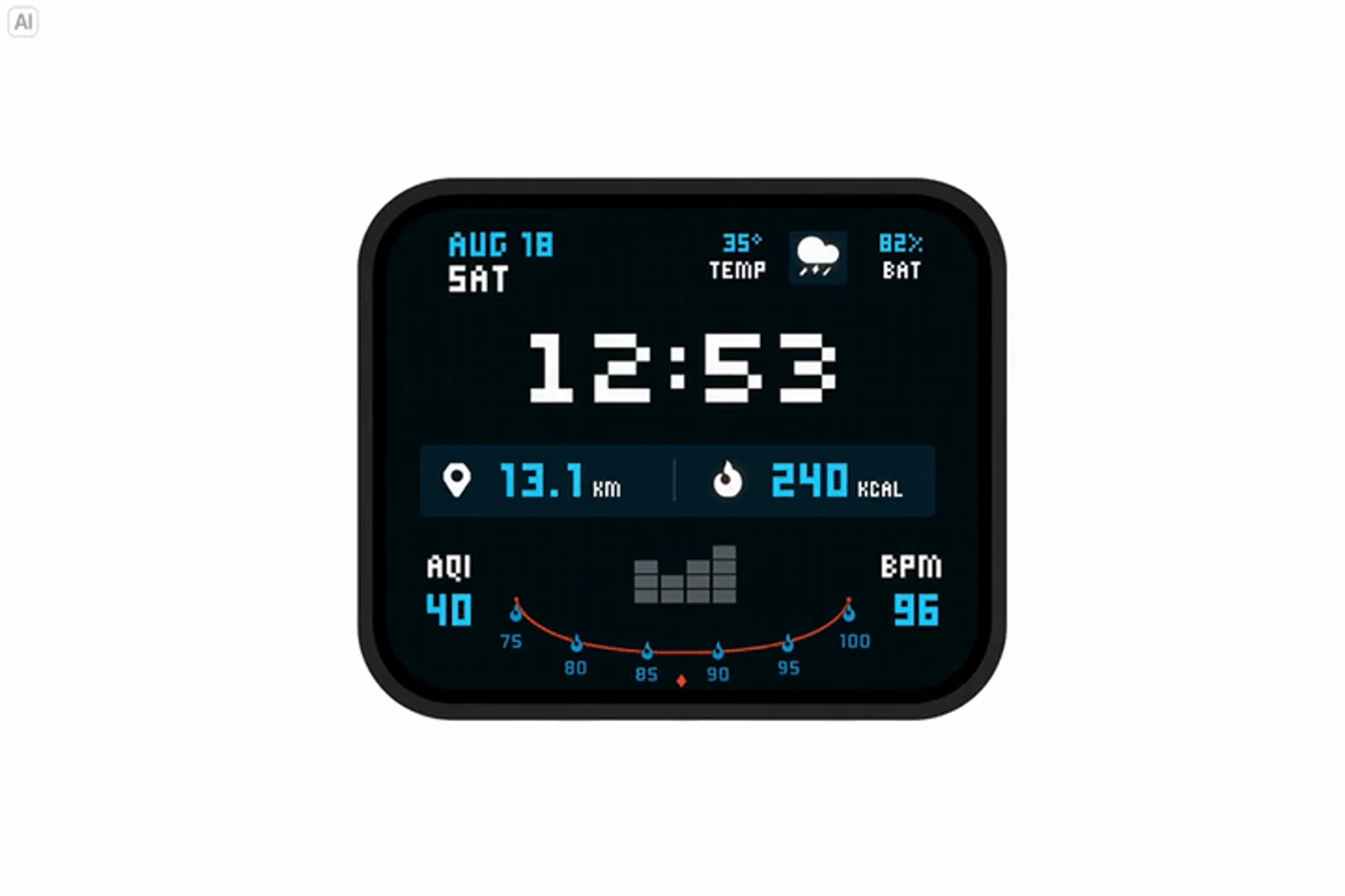
Later watch display after successive official edits

Later state

Update the time and activity data; keep the watch and layout coherent.

Keep refining one image

Change the details you need while retaining the parts you want to keep. Seed’s watch sequence updates the time, activity figures and charts across successive edits. The launch separately demonstrates 100 rounds of editing on a portrait. Treat that as a provider demonstration, then inspect your own result for drift, altered edges and changes outside the intended area.
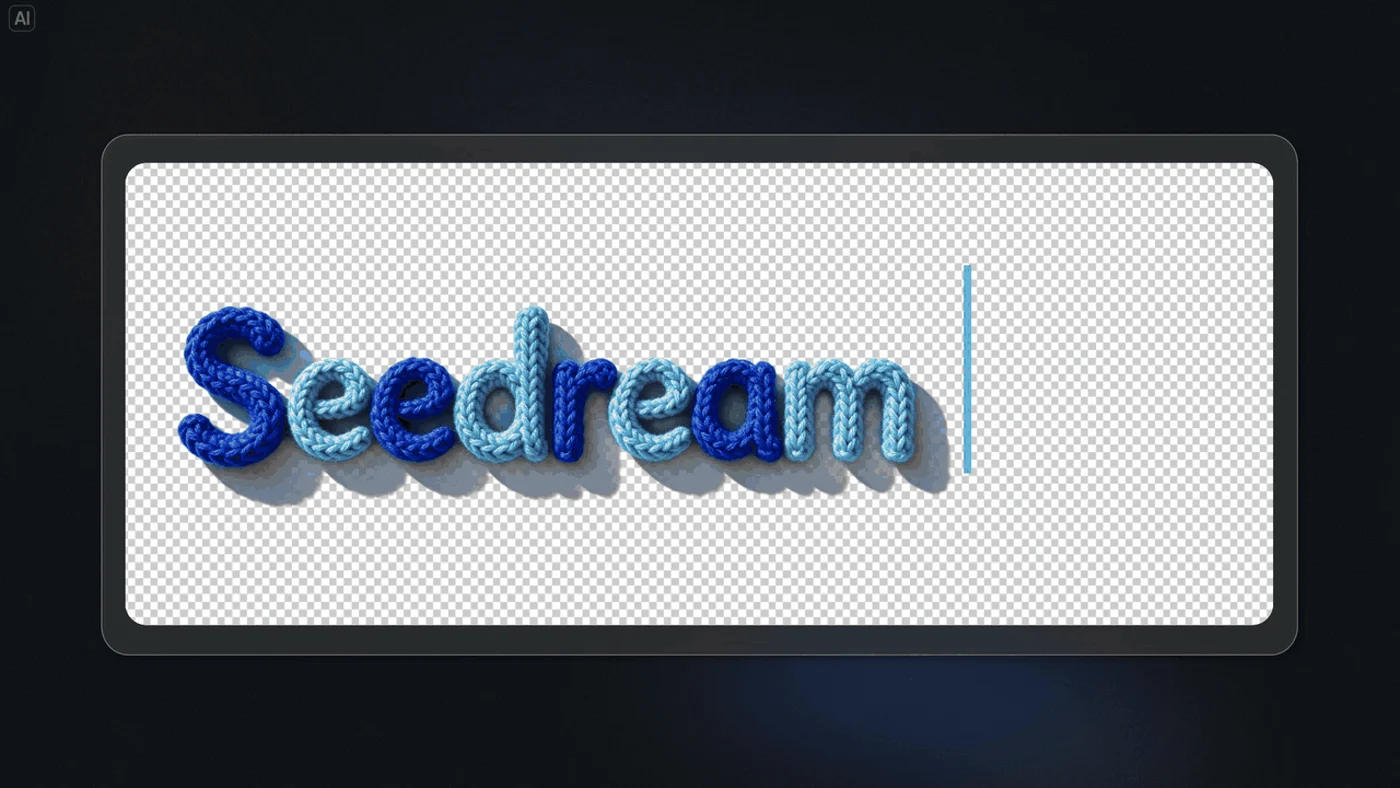
Textured yarn lettering from the official native RGBA demonstration
Native RGBA demonstration · preview frame

Create transparent assets directly

Native RGBA generation supplies an alpha channel for fully or partly transparent elements. Seed’s yarn-lettering example turns a material reference into reusable type, ready to place in a larger design. Transparent assets can move between backgrounds without a separate removal step. Check fine edges and translucent regions against the final background.

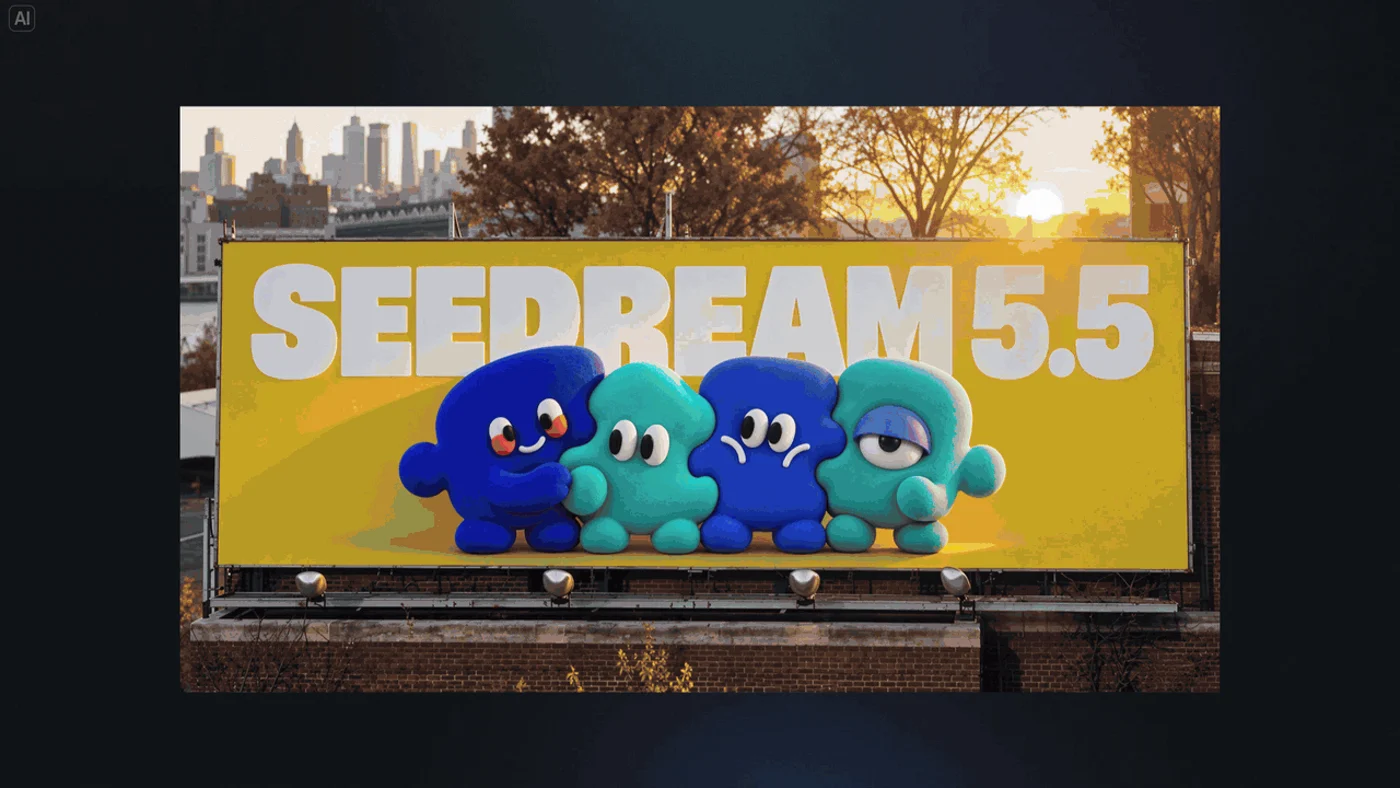
Blue character assets reused in a campaign layout in the official demonstration
Reference-led reuse · the character set placed in a campaign layout

Reuse a visual identity across compositions

A set of reference assets can become the basis for more than one layout. Seed demonstrates the same blue characters in different settings and groupings, preserving their defining shapes and textures. For a campaign, identify what should stay recognisable and what may change. Compare each result rather than assuming every feature will remain exact.

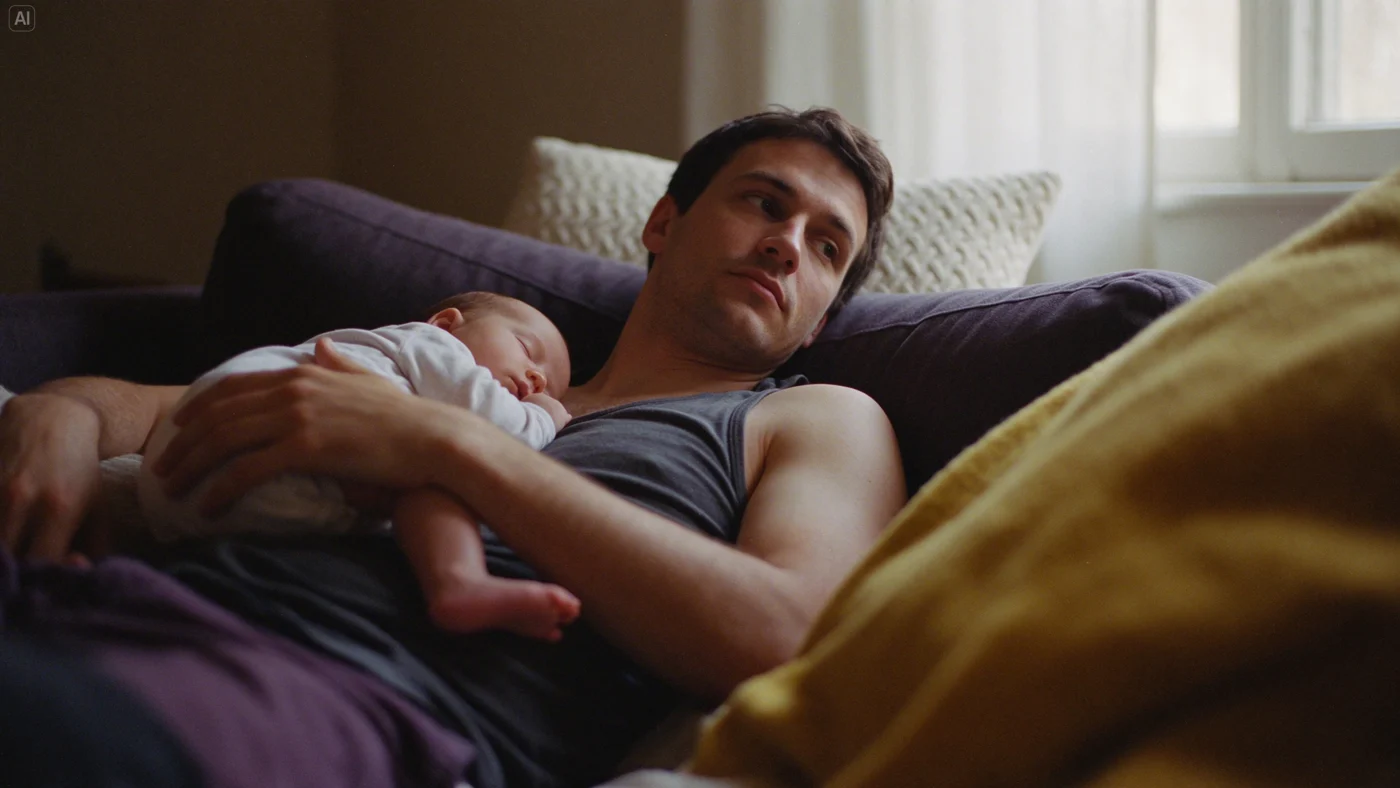
A father holding a sleeping baby beside a softly lit window
Soft window light · skin, knit and woven-fabric textures

Work with quieter light and tactile detail

The update targets more natural lighting, materials and skin texture, with less excessive gloss and overexposure. In this domestic scene, window light falls across skin, a knitted cushion and the sofa fabric while shadow detail remains visible. Describe the source of light and the surfaces that matter, then inspect faces, hands and transitions between light and shade.

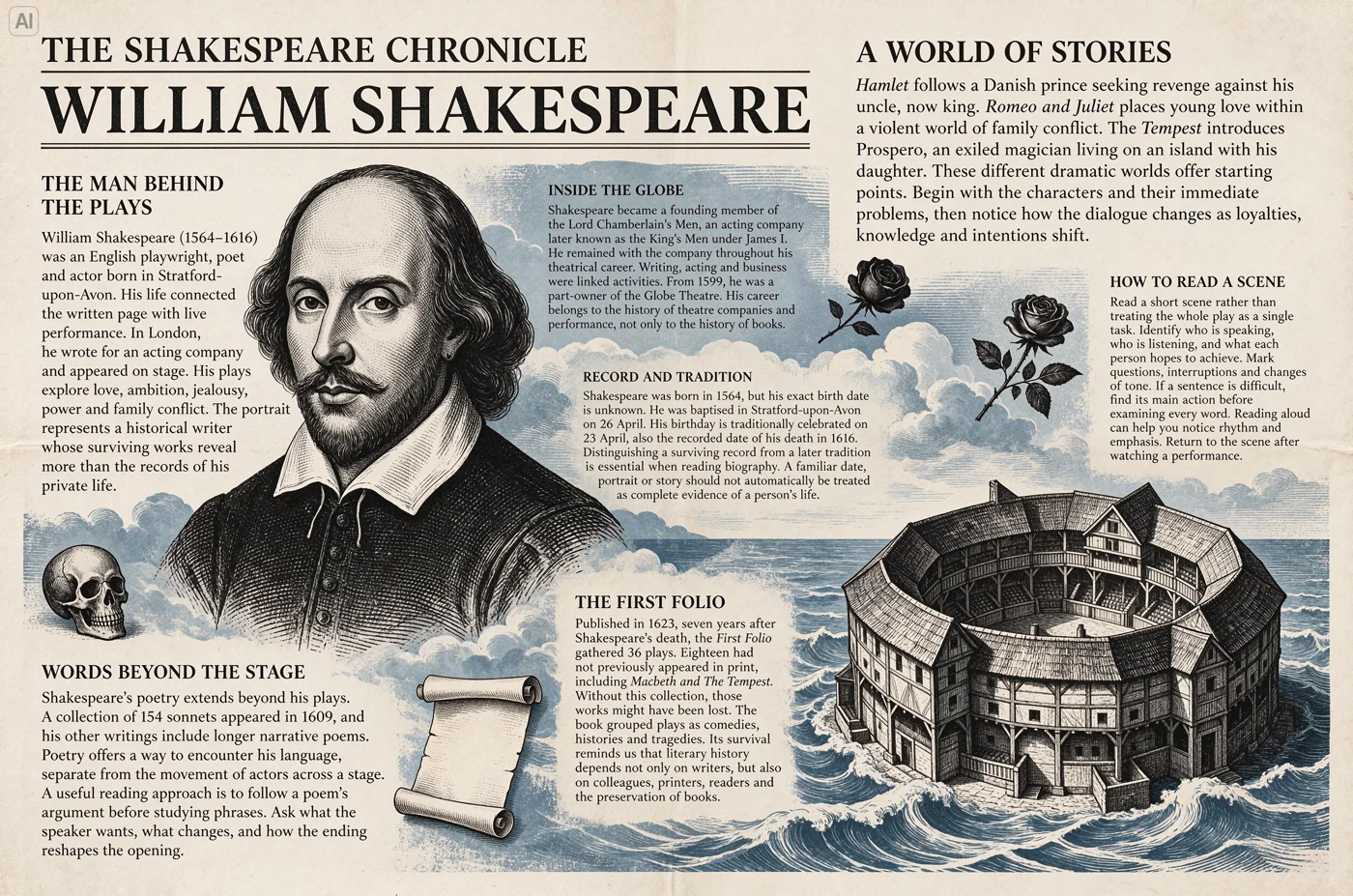
An English newspaper-style layout about William Shakespeare
English editorial layout · inspect the full-size text

Build layouts with readable small text

The official newspaper-style example combines an engraved portrait, illustrated details and compact English passages. Seed reports improvements in complex characters and densely arranged text. Supply the exact wording and a clear reading hierarchy; proofread names, numbers and small type at the intended display size before using an image in production.

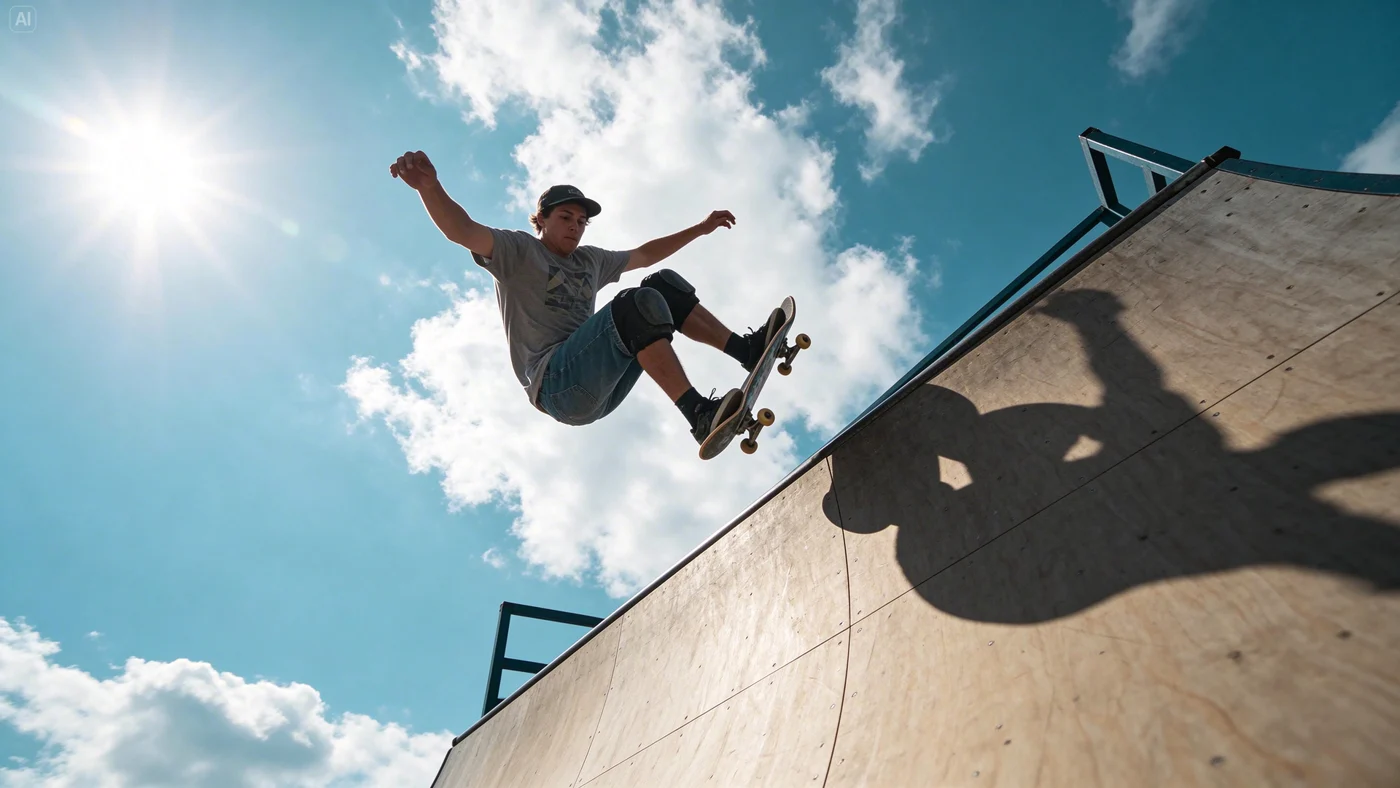
A skateboarder in midair and a sharply defined shadow under a clear sky
EXAMPLE PROMPT
A low-angle still of a skateboarder in midair, open sky behind him, with his shadow visible on the ramp.

Describe a decisive composition

Text-to-image generation can establish a subject, viewpoint and visual moment together. This skateboarding still uses a low viewpoint, open sky and a sharply defined shadow to make the action legible. State the framing and lighting explicitly. Use the same hierarchy—subject, viewpoint and light—to develop an action-led poster or storyboard image.

Image showcase

Source: ByteDance Seed official Seedream 5.5 examples and demonstration frames.

Model comparison

DIMENSIONSeedream 5.5Seedream 5.0 Pro
Role in this comparisonCurrent release: image generation and editingPrevious version used as Seed’s evaluation baseline
Multi-turn editingPixel-level preservation focus; a 100-round portrait-editing demonstrationBaseline for the reported improvement in multi-turn stability
Transparent assetsNative RGBA generation, including partial transparencyNative RGBA is presented as a new capability in the 5.5 announcement
Realism and small textUpdated lighting, materials, skin texture and dense-text renderingEarlier version in the provider’s realism and text evaluations
Production evaluationHigher quality and usability reported across six evaluated use casesBaseline in the same provider-run evaluation

Based on Seed’s launch description and evaluations, rather than a same-input benchmark performed by Pexo. The highlighted column identifies the model on this page.

Use-case scenarios

Campaign revisions

Develop a key visual, then revise its type, props and layout through several rounds. Keep approved elements explicit and compare each output with the previous version.

Reusable design elements

Create lettering, characters or decorative elements with transparency for a larger composition. Review edges and contrast against the backgrounds on which the asset will appear.

Editorial and concept imagery

Explore naturalistic scenes, a designed information page or a composition for a storyboard. Review text, image details and the intended use before handing the stills to a wider production workflow.

Use cases

Develop the wider campaign with Pexo’s video creation workflows.

Frequently Asked Questions About Seedream 5.5

What is Seedream 5.5, and when was it released?

Seedream 5.5 is ByteDance Seed’s image generation and editing model, introduced on November 9, 2026. Its launch focuses on more stable multi-turn edits, native RGBA assets and improvements in realism and text rendering.

Does the 100-round demonstration guarantee every edit will stay identical?

No. Seed shows a portrait refined across 100 successive edits and describes pixel-level preservation of unedited regions as an improvement. That demonstration is not a guarantee for every subject or instruction. Review unintended changes after each edit, especially around edges, fine detail and text.

Can it generate assets with transparent backgrounds?

Yes. The official release documents native RGBA generation from text descriptions or reference images, including fully and partly transparent regions. Check the exported file’s alpha channel and edge quality in the workflow you use. The previews on this page illustrate official results; they are not downloadable layered source files.

Where can I try it, and is Seedream 5.5 Pro already available?

The official model page links to Dreamina. Sign-in, regional access and the models offered in the selected service may vary; confirm the model label before generating. The launch says a Pro version of the 5.5 series will follow, so this page does not describe that future variant as already released.

Which output sizes, prices and reference limits should I use?

The official model page and announcement reviewed here do not establish a complete API specification or price list for this release. Check the current service controls and documentation rather than carrying over the resolution, reference-count or pricing limits of Seedream 5.0 Pro. Proofread generated text and inspect full-size images before delivery.

Official Seedream guide

Other models

Describe your idea and start your next creation.

Start creating