Pexo
HeyGen Avatar 6

HeyGen Avatar 6
Give a speaking avatar a performance.

HeyGen Avatar 6 generates presenter videos from reference media and speech. Its Model API animates a photo or supported video reference to supplied audio; the Application API works with an eligible HeyGen avatar and a script or audio. Direct the delivery with motion instructions, then review expression, lip sync and timing in the finished clip.

Two presenters take turns in a cafe conversation, with speech and gestures. Official generated clip; sound can be enabled in the player.

Core capabilities

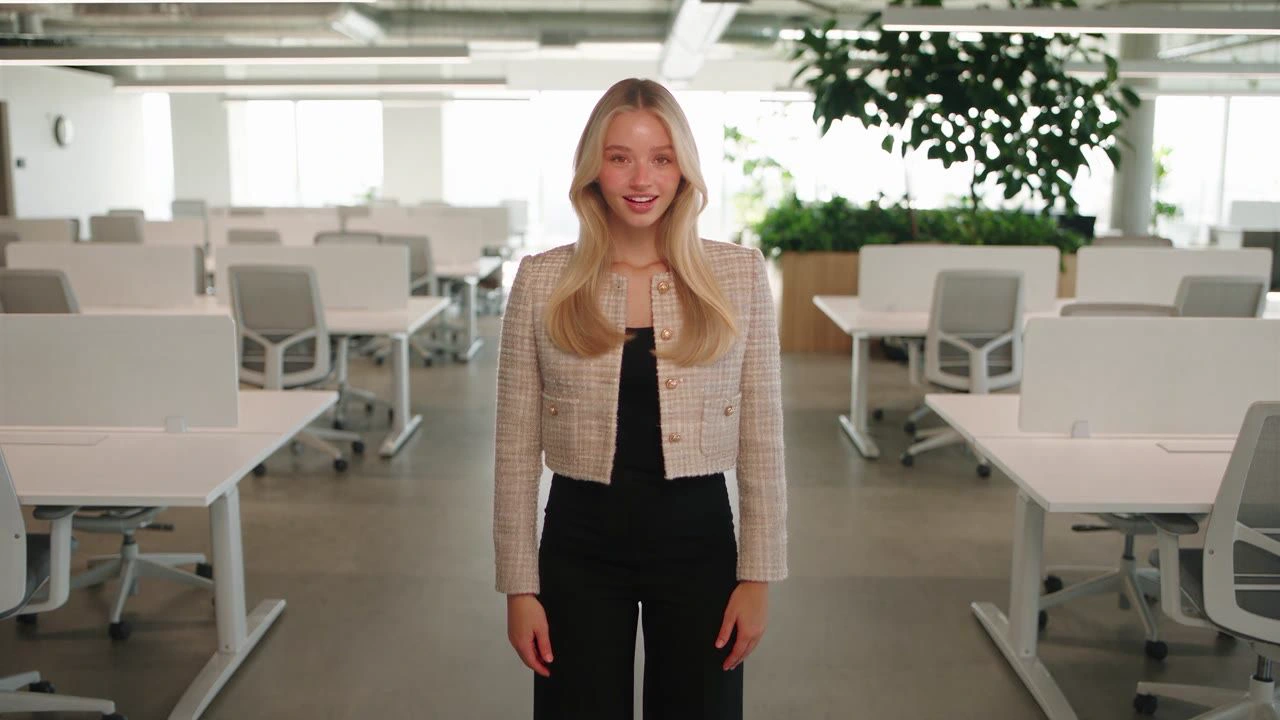
Casey, an official public Avatar 6 presenter, standing in an office
Reference media + speech → speaking video · official preset output

Animate a reference with a speech track

The Model API combines an image or supported reference video with supplied speech audio. The resulting video follows the length of that audio. Plan the spoken passage before generating, and keep the reference framing appropriate for the destination. The public Casey example is a generated output, rather than a source photograph or a Pexo test.
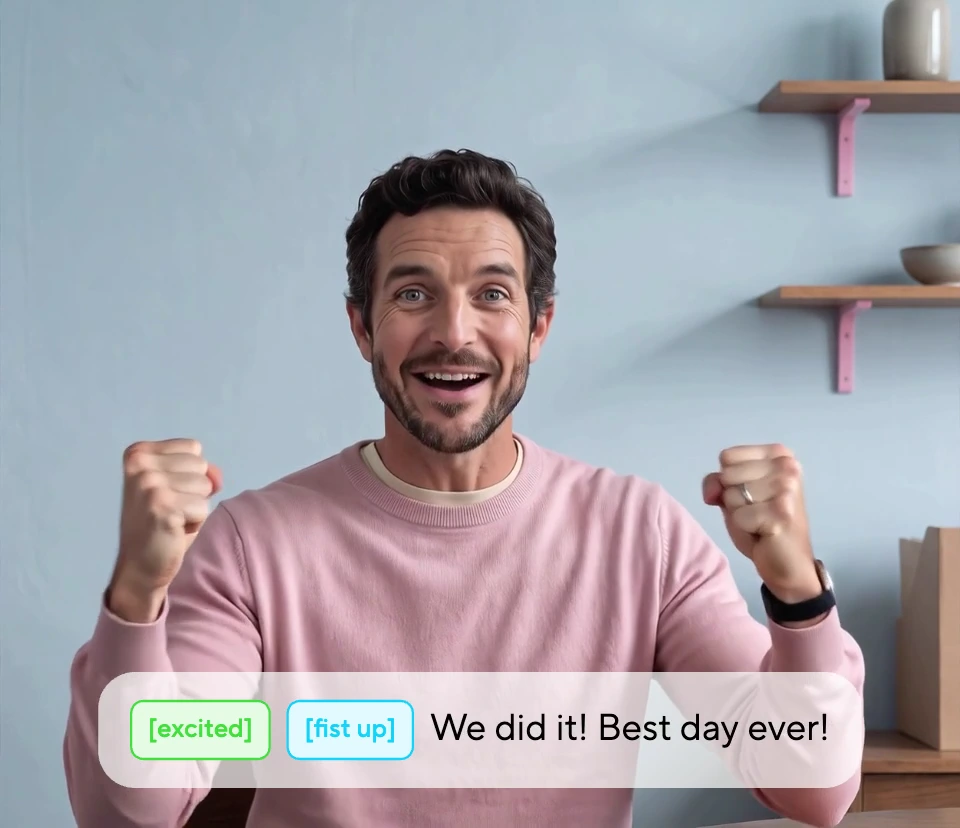
An Avatar 6 presenter raising both fists with excited and fist-up direction tags
Performance direction shown with the generated result

Direct gestures in plain language

Use motion instructions to specify a restrained hand movement, posture or expression. The official example pairs an excited line with raised fists. In the API, motion_prompt supplies detailed direction; motion_expressiveness can reduce the overall movement. Keep a gesture tied to a word or moment, then review whether it reads clearly throughout the shot.

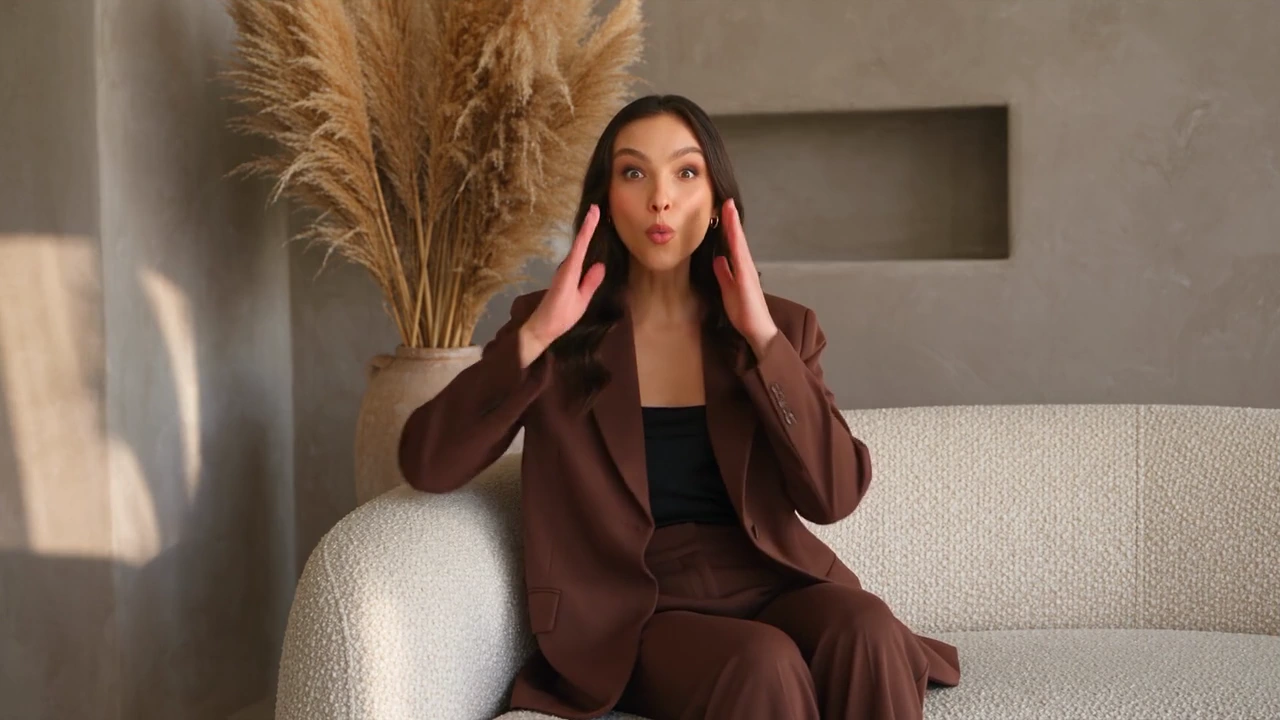
Annie reacting with a surprised expression in an official Avatar 6 output
Expression example · selected frame from a short generated performance

Match expression to the message

A surprised reaction should be visible in the face and body, while a calm explanation calls for another delivery. HeyGen’s short Annie example shows a change of expression on a couch. Judge the complete clip rather than a flattering still. Mouth shape, gaze and small movements all contribute to whether the speaking performance fits the audio.

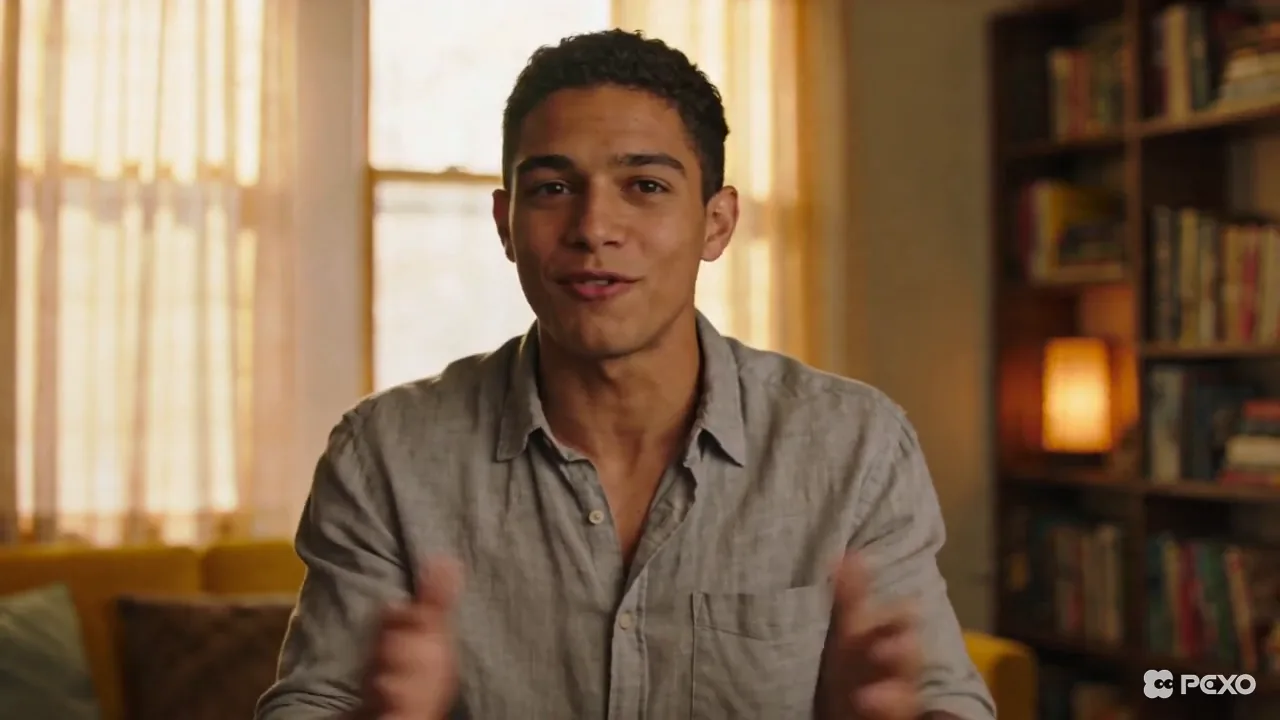
Two generated Avatar 6 presenters talking across a cafe table
Conversation example · still from the playable clip above

Develop a two-presenter exchange

The product demonstration shows two avatars sharing one frame and taking turns. Write each side of the exchange so the audience can follow who is speaking. Treat this as a product/MCP workflow where offered: the documented Application API route for Avatar 6 is single-avatar. Do not assume a two-person request is supported by every endpoint.

An official Avatar 6 presenter smiling at a desk in a horizontal frame
Presenter composition · 1080p and 2K delivery options depend on the API route

Choose the output route and frame shape

The documented APIs offer 1080p and 2K delivery. The Model API follows the reference shape; the Application API accepts explicit aspect ratios. Their published pixel dimensions differ, so check the route rather than relying on the label alone. Use a wide frame for a presentation and leave room for the hands, captions and any surrounding graphics.

Image showcase

Source: HeyGen’s official Avatar 6 demonstrations and public preset outputs. Stills are previews of generated videos; Pexo navigation images below are separate product previews.

Model comparison

DIMENSIONHeyGen Avatar 6Avatar 6 Turbo
Model identifierheygen-avatar-6heygen-avatar-6-turbo
Model API inputsReference image/video and speech audioSame documented input structure
Application APIEligible avatar look with script/voice or audioSame documented request routes
Resolution options1080p or 2K1080p or 2K
Performance directionMotion prompt and expressiveness controlMotion prompt and expressiveness control
Selection focusEvaluate the desired performance and likenessCompare latency and cost for the same task

Based on HeyGen’s API documentation. Access, input eligibility, output dimensions and pricing depend on the service route. Emphasis identifies this page’s main model; no Pexo performance benchmark is implied.

Use-case scenarios

Presenter-led explanations

Give a short explanation an identifiable speaker and a clear delivery. Review pronunciation and gestures against the message before preparing the final edit.

Lessons and internal presentations

Prepare a spoken segment around one learning point or slide. Keep the presenter framing consistent and add supporting diagrams or screen footage in the wider production.

Conversational introductions

Explore a host-and-guest exchange where the selected product supports two presenters. Make speaker turns and the purpose of each line explicit.

Use cases

Continue a presenter-led idea with Pexo’s talking-head, presentation and teaching workflows.

FAQ

What does HeyGen Avatar 6 generate?

It generates speaking-avatar videos from reference media and speech. The Model API takes reference media plus supplied audio. The Application API uses an eligible HeyGen avatar look and a script with a voice, or an audio source. It is a presenter-performance model, rather than a general scene-generation workflow.

What is the difference between Avatar 6 and Turbo?

Both are documented model options with the same core request structure. Compare them on the same reference, audio and delivery requirements, including the current provider price and measured turnaround. The examples here do not establish a universal quality or speed advantage.

Can I direct the avatar’s movement?

Yes. Motion prompts can describe expression, posture, gestures and camera direction. The documented expressiveness option can reduce movement for a calmer delivery. Direction is a request to the model, so review the rendered performance rather than treating a prompt as proof that a gesture succeeded.

Can it make a two-person conversation?

HeyGen’s product page demonstrates two presenters in one frame and points to an MCP workflow. The documented Avatar 6 Application API supports single-avatar requests. Check the chosen product or endpoint before planning a two-person production.

What references and output sizes are supported?

The API documents image and video references, 1080p and 2K outputs, and different sizing rules by route. Real-person video-reference access can require an enterprise agreement and verification; photo references and HeyGen avatar looks follow their own rules. Use authorized material and check current eligibility before submitting a person’s likeness.

Official HeyGen Avatar 6 guide

Describe your idea and start your next creation.

Start creating