
Create Bible Videos from Scripture
Create Bible videos from reviewed verses, lesson notes, book overviews, timelines, and character studies with clear scenes, narration, captions, and human review.
Create an AI video presentation that carries your pitch for you. Describe your topic, pick a model, and Pexo writes the script, voices the narration, and times every scene in minutes. No editing skills needed.

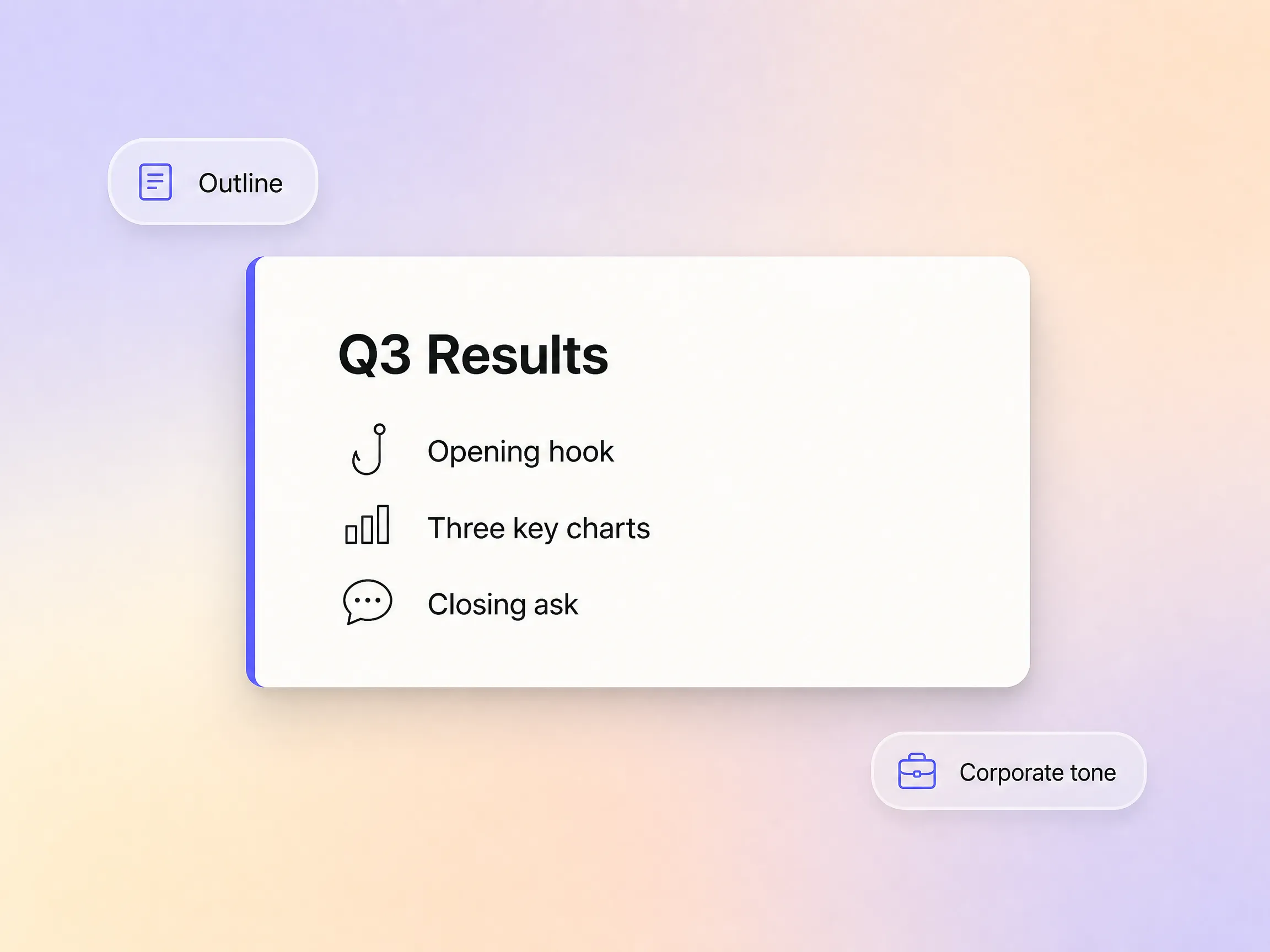
Pexo works as a full video presentation maker: hand it a raw idea, a brief topic, or a rough outline and it drafts a presentation-ready script with a clear opening, argument, and close. The script is not a generic template. It is shaped around your subject, audience, and tone, so a pitch, webinar, or conference talk lands from the very first word.
Great for: Professionals preparing client-facing decks
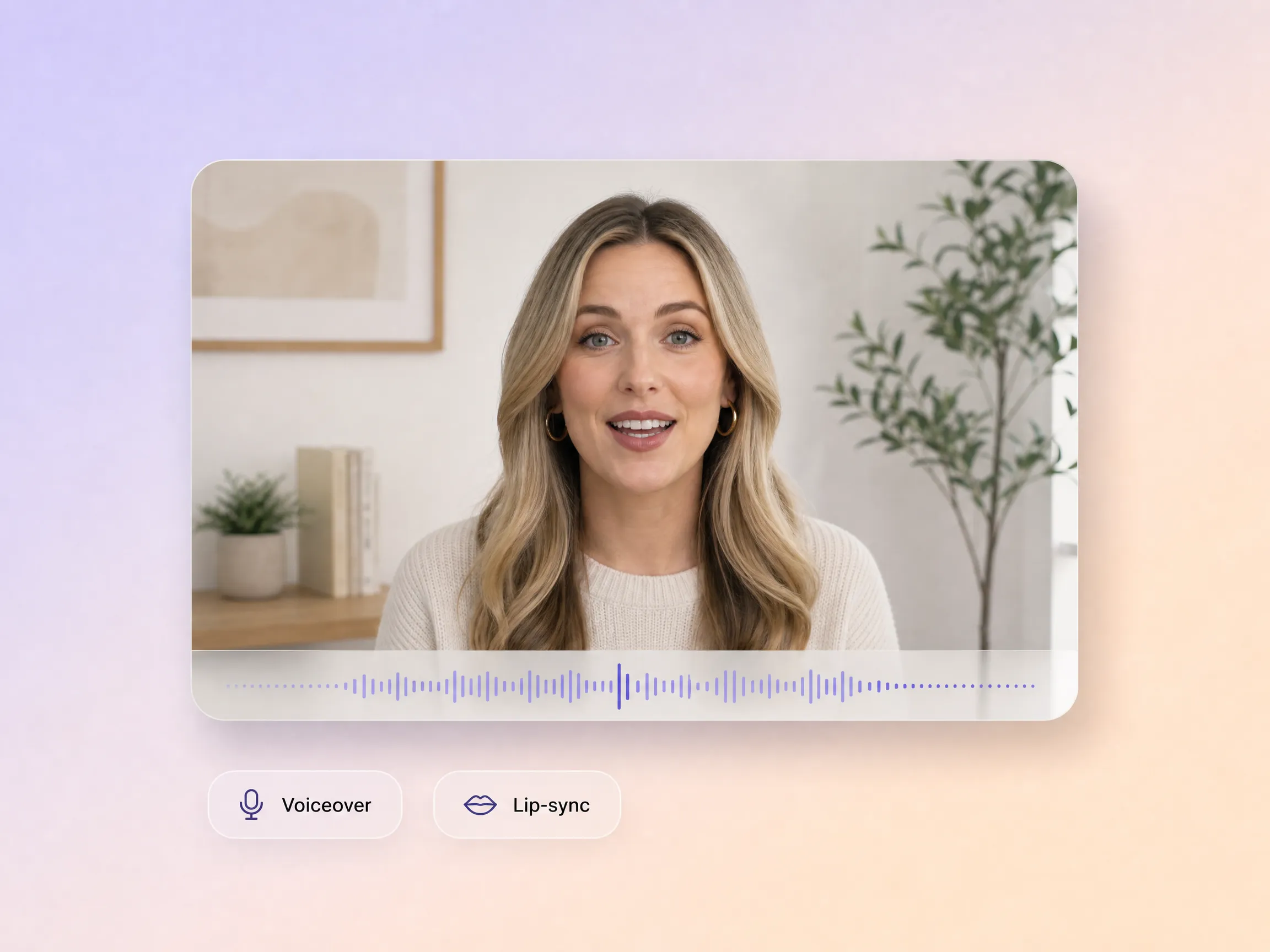
Pexo treats narration as a core part of the video presentation, not an afterthought. Voice, pacing, and lip-sync are generated together with the visuals, so timing, tone, and delivery always match what is on screen. There is no separate recording session and no manual syncing, which also makes it a natural fit for an educational video or a narrated onboarding walkthrough.
Great for: Educators and online course creators
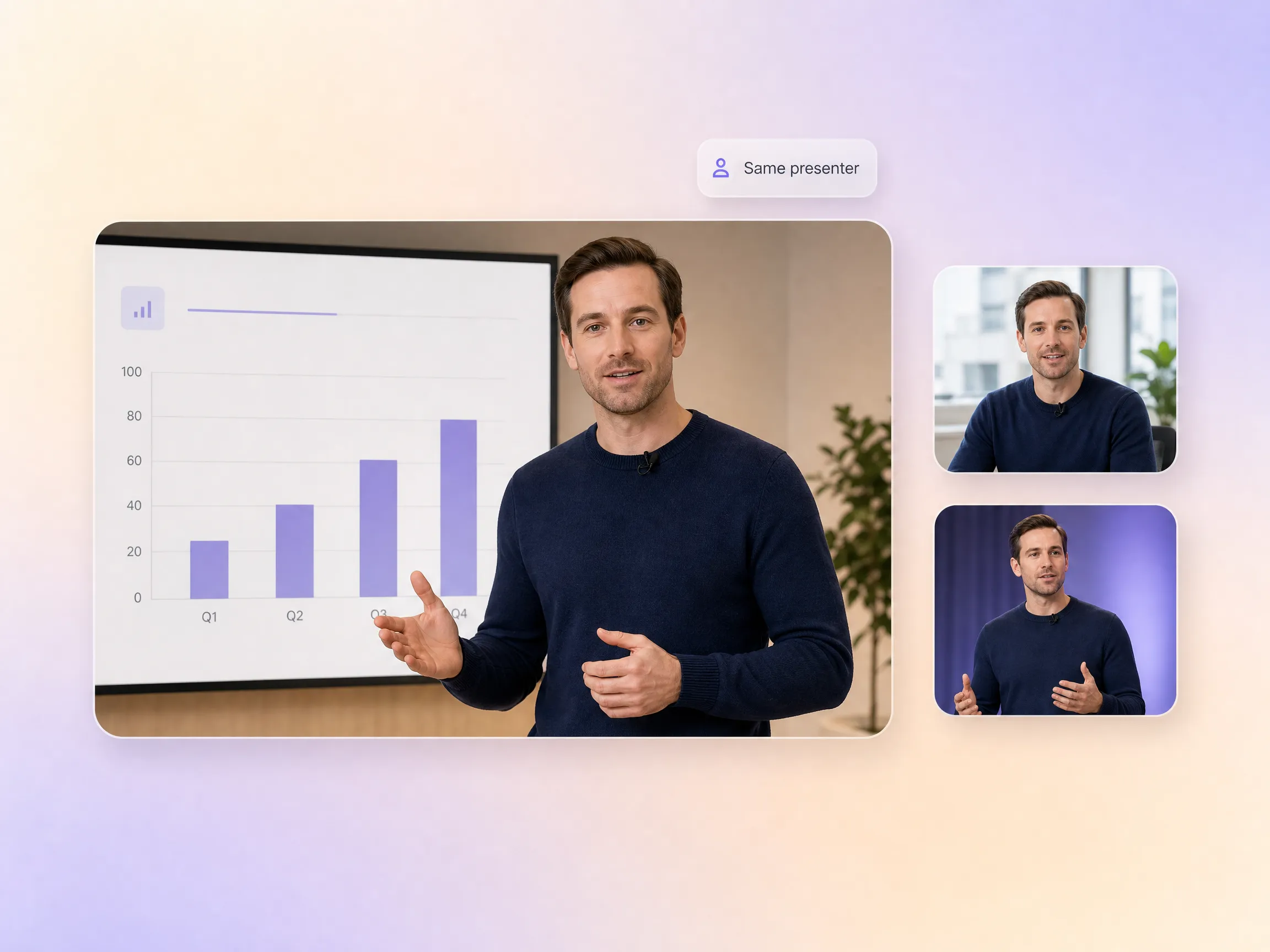
Pexo's video presentation generator keeps characters, brand colors, and visual style consistent from the first scene to the last. Presenters keep the same face, settings stay recognizable, and the story arc unfolds without the visual drift that undermines most AI generated content. Your audience experiences one unified, polished video presentation from start to finish.
Great for: Brand teams producing recurring presentation content
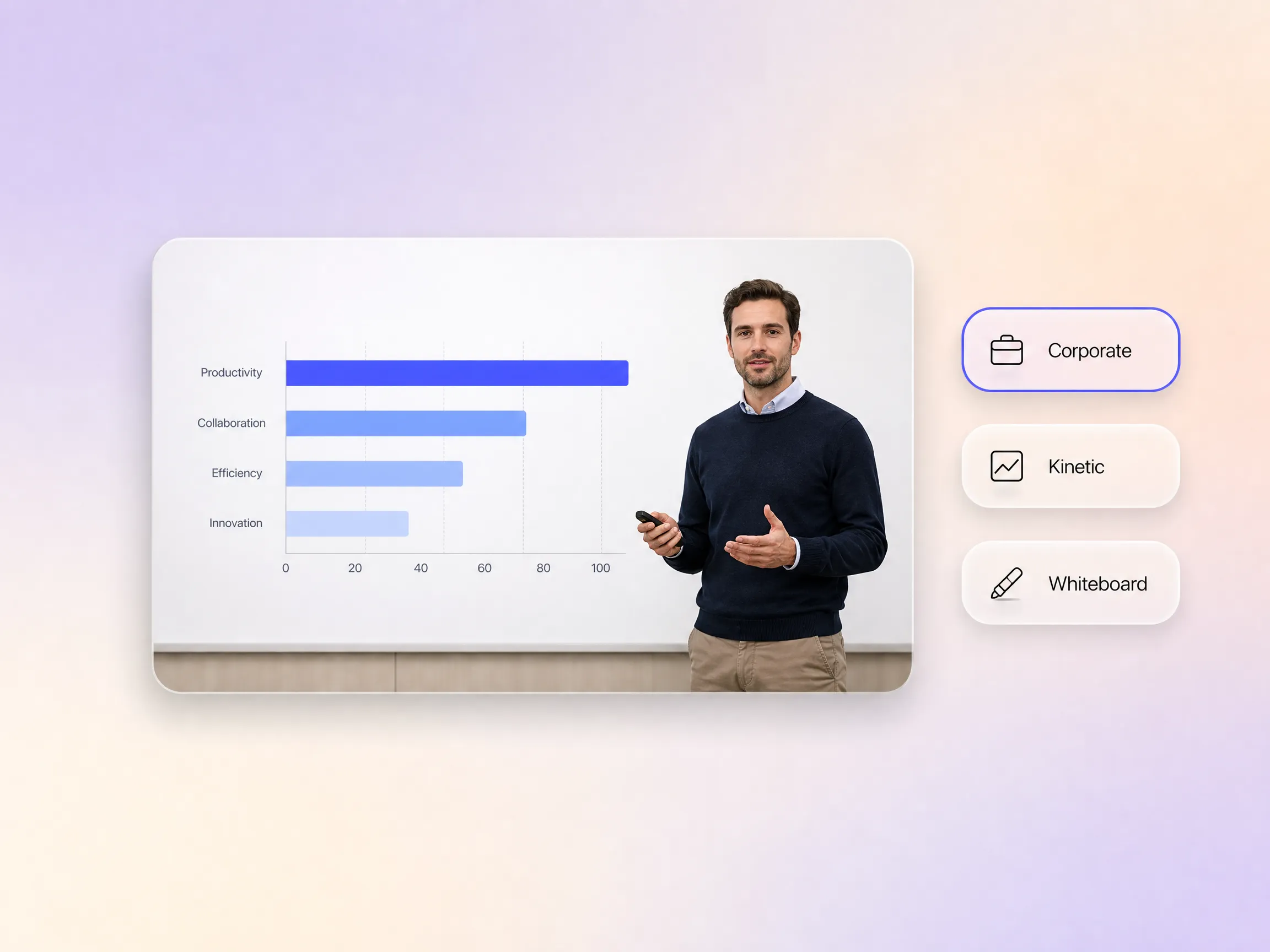
Describe the look you want in plain words, like clean corporate, bold and kinetic, or hand-drawn whiteboard animation, and Pexo applies that direction across the whole video presentation. This goes beyond filters or theme pickers: it is an interpreted creative decision that shapes typography, motion, and color in every scene. You guide the look and feel without any design skills.
Great for: Marketers without a design background
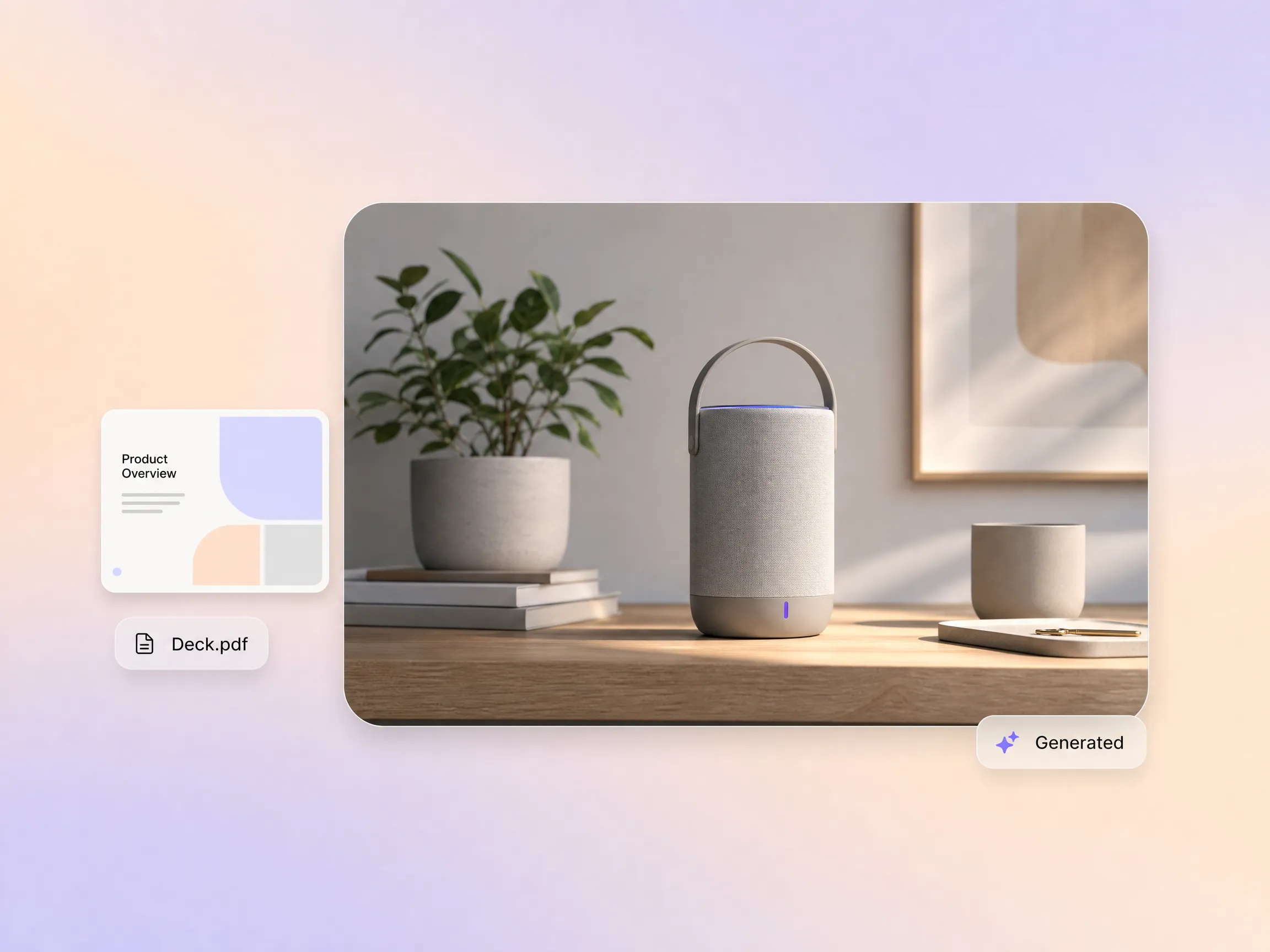
Start from what you already have: a PDF slide deck, a brand image, or a product screenshot. Pexo builds motion, narration, and structure around your references, turning static material into an engaging video presentation. It is the fastest path for teams repurposing existing pitch decks, and the same reference workflow powers a product explainer video when the star of the show is your product.
Great for: Sales teams repurposing existing pitch materials

Before Pexo, producing a single training module could take my team days, sometimes weeks, wrestling with editing software and voiceover artists. Now I describe the module and this video presentation maker delivers the complete video in minutes. The narration quality is exceptional, perfectly matching the professional tone of our content without any manual tweaking. It has completely transformed our L&D output.
Corporate Training · Voiceover · Multi-Scene
I used to dread the video portion of client presentations, knowing it meant hours of prompt engineering or complex editing. With Pexo, I simply described the client's brief, and it produced a fully realized AI video presentation. I didn't write a single prompt or open any editing software. The output was so professional and polished, I could share it directly with my client with full confidence.
Client Presentations · AI Video · No Editing
Creating lesson videos for my online courses was a massive time sink, especially getting the visuals and narration to align. Pexo handled both the visual structure and the voiceover for an entire module, saving me countless hours of production. The consistency across every video presentation made the lessons feel incredibly cohesive, not like a series of disjointed clips. My students appreciate the professional quality.
Education · Course Content · Scene ContinuityA video presentation is a talk, pitch, or lesson delivered as a finished video, combining slides, narration, and motion so people can watch it anywhere without a live speaker. With Pexo's AI video presentation generator you describe the topic and get a complete video with script, visuals, voiceover, and subtitles, the whole production handled for you, no filming or editing required.
No. Pexo's video presentation maker works from a plain description: it drafts the script, generates every scene with Sora 2, Kling, and Veo, adds narration and captions, and assembles the final cut, up to 4K. You never touch a timeline. If you already have a deck, upload it as a reference and the same workflow turns it into a finished video presentation.
Widescreen, vertical, and square, 16:9, 9:16, and 1:1, up to 4K and 5 to 120 seconds, from a 30 second highlight for social feeds to a full walkthrough of your deck. Each video presentation is generated natively for its platform rather than cropped after the fact, so slides and captions stay readable everywhere.
Pexo is one of the best AI tools for video presentations because it turns one description into a boardroom-ready video: it picks the strongest take across Sora 2, Kling, and Veo for every scene, keeps presenters and slides consistent from start to finish, and delivers an AI video presentation up to 4K with narration and subtitles built in.
A video presentation walks a specific audience through a talk, pitch, or lesson, while an explainer video sells one idea or product in about a minute. If your goal is marketing rather than presenting, start from the explainer video page. The same workflow also powers a training video, a talking head video, and polished product demos.
Use a simple formula: subject + action + camera movement + setting + style. For example: a founder presenting quarterly results, walking through three key charts, slow push-in on each slide, modern conference room, clean corporate style. Pexo expands that one line into the full video presentation, script to final cut, the fastest way to create video presentations with AI.
No software knowledge, prompt writing, or editing skills are required. Simply describe your video presentation idea, and Pexo handles the rest.
Turn any text into a polished video
Turn your image into a video
Paste a link, get a finished video
Describe your idea, get a stunning image
Visualize your audio and music
Turn written draft into a fully produced video
Generate music based on description
Generate AI images from text or image
Studio-Grade AI Lipsync Dubbing
Create Bible videos from reviewed verses, lesson notes, book overviews, timelines, and character studies with clear scenes, narration, captions, and human review.
Create Islamic videos from reviewed sources and lesson notes, covering history, culture, ethics, and education with respectful visuals and narration.
Create Christian videos from reviewed Scripture, lesson notes, and historical sources with clear visuals, narration, captions, and human review.
Create a medical video from your script or images with Pexo. Generate scenes, narration and captions for patient education, medical explainers and staff training.
Make an onboarding video that walks new users to their first win. Pexo scripts, narrates and edits it with Seedance 2.5, Kling AI 3.0 and MiniMax H3.
Make a tutorial video that teaches any task step by step. Pexo scripts it, generates every step, and narrates it with Sora 2, Kling and Veo, up to 4K.
Make a how it works video that walks viewers through your product step by step. Pexo scripts, narrates, and captions it with Seedance 2.5 and Kling AI 3.0.
Turn any product into a finished demo in minutes with Pexo. The AI product demos generator scripts, voices, and animates every scene with Sora 2, Kling and Veo, up to 4K.