Pexo
Ideogram 4.6

Ideogram 4.6
Keep refining. Keep the details.

Ideogram 4.6 is an image generation and editing model focused on precise changes across multiple turns. Released on November 19, 2026, it offers output up to 4K, up to five reference images through Generate, and optional masks through Precise Edit. It is available through the API; in the app, choose the exact model when it is available in your account.

A lone traveler with a large backpack walks through a field of red and blue flowers toward a city floating under a giant moon.

Core capabilities

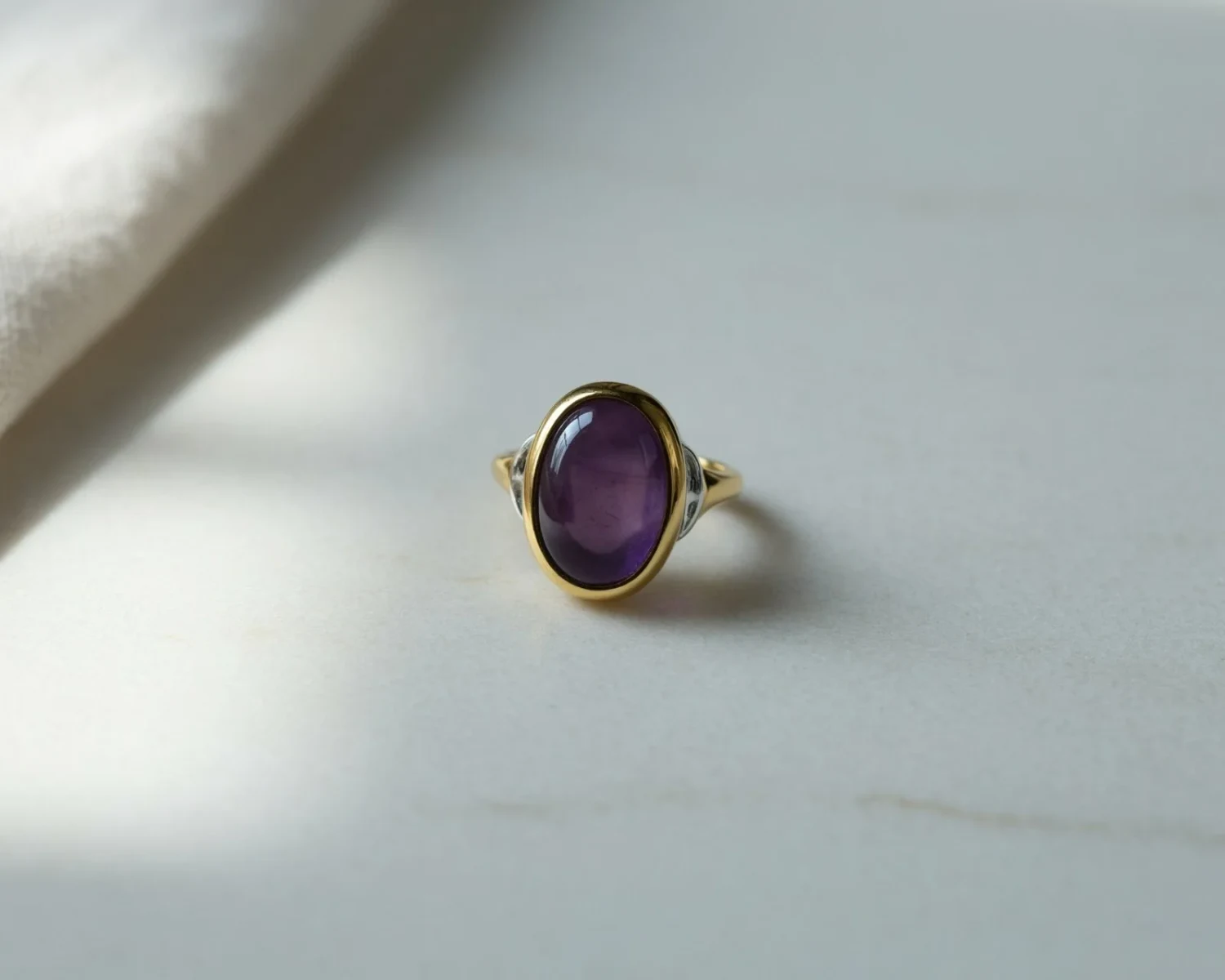
Original image
Input
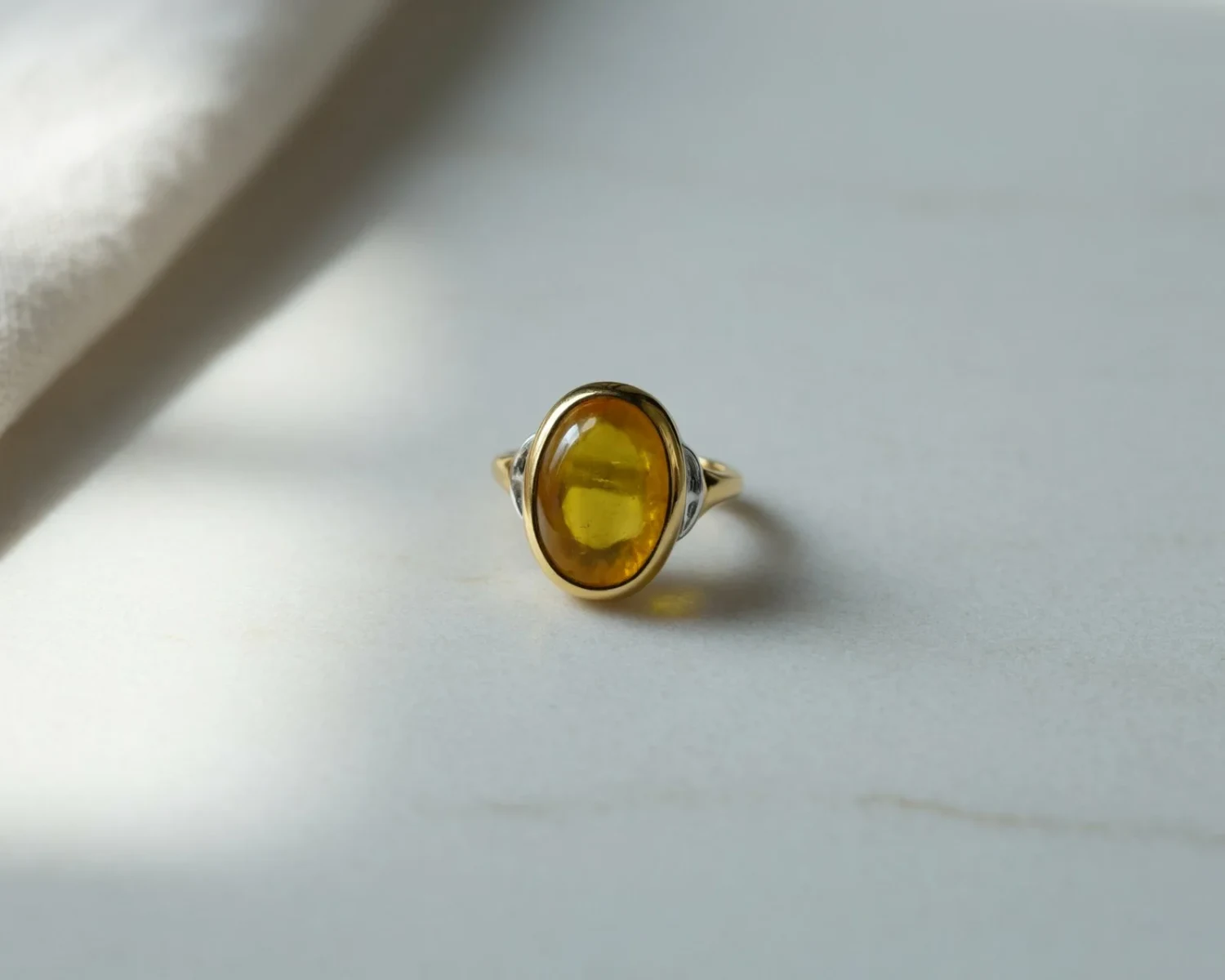
Change the large stone to a citrine. Keep everything else exactly the same.
Edited result
Prompt excerpt: “Change the large stone to a citrine. Keep everything else exactly the same.”

Refine one product detail

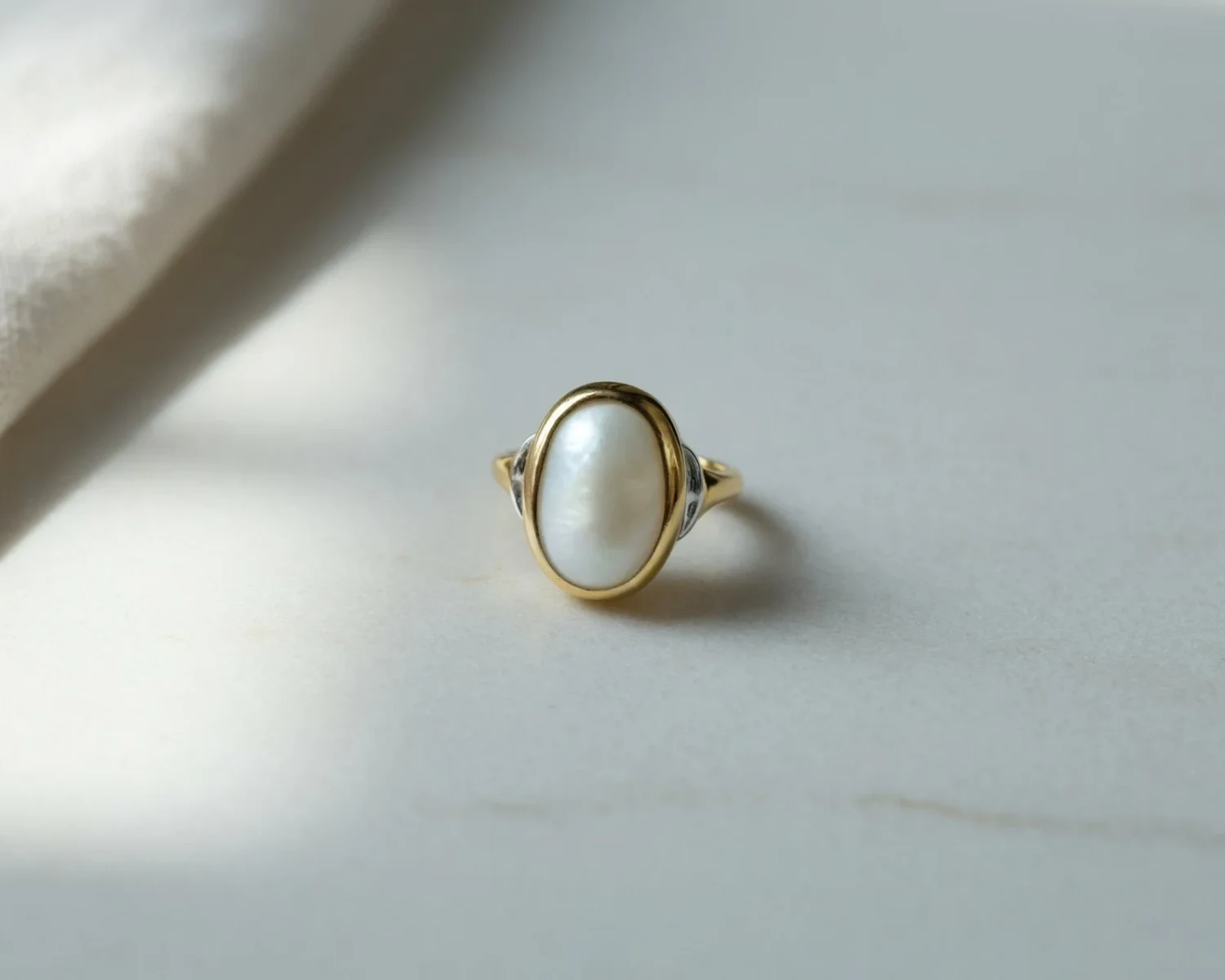
Change the stone in a ring while keeping the surrounding setting and light as the reference. A focused request makes the intended difference easy to review. Precise Edit can use an optional mask to identify the region. Compare reflections and edges at full size instead of assuming that every untouched detail survived.
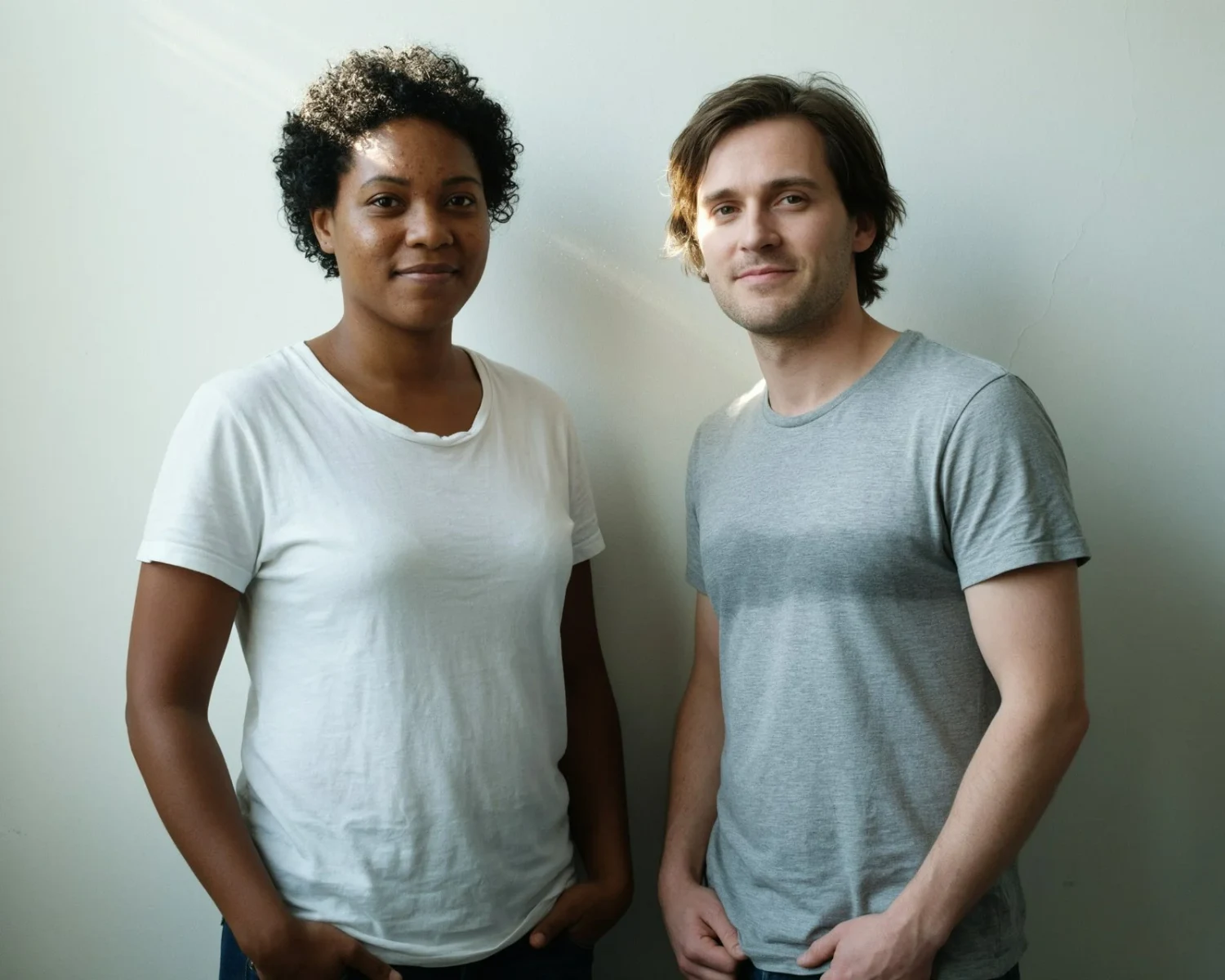
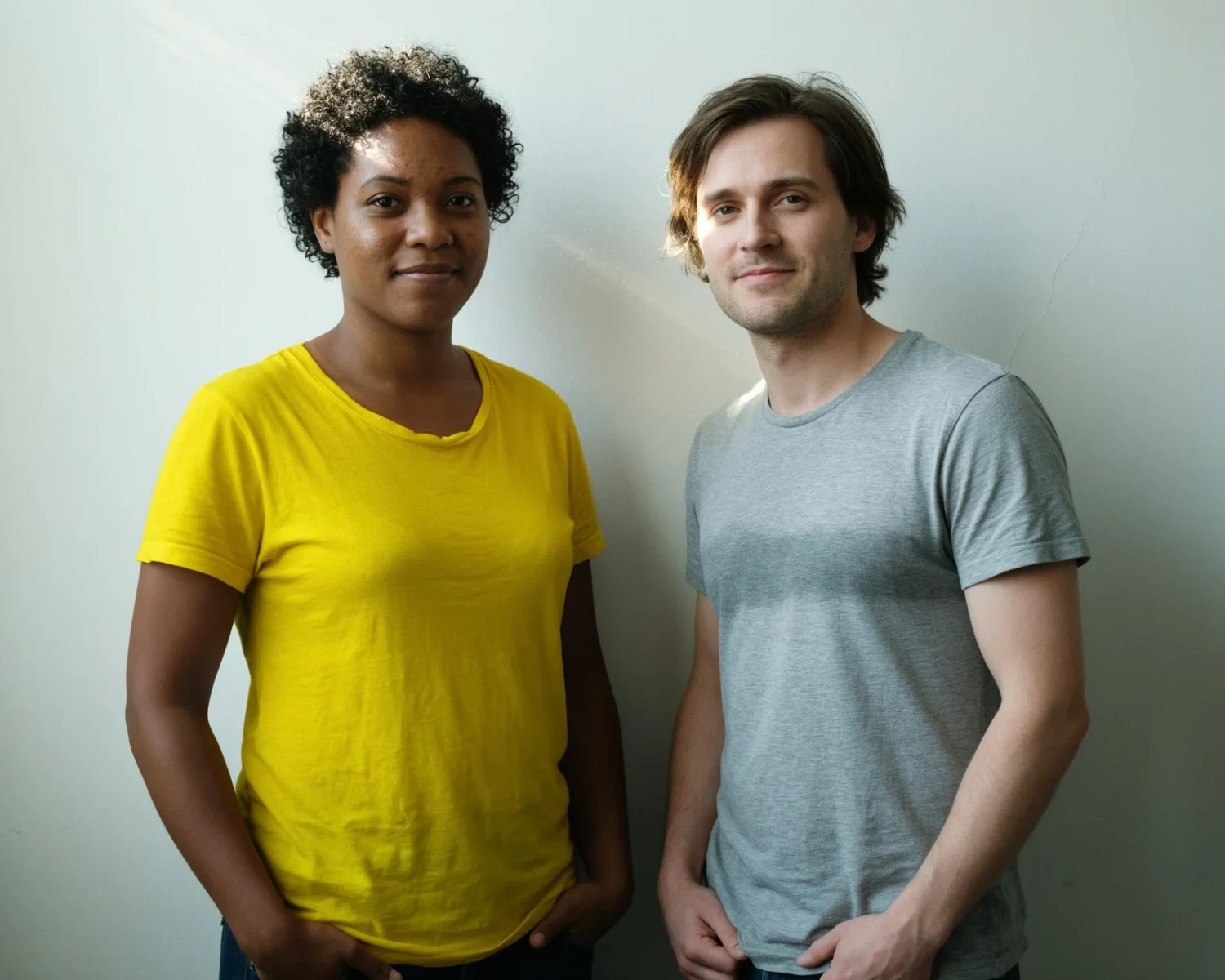
Original image
Input
Change her t-shirt to yellow.
Edited result
Prompt excerpt: “Change her t-shirt to yellow.”

Choose which person changes

Name the person and the specific item you want to edit. In this example, the woman’s shirt changes to yellow while the man remains the comparison point. Later edits can build on the result. Faces, hands and clothing details still need inspection after each turn.

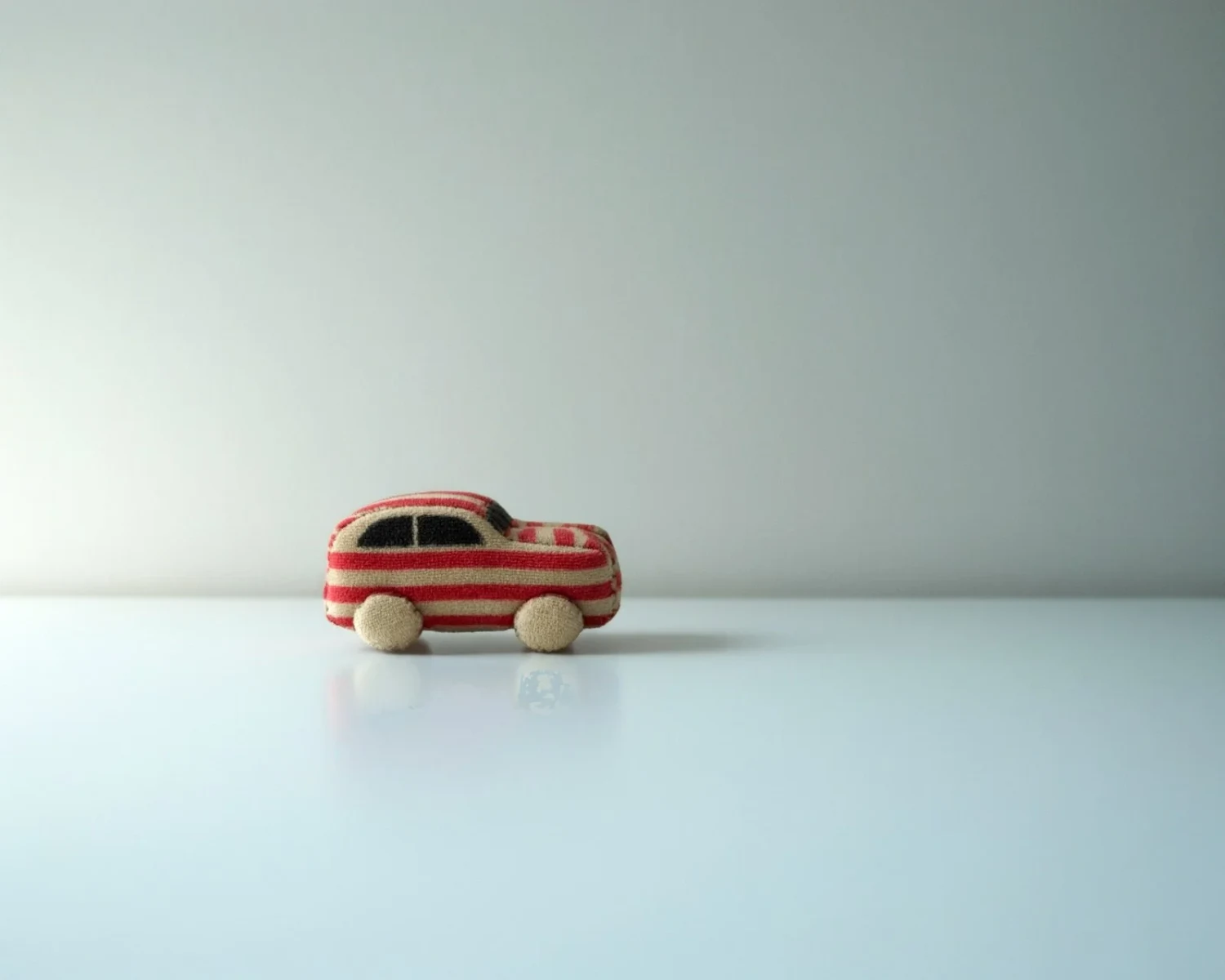
Turn the toy car into die-cast metal with glossy blue paint.
Stage 1
Turn the toy car into soft plush fabric.
Stage 4
Stage 1: painted metal → Stage 4: plush fabric. Intervening wheel and tin-toy edits are omitted.

Build a material study over several turns

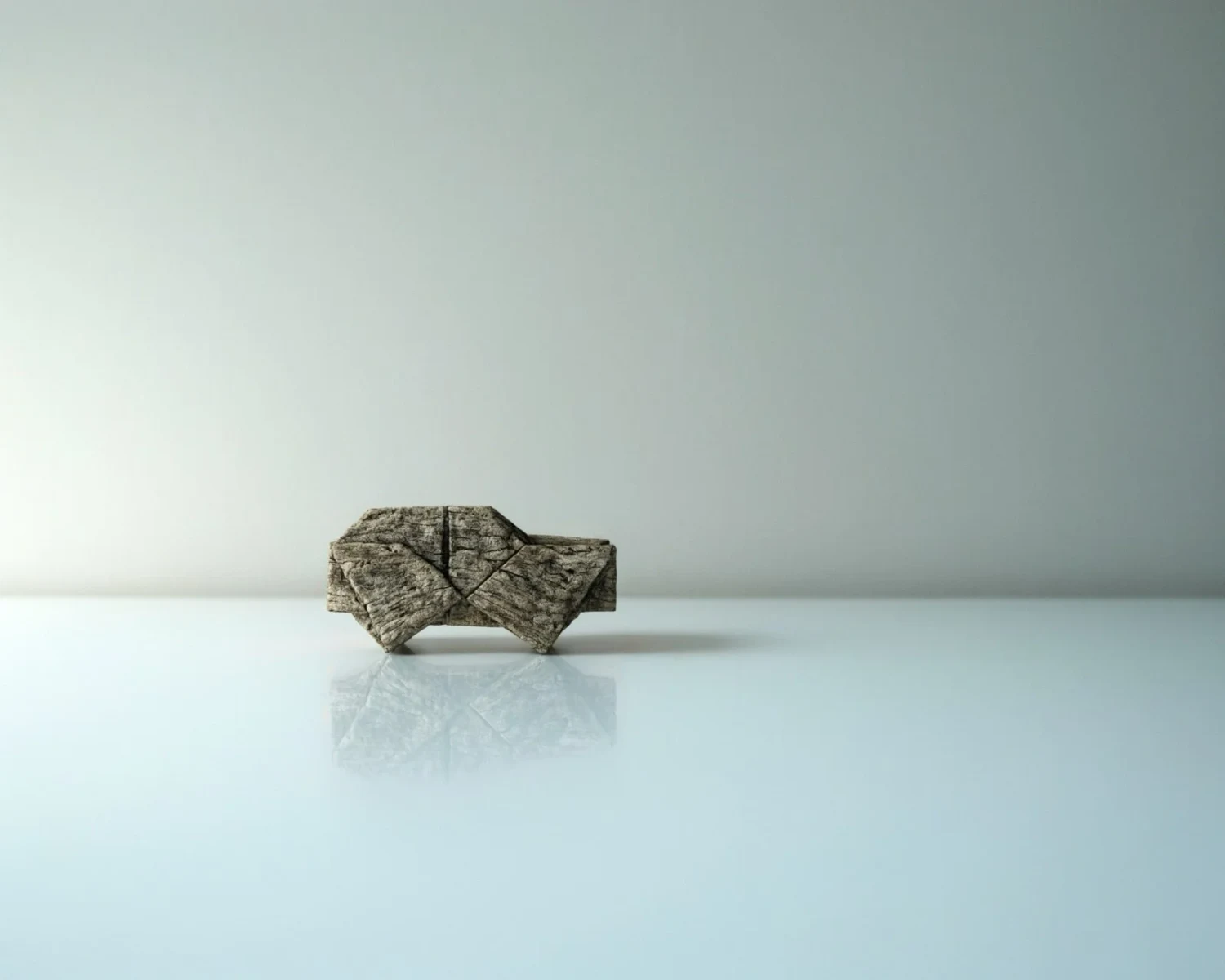
Explore a product in different finishes without rebuilding the brief. The official sequence moves a toy car through painted metal, wheel and stripe changes, then plush fabric. The panels show stages from that longer sequence, not a single operation. Review silhouette, seams and small components when changing materials.

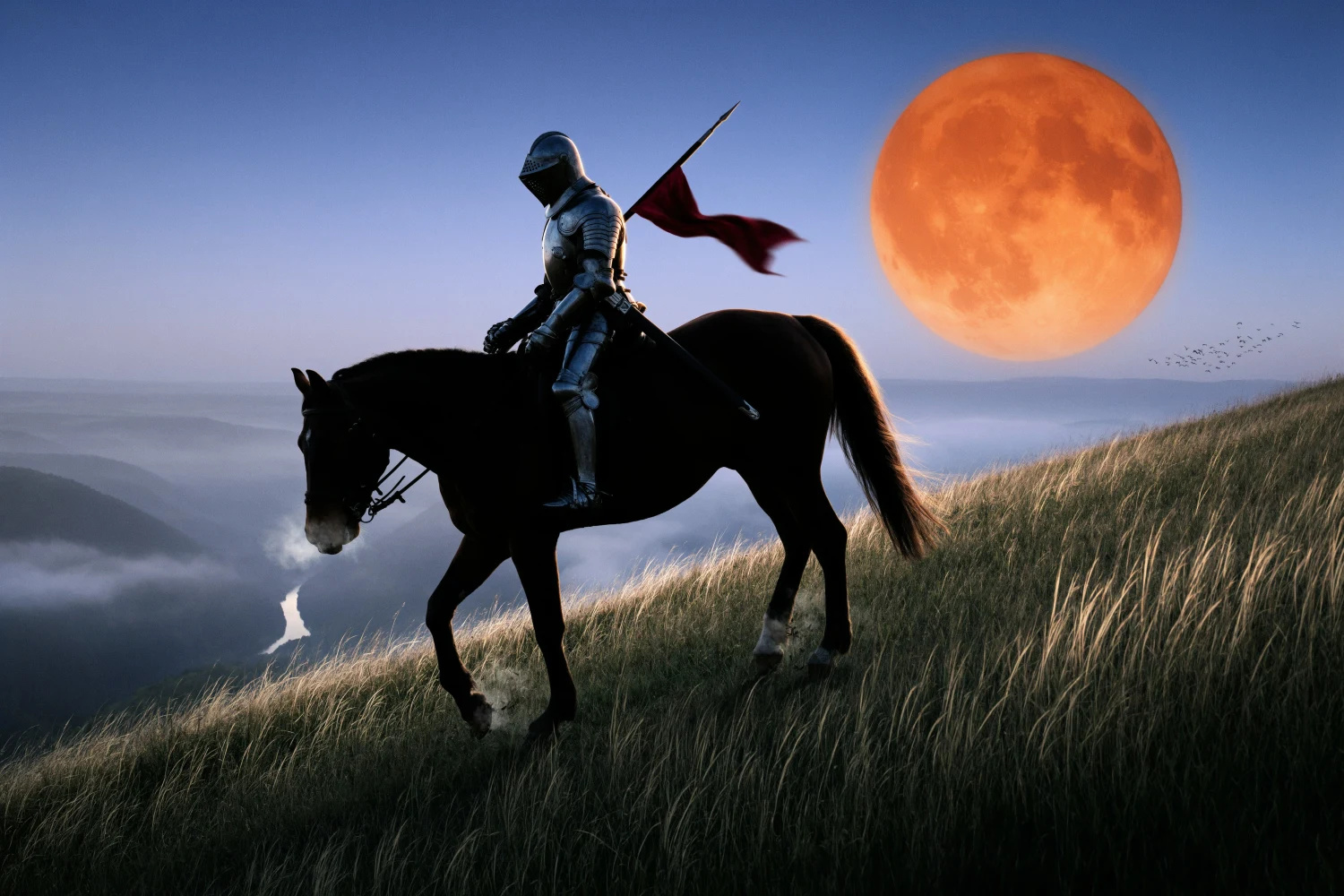
An armored knight on a dark horse crests a grassy hill at dusk beneath a large orange moon.
Generated scene example · Plan subject, viewpoint and light before iteration.

Generate a scene from a new brief

Start with a text prompt when you need a fresh image rather than an edit. Describe the subject, viewpoint, lighting and important relationships. The knight scene is one official generation example. Generate also accepts up to five source images when references are needed; review which details each source should contribute.

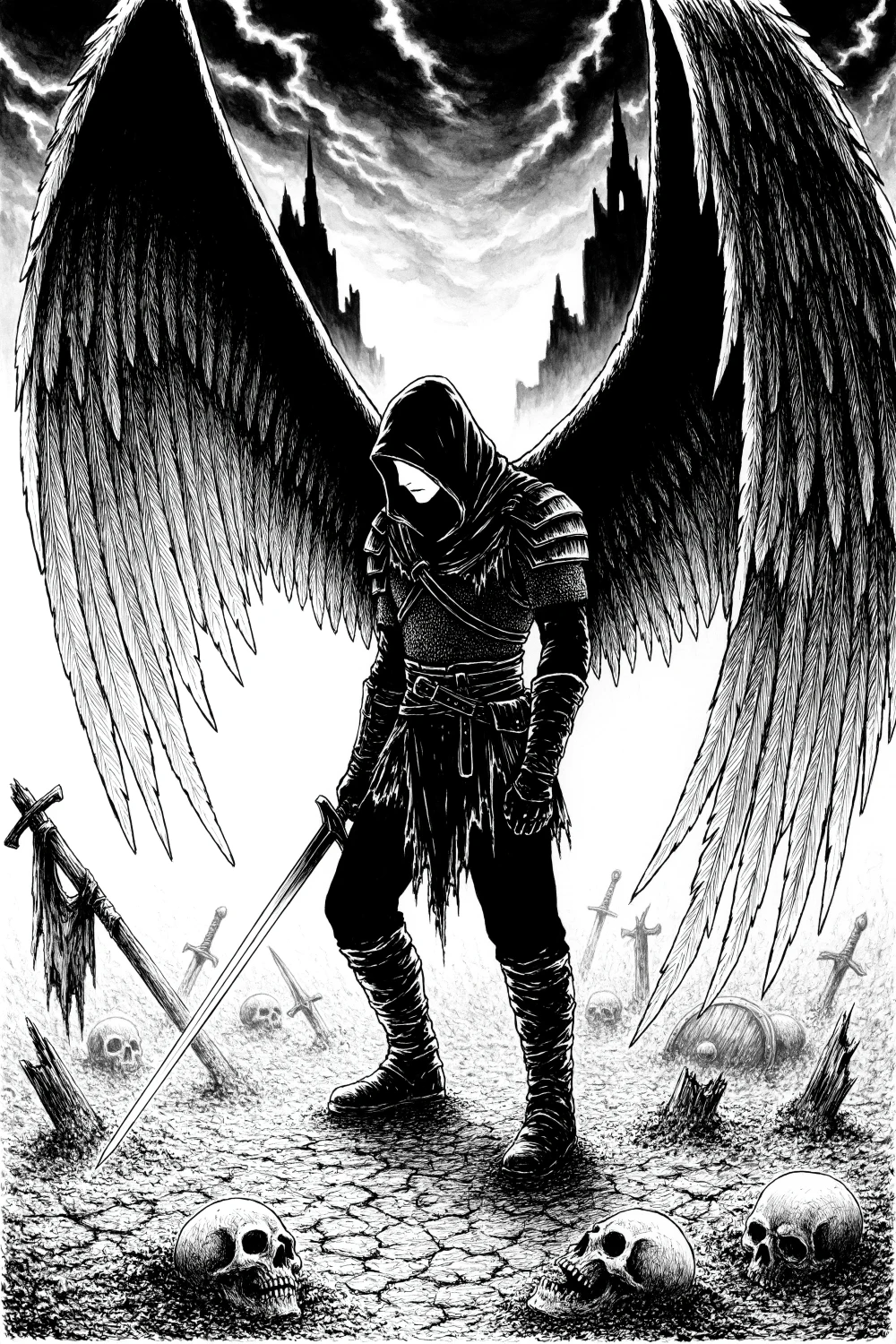
Black-and-white ink illustration of a hooded, winged warrior on an ash-covered battlefield.
Ink-style raster illustration · Not an SVG or editable 3D asset.

Explore a distinct illustration style

Use generation or an image-led brief to explore a new visual treatment. This ink illustration uses strong dark shapes and fine line work. Keep the deliverable in mind: Ideogram 4.6 produces raster images, while Ideogram Vector is the separate route for SVG artwork. Inspect line quality and any embedded text before handoff.

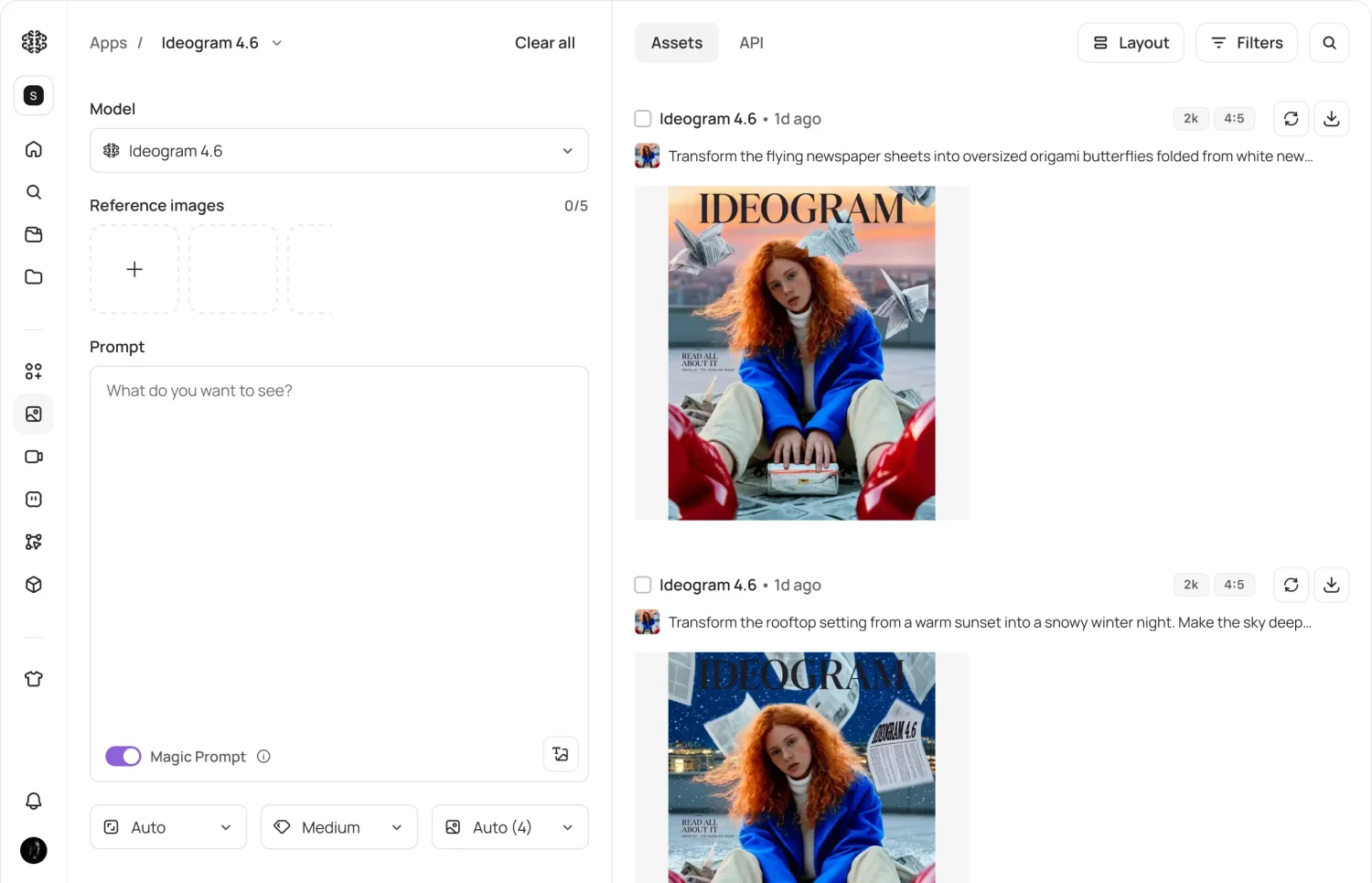
Ideogram 4.6 in the app, showing model settings and a sequence of image edits
Official app interface · Model availability and quoted costs depend on the account and settings.

Choose the route and output settings

Use Generate for a new image or a reference-led request, and Precise Edit for a focused change. Both offer Very low, Low, Medium and High quality. Very low stops at 2K; the other modes offer 4K. In the app, check the selected model and the quoted credit cost before submitting a run.

Image showcase

Source: Ideogram’s official 4.6 generation and editing examples; the interface image is a product capture. Pexo navigation previews below are separate product images.

Model comparison

DIMENSIONIdeogram 4.6Ideogram 4.5
Generation resolutionUp to 4K; Very low up to 2KNative 2K in the official overview
Reference-led GenerateUp to 5 source imagesUp to 5 source images
Editing routePrecise Edit; optional maskPrecise Edit; optional mask
Quality modesVery low, Low, Medium, HighVery low, Low, Medium, High
API prompt-only Very lowAvailable, up to 2KNot available without source images
Best reason to evaluateHigher-resolution delivery and revised editing behaviorKeep an established integration while comparing results

Current provider-documented options, checked November 20, 2026. This is not a Pexo same-input benchmark. Compare both models on your own images and requests; bold identifies this page’s model, not a guaranteed winner.

Use-case scenarios

Catalog color and material studies

Explore product variants, then compare the shape, labels and finish with the approved source. A plausible edit is still a concept until those details are checked.

A sequence of character revisions

Adjust one person’s clothing or accessories over several turns, reviewing identity and the surrounding scene at every stage.

Higher-resolution creative delivery

Generate a new scene or refine an image with 4K settings when appropriate. Check the quality tier, exact output size and quoted price before a production run.

Use cases

Develop approved still-image ideas further with these related Pexo video workflows.

Frequently Asked Questions About Ideogram 4.6

What is Ideogram 4.6, and when was it released?

Ideogram 4.6 is an image generation and editing model released on November 19, 2026. It focuses on precise, multi-turn changes and supports output up to 4K. It generates still images; the product navigation below links to broader Pexo video workflows.

Can it make 4K images in every quality mode?

No. Very low quality supports up to 2K. Low, Medium and High offer 4K options. The official API page defines 4K billing as output up to 4096 by 4096 pixels; verify the exact dimensions and request quote rather than treating every example image as proof of a particular generation size.

How do Generate and Precise Edit differ?

Generate creates a new image from a prompt or works with up to five source images. Precise Edit focuses on changing an existing image and can use a mask to define the area. Choose the route for the task and compare the output with the source before making the next edit.

How does it compare with Ideogram 4.5?

4.6 adds native 4K delivery and updated editing behavior. Ideogram recommends keeping 4.5 for an established integration while comparing results. Both have reference-led generation and focused editing routes. Provider evaluations are useful context, but do not guarantee a better result for every image.

Where can I use it, and what does it cost?

It is available through Ideogram’s Generate and Precise Edit APIs. In the Image app, select 4.6 when your account offers it rather than relying on Auto. App credits and API prices are separate. At the current API rates, prompt-only High generation costs $0.10 up to 2K or $0.20 at 4K; High edits cost $0.22 or $0.60 respectively. Check the live quote before use.

Official Ideogram 4.6 guide

Describe your idea and start your next creation.

Start creating