Pexo
Krea 3

Krea 3
Edit the scene. Preserve the brief.

Krea 3 is Krea’s image generation and editing model, released on October 15, 2026. It combines plain-language instructions with image references for product, character and scene edits. The current Krea API supports up to eight references and Fast, High and plan-restricted Ultra thinking modes. The launch examples were made at native 2K; current API options also include 4K, with route-specific limits.

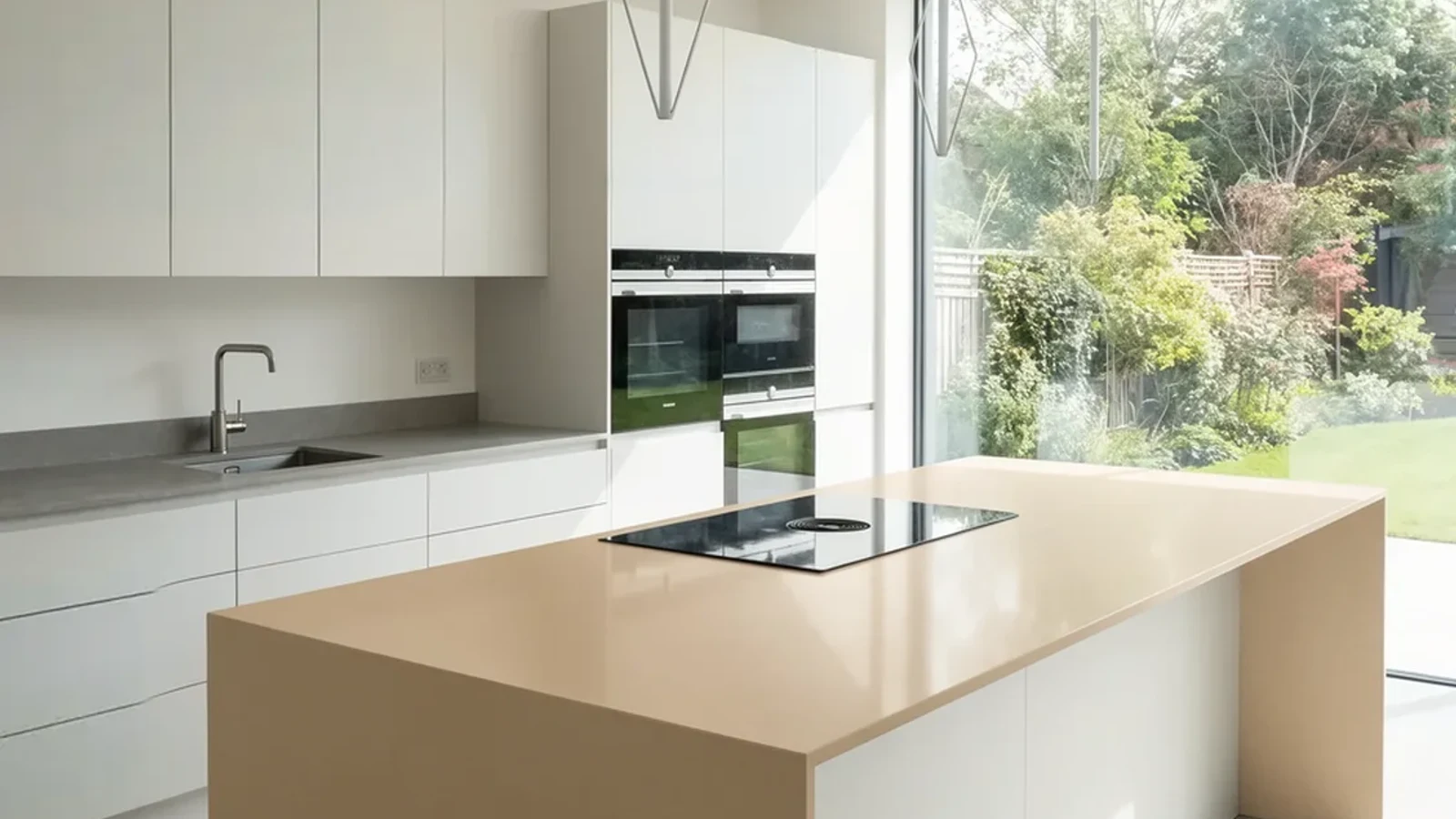
Modern kitchen with a sand-colored island and garden view

Core capabilities

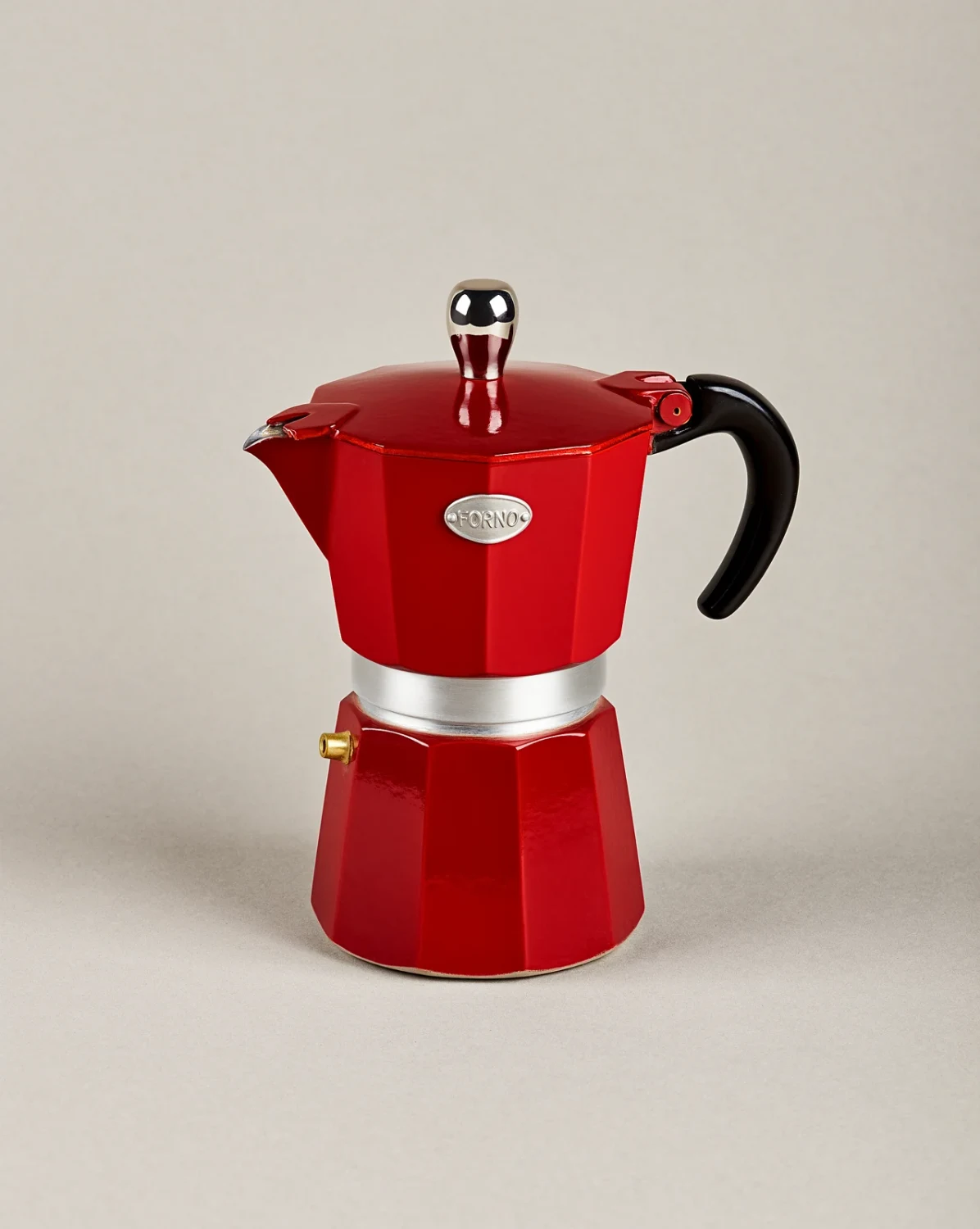
Red enamel moka pot on a plain background
Input
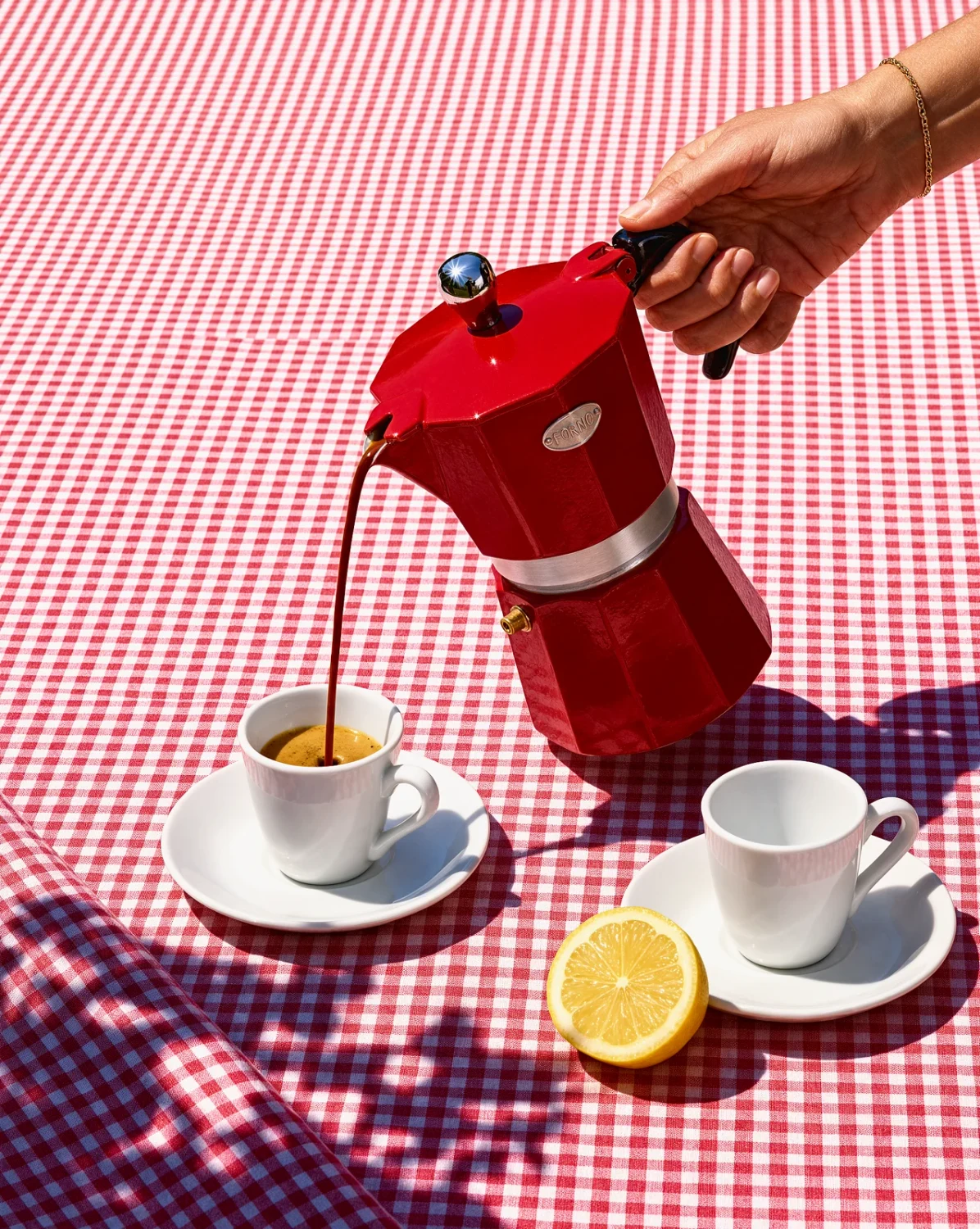
The same moka pot pouring espresso on a red gingham tablecloth
Edited result
Product reference → staged result. Publisher example, not a Pexo test.

Take a product into a new scene

Start with a clean product reference and describe the new setting, lighting and viewpoint. The moka-pot pair moves a plain packshot into a serving scene. Name the shape, logo or finish that should stay. Inspect the product against its source before approving a campaign image.
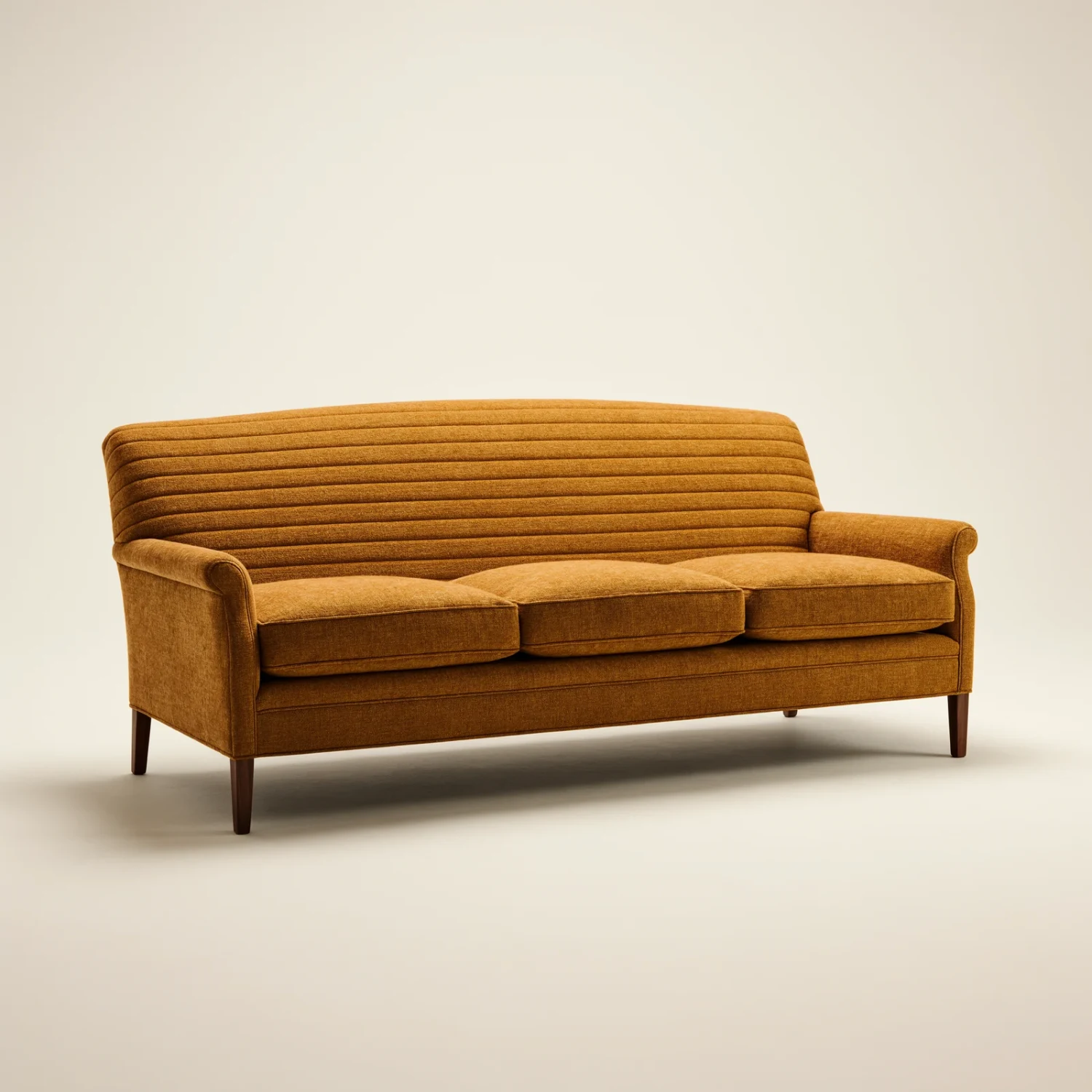
Saffron three-seat sofa
Sofa reference
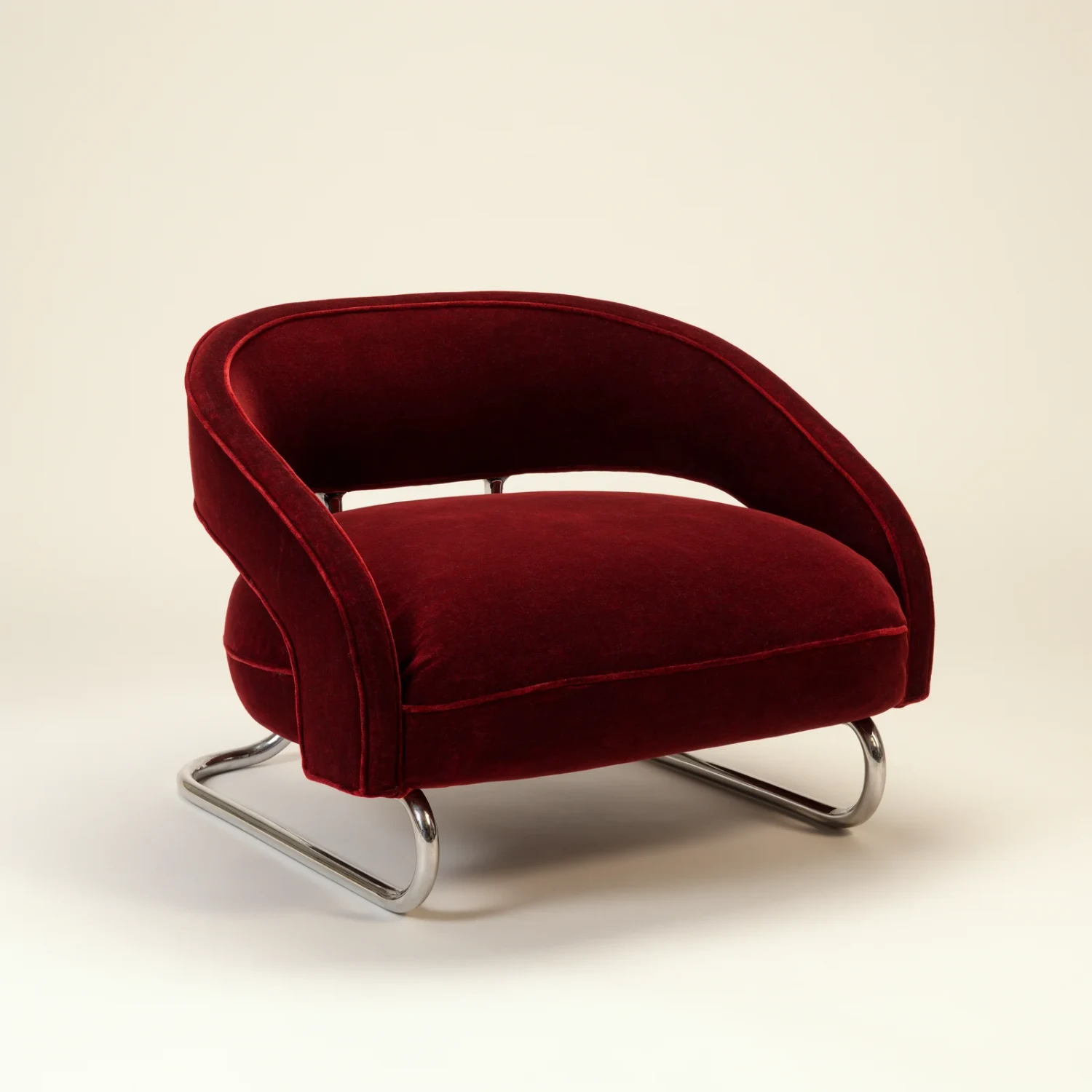
Oxblood velvet lounge chair on a chrome sled base
Chair reference
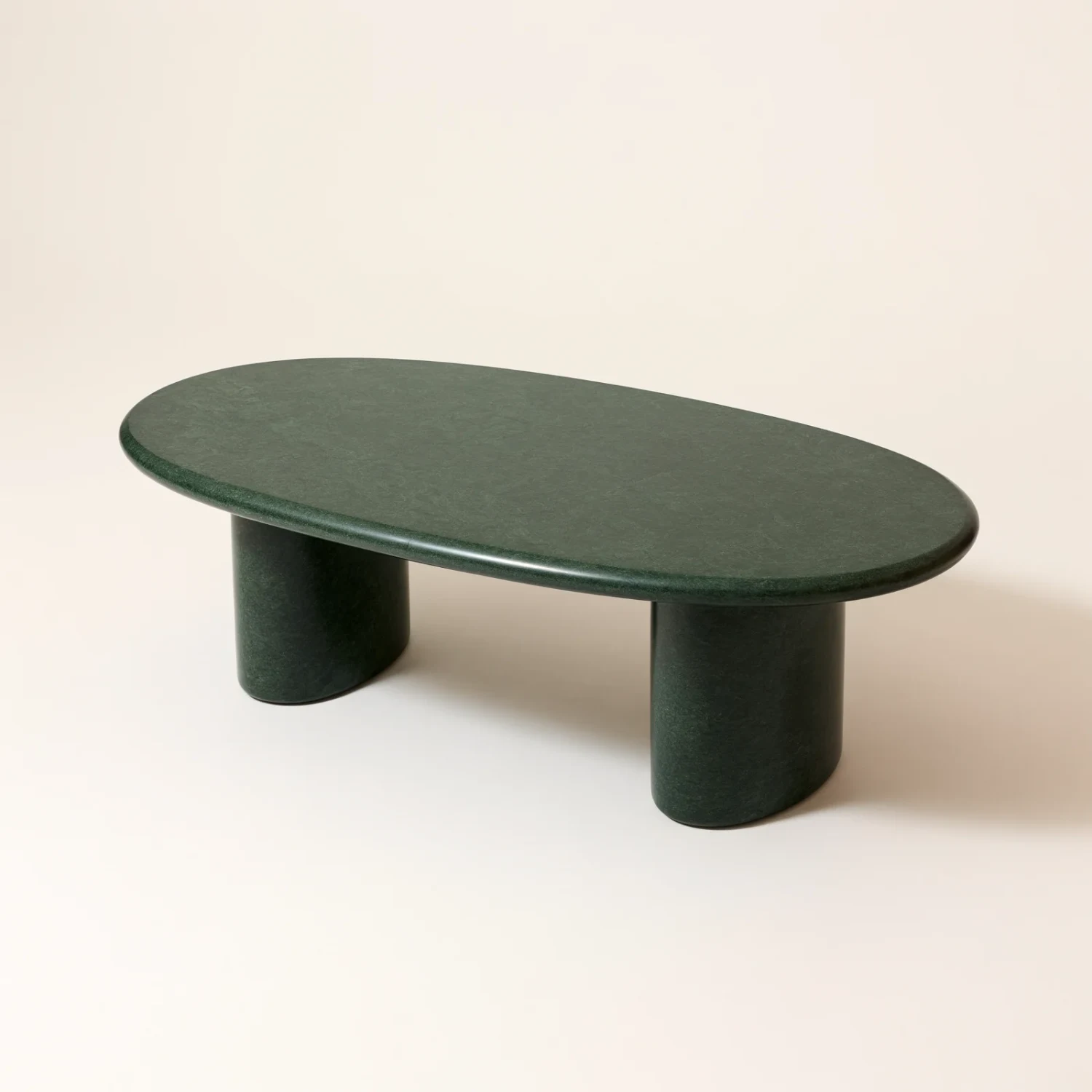
Green marble oval coffee table
Table reference
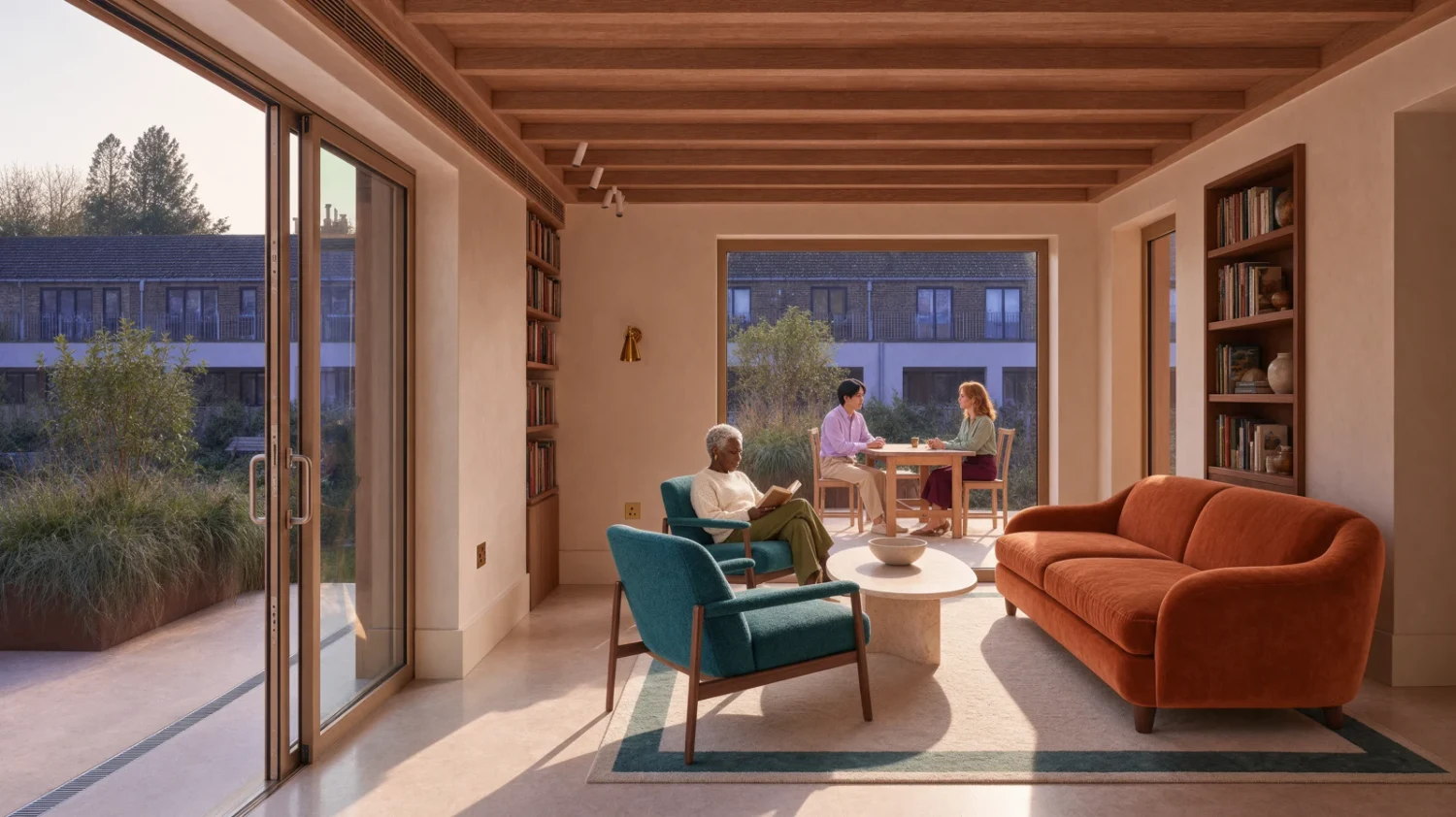
Living room with an orange sofa and two petrol chairs
Input
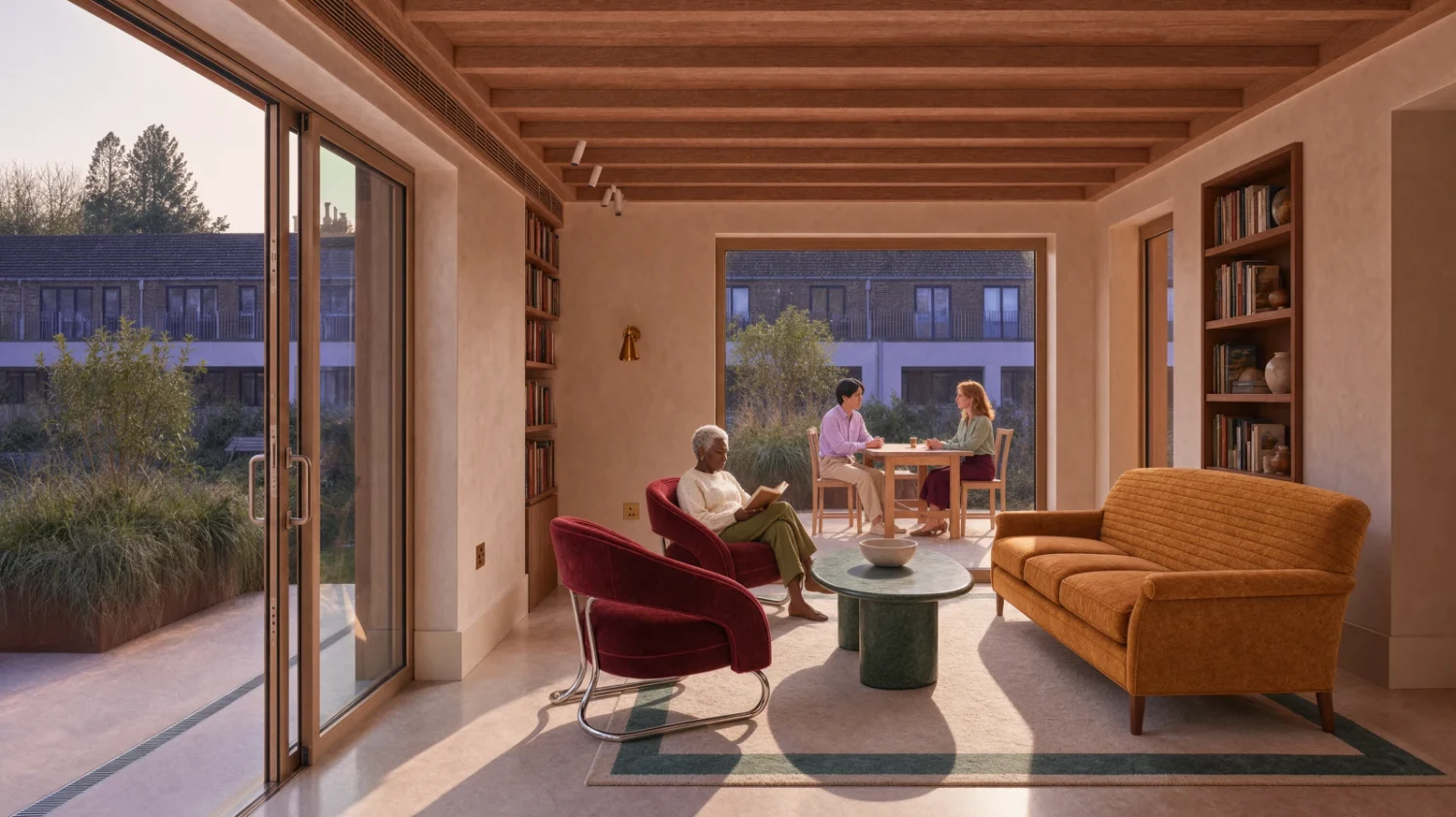
The same living room with the saffron sofa, oxblood chairs and green marble table
Edited result
Scene input + three product references → composed room.

Combine a room with specific product references

Assign a clear role to every image. In this official example, a room and three furniture references supply the scene, sofa, chairs and table. The request keeps the rug, room and reading woman. Check placement, perspective and each supplied product in the result.

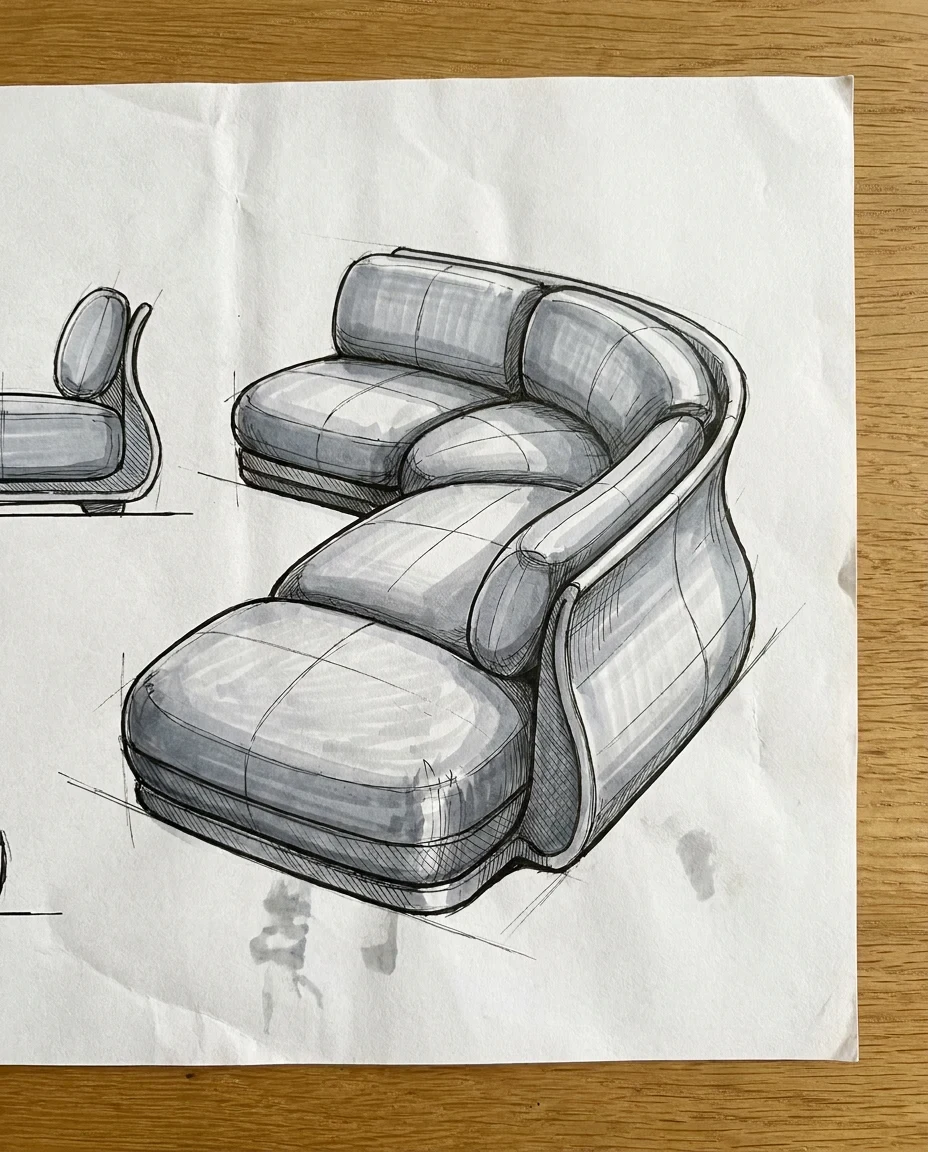
Marker sketch of a puffy modular sofa
Input
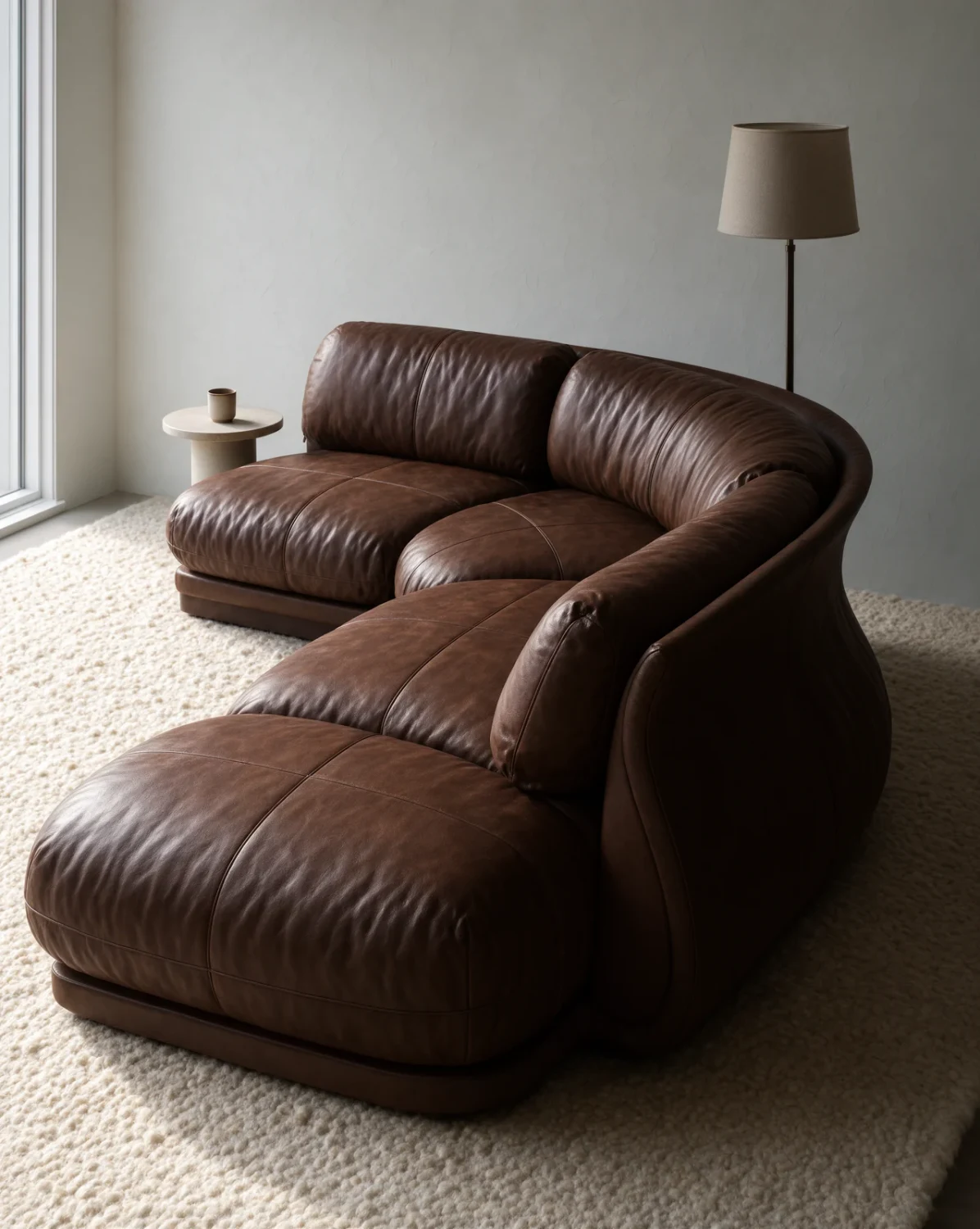
The same sofa as a photoreal brown leather piece in a styled room
Edited result
Marker sketch → rendered furniture concept.

Develop a sketch into a material study

Use a drawing to establish shape before exploring a finished surface and lighting. Here a marker sketch becomes a brown leather furniture concept. Treat the image as a design study: it does not provide CAD geometry, measurements or a manufacturing-ready asset.

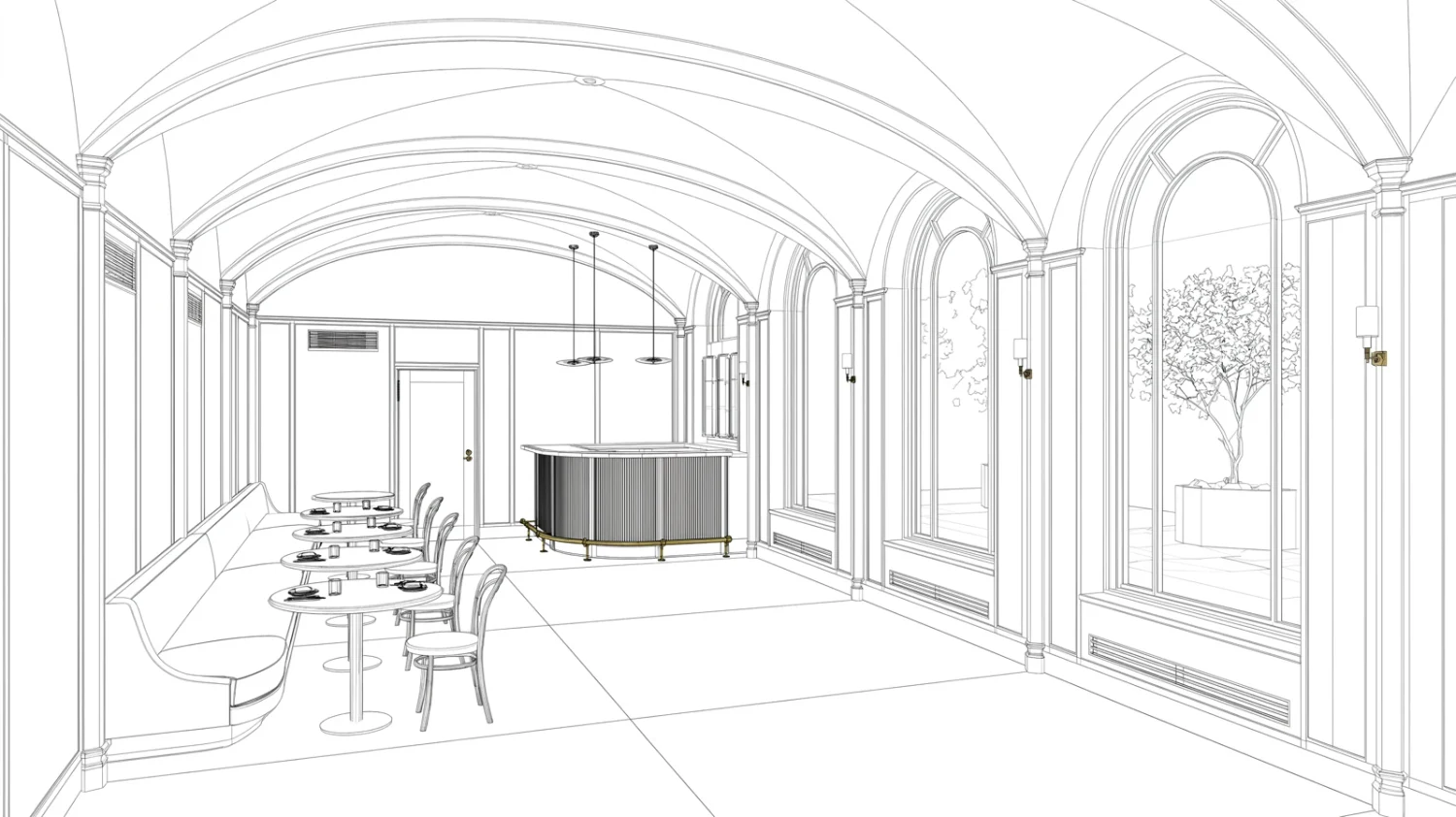
Hidden-line drawing of a vaulted restaurant
Input
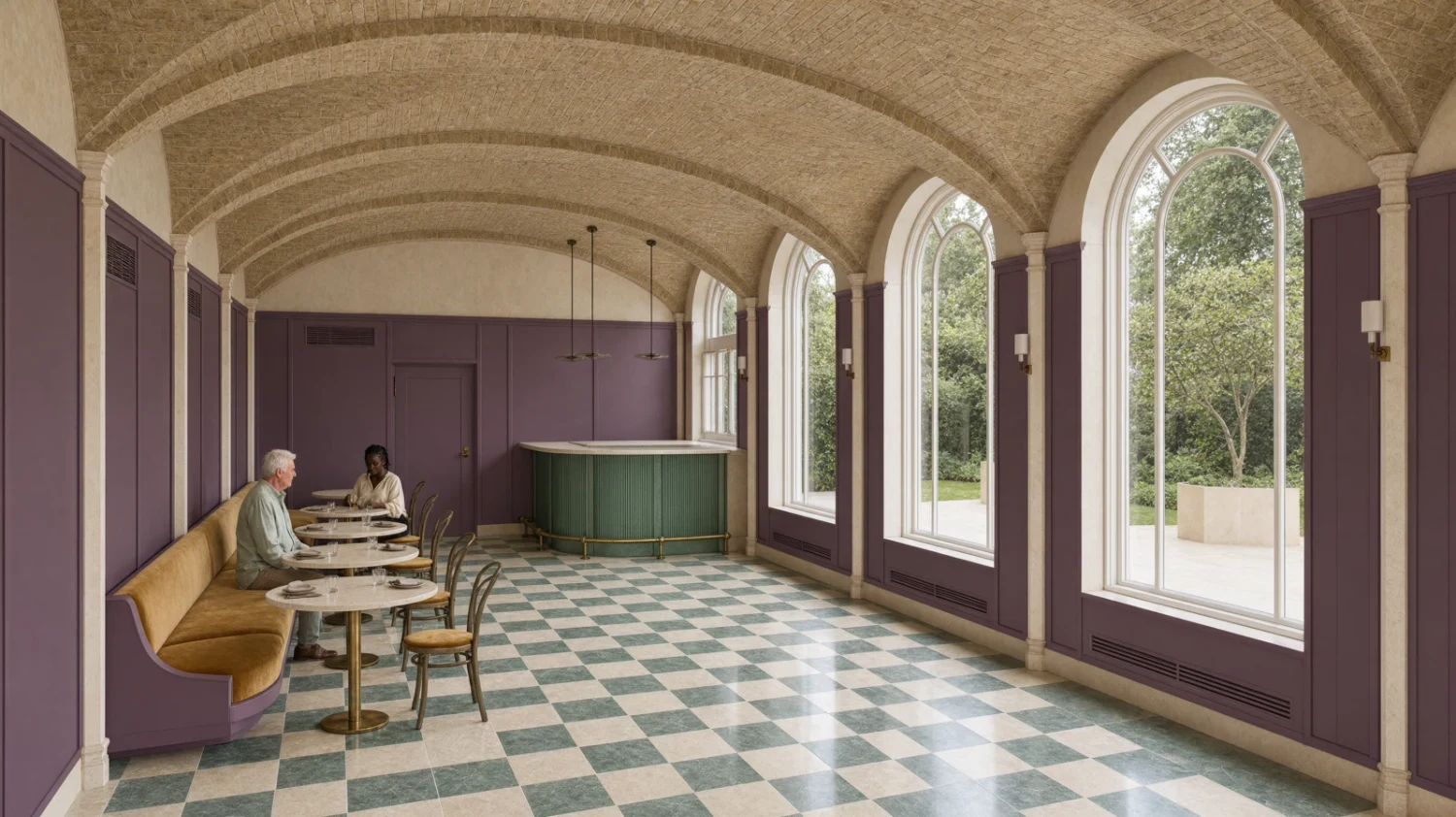
Photoreal vaulted restaurant with aubergine panels, brick vaults and a checkerboard floor
Edited result
Line drawing + A–F material palette → architectural image.

Carry an architectural brief into a finished image

A line drawing and an explicit palette can guide materials, finishes and light. The restaurant demonstration assigns colors to the panels, floor, vaults, upholstery and brass. The image pair shows the drawing and result; the additional A–F palette is described in the source brief. Check the architecture and material assignments against the inputs.

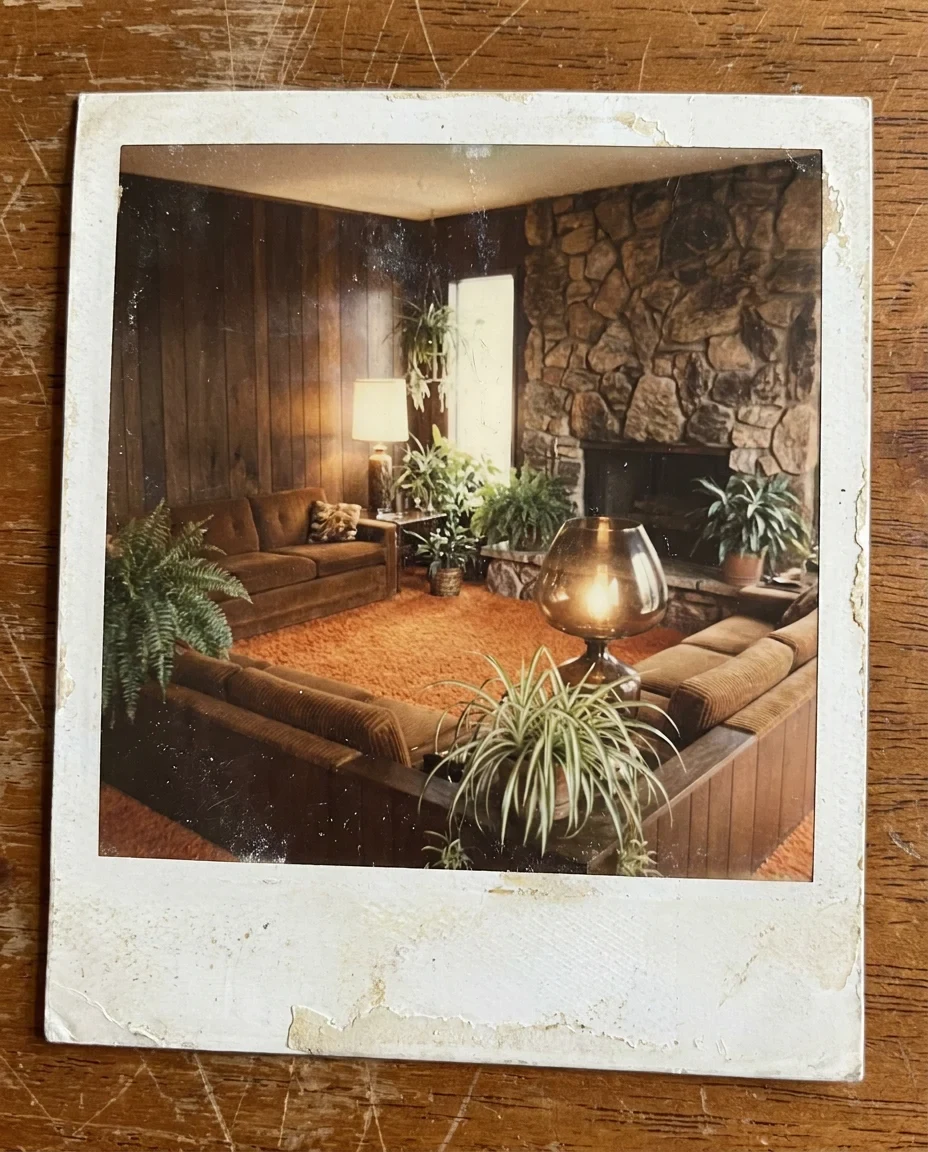
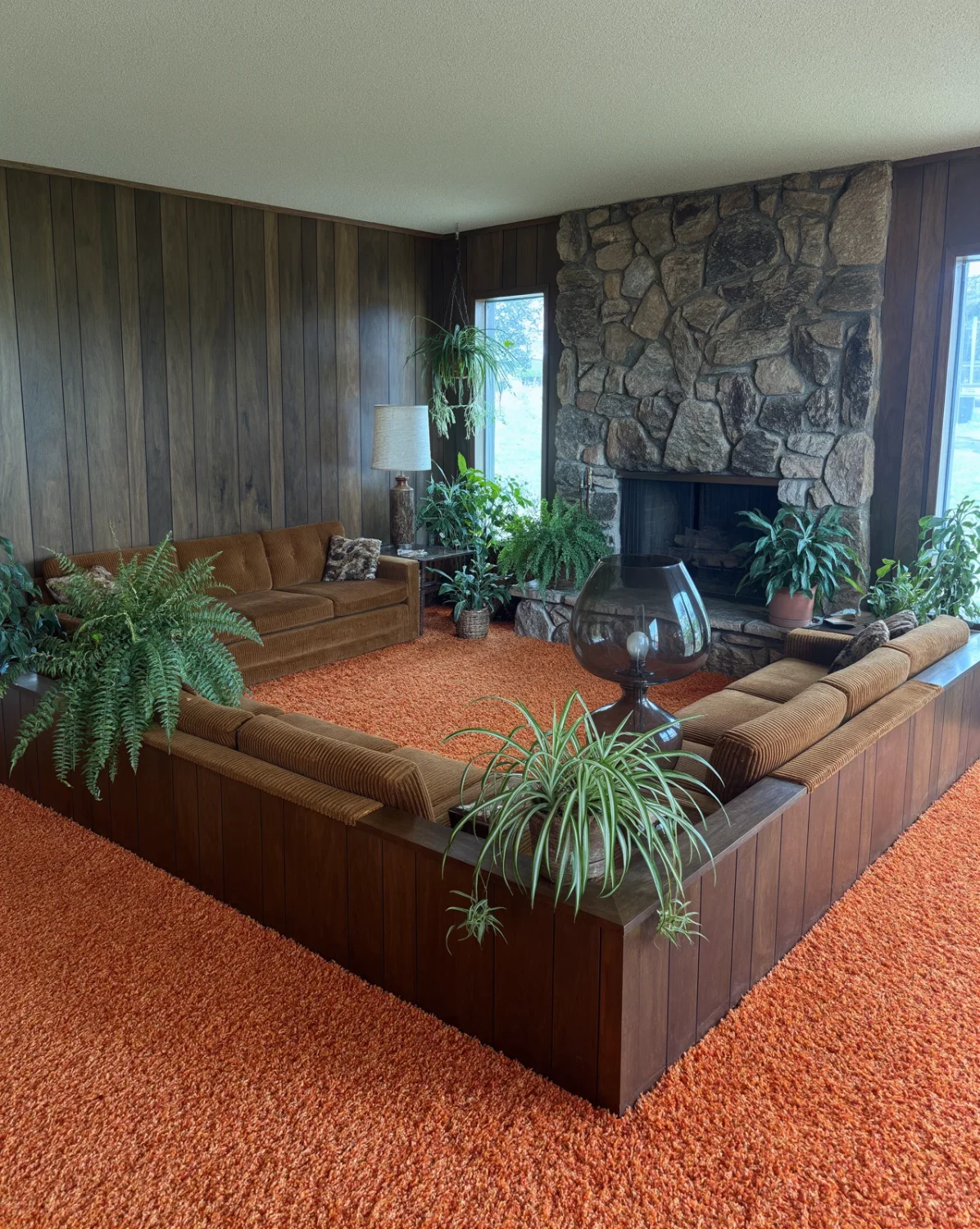
Faded 1970s polaroid of a sunken living room
Input
The same sunken living room as a sharp modern photograph
Edited result
Old photo reference → modern photographic treatment.

Reinterpret an older visual reference

An old photograph can guide the room’s structure while the instruction asks for a new photographic treatment. This pair turns a faded polaroid into a modern interior image. Compare what was retained and what was newly invented; it is a creative reinterpretation, not a verified reconstruction of hidden details.

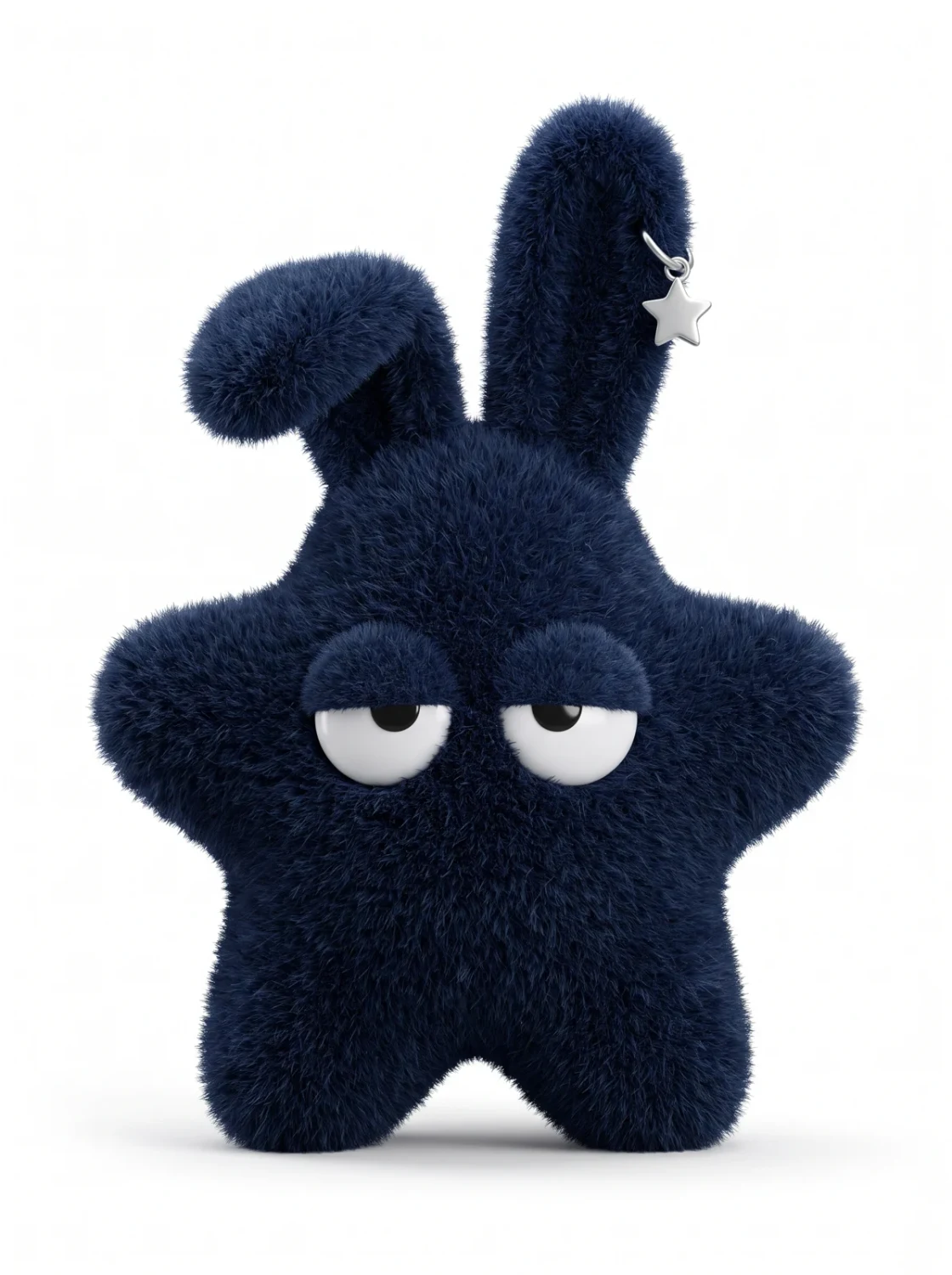
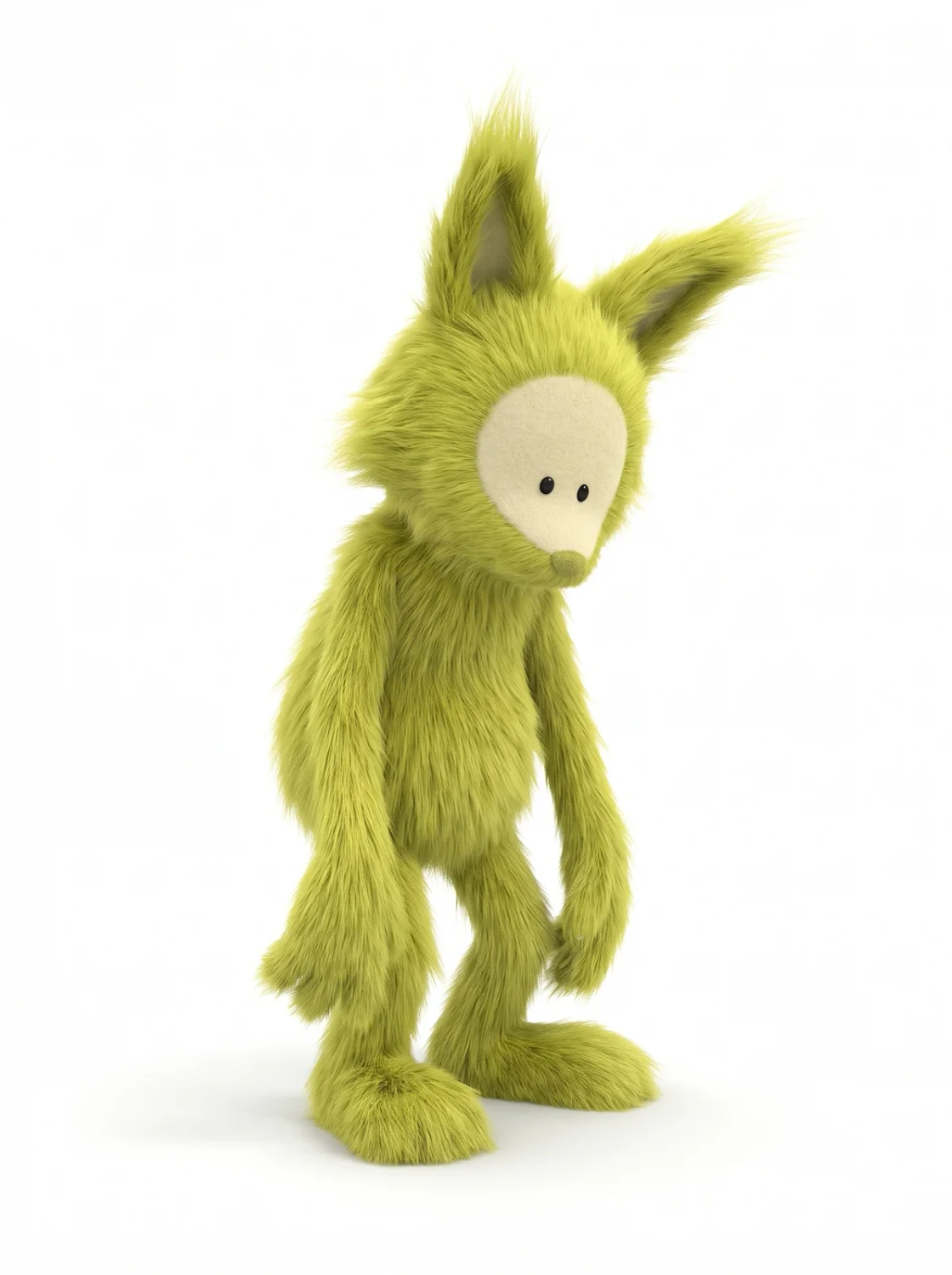
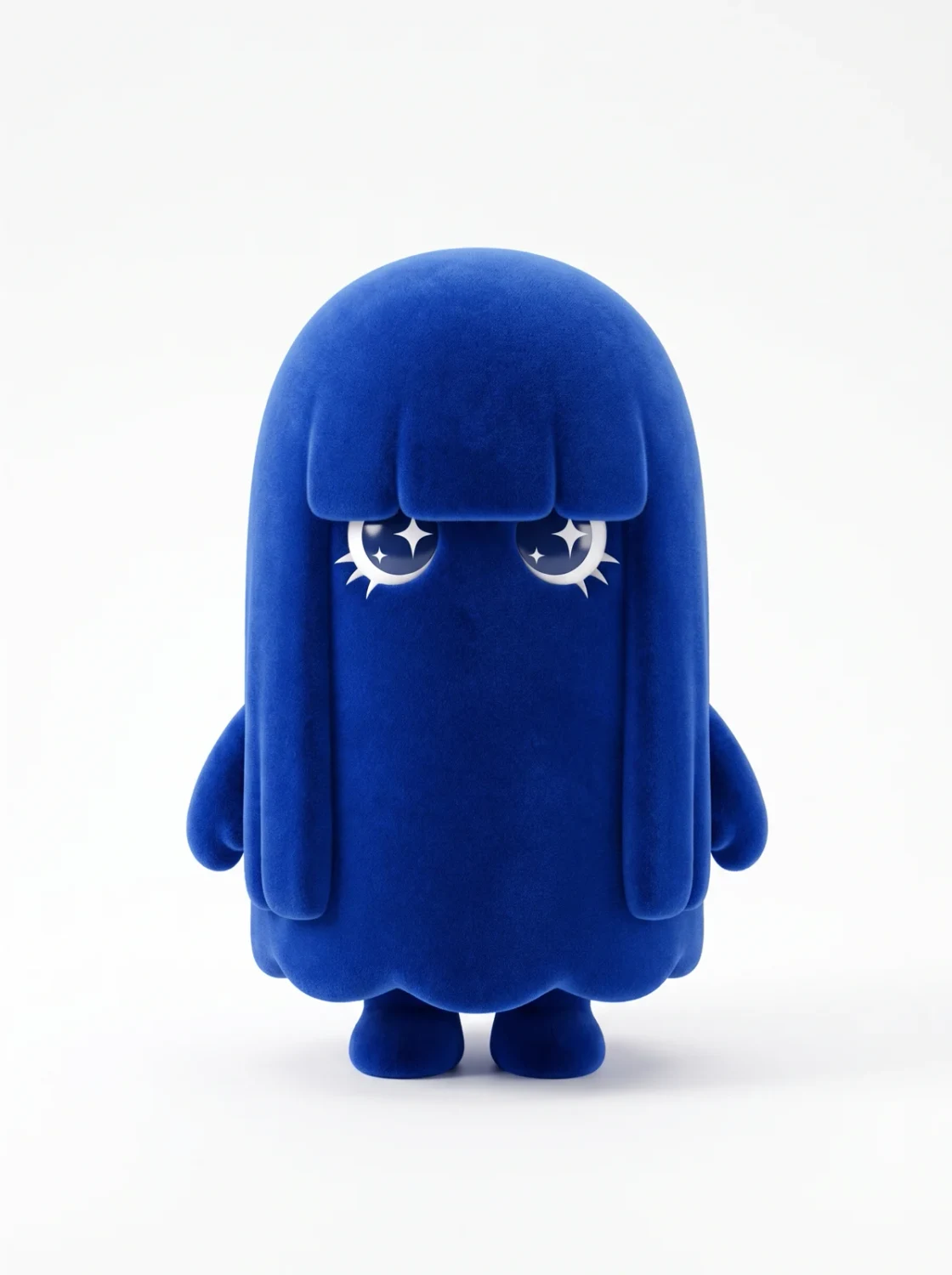
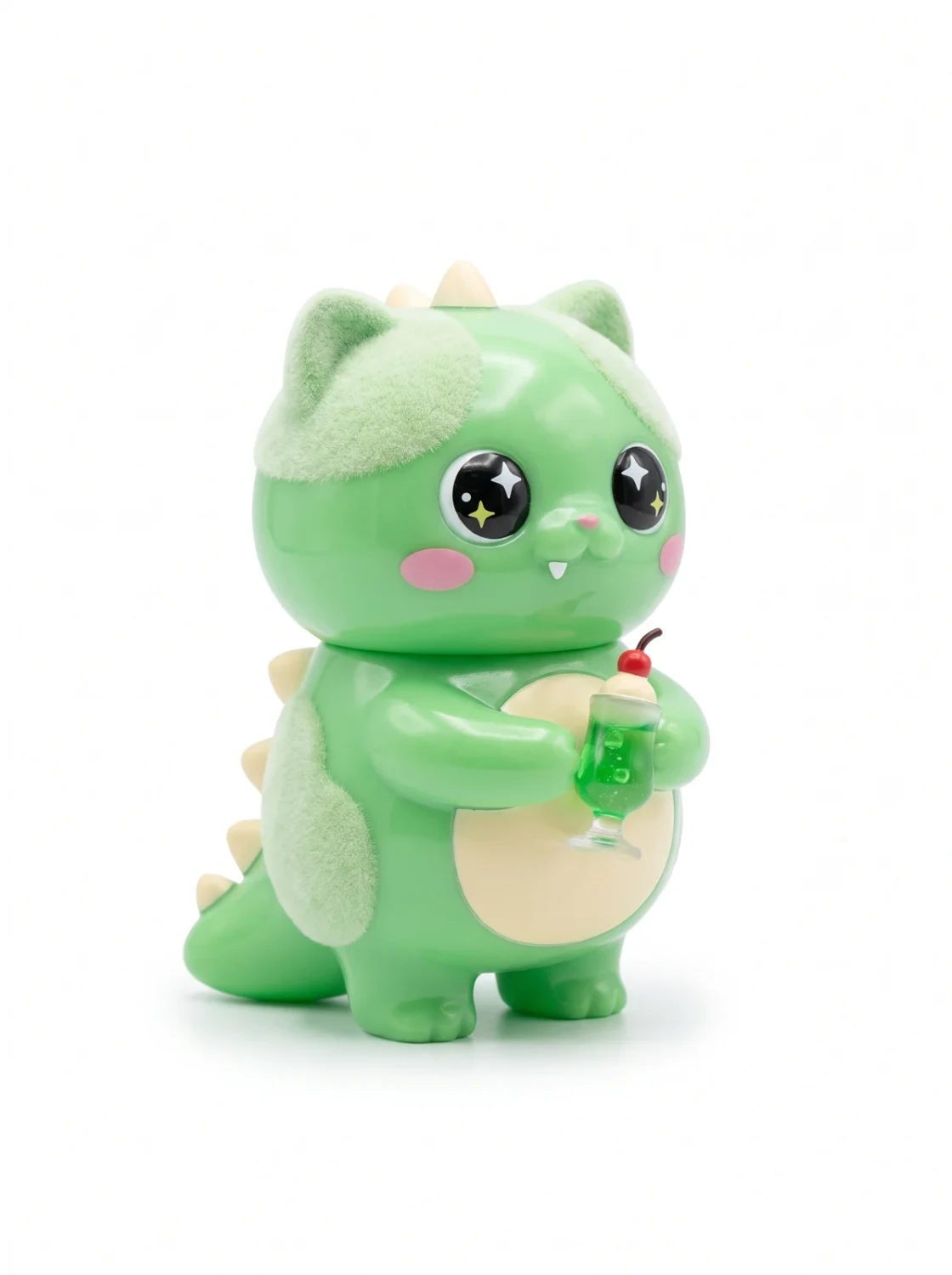
Navy star-shaped plush characterLime shaggy plush creatureCobalt ghost plush characterMint dino-cat plush character
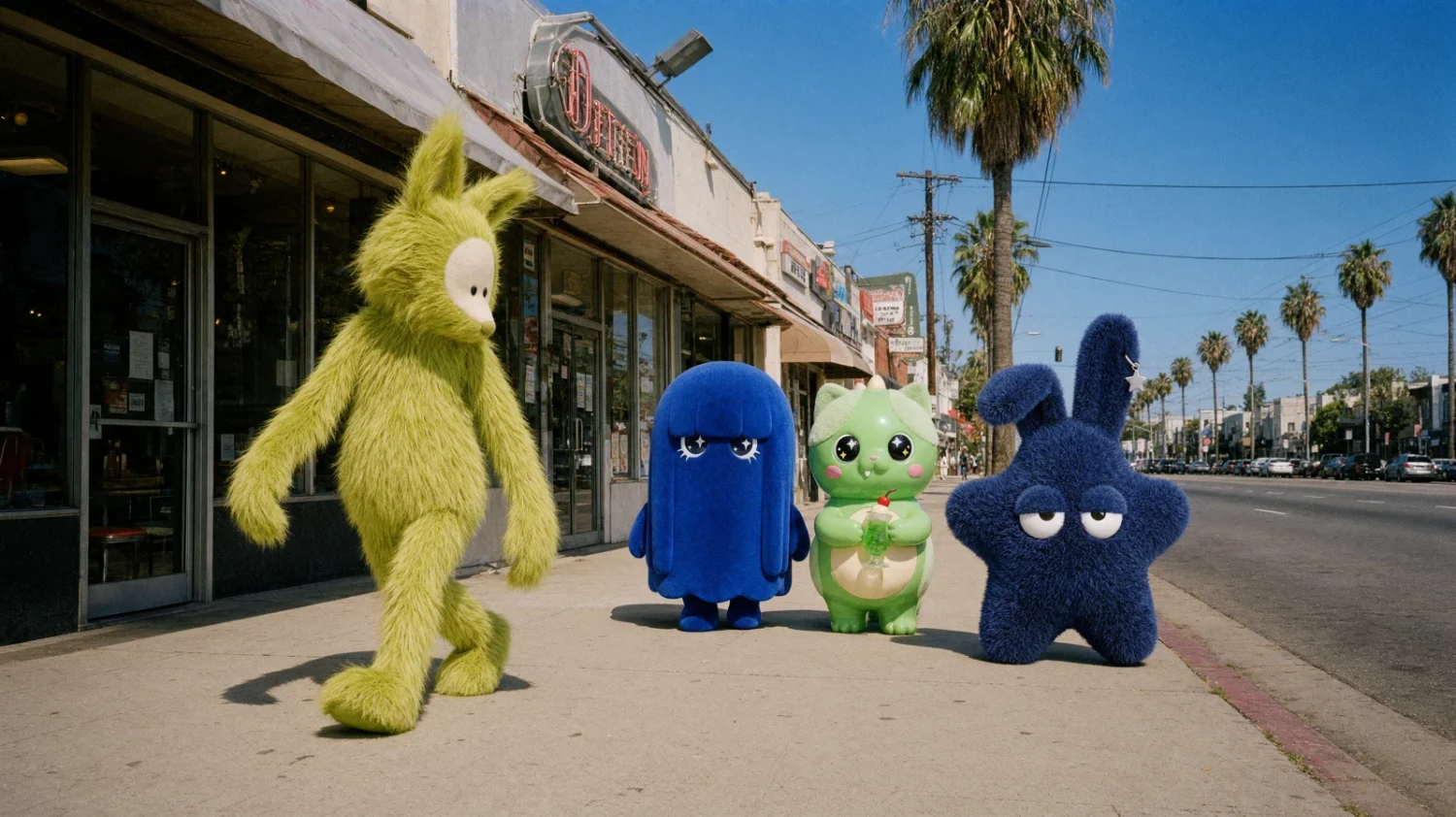
The four plush characters walk down a Los Angeles boulevard
Four character references → one scene. Official 2K, 16:9 example.

Bring a referenced cast into one scene

Provide a separate reference for each character and describe the shared setting and poses. The official example combines four plush characters in a street scene. The current direct API accepts up to eight images, though the original launch described six; keep the actual route’s limits in the brief and review identity and count.

Image showcase

Source: Krea’s official Krea 3 launch examples. Pexo navigation previews below are separate product images.

Model comparison

DIMENSIONKrea 3 · FastKrea 3 · High
Planning approachQuick prompt expansion; defaultStronger reasoning for the request and references
Typical taskClear, everyday editsComplex edits or a missed first request
Reference limitUp to 8 through the current Krea APIUp to 8 through the current Krea API
Output options1K,2K or4K through the direct API1K,2K or4K through the direct API
Base output price1K $0.03;2K $0.06Base price +$0.02 per generation
Reference chargesAdded to the output costAdded to the output cost

Current Krea API modes, not independent models or a same-input quality benchmark. 4K adds $0.04 to the 2K output price. Reference-image charges are additional. Ultra is a separate, slower mode requiring Max or above, with references and 2K output only; do not apply Fast latency claims to it.

Use-case scenarios

Catalog and campaign variations

Explore a product in several settings, then inspect the label, shape and materials against the source before production use.

Interior and architectural concepts

Use drawings, furniture references and palettes to compare design directions. Keep actual dimensions and construction requirements in the source design files.

A cast across multiple scenes

Develop a visual sequence from character references. Compare identity, count and proportions in every image instead of assuming automatic consistency.

Use cases

Develop approved still-image ideas further with these related Pexo video workflows.

Frequently Asked Questions About Krea 3

What is Krea 3, and when was it released?

Krea 3 is Krea’s image generation and instruction-editing model, released on October 15, 2026. It accepts reference images for product, character and scene changes. It produces still images; Krea’s video tools are separate products and the Pexo cards below are broader workflow navigation.

How many references can I use?

The current direct Krea API documents up to eight input images. The October launch announcement described six. With five or more references, the current API resizes each to at most 1536 pixels on its longest side; use four or fewer when full-detail references matter. Partner endpoints can have different limits.

Does it support 4K output?

The launch described native 2K generation. The current direct API offers 1K, 2K and 4K options, with 4K billed as 2K plus $0.04. Ultra is always 2K. Explicit width and height are rounded to supported canvases rather than guaranteeing exact pixel dimensions. Check the chosen endpoint and actual returned file.

Which thinking mode should I choose?

Fast is the default for clear, everyday requests. High uses stronger reasoning for complex edits and costs more. Ultra uses an agentic workflow, requires a Max plan or above, needs an image reference and can take several minutes. It is 2K only and does not support enterprise Zero Data Retention.

What should I check before using an edit?

Compare the output with every reference, especially text, logos, hands and product geometry. Experimental regional editing can preserve an area but is slower and can reduce quality; use it for focused changes rather than global relighting or restyling. Reusing a seed does not guarantee the same result because prompt expansion can vary.

Official Krea 3 guide

Describe your idea and start your next creation.

Start creating