Pexo
MAGI-2

MAGI-2
Direct shots with sound

MAGI-2 is Sand.ai’s video generation and editing model for creating clips with synchronized sound. The 480B flagship launched on November 24, 2026 and can generate up to 30 seconds at 1080p. Creators can guide shots with image, video and audio references, and hosted generation is available through Higgsfield.

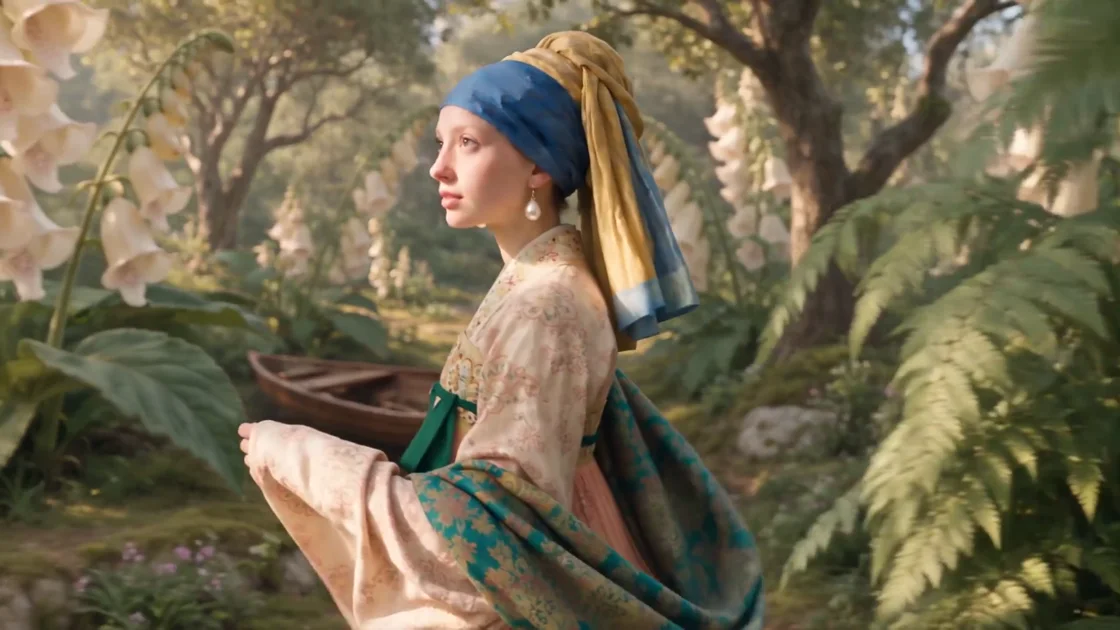
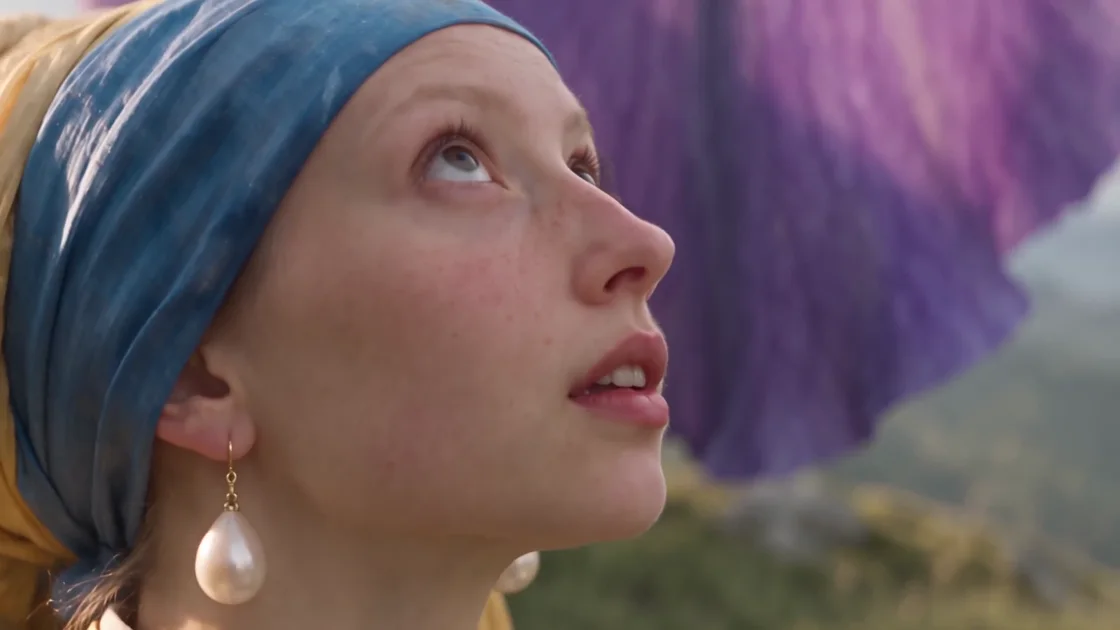
Excerpt from Into the Giant Flower World. A character based on a painted portrait moves through a series of oversized flower gardens.

Core capabilities

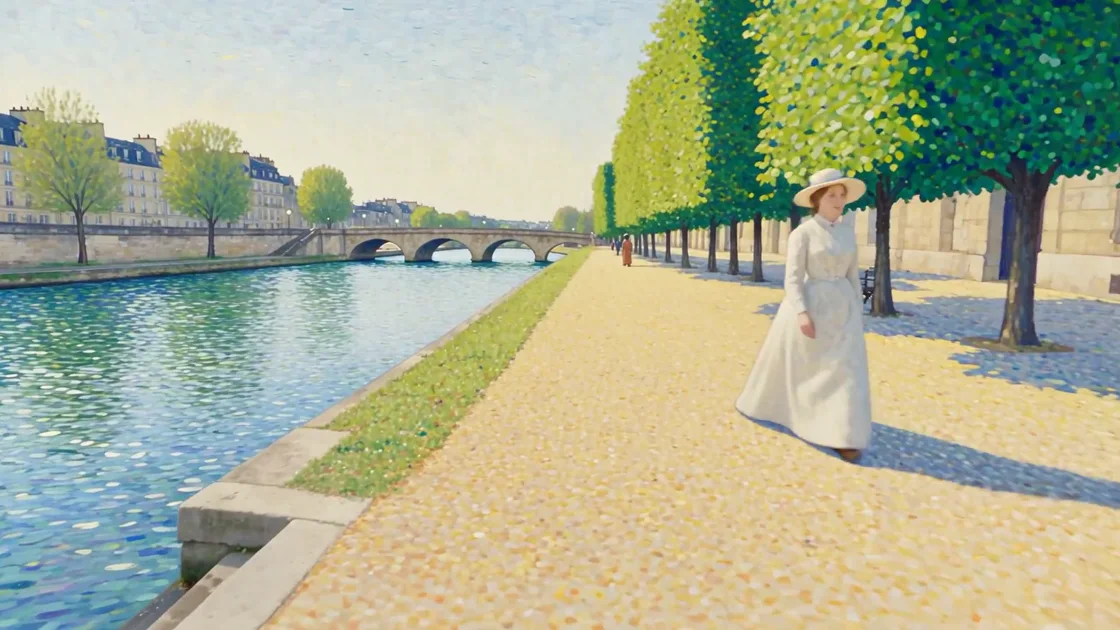
A first-person view follows a path beside a pond in a painted landscape
Official output frame · first-person movement beside water

Generate motion and sound together

Describe the action, then specify the sound tied to it, such as footsteps, wind or a line of dialogue. MAGI-2 generates picture and audio in the same workflow. Play back the result with sound to check that speech and effects land on the intended beats.
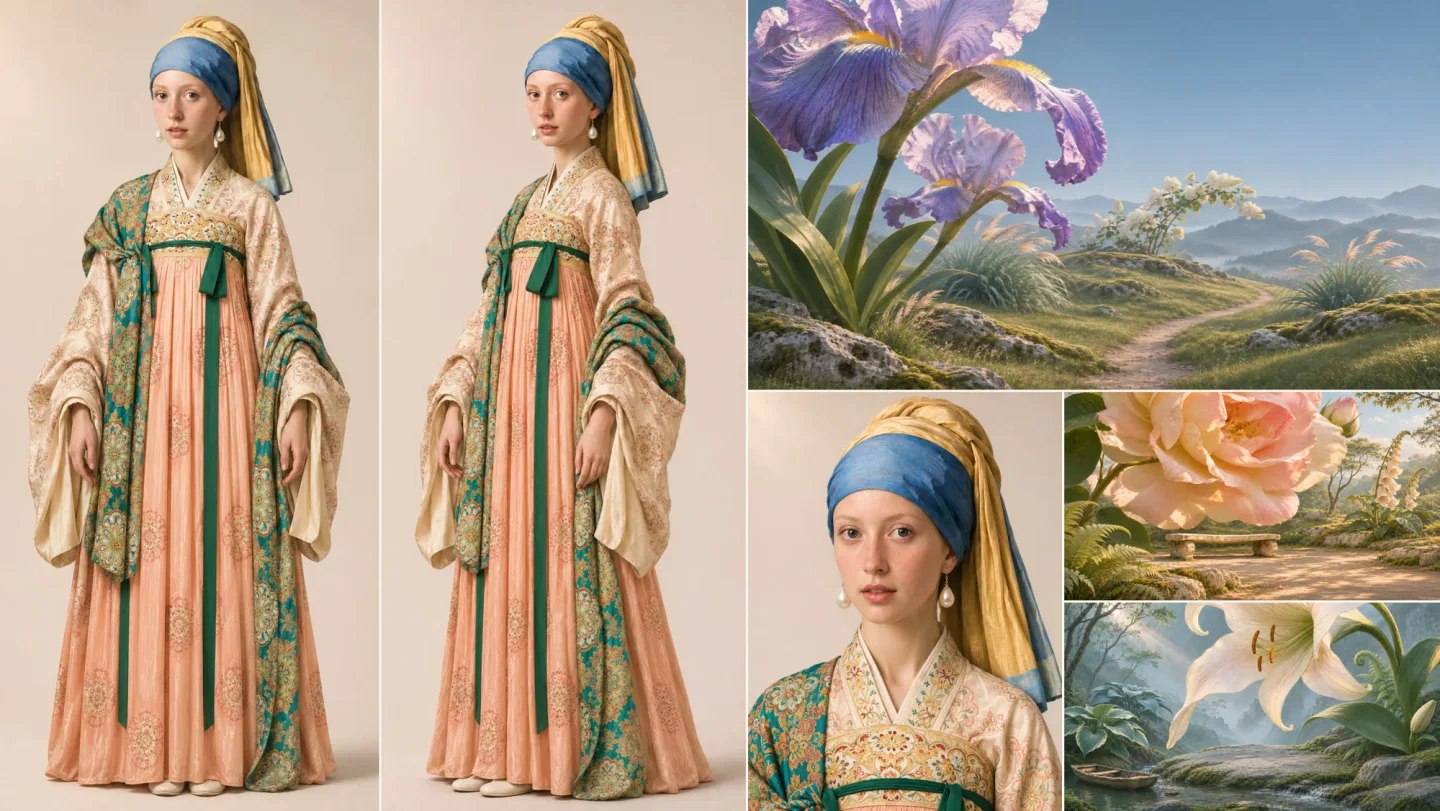

Sand.ai's character and scenery input board for the flower garden sequence
Reference board
A traveler walks beneath a large pale flower
Output frame
Character and location references used in the flower garden sequence

Carry references across scenes

Give each reference a job: one for the character, one for the wardrobe and others for locations or audio. Sand.ai documents up to 20 combined inputs on its native route, with separate caps of 10 images, five videos and five audio clips. Check the limits of the interface you use.

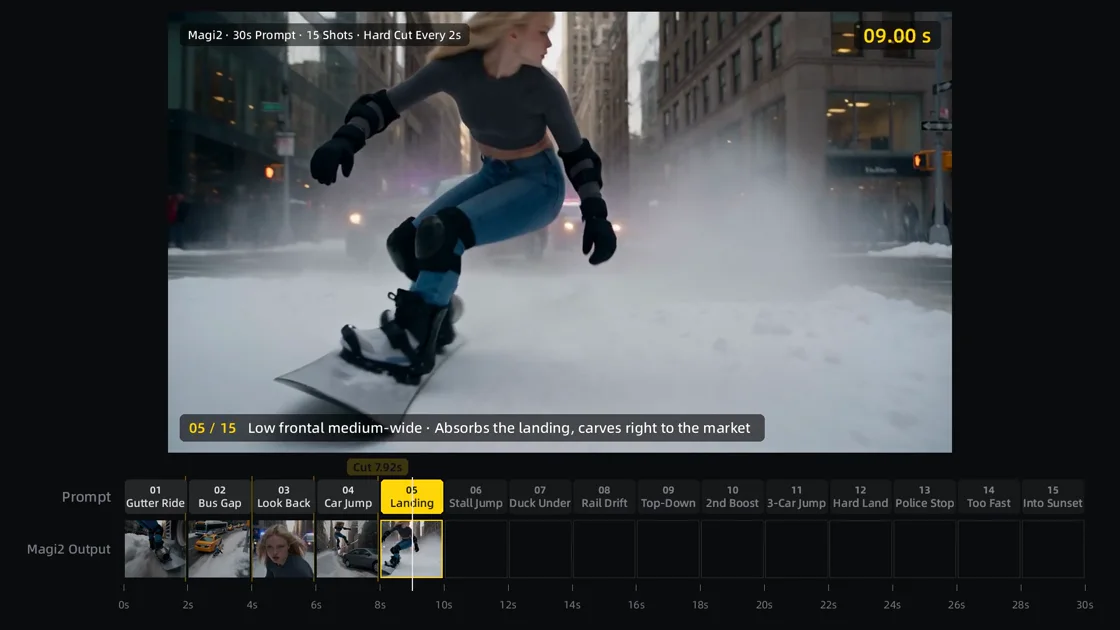
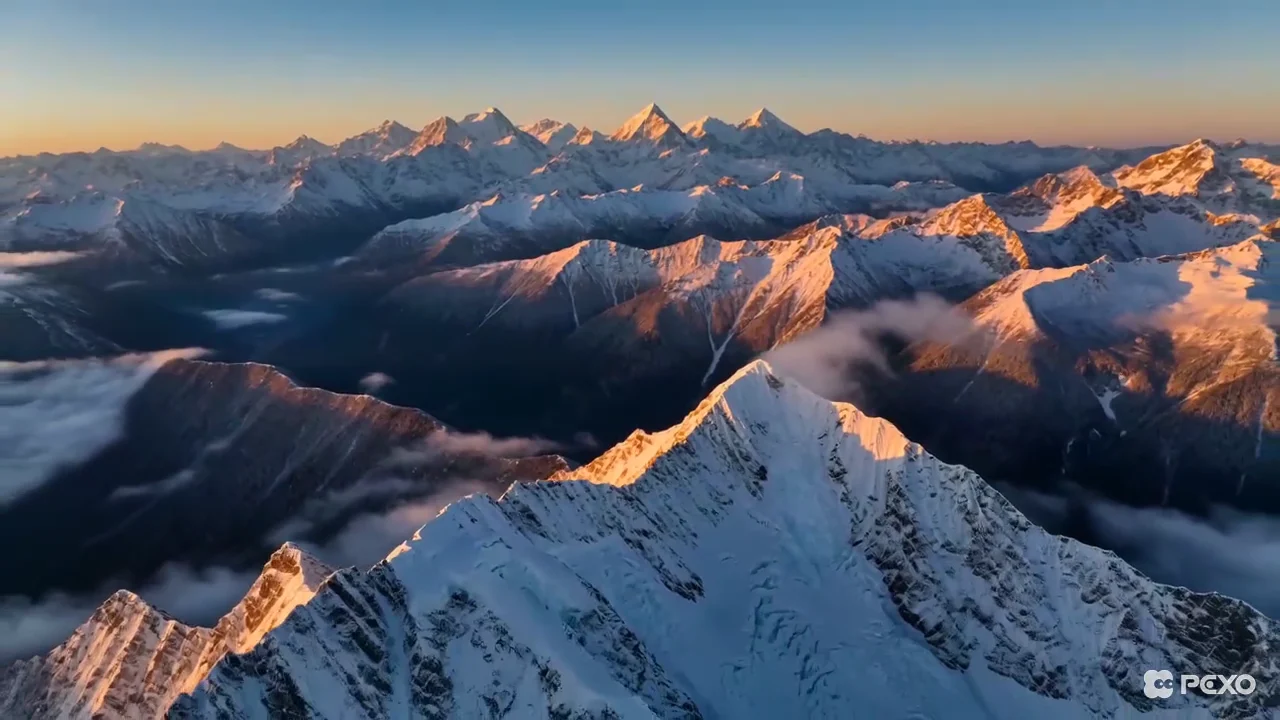
A snowboarding shot with the official cut timeline below
Sand.ai timeline demonstration · shot segments are visible below the player

Place shot cuts on a timeline

Write shot boundaries alongside the action you want in each interval. For a chase, use the wide shot to establish the route and reserve tighter framing for the decisive movement. Check the rendered cuts before committing to the rest of the sequence.

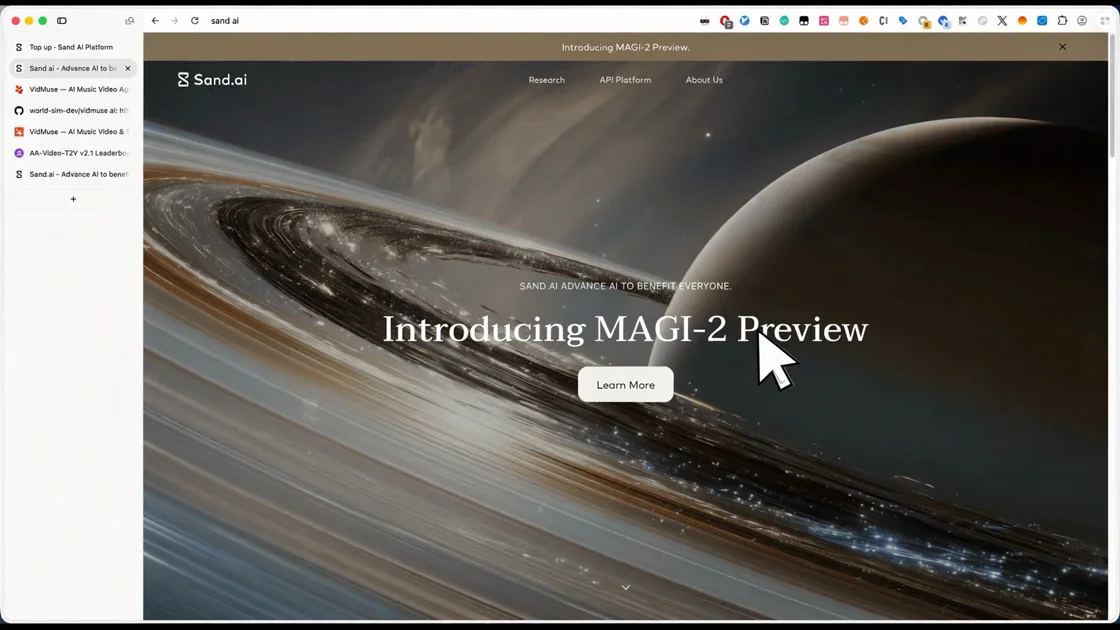
The original website recording before the title edit
Source recording
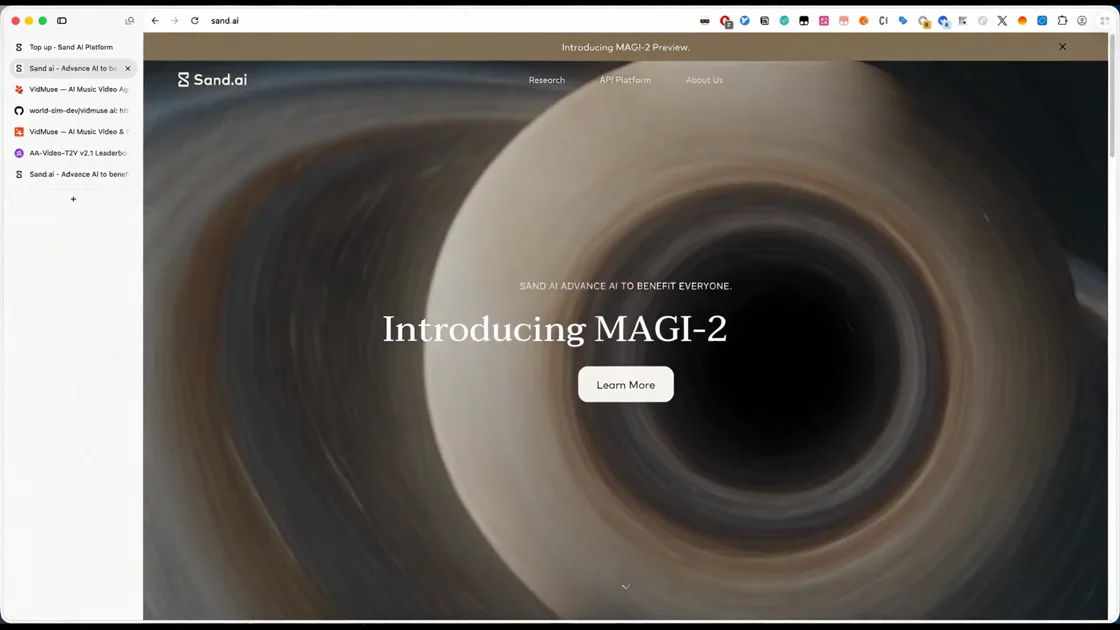
The output in Sand.ai's targeted video editing demonstration
Edited result
Sand.ai’s demo retitles a screen recording from “Introducing MAGI-2 Preview” to “Introducing MAGI-2.”

Apply targeted video edits

Use existing footage as input and describe a specific change. Identify the subject and the details that should stay consistent, then compare the edited clip with its source throughout the shot. Editing access depends on the interface and endpoint.

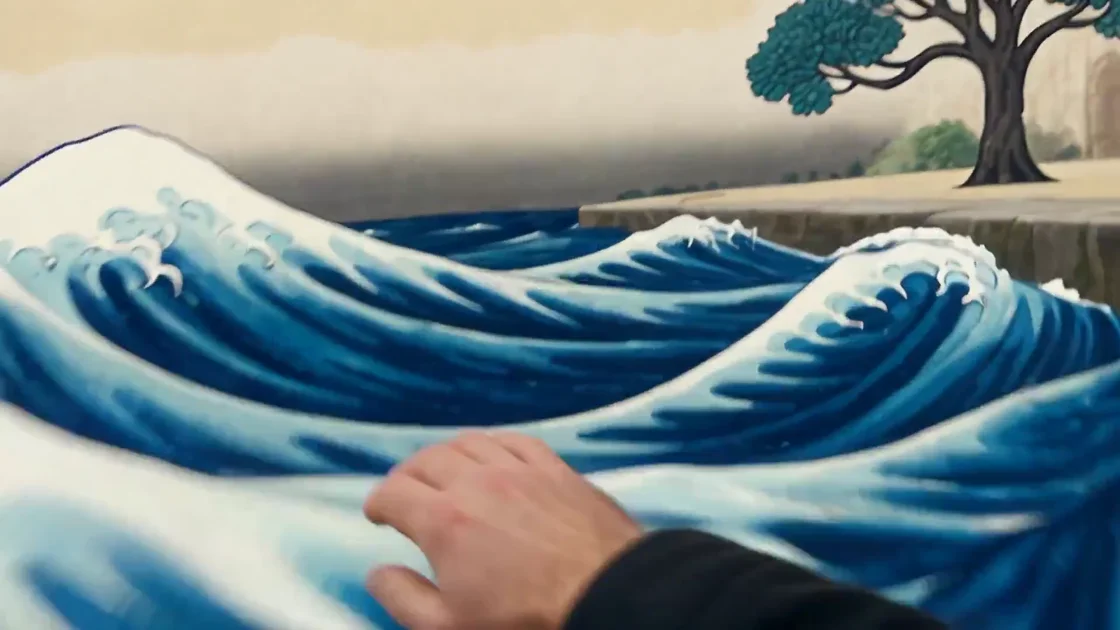
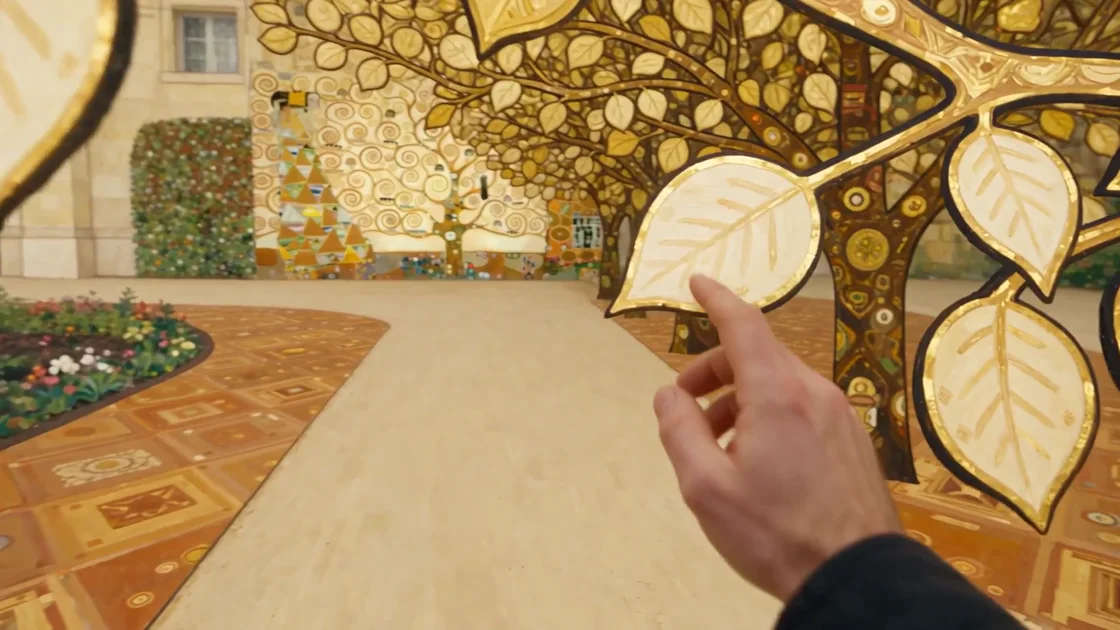
A blue and white painted wave alongside a pale shoreline
Output frame · a painted wave meets a first-person shot

Move through distinct visual styles

Plan how the camera or subject will carry the viewer from one visual style to the next. Sand.ai’s painting-inspired example uses a continuous take, with changes in the surroundings marking each transition.

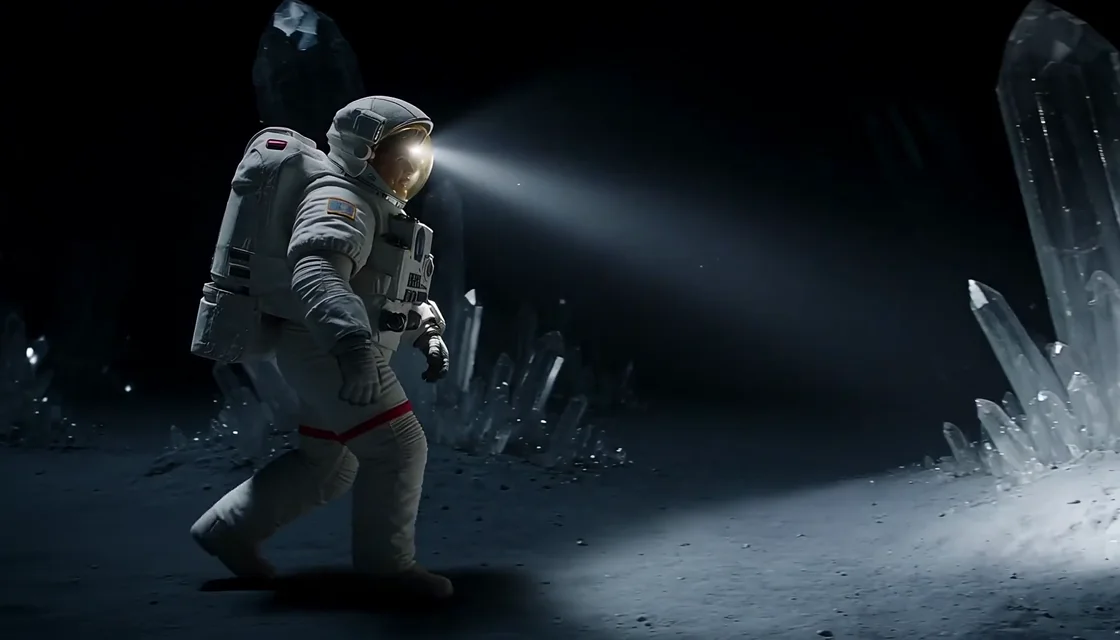
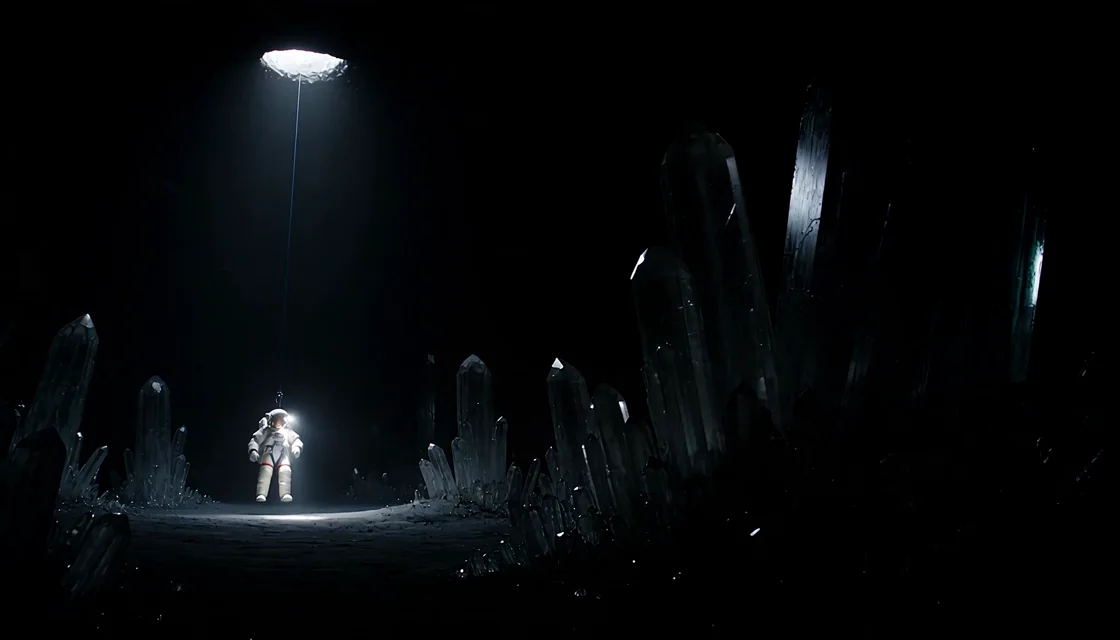
An astronaut illuminated by a torch in a dark lunar cave
Frame from Sand.ai’s upscaled Lunar Cave demonstration

Inspect detail at 1080p

Sand.ai uses a reference-aware upscaling stage for the 1080p output. Inspect faces, textures and background edges once the clip is moving. Small details that look sharp in a still can shift between frames.

Image showcase

Source: Sand.ai’s official MAGI-2 demonstrations.

Model comparison

DIMENSIONMAGI-2MAGI-2 Preview
ReleaseNovember 2026 flagshipAugust 2026 research preview
Model scale480B total, about 28B activeAbout 114B total, about 6B active
InputsText plus image, video and audio referencesResearch release for unified audio-video generation
EditingTimeline control and targeted video editsPreview release focused on the model architecture and scaling
AvailabilityHosted generation; flagship weights announced for later releasePublic research weights

The table compares Sand.ai’s flagship release with its earlier research preview. Limits can differ by interface.

Use-case scenarios

Previsualize a chase

Block the route, then place wide and close shots at specific beats. Use the first render to review screen direction and cut timing.

Create a stylized short

Carry the same character through several illustrated settings. Give the transitions a common movement, sound or foreground object.

Plan a product reveal

Use detail references to establish the look of a product. Check its silhouette, finish and label as the camera moves before assembling the campaign edit.

Use cases

Develop the next stage of a directed video project with these Pexo workflows.

Frequently Asked Questions About MAGI-2

What is MAGI-2?

MAGI-2 is Sand.ai’s 480B flagship for generating and editing video with synchronized audio. Sand.ai launched it on November 24, 2026.

How long are MAGI-2 videos?

Sand.ai documents outputs up to 30 seconds at 1080p and 25 fps. Higgsfield lists 4 to 30 seconds on its text-to-video route.

Can I combine image, video and audio references?

Yes. Sand.ai’s native specification allows up to 20 references in total: up to 10 images, five videos and five audio clips. Hosted providers can apply their own limits.

What changed from MAGI-2 Preview?

The flagship scales the model from roughly 114B to 480B total parameters. It also adds targeted post-training and a 1080p upscaling stage described in the release.

Where can I use MAGI-2?

Higgsfield offers hosted access. Sand.ai also publishes API model and pricing documentation. Sand.ai says the 480B flagship weights will follow the launch; the earlier Preview already has public weights.

Official MAGI-2 guide

Describe your idea and start your next creation.

Start creating