
Pexo
MAI Image 2.7

MAI Image 2.7
Generate a scene. Refine the detail.

Microsoft’s MAI Image 2.7 creates images from text and edits existing visuals. Released with the lower-cost Flash variant in November 2026, it supports targeted changes, reference-led work and transparent backgrounds. Both models are offered in public preview through Microsoft Foundry; MAI Labs provides a separate consumer preview experience.

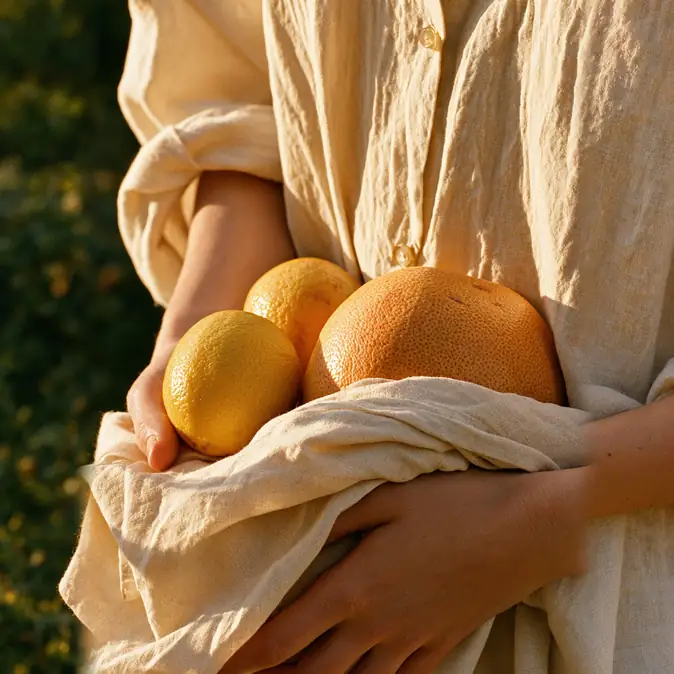
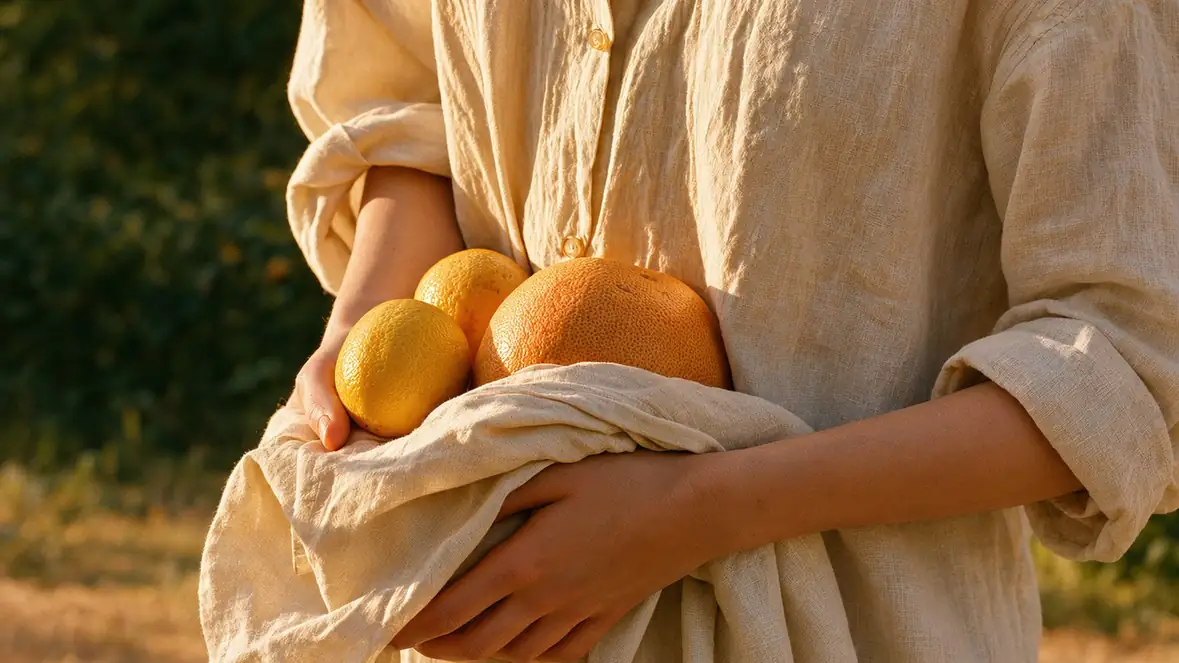
Hands holding oranges in a linen cloth, an official MAI Image 2.7 widescreen example

Core capabilities

SUGGESTED BRIEFAn overhead fisheye view of someone resting in summer grass; make the curved horizon part of the composition.
A person resting in tall grass photographed from a fisheye viewpoint

Build an image from a specific brief

Give the scene a subject, viewpoint and light source. MAI Image 2.7 accepts natural-language descriptions for new image generation. A low camera, curved horizon or quiet interior can change the visual idea more than another decorative adjective. Review the composition at full size before turning a first result into a campaign asset.
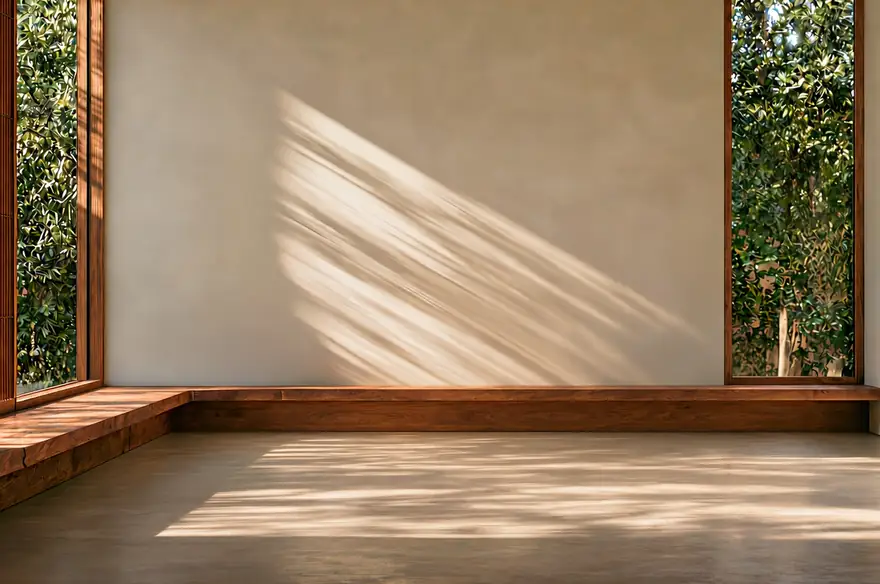
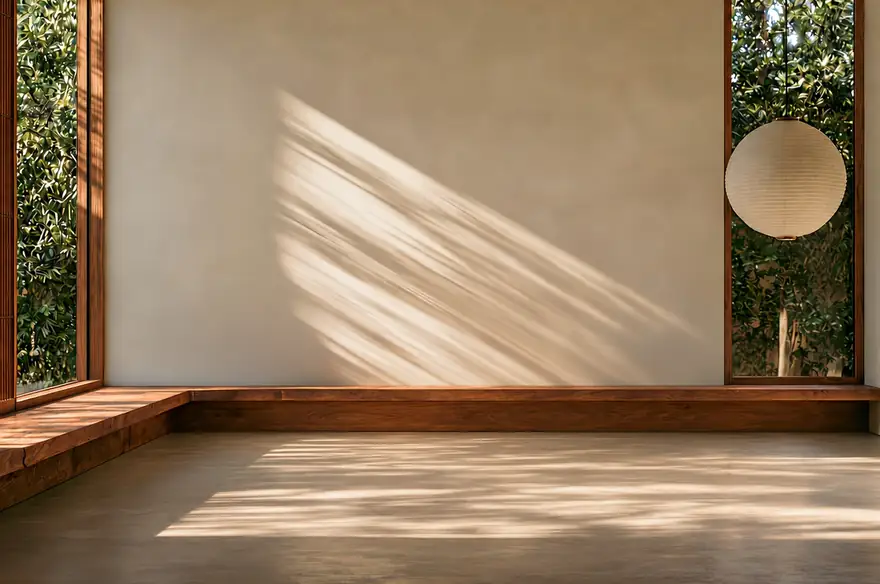
A sunlit empty room before a localized edit
Starting room
The room after adding a round wall object
Edited room

Change one detail inside an existing scene

Image edits can remove or replace an object, change an attribute, or clean up an artifact. Microsoft’s interior sequence adds an object while keeping the room as its visual anchor. State the desired change and the parts to retain. Check shadows, edges and nearby surfaces afterward; a convincing overall image can still contain an unwanted local change.

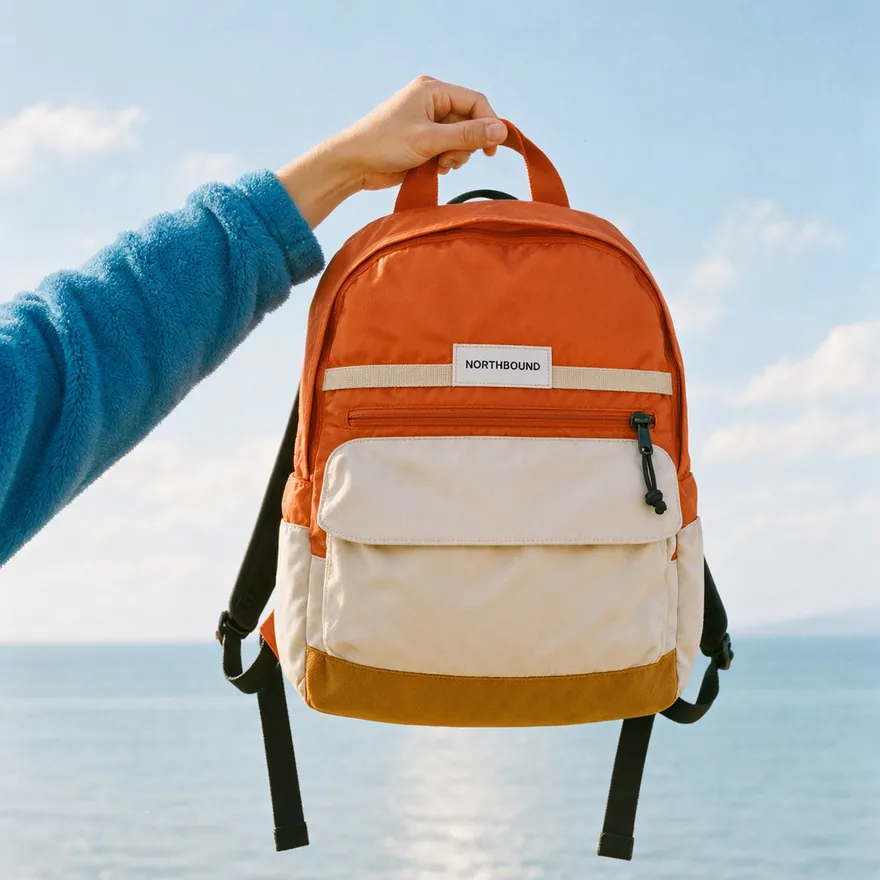
Orange nylon backpack held above the sea
Orange · nylon
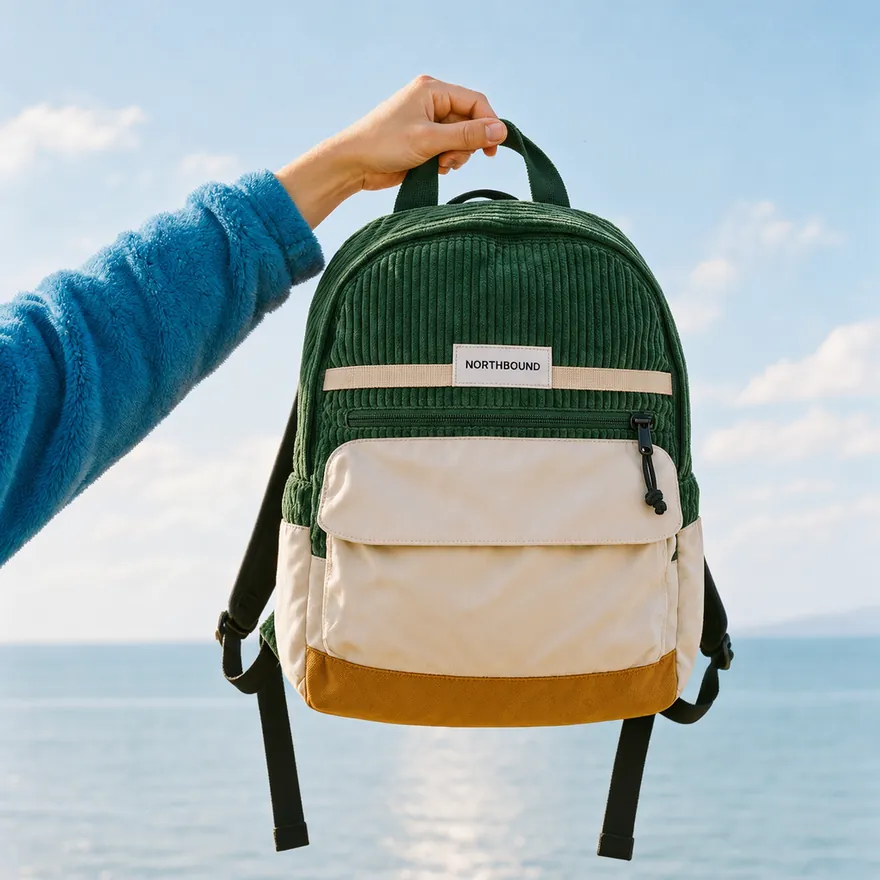
Forest-green corduroy backpack in the same setting
Forest green · corduroy

Explore color and material variations

Use a source image to keep the product recognizable while testing a different finish. The official backpack examples change color and fabric within the same composition. This suits early product and merchandising studies. Compare the silhouette, seams and label across versions rather than assuming every detail remains exact.

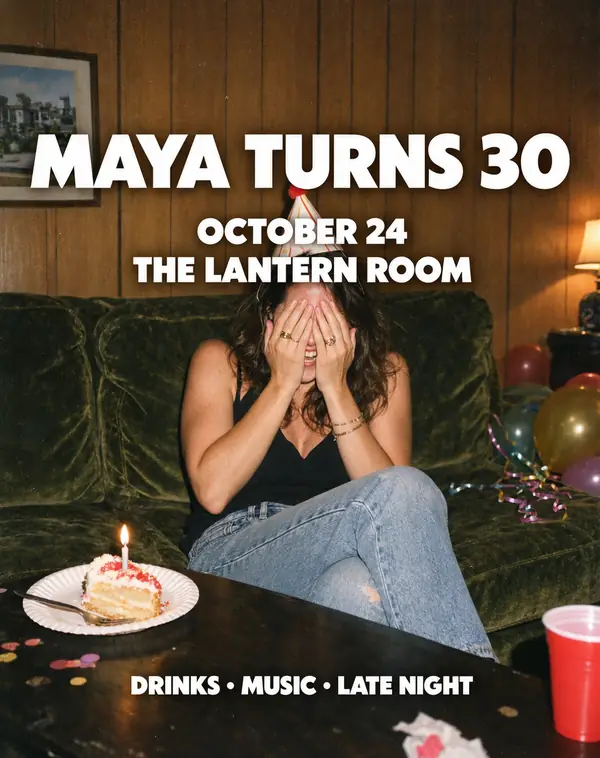
Birthday flyer with a bold sans-serif headline
Bold headline
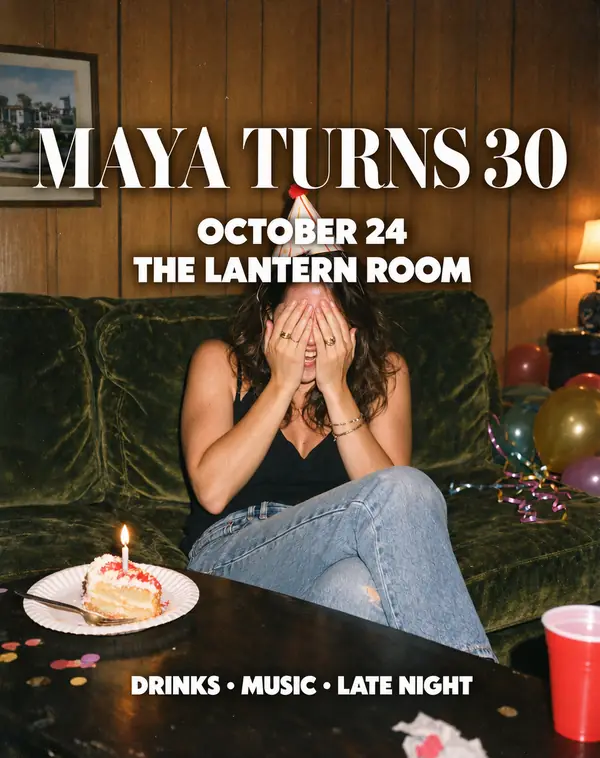
The birthday flyer with a serif headline
Serif headline

Revise lettering within a visual layout

Text rendering and text updates are documented capabilities. The birthday-flyer pair explores a different headline treatment over the same photograph. Specify the wording and the intended type style, then proofread every line. Generated lettering remains part of an image; do not assume the result includes editable font or layout layers.

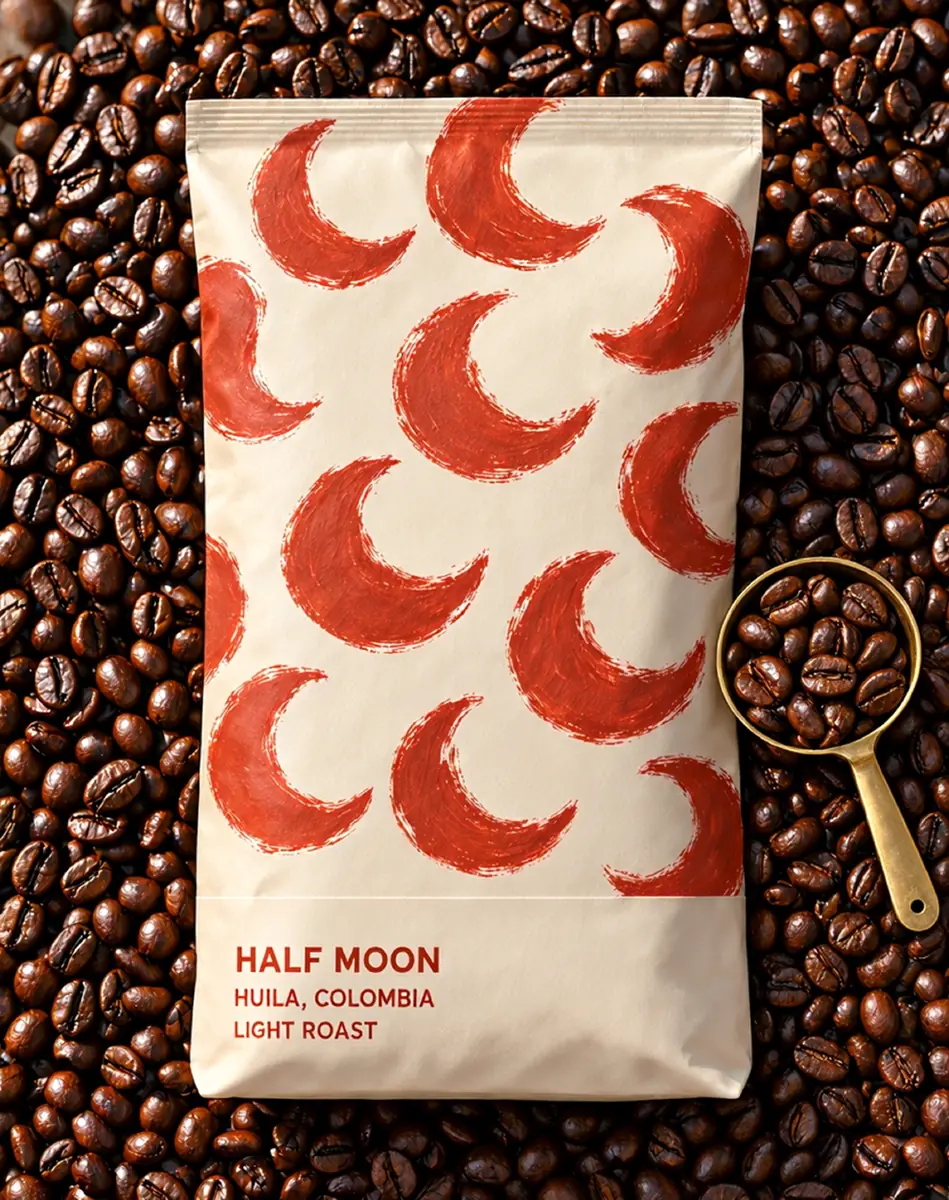
A Half Moon coffee bag on roasted beans
Scene image
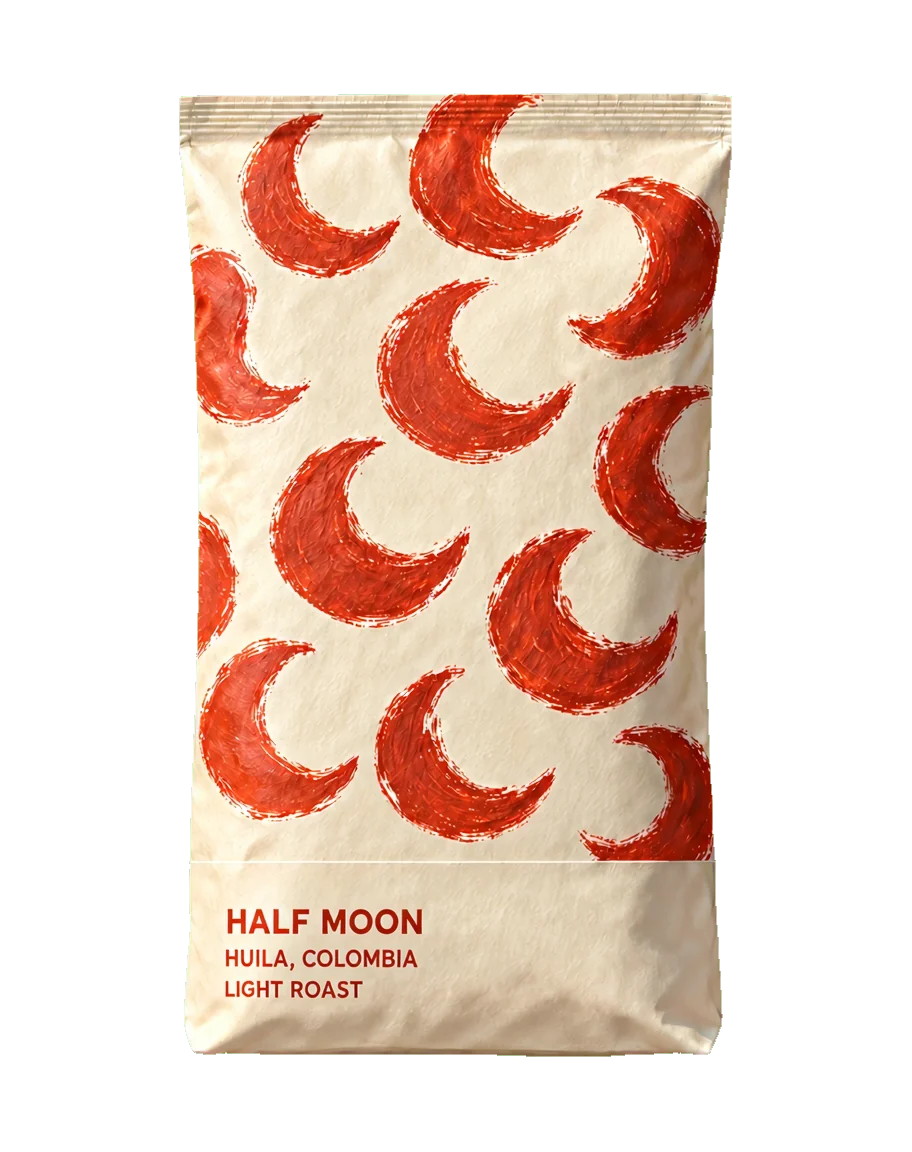
The isolated coffee bag with transparent surroundings
Isolated asset

Prepare an isolated asset on transparency

The 2.7 family supports transparent-background outputs. Microsoft’s coffee-packaging pair moves from a photographed setting to an isolated bag, making the intended deliverable clear. Inspect the alpha edge and small printed details before compositing the asset elsewhere. Transparent output does not automatically supply a layered design file.

Square composition of hands holding oranges in a linen cloth
Square output · compare the independently composed wide example above

Plan the canvas around the destination

Choose a useful shape before generating a layout. The official format example includes square and wide versions of the orange-and-linen scene; the wide version appears at the top of this page. Microsoft documents a total output limit of 4,194,304 pixels. A wide image need not use the same dimensions as a square one. Check cropping and small details in the final placement.

Image showcase

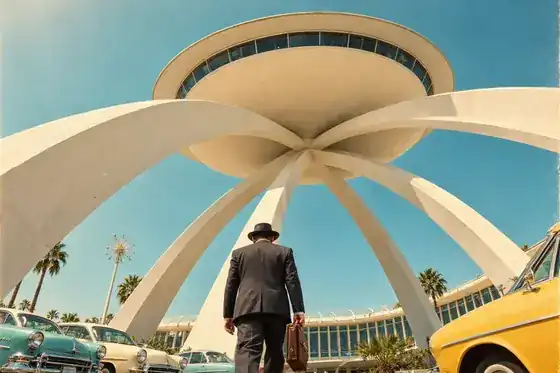
Source: Microsoft’s official MAI Image 2.7 model page and launch examples. Suggested briefs are editorial; Pexo navigation previews below are separate product images.

Model comparison

DIMENSIONMAI Image 2.7MAI Image 2.7 Flash
Role in the familyQuality-focused generation and editingFaster, lower-cost generation and editing
Input and outputText and images → imagesText and images → images
Reference editingUp to five reference images in the documented APIUp to five reference images in the documented API
Transparent outputSupportedSupported
Launch cost illustrationAbout $35 per 1,000 imagesAbout $10 per 1,000 images
Developer accessMicrosoft Foundry public previewMicrosoft Foundry public preview

Microsoft’s November 17, 2026 launch figures are approximate cost illustrations, not a fixed quote for every image or provider. Check current pricing, dimensions and deployment terms. Emphasis identifies this page’s main model; it is not a Pexo benchmark.

Use-case scenarios

Product visual studies

Explore packaging, materials and backgrounds before choosing a production direction. Review labels and product geometry against the source asset.

Campaign layout revisions

Test a headline or object change within an approved composition. Keep a clear record of the text, layout and visual details that matter.

Reference frames for motion

Develop still frames for a product explanation, mockup or title sequence. Video production is a separate step with its own motion and timing decisions.

Use cases

Develop visual assets into product explanations, mockups and motion design with Pexo.

Frequently Asked Questions About MAI Image 2.7

What is MAI Image 2.7?

It is Microsoft AI’s image generation and editing model. It accepts text and image inputs and produces images. The November 2026 launch also includes MAI Image 2.7 Flash; this page covers the family without treating API names or entry points as separate models.

When should I choose Flash?

Microsoft positions Flash for faster, lower-cost work. Start by comparing both variants on the same brief, dimensions and revision task. The launch cost illustrations are useful context, but actual cost and timing depend on the service and request.

Can it edit several reference images?

The documented image-edit API accepts up to five reference images. Explain which image supplies the main subject and what each additional reference contributes. Multiple references do not guarantee exact identity, layout or product preservation.

Can it generate transparent images?

Yes. The official launch describes transparent-background support for both 2.7 variants. The API also documents a transparent background option. Inspect the alpha channel and the object edges in the exported file before compositing.

Where is it available?

Both models are in Microsoft Foundry public preview and can be tried through MAI Labs. Foundry requires a suitable Azure subscription, project and deployment access. MAI Labs has separate eligibility and personal, non-commercial preview terms; do not transfer those terms to every provider or assume general production availability.

Official Microsoft model guide

Describe your idea and start your next creation.

Start creating