
Make App Promo Videos with Seedance 2.5, Kling AI 3.0 and MiniMax H3 in Minutes
Make an app promo video that shows real screens and drives installs. Pexo scripts and cuts it with Seedance 2.5, Kling AI 3.0 and MiniMax H3 in minutes.
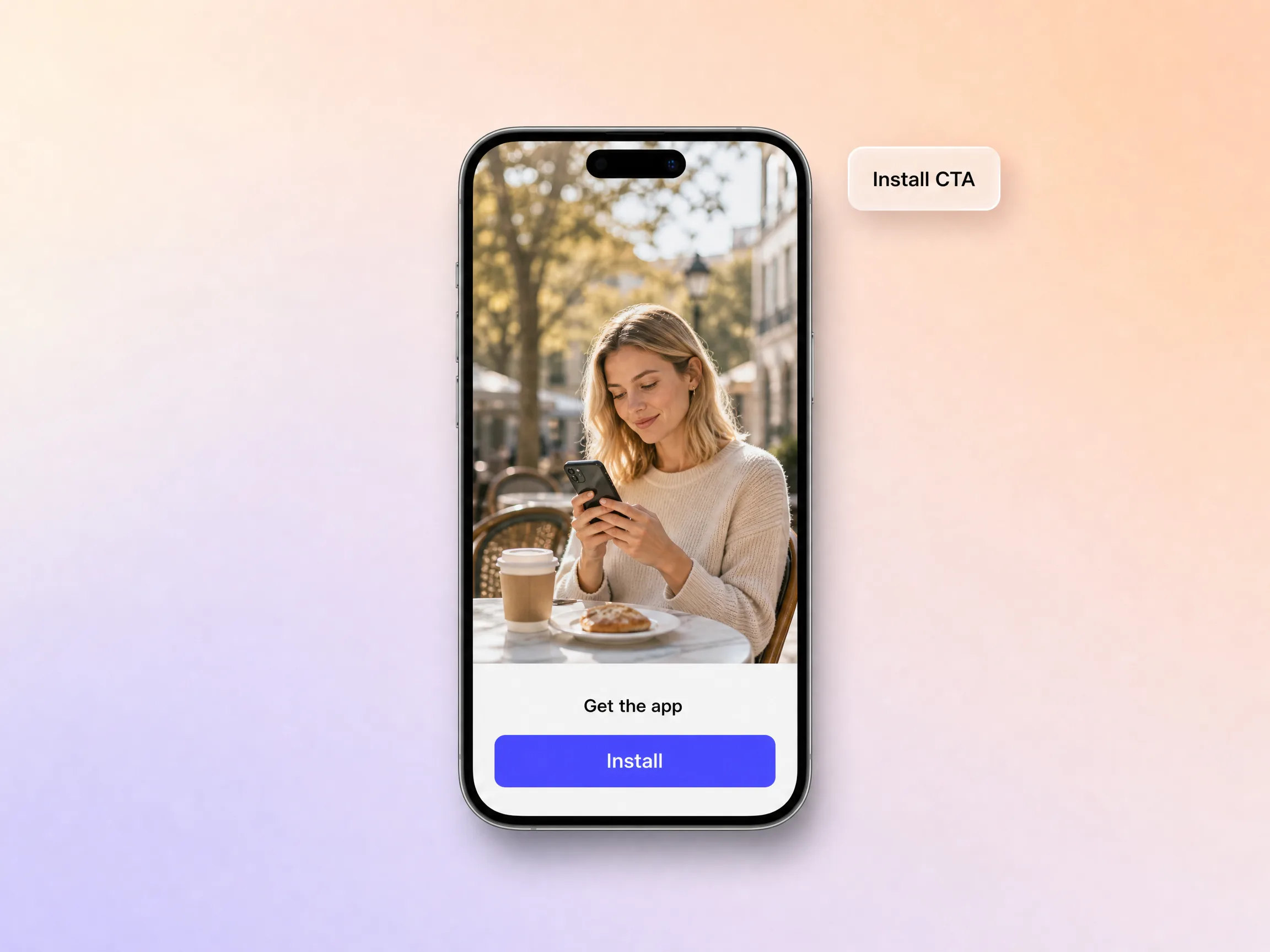
Make an AI app ad that turns scrolls into installs. Describe your app or upload a screen recording, pick a format, and the app ad maker writes the hook, generates polished shots, and exports every placement in minutes.
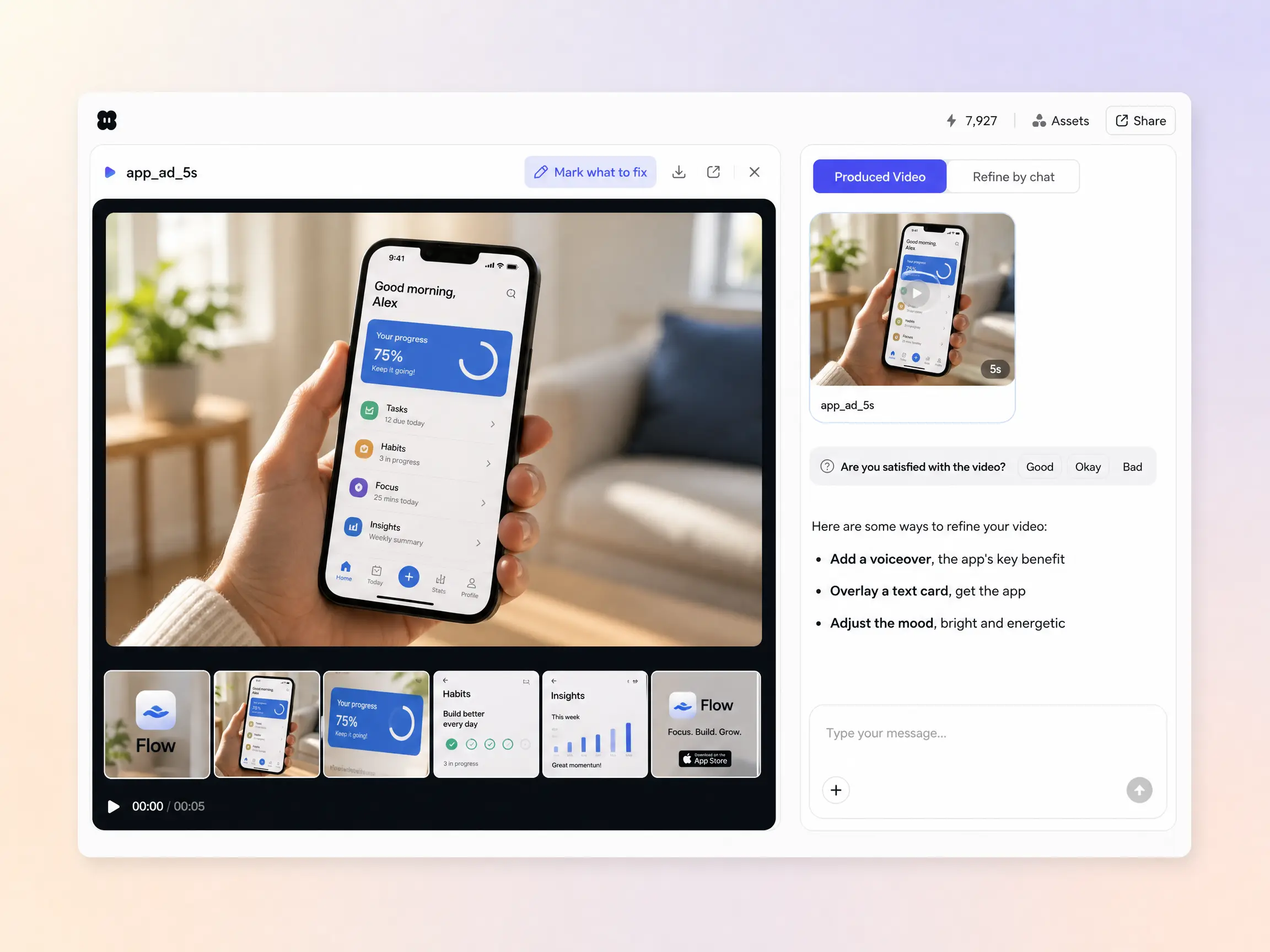
Start from a single line of text, a screenshot, or a screen recording. The app ad maker writes the hook and script, generates every shot across Seedance 2.5, Kling AI 3.0, MiniMax H3 and Happy Horse 1.0, and stitches them into one continuous, edited video. Mix text to video, image to video, and script to video inside the same project, and stay in plain language the whole way. No timelines, no keyframes, no editor to open.
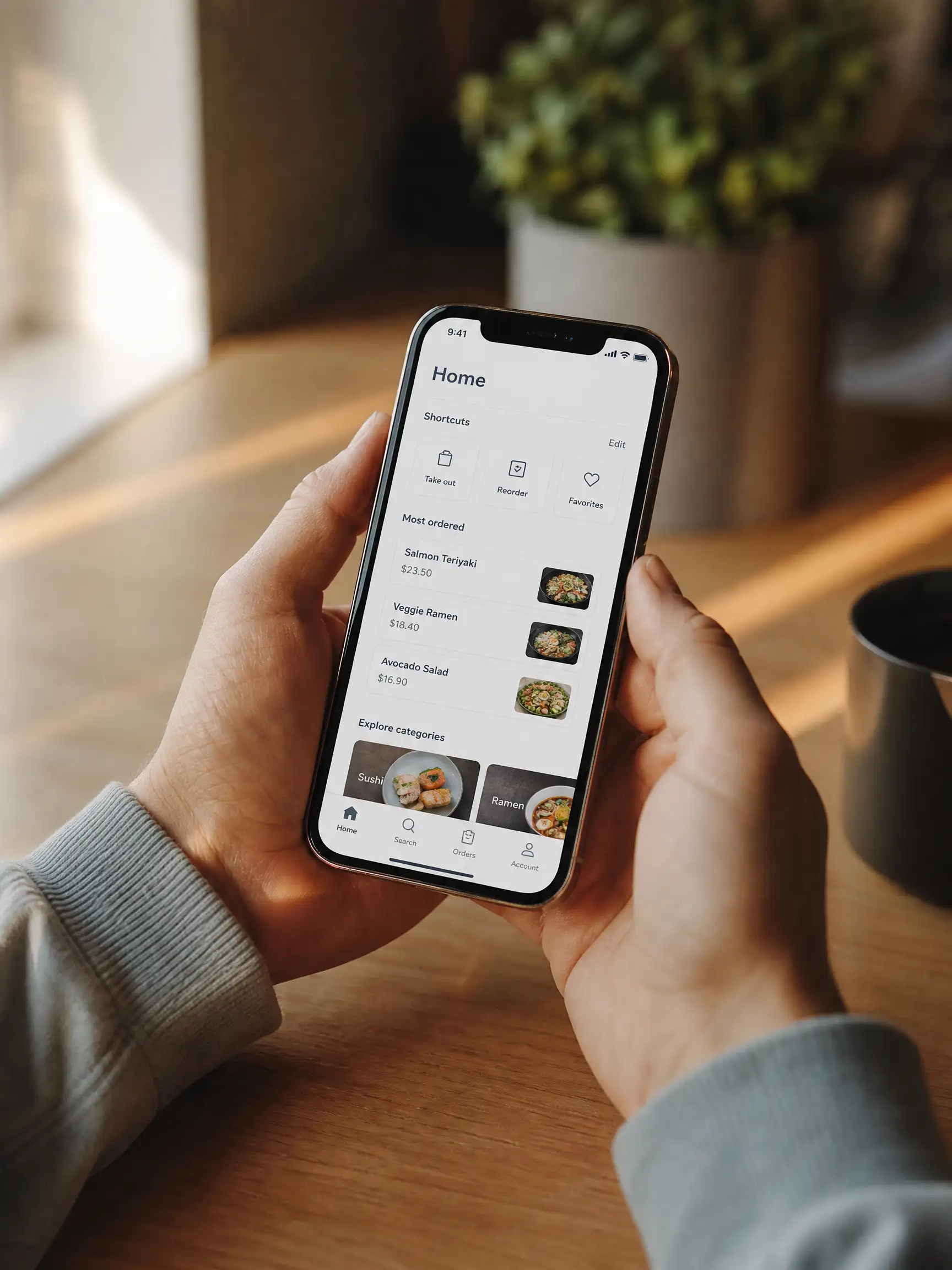
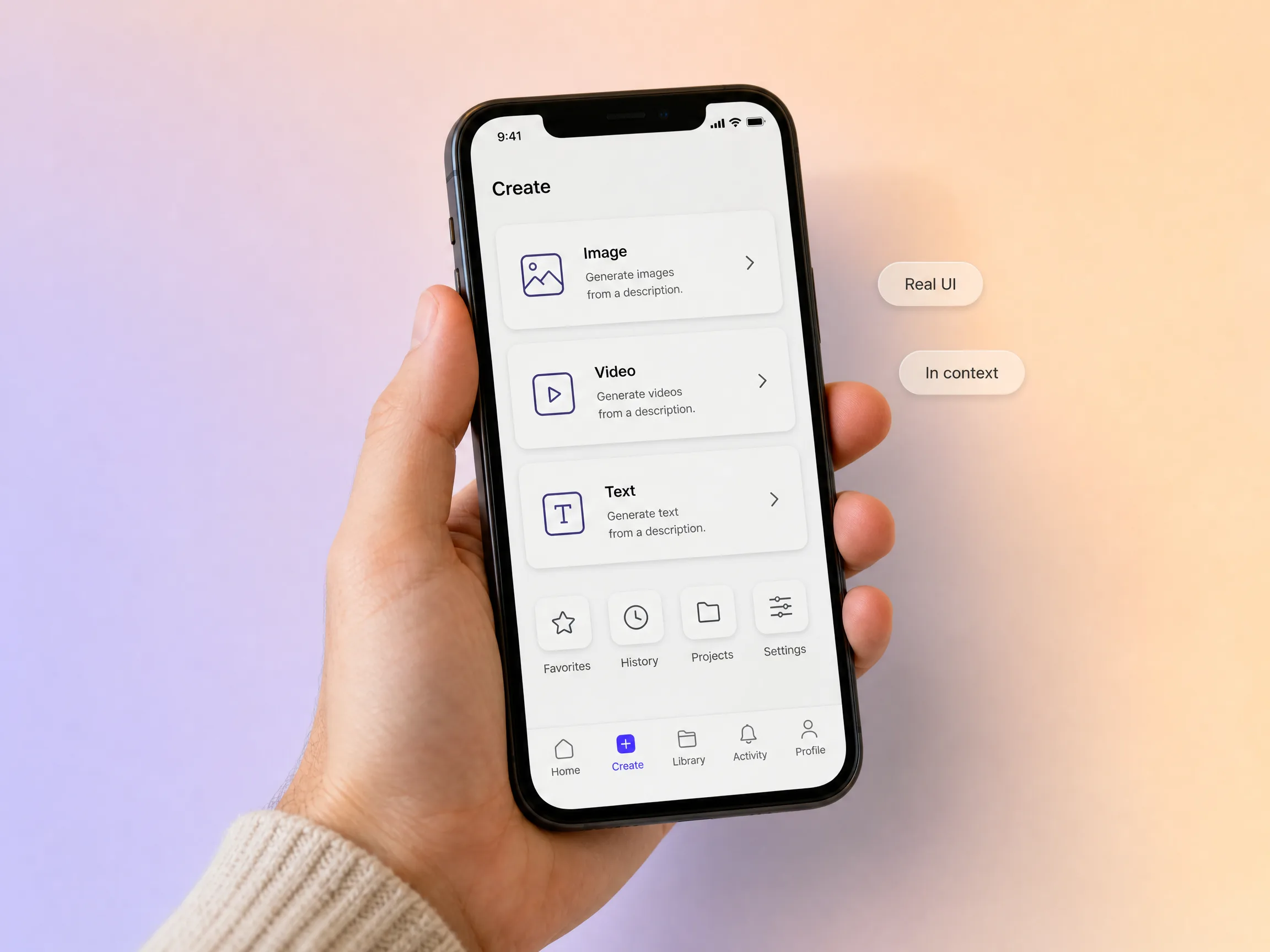
Pexo puts your real app on a phone in a real moment of use, so viewers see exactly what they will get the second they install. Hyperframe holds the same device, screens, and colors across every cut, so the interface people watch is the interface they open on day one. Nothing drifts a shade or a shape between shots. That match between the ai app ad and the app itself is what turns a tap into a keeper.
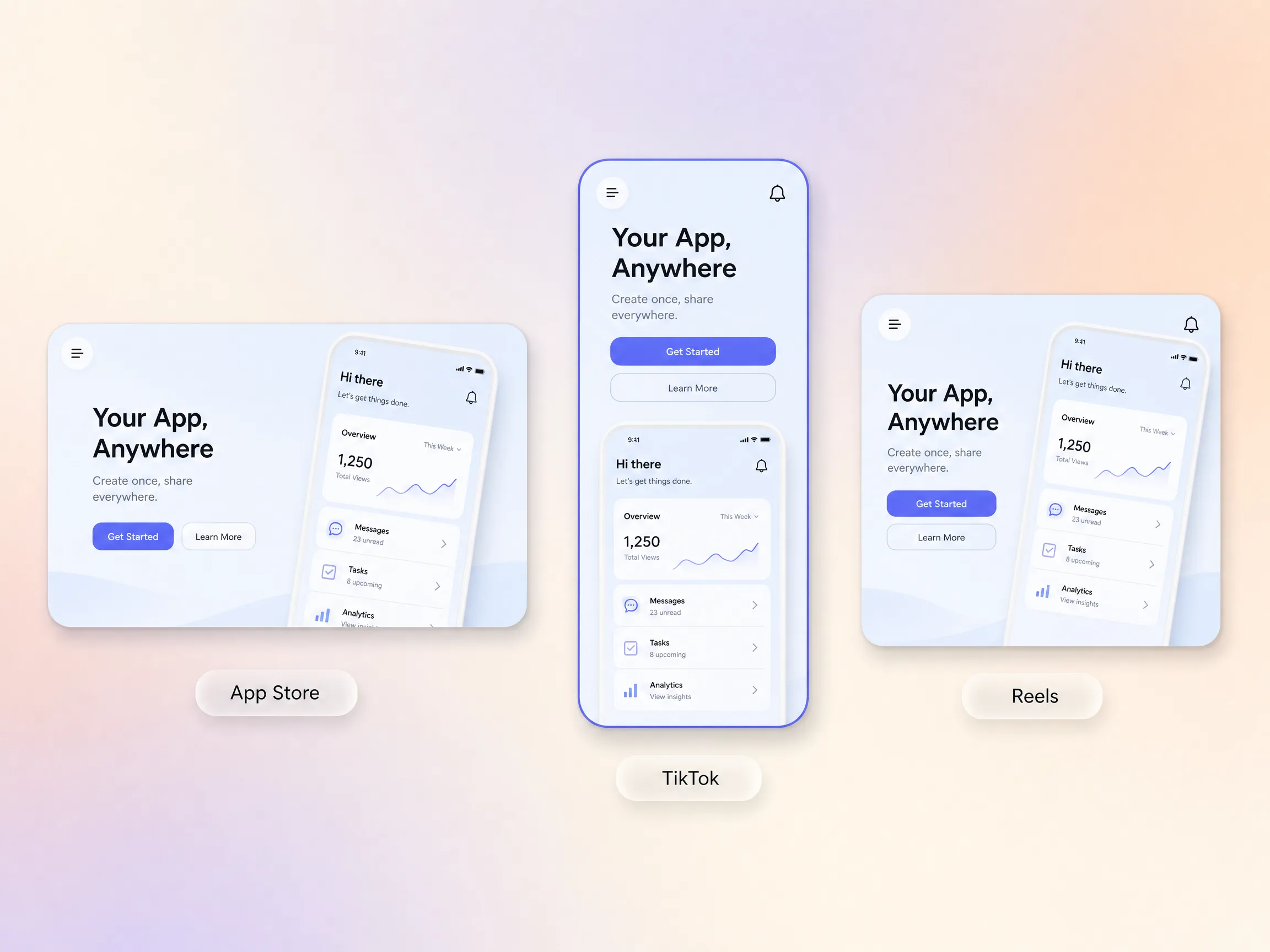
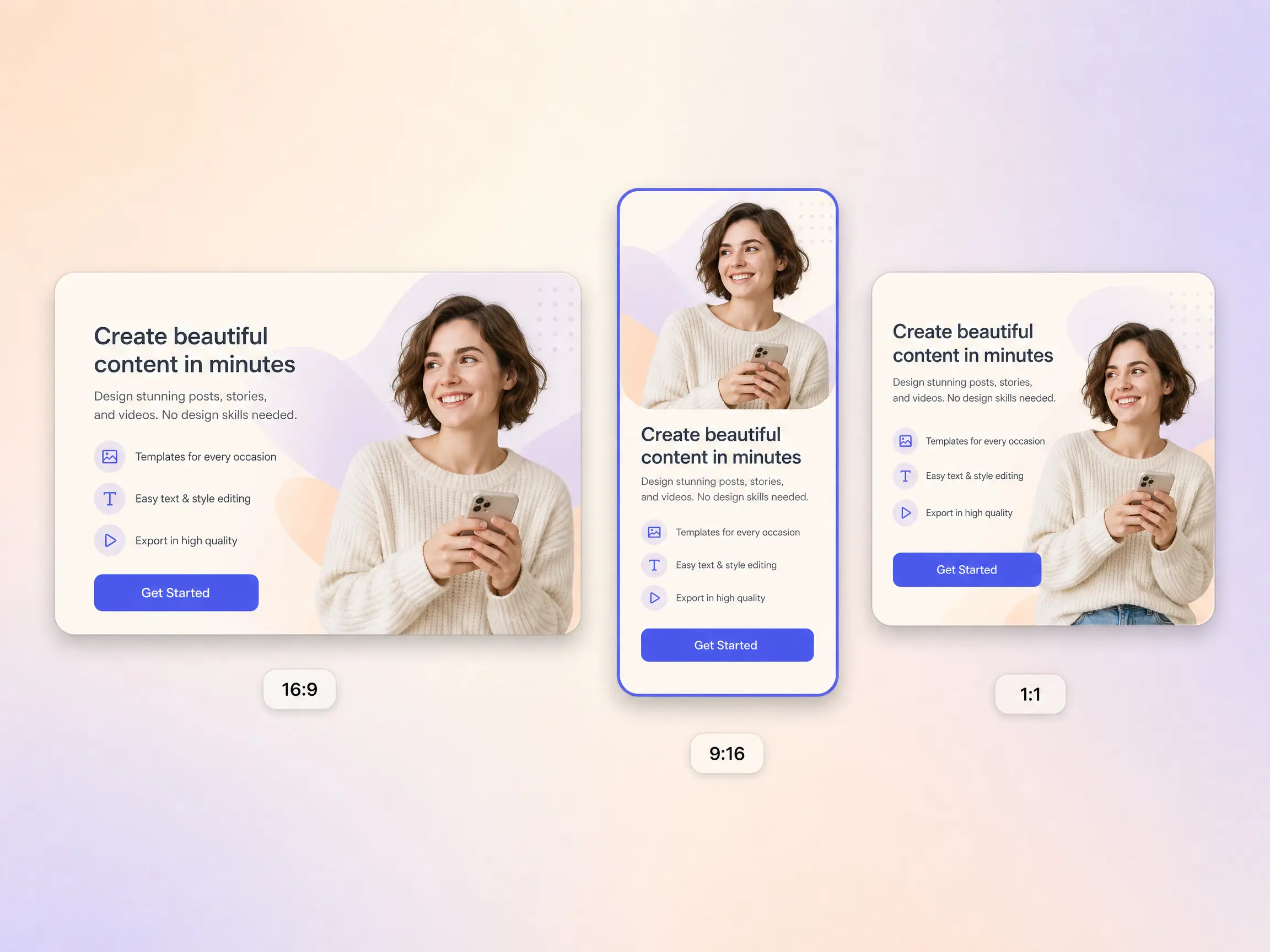
Pexo sizes the same app ad for the App Store, TikTok, Reels, and YouTube, so the cut that works in a store listing also drops straight into every social feed. Format presets reframe each ratio natively instead of squeezing one video into the wrong shape, keeping your screens readable at 9:16, 1:1, and 16:9. Launch across placements from a single project without re-editing for each one. Your app shows up sharp wherever people find it.
Every app ad Pexo builds drives toward a single install action and ends there, with a closing frame, AI voiceover, and burned-in captions tied to the exact value the app delivers. The close matches the moment you opened with, so viewers know precisely what to do when the ad lands. Point it at the App Store, Google Play, or your landing page and the whole cut works toward the install. One clear action, no generic outro competing for the tap.
The app ad generator delivers natively in 16:9 for YouTube, 9:16 for TikTok and Reels, and 1:1 for feeds, up to 4K and anywhere from 5 to 120 seconds. Each aspect ratio is generated fresh for that screen, with the composition framed for it rather than cropped down from one master. Ask for several formats at once and post the right version of your app ad to every channel. It looks intentional everywhere it lands.
We swapped the mockup for our real screens and install rate climbed 23 percent on the same spend. Every cut ended on the same clear tap.
I handed the app ad maker one screen recording and got 9:16, 1:1, and 16:9 cuts back in one pass, and they beat the creative we were buying.
No studio and no editor. Pexo cut an ai app ad that showed the app in a real moment of use, and cost per install fell by a fifth.
Related ad and video formats you can spin up from the same app ad prompt.
An app ad is a short video that shows a mobile app in real use and closes on one clear install action. Pexo builds one from a plain description or a screen recording, writing the hook, generating the shots, then adding voiceover and captions. Start from text to video or bring your screens in with image to video, and the app ad is cut for you.
Yes. Feed Pexo a screen recording or a few screenshots and it stages your actual interface on a phone in a believable scene instead of a flat mockup. Hyperframe holds the same device, screens, and colors across every cut, while Kling AI 3.0 renders the motion. Paste an existing script with script to video and the app ad exports up to 4K.
Most install spots land between 6 and 30 seconds, and Pexo generates anywhere from 5 to 120 seconds. It frames 9:16 for TikTok and Reels, 1:1 for feeds, and 16:9 for YouTube natively rather than cropping one master, then exports up to 4K with Seedance 2.5. One app ad covers every store listing and social feed slot.
Pexo is a strong pick because the app ad generator aggregates 10+ models, among them Seedance 2.5, Kling AI 3.0, MiniMax H3 and Happy Horse 1.0, and auto-routes every shot to the one that suits it. It writes the hook, narrates it, captions it, and exports 16:9, 9:16 and 1:1 up to 4K, so a single app ad fills every placement.
An app ad works for the install: it shows the product running on a phone and closes on one tap. A brand ad builds recognition and feeling rather than a download, and a testimonial video hands the pitch to a customer instead. Same workflow, different job, so switch pages and reuse your prompt.
Use subject + action + camera movement + setting + style. Name who is using the app, what they do in it, how the camera moves, where they are, and the look you want. For example: a commuter opening a budgeting app, tapping a savings goal, slow push in over her shoulder, bright morning train, clean modern style. Pexo expands that line into the full app ad.
Describe your app and the app ad maker returns a polished cut for the App Store, TikTok, Reels, and YouTube.
Make an app promo video that shows real screens and drives installs. Pexo scripts and cuts it with Seedance 2.5, Kling AI 3.0 and MiniMax H3 in minutes.
Make an ecommerce video for every SKU from the photos on your listings. Pexo picks between Seedance 2.5, Kling AI 3.0 and MiniMax H3, up to 4K in minutes.
Turn Shopify listing photos into a product video with Seedance 2.5, Kling AI 3.0 and MiniMax H3. Export 16:9, 9:16 and 1:1 up to 4K in minutes.
Make a google ad video for YouTube skippable, bumper and in-feed slots with Seedance 2.5, Kling AI 3.0 and MiniMax H3. Spec-ready cuts in minutes.
Make a video sales letter that closes. The AI video sales letter generator writes the arc, narrates it, and renders with Happy Horse, Kling and MiniMax H3.
Commercial video generator that turns a product photo into a broadcast-ready spot with Sora 2, Kling and Veo, cut to 15, 30 and 60 seconds in minutes.
Make an advertisement video for every placement. Pexo's AI advertisement video generator scripts and cuts the ad with Happy Horse, Seedance 2.5 and Kling.
Build a brand ad people remember with Pexo. The AI brand ad generator writes the story, locks your logo, colors, and voice, and renders with Sora 2, Kling and Veo, up to 4K.