 ChatGPT
 Perplexity
 Claude
 Gemini
 Grok




Your team has one product brief, a handful of approved assets, and two possible routes. A static ad can show the product clearly today. A video ad may explain the use case with more movement, but it also creates more scenes, captions, audio, and revision points to inspect.
AdCreative.ai can be useful when a team wants to generate and compare ad creatives from product and brand material. The decision depends on the job the ad must do, the proof the team already has, and the work required to approve the final asset. This review compares static and video routes under the same brief.
Is AdCreative AI a fit for your ad brief?
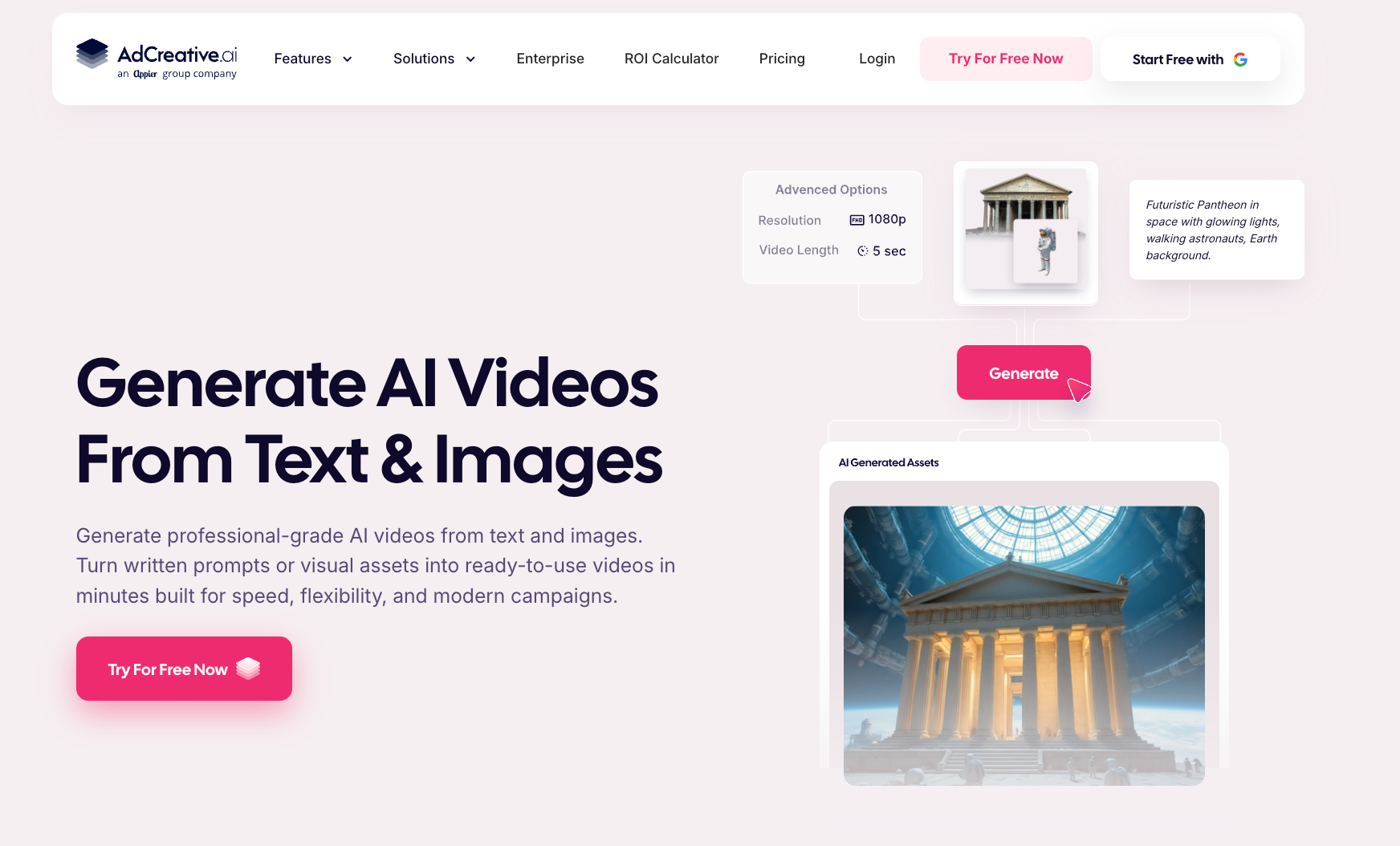
AdCreative.ai fits teams that already know the product, audience, offer, and destination. Its official pages describe static ad creatives, AI video generation from text and visual inputs, product videos, ad copy, and creative scoring. The platform can help a team produce variations around an approved direction.

It is a weaker fit when the brief still asks basic questions such as “What should this product promise?” or “Who is this for?” More generated assets will not settle an unclear claim.
Use one fictional brief to make the choice concrete. Northstar Pantry sells a reusable travel container with a removable inner tray. The approved product fact is that the tray lifts out. The team has product photos, a logo, approved finish names, and a product-page URL.
A static route can show the container, tray, finish, and offer in one frame. A video route can show the tray leaving the container and returning to it. The second route earns its extra work only when the motion helps the viewer understand something the image cannot show as clearly.
How does the workflow differ for static and video ads?
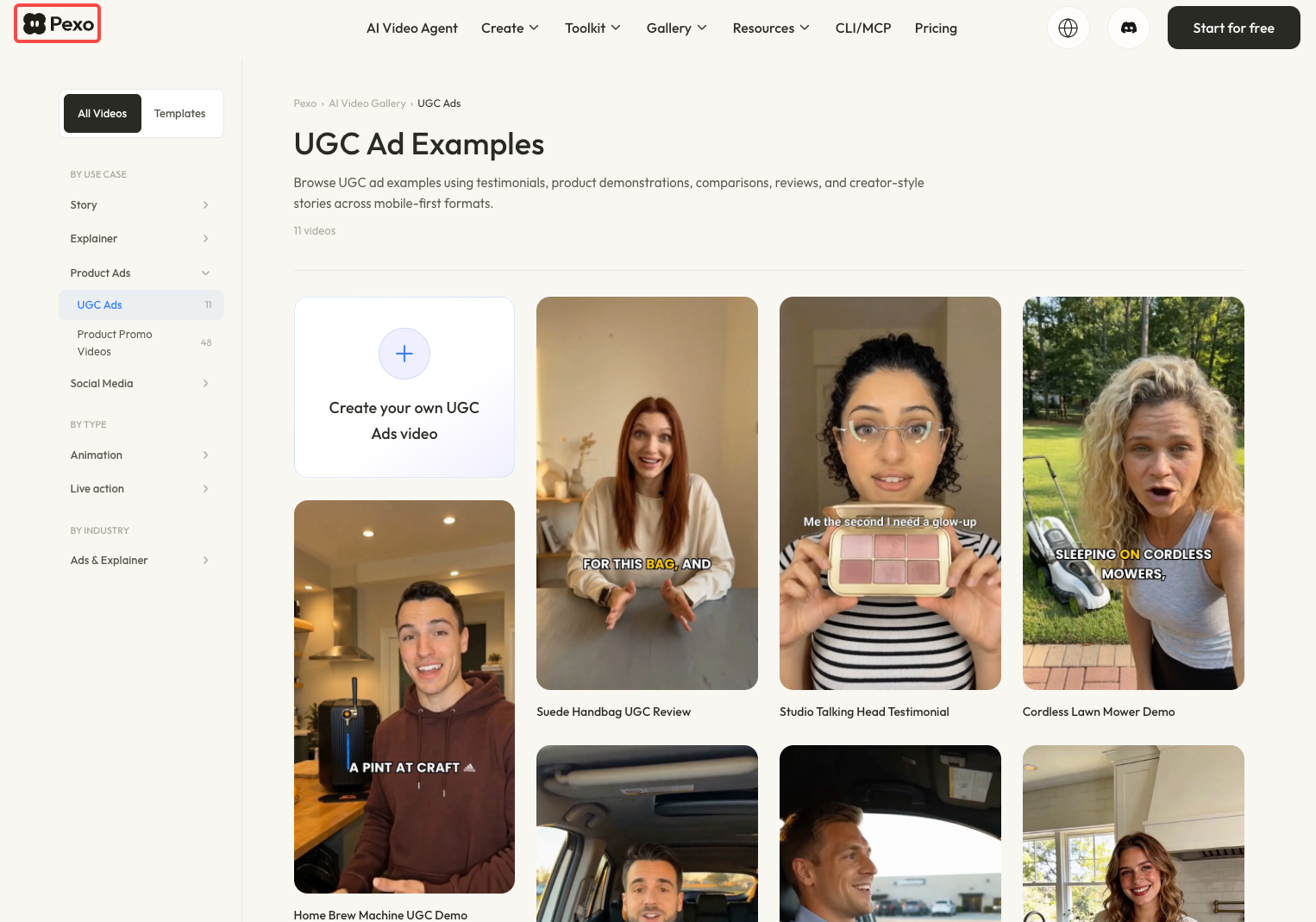
A static workflow usually moves from product evidence and brand assets to layout, copy, CTA, and size variations. A video workflow adds scene order, motion, audio, captions, timing, and a final sequence review. Teams comparing a complete production route can also browse Pexo’s Gallery for product and social-video references.
Prepare product evidence and brand assets
Keep the same source pack for both routes.
-
Current product photos and product-page wording
-
Logo, colors, approved finish names, and CTA
-
The removable-tray source clip or an approved product image
-
Excluded claims, such as spill protection or capacity, unless separately approved
-
Landing-page URL and the person responsible for claim approval
AdCreative’s Video Ad Maker describes selecting a video type and size, uploading an image or video, adding text, and editing before saving. Its product video guide also describes starting from a product photo and adjusting the generated description. These steps give the team a production path. They do not approve the product claim.
Compare creative variants by review effort
A useful comparison records the reason for each variant.
| Variant | Creative change | What to inspect | Review effort |
|---|---|---|---|
| Static A | Product and tray side by side | Label, tray shape, CTA, offer | Low |
| Static B | Close crop of the tray | Product detail and text space | Low |
| Video A | Tray lifts out in the opening | Product action, captions, voiceover | Medium |
| Video B | Morning packing scene before tray reveal | Story order, continuity, final claim | High |
The video versions may give the viewer more context. They also give the team more ways to be wrong. I would start with the tray action before adding a lifestyle scene. If the action is not clear, a prettier setup will not rescue it.
What should you verify before approving a video ad?
Watch the full video once, then compare it with the brief. A single polished frame is not enough for approval.
Product claims and visual accuracy
Check the product in every relevant scene. Does the same container appear? Does the tray lift from the same opening? Does the finish name match the current product page? Do the captions and voiceover state only the approved fact?
If a generated shot changes the tray shape, keep the source material and request a specific correction. “Make the product more accurate” is difficult to review. “Keep the current tray edge and show the lift-out action before the finish card” gives the next version a pass condition.
The creative score can help a team sort static variations, but a score is a prediction or ranking signal. It is not a verified sales forecast. Compare it with the actual campaign measure after the asset runs, and keep the score and the result in separate fields.
Editing control, export and commercial rights
Check which parts of the video can be edited after generation. Confirm whether the workflow supports the required size, text, audio, captions, and destination format for the intended campaign.
AdCreative’s AI video page states that generated video outputs are cleared for commercial use and owned by the user. However, its Online Subscribers Terms, updated December 19, 2025, separately address ownership of materials and work derived from using the Services. The terms also confirm that users retain rights to the Content they submit.
Because the public AI video claims and the broader intellectual-property provisions do not clearly explain how ownership applies to every generated video, confirm the applicable output rights in writing before using the material in a client campaign. Also verify the rights attached to supplied music, logos, people, and client materials. This article is not legal advice.
Where does a static creative remain the simpler choice?
Static remains the simpler choice when one frame can show the product truth and the next action. It is a good fit for a finish comparison, a price or offer card, a product-page reminder, or a retargeting message where the audience already knows the product.
Static also makes review easier when the team has limited time, a tight claim, or many sizes to approve. The team still checks text, product details, permissions, and platform requirements. There are fewer moving parts to inspect.
A video earns its place when movement explains the product. The tray lifting out is a reason. A slow zoom added only to make a still image feel active is harder to justify.
How should a team make the production decision?
Use this short decision table before generating variants.
| Question | Choose static when… | Choose video when… |
|---|---|---|
| What must the viewer understand? | One frame can show it | An action or sequence carries the proof |
| What source material exists? | Approved photos and copy are enough | A usable product action or visual route exists |
| How much review time is available? | The team needs quick layout checks | The team can review scenes, audio, and captions |
| What is the destination? | A page or offer needs a clear card | The story leads naturally into the next action |
| What changes in the next version? | Layout, copy, crop, or CTA | Opening, scene order, action, voice, or captions |
For Northstar Pantry, I would produce one clear static version and one short video version. The static version can establish the product and finish. The video can prove the tray action. If the video does not make that action clearer, keep the static route and spend the next revision on the product page or offer.
Verdict for product advertisers
AdCreative.ai can make sense for a product team comparing static and video routes from the same approved brief. Teams can also review the Pexo when they are comparing complete-video production routes. Static is easier to inspect when one frame carries the product proof. Video is worth the extra review when movement demonstrates a feature, use, or transition that a still image cannot show as well.

For Northstar Pantry, I would keep the removable-tray action as the testable reason for the video version. I would use the static version for the product, finish, offer, and destination. The decision should follow the proof the viewer needs, the assets the team owns, and the revision effort the team can support.
If the approved video direction is clear but assembling and revising the complete cut is slowing the campaign, Pexo can provide another video production route. Bring the product evidence, the scene that must remain accurate, and the change the next version needs.