 ChatGPT
 Perplexity
 Claude
 Gemini
 Grok




The film starts in a crowded kitchen and ends with someone heading out the door. But one generated shot changes the lunchbox lid, and the next makes the same person look like someone else. If you're building a product film from separate AI-generated clips, a smooth transition won't save a sequence that loses continuity. This workflow shows you how to plan the story, prepare references, and check every cut with a shot board and continuity worksheet.
What Does AI Filmmaking Need Beyond One Clip?
A sequence needs the viewer to understand what happened between shots. The product must stay recognizable, the action must progress, and each cut must leave enough information for the next image to make sense.
Consider a clearly fictional example. Alder Lunch is launching a blue lunch container with a removable divider. Its 30-second film follows a fictional office worker packing lunch at home. The single message is that the divider separates two foods inside one container. That product fact is an assumption for this example, subject to verification against the real SKU before production.
The film needs a stable character, kitchen, product, and action order. It also needs a decision about evidence. Use real capture for the divider demonstration where the viewer needs to see the actual product working. Generated scenes can supply the surrounding story, such as the morning kitchen and the departure.
Write a Product Story With One Audience and Claim
Choose the buyer and the moment in their day. Alder Lunch is speaking to someone who packs lunch before work. The story starts with two foods waiting on the counter, shows them placed in separate compartments, and ends with the container packed for departure.
Keep the script close to that action. An example line is, “Two parts of lunch, one place to pack them.” Claims about leaks, freshness, or temperature would require separate evidence and different demonstration shots.
Write the action sequence before polishing narration. If the viewer cannot follow it with the sound off, another voiceover sentence will rarely repair the missing step. I would give the divider placement a clear view before spending time on an elaborate departure shot.
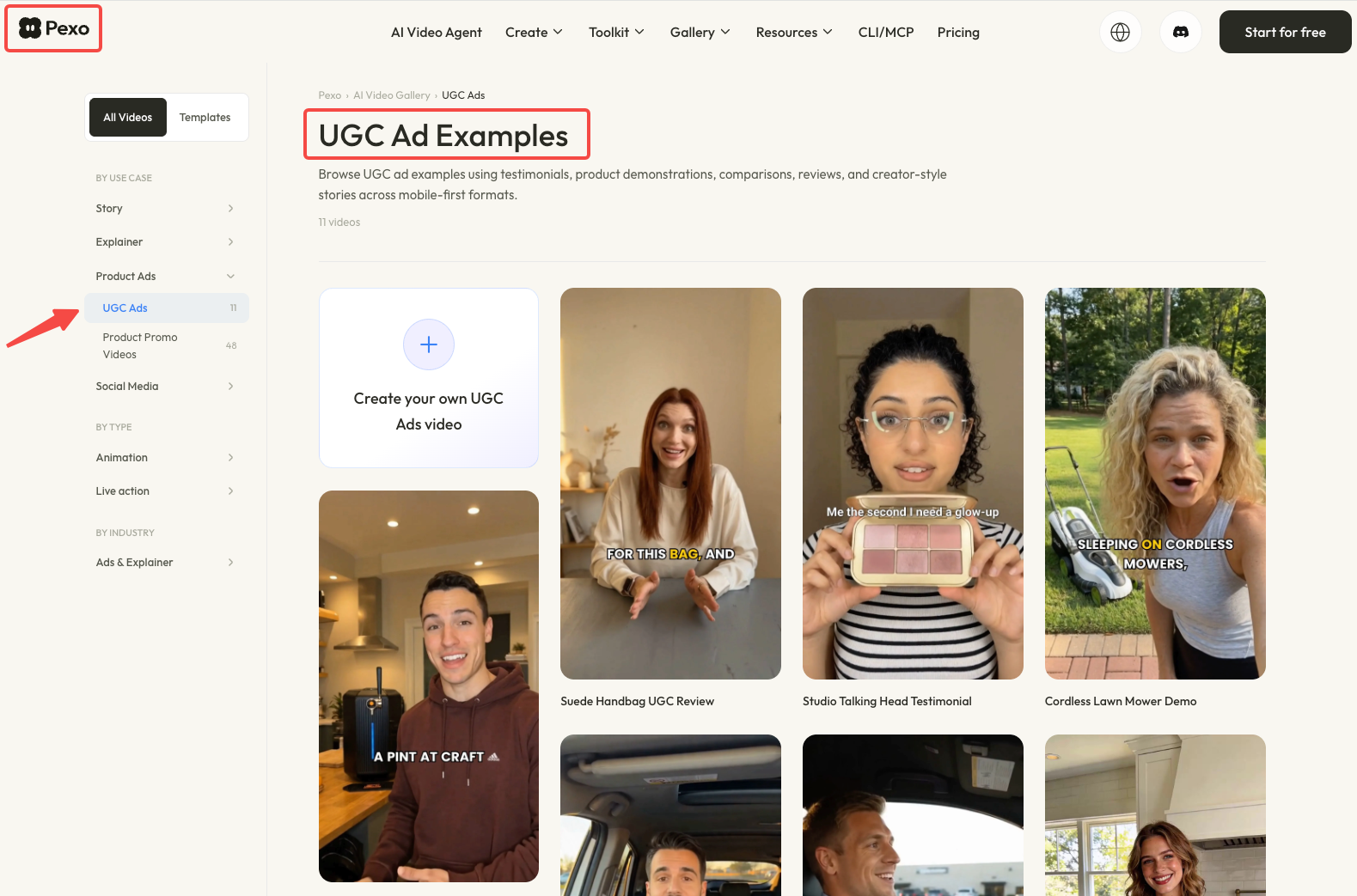
For visual inspiration, browse the story and product categories in the Pexo gallery. Borrow an observation about pacing or framing, then build an original sequence around your own product and audience.
Build a Shot Board and Reference Pack
Approve a rough board before generating. Still frames with temporary narration can reveal whether the product appears too late or an action needs another angle. Teams choosing a place to manage boards and review notes can use the Storyboard Software comparison.
The following timing is a fictional editorial plan totaling 30 seconds. Generated source clips may need trimming to fit these slots.
| Shot | Time | Story job and action | Source and reference | Required connection |
|---|---|---|---|---|
| S01 | 0–4s | Establish the morning kitchen and waiting food | Generated setting, kitchen K01 | Blue container sits right of food |
| S02 | 4–10s | Show the divider and place food on either side | Real product capture, SKU P01 | Same counter, divider orientation |
| S03 | 10–15s | Close the lid | Real capture following S02 | Food and lid positions continue |
| S04 | 15–21s | Carry the container toward a work bag | Approved generated scene or real capture | Same sleeve, product color, travel direction |
| S05 | 21–26s | Leave the kitchen | Generated character and setting | Bag remains in the same hand |
| S06 | 26–30s | Product name and CTA | Approved product photo and graphics | Current packaging and exact copy |
The reference pack should identify P01 as the product authority, K01 as the kitchen, and C01 as the character. Include product angles, divider and lid details, wardrobe, counter arrangement, lighting direction, and approved text. Use portraits with documented permission if C01 depicts a real person.
Give every image one role. A mood reference can guide warm morning light, while the SKU photos determine the actual container. Mark older packaging and rejected designs clearly so they cannot become generation inputs by accident.
Generate Scenes With Consistent Product and Setting
Start with the scene that establishes the recurring character and kitchen. Review that frame against the board, then use approved references for subsequent scenes where the chosen tool supports them. Record the tool, model, settings, prompt, and reference version for each shot.
Describe the visible action and camera movement separately. For S04, an illustrative prompt is, “Medium side view in kitchen K01. The person in C01 lifts the closed blue container toward the bag on the right. The camera remains still.” This is proposed direction, with the actual reference syntax determined by the tool.
Runway’s Gen-4 guidance recommends simple descriptions of physical motion and explains how an input image guides appearance. Those recommendations belong to that workflow and need adapting when using another model. Gen-4 video prompting guidance.
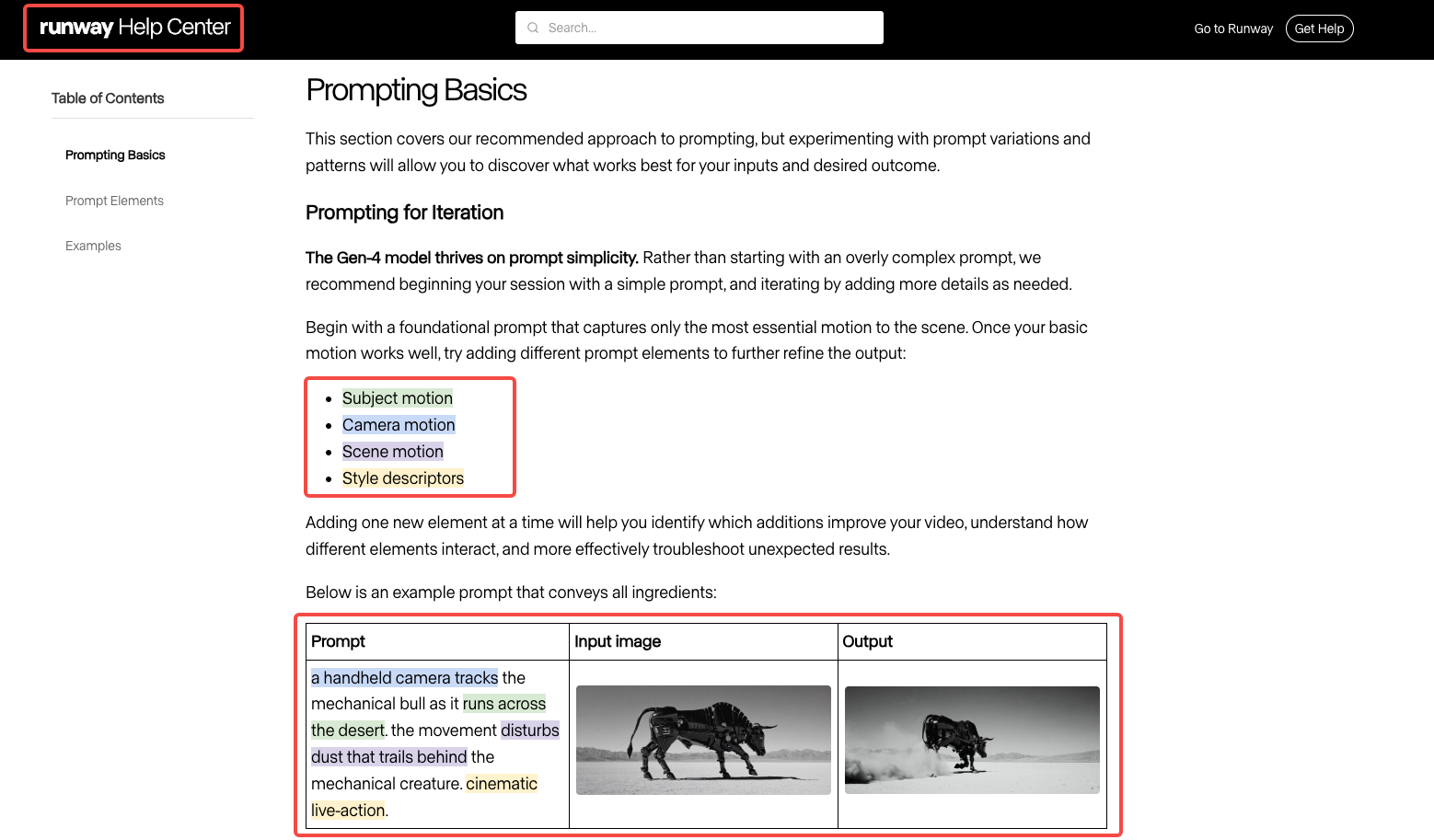
Generate one action per shot when practical. Asking a person to pack, close, lift, and leave in a single short clip creates more transitions to inspect. References guide appearance, but each returned scene still needs approval for character continuity, product shape, setting, and packaging.
If you prefer directing the whole film through conversation, Pexo can work from approved material and a brief to develop scenes and revise the video. Attach the board and source files with clear instructions about which product actions must use real footage. Judge the resulting sequence against the same acceptance criteria.

Assemble Pacing, Sound, and Transitions
Build a rough sequence from selected takes before adding a full soundtrack. Give S02 enough time for the viewer to recognize the divider, and cut S03 after the lid action is understandable. A longer kitchen introduction is expendable if it crowds those moments.
At each cut, compare the outgoing and incoming frames. A container moving right should continue naturally into the next view, or the new angle should clearly establish the change. Allow a short pause around a direction change instead of hiding it beneath a fast transition.
Sound can connect scenes through a cut. A quiet kitchen ambience can continue from the establishing shot into the demonstration. Add lid and bag sounds only where the visible actions support them. Align narration after the product action reads clearly, then lower music where speech needs room.
For manual assembly, use an editor that supports the required track and trim control. When Pexo produces the complete cut, give feedback on visible moments, such as “Hold the divider shot until both compartments are readable.”
Review Continuity Across the Whole Sequence
A shot can pass alone and fail beside its neighbor. Watch the complete film once at normal speed, then inspect the joins and product actions more closely.
| Join or check | Compare | Accept when | Correction if it fails |
|---|---|---|---|
| S01 to S02 | Container and counter layout | Viewer recognizes the same preparation area | Adjust establishing frame or capture angle |
| S02 to S03 | Food, divider, lid state | Closing follows the visible packing action | Select a matching real take |
| S03 to S04 | Shape, color, closed lid | Product identity holds across the cut | Replace the generated carry shot |
| S04 to S05 | Sleeve, bag, hand, direction | Departure follows the carry action | Revise character reference or select another take |
| S06 | Product, logo, CTA | End card matches the current SKU and destination | Replace source image or graphics |
Copy this worksheet and add take ID, reviewer, decision date, and replacement file. These are acceptance conditions for a fictional film, with results to be filled from actual footage.
Review the claim through picture and sound together. A generated spill-free carrying scene could suggest leak resistance even if the script only mentions compartments. Change that scene if the product evidence supports separation alone.
Deliver the Film and Its Source Record
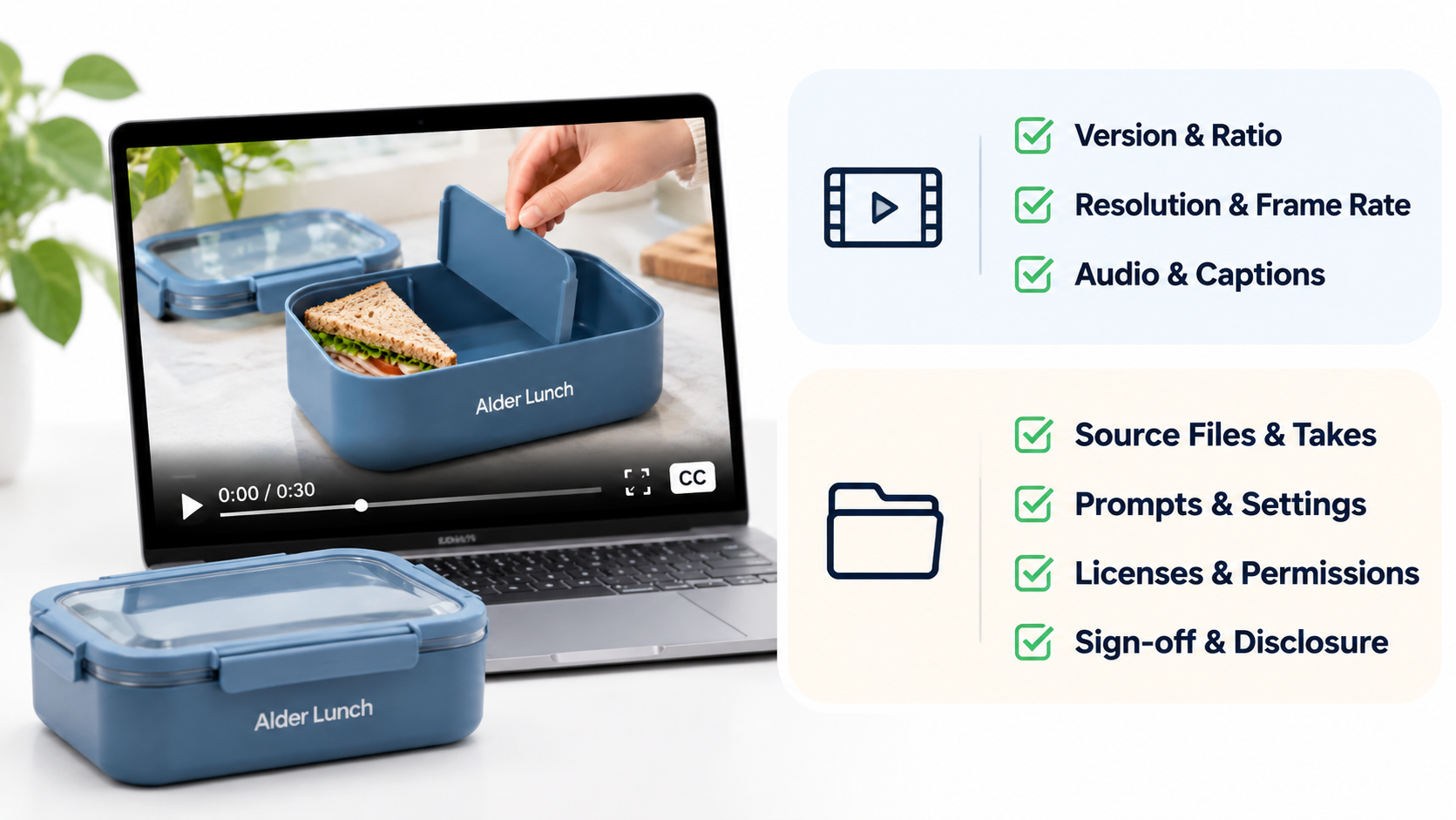
Deliver the approved film with its version, ratio, resolution, frame rate, audio specification, and caption treatment. Keep a separate master where the production workflow supports it, along with the exact exported file used for approval.
Archive the board revision, selected takes, original product files, prompts, model settings, narration, music license, performer permissions, and sign-off. Preserve credits and required disclosure text with each destination version. The source record helps a later editor identify which scenes need changing when packaging or narration changes.
Ask the destination owner to confirm synthetic-media disclosure requirements for the actual placement. A label, a performer credit, and permission to use a voice each serve different purposes. This article does not provide legal advice.
Conclusion
Before approving the Alder Lunch film, the team should be able to follow the container from counter to departure and identify where the real divider demonstration supports the claim. Any missing action, changed product, or inconsistent character returns to a named shot for correction.
Keep the approved sequence and its sources together. The next version can then begin with the specific scene or claim that changed.