 ChatGPT
 Perplexity
 Claude
 Gemini
 Grok



Save an ad because you can explain what its opening makes you want to see next. A product appearing from behind a book creates one expectation; a bundle price creates another. Each needs a different kind of evidence before the closing invitation makes sense.
Useful Instagram Stories ads examples help you connect those parts. Below are four hypothetical briefs for Edda, a fictional folding book stand. Its features and bundle are planning assumptions to replace with verified product information.
What Makes a Story Ad Useful for a Product Brief?
It gives you a specific creative decision to examine: how the opening, product evidence, offer, and CTA work together. You should be able to describe that relationship before borrowing the pattern.
When researching real ads in the Meta Ad Library, record the advertiser, library ID, date viewed, and visible creative. Separate what you observe from what you infer. An Instagram platform label alone doesn't establish that the creative ran specifically in Stories.
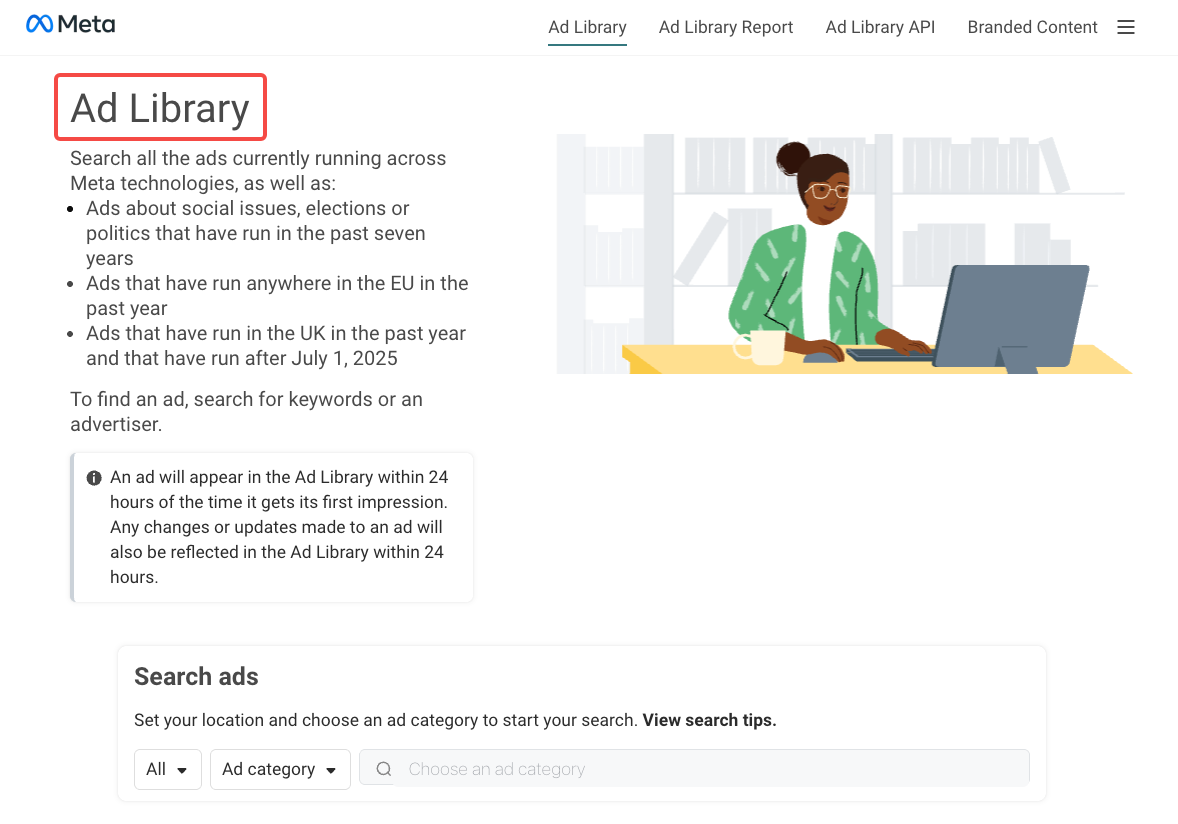
For each saved reference, note the first image or action, the claim it supports, any offer conditions, and the destination. If something isn't visible, mark it unknown. Keep screenshots as research references; produce your own visuals and copy.
Examples by Creative Pattern
Product Reveal and Proof
1. Static reveal: give the product a recognizable job
Hypothetical example — single image. Edda holds an open cookbook beside a mixing bowl. The headline reads, “A place for your recipe.” The stand remains visible beneath the book.
-
Opening: The finished cooking setup lets the shopper recognize the use immediately.
-
Product evidence: An original photograph shows the actual stand supporting the pictured book, with its ledge visible.
-
Offer: None; the message introduces the product.
-
CTA: “See the stand,” leading to the matching product page.

The brief should preserve that relationship between book, stand, and counter. A tighter crop that hides the stand weakens the explanation. This image shows one arrangement; it cannot demonstrate the folding mechanism or establish suitability for every book.
2. Video proof: show the change from folded to open
Hypothetical example — short video. A hand places the folded stand on a table, opens it, then sets a book on it. The proposed line is “Open for reading. Fold for storage.”
-
Opening: The folded object creates a reason to watch it open.
-
Product evidence: Approved footage keeps the hinge and supporting parts visible through the movement.
-
Offer: None; the folding feature carries the message.
-
CTA: “See how it folds,” leading to product details and the demonstration.
Keep enough of the opening action to explain how the support engages. A transition that skips that moment may look polished while leaving the buyer uncertain. Check the final folded shape against the real product before approving the cut.
Offer, Demonstration, and CTA
3. Static offer: make the contents easy to count
Hypothetical example — single image. Assume the promotion owner has approved a bundle containing one Edda stand and two page clips. The layout shows all three pieces separately, with “Book stand + two page clips.”
-
Opening: The complete bundle appears beside its short description.
-
Product evidence: The photograph and approved bundle record agree on the included items.
-
Offer: The stated bundle, with its actual price and relevant conditions added only after approval.
-
CTA: “View the bundle,” opening that exact offer.

Keep decorative props separate from included items. If a cookbook appears in the scene, the design must make clear that it isn't supplied. Check the destination and checkout configuration before adding a saving, deadline, or eligibility claim.
4. Video demonstration: answer a fit question before asking for a visit
Hypothetical example — short video. A shopper wants to know how much counter space the open stand occupies. The video shows the stand from above, then a side view with approved dimension labels.
-
Opening: “How much counter space does it need?” names the purchase question.
-
Product evidence: Current measurements match the shown configuration; the side view includes the support's full depth.
-
Offer: None; dimensions are the reason to continue.
-
CTA: “Check the measurements,” leading to a dimension drawing for the same version.
Show the footprint before adding lifestyle shots. A front view alone can hide how far the support extends behind the book. Review labels on a phone and confirm that hands, framing, and text leave the measured edges visible.
Turn an Observed Example Into an Original Brief
Write down why the reference works visually, then rebuild that relationship around your own product evidence. A bundle reveal might suggest showing every included piece before demonstrating one feature. Your script, setting, footage, and offer should come from your campaign.
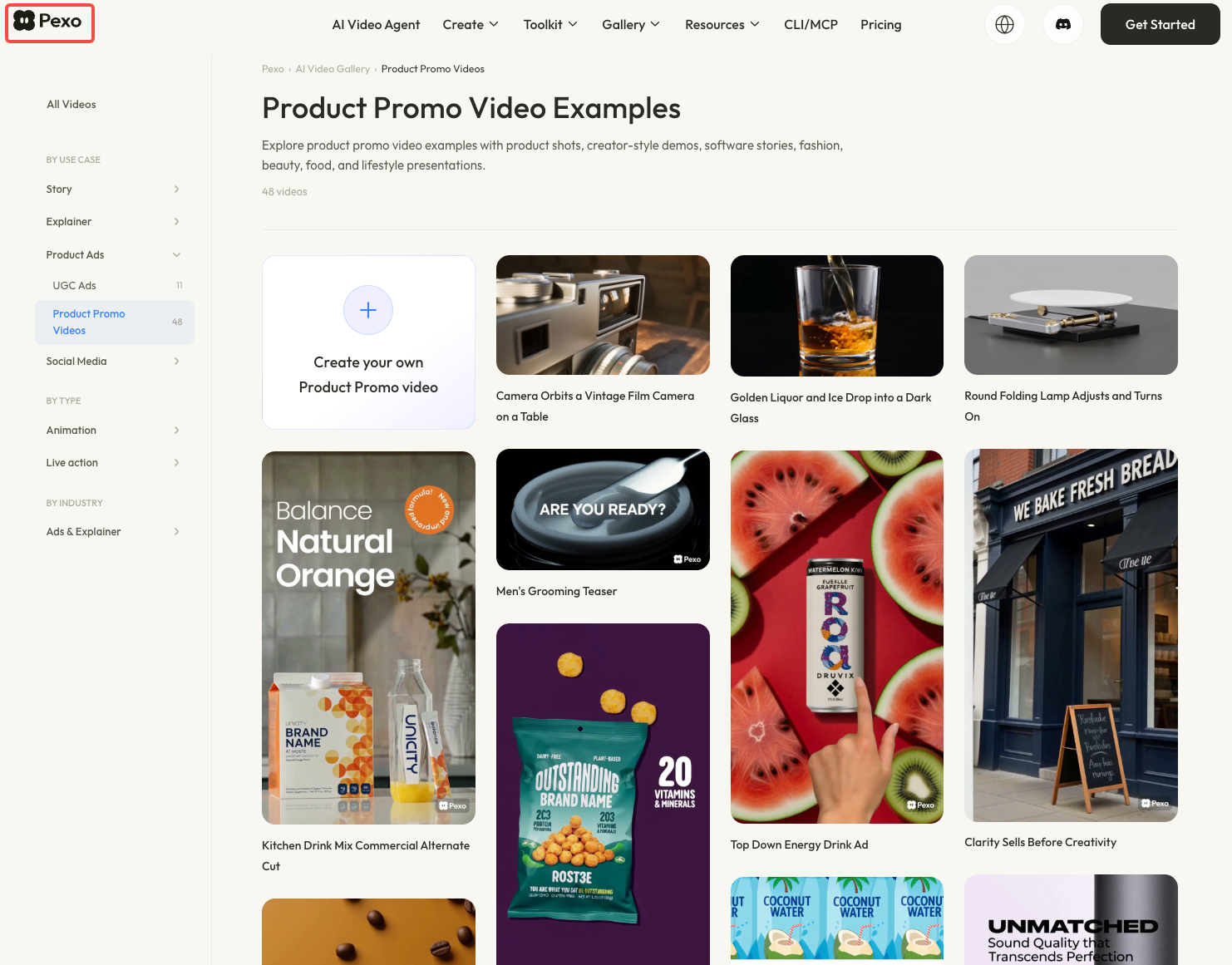
For additional framing and pacing references, browse Pexo's video gallery. Notice when the product becomes recognizable and how long the final message remains readable.
Here is an ecommerce video brief adapted from the bundle pattern:
| Brief field | Edda planning example |
|---|---|
| Buyer question | What comes in the bundle? |
| Opening | Show one stand and two clips separately |
| Demonstration | Place the clips on the open book using approved footage |
| Exact copy | Approved bundle name, contents, price, and conditions |
| Destination | Matching bundle page, checked before launch |
| First-cut review | Count items; verify clip placement, text, and final invitation |
Plan a vertical composition, then check Meta's Stories video specifications for the selected placement. Confirm current duration, file requirements, and safe areas in your account. Preview the actual CTA treatment before placing words near it.
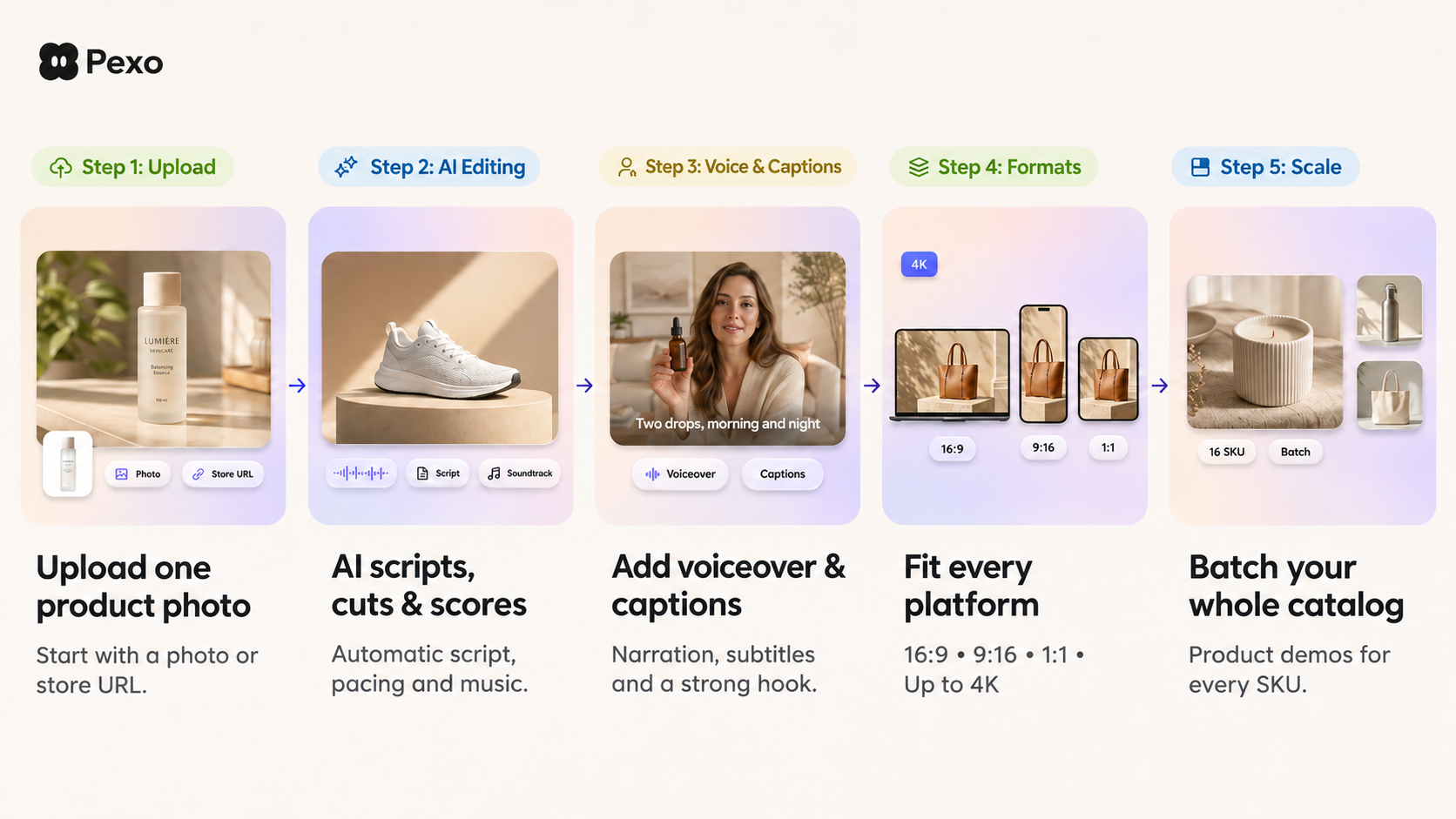
With the photos, footage, and copy approved, you can develop the cut through Pexo's product-video workflow. Confirm that the current workflow accepts your existing footage and approved copy as inputs before production. Give feedback on a visible moment: “Keep all three bundle pieces visible before showing the clips on the book.” Inspect the returned video against the same item list.
Use materials cleared for the intended production and advertising use. Check music and likeness permissions, plus the service's processing terms, before supplying references. Pexo's current terms include written-consent requirements for promotional use; confirm those requirements for your project. This article does not provide legal advice.
What Can These Examples Not Prove?
They cannot establish which pattern will sell more for your audience. A public creative shows choices you can examine; its presence or apparent longevity doesn't establish ROAS, profitability, or why it remained active.
Treat each Instagram Story ad idea as a hypothesis for your own campaign. If testing an opening, keep the offer and destination consistent where practical. Record the audience, spend, attribution settings, and changes that could affect interpretation. Avoid calling a creative a winner from appearance alone.
Conclusion
Choose the example that answers your next buyer question. A static bundle image may explain the contents; folding needs a visible action. Carry the useful pattern into an original brief, then approve the product evidence, offer, and destination together.