ChatGPT
 Perplexity
 Claude
 Gemini
 Grok
Grok



Images can share a palette and still look like four different campaigns. Before adding motion, decide what should survive every cut.
This Krea 3 product video plan uses a fictional Marlow ceramic mug with a narrow cobalt rim band. Its brand story is a quiet morning pause. The image set and storyboard are illustrative.
Which Krea 3 Images Are Ready for Video?
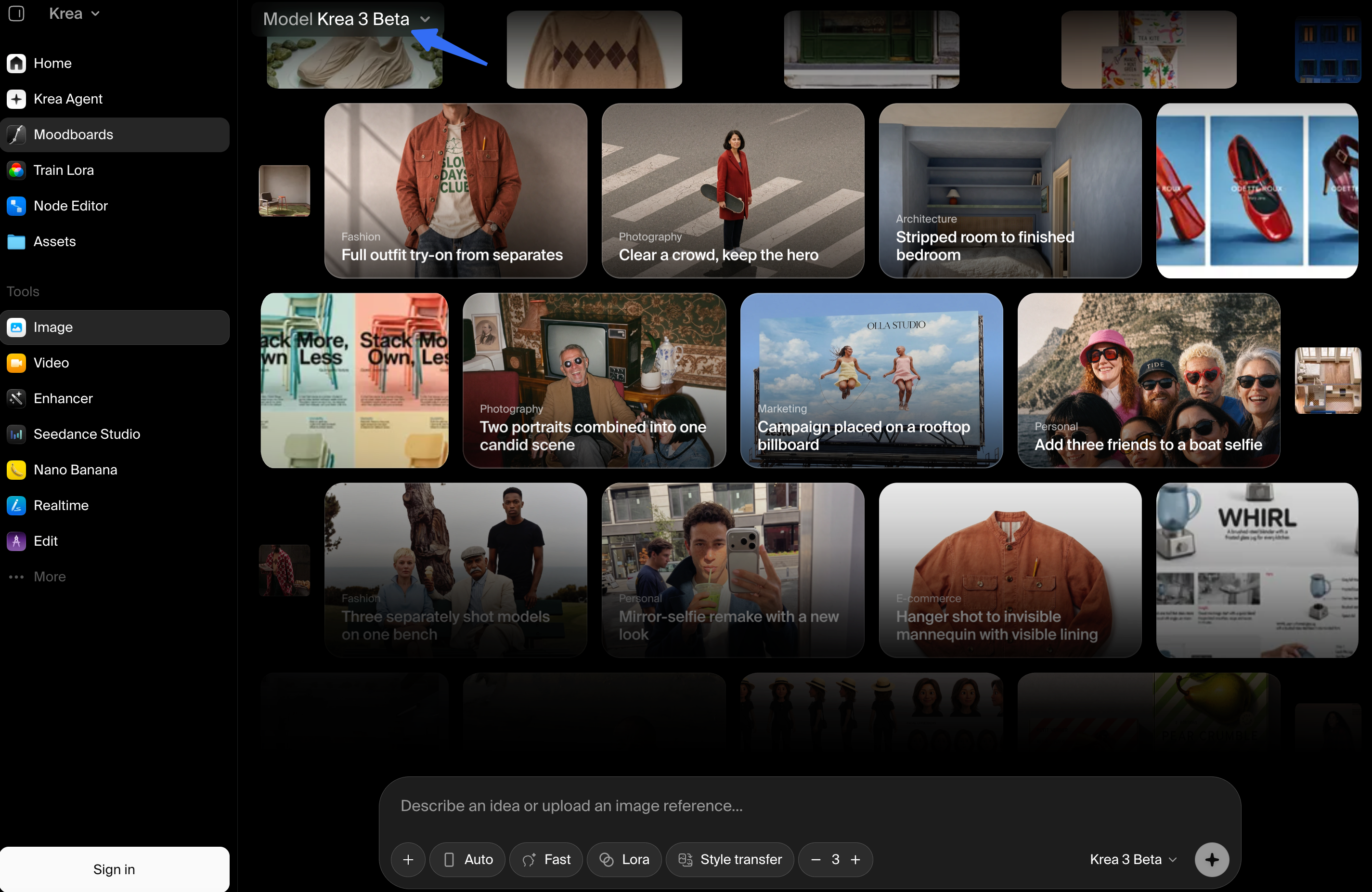
Choose three to five stills that show the same mug and serve distinct moments. Compare them with the current packshot. If an edit widens the band or changes the handle, fix it before video production.
Krea’s October 15, 2026 launch post describes Krea 3 as an image editing model. It says the model can change a product’s setting while preserving details. Check that claim on each image. Krea 3 prepares the stills; video production adds motion, sound, and the cut.
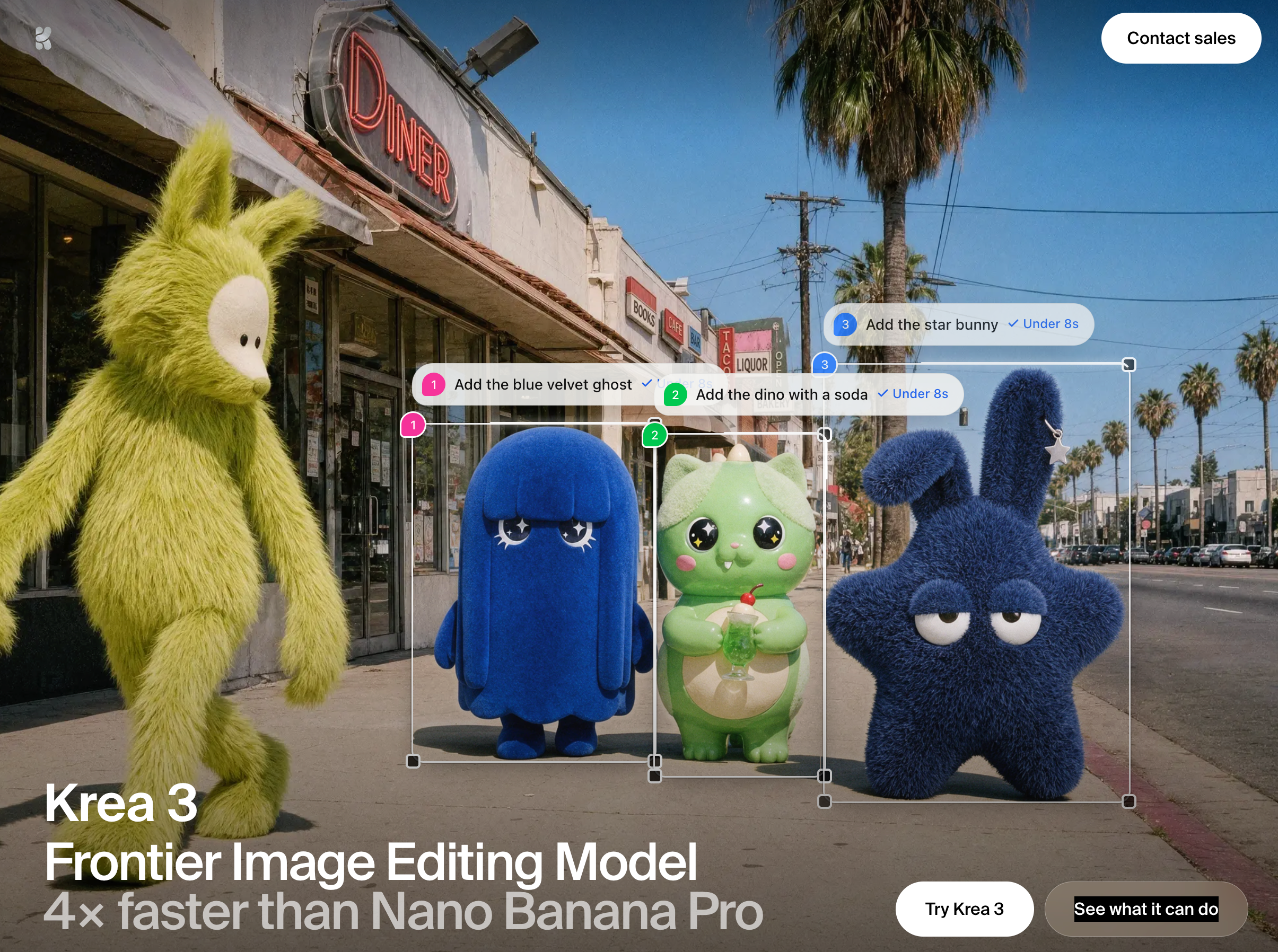
For Marlow, this four-image set gives each still a job:
| Approved still | Role in the brand video | Reject it if… |
|---|---|---|
| Front packshot edit | Introduce the exact mug | The rim band or handle shape changes |
| Table setting | Establish the calm morning mood | Props crowd or obscure the mug |
| Hand-at-handle scene | Show one ordinary use moment | The grip looks implausible or the mug changes |
| Rim detail | Give the cobalt band a memorable close | The band’s design differs from the packshot |
Keep the source packshot beside the set as the product reference.
Plan One Brand Story from the Image Set
The story is an unhurried morning with Marlow. This example uses a 15-second, 9:16 brief for a social feed. The viewer should recognize the mug, see it in a morning setting, and remember the cobalt detail.
Choose the product reveal and use scene
Open on the mug, then widen to the table. The front view gives viewers a clear reference before the setting introduces other shapes and colors.
Use the hand scene only if the grip looks plausible and the mug matches the approved packshot. Otherwise, hold the table view. That pause still fits the story without forcing an unreliable use shot.
Set the visual rules that must carry across shots
The narrow cobalt band anchors the sequence. Preserve its design while allowing natural changes in light and perspective. The glaze should remain recognizable as the same material. Use approved logo artwork rather than a rendered approximation.
Keep the pace unhurried and the sound restrained. Give viewers time to see the mug before each cut. Camera moves and transitions can vary within that direction.
This compact storyboard gives each cut a purpose:
| Beat | Image and motion direction | What the viewer should retain |
|---|---|---|
| Recognize | Open on the front view with a hold or gentle camera move | Mug shape and cobalt rim |
| Enter the scene | Widen to the breakfast table without rushing the reveal | A place for the mug in an ordinary morning |
| Pause | Use the approved hand scene or hold the table view | One believable moment of use or rest |
| Remember | Return to the rim detail, then the approved brand end card | The cobalt detail and Marlow name belong together |
Returning to the rim brings attention back to the mug after the wider scene. The end card then gives that detail a name.
Hand the Images and Story to Video Production
Send the stills, source packshot, logo artwork, approved copy, and end card with the storyboard. Name each file by its role so the producer can find the correct rim detail.
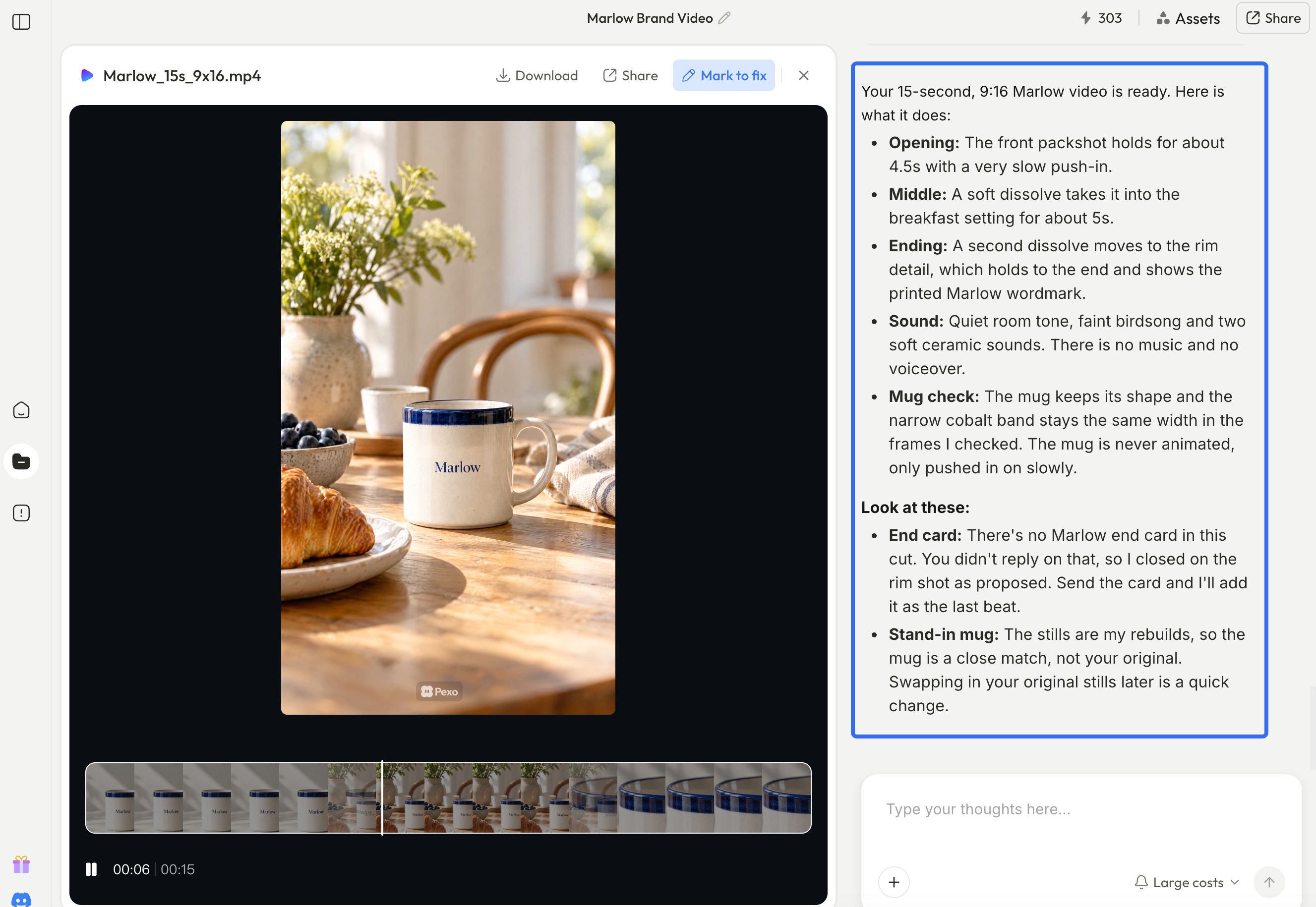
The image-to-video brand brief should state the intended placement, length, and aspect ratio. For this example, the production request could read:
Create a 15-second, 9:16 brand video for a social feed using these four approved stills. Open on the front packshot, move into the breakfast setting, and close on the rim detail followed by the supplied Marlow end card. Keep the morning pace unhurried and the sound quiet. Preserve the mug’s geometry and narrow cobalt band. Use only the approved logo and copy. If motion distorts the mug, use a still hold or replace the shot.
Confirm that the production service supports the requested output before starting. Ask for a preview in the target format so you can judge the framing and end card together.
Pexo publishes this guide. You can upload the approved assets and request a storyboard before production. Review the scene order and product views before moving into video creation. This workflow starts from exported images and does not depend on a direct Krea 3 integration.
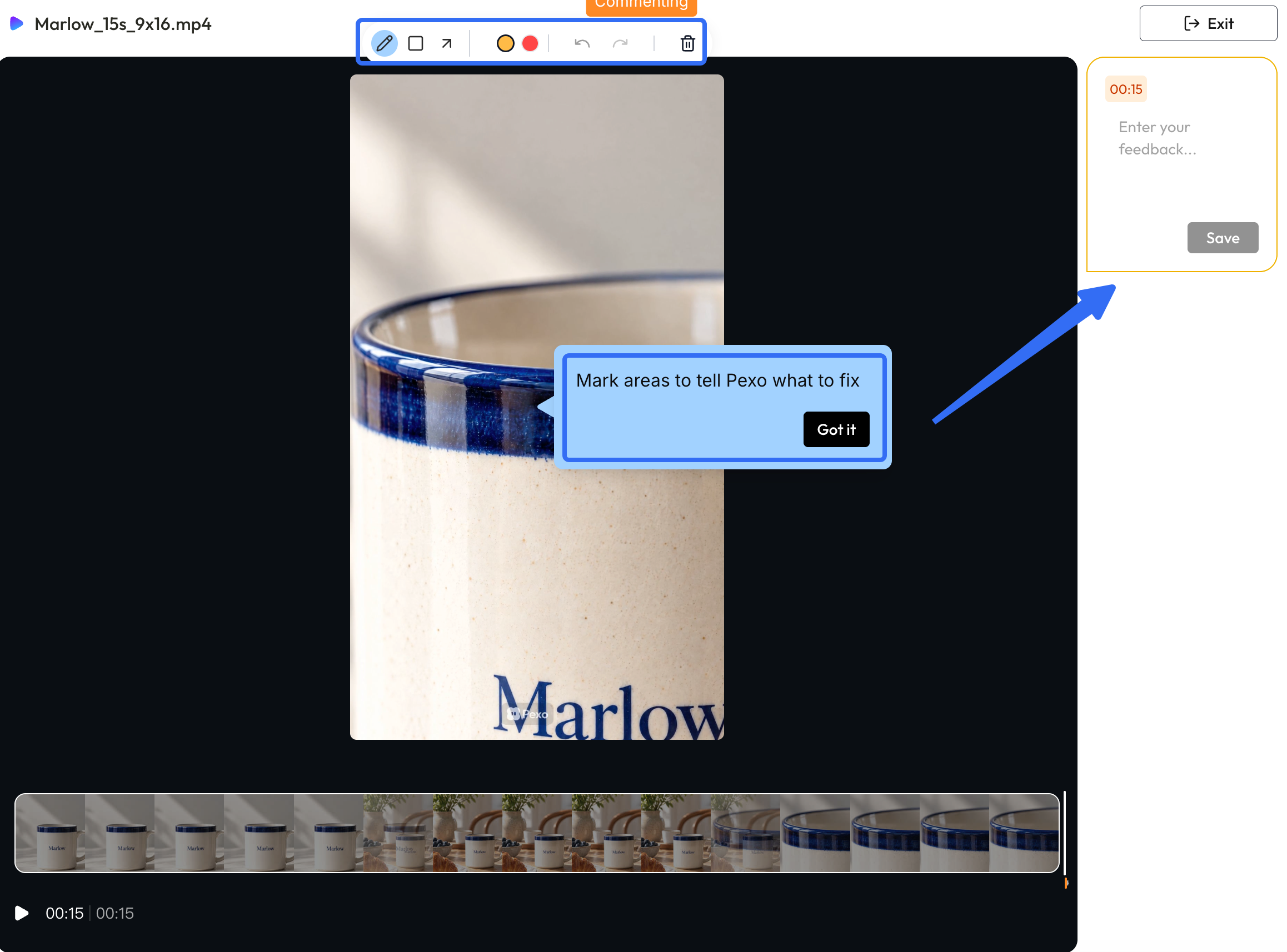
For a specific correction, pause on the frame and mark the area to revise. A useful note names both the problem and what should stay:
The band widens in the hand shot. Keep the table light and pacing; restore the narrow band from the packshot.
Check Product Identity in the Finished Video
Watch the whole preview for mood and order, then pause at the product views and transitions. Compare the band’s design, handle shape, glaze, and logo with the packshot. The handle may move within the frame as the viewing angle changes; its shape and attachment points should remain consistent.
Check captions against approved copy at viewing size. Music and voice should support the quiet morning direction without adding unsupported product claims. Preview the intended placement, where a narrow crop may hide the mug or squeeze the end card.
Compare the first and last product views side by side. If a detail changes, identify the affected shot and request a focused correction. When revisions still distort the rim or handle, use a still hold or replace that shot.
Next Step: Approve One Brand Video
Approve the four stills and their storyboard as one set, then review the full cut in its intended placement. If a conversational production route fits your team, bring the images and the morning story to Pexo. Refine the preview around the shot order, quiet pace, and product details you have already chosen.