

 ChatGPT
 Perplexity
 Claude
 Gemini
 Grok
Grok

Whether you're a social creator burning through Pika credits faster than you can post, or a marketer who needs commercial-ready video without memorizing prompt syntax, you've probably started looking at what else is out there. We did too. Pika makes punchy clips, but after hitting the 10-second ceiling, watching credits drain on bad prompts, and fighting the 480p watermark wall on the free tier, we went platform-shopping.
This guide is published by the Pexo team. We reviewed seven AI video platforms on their workflows, pricing structures, output quality, and input flexibility so you can find the Pika alternative that matches your creative goals and budget. Pexo leads this roundup because it replaces the prompt box entirely: you describe your idea in plain language, Pexo picks the best AI model for your scene, and you get a finished video from a single conversation.
 Pexo's conversation-based video creation interface. You describe what you want, and Pexo handles model selection, production, and delivery.
What Is Pika?
Pika is an AI video generation platform that turns text prompts and reference images into short video clips. Originally launched as Pika Labs, it built a following among hobbyists and social creators with features like Pikaffects (stylized visual effects), Pikaswaps (face and object replacement), and Pikaformance (lip-sync). As of June 2026, Pika operates on a credit-based model: the free tier gives you 80 credits per month at 480p with watermarks, while paid plans range from $10/month (Standard, 700 credits) to $95/month (Fancy, 6,000 credits).
Why you might need an alternative: Pika's maximum output is 10 seconds per clip, making anything beyond a social snippet impractical. The free tier caps resolution at 480p and stamps a watermark on every export, pushing most real use cases to a paid plan. And every generation starts with a text prompt box that rewards precise prompt engineering. If your wording misses, you burn credits on clips you can't use. Credit costs also vary by model, resolution, and feature, making monthly budgets unpredictable.
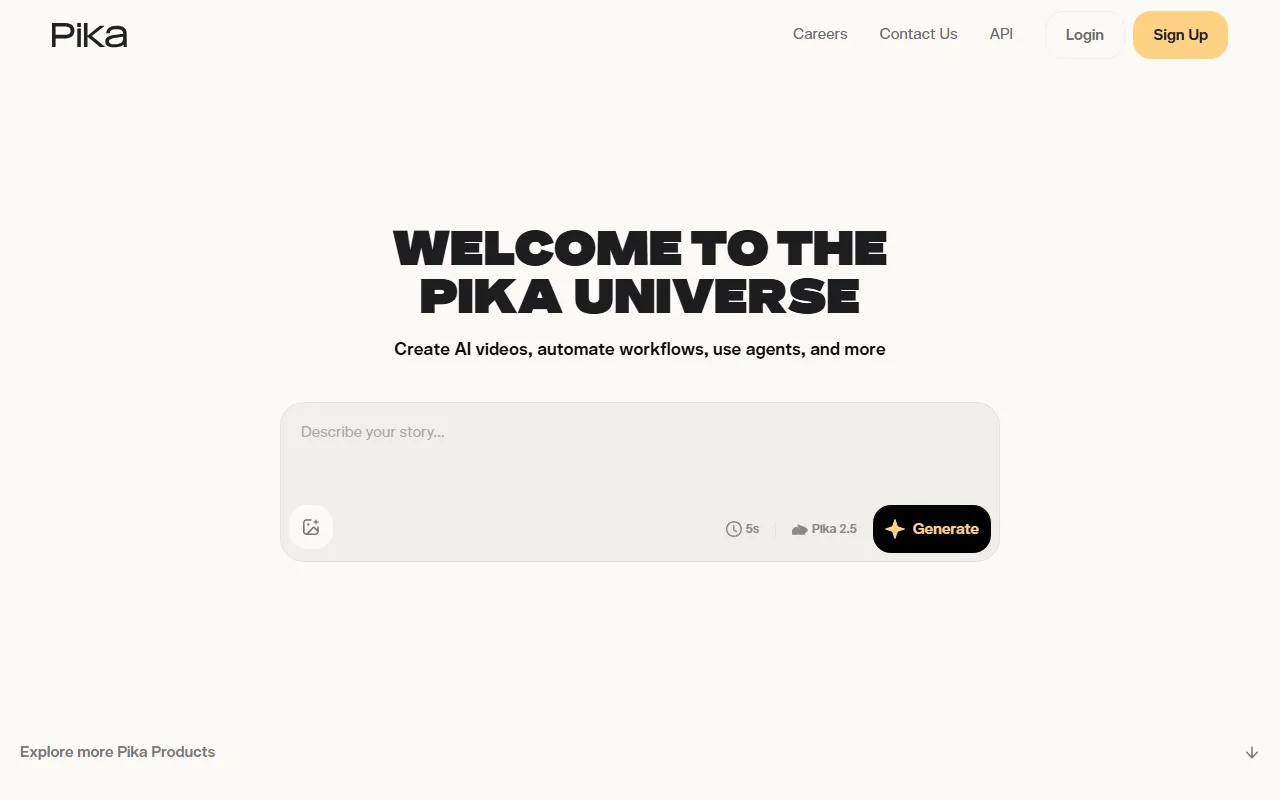 Pika's prompt-based generation interface. Free-tier output is capped at 480p with watermarks, and clips max out at 10 seconds.
The Best Pika Alternatives at a Glance
Before diving into each platform, here's a side-by-side comparison of all seven alternatives with pricing and key specs.
| Alternative | Best For | Free Tier | Starting Price | Max Clip Length | Key Differentiator |
|---|---|---|---|---|---|
| Pexo | No-prompt conversational creation | No permanent free plan | $30/mo (4,800 credits) | Varies by model | Multi-model routing, conversational workflow |
| Runway | Cinematic quality and precision | 125 one-time credits | $12/mo (625 credits/mo) | 40s (Gen-4) | Gen-4.5 cinematic output, camera controls |
| Kling AI | Production-ready consistent output | 66 daily credits | $10/mo (660 credits/mo) | 10s (standard) | Strong prompt adherence, motion consistency |
| Luma Ray 3 | Elegant motion and visual style | Limited free | $9.99/mo (Dream Machine Lite) | 5-10s | Smooth camera motion, artistic rendering |
| Hailuo AI | Fast character animation | Limited daily gens | $14.99/mo | 6s | Character animation speed, physical realism |
| PixVerse | Budget social media clips | Yes | $12.99/mo | 8s | Effects library, affordability |
| Google Veo 3 | High-fidelity realism with audio | AI Studio trial | $19.99/mo (AI Pro) | 8s | Native audio generation, photorealism |
Prices verified as of June 2026. Free tiers may include watermarks or resolution limits. Credit allocations shown include any active promotional bonuses.
How We Compared These Pika Alternatives
We evaluated each platform across five dimensions that matter most when you're moving away from Pika.
- Workflow ease: How quickly can you go from an idea to a finished clip? Does the platform require prompt engineering, or can you describe what you want in natural language?
- Output quality: Visual fidelity, motion consistency, lip-sync accuracy, and artifact frequency at comparable quality settings.
- Input flexibility: Text-only, or does the platform also accept images, URLs, and audio as starting points?
- Pricing transparency: Free-tier limits, cost per credit, and how far a monthly plan actually stretches in practice.
- Model access: Single model or multi-model? Can the platform route your generation to the model best suited for your scene?
We signed into every platform on this list, walked through their onboarding, priced out real production scenarios, and compared what each one asks of you before it gives you a clip. Pexo stood out on workflow ease and input flexibility: it was the only platform where we could go from a product photo to a finished ad clip without writing a structured prompt. Runway and Veo 3 led on raw output fidelity, particularly in lighting consistency and fine detail. Kling AI offered the most predictable prompt adherence, producing visually consistent results with minimal re-rolling.
The 7 Best Pika Alternatives for AI Video Creation
1. Pexo — Best for No-Prompt Conversational Video Creation
If your biggest frustration with Pika is staring at a prompt box and guessing the right words, Pexo was built around eliminating that step. Pexo is an AI video partner that replaces the prompt-and-guess cycle with a conversation. You describe your idea the way you'd explain it to a colleague: "Make a 15-second TikTok ad for this skincare bottle, warm lighting, upbeat music." Then drop in a product photo. Pexo asks clarifying questions, suggests creative directions, and picks the right AI model for your scene.
What sets it apart: Pexo works with multiple leading AI video models, including Seedance 2.0, Kling, and more, routing each generation to whichever model best fits your specific shot. You don't choose the model. You don't configure render settings. You just direct the creative, and Pexo produces. It accepts text, images, product URLs, and audio as inputs, so you can turn a product page into a video ad without scripting a single word. And because Pexo lives inside tools you already use (Slack, Lark, WhatsApp, Claude), you don't have to open a new tab to create.
Where it falls short: Pexo doesn't offer a permanent free plan. The Pro tier starts at $30/month with 4,800 credits (including a limited-time bonus). To put that in perspective: credit consumption varies by model, resolution, and clip length, so your effective cost per video is harder to predict upfront than on platforms with fixed per-generation pricing. If you're producing 3 to 5 product ads per week, the Pro plan stretches reasonably. If you only need one or two clips a month, you're paying $15 to $30 per video, three to six times what a comparable Pika Standard ($10/mo) or Kling Standard ($10/mo) clip would cost. And because Pexo handles model selection automatically, you have less granular control over which specific AI model renders your clip compared to Runway's manual model picker.
Pricing: Pro $30/mo (3,000 base + 1,800 bonus = 4,800 credits), Elite $60/mo (7,200 base + 2,800 bonus = 10,000 credits), Max $100/mo (14,000 base + 4,000 bonus = 18,000 credits). Credits cover the full workflow: visuals, audio, captions, and editing. No watermarks on any paid plan. Bonus credits are a limited-time promotion.
Pros:
- Conversational workflow with no prompt engineering required
- Multi-model routing across Seedance, Kling, and more
- Accepts text, image, URL, and audio inputs
- Works inside Slack, Lark, WhatsApp, and Claude
Cons:
- No permanent free tier (starts at $30/mo)
- Less manual control over model selection
- Credit consumption varies by model and output complexity
 Pexo generating a product video from a photo and a plain-language description. No prompt syntax needed.
2. Runway — Best for Cinematic Quality and Precision Control
Runway is the choice for creators and studios who need fine-grained control over camera movement, lighting, and composition. Gen-4.5, Runway's latest model, produces some of the most visually polished AI video available in 2026, with support for clips up to 40 seconds.
What sets it apart: Runway gives you precision camera controls, motion brushes, and reference-image workflows that let you direct exactly how a scene moves and looks. The editor surfaces camera path curves, motion intensity sliders, and per-frame keyframes in a single viewport. If you're producing brand films, portfolio pieces, or cinematic social content, that granularity is unmatched. Runway also integrates third-party models including Veo 3.1 and Kling 3.0 Pro through its platform. While Pexo takes the opposite approach (handling model selection for you through conversation), Runway gives you the manual levers to choose and configure each model yourself.
Where it falls short: That control comes with a learning curve. Opening Runway's editor for the first time, you'll see more tabs, sliders, and dropdown menus than most AI video platforms show in total, and figuring out which settings actually affect your output takes trial and error. Credit costs escalate at higher quality settings: Gen-4.5 video runs 25 credits per second, meaning a 10-second clip at maximum quality burns 250 credits, roughly 40% of a Standard plan's monthly allocation in a single render.
Pricing: Free (125 one-time credits, non-recurring), Standard $12/mo annual ($15/mo monthly, 625 credits/mo), Pro $28/mo annual ($35/mo monthly, 2,250 credits/mo), Max $76/mo annual (9,500 credits/mo). Annual billing saves approximately 20%.
Pros:
- Cinematic output quality with Gen-4.5
- Granular camera, motion, and lighting controls
- Clips up to 40 seconds
- Access to Veo 3.1 and Kling 3.0 Pro models
Cons:
- Steep learning curve for new users
- High credit burn at maximum quality (25 credits/sec)
- Free credits are one-time, not monthly
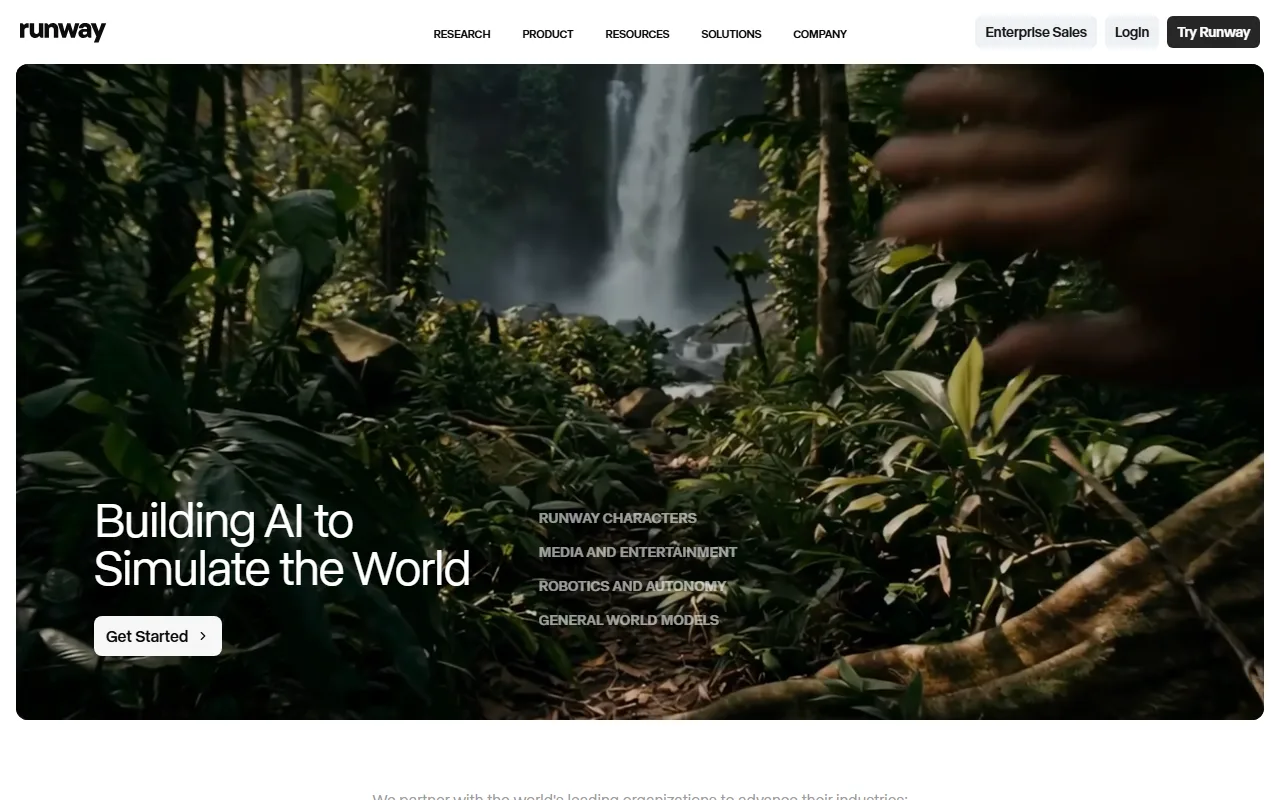 Runway's platform. Gen-4.5 delivers studio-grade output with detailed camera controls, but the interface demands more from you upfront than any other platform on this list.
3. Kling AI — Best for Production-Ready Consistent Output
Kling AI has built a reputation for consistent, predictable video generation. If you need clips where people walk naturally, objects move with realistic physics, and the output closely matches your prompt, Kling delivers with fewer surprises than most competitors.
What sets it apart: Kling 3.0 excels at motion consistency. In character-driven prompts, body proportions hold across the full clip without the limb-duplication artifacts that plague some competitors, and camera pans track smoothly rather than jumping between keyframes. Kling also offers native audio generation at 1080p, which is a meaningful upgrade over platforms that output silent video. The Standard plan at $10/month is the lowest paid entry point for a serious AI video platform, undercutting Pika's comparable tier.
Where it falls short: The standard clip length caps at 10 seconds, the same limit as Pika, though extended generation is available on higher tiers. The credit system uses a per-second rate (6 to 12 credits/second depending on resolution and audio), which makes cost prediction tricky until you've calibrated against your own usage patterns. Free-tier credits refresh daily but expire after 24 hours, so any unused allocation vanishes overnight. Kling's prompt-driven approach is closer to Pika than to Pexo's conversational model: you still write a text prompt and hope it captures your intent.
Pricing: Free (66 daily credits, expire in 24 hours), Standard $10/mo (660 credits/mo), Pro $37/mo (~3,000 credits/mo), Premier $92/mo (8,000 credits/mo), Ultra $180/mo (26,000 credits/mo). First billing period discounted approximately 30%.
Pros:
- Strong motion consistency and prompt adherence
- Native 1080p audio generation
- Most affordable paid entry at $10/mo
- First-month discount (~30% off)
Cons:
- Standard clips cap at 10 seconds (same as Pika)
- Free credits expire daily
- Per-second credit costs vary by resolution and audio
 Kling AI's generation interface. Prompt adherence and motion consistency are its strongest suits, especially for character-driven scenes.
4. Luma Ray 3 — Best for Elegant Motion and Visual Style
Luma took a different path than most AI video platforms. Instead of maximizing output length or resolution, Luma Ray 3 focuses on making motion look beautiful. If you need footage that feels cinematic and stylized rather than photorealistic, this is the platform to explore.
What sets it apart: Luma Ray 3.14 produces smooth, almost painterly camera motion with a distinctive aesthetic quality that's hard to replicate elsewhere. The new Luma Agents subscription bundles Ray 3.14 with other models under a single credit pool, giving you access to multiple generation styles from one plan. A 10-second clip at 1080p costs roughly 800 credits.
Where it falls short: Clip length is limited to 5 to 10 seconds, and Luma's output carries a distinctive color grade — slightly desaturated, cool-leaning — that works beautifully for mood pieces but flattens product shots and warm-toned scenes. If you need photorealistic footage or accurate brand colors, that built-in aesthetic fights you. The pricing structure is also confusing: the older Dream Machine plans and the newer Luma Agents plans coexist, which means you have to compare two different pricing systems before choosing.
Pricing: Dream Machine Lite $9.99/mo, Plus $29.99/mo, Unlimited $94.99/mo. Luma Agents (newer): Plus $30/mo, Pro $90/mo, Ultra $300/mo. The two plan systems serve different model sets, so check which models you need before choosing.
Pros:
- Distinctive, cinematic visual style with smooth motion
- Luma Agents bundles multiple models into one plan
- Competitive entry price on Dream Machine Lite ($9.99/mo)
- Elegant camera motion rendering
Cons:
- Clips capped at 5 to 10 seconds
- Aesthetic style may not fit all use cases
- Confusing dual pricing structure (Dream Machine vs. Luma Agents)
 Luma Ray 3 output. The platform's signature smooth motion and painterly rendering stand out in short-form creative and artistic content.
5. Hailuo AI — Best for Fast, Fluid Character Animation
Hailuo AI (by MiniMax) is one of the fastest AI video generators available. If you need a character walking, dancing, or gesturing and you need the clip quickly, Hailuo consistently delivers fluid human motion with strong physical realism.
What sets it apart: Hailuo specializes in character animation that looks natural. Body mechanics, facial expressions, and environmental interactions render with fewer artifacts than most competitors at comparable speed. Generation time is also a real differentiator: a 6-second clip typically arrives in under 90 seconds, which is noticeably faster than Pika, Runway, or Kling at comparable quality. If your workflow is "need a character clip for a social post in the next five minutes," Hailuo is the platform most likely to deliver.
Where it falls short: Clip length is capped at 6 seconds on standard settings, which is shorter than Pika's 10-second maximum and Kling's equivalent. The free tier is limited to a handful of daily generations with watermarks, and the $14.99/month paid plan gives you access but not unlimited volume. Hailuo's character focus is a genuine trade-off: product shots render with soft, undefined edges, and text or logos in the scene typically come out illegible. If your content is product-driven rather than people-driven, look elsewhere.
Pricing: Free (limited daily generations with watermarks), paid from $14.99/mo. At high volume, the effective per-video cost drops to roughly $0.08/video.
Pros:
- Fast generation (under 90 seconds for most clips)
- Excellent character animation and body mechanics
- Strong physical realism in human motion
- Competitive per-video cost at volume
Cons:
- 6-second standard clip cap (shorter than Pika's 10s)
- Limited strength in non-character scenes
- Free tier is heavily restricted
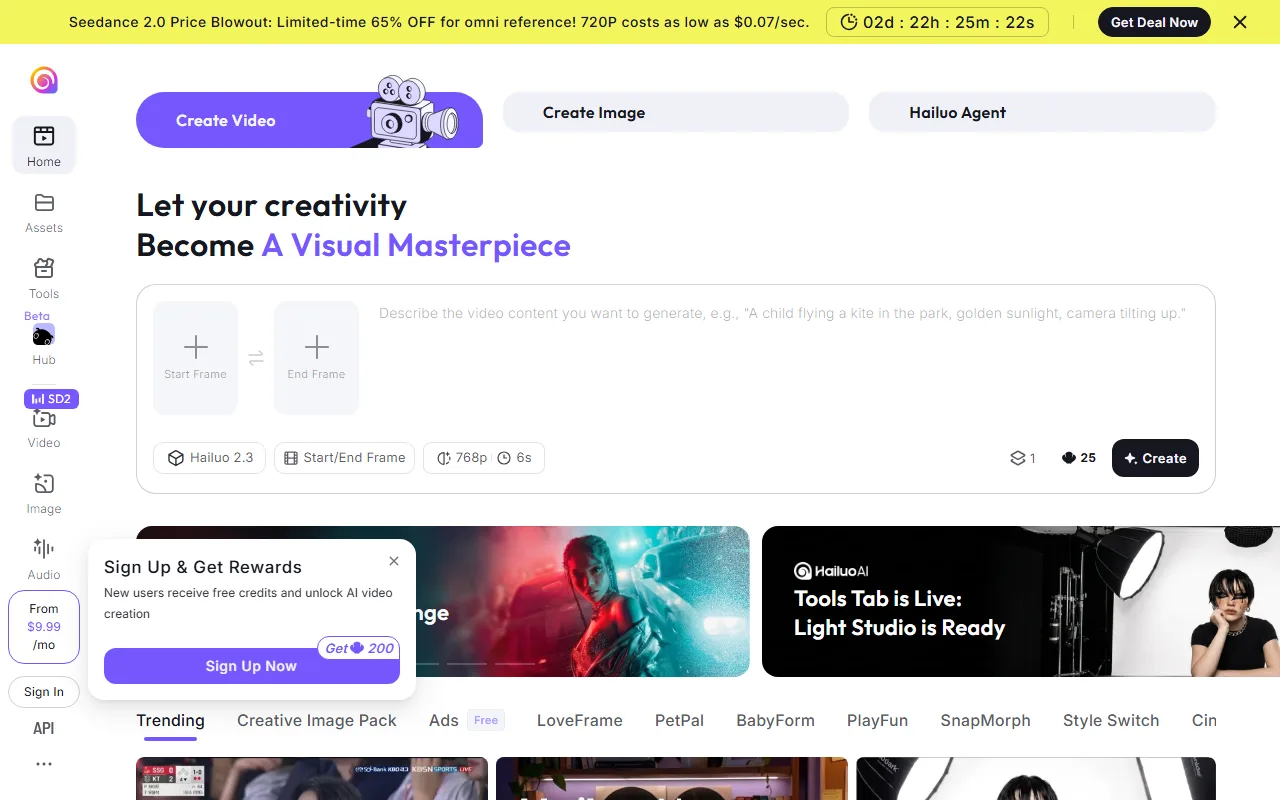 Hailuo AI generating a character animation. Fluid body mechanics and fast turnaround make it a strong pick for people-focused video content.
6. PixVerse — Best for Quick Social Media Clips on a Budget
PixVerse is the budget pick on this list, and it earns that spot by doing social-media-format video competently without charging a premium. If you need vertical TikTok clips, Instagram Reels, or quick product teasers and your budget is tight, PixVerse delivers usable results at the lowest price point here.
What sets it apart: PixVerse offers a genuine free tier with usable output, and paid plans start at $12.99/month. The interface is built around social media formats: you pick an aspect ratio (9:16, 1:1, 16:9), choose from a library of visual effects and style presets, and get a clip sized for the platform you're posting to. Version 5.5, released in early 2026, reduced motion artifacts and improved hand rendering compared to the rougher output of earlier releases.
Where it falls short: Output quality is a tier below Runway, Kling, or Veo 3 in terms of visual fidelity and motion realism. Clips cap at 8 seconds, and fine-grained control over camera movement or composition is limited. If you're producing brand-level content or anything that needs to look premium, PixVerse's output will feel underpowered compared to the top entries on this list.
Pricing: Free tier with limited monthly generations. Paid plans from $12.99/mo, with higher tiers offering additional credits and priority generation.
Pros:
- Genuinely usable free tier
- Lowest paid entry point at $12.99/mo
- Social-media-optimized formats and effects presets
- Quick generation for simple clips
Cons:
- Output quality below premium competitors
- 8-second clip cap
- Limited camera and composition controls
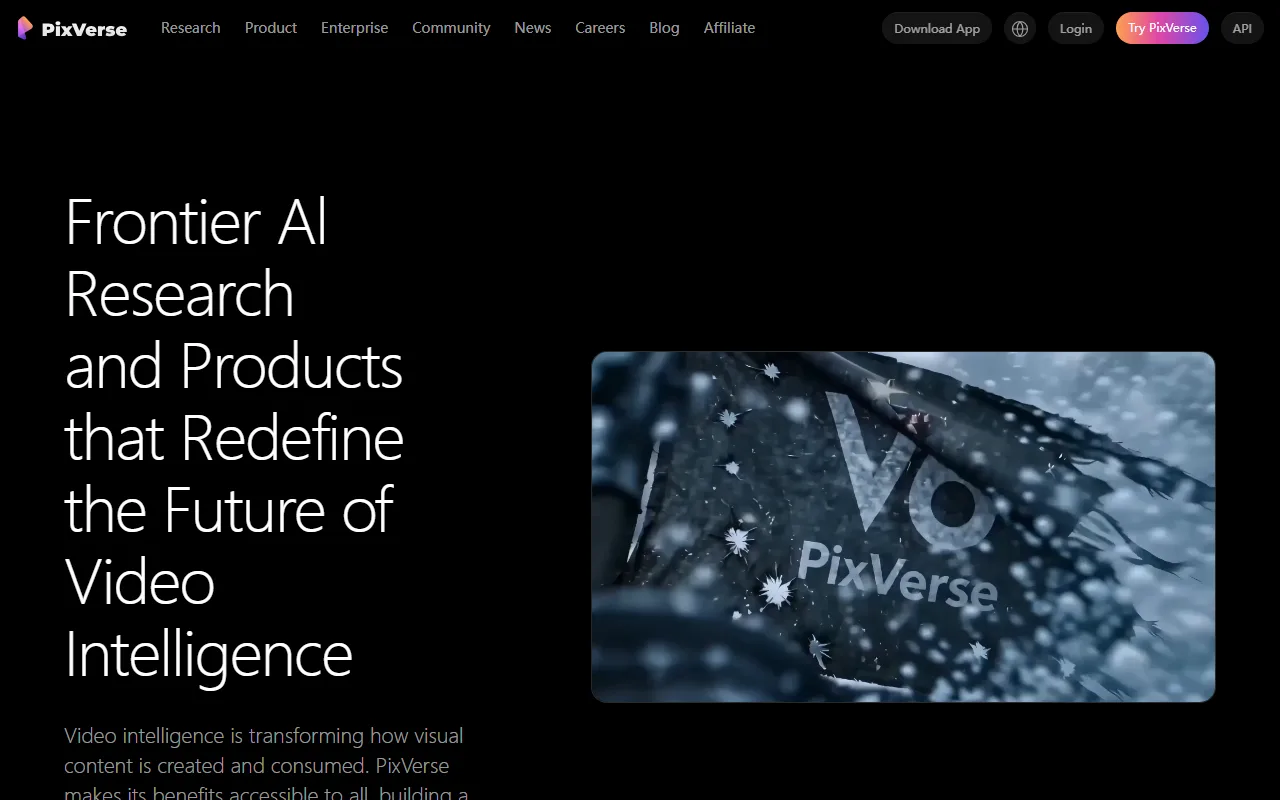 PixVerse's generation interface. Social media presets and a genuine free tier make it accessible, though output quality trails the higher-end platforms on this list.
7. Google Veo 3 — Best for High-Fidelity Realism with Audio
Google Veo 3 is Google DeepMind's flagship video generation model, and it produces some of the most photorealistic AI video available in 2026. If your priority is visual realism and you want native audio generated alongside the visuals, Veo 3 delivers at a level most standalone platforms can't match.
What sets it apart: Veo 3 generates native audio (ambient sound, dialogue, and music) synced to the video content automatically. That's a genuine differentiator: most competitors output silent video and require a separate audio workflow. Visual fidelity at 1080p is consistently strong, with fewer artifacts and more natural lighting than most alternatives. For developers, Veo 3 is also accessible via the Vertex AI API, enabling programmatic video generation at scale.
Where it falls short: Access is complicated and expensive. The full Veo 3 experience requires a Google AI Ultra subscription at $249.99/month, which prices out most individual creators and small teams. The Google AI Pro plan ($19.99/month, 1,000 Flow credits) gives you limited access: roughly 50 Veo 3.1 Fast clips or 10 Quality clips per month. Clip length caps at 8 seconds, and you're locked into Google's ecosystem (Gemini, AI Studio, or Flow) with no standalone editor. Veo 3 still requires structured prompt input, so the workflow friction you left Pika to escape largely remains.
Pricing: Google AI Pro $19.99/mo (1,000 Flow credits, ~50 Fast clips or ~10 Quality clips), Ultra $249.99/mo (25,000 credits, ~2,500 Fast clips). Free: limited trials via Google AI Studio. Vertex AI API: $0.03 to $0.50/second depending on model tier and resolution.
Pros:
- Native audio generation synced to video
- Industry-leading photorealism at 1080p
- API access for developers (Vertex AI, Gemini API)
- Google AI Pro at $19.99/mo is accessible for limited use
Cons:
- Full access costs $249.99/mo (Ultra tier)
- 8-second clip cap
- No standalone editor (locked to Google ecosystem)
- Complex tiered access structure
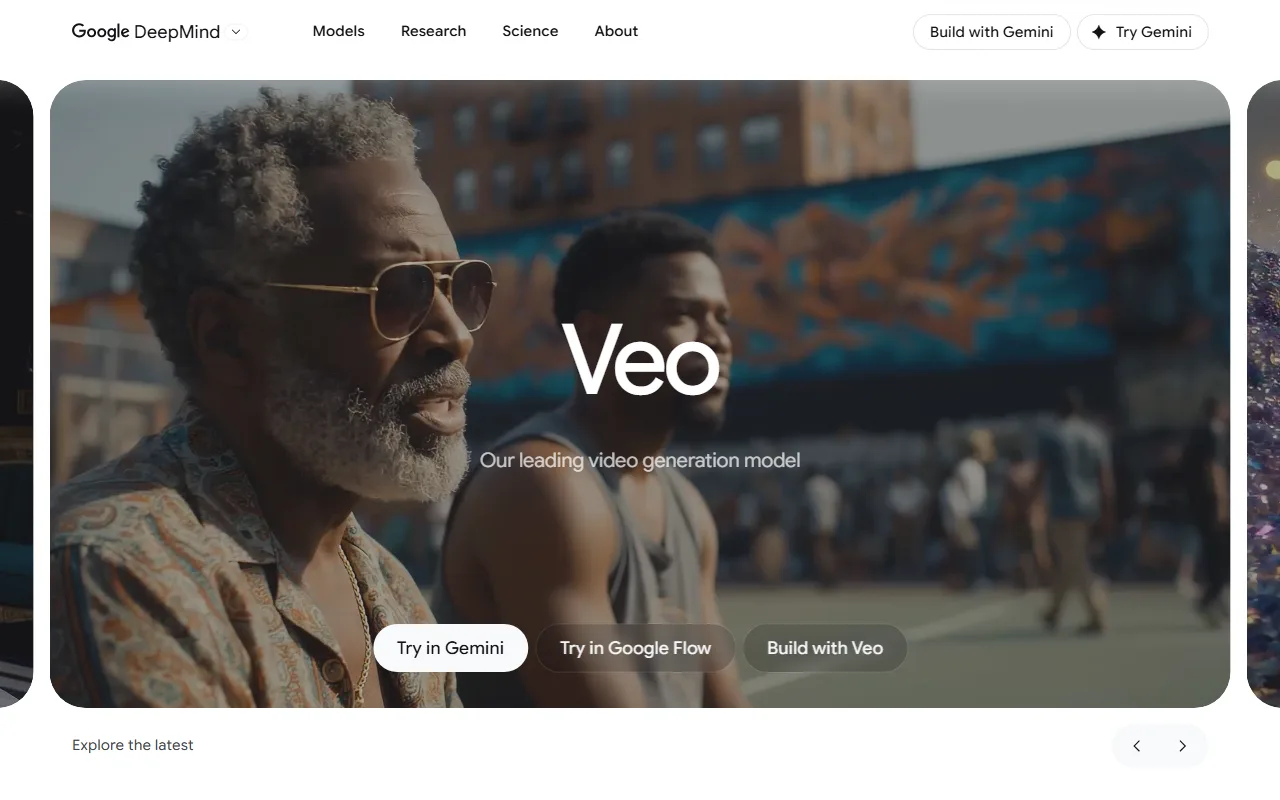 Google Veo 3. Native audio generation and photorealistic rendering set it apart technically, but the $249.99/month Ultra plan puts full access out of reach for most creators.
How to Choose the Right Pika Alternative
Your best pick depends on two things: what you're spending on Pika right now, and what specifically pushed you to look elsewhere.
If you're on Pika's free tier and want to stay free, start with PixVerse. Its free plan gives you usable output without a credit card. Kling AI's 66 daily credits are another option, but they expire in 24 hours, so you need to use them the day you get them. Neither matches Pika's output polish, but both remove the 480p/watermark ceiling on the free side.
If you're spending $10 to $15/month on Pika and want longer clips or better consistency, Kling AI is the most direct upgrade. Same $10 entry price, stronger motion consistency, and native audio at 1080p. Runway's $12/month Standard plan gets you clips up to 40 seconds, though credit burn adds up fast at maximum quality.
If you're spending $35+ on Pika and tired of prompt iteration, Pexo is worth testing. The $30/month Pro plan replaces the prompt box with a conversation, and multi-model routing means you're not locked to one generation engine. The trade-off is less manual control and variable credit costs. For teams producing regular product ads or social content, the workflow savings offset the higher sticker price.
If every frame needs to look cinematic, Runway is the answer. Gen-4.5's camera controls and visual polish justify the learning curve. Budget accordingly: a single high-quality 10-second clip can eat 40% of a Standard plan's monthly credits.
If you need native audio with your video, Google Veo 3 is the only platform here that generates synced sound, dialogue, and music alongside the visuals. The Google AI Pro plan at $19.99/month gives you limited but genuine access. Full capability requires the $249.99/month Ultra tier.
Conclusion
Pika built a solid foundation for short-form AI video, but its 10-second cap, prompt-dependent workflow, and credit consumption push many creators to explore further. Each alternative on this list solves a different part of that equation.
If you want the most friction-free path from idea to finished video, start creating with Pexo. Describe what you see in your head, and Pexo picks the best model, handles the production, and delivers a ready-to-post clip. No prompt syntax. No model shopping. Just one conversation from start to finish.





