ChatGPT
 Perplexity
 Claude
 Gemini
 Grok
Grok

Choosing the best product demo software has become a critical decision for modern teams—especially in SaaS, where products are often complex, intangible, and difficult to explain quickly.
For SaaS teams, the challenge is even greater. Products are often abstract, constantly evolving, and difficult to demonstrate without a controlled environment. Many teams rely on static demos or live calls, which don’t scale—and building tailored demos for each prospect quickly becomes resource-intensive.
A well-crafted product demo can:
-
Shorten sales cycles
-
Improve onboarding
-
Increase conversion rates
-
Reduce dependency on live sales calls
But not all demo tools are built the same. Some focus on interactive walkthroughs, others on video-based demos, and newer solutions use AI to automate the entire process.
This guide breaks down what to look for—and which tools are best depending on your use case.
What Is Product Demo Software?

Product demo software helps businesses showcase how their product works without requiring a live, manual walkthrough.
Depending on the format, demos can be:
-
Interactive demos (click-through experiences)
-
Recorded walkthroughs (screen-based demos)
-
AI-generated videos (script-to-demo automation), similar to how explainer video content is created using AI
The goal is the same: help users understand value quickly, without friction—often through well-crafted product videos.
Key Features to Look For
When evaluating the best product demo software, focus on these core capabilities:
-
Ease of Creation Can your team create demos without engineering or design support?
-
Speed & Scalability How quickly can you produce multiple demos for different audiences or use cases?
-
Customization Can you tailor demos for different user segments, industries, or campaigns?
-
Distribution Does the tool support sharing across websites, email, and sales workflows?
-
Maintenance How easy is it to update demos when your product changes?
Types of Product Demo Tools
1. Interactive Demo Platforms
These tools simulate product usage with clickable flows. Best for: Sales enablement, website conversions, and personalized demos.
2. Screen Recording & Walkthrough Tools
These focus on recording real product usage. Best for: Tutorials, onboarding, and internal training.
3. AI Video-Based Demo Tools
A newer category that automates demo creation using AI. Best for: Marketing videos, landing pages, and scalable content production.
This is where newer approaches—like AI-generated demos—are gaining traction.
Best Product Demo Software Options
1. Walnut – Interactive Demo Experiences
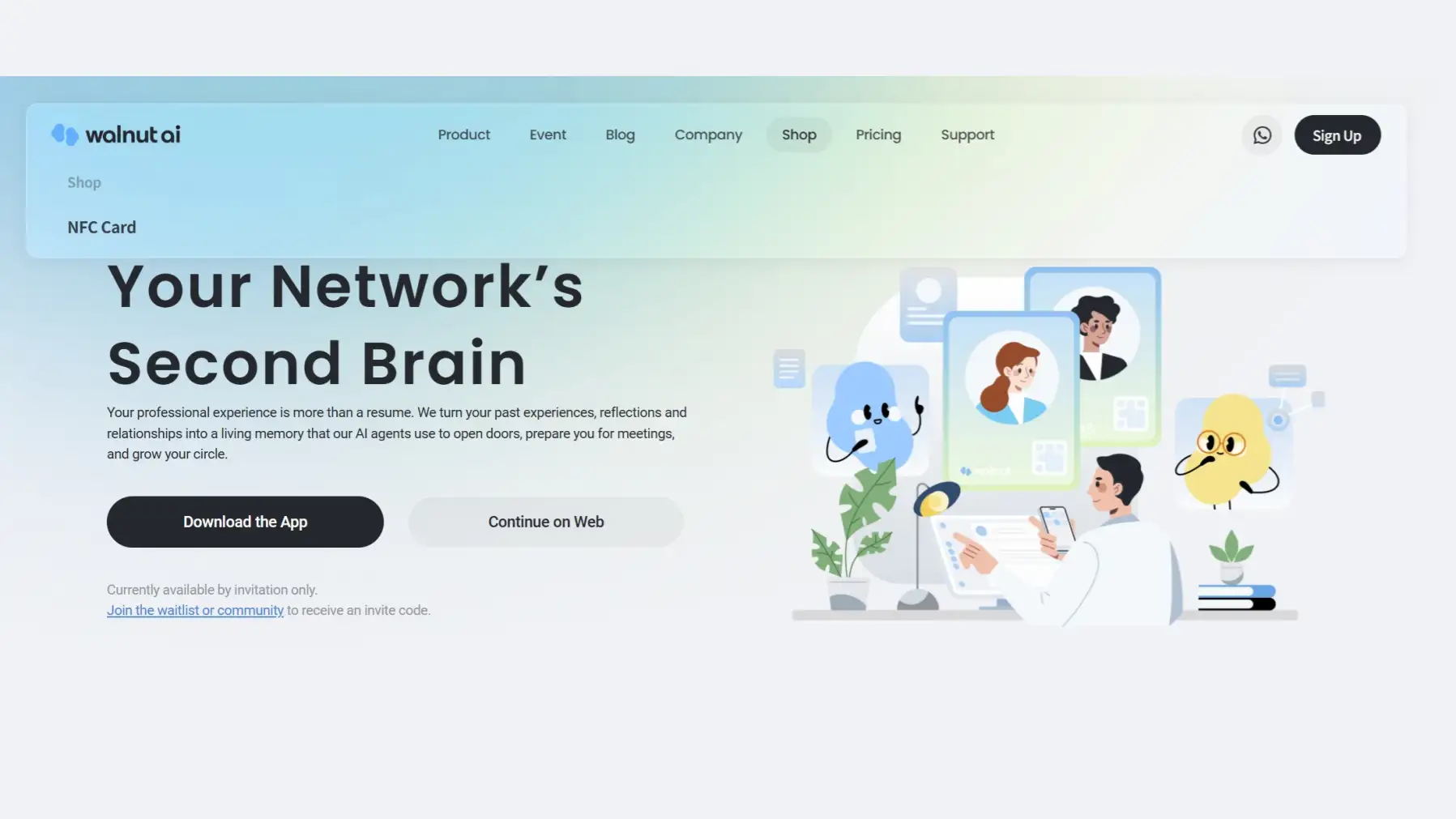
Walnut is widely used for creating interactive, no-code product demos.
Strengths:
-
Highly customizable demo environments, allowing sales teams to tailor demos to specific prospects and increase relevance during the sales process
-
Strong sales use cases
-
Personalization for different prospects
Best for: Sales teams that rely heavily on interactive demos.
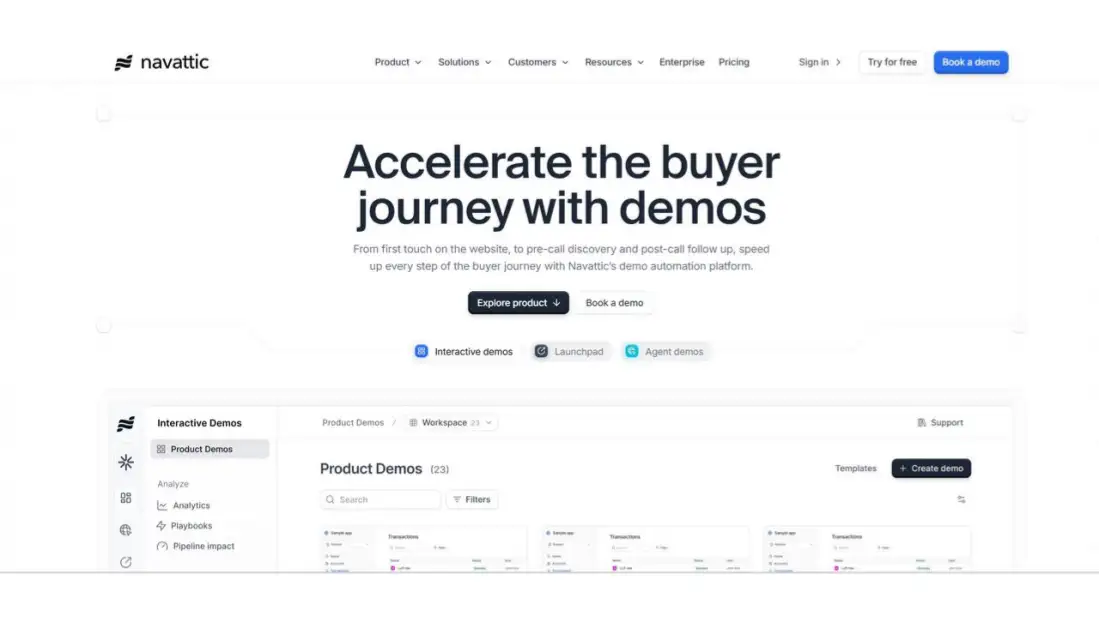
2. Navattic – Website Demo Embeds
Navattic focuses on embedding interactive demos directly into websites.
Strengths:
-
Easy embedding
-
Strong marketing use cases
-
Clean user experience
Best for: Marketing teams looking to improve website conversion.
3. Loom – Simple Video Demos
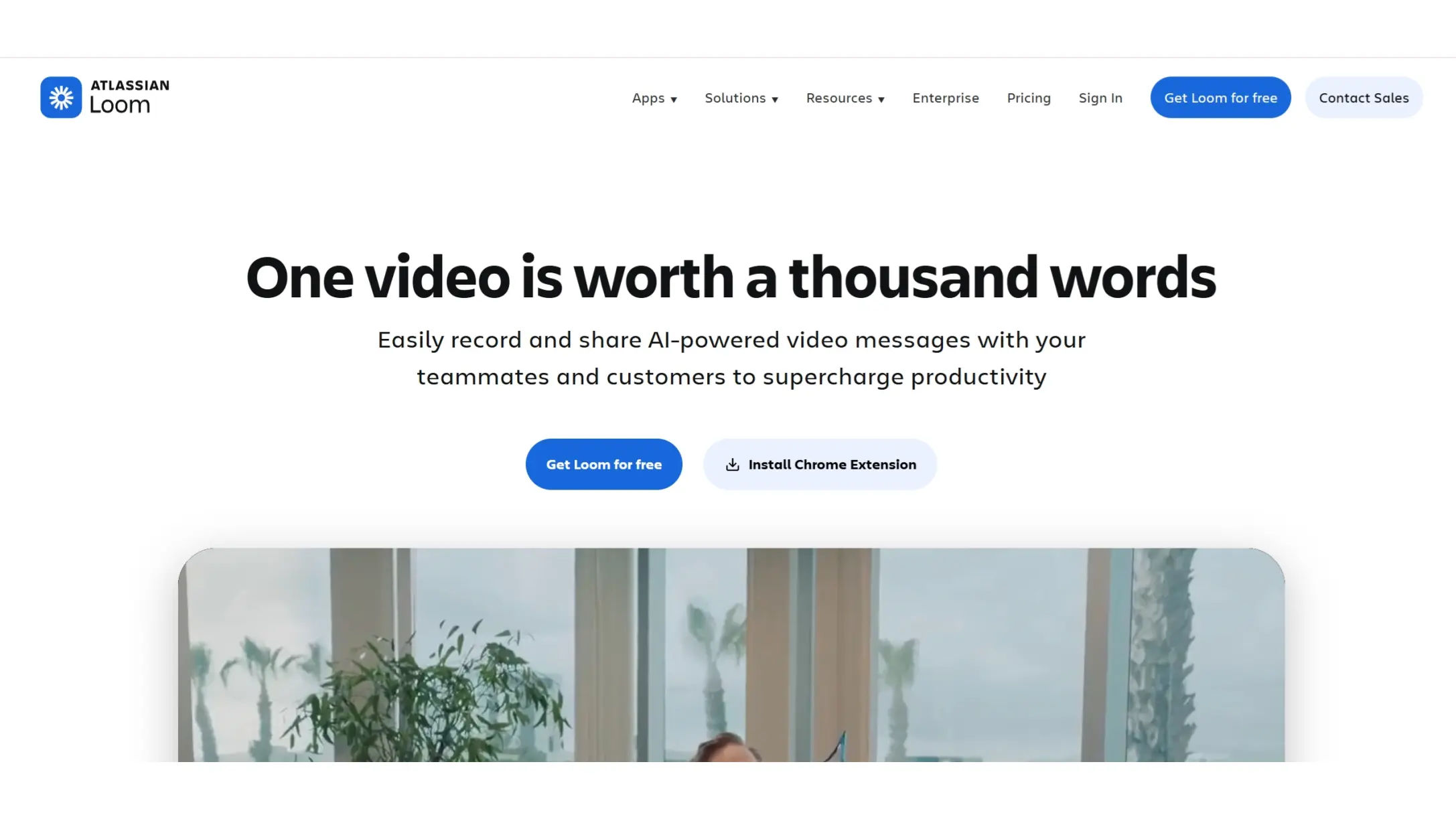
Loom is a lightweight tool for recording and sharing quick product walkthroughs.
Strengths:
-
Extremely easy to use
-
Fast recording and sharing
-
Great for async communication
Best for: Quick demos, internal communication, and onboarding.
4. Pexo (Online AI Demo Creation Tool)
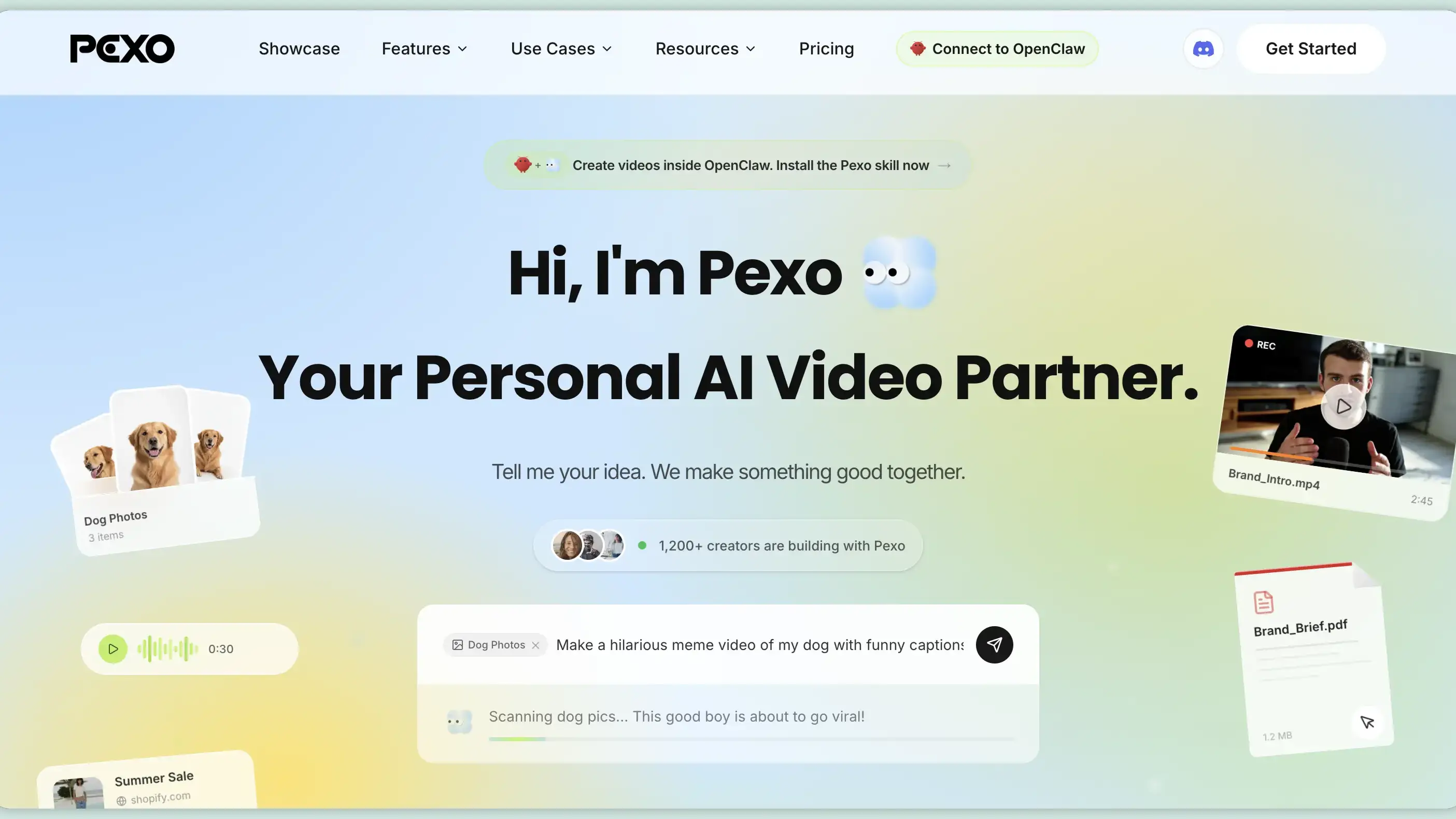
While many traditional tools focus on recording or simulating demos, Pexo takes a different approach as an online software that uses AI to generate demo-style videos.
Instead of:
-
Recording your screen
-
Building interactive flows
-
Writing detailed scripts
You simply describe your product and the message you want to convey.
Pexo then:
-
Understands your intent
-
Generates a structured narrative
-
Produces a demo-style video automatically
Why this matters:
For many teams—especially in SaaS—the biggest challenge isn’t just creating demos, but scaling them.
Traditional demo creation often involves:
-
Time-consuming setup
-
Repeated updates
-
Coordination across teams
By contrast, an AI-driven, online approach reduces:
-
Production time
-
Communication overhead
-
Technical complexity
Best for:
-
Marketing teams creating demo videos at scale
-
Early-stage SaaS teams without dedicated production resources
-
Teams testing multiple messaging angles quickly
How to Choose the Best Product Demo Software
The “best” tool depends heavily on your primary goal:
For Sales-Led Growth → Choose interactive demo platforms (e.g., Walnut, Navattic)
For Onboarding & Internal Use → Choose recording tools (e.g., Loom)
For Marketing & Content at Scale → Consider AI-driven, online tools like Pexo or explore tools featured in Best AI Video Generators
Common Challenges
-
High Production Effort Traditional demos require significant time and iteration. → AI tools like Pexo reduce manual work significantly.
-
Product Changes Break Demos Frequent updates make demos outdated quickly. → Flexible, AI-generated solutions are much easier to refresh.
-
Limited Scalability Creating one demo is easy — creating 20 variations is not. → Automation enables faster experimentation and localization.
Conclusion
There is no single “best” product demo software for every team—but there is a best fit for your workflow.
-
If your focus is interactive sales experiences, go with demo simulation tools.
-
If you need quick recordings, lightweight tools work well.
-
If your goal is speed, scalability, and high-quality content production, AI-powered solutions offer a compelling advantage.
As product communication becomes more competitive, the ability to quickly create, adapt, and scale demos is becoming a key advantage—not just a nice-to-have.
The best product demo software isn’t just about showcasing features—it’s about how efficiently your team can communicate value.