ChatGPT
 Perplexity
 Claude
 Gemini
 Grok
Grok



A team with an approved demonstration can shortlist Canva for template assembly or InVideo AI for an editable timeline. A current product URL favors Creatify; a directed production brief favors Pexo. The best online tool for creating engaging Facebook video ads depends on which part of the cut your team must correct before it can run.
Pexo publishes this guide and is one of the four tools compared. The workflows were checked on October 28, 2026; their features and terms may change before your campaign. The choices use an illustrative brief, not matched production tests.
What Must a Facebook Product-Ad Tool Deliver?
It must turn approved product material into a cut that shows a real feature clearly, survives a specific revision, and can be checked in the intended placement. A polished preview is only useful when the advertised product, on-screen claim, and final file still match the brief.
Ask for one change before choosing a subscription: replace the opening question while keeping the demonstration and closing frame. If the workflow rebuilds more than requested, compare the entire second cut again.
The creation tool prepares the asset; Meta's ad setup determines delivery and runs its own review. Meta's public Feed and Reels specification pages required a login during this review, so confirm exact export settings in the account. No tool guarantees acceptance or results.
Compare Tools on One Product and One Placement
Use a fictional Orin cable pouch for a controlled choice. Its approved product sheet says it has three elastic loops for charging cables. The team has a front packshot, an open-pouch photo, and a short real clip showing three cables placed into the loops. It also has a logo and the approved line: “Three loops for three charging cables.” The landing page carries the same pouch and wording.
The deliverable is one short paid Facebook Feed video: a question about loose cables, the real loop demonstration, and a closing product view with a “See details” action. A second opening must retain the approved demonstration and closing frame.
| Review point | Acceptance condition for the Orin cut |
|---|---|
| Product | Three loops remain visible; no extra pocket, zipper, or logo is invented. |
| Claim | “Three loops for three charging cables” appears with the proof shot, not over unrelated stock footage. |
| Revision | Opening B changes the question and its caption; the approved demonstration and end frame still match. |
| Handoff | The exported file plays with readable text and correct sound in the selected Feed preview. |
This is a production comparison. A different actor, stock scene, or cut length can change how each ad works; a busier preview does not establish a better ad.
1. Canva for Template-Led Assembly
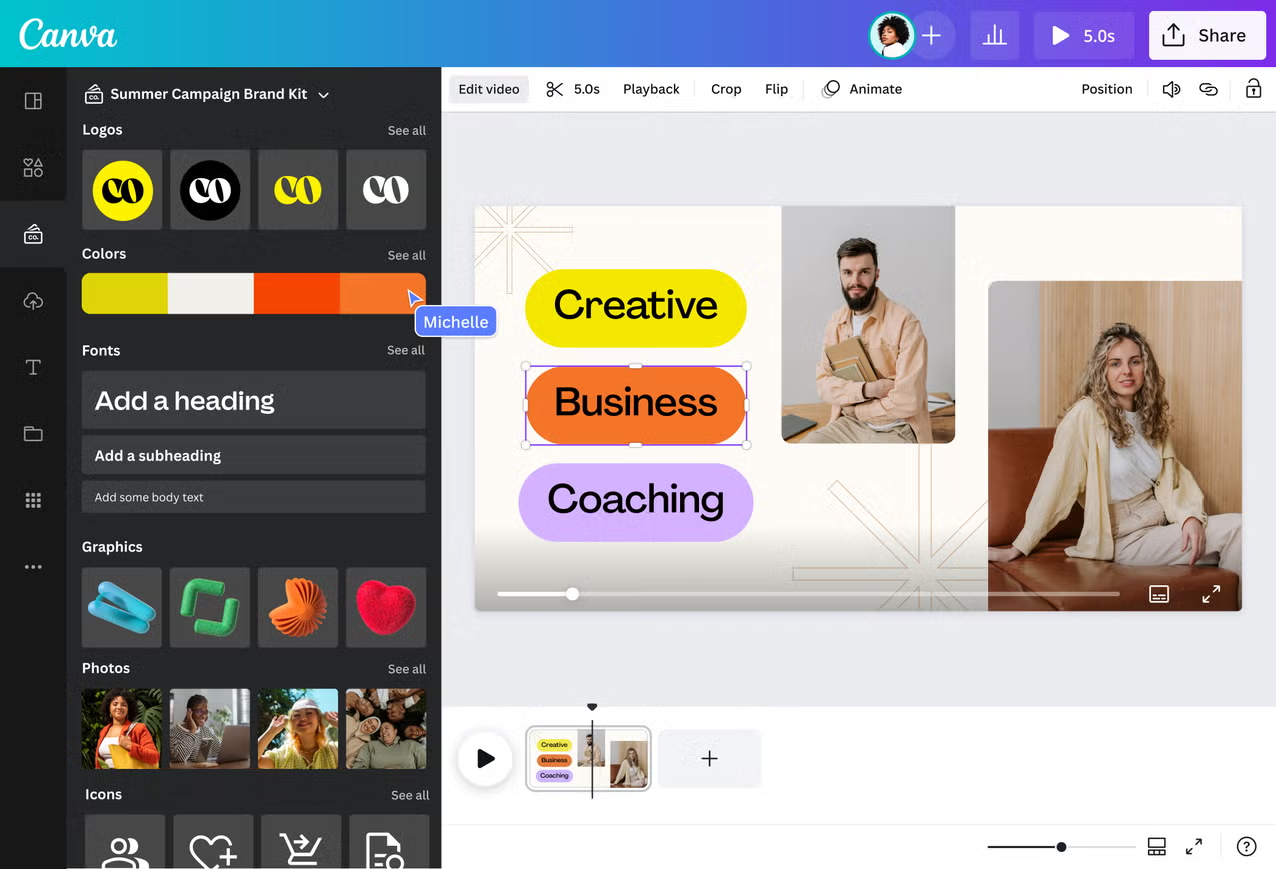
Start with Orin's approved photos, real demonstration clip, logo, and copy. Canva's Facebook video-ad creator offers templates, media uploads, text, music, and a drag-and-drop editor. Place the actual loop clip where the claim appears.
Duplicate the working design for opening B, replace the question and caption, and compare both versions after the opening. Check that animation has not pushed the pouch or CTA out of view. View the export on a phone, including a silent pass for captions.
Templates cannot supply a missing proof shot. Canva fits a team with the correct demonstration and an editor who wants control over layout and joins. It takes assembly work. Canva advertises scheduling, but that does not configure or approve a paid ad in Meta Ads Manager.
2. Creatify for Product-URL Ad Drafts
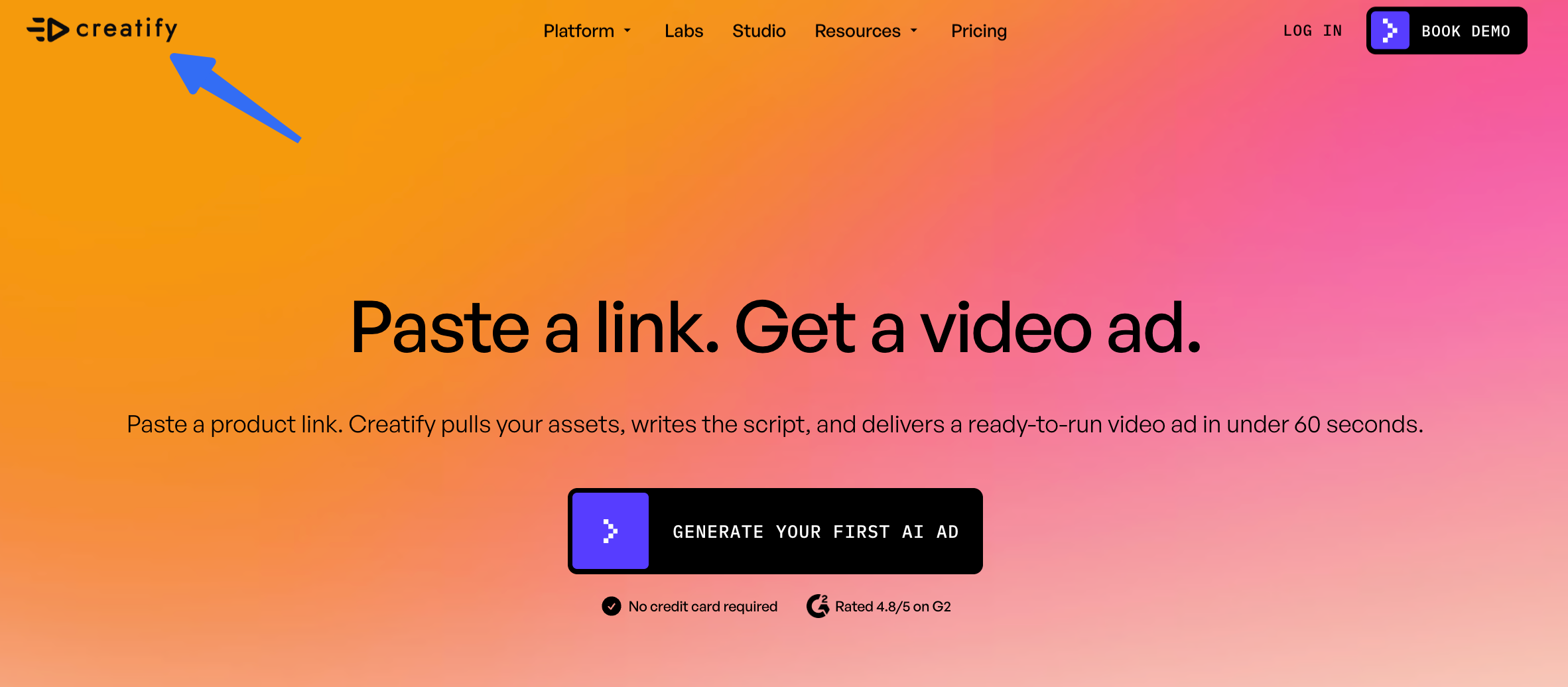
Give Creatify Orin's current product URL after checking its images, price, and copy. Creatify's URL-to-video workflow says it draws product details from the page, drafts a script, offers an avatar choice, and allows changes to messaging, backgrounds, and music. The extracted material still needs approval.
Compare the first script with “Three loops for three charging cables.” Remove promises the footage cannot prove. For opening B, check the entire new draft: the actor, product, and demonstration may need correction. Its public page does not establish that one edit locks every other frame.
A rendered pouch is weaker evidence than Orin's real demonstration if loop count drifts. Keep that shot available. Creatify fits a team whose current product pages are its easiest ad inputs. An old offer or unrelated image adds review work.
3. Pexo for Directed Product-Video Production
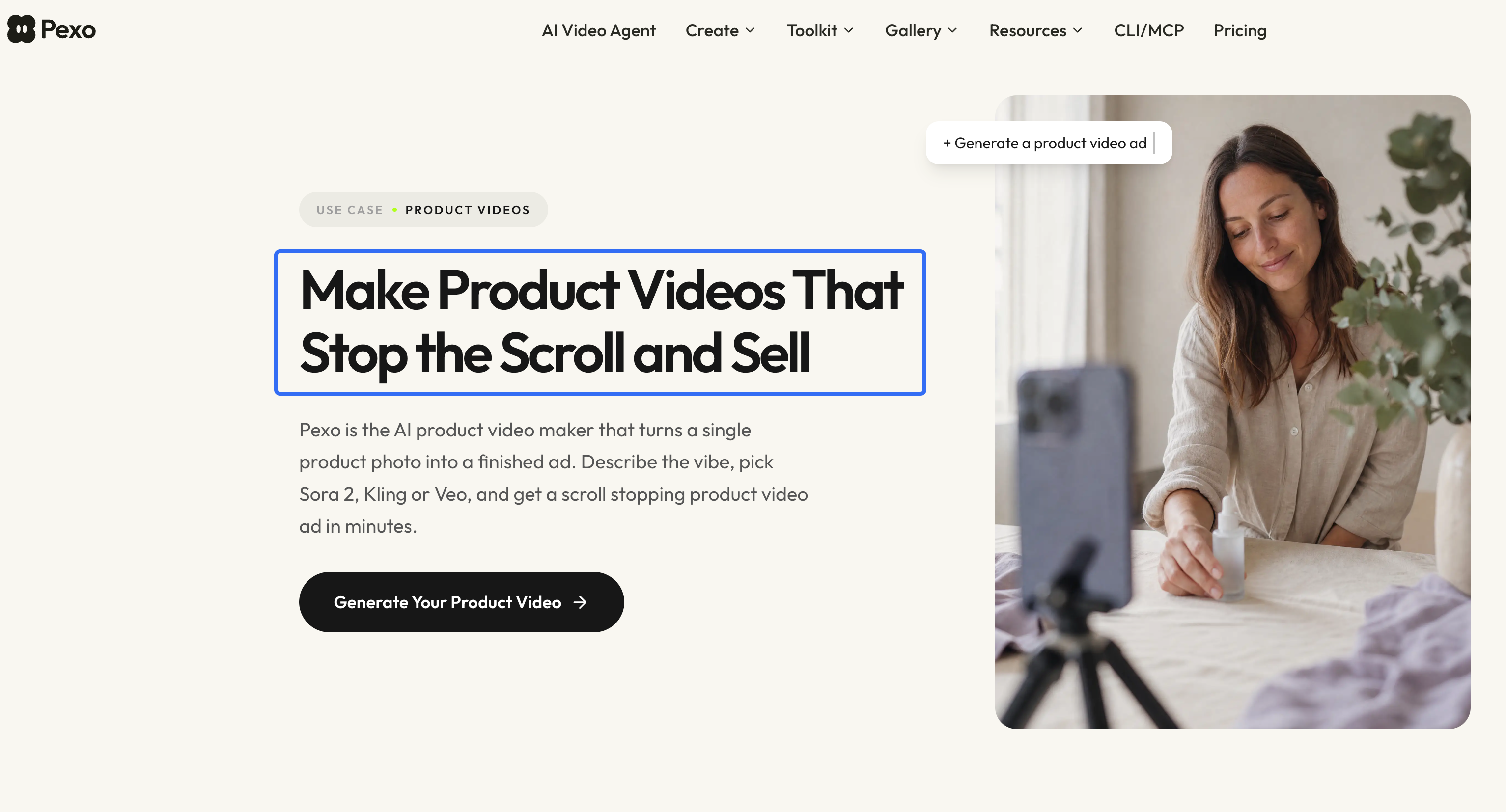
Give Pexo the same asset pack, approved sentence, and sequence. Pexo's product-video workflow accepts a photo or store URL; its starting guide also describes clips, images, audio, and brand files as inputs. Ask for a script and storyboard so the loop demonstration has a defined job. The approved sheet remains the claim authority.
Request opening B in conversation: “Change only the first question and caption. Keep the three-cable demonstration and closing view.” Pexo's revision guide describes conversational changes and marking a specific frame for feedback. Compare the returned cut with the approved one rather than treating a targeted request as proof that the remaining frames were preserved.
Pexo suits a lean team that wants to direct a complete product narrative and review proposed scenes instead of assembling every shot itself. A team that needs frame-level control of an already finished timeline should confirm the handoff and available edits. The public pages do not establish a fixed correction cost or guaranteed first cut. Pexo's terms say User Content must not involve advertising without prior written consent; resolve that before paid distribution.
4. InVideo AI for Script-Led Assembly
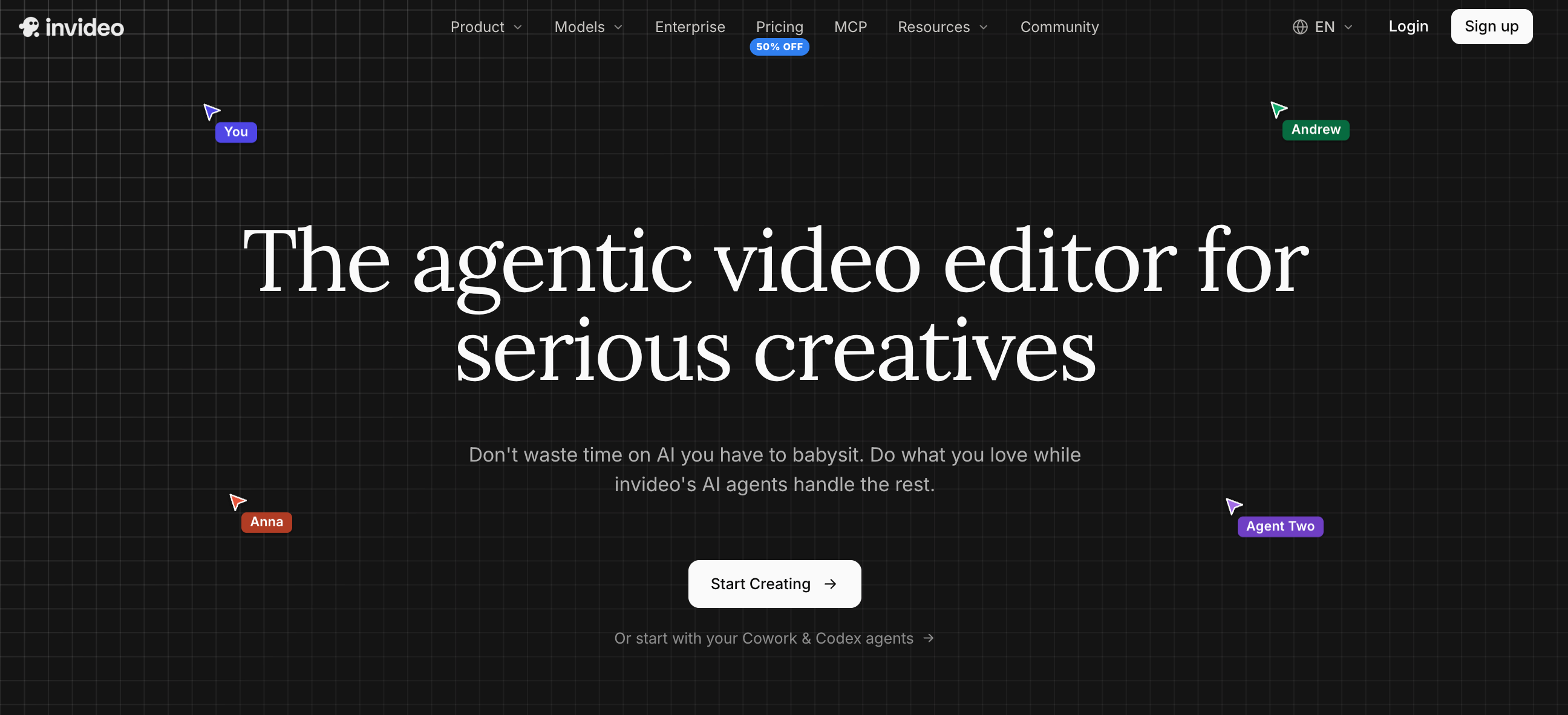
Upload Orin's real demonstration, photos, logo, and script. InVideo Editor's first-cut guide says its agent can assemble uploaded footage from a script or sequence brief, then leave the clips on an editable timeline. Tell it to start with the loose-cables question, show the three-loop action in full, and close on the approved packshot. Inspect the selected takes before adding effects.
Ask for the new opening, or move and trim the opening clips on the timeline. This route is useful when the team wants to see exactly where the question ends and the real product proof begins. Check whether an agent edit changed more of the timeline than intended; restore the approved body if it did. The help guide identifies manual timeline edits and AI-assisted edits as different work, with credits used for the latter.
An editable timeline does not make poor footage accurate. InVideo AI fits a team with a script and footage that wants an assisted first cut and hands-on control. With only a product URL, prepare the missing source or confirm a separate generation route.
Choose a Tool Based on Team Review Work
The useful comparison is the work needed to approve a finished pair, not the number of drafts a tool says it can make. For Orin, run one first cut and one opening change through the route your team is considering. Record the accepted export, rejected versions, editor time, and the charge shown in the account. Public plan pages and marketing claims do not give a comparable cost per approved ad across these four workflows.
| If the team's recurring work is… | Start with… | Check before committing |
|---|---|---|
| Laying out approved footage and brand text | Canva | Can the team comfortably assemble and adjust every join? |
| Turning accurate product pages into candidate ads | Creatify | Does extracted copy stay within the approved claim? |
| Directing an end-to-end product story from a brief | Pexo | Can reviewers accept the proposed scenes and inspect each revision? |
| Building from script and footage with timeline control | InVideo AI | Does the first cut retain the real proof shot and permit the needed edit? |
Choose the route with the least correction work for your actual source pack. If Orin's loop action is unclear in the original clip, no software selection fixes that evidence gap; film a clearer take or narrow the claim. If the first cut is accurate but the hook is weak, preserve the body and change the opening. That distinction keeps a creative revision from becoming an unplanned product reshoot.
Before handing off the export, compare every visible product detail, caption, voice line, logo, music cue, and destination with the approved materials. Confirm rights for people, recordings, images, and music for the intended commercial use, territory, and placement. Review the current provider terms and Meta rules when the campaign is prepared. This article does not provide legal advice. An available music track or completed export is not itself permission to run a paid ad.
If Pexo's directed route fits your team, bring the approved product sheet and demonstration to Pexo's Create hub. Ask for a storyboard, then judge the proposed cut against the acceptance table before production.