ChatGPT
 Perplexity
 Claude
 Gemini
 Grok
Grok



Choose CapCut × Codex when your team wants conversational drafting with editable tracks for hands-on finishing. Choose Pexo when you want to direct a complete product video through a brief, previews, and conversational revisions.
Which Workflow Fits One Ecommerce Video Brief?
The better fit depends on who will make the last creative adjustments. Both support chat-based changes; direct timeline access is the clearest documented distinction.
For this CapCut Codex vs Pexo comparison, consider a fictional Tern lunch bag: navy fabric, a yellow zipper, and a front pocket. Both routes receive identical approved photos, logo, colors, and copy: “Front pocket for small essentials.” The brief requests a 20-second vertical ad: pocket close-up, full-bag view, then packshot and “See bag details.”
| Decision | CapCut × Codex fits when… | Pexo fits when… |
|---|---|---|
| Asset input | You want uploaded media organized into an editable draft | You want assets and product direction developed into a full cut |
| Revision control | Someone will inspect and adjust individual tracks | Someone will direct changes through feedback on the video |
| Finishing and review | Your editor will finish in CapCut | Your team will review the agent's proposed sequence and returned versions |
Pexo publishes this comparison. It uses current product documentation and an illustrative brief, without measured production results.
How Do the Workflows Handle the Same Assets?
Both can start from existing material. The difference emerges when the team decides how to arrange it and correct the draft.
Starting From Product Photos and Approved Copy
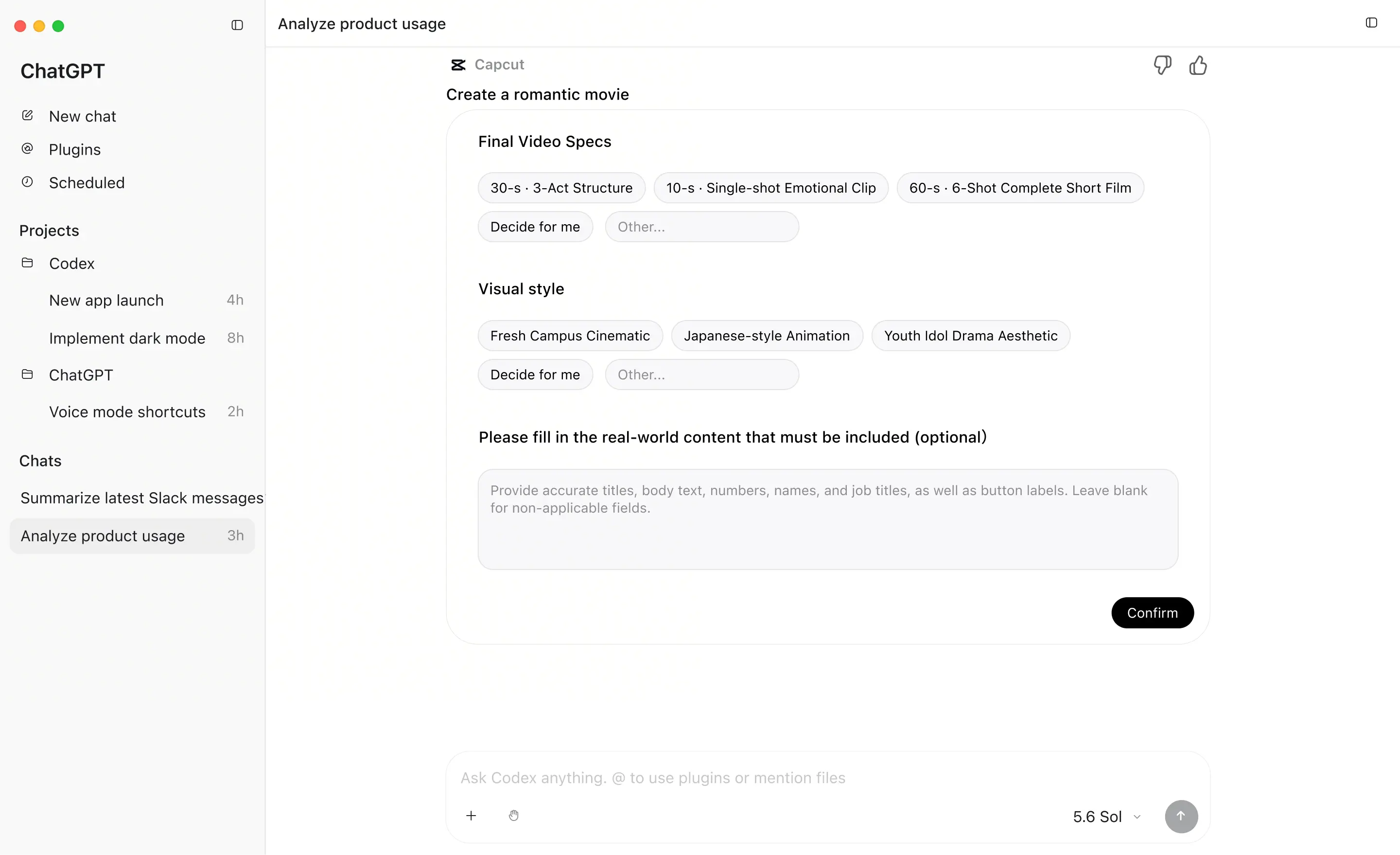
CapCut's navigation calls the integration CapCut × Codex; its connected drafting and editing page is headed CapCut × ChatGPT. It describes prompts, uploaded media, and existing drafts leading into an editable project.
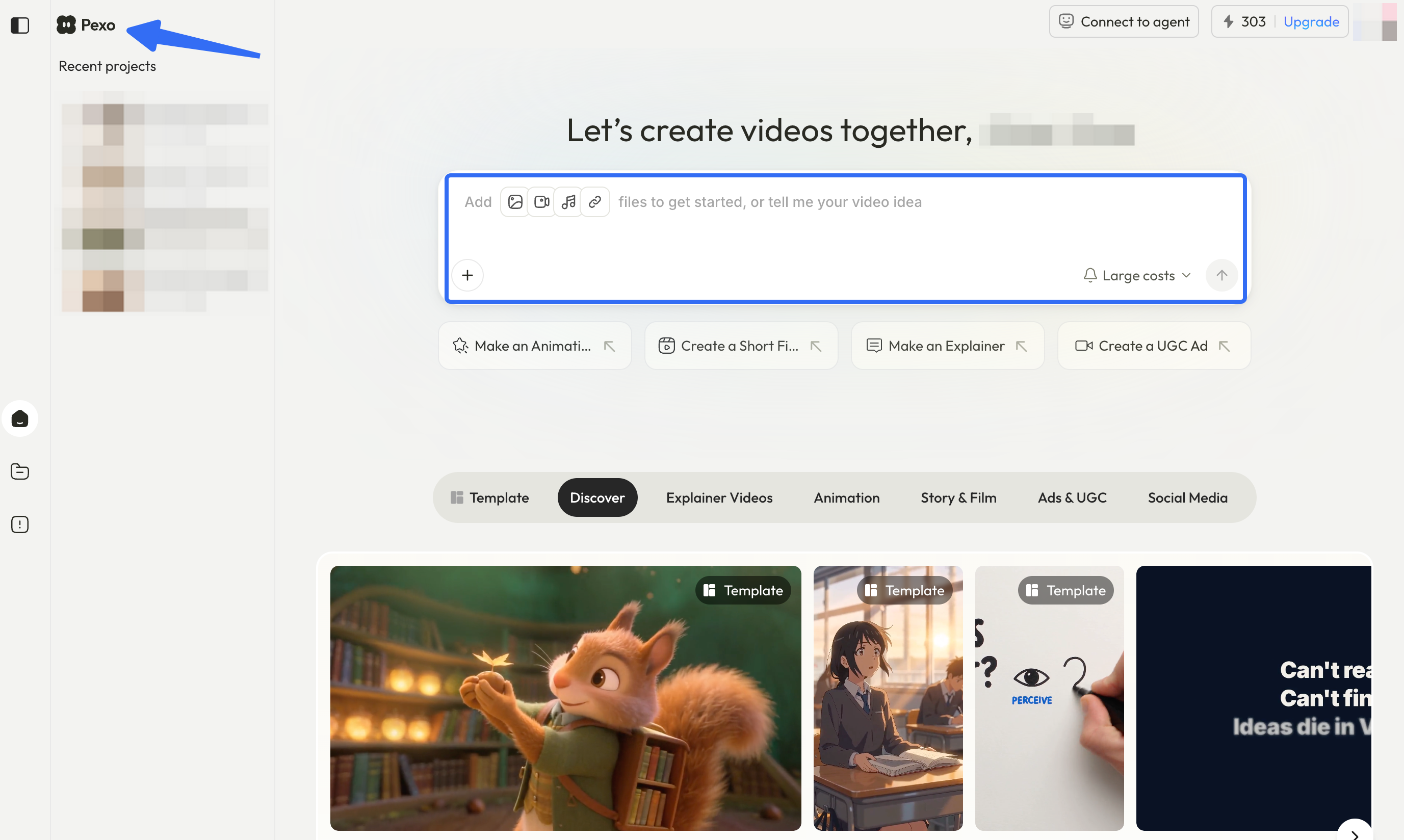
Pexo's AI video agent accepts images, video, audio, text, and URLs. You can request a script and storyboard before production. For Tern, the pocket photo should establish the opening detail; the full-bag image establishes its position.
A reference showing the pocket does not prove waterproofing or insulation. Keep those claims out of the script unless the product evidence supports them.
Revising the Hook, Scene Order, and On-Screen Claims
Suppose the draft opens on the whole bag and hides the pocket until the end. A useful note is:
Open on the pocket close-up. Keep the navy bag, yellow zipper, and approved claim. End on the packshot.
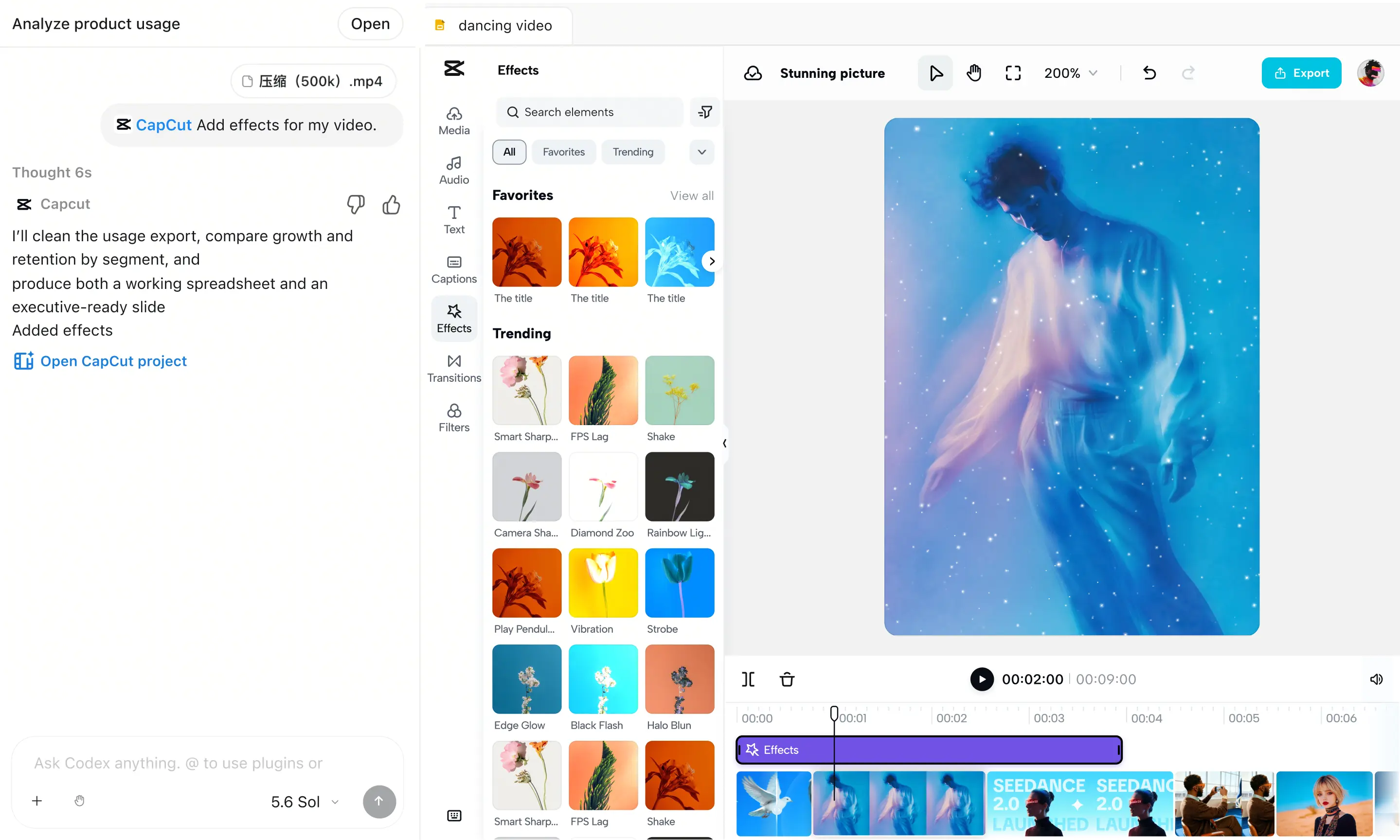
In CapCut, supported requests include reordering clips and adjusting text timing; the editor also permits track-level changes. In Pexo, conversational feedback can change structure, pacing, and specific moments, including through marked frames.
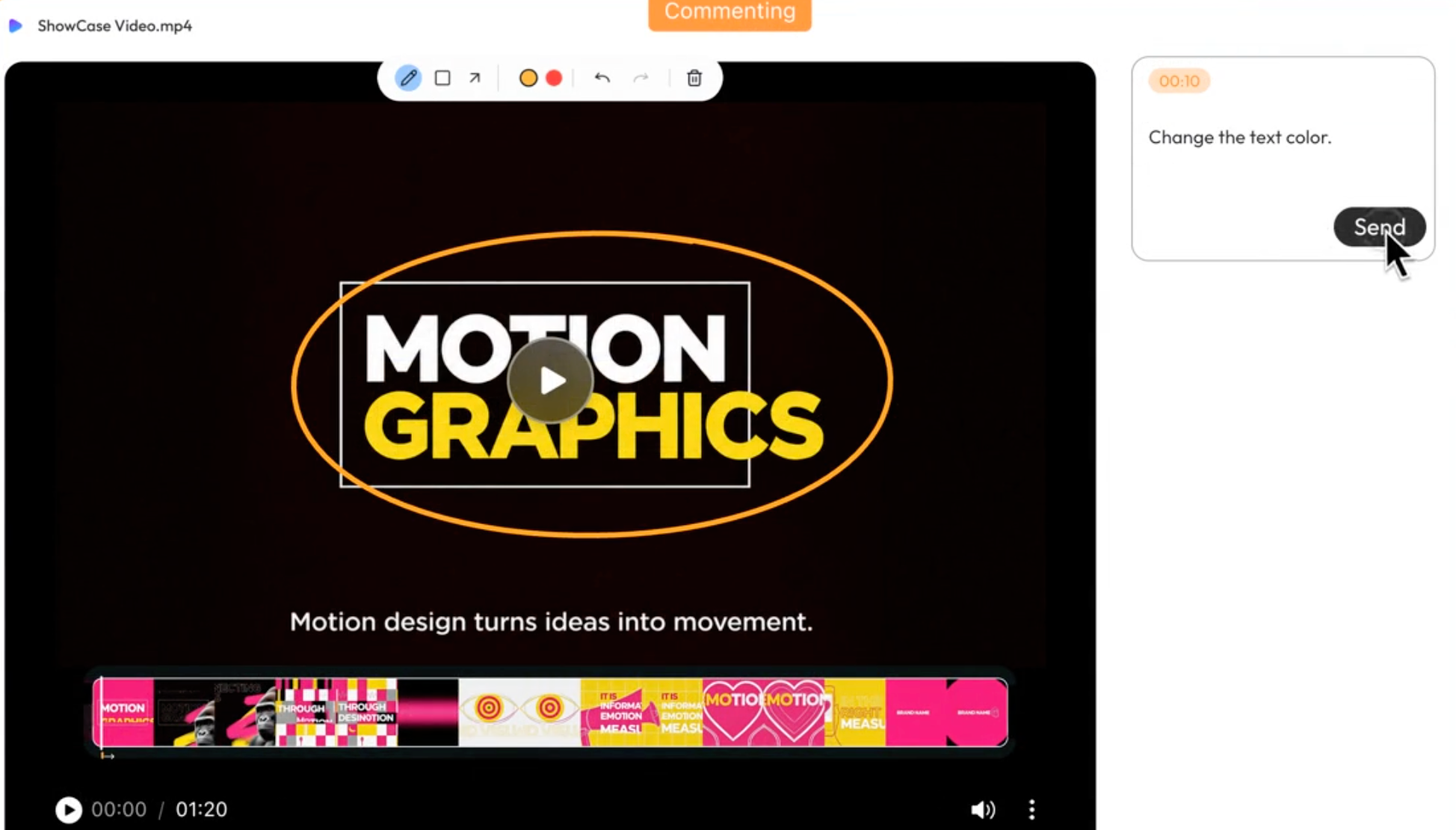
The returned version still needs comparison with the approved draft. Moving the pocket shot earlier should not introduce a different bag or an unsupported “keeps lunch cold” caption. A correct sequence with a false claim is still unusable.
Finishing the Cut and Reviewing Export
CapCut keeps detailed inspection and export in its editing workspace. With Pexo, review the returned cut and downloaded deliverable against the brief. Neither route removes the need to inspect the actual file.
For Tern, the pocket must remain visible beneath captions on a phone. The closing line should name the next action, and the zipper color must survive every shot. Verify the required export settings in the chosen account; published capabilities alone cannot establish equal output quality or total cost.
Before paid distribution, check asset permissions and the destination's current advertising rules. Pexo's terms, section 6.3, include a written-consent condition for advertising or commercial User Content; clarify its application to your campaign. This article does not provide legal advice.
When Should You Choose Each Workflow?
Choose according to the work your team can take on after the first preview. The relevant skill is either refining the edit directly or giving precise direction and judging the returned cut.
When CapCut × Codex Fits a Timeline-Led Team
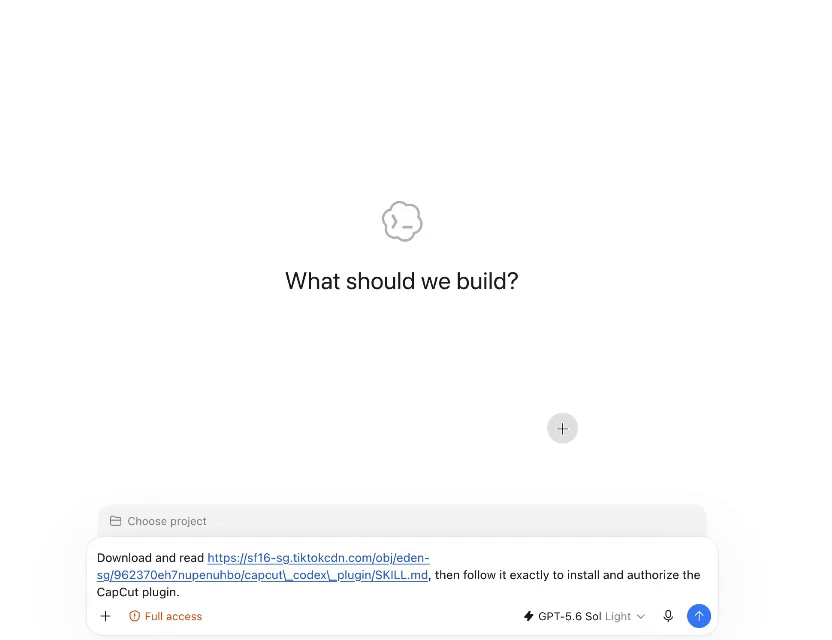
It fits when an editor wants to move Tern's caption, shorten the packshot, or replace an asset directly. Chat can establish the sequence while the editor handles small finishing decisions. This advantage matters only if the connected workflow is accessible to the production account.
When Pexo Fits an Agent-Led Production Brief

It fits when the reviewer can explain why the pocket should lead but prefers to delegate the assembly. Approving the storyboard can settle that choice before production. If sign-off requires direct track edits, establish what editable handoff is available before committing.
Conclusion
For Tern, decide who will place the pocket shot and correct its caption after review. If your team prefers to direct those decisions through feedback, bring the approved source pack to Pexo's product-video workflow and review the proposed story before production.