

 ChatGPT
 Perplexity
 Claude
 Gemini
 Grok
Grok

Runway Gen-4.5 set a high bar for AI video, but its prompt-driven workflow and escalating credit costs are pushing many creators toward other options. Whether you need a more natural creative process, a generous free tier, or avatar-powered content for sales and training, a better fit exists. We evaluated seven Runway alternatives side by side, comparing output quality, workflow design, pricing, and use-case fit across hands-on generation sessions in June 2026. Pexo, with its conversational approach to video creation, stood out for anyone who would rather describe an idea than engineer a prompt.
 Pexo's conversation interface showing a product video request and AI-generated result, June 2026.
What Is Runway?
Runway is a browser-based AI video platform built around Gen-4.5, its latest generation model. It accepts text prompts and reference images as input and produces short video clips with strong cinematic motion, camera control, and style consistency. Filmmakers, ad agencies, and creators who need precise control over camera angles and visual coherence have made it a go-to choice since its early Gen-2 days.
So why look elsewhere? Three friction points surface repeatedly in user reviews and community threads. First, Runway's output quality depends heavily on prompt skill: vague descriptions yield generic clips, and getting a specific result requires iterating on prompt syntax that takes real time to learn. Second, credit costs add up quickly on Gen-4.5, where a single 10-second clip can consume a meaningful chunk of a monthly allocation. Third, the free tier offers only 125 one-time credits, enough for a taste but not a workflow. For teams that need volume, experimentation room, or a workflow that does not live and die by prompt engineering, the alternatives below each solve at least one of those problems.
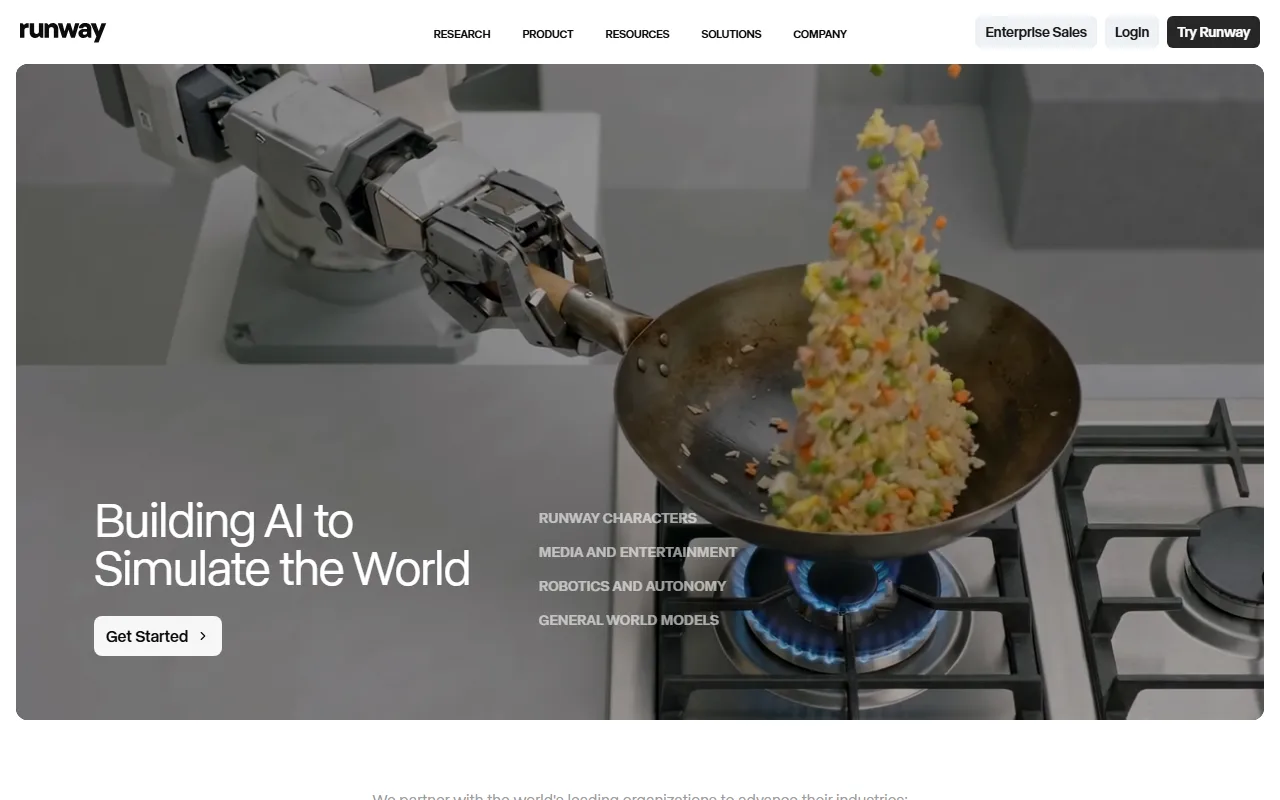 Runway's Gen-4.5 interface offers precise camera and motion controls, but requires prompt fluency.
The 7 Best Runway Alternatives at a Glance
Before diving into each pick, here is how they stack up on the dimensions that matter most.
| Tool | Best For | Free Tier | Paid From | Models / Engine |
|---|---|---|---|---|
| Pexo | Conversational video creation | Credit-based | $30/mo | Multi-model (Seedance, Kling, and more) |
| Kling AI | Cinematic generation, camera control | 66 daily credits (expire) | $6.99/mo | Kling 3.0 |
| Pika | Quick social clips, creative effects | 80 monthly credits (480p) | $8/mo | Pika 2.5, Turbo, Pro |
| Luma Dream Machine | Polished visual atmosphere | Small daily budget (720p) | $9.99/mo | Ray3 |
| Hailuo AI | Free-tier video generation | Daily credits (~2–3 clips) | $7.99/mo | MiniMax Video-01 |
| HeyGen | Avatar-driven marketing | 3 videos/mo | $24/mo | Proprietary avatar engine |
| Synthesia | Enterprise training, multilingual | 10 min/mo (watermarked) | $18/mo (annual) | 230+ studio avatars |
All prices reflect June 2026 published rates. Annual billing discounts vary by platform.
How We Compared These Runway Alternatives
Every alternative was evaluated across five dimensions, weighted toward what actually matters when you are replacing Runway in a real workflow.
- Output quality: Visual fidelity, motion realism, and style consistency across multiple generations with the same parameters.
- Workflow type: How much prompt engineering or manual setup is required before your first usable clip ships.
- Pricing and value: Free-tier usefulness, paid entry point, and cost per minute of usable output.
- Use-case fit: Which specific jobs (product ads, social clips, training content, cinematic shorts) each platform handles best.
- Model access: Whether the platform locks you into a single model or gives you options.
We signed up for all seven platforms, explored their generation workflows first-hand, and cross-referenced our observations against G2's AI Video Generator reviews, each platform's current documentation, and community feedback. Screenshots throughout this article show each tool's actual interface as of June 2026. Kling came closest to matching Runway across every dimension but did not solve the prompt-engineering workflow problem. The rankings below reflect which option delivers the most value for the widest range of Runway users looking to switch.
Cost efficiency note. At each platform's cheapest paid tier, approximate cost per finished minute of video ranges from under $3 (Kling Standard, Hailuo Standard) to $6–15 (Pexo Pro, Runway Standard, depending on clip length and generation attempts) to $18+ (HeyGen and Synthesia, where per-minute avatar rendering drives the cost). We emphasize finished minute: the real cost includes failed generations and iteration, which prompt-heavy platforms tend to burn more of.
When to stay with Runway. If you rely on Runway's video-to-video pipeline, its motion brush for selective frame editing, or its integration with professional post-production tools, no single alternative on this list fully replaces those capabilities yet. The alternatives below each solve a specific friction point (cost, workflow complexity, free-tier access), but Runway's broader creative ecosystem remains its moat.
The 7 Best Runway Alternatives for AI Video
1. Pexo — Best for Creating Video Through Conversation
Where Runway starts with a blank prompt box, Pexo starts with a conversation. Describe what you want in plain language, the way you would explain an idea to a colleague, and Pexo handles the rest: interpreting your intent, suggesting creative directions, selecting the right AI model, and delivering a polished video. There is no prompt syntax to learn, no timeline to manage, and no model-selection screen to navigate. The output is a finished video, not a raw clip that still needs editing.
Under the hood, Pexo routes each request to whichever AI model fits best, working with Seedance 2.0, Kling, and more. It accepts text, images, URLs, and audio as inputs. For e-commerce teams, the URL input is strong: point Pexo at a product page, and it produces an ad-ready clip from the visuals and copy it finds. For creators, Pexo's text-to-video feature turns a rough idea into a finished piece. Need to turn a product photo into a video? Send the image and describe the motion you want. Pexo also plugs into Slack, Lark, WhatsApp, and Claude, so you can request a video where you are already working.
Pricing: Credit-based, starting at $30/month (Pro, 4,800 credits, approximately 2–5 minutes of video). Elite ($60/month) and Max ($100/month) tiers scale credits for heavier usage. Credits cover the full workflow: visuals, audio, captions, and editing. (Verified from pexo.ai/pricing, June 2026.)
Pros:
- No prompt engineering required; natural conversation drives the entire workflow
- Multi-model routing picks the best engine for each job automatically
- Accepts text, image, URL, and audio inputs
- Works inside Slack, Lark, WhatsApp, and Claude without tab-switching
Cons:
- No traditional timeline or frame-by-frame editing controls
- No explicit camera-movement presets (no orbit, tracking shot, or keyframe timing controls that Runway offers)
- Entry price of $30/month is 4x Kling and nearly 4x Pika at their starting tiers
Best for: Creators and marketers who want finished videos from an idea, not from a prompt. Teams shipping product ads, social content, or brand clips who value speed and creative partnership over manual control.
 Describing a product video idea in Pexo's chat interface, captured June 2026. The conversation replaces prompt engineering entirely.
2. Kling AI — Best for Cinematic Generation With Camera Control
Kling AI, developed by Kuaishou (HKEX: 1024, one of China's two dominant short-video platforms), has matured into one of the most technically capable video generation platforms available. Kling 3.0 delivers cinematic-quality output with precise camera movement controls: pan, tilt, zoom, orbit, and tracking shots, making it the closest match to Runway's explicit motion parameters at roughly half the entry price.
What sets Kling apart is consistency across longer clips. Where many generators produce impressive single shots that fall apart on extension, Kling 3.0 maintains character identity and scene coherence across multi-second sequences. This matters for narrative content, product showcases, and any project where visual continuity is non-negotiable.
Kling also supports native audio generation and dialogue scenes as of 2026, closing a gap that previously limited it to silent clips or music-only output. Its 1080p Pro-mode output rivals Runway Gen-4.5 on detail, with particular strength in realistic human motion and environmental lighting.
The prompt-based workflow, however, is similar to Runway's. You are still writing text descriptions and iterating on them. The learning curve is comparable. Kling wins on price and on specific camera-control features, not on making the workflow fundamentally easier.
Pricing: Free tier with 66 daily credits (expire within 24 hours, 360–540p, watermarked). Standard from $6.99/month. Pro at $25.99/month adds 1080p output and priority queues. Kling 3.0 video costs 6–12 credits per second depending on resolution and audio settings. (As of June 2026.)
Pros:
- Granular camera motion presets rival Runway's control
- Strong character and scene consistency across extended clips
- Competitive pricing with a genuinely usable daily free tier
- Native audio and dialogue generation
Cons:
- Prompt-dependent workflow carries the same learning curve as Runway
- Free-tier output is low-resolution with a watermark
- Daily credit expiration discourages saving up for larger projects
Best for: Filmmakers, content creators, and ad producers who need cinematic camera control and are comfortable investing time in prompt craft.
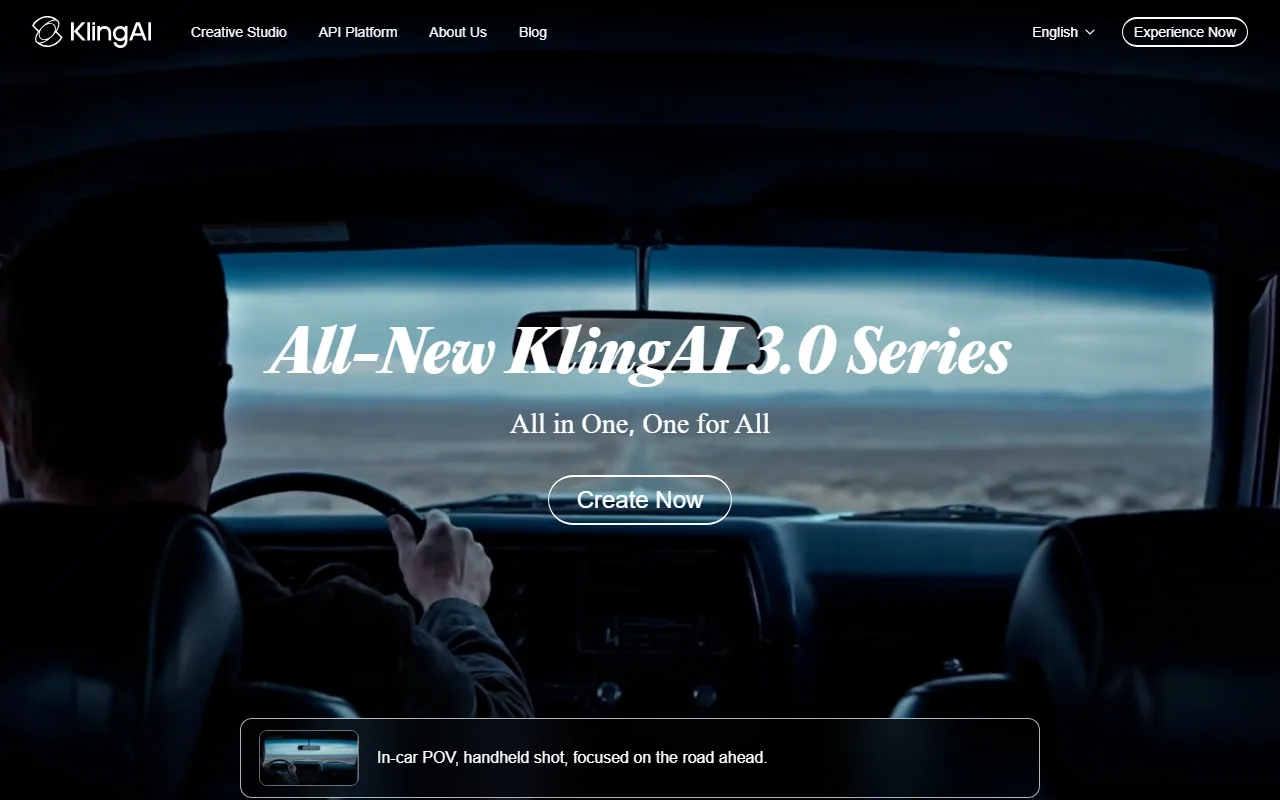 Kling 3.0's generation interface with camera motion presets, captured June 2026.
3. Pika — Best for Quick Social Clips and Creative Effects
Pika has carved out a clear niche as the fast, playful option for short-form social content. While Runway and Kling optimize for cinematic quality, Pika optimizes for speed and creative effects. Generation times typically run under 30 seconds, and the platform ships a suite of stylization features: Pikaffects (image-to-video effects), Pikaswaps (subject replacement), and Pikatwists (style transfers), all purpose-built for TikTok, Reels, and Shorts.
Pika 2.5 delivers solid visual quality at its best, though it is not trying to compete on photorealism. Output leans slightly stylized, which actually works in its favor for social content where attention-grabbing visuals outperform technically perfect ones. The platform's strength is letting you go from idea to posted clip in minutes rather than hours.
Since its 2023 launch by former Stanford AI researchers, Pika has attracted significant venture backing and built one of the largest creator communities in the AI video space. The free tier (80 monthly credits, 480p, watermarked) is enough to test whether the creative style fits your brand. The Standard plan at $8/month unlocks higher resolution, watermark removal, and commercial rights at a fraction of Runway's cost. Pro plan credits roll over between months, a feature most competitors do not offer.
Pricing: Free with 80 monthly credits (480p, watermarked, non-commercial). Standard at $8/month. Pro at $28/month. Fancy at $76/month for power users. (As of June 2026.)
Pros:
- Sub-30-second generation for most clips
- Unique creative effects suite (Pikaffects, Pikaswaps, Pikatwists)
- Low entry price with a usable free tier
- Pro plan credits roll over month to month
Cons:
- Output quality ceiling is lower than Runway or Kling for photorealistic scenes
- Limited camera control compared to Runway Gen-4.5
- 480p cap on the free tier is barely usable for actual posting
Best for: Social media managers and creators who post daily and need fast, visually engaging clips without investing in prompt perfection.
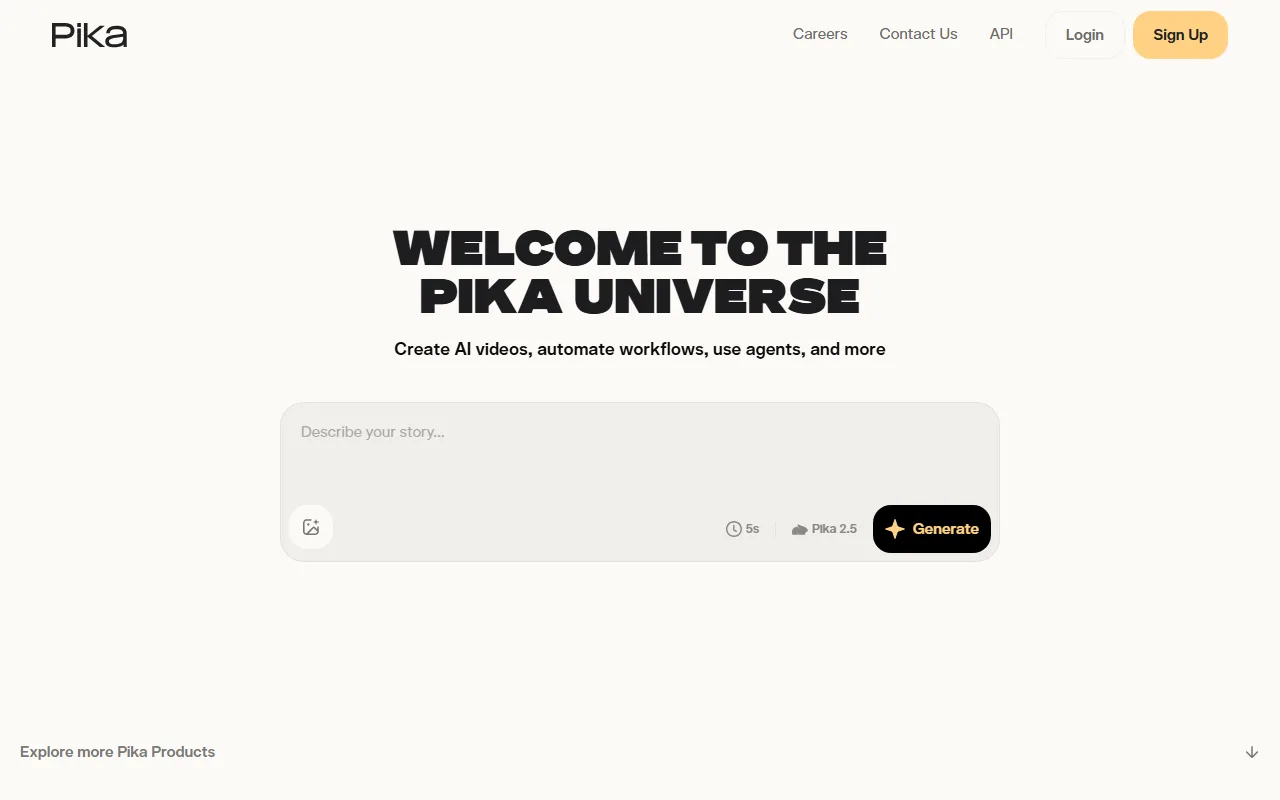 Pika's Pikaffects turn a single image into a dynamic video clip in seconds.
4. Luma Dream Machine — Best for Polished Visual Atmosphere
Luma Dream Machine, powered by the Ray3 model (Luma AI's third generation engine since its 2024 debut), consistently produces some of the most visually elegant AI video in 2026. Its strength is not raw speed or granular control but the quality of light, atmosphere, and organic camera movement in its output. If your priority is a polished, cinematic look with natural transitions and soft, filmic color grading, Luma delivers that at a level few competitors match.
The March 2026 launch of Luma Agents wrapped the same generation engine in a more agentic creative platform, adding multi-shot support and partner model access alongside the core Dream Machine experience. For single-shot hero content, mood boards, and visual concepts, Luma remains one of the strongest options available.
Where Luma falls short is extended sequences and character consistency. It excels at individual moments: the kind of shot you would use as a hero visual or social cover. But it struggles to maintain identity across multi-shot narratives. It is a single-take specialist rather than a storyboard engine.
Pricing: Free tier with a small daily compute budget (one short 720p clip, watermarked). Lite at $9.99/month. Plus at $29.99/month. Pro and Ultra tiers available for heavy production. Annual billing saves approximately 20%. (As of June 2026.)
Pros:
- Industry-leading visual atmosphere and lighting quality
- Natural, organic camera movement that feels filmic
- Luma Agents adds multi-shot and partner model support
- Competitive Lite plan for casual users
Cons:
- Weak character consistency across longer or multi-shot sequences
- Single-shot specialist, not ideal for narrative or serialized content
- Free tier is extremely limited (one short clip per day)
Best for: Brand designers, creative directors, and social media leads who need hero visuals and mood-setting footage with cinematic polish.
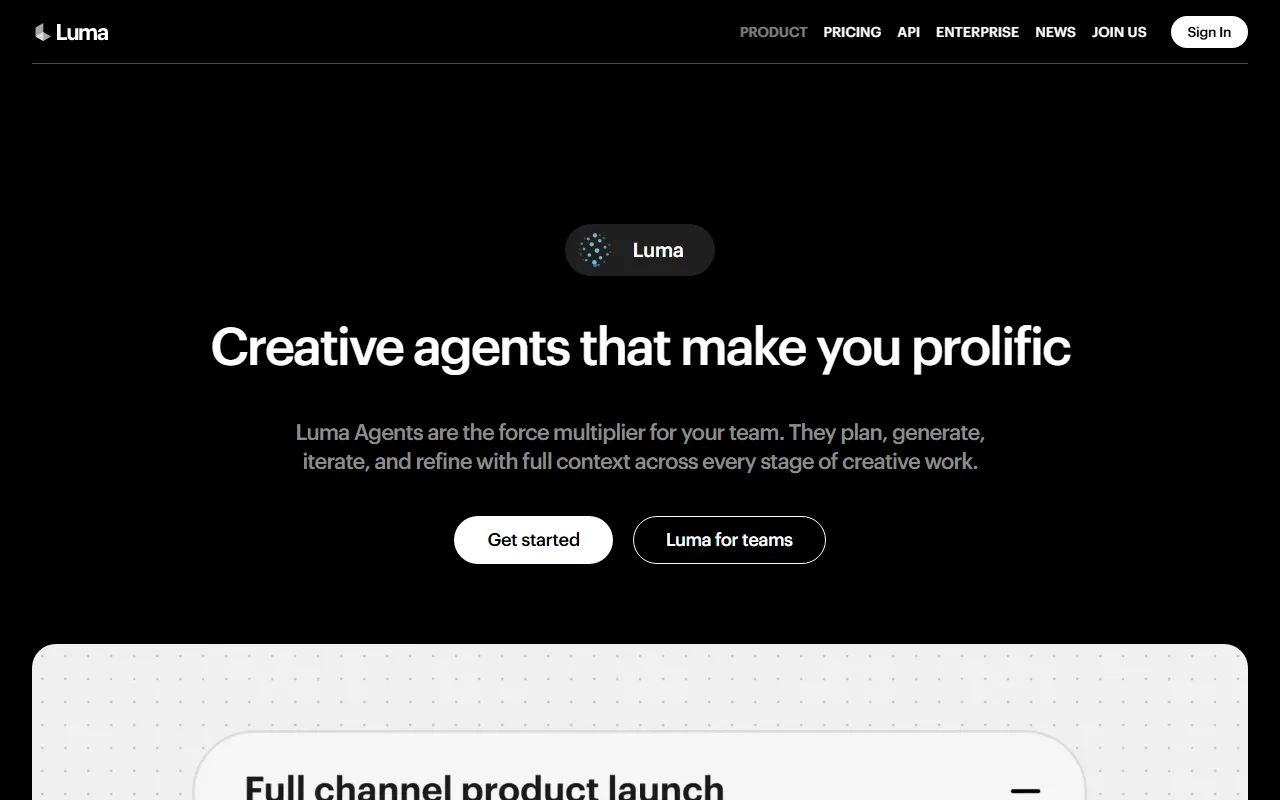 Luma Dream Machine's Ray3 model produces atmospheric, film-quality single shots.
5. Hailuo AI — Best Free-Tier AI Video Generator
Hailuo AI, built by MiniMax, stands out for one reason above all others: its free tier is the most usable in the category. While Runway gives you 125 one-time credits and Pika caps free output at 480p, Hailuo provides daily bonus credits sufficient for 2–3 short videos at 768p. For anyone exploring AI video without committing a budget, Hailuo is the place to start.
The output quality justifies the attention. MiniMax, Hailuo's parent company and one of China's leading AI unicorns, has invested heavily in video generation research. Hailuo has earned a strong reputation for realistic human motion and expressive character performances, particularly in face and body movement. Its visual fidelity holds up in practice, particularly for scenes involving people, where Hailuo's motion realism competes with platforms at two to three times the price point.
The trade-offs are real, though. Free-tier output carries a watermark and has no commercial rights. The 6-second maximum on free clips limits what you can produce in practice. And Hailuo's creative toolset is narrower than Pika's or Runway's: you get a prompt box and basic settings, not a suite of stylization effects or camera presets.
Pricing: Free with daily credits (~2–3 clips at 768p, watermarked, non-commercial). Standard at $7.99/month. Pro at $24.99/month. Master at $63.99/month. Max at $199.99/month. Note that Hailuo has restructured pricing multiple times since launch. (As of June 2026.)
Pros:
- Most generous free tier in AI video with daily replenishing credits
- Strong realistic human motion and facial expression quality
- Paid plans start below $10/month
- Visual fidelity competitive with more expensive platforms
Cons:
- Free tier capped at 6 seconds and 768p with watermark
- Narrower creative toolset than Pika or Runway
- Pricing structure has shifted multiple times, so verify current rates before purchasing
Best for: Budget-conscious creators testing AI video for the first time, and freelancers who need decent output volume without a paid subscription.
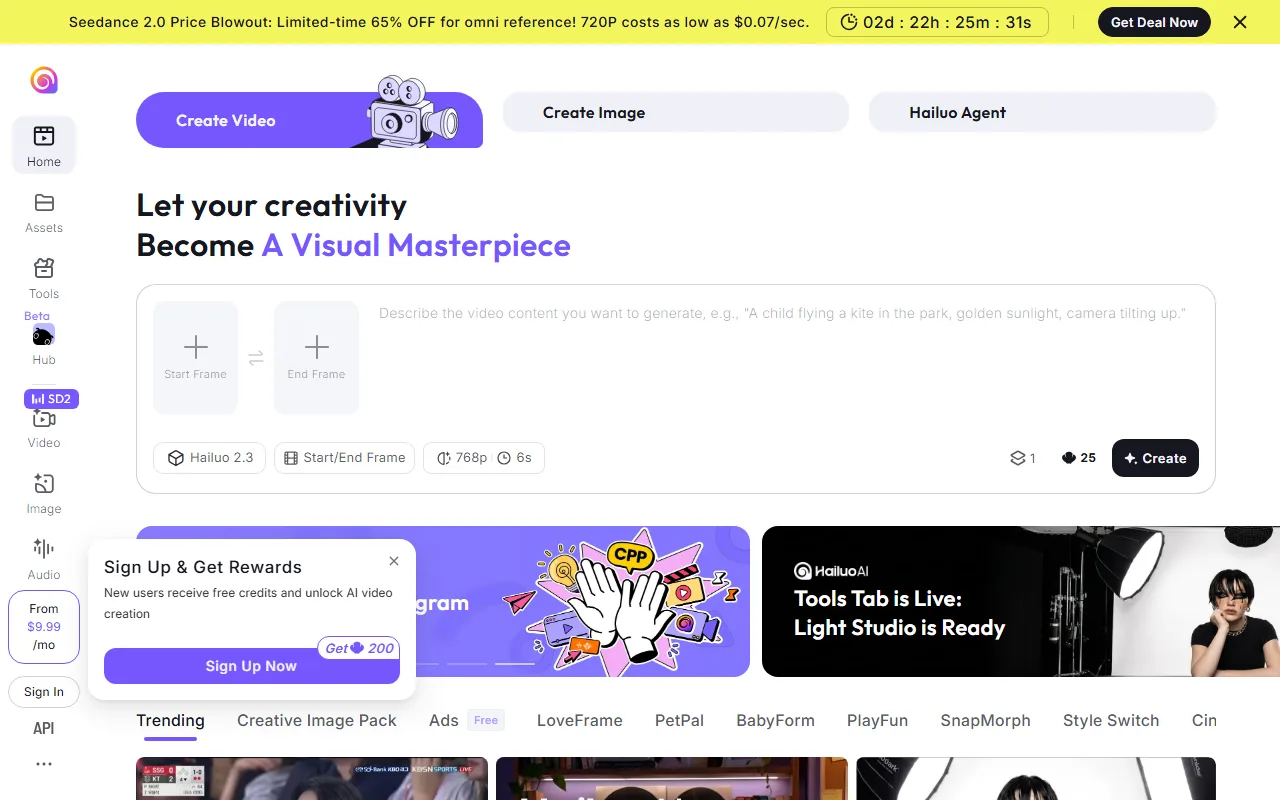 Hailuo AI's free tier delivers 768p clips with notably realistic human motion.
6. HeyGen — Best for Avatar-Driven Marketing Videos
HeyGen is not a general-purpose video generation platform. It is a specialized system for avatar-driven talking-head videos, optimized for sales, marketing, and internal communications. Avatar IV, its latest generation, produces lip sync and facial expressions realistic enough that most viewers cannot immediately tell the speaker is AI-generated. The platform maintains consistently high ratings on G2, with enterprise users citing output realism and multilingual dubbing (40+ languages with matched lip movements) as standout strengths.
The trade-off is creative range: HeyGen does one thing well, and if your brief calls for cinematic scenes, product showcases, or stylized social content, you need a second platform alongside it.
Pricing: Free plan with 3 videos/month. Creator plan at $24/month (annual billing). Pro from $49/month with expanded credits. Business at $149/month plus per-seat charges. Avatar IV content consumes 20 credits per minute, so budget accordingly. (As of June 2026.)
Pros:
- Best-in-class AI avatar realism with Avatar IV
- Multilingual video dubbing with lip-sync matching in 40+ languages
- Strong for sales enablement, training, and internal communications
- Mature template library for common business video formats
Cons:
- Narrow creative scope limited to talking-head and presenter formats
- High per-minute credit cost for premium avatars
- You will likely need a second platform for non-avatar video content
Best for: Sales teams, marketers, and L&D departments creating presenter-led videos for campaigns, product walkthroughs, and multilingual outreach.
 HeyGen's Avatar IV delivers near-photorealistic talking-head videos for marketing and sales.
7. Synthesia — Best for Enterprise Training and Multilingual Content
Synthesia is the enterprise-grade avatar platform, reporting over 50,000 business customers as of 2026. With 230+ pre-built studio avatars, 140+ languages, SCORM export, and SOC 2 compliance, it is built for companies producing training and onboarding videos at scale. Where HeyGen targets marketing with polished avatar realism, Synthesia targets L&D and operations with branded templates, team workspaces, analytics dashboards, and one-click translation.
The cost reflects that enterprise positioning. Starter at $18/month (annual) gets basic avatar access. Creator at $64/month adds 30 minutes of monthly output. Custom Studio Avatars run $1,000/year each, and SCORM export, API access, and advanced analytics sit behind Enterprise pricing. It is the most expensive option on this list, but for organizations deploying video across hundreds of employees, the per-seat economics work out.
Pricing: Free with 10 minutes/month (watermarked). Starter at $18/month (annual). Creator at $64/month (annual). Enterprise is custom-priced. Custom avatars cost $1,000/year each. (As of June 2026.)
Pros:
- Largest avatar and language library (230+ avatars, 140+ languages)
- Enterprise compliance features (SOC 2, SCORM, SSO)
- Built-in team workspaces and analytics dashboards
- One-click translation with lip-sync matching
Cons:
- Full feature set is expensive and locked behind Enterprise pricing
- Limited creative flexibility outside the avatar-and-slide format
- Custom avatar and overage costs can escalate quickly for small teams
Best for: Enterprise L&D teams, HR departments, and global organizations producing training, compliance, and onboarding videos at scale across multiple languages.
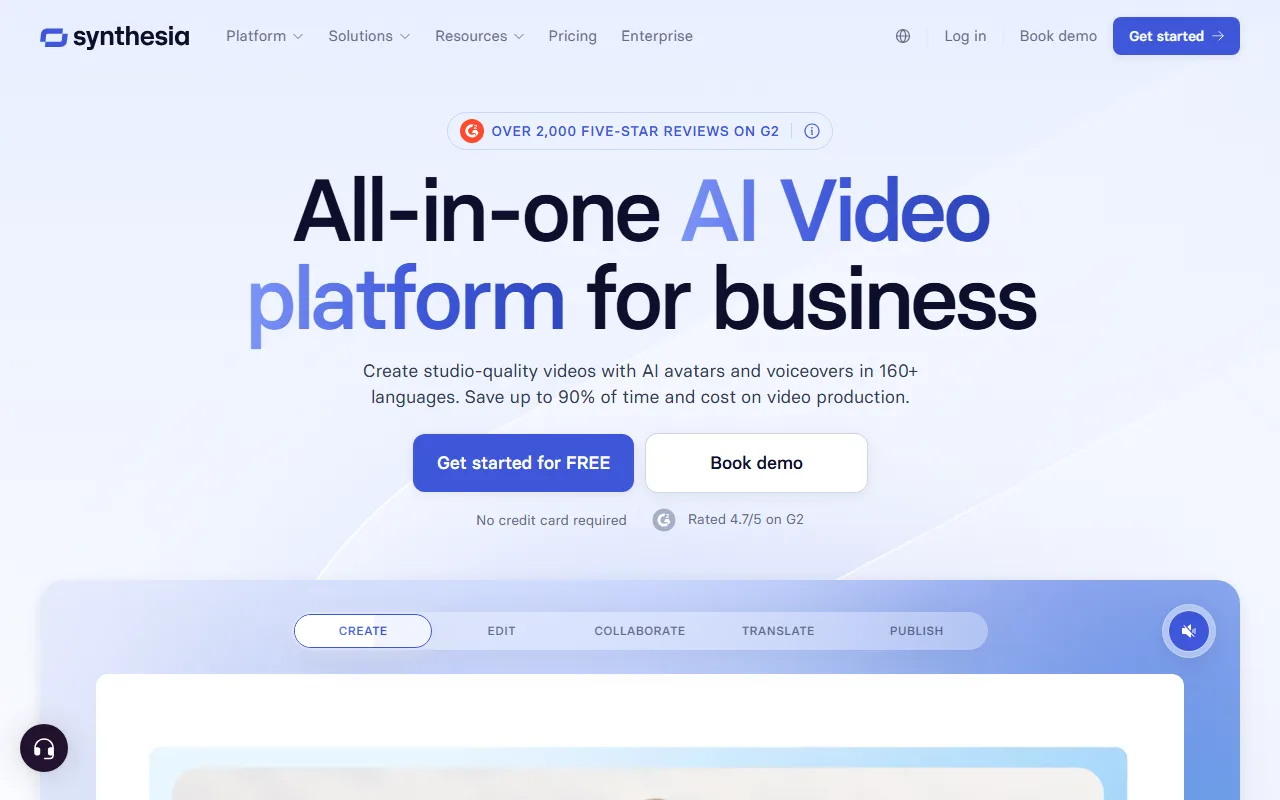 Synthesia's studio avatars deliver polished training videos in 140+ languages with SCORM support.
How to Choose the Right Runway Alternative
The best alternative depends on what frustrated you about Runway in the first place.
-
Choose Pexo if you want to skip prompt engineering entirely and create a product video or social clip through conversation. Pexo is the pick when you have an idea but not a prompt, and you want a finished video rather than a raw clip to assemble.
-
Choose Kling AI if you need Runway-level camera control at a lower price point and you are comfortable investing time in prompt craft.
-
Choose Pika if speed matters more than polish. You post daily to TikTok, Reels, or Shorts, and 30-second turnaround beats 10-minute render times.
-
Choose Luma Dream Machine if your content lives or dies on visual atmosphere. Hero shots, mood boards, and brand imagery are your primary output.
-
Choose Hailuo AI if you are testing AI video for the first time and want the most generous free tier available before committing any budget.
-
Choose HeyGen if your use case is a person speaking to camera: sales pitches, marketing messages, onboarding walkthroughs, or multilingual outreach.
-
Choose Synthesia if you are an enterprise team deploying training and compliance videos at scale and you need SCORM, SOC 2, and multi-language infrastructure.
No single alternative replaces Runway for every use case. But for most creators and teams, at least one of these seven will do the specific job better and more cost-effectively.
Conclusion
Runway Gen-4.5 remains a capable platform, but it is no longer the only serious option for AI video creation. The right replacement depends on which friction point matters most to you. If prompt fatigue is the issue, Pexo's conversational workflow is the most direct solution. If budget is the constraint, Kling and Hailuo deliver strong output at a fraction of Runway's cost.
If you want to try the approach that changes the workflow most fundamentally, start with Pexo. Describe your next video idea the way you would explain it to a teammate and see what comes back.





