

 ChatGPT
 Perplexity
 Claude
 Gemini
 Grok
Grok

Seedance 2.0 by ByteDance is one of the strongest AI video generation models on the market right now, but locking into a single model means locking into its limits. Pexo, an AI video partner that routes to Seedance, Kling, and more through a single conversation, leads this list of 7 tested Seedance alternatives for a reason: you describe what you want, and it picks the right model for the job.
This guide covers what each alternative does well, what it costs, and who it fits best. Whether you need realistic motion, cinematic 4K output, or a free tier generous enough for daily use, there is an option here that matches.
Disclosure: This guide is published by the team behind Pexo, one of the platforms reviewed below. Every product receives equal depth and honest coverage.
What Is Seedance?
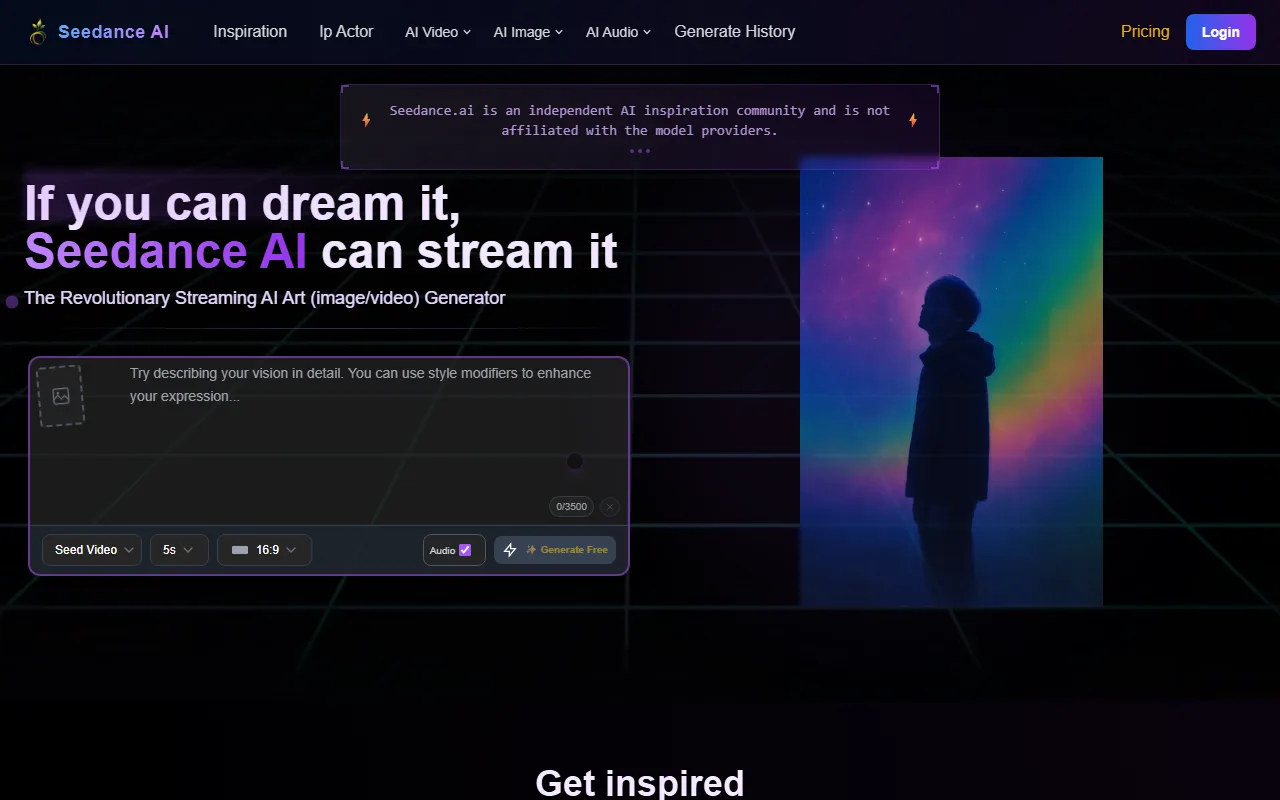
Seedance 2.0 is ByteDance's multimodal AI video generation model. It accepts text, images, video clips, and audio as inputs and produces cinematic, multi-shot video with synchronized audio.
Core capabilities:
- Supports up to 12 input assets per generation (text, image, video, audio)
- Native audio sync: generates dialogue, ambient sounds, and effects matched frame-by-frame
- Multi-shot generation from a single prompt
- 1080p output with smooth motion and detailed textures
- Segment-level editing: modify characters, scenes, or sections without regenerating the full clip
Why people look for Seedance alternatives:
- Single-model lock-in: you get ByteDance's model and nothing else
- Interface rigidity: the workflow is prompt-box-driven, which demands precise input phrasing
- Regional availability: access varies by geography, and some features require API integration
- Credit consumption: complex multi-asset generations burn through daily credits quickly
You can also access Seedance 2.0 through Pexo, which routes it alongside other models in one workspace.
How Do These Seedance Alternatives Stack Up?
Here is a side-by-side comparison of all 7 alternatives tested for this guide. Pricing reflects publicly available plans as of June 2026.
| Name | Best For | Key Inputs | Free Tier | Paid From |
|---|---|---|---|---|
| Pexo | No-prompt, multi-model video | Text, image, URL, audio | Credits on signup | Credit-based plans |
| Kling AI | Realistic motion and physics | Text, image | 66 credits/day (expire 24h) | $6.99/mo |
| Google Veo 3 | Cinematic visual quality | Text, image | 10 clips/month (no watermark) | $19.99/mo |
| Runway | Professional production | Text, image, video | 125 one-time credits | $12/mo |
| Pika | Quick social video clips | Text, image | 80 credits/month (480p) | $8/mo |
| Hailuo AI | Generous trial credits | Text, image | 200 welcome credits | $9.99/mo |
| Luma Dream Machine | Creative visual experiments | Text, image | ~1 clip/day (720p) | $9.99/mo |
How We Tested These Seedance Alternatives
Every alternative in this guide was evaluated across six dimensions, using consistent test prompts where possible.
Testing dimensions:
- Video quality: visual fidelity, color grading, motion smoothness at 1080p+
- Motion realism: physics accuracy, character movement, hand/face rendering
- Workflow simplicity: time from idea to finished clip, learning curve, interface friction
- Input flexibility: supported input types (text, image, URL, audio, video)
- Pricing value: cost per usable clip at 1080p, free-tier generosity
- Output control: ability to iterate, edit segments, and control style
Testing was conducted in June 2026. Pricing, features, and model versions may change. Always verify on the official platform before committing to a plan.
What Are the 7 Best Seedance Alternatives?
Each alternative below is evaluated against the same 6-point checklist: positioning, key differentiator, ideal user, limitations, pricing, and a verifiable data point.
1. Pexo — Best for No-Prompt, Multi-Model Video Creation
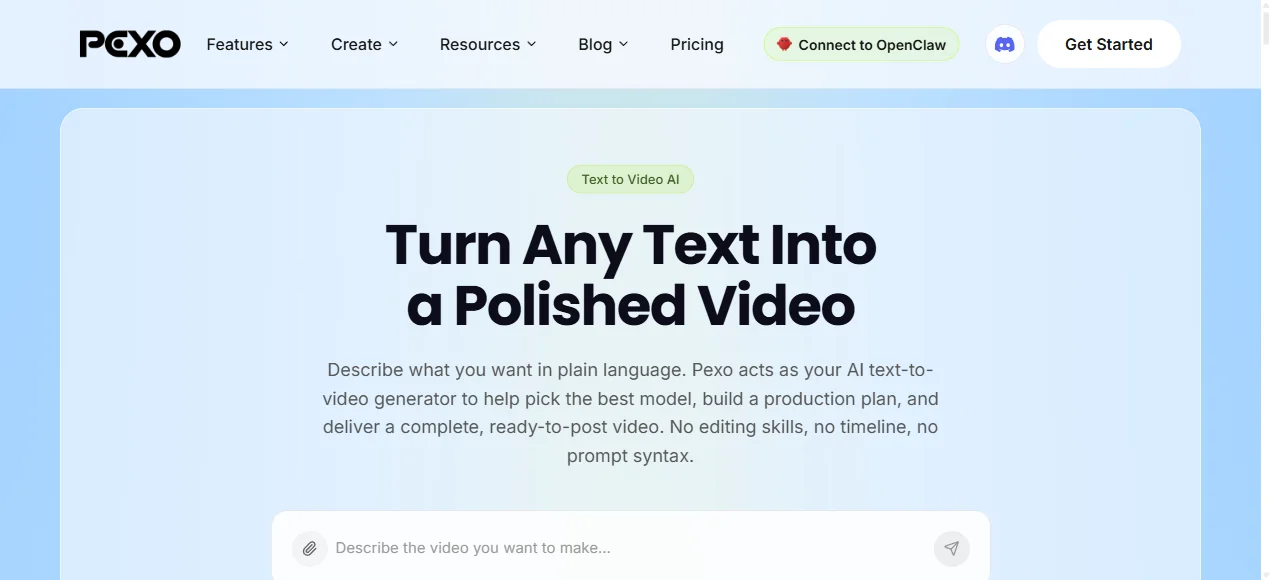
Pexo is an AI video partner that turns a natural-language conversation into a finished video. Instead of writing structured prompts, you describe what you want the way you would to a colleague. Pexo interprets your intent, picks the best AI model for the job, and delivers a polished clip.
Key strengths:
- Multi-model routing: works with Seedance, Kling, and more. Pexo selects the right model per shot, so you never need to research which model handles your scene type best
- No prompt engineering: describe your idea in plain language. No syntax, no parameter tuning, no blank-page stare
- Four input modes: text, image, URL, and audio. Drop in a product page URL and Pexo pulls the visuals and copy to build your ad
- Conversational iteration: redirect mid-conversation. Change the style, swap a scene, extend a section. No rigid pipeline
- Cross-platform access: works inside Claude, Slack, Lark, and WhatsApp. No new tab, no new app
Best for: Marketers, e-commerce sellers, and small business owners who need video output fast and do not want to learn prompt syntax or compare models manually.
Where it falls short:
- Credit-based pricing means heavy users need to monitor consumption
- As a multi-model router, the specific underlying model may vary between generations
Pricing (as of June 2026):
- Free: credits included on signup to test the full workflow
- Paid: credit-based plans scale across Pro, Elite, and Max tiers. All plans include commercial use rights
Pros:
- No prompt engineering required
- Automatic model selection across multiple leading AI video models
- Accepts text, image, URL, and audio inputs
- Works inside tools you already use (Slack, Claude, WhatsApp)
Cons:
- Credit-based model requires tracking usage
- Less direct control over which specific model renders each shot
Pexo supports both text-to-video and image-to-video workflows in a single conversation.
2. Kling AI — Best for Realistic Motion and Physics
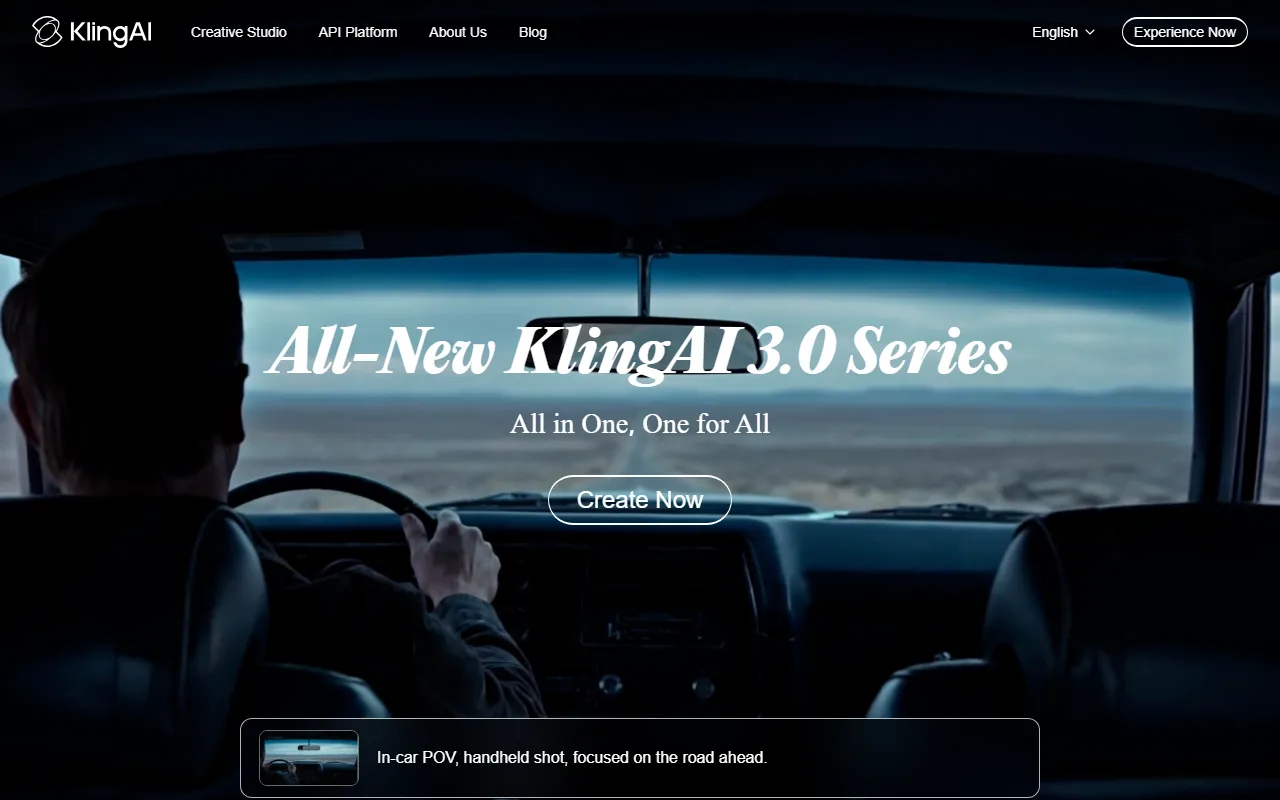
Kling AI is a dedicated AI video model by Kuaishou that consistently produces some of the most physically accurate motion in the space. Character movement, fluid dynamics, and object interactions look noticeably more grounded than many competitors.
Key strengths:
- Physics-aware generation: cloth draping, water splashes, and gravity-based motion render with high accuracy
- Character consistency: faces and body proportions stay stable across multi-second clips
- Motion transfer: use reference video to guide movement style in generated output
- Fast iteration: standard 5-second clips generate in under 2 minutes on paid plans
Best for: Creators and studios who prioritize lifelike motion over cinematic color grading, especially for character-driven content.
Where it falls short:
- Free tier is heavily limited: 66 daily credits expire within 24 hours, output capped at 360–540p with watermark
- Credits do not roll over on any plan. Unused monthly credits vanish at billing cycle end
- Ultra tier ($180/mo) has no annual discount, and pricing has increased ~41% since mid-2025
Pricing (as of June 2026):
- Free: 66 credits/day (expire in 24h), 360–540p, watermark, no commercial use
- Standard: $6.99–$10/mo
- Pro: $37/mo
- Premier: $92/mo
- Ultra: $180/mo
Pros:
- Best-in-class motion realism
- Strong character consistency across frames
- Motion transfer from reference video
Cons:
- Free credits expire daily, no rollover
- Pricing has increased significantly in 2026
- No annual discount on top tier
Data point: G2 lists Kling AI as a top 3 Seedance competitor by review volume (as of June 2026).
3. Google Veo 3 — Best for Cinematic Visual Quality
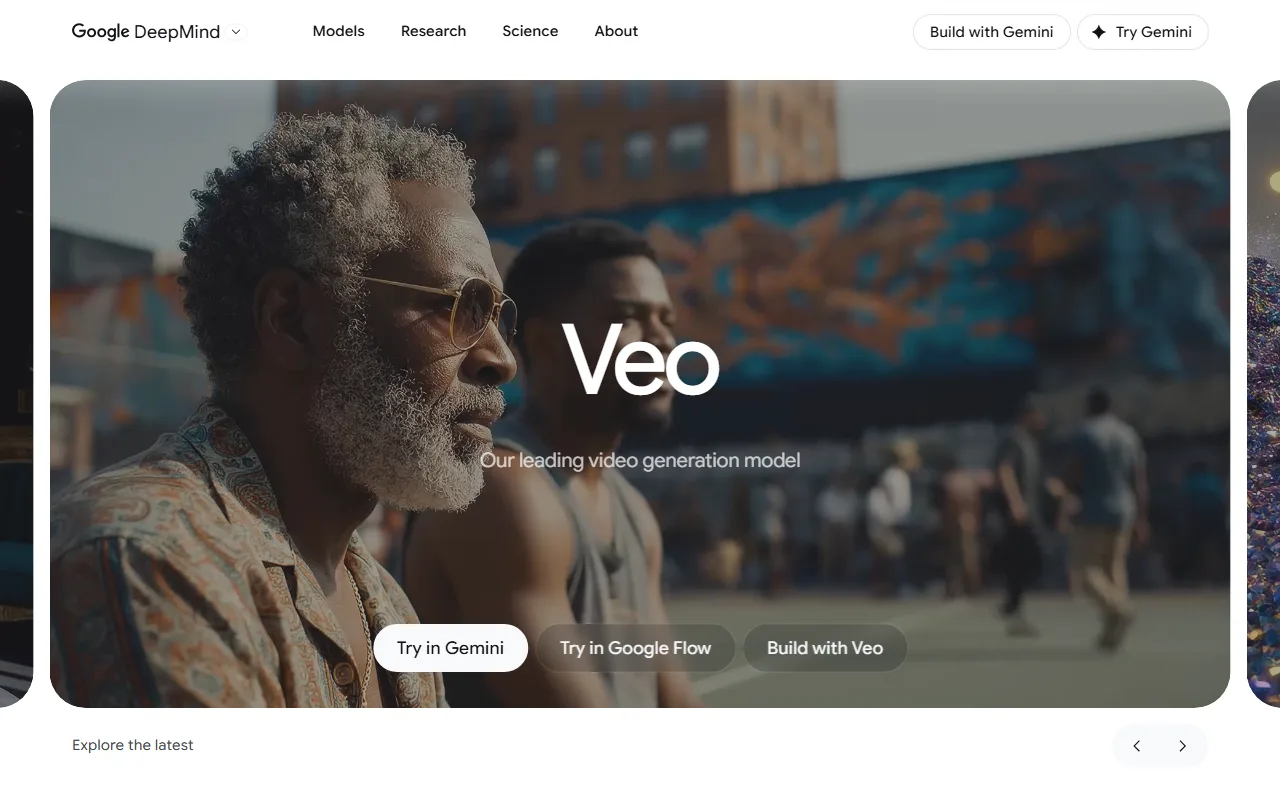
Google Veo 3 is Google DeepMind's flagship video generation model, accessible through Google Vids and the Vertex AI API. It produces broadcast-grade output with cinematic color grading, smooth 24fps cadence, and native audio generation.
Key strengths:
- 4K output: one of the few models that delivers true 4K resolution on higher tiers
- Cinematic polish: 24fps cadence, professional color science, and broadcast-ready framing
- Native audio: generates dialogue and ambient audio synced to visuals, similar to Seedance 2.0
- Free access with no watermark: 10 generations/month through Google Vids for any Google account holder, no credit card required, no watermark
Best for: Filmmakers, brand teams, and professional creators who need studio-quality output and already use the Google ecosystem.
Where it falls short:
- Free tier caps at 10 clips/month (up to 8 seconds each). Heavy production workflows require Google One AI Premium or Vertex API access
- Full API pricing starts at $0.15–$0.40 per second, which adds up fast for bulk generation
- The AI Ultra tier ($249.99/mo) is significantly more expensive than competitors' top plans
Pricing (as of June 2026):
- Free: 10 generations/month via Google Vids (up to 8s each, no watermark, commercial use allowed)
- Google One AI Premium: $19.99/mo
- Google AI Ultra: $249.99/mo
- API: $0.15/s (Fast) to $0.40/s (Standard)
Pros:
- True 4K output on higher tiers
- Free tier includes no watermark and commercial use
- Native audio generation
- Backed by Google infrastructure
Cons:
- Free tier limited to 10 clips/month
- API pricing is expensive at scale
- Ultra tier is $249.99/mo
Data point: Google Vids launched free Veo 3.1 access for all personal Google accounts in April 2026, making it one of the most accessible high-quality free options available.
4. Runway — Best for Professional Video Production
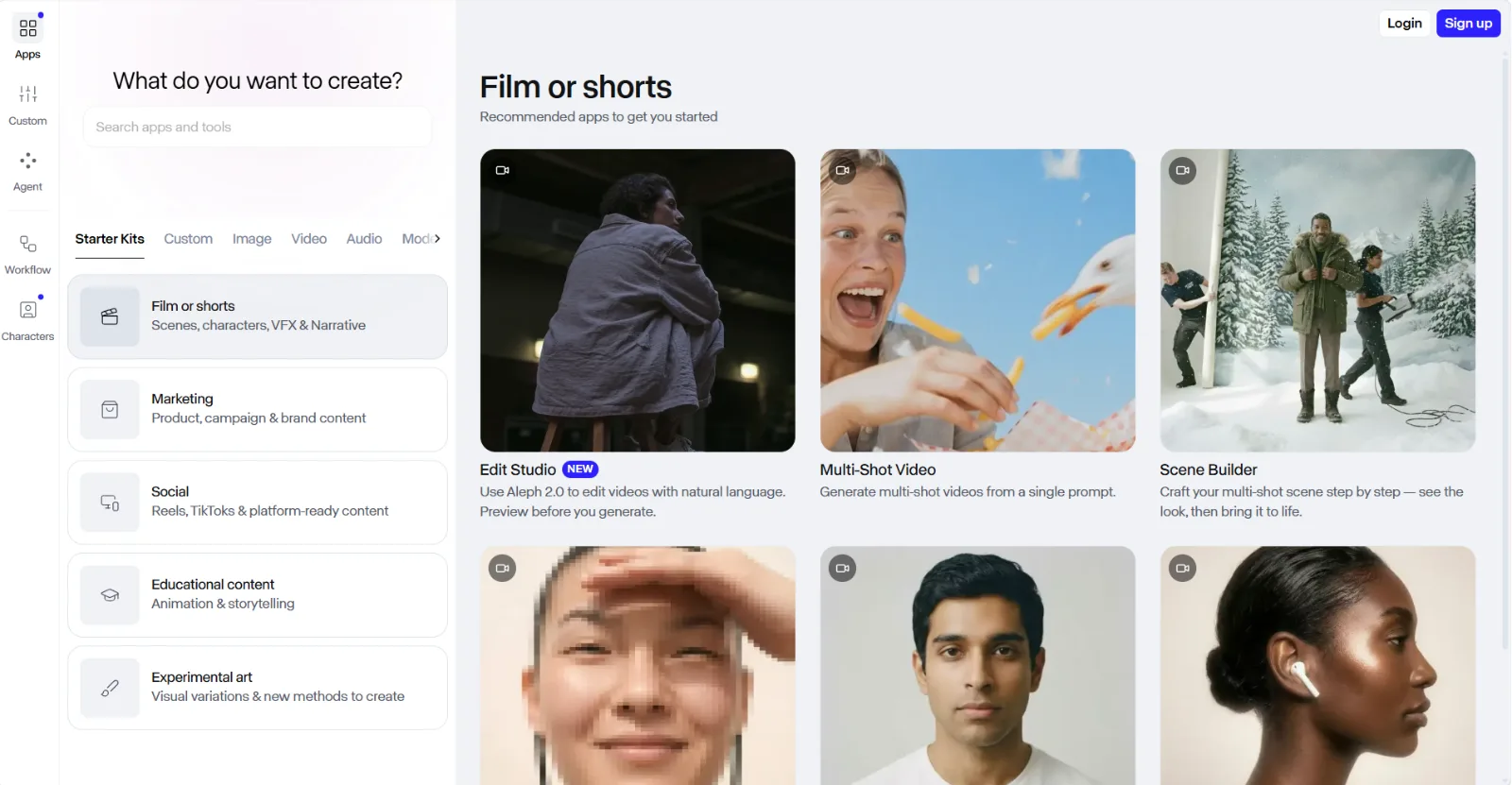
Runway has been one of the longest-running AI video platforms, now on its Gen-4 and Gen-4.5 models. It combines generation with editing tools, making it a workstation rather than a single-purpose generator.
Key strengths:
- Generation + editing in one platform: timeline editing, multi-track composition, and AI generation coexist in a single workspace
- Gen-4.5 flagship model: currently one of the highest-quality generation models available, strong on temporal consistency across longer clips
- Video-to-video support: upload existing footage and transform its style, which Seedance and many alternatives cannot do
- Team and enterprise plans: collaboration features, shared asset libraries, and admin controls for production teams
Best for: Professional video teams and agencies that need both generation and post-production in one tool, and can afford the credit cost.
Where it falls short:
- Credit costs are steep: Gen-4.5 costs 25 credits per second of video. A 10-second clip at top quality burns 250 credits
- Free tier gives only 125 one-time credits with no monthly refresh
- Learning curve is higher than simpler generators due to the editing interface
Pricing (as of June 2026):
- Free: 125 one-time credits (no monthly refresh)
- Standard: $12/mo (625 credits/month)
- Pro: $28/mo (2,250 credits/month)
- Max: $76/mo (9,500 credits/month)
Pros:
- Combined generation and editing workspace
- Gen-4.5 produces top-tier visual quality
- Video-to-video transformation
- Team collaboration features
Cons:
- High credit cost per second (25 credits/s on Gen-4.5)
- Free tier is one-time only, no refresh
- Steeper learning curve than prompt-only tools
Data point: On the Pro plan ($28/mo, 2,250 credits), you get roughly 90 seconds of Gen-4.5 video per month, or ~3.75 minutes of Gen-4 Turbo.
5. Pika — Best for Quick Social Video Clips
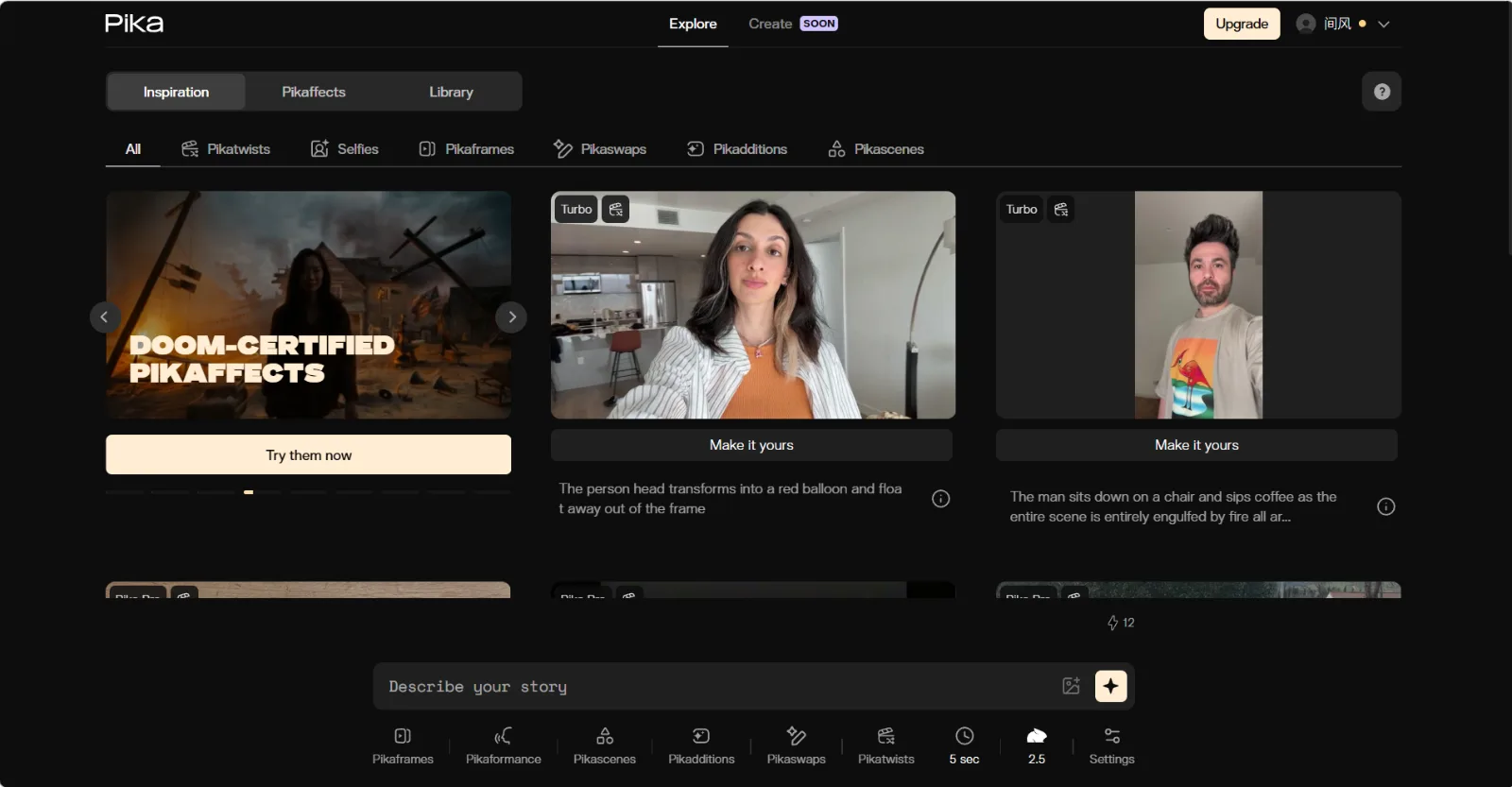
Pika focuses on speed and simplicity. It is built for creators who need short, shareable clips for social platforms rather than long-form production.
Key strengths:
- Speed-first workflow: minimal interface, fast generation times, optimized for short social formats
- Pikaffects and Pikaswaps: built-in style transfer and element-swapping tools for creative effects
- Low entry price: Standard plan at $8/mo (annual) is one of the most affordable paid tiers in this list
- Mobile-friendly output: default aspect ratios and lengths optimized for Reels, Shorts, and TikTok
Best for: Social media managers and individual creators who publish daily short-form content and value speed over cinematic polish.
Where it falls short:
- Free tier is locked to 480p with watermark. Usable for testing, not for publishing
- No commercial use rights until the Pro plan ($28/mo)
- Output quality is a step below Kling AI and Veo 3 for detail and motion realism
Pricing (as of June 2026):
- Free: 80 credits/month, 480p, watermark, no commercial use
- Standard: $8/mo annual ($10/mo monthly), 700 credits
- Pro: $28/mo annual ($35/mo monthly), 2,300 credits, commercial use
- Fancy: $76/mo annual ($95/mo monthly), 6,000 credits
Pros:
- Fast generation for social-first content
- Affordable entry at $8/mo
- Creative effects tools (Pikaffects, Pikaswaps)
Cons:
- Free tier is 480p with watermark
- No commercial use below Pro tier
- Lower output quality than top-tier competitors
Data point: Pika's Standard tier at $8/mo annual makes it one of the two cheapest paid options in this comparison alongside Kling AI's $6.99/mo plan.
6. Hailuo AI — Best for Free AI Video Generation
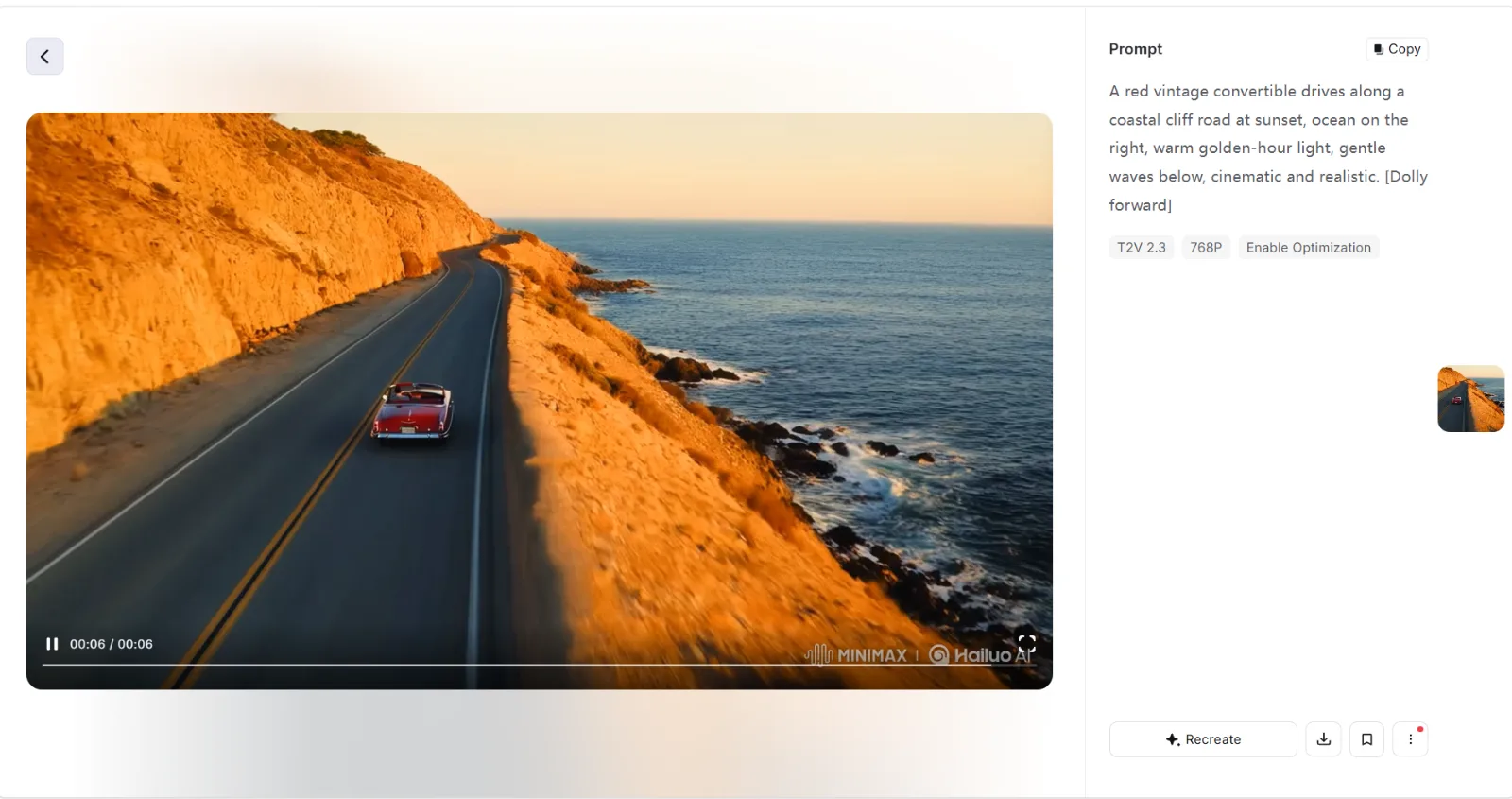
Hailuo AI (by MiniMax) positions itself as one of the most generous free-tier options in the AI video space. The welcome credits and daily bonuses let new users generate several test videos before hitting a paywall.
Key strengths:
- Generous welcome credits: 200 one-time credits on signup plus daily bonus credits
- Low paid entry: $9.99/mo for 1,000 credits (~12 videos at 1080p)
- Competent motion quality: strong on natural movement and facial expressions for its price tier
- API access: MiniMax M2.5 API starts at $0.15/M input tokens for developers building on top of the platform
Best for: Budget-conscious creators and developers who want to test AI video generation before committing to a higher-cost platform.
Where it falls short:
- Free credits expire in 3 days. This is a trial, not a sustainable free tier
- Free output is 720p with watermark, no commercial use
- Fewer style and editing controls compared to Runway or Pexo
- Smaller user community means fewer tutorials and shared prompts
Pricing (as of June 2026):
- Free: 200 welcome credits + daily bonus (expire in 3 days), 720p, watermark
- Paid: from $9.99/mo (1,000 credits, ~12 videos at 1080p)
- API: from $0.15/M input tokens (MiniMax M2.5)
Pros:
- Generous welcome credits for testing
- Low paid entry point ($9.99/mo)
- API available for developers
Cons:
- Free credits expire in 3 days
- Limited editing and style controls
- Smaller community and resource ecosystem
Data point: Hailuo AI's $9.99/mo tier produces roughly 12 1080p videos per month, making it one of the highest clip-per-dollar ratios in this comparison.
7. Luma Dream Machine — Best for Creative Visual Experiments
Luma Dream Machine (by Luma Labs) specializes in imaginative, stylized output. It handles surreal compositions, abstract motion, and non-photorealistic styles better than most competitors focused on realism.
Key strengths:
- Strong on stylized content: abstract motion, surreal compositions, and non-photorealistic aesthetics are where Dream Machine shines
- Ray 2 model: the latest generation model offers improved consistency and higher-detail output
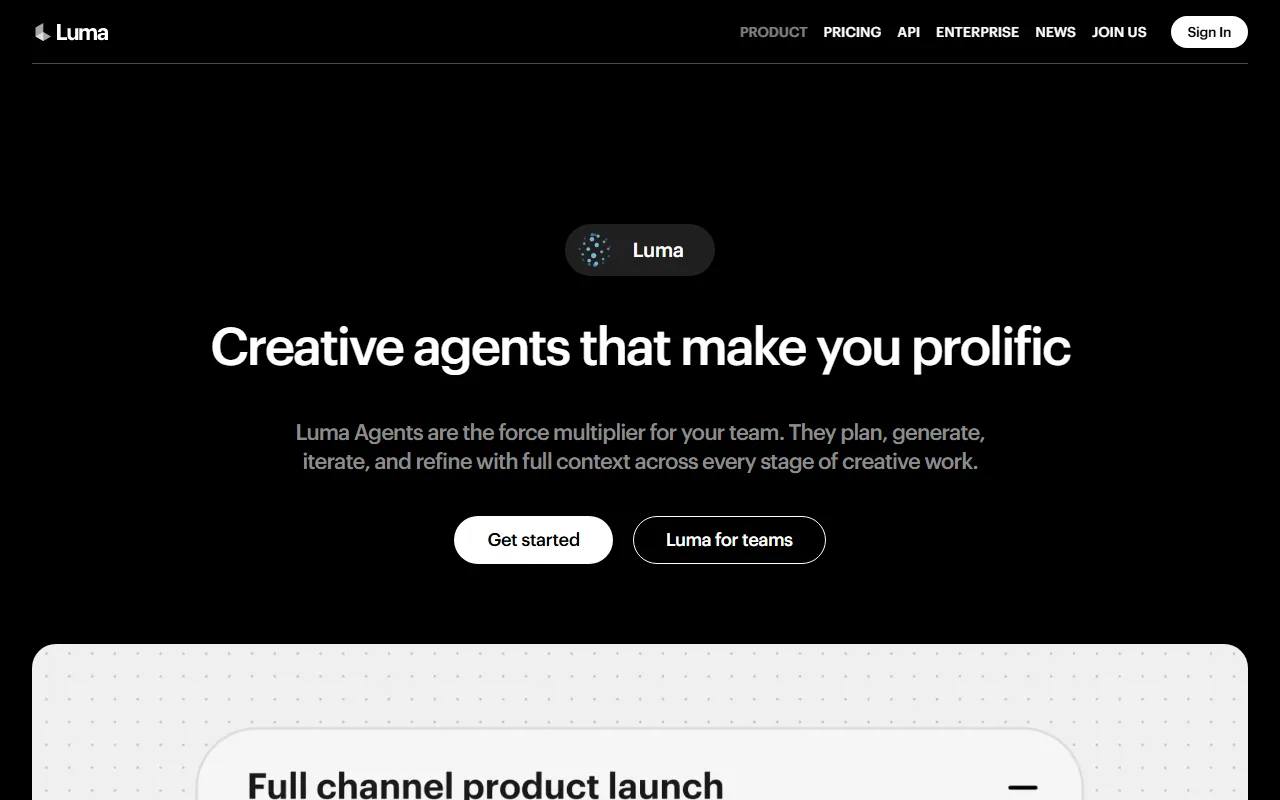
- Luma Agents (March 2026): new agent-based workflow layer for more complex, multi-step video projects
- Daily free clips: free tier refreshes daily, unlike competitors that offer one-time credits
Best for: Artists, experimental creators, and hobbyists exploring AI video as a creative medium rather than a production tool.
Where it falls short:
- Free tier is ~1 clip/day at 720p with watermark and no audio
- Photorealistic output lags behind Kling AI and Veo 3
- Pricing structure has changed recently with the Luma Agents launch, making it harder to compare tiers directly
- Less suited for commercial product video or marketing content
Pricing (as of June 2026):
- Free: ~1 clip/day, 720p, watermark, no audio
- Lite: ~$9.99/mo (~70 5-second clips at 1080p via Ray 2)
- Plus: $30/mo
- Pro: $90/mo
- Ultra: $300/mo (Luma Agents tier)
Pros:
- Excels at stylized and abstract content
- Daily free tier refreshes (not one-time)
- New Luma Agents layer for complex projects
Cons:
- Photorealistic quality behind top competitors
- Free tier is 720p, watermarked, no audio
- Pricing structure recently overhauled
Data point: Luma launched its Agents-based pricing in March 2026, adding Plus ($30), Pro ($90), and Ultra ($300) tiers alongside the legacy Dream Machine Lite plan.
How Do You Choose the Right Seedance Alternative?
The right choice depends on what you actually need. Here is a scenario-based shortcut:
- You want the simplest workflow with no prompt writing: Pexo. Describe your idea in plain language, and it handles model selection and iteration through conversation. Try Pexo's text-to-video feature.
- You need the most realistic motion: Kling AI. Its physics engine produces the most grounded character and object movement in this group.
- You need cinematic 4K quality and have a Google account: Google Veo 3. The free tier is watermark-free, and the output quality is broadcast-grade.
- You need generation and editing in one tool: Runway. It is the only platform here with a full editing timeline alongside AI generation.
- You publish daily social clips on a tight budget: Pika. The $8/mo Standard plan delivers the fastest path from idea to published Reel or Short.
- You want the most free clips to test with: Hailuo AI. The 200 welcome credits let you run meaningful tests before paying anything.
- You are experimenting with abstract or stylized video: Luma Dream Machine. It handles non-photorealistic content better than any other option here.
No single alternative replaces Seedance for every use case. The best choice is the one that matches your specific project, budget, and workflow preference.





