ChatGPT
 Perplexity
 Claude
 Gemini
 Grok


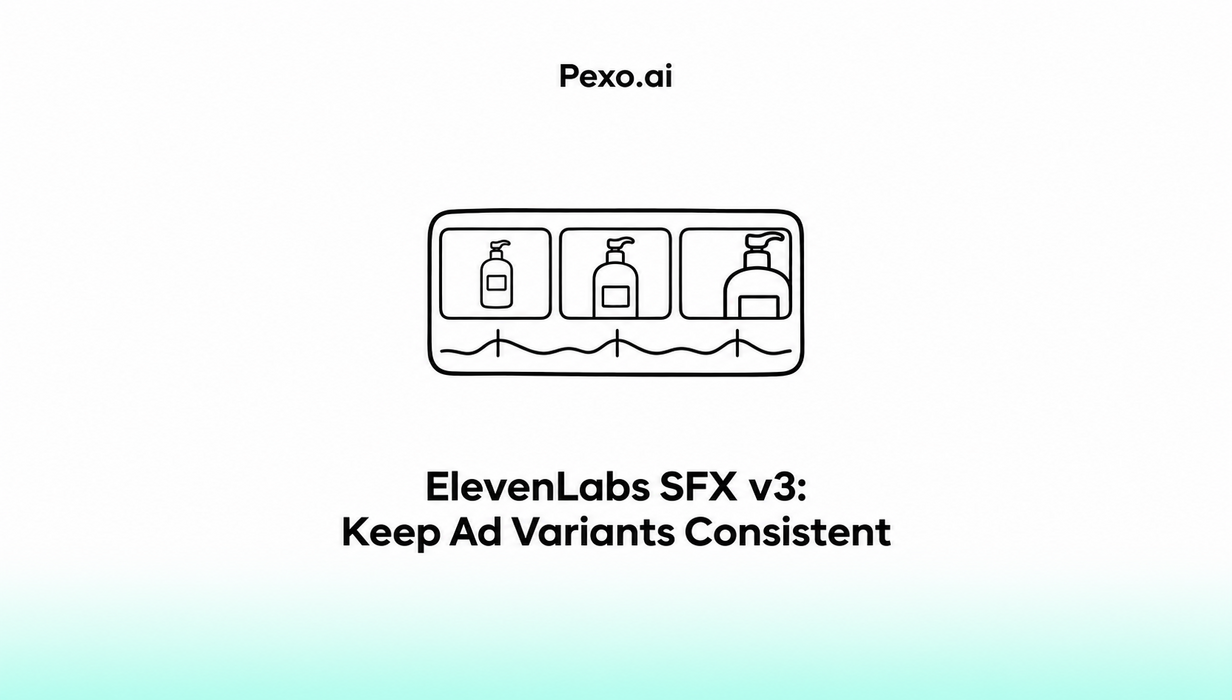

Choose the campaign's sounds before making every cut sound different. An approved transition effect can connect a product reveal, a narrated demonstration and an offer-led version, even when their openings change.
For ElevenLabs SFX v3 ad variants, consistency means using agreed sound files for agreed purposes. Their placement and level can change with the edit. Reusing a file still requires listening to each finished version.
Which Sounds Should Stay the Same Across Cuts?
Keep sounds whose role remains the same: a recognizable closing accent, a transition treatment or an approved atmosphere. Let action-specific sounds follow the footage that justifies them.
Consider Tova, a fictional canvas tote, in three illustrative ads: a product-first cut, a narrated cut and an offer-first cut. The approved demonstration shows the bag folding flat. Verify product details and offers before a real campaign.
The shared sounds are a quiet air sweep for a graphic reveal and a soft wooden tap for the closing brand card. Neither represents the bag's physical performance. Retain useful recorded fabric sound rather than adding a heavy clunk that suggests a mechanism the product lacks.
Create a Shared Sound Brief
Write one SFX v3 ad sound brief that every producer can use.
ElevenLabs' sound-effects product guide, checked on November 5, 2026, documents generation, History, Favorites and downloadable effects. Although SFX v3 can generate several events together, individual cues are easier to place independently across different cuts.
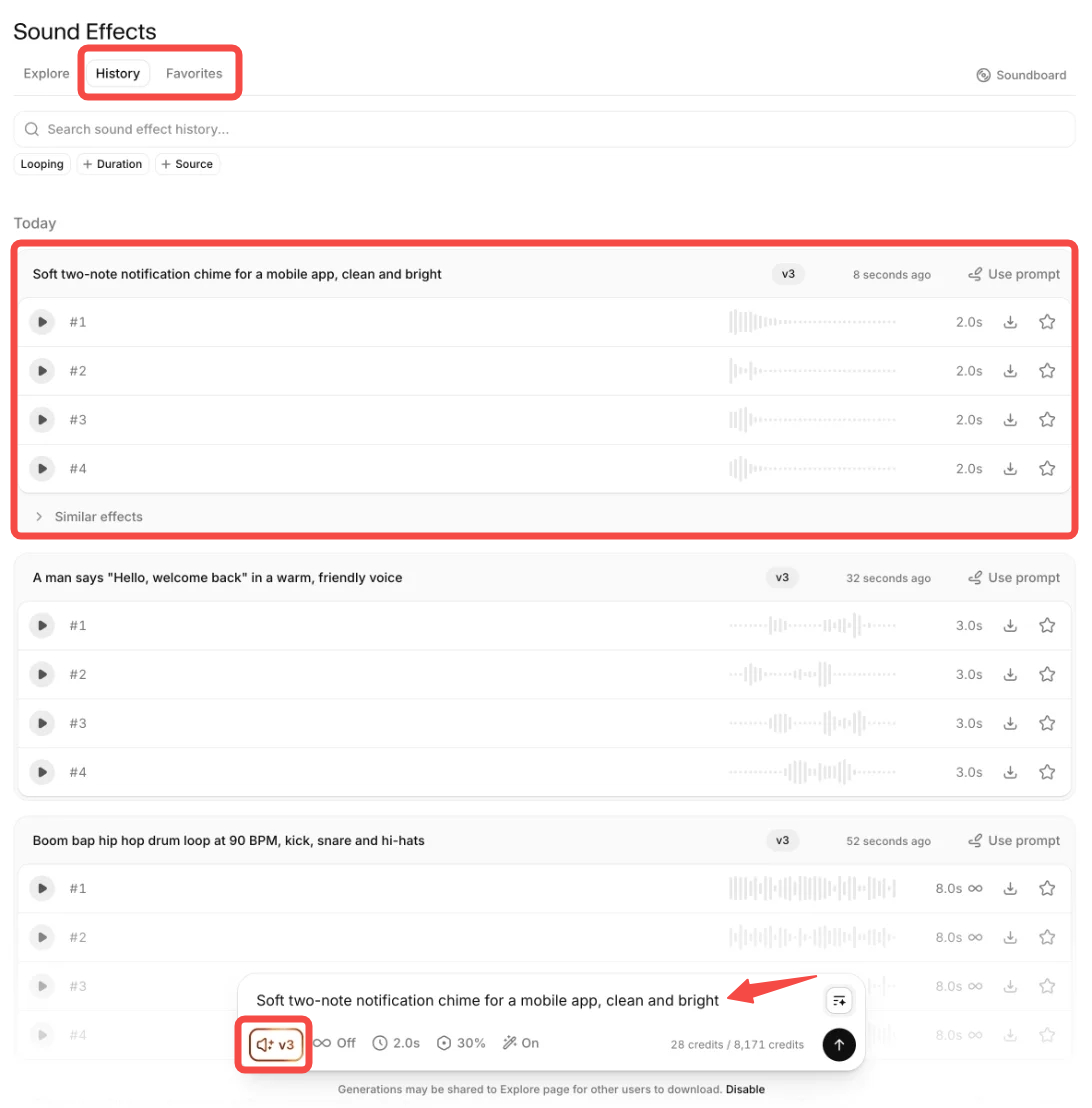
For the hypothetical Tova campaign, copy this brief:
-
Campaign and owner: [campaign ID; person approving sound].
-
Reveal cue: [approved file/version]; quiet air sweep when the graphic reveals the product.
-
Closing cue: [approved file/version]; one rounded wooden tap when the brand card appears.
-
Keep fixed: use the accepted recordings; preserve their character; no added speech or music.
-
May change: start position, level and fades to fit each cut; record any processing.
-
Avoid: alarm-like sounds, exaggerated product noises and effects covering the product name or offer conditions.
-
Usage scope: [source, generation date, applicable plan, license record, channels and campaign restrictions].
A draft prompt for the closing cue could be: “One soft, rounded wooden tap, dry and close, with a short natural decay. No voice, music or extra impacts.”
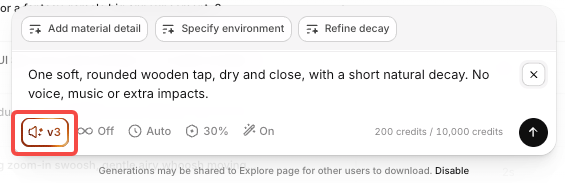
Select the usable result and save that file. Regenerating the same words may produce another performance, so the prompt alone cannot establish ad variant audio consistency.
Mark Where Each Variant Changes Timing
Record the event that triggers a cue, then locate that event in each edit. Avoid copying one timeline's timestamps into every version.
Illustrative versions:
| Variant | What changes | Shared cue placement | Acceptance check |
|---|---|---|---|
| A: 15-second product-first cut | Graphic reveal opens the ad | Air sweep at the reveal; tap at the closing card | The sweep does not obscure recorded fabric sound |
| B: 10-second narrated cut | Spoken introduction comes before the reveal | Move the same sweep to the later reveal; retain closing tap | Product name remains clear over both effects |
| C: 6-second offer-first cut | Product is visible immediately; no reveal transition | Omit the sweep; retain tap if a closing card remains | Offer conditions stay readable and audible |
Removing an unnecessary cue can preserve the campaign's sound rules. The rule ties the sweep to a reveal; it does not require a sweep in every export.
When narration changes, reposition the effects and review the mix again. A cue that fitted a pause in version A may cover an important word in version B.
Review Every Cut Against the Same Rules
Listen to every export, then compare versions back to back.
For each variant, record:
-
Files: accepted cue versions used; substitutions and processing noted.
-
Timing: effects follow the intended visual events; endings are not abruptly cut off.
-
Clarity: narration, product names and necessary qualifications remain understandable.
-
Meaning: added sounds do not suggest an unsupported product action or result.
-
Delivery: destination, rights check, reviewer and accepted export version recorded.
Check on a phone speaker as well as headphones. Also watch without sound to assess whether the product point and offer remain understandable. Muted review does not establish permission to publish a silent ad.
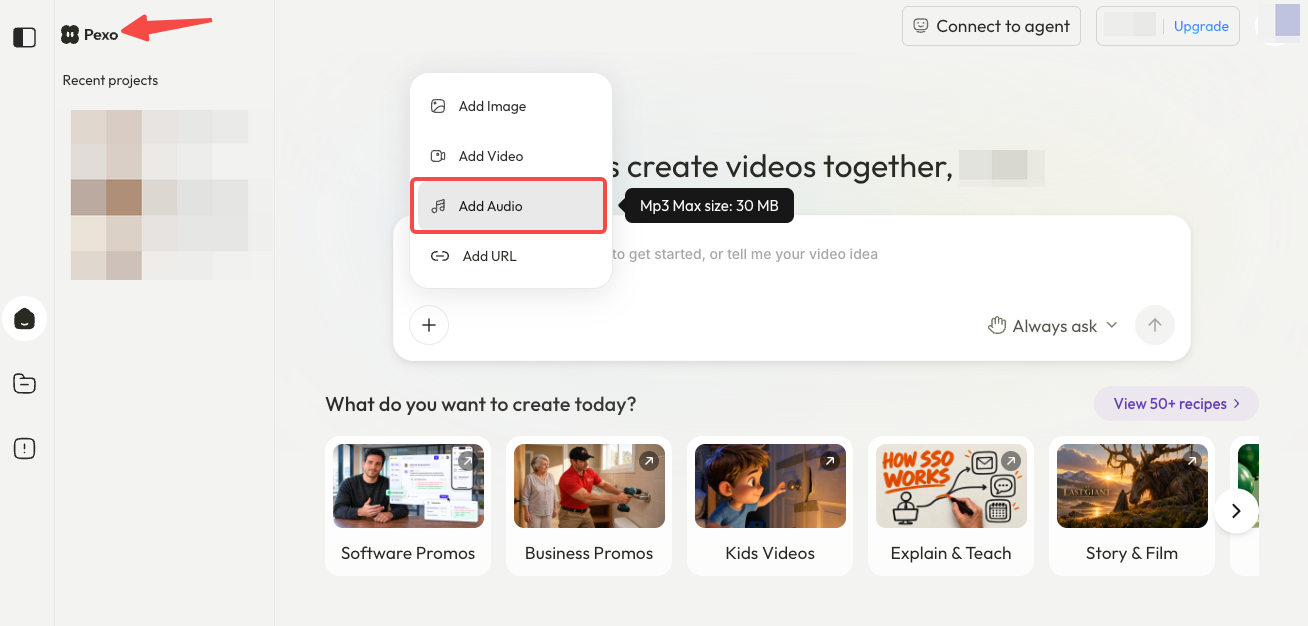
If you develop the campaign through Pexo's product-video workflow, carry the shared sound brief into each revision. A useful note is: “Keep the closing accent; move the reveal cue after the spoken product name.” Review every returned cut. Confirm supported audio inputs before supplying effect files; this does not imply an SFX v3 integration.
When Should a Variant Use a Different Sound?
Change it when the scene, claim or destination makes the shared cue misleading, distracting or unsuitable. Explain the exception in the brief.
For example, an intimate fabric demonstration may work better with its recorded rustle and no sweep. Keep the closing accent if it still fits. Approve replacements before adding them to the shared files.
Before paid use, check ElevenLabs' commercial-use conditions. Commercial use depends on the plan; its Sound Effects terms also restrict standalone file distribution. Verify source-audio permissions and each destination separately. This article does not provide legal advice.