

Choose your audience
Provide your reviewed script and reference images. Specify the teaching goal, language and intended viewing format.
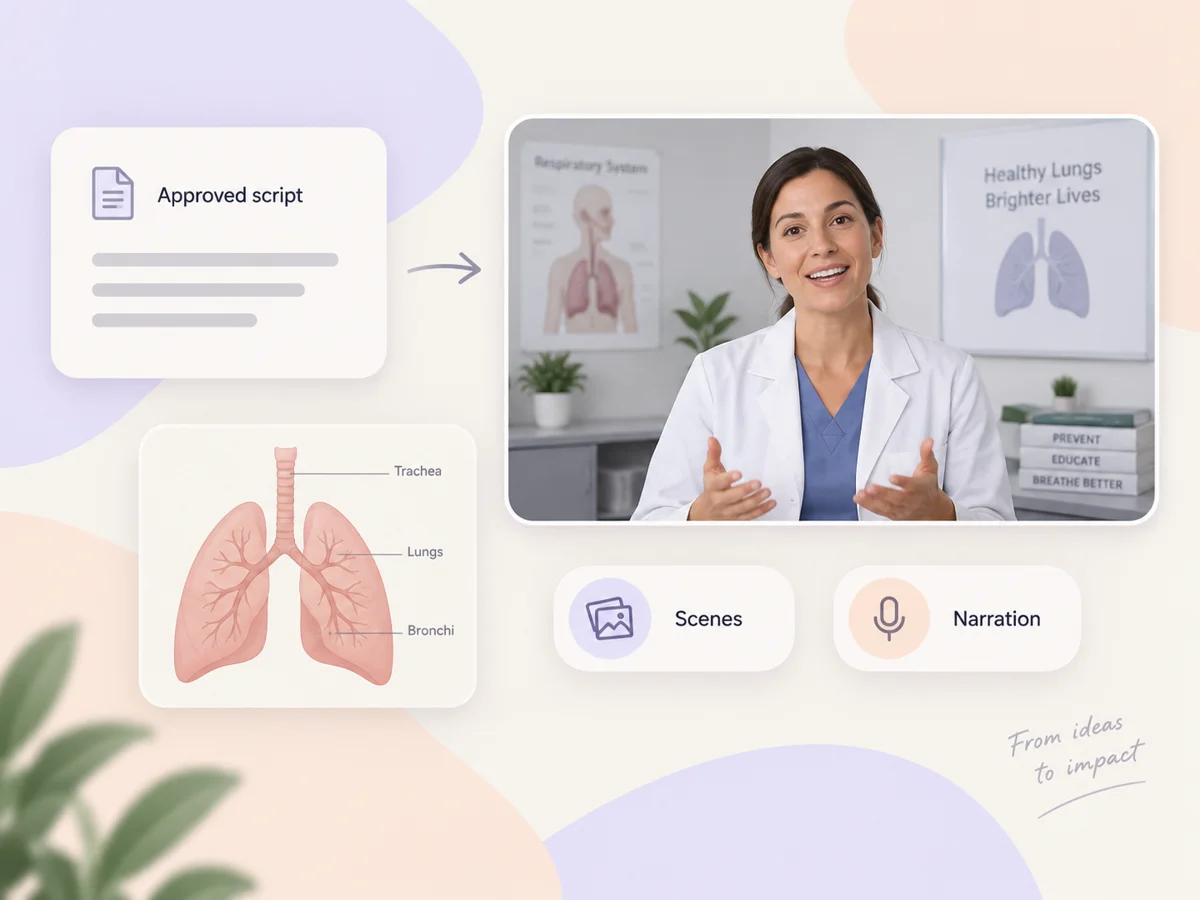
Turn medical knowledge into videos patients and care teams can follow. Start with a reviewed script or teaching diagram, and Pexo creates an AI medical video with clear visuals, calm narration and captions for patient education or staff training.
For patient education, medical explainers and staff training.
Paste your reviewed script and tell Pexo who needs to understand it: patients, students or clinical staff. This medical video maker structures the story into scenes, adds visuals and prepares narration and captions. Ask for a short introduction, a clear explanation and a useful closing message. Your expertise sets the content; Pexo handles the production.
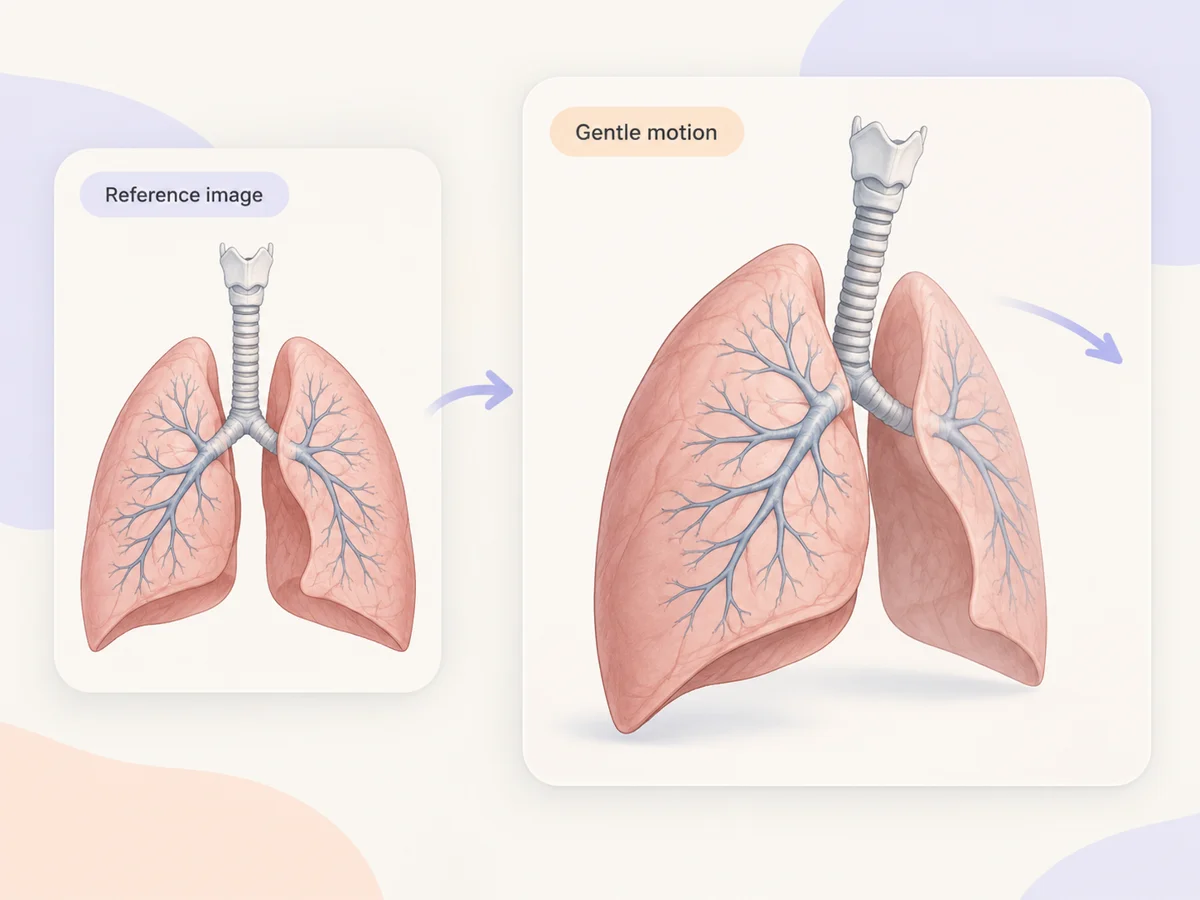
Upload an anatomy illustration, a teaching image or a device photo you have permission to use. Describe the motion, framing and visual style, and Pexo builds a medical video around that reference. A gentle camera move can focus attention on one detail at a time. Check the generated anatomy, labels and sequence against your source before sharing.
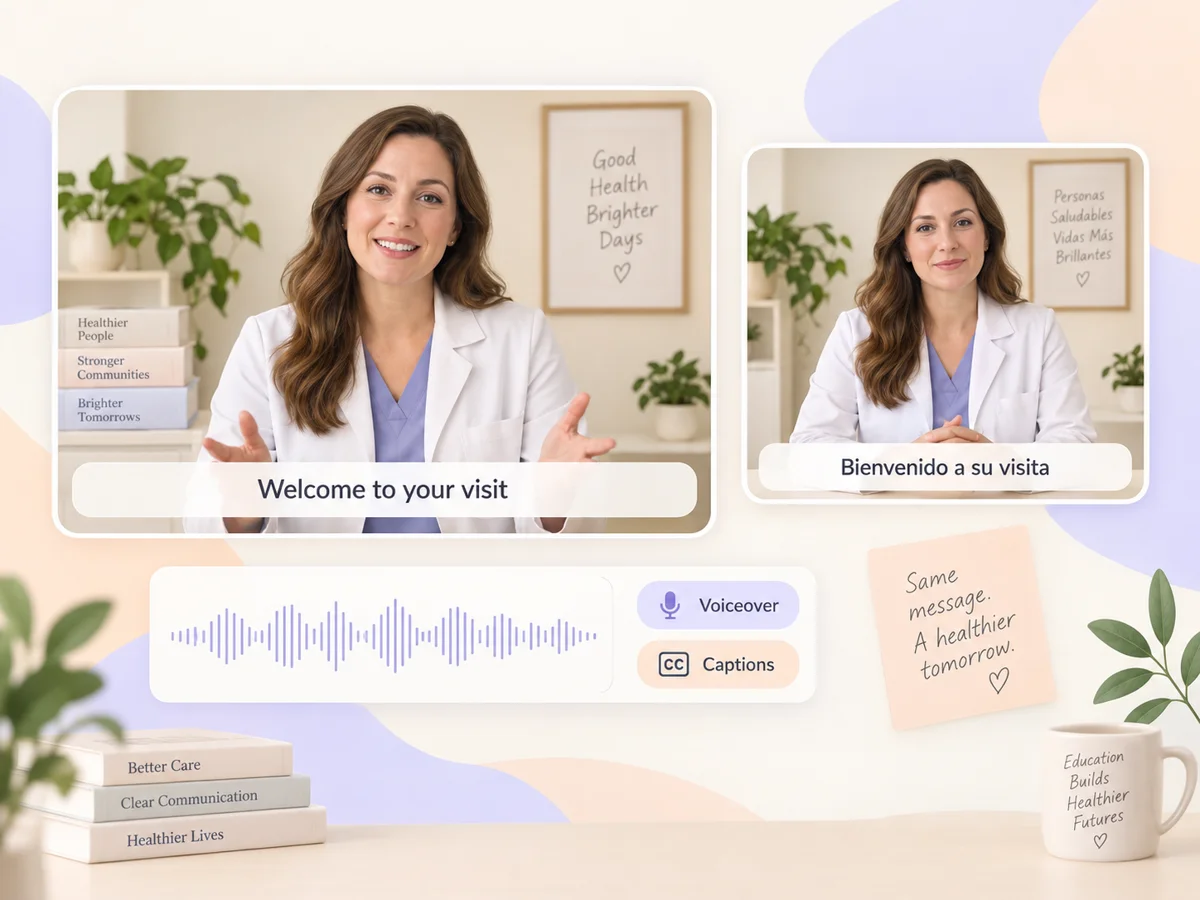
Ask for a calm voice, plain language and captions that follow the narration. Pexo brings the spoken and visual parts of your medical video together, and supports multilingual voiceovers for different audiences. Specify the language and pronunciation of specialist terms in your brief. Have a qualified reviewer check the wording and translated meaning before distribution.
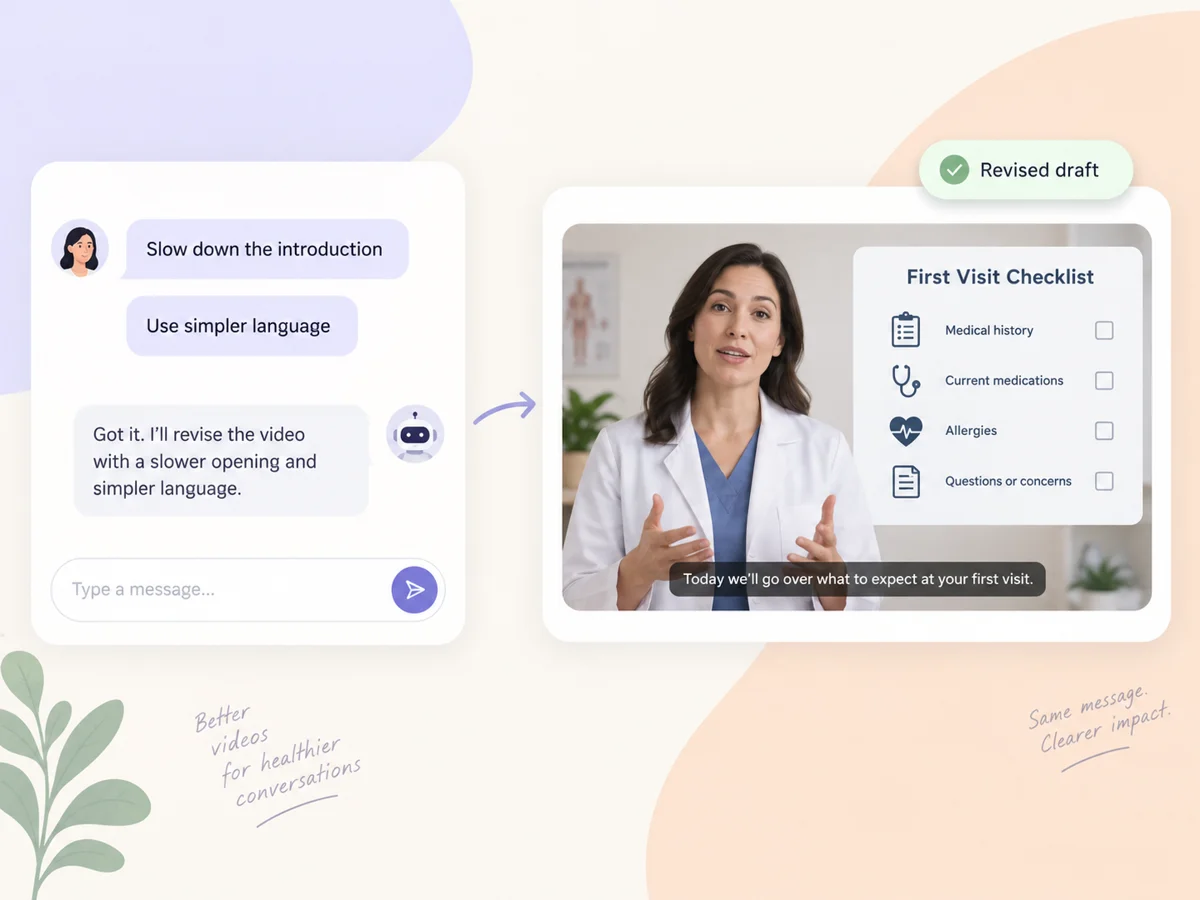
Watch the first draft, then tell Pexo what to change in everyday language. Ask it to slow the introduction, simplify a sentence or focus a scene on your teaching image. Pexo applies your feedback to the video. Keep the medical review with your team, and use the conversation to bring the production closer to the explanation you intended.
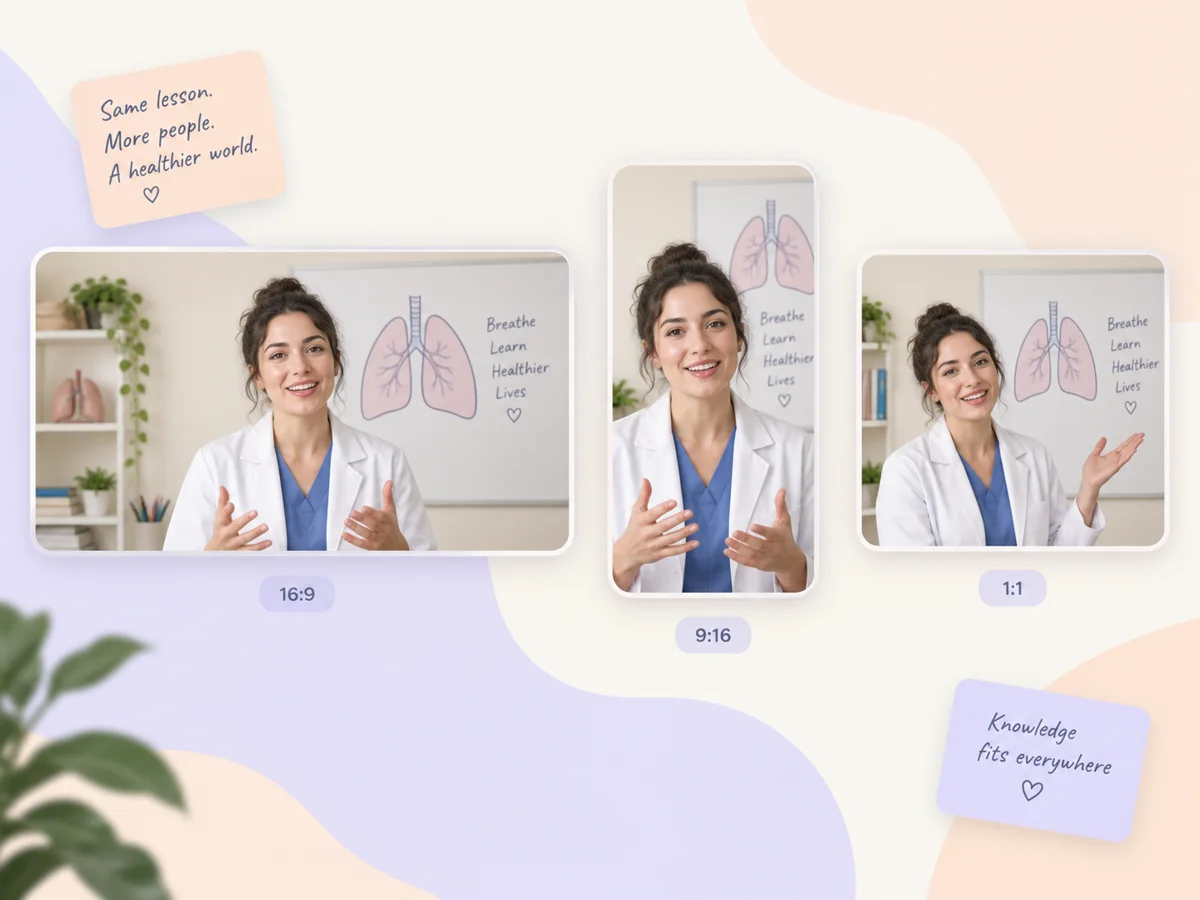
Pexo delivers your medical video natively in 16:9 for YouTube, 9:16 for TikTok and Reels, and 1:1 for feeds, up to 4K and anywhere from 5 to 120 seconds. Each aspect ratio is generated fresh for that screen, with the composition framed for it rather than cropped down from one master. Ask for several formats at once and post the right version to every channel. It looks intentional everywhere it lands.
Provide your reviewed script and reference images. Specify the teaching goal, language and intended viewing format.
Ask Pexo to plan the scenes and create a draft with visuals, narration and captions. Watch it from your audience’s perspective.
Request changes in chat. Have the medical content checked by a qualified reviewer, then share the version that fits your channel.
A medical video explains a health topic, a care process or a medical concept using visuals and narration. It can support patient education, classroom teaching or staff training. Pexo turns your script or references into scenes with voiceover and captions, with formats including 16:9, 9:16 and 1:1. Choose one audience and one learning objective for each video.
No. Describe the audience, paste your script and choose a visual direction. Pexo plans scenes and assembles narration, captions and visuals, with access to models including Seedance 2.0. You can request changes in chat. A medical video still needs someone with the relevant subject expertise to check its factual content before it is shared.
No. AI-generated scenes, narration and labels can contain errors. Start with reviewed source material and have a qualified medical reviewer check the finished video, including translated terminology. An export in 16:9 or up to 4K describes presentation quality, not clinical accuracy. Pexo supports video production; it does not provide clinical validation or replace professional judgment.
Pexo is a useful option when you want a medical video generator that combines scripts, scenes, voiceover and captions in one conversational workflow. It routes creative work across multiple models, including Seedance 2.0, and supports 16:9, 9:16 and 1:1 formats. The best fit depends on your visual needs, language requirements and process for reviewing medical accuracy.
A medical video is the broader category: it can include a lesson, a staff training segment or a patient-facing explanation. A healthcare explainer video focuses on making one care topic or process easy to understand. Both can use a 16:9 presentation or a 9:16 short; choose the approach around your audience and learning goal.
Use subject + action + camera movement + setting + style, then add audience, reviewed source and format. For example: a medical educator introduces a first clinic visit, gentle push-in, bright teaching room, calm documentary style, 16:9 with captions. Use the supplied script and add no clinical claims. This gives your medical video a specific visual brief and a defined content boundary.
Bring your script, reference images and teaching goal. Let Pexo turn them into a video you can review, refine and share.
Create Bible videos from reviewed verses, lesson notes, book overviews, timelines, and character studies with clear scenes, narration, captions, and human review.
Create Islamic videos from reviewed sources and lesson notes, covering history, culture, ethics, and education with respectful visuals and narration.
Create Christian videos from reviewed Scripture, lesson notes, and historical sources with clear visuals, narration, captions, and human review.
Make an onboarding video that walks new users to their first win. Pexo scripts, narrates and edits it with Seedance 2.5, Kling AI 3.0 and MiniMax H3.
Make a tutorial video that teaches any task step by step. Pexo scripts it, generates every step, and narrates it with Sora 2, Kling and Veo, up to 4K.
Make a how it works video that walks viewers through your product step by step. Pexo scripts, narrates, and captions it with Seedance 2.5 and Kling AI 3.0.
Turn any product into a finished demo in minutes with Pexo. The AI product demos generator scripts, voices, and animates every scene with Sora 2, Kling and Veo, up to 4K.
Create a character-led 2D explainer video with Pexo. The AI 2D explainer video generator turns your script into animated scenes with voiceover and captions, up to 4K.