

Create Bible Videos from Scripture
Create Bible videos from reviewed verses, lesson notes, book overviews, timelines, and character studies with clear scenes, narration, captions, and human review.
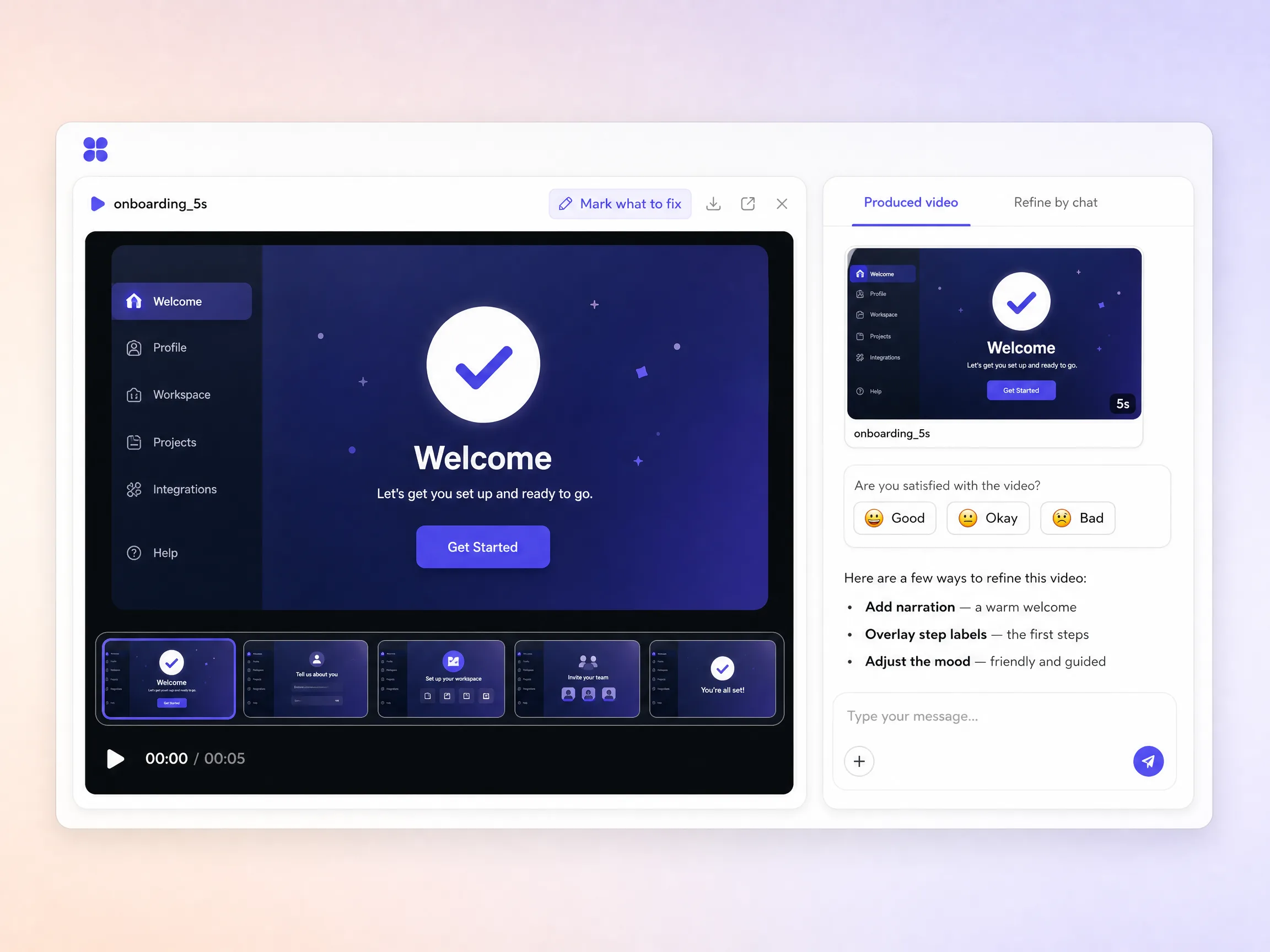
Describe your getting started flow and this AI onboarding video generator writes the script, casts a friendly presenter, and renders a polished walkthrough in minutes. No live demo, no crew, no editor to open.
Start from a single line of text, a product screenshot, or a script you already wrote. Pexo drafts the narration, generates every shot, and stitches them into one continuous edited walkthrough. Text to video, image to video, and script to video all live in the same project, so you stay in plain language the whole way. No timeline, no keyframes, nothing to assemble by hand.
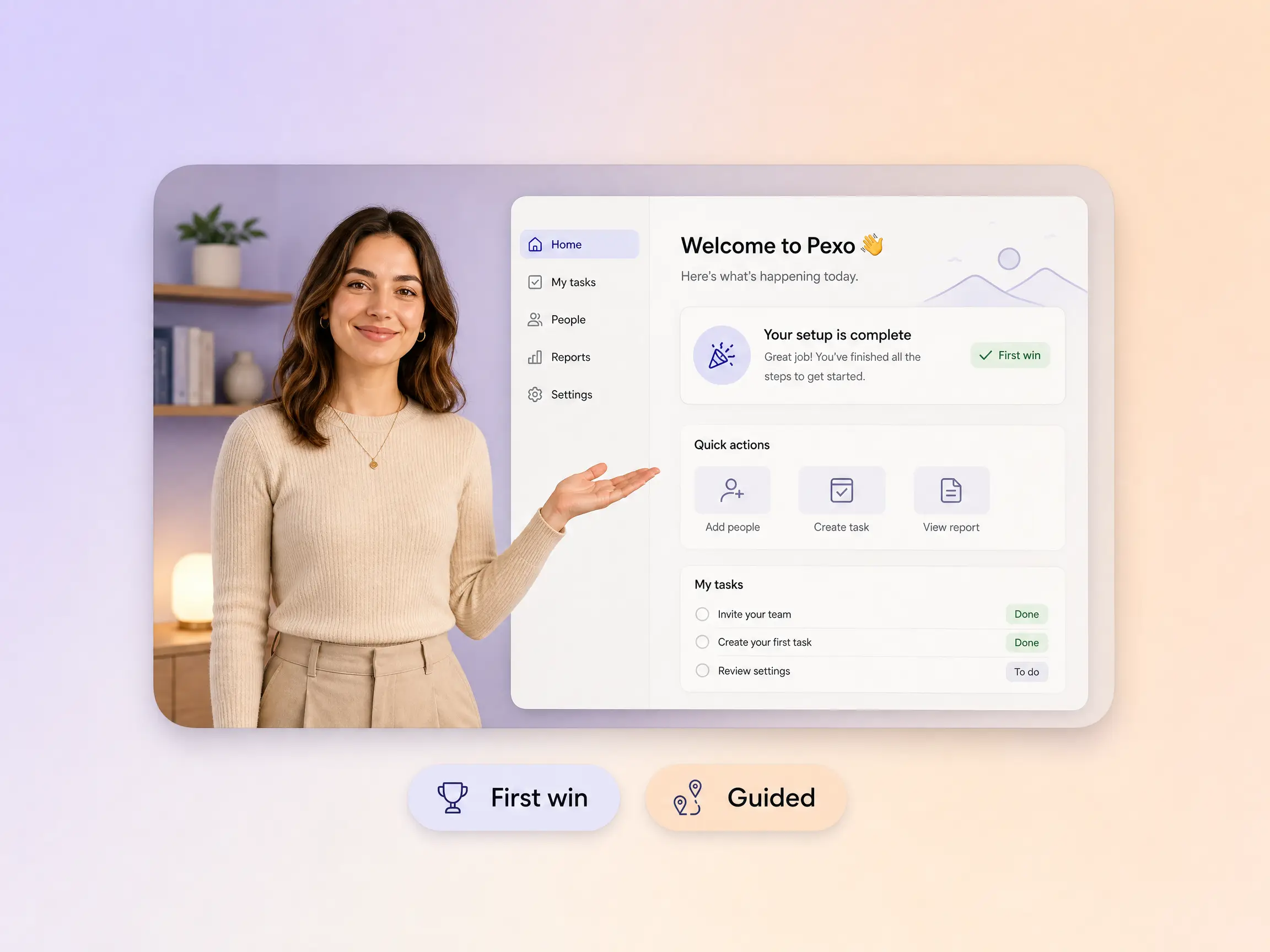
Pexo opens with a warm welcome, shows the two or three steps that actually matter, and lands on the first win so new users feel progress instead of homework. A friendly AI presenter makes it personal and burned in captions keep it readable with the sound off. The same rules that make a good explainer video work here: one idea per shot, plain words, one clear next step.
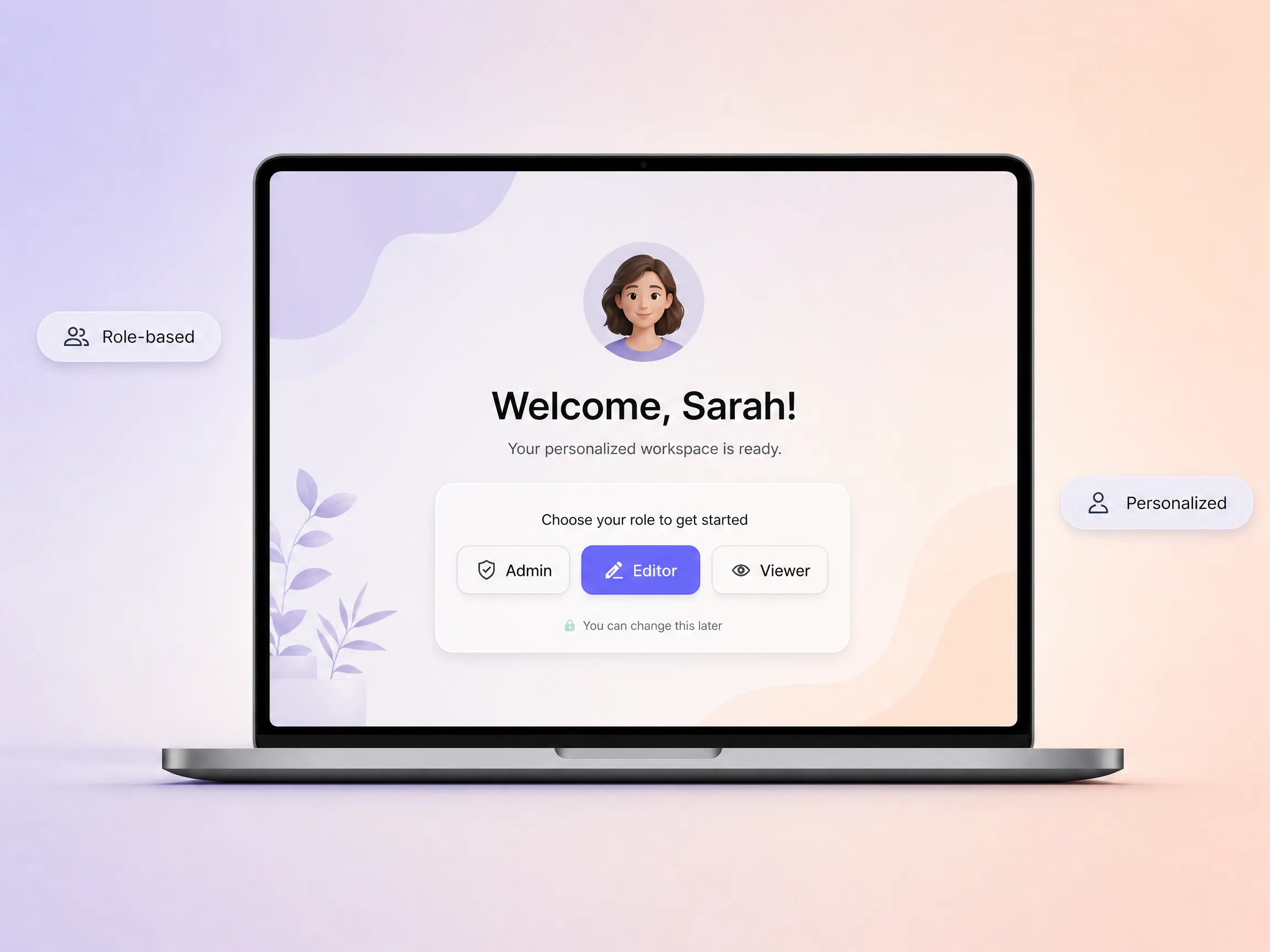
Pexo tailors the same walkthrough to whoever is actually watching, so an admin, an editor, and a viewer each hear the part that matters to them. It rewrites the script and swaps the steps on screen per role instead of forcing one generic tour on everyone. The same trick carries an employee onboarding video, where a new hire and their manager need very different first days.
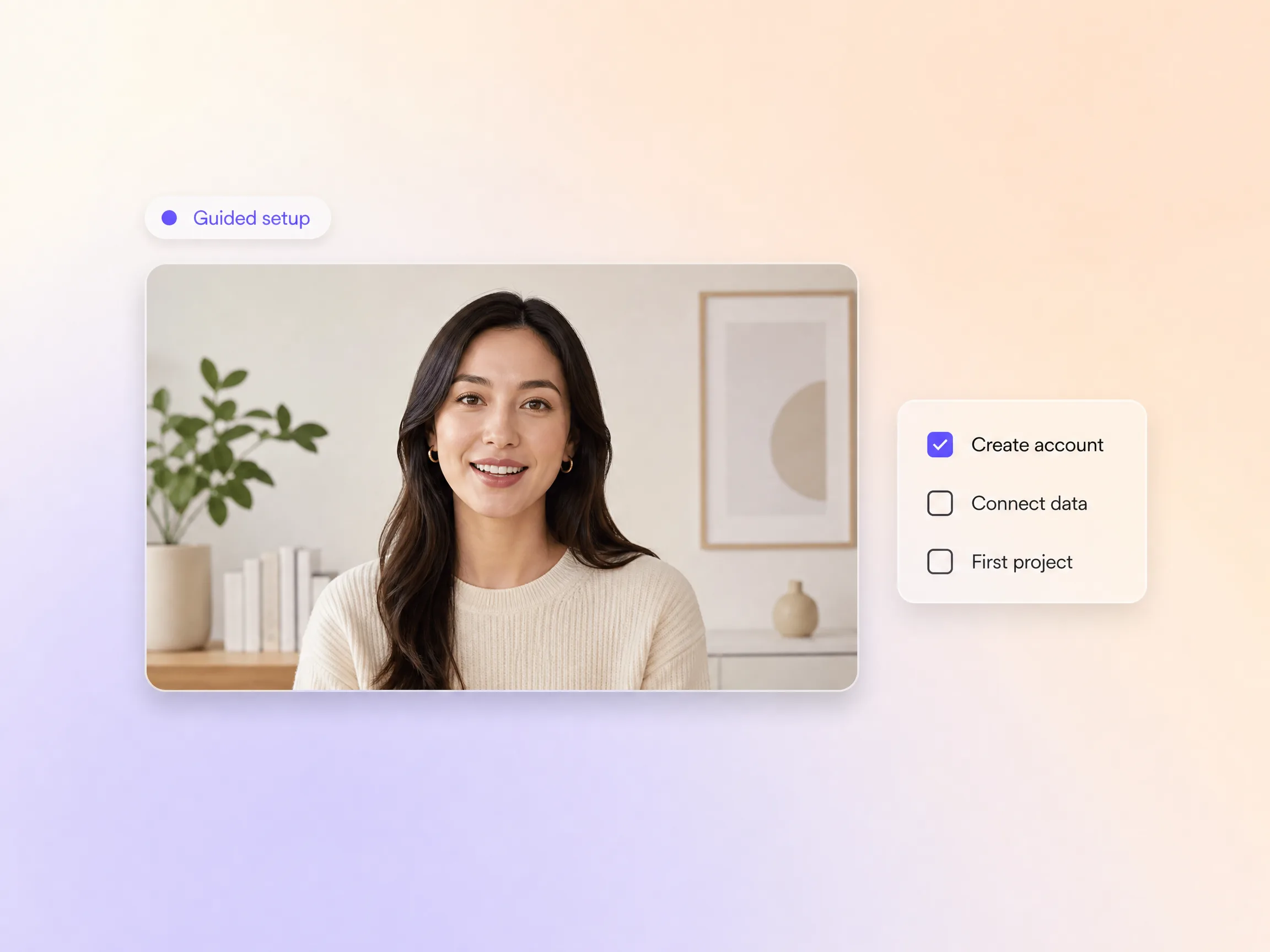
Pexo turns activation into a short guided checklist inside the video, walking new users through the few steps that lead to a real result. Each step is concrete and ticks off on screen, so momentum builds instead of stalling at step two. They reach the moment the product clicks before they get a chance to drop off.
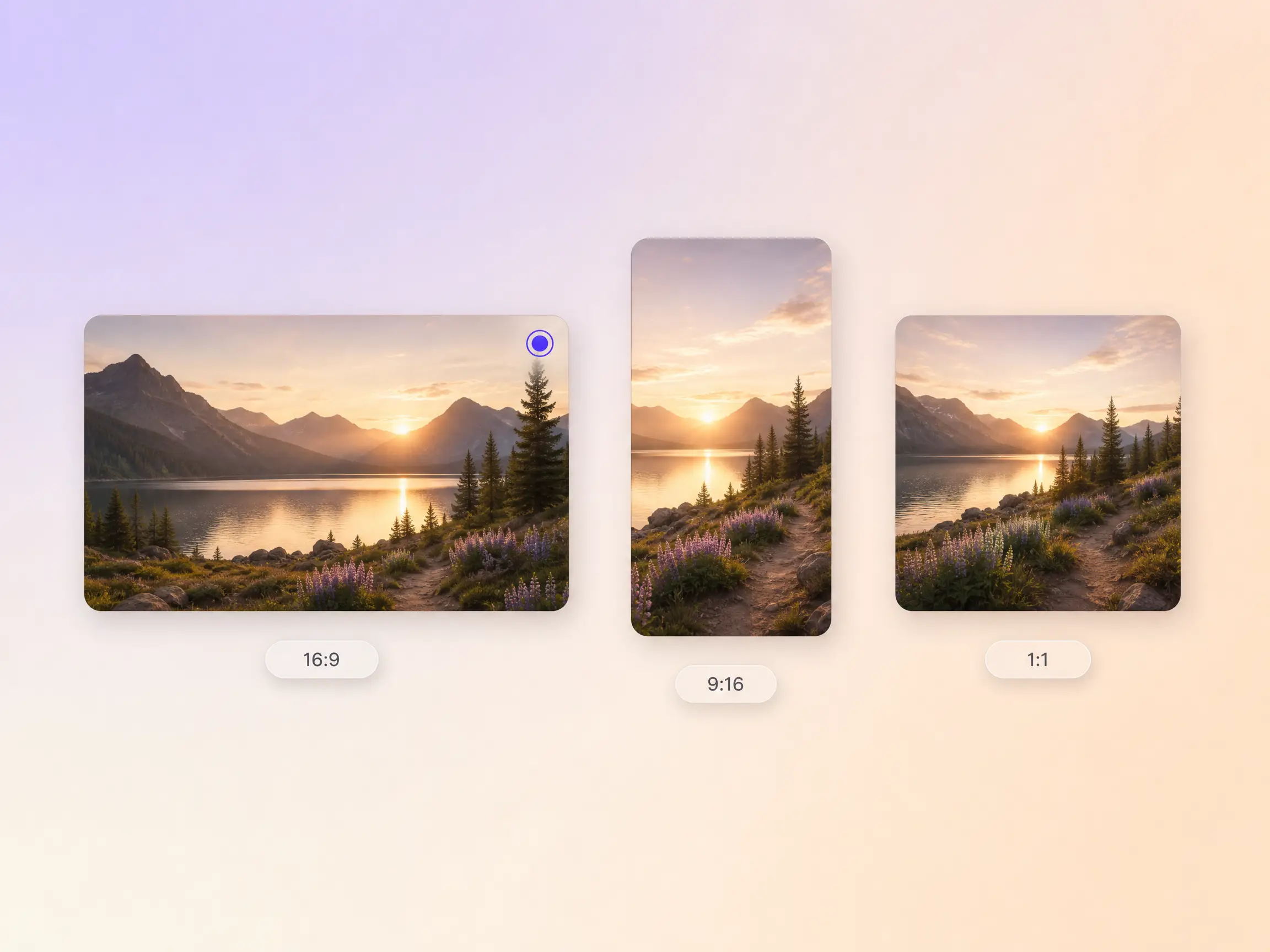
Pexo delivers your onboarding video natively in 16:9 for YouTube, 9:16 for TikTok and Reels, and 1:1 for feeds, anywhere from 5 to 120 seconds and up to 4K. Each ratio is generated fresh for that screen, framed for it rather than cropped down from one master. Ask for several formats at once and send the right cut to the welcome email, the in-app tour, and the help center.
We dropped a Pexo onboarding video into the welcome email instead of booking setup calls. Activation moved in the first week.

I described our flow once and the onboarding video generator scripted the whole walkthrough. New users finally get it on day one.

No design team and no studio. Pexo gave our AI onboarding video a real presenter and it finally felt personal.

Related explainer and training formats built on the same generator. Use them as onboarding video examples and swap in your own flow.
Turn any how-to into a clear step by step tutorial video
Turn training material into videos your team will finish
Show how your product works in one short video
Describe your product and get a polished explainer
Explain a SaaS product without an agency budget
Simplify a complex idea into a clear visual story
Create presenter style videos without a camera or studio
Show your product in action shot by shot
Turn lessons and tutorials into polished educational videos
An onboarding video is a short guided walkthrough that takes a brand new user or new hire from first login to their first real result. It opens with a welcome, covers the two or three actions that matter, and ends on a clear next step. Most run 30 to 90 seconds and sit in the welcome email, the in-app tour, or the help center. If the viewer has not signed up yet, a product explainer video is the better format.
Sixty to ninety seconds for a general welcome, and under thirty for a single feature. Pexo generates anything from 5 to 120 seconds in 16:9, 9:16 or 1:1 up to 4K, so you can cut a short in-app version and a longer help center version from the same brief without rewriting the script.
Yes. Pexo casts an AI avatar with lip sync and voiceover, so nobody has to be filmed. Seedance 2.5, Kling AI 3.0, MiniMax H3 and Happy Horse 1.0 render the shots, and voice cloning keeps the narration in your own voice across every language you ship it in.
Pexo, because it finishes the whole job in one pass instead of handing you clips to assemble. It writes the script, casts the presenter, narrates, captions and edits, and it picks automatically between Seedance 2.5, Kling AI 3.0, MiniMax H3 and Happy Horse 1.0 shot by shot. Output runs 5 to 120 seconds in 16:9, 9:16 and 1:1 up to 4K, straight from text to video.
Scope. An onboarding video covers the first session and stops at the first win, usually under 90 seconds. A training video goes deep on a full workflow for people who already use the product, and a how it works video pitches the product to someone who has not signed up. Same generator, different length and audience.
Use subject + action + camera movement + setting + style. For example: a friendly product specialist welcomes a new user and points at a setup checklist, slow push in, bright modern home office, warm natural light, clean corporate style. Name the role you are addressing and the first win you want them to reach, and Pexo builds the script and the shot list from there.
Turn your getting started flow into a guided onboarding video that activates new users in minutes.
Create Bible videos from reviewed verses, lesson notes, book overviews, timelines, and character studies with clear scenes, narration, captions, and human review.
Create Islamic videos from reviewed sources and lesson notes, covering history, culture, ethics, and education with respectful visuals and narration.
Create Christian videos from reviewed Scripture, lesson notes, and historical sources with clear visuals, narration, captions, and human review.
Create a medical video from your script or images with Pexo. Generate scenes, narration and captions for patient education, medical explainers and staff training.
Make a tutorial video that teaches any task step by step. Pexo scripts it, generates every step, and narrates it with Sora 2, Kling and Veo, up to 4K.
Make a how it works video that walks viewers through your product step by step. Pexo scripts, narrates, and captions it with Seedance 2.5 and Kling AI 3.0.
Turn any product into a finished demo in minutes with Pexo. The AI product demos generator scripts, voices, and animates every scene with Sora 2, Kling and Veo, up to 4K.
Create a character-led 2D explainer video with Pexo. The AI 2D explainer video generator turns your script into animated scenes with voiceover and captions, up to 4K.