

Create Bible Videos from Scripture
Create Bible videos from reviewed verses, lesson notes, book overviews, timelines, and character studies with clear scenes, narration, captions, and human review.
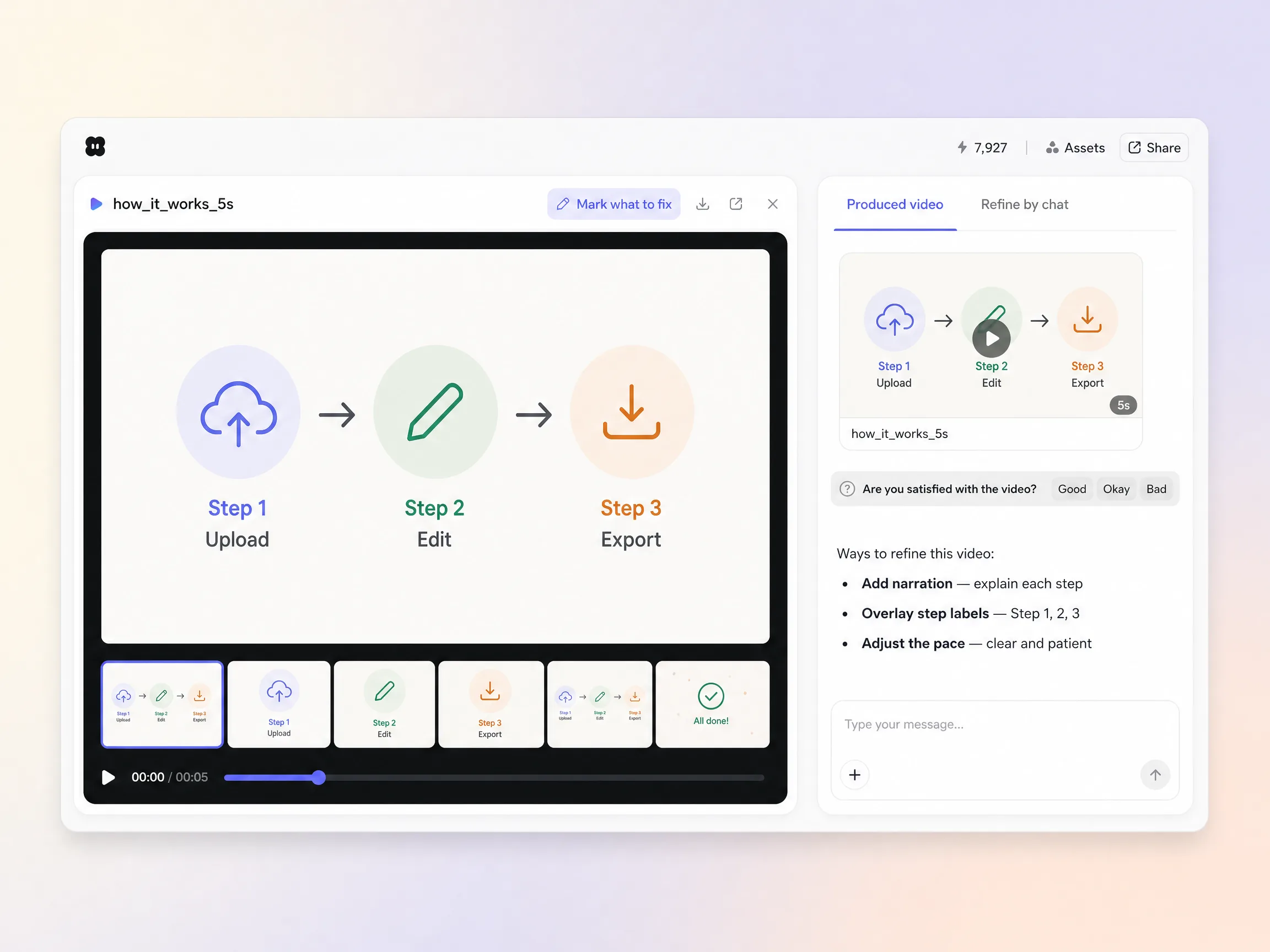
Describe your product and get an AI how it works video in minutes. Pick a length, generate, and Pexo writes the script, narrates every step, burns in captions, and edits it into a walkthrough people finish.
Start from one line of text, a screenshot, or a full script. Pexo writes the beats, generates every shot, and stitches them into one continuous edited cut. Each shot is routed to the model that renders it best, Seedance 2.5, Kling AI 3.0, MiniMax H3, or Happy Horse 1.0, so screens stay legible and motion stays calm. No timelines, no keyframes, no editor to open.
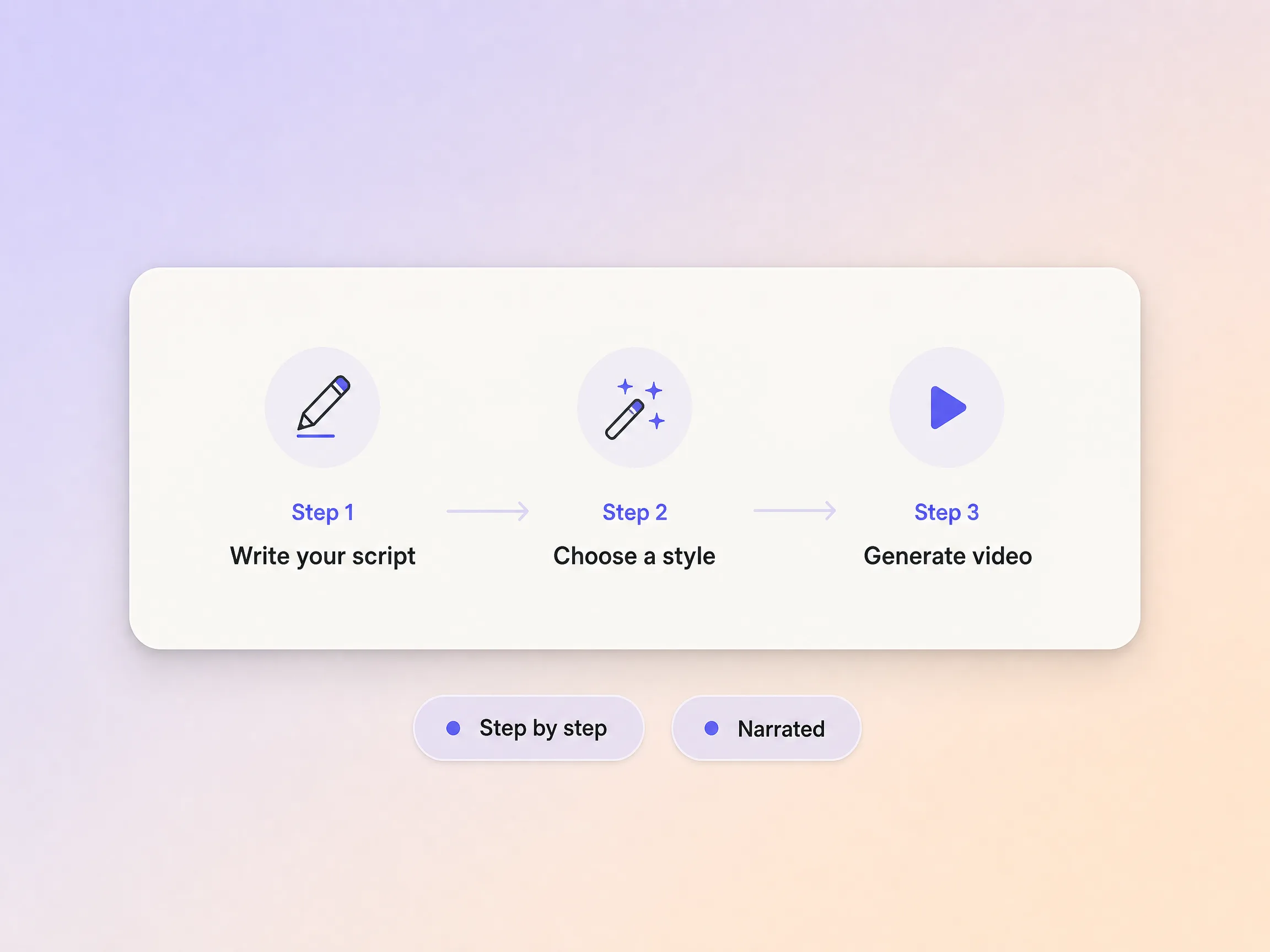
Pexo splits your product into a handful of steps, opens on the problem, and shows how each part solves it, which is the same spine a great explainer video runs on. Whether it is a technology explainer video or a two step signup flow, the narration stays in plain language and the pacing stays patient but tight. You go from a feature list nobody reads to a sequence people follow.
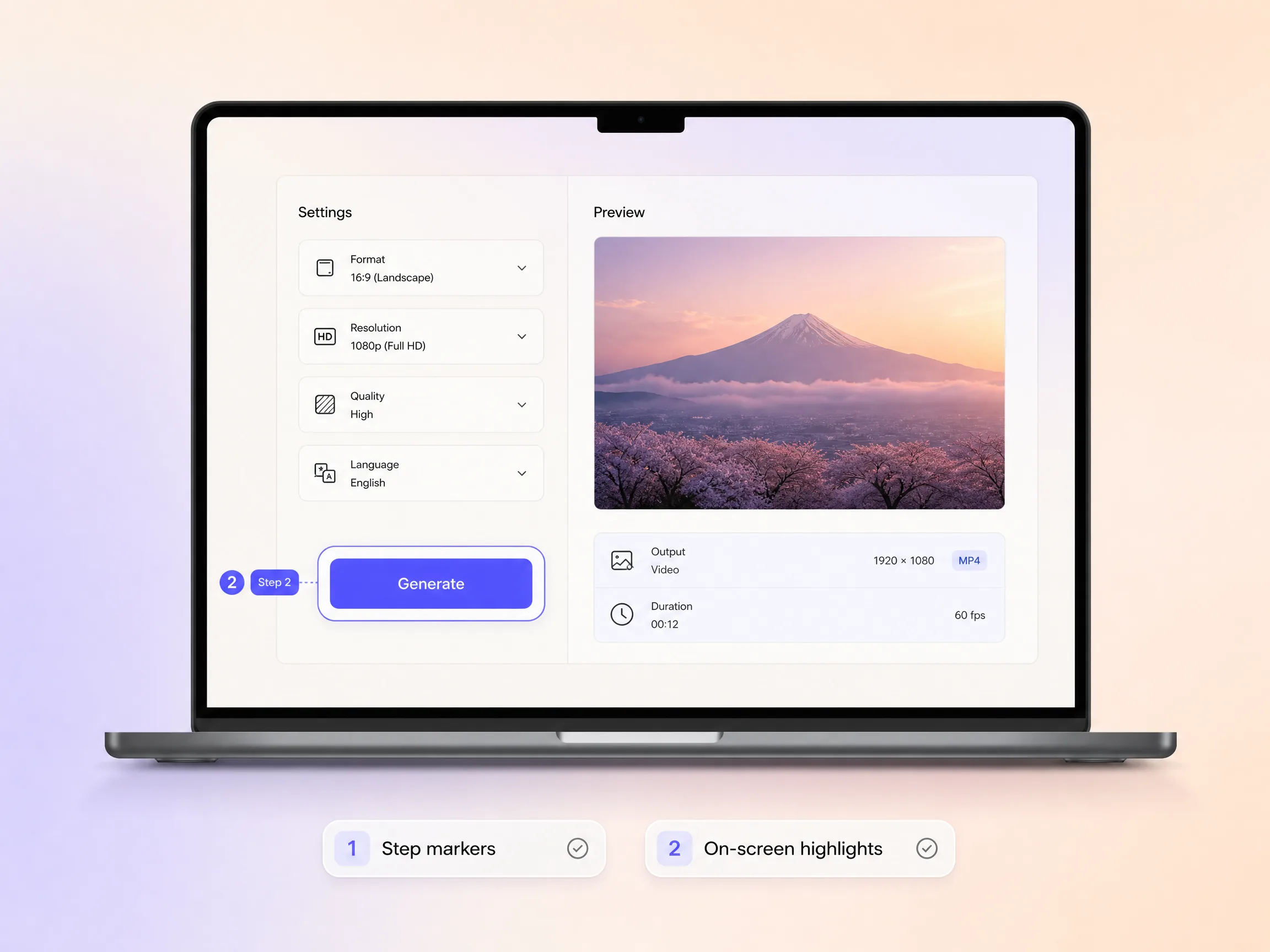
Pexo numbers each step, highlights the control that matters, and holds on screen long enough to read, so viewers follow without scrubbing back. Ask for a plain screen walkthrough or a whiteboard explainer video and the same numbered steps get rebuilt in that style. An infographics explainer video or a 3d animation explainer video works the same way, with every step carried over shot for shot. It teaches by showing instead of narrating at people.
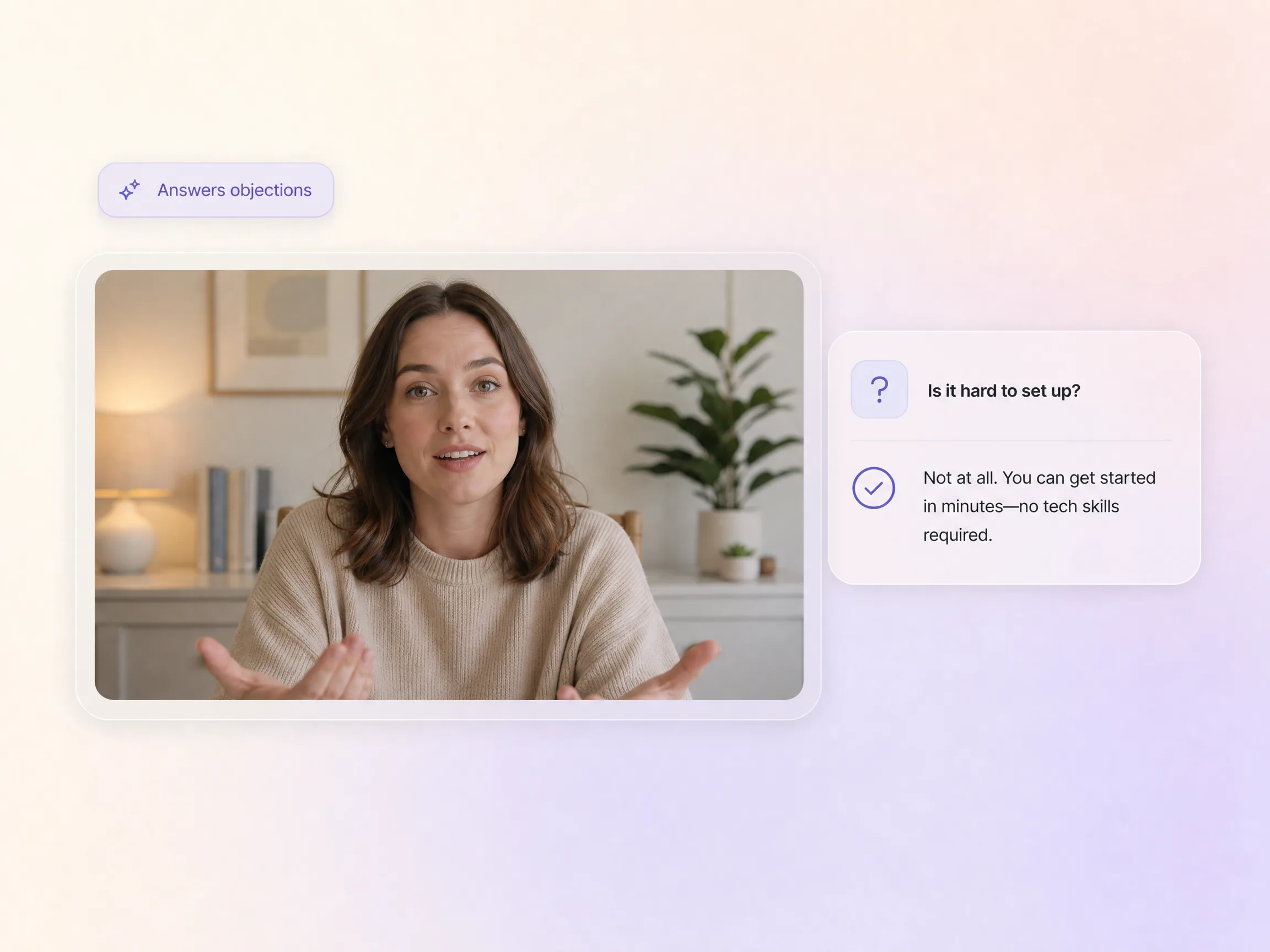
Tell Pexo the objection you hear on every call and it places the answer in the shot where the doubt shows up, in plain language, before anyone clicks away. Setup time, data safety, migration effort, whatever stalls the deal gets handled inside the how it works video instead of in a follow up email. Viewers leave with the question already closed.
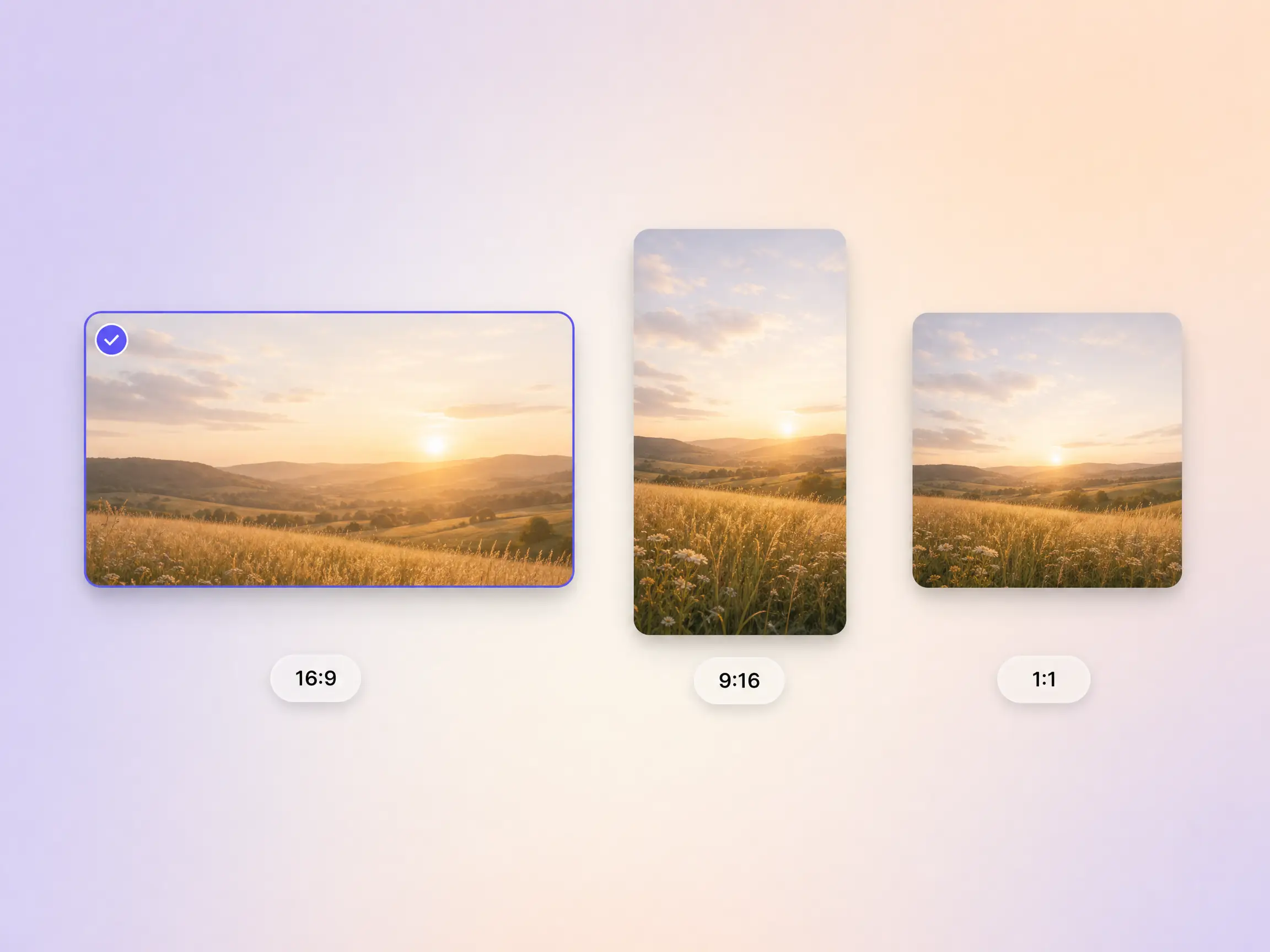
Pexo delivers the same steps as a 16:9 youtube explainer video, a 9:16 cut for TikTok and Reels, and a 1:1 version for feeds, up to 4K and anywhere from 5 to 120 seconds. Each ratio is generated fresh for that screen, framed for it rather than cropped down from one master. Ask for several formats at once and post the right one to every channel.
Prospects kept telling us they did not get it. Pexo turned our onboarding flow into a numbered walkthrough in an afternoon and demo signups climbed the same week.

I typed six steps and Pexo scripted, narrated, and captioned the whole thing at 4K. That was a week the design team got back.

The 40 second cut lives in our onboarding email now, and tickets asking how the basics work have thinned out every month since.

Related explainer and walkthrough formats, built from the same steps.
Simplify complex ideas into clear, engaging visual stories
Describe your product and get an animated product explainer video
Create SaaS Explainer Videos That Actually Convert
Turn technical concepts into videos your audience actually understands
Turn lessons and tutorials into polished educational videos
Turn training content into videos your team can actually use
Generate product demo videos that show your product in action
Walk new users through their first session step by step
Turn the same steps into a whiteboard animation explainer video
A how it works video is a short explainer that shows the mechanism behind a product, walking viewers through each step from the problem to the result. It runs on real screens rather than descriptions, usually lands between 30 and 90 seconds, and ends where the payoff is obvious. Pexo builds one from a written description of your steps with text to video.
Under 90 seconds. A 30 second explainer video carries one core step, and 60 to 90 seconds is enough for three or four without rushing the narration. Pexo renders anywhere from 5 to 120 seconds up to 4K, so you can cut a short social version and a longer site version from the same how it works video.
Yes. Bring screenshots or screen recordings and Pexo turns them into numbered steps with image to video, keeping the interface crisp instead of swapping in stock visuals. It writes the voiceover, clones a voice when you want a familiar one, burns in captions, and dubs the finished cut into other languages for the same steps.
Pexo. It puts Seedance 2.5, Kling AI 3.0, MiniMax H3, and Happy Horse 1.0 behind one prompt box and routes each shot to the model that renders it best, then returns 16:9, 9:16, and 1:1 up to 4K. You describe the steps and the script, voiceover, captions, and edit come back finished.
Scope. A good explainer video sells the idea, while a how it works video shows the mechanism step by step. Use explainer video when the pitch is the job, product demos for a full feature tour, and this page when the mechanism is the part people keep missing.
Use subject + action + camera movement + setting + style. Example: a hand tapping through a booking app, slow push in on the screen, bright studio desk, clean product walkthrough style. Add how many steps you want and the length, and Pexo builds the script, the shots, and the captions around that.
Describe the steps once and post the cut wherever people get stuck.
Create Bible videos from reviewed verses, lesson notes, book overviews, timelines, and character studies with clear scenes, narration, captions, and human review.
Create Islamic videos from reviewed sources and lesson notes, covering history, culture, ethics, and education with respectful visuals and narration.
Create Christian videos from reviewed Scripture, lesson notes, and historical sources with clear visuals, narration, captions, and human review.
Create a medical video from your script or images with Pexo. Generate scenes, narration and captions for patient education, medical explainers and staff training.
Make an onboarding video that walks new users to their first win. Pexo scripts, narrates and edits it with Seedance 2.5, Kling AI 3.0 and MiniMax H3.
Make a tutorial video that teaches any task step by step. Pexo scripts it, generates every step, and narrates it with Sora 2, Kling and Veo, up to 4K.
Turn any product into a finished demo in minutes with Pexo. The AI product demos generator scripts, voices, and animates every scene with Sora 2, Kling and Veo, up to 4K.
Create a character-led 2D explainer video with Pexo. The AI 2D explainer video generator turns your script into animated scenes with voiceover and captions, up to 4K.