
Create Bible Videos from Scripture
Create Bible videos from reviewed verses, lesson notes, book overviews, timelines, and character studies with clear scenes, narration, captions, and human review.
Create AI product demos that show buyers exactly what your product does. Type what to show, pick a style, and Pexo scripts, animates, and voices the whole demo in minutes. No editing skills needed.
You focus on what your product does. The product demos maker matches the style that sells it.
Clean UI and icon animations that walk users through your interface, the classic SaaS demo video format.
Character-driven scenes showing real users at work, so the demo product video plays like a story, not a feature list.
High-quality 3D visuals that showcase product details and design from every angle.
Simple whiteboard animation scenes that explain complex product ideas clearly.
Product demo video animation built from your real metrics, value at a glance.
Clear isometric layouts that map out how your product works from start to finish.
What used to take multiple teams and weeks of work. Now one conversation is enough to make product demo videos that look polished.
Share your product goals. AI writes the product demo video script, structures the flow, and lays out every scene.
Create brand-aligned characters that match your product audience. No generic stock styles.
Get custom backgrounds, icons, and visuals tailored to your animated product demo video. No generic library assets.
Access professional voiceovers in any language your users speak. No extra voiceover booking work.
Every motion and transition is handled by AI. Animation auto-syncs to your voiceover perfectly.
Choose from bold social formats to clean cinematic styles. Captions are applied to every word automatically.
If you can describe your product, you can create a product demo video. Product idea in, polished demo out.
Describe what you need like you’re explaining to a teammate. Making a product demo video starts with your product details, features, and goals.
Watch your video product demo take shape scene by scene. Follow the production process with full visibility.
Tweak the product video demo like you’re leaving comments on a draft. Adjust visuals, timing, and flow directly in chat.
Get the final cut ready to share. Captioned, voiced, and polished, on your site or as a YouTube product demo video.
Different teams. Different demo needs. AI adapts to how you showcase your products.
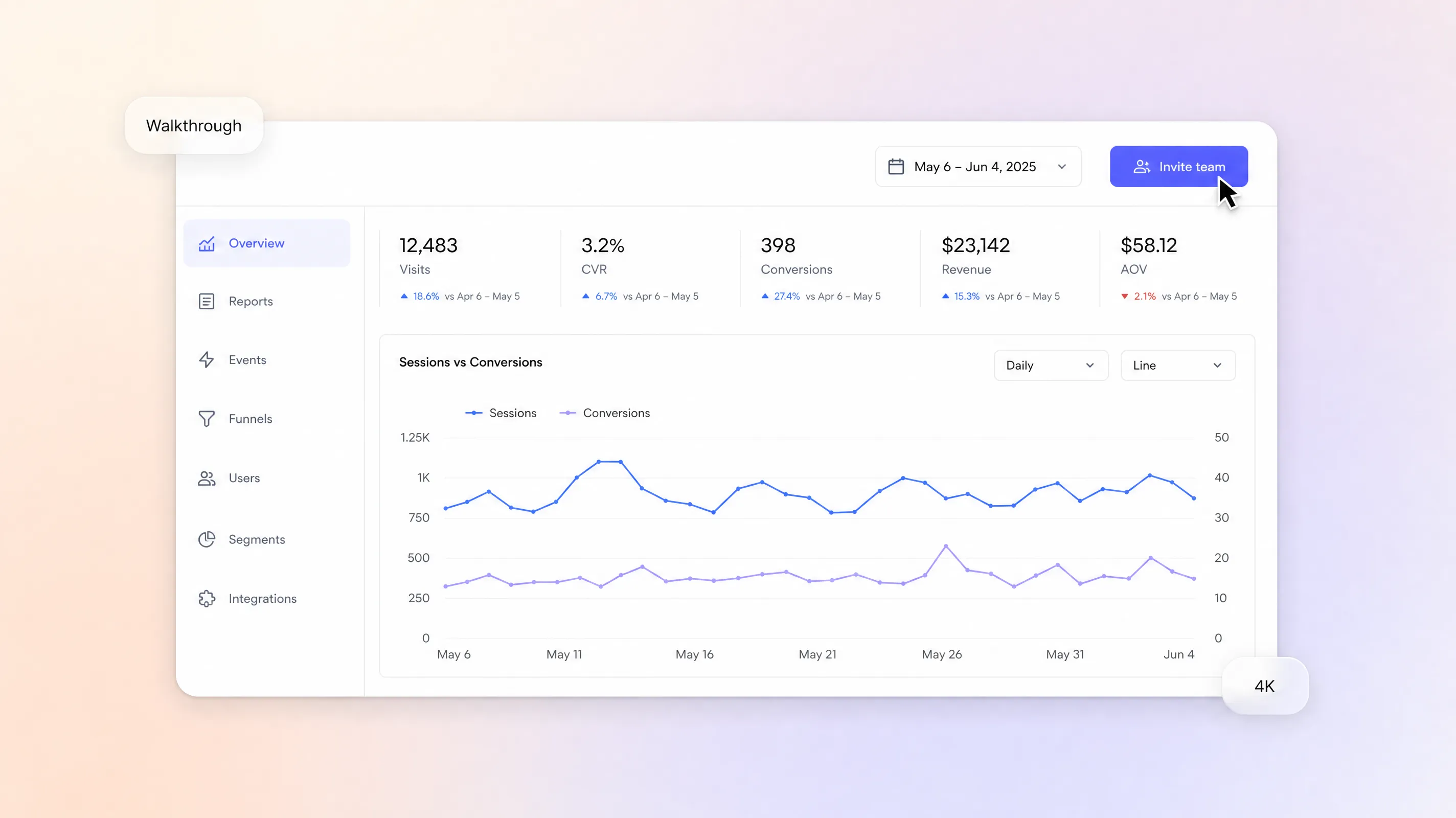
Create the best SaaS product demo video for every release: landing page walkthroughs, feature launches, and onboarding guides.
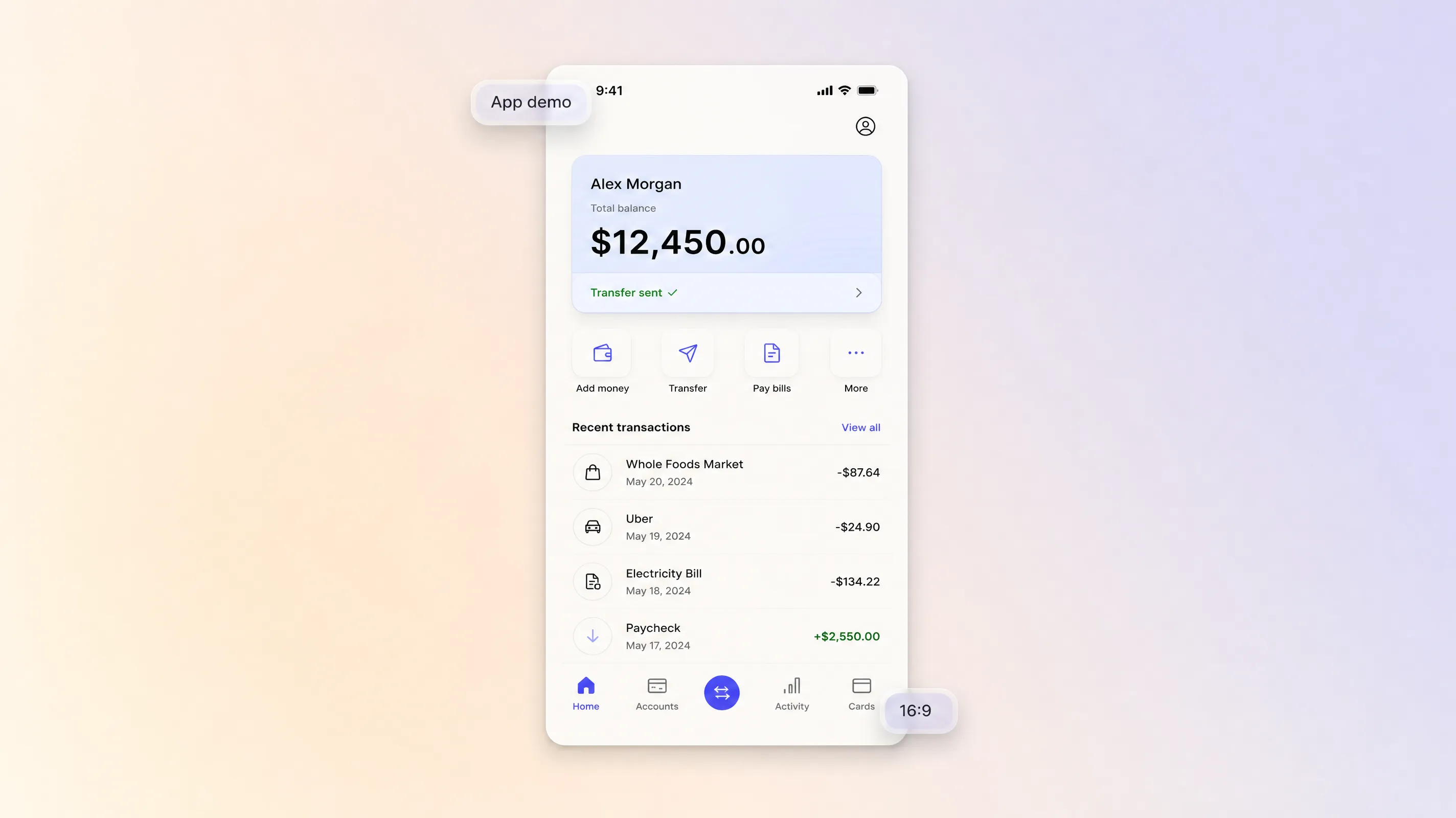
Simplify complex financial tools. Make clear walkthroughs, fintech app demos, and B2B product demo video explainers.
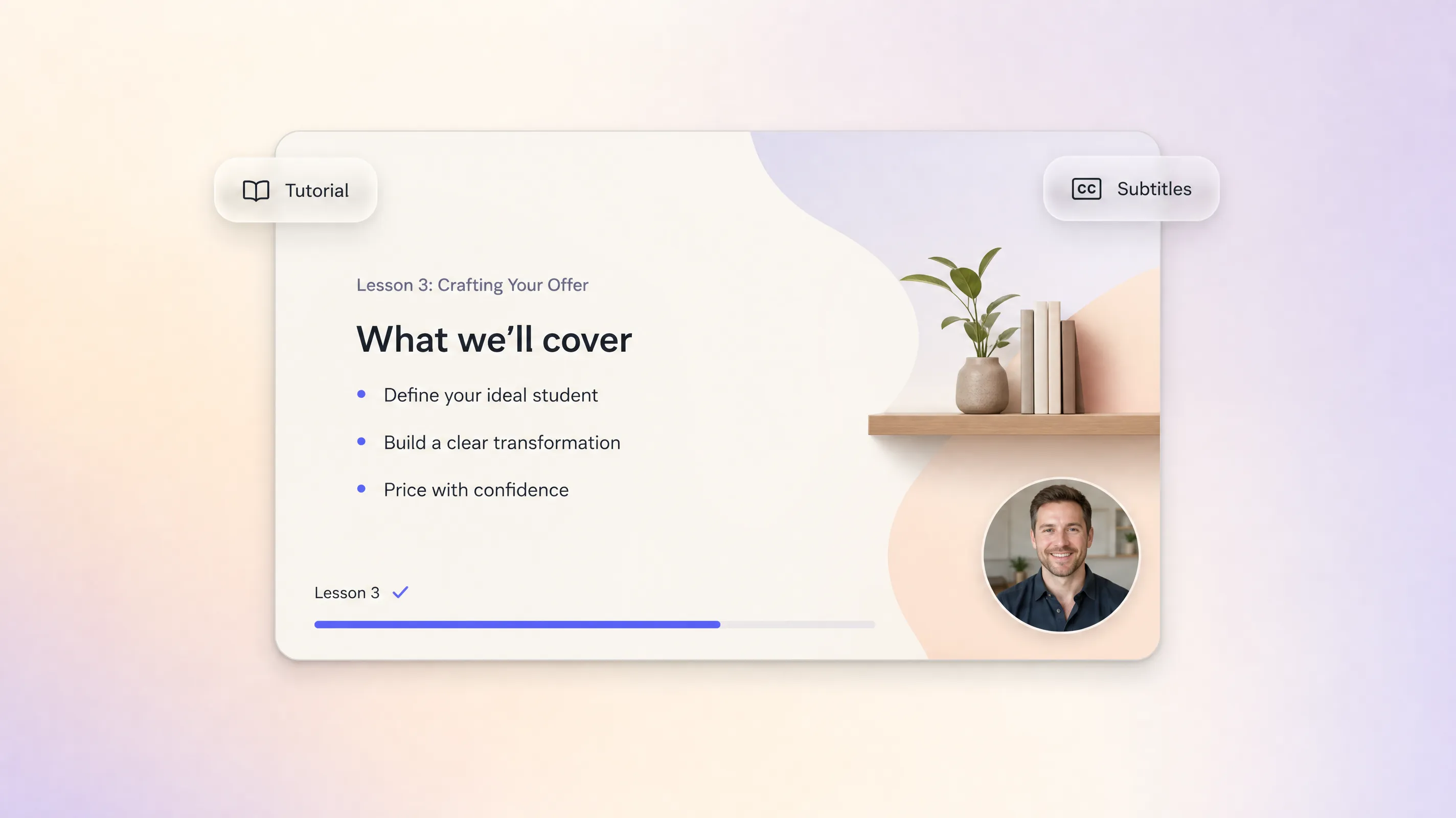
Build demos that teach. Turn every lesson into a product demo video tutorial, a training video, or a student onboarding guide.
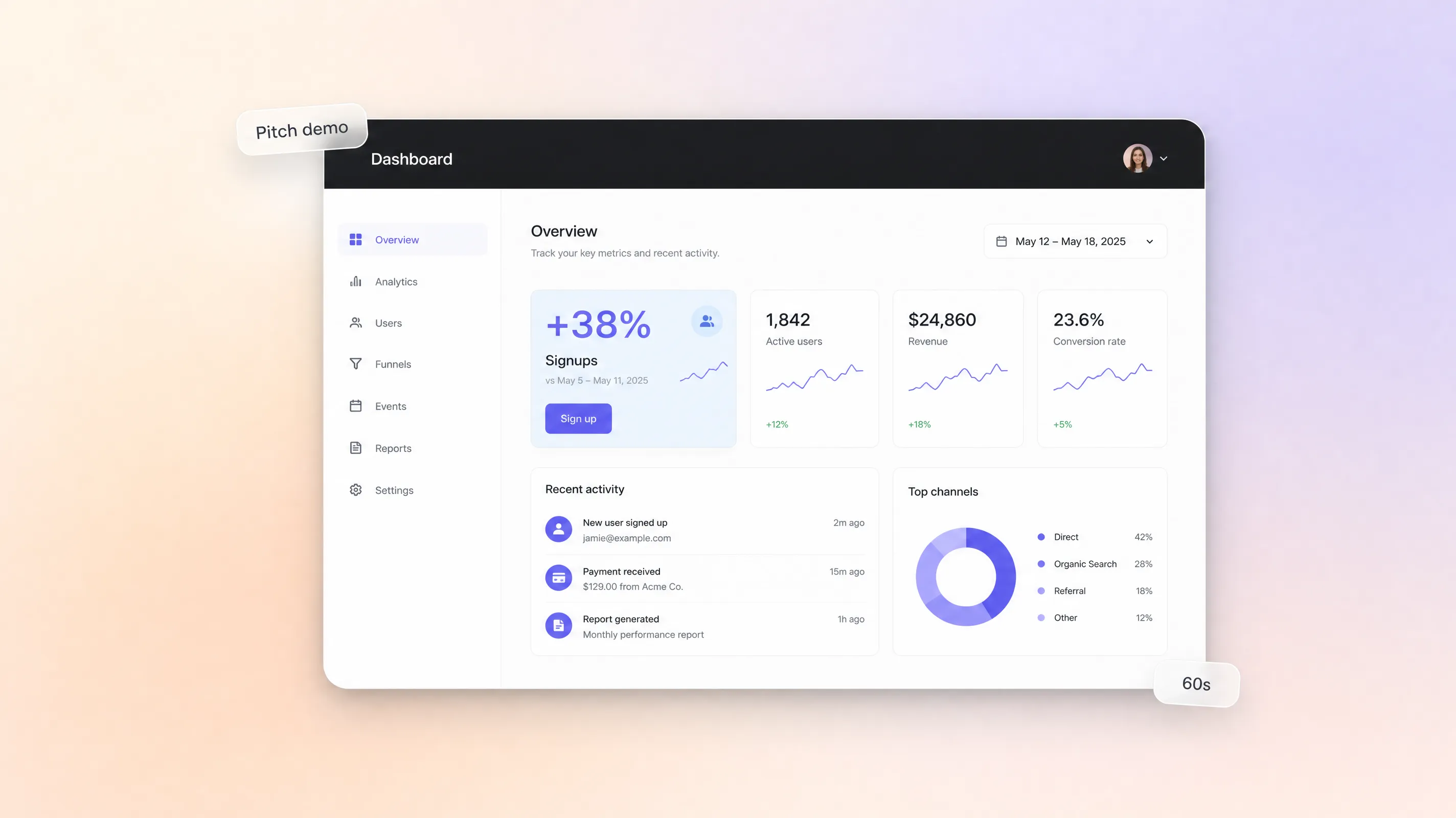
Demo your product to win. Make a startup product demo video for pitches, investor reels, and feature showcases.
Founders, product teams, marketers. They all shipped an AI product demo video faster.
"We built our product demo between two meetings. It used to take weeks."

"Turned our complex fintech product into a 60-second demo. The team approved it immediately."

"Our Pexo-made demo video helped us secure our seed round. The deck came second."

A product demo video is a short video that walks buyers through your product, showing key features, workflows, and value in a clear, engaging way. Most product demos run 30 to 120 seconds and focus on one core outcome. With Pexo you describe the product and get a finished demo with script, visuals, voiceover, and subtitles, no filming or screen recording required.
Aim for 30 to 90 seconds on landing pages and ads, longer for onboarding. Pexo generates clips from 5 to 120 seconds per scene and extends the demo scene by scene in chat, so there is no hard cap. Product demo video best practices stay simple: lead with the outcome, show the workflow, end with one call to action. The best product demo video is the shortest one that still proves the workflow.
Widescreen 16:9, vertical 9:16, and square 1:1, up to 4K. That covers a landing page embed, a YouTube product demo video, and vertical social cuts without cropping. Once a cut is approved, the product demo video download is ready as MP4 in minutes, so one demo ships everywhere your buyers are.
Pexo leads for product demos because it aggregates models instead of locking you into one: it picks the strongest take across Sora 2, Kling, and Veo for every scene. You chat, and the product demos generator scripts, animates, and voices the result up to 4K. Unlike traditional product demo video tools, there is no timeline to learn, making it the fastest way to create product demo video online.
A product demo shows the actual product in action: interface, workflow, and outcome. An explainer sells the idea behind it. If you want to pitch the concept first, start from the product explainer video page instead. The same chat workflow also covers a saas explainer video or a full video presentation.
Use a simple formula: subject + action + camera movement + setting + style. For example: our analytics dashboard, filtering a sales report in three clicks, slow screen zoom, clean desktop interface, 2D motion graphics. Pexo expands that one line into the full script and scenes, which is why teams create product demo video with AI instead of storyboarding every frame by hand.
Turn any text into a polished video
Turn your image into a video
Paste a link, get a finished video
Describe your idea, get a stunning image
Visualize your audio and music
Turn written draft into a fully produced video
Generate music based on description
Generate AI images from text or image
Studio-Grade AI Lipsync Dubbing
Create Bible videos from reviewed verses, lesson notes, book overviews, timelines, and character studies with clear scenes, narration, captions, and human review.
Create Islamic videos from reviewed sources and lesson notes, covering history, culture, ethics, and education with respectful visuals and narration.
Create Christian videos from reviewed Scripture, lesson notes, and historical sources with clear visuals, narration, captions, and human review.
Create a medical video from your script or images with Pexo. Generate scenes, narration and captions for patient education, medical explainers and staff training.
Make an onboarding video that walks new users to their first win. Pexo scripts, narrates and edits it with Seedance 2.5, Kling AI 3.0 and MiniMax H3.
Make a tutorial video that teaches any task step by step. Pexo scripts it, generates every step, and narrates it with Sora 2, Kling and Veo, up to 4K.
Make a how it works video that walks viewers through your product step by step. Pexo scripts, narrates, and captions it with Seedance 2.5 and Kling AI 3.0.
Create a character-led 2D explainer video with Pexo. The AI 2D explainer video generator turns your script into animated scenes with voiceover and captions, up to 4K.