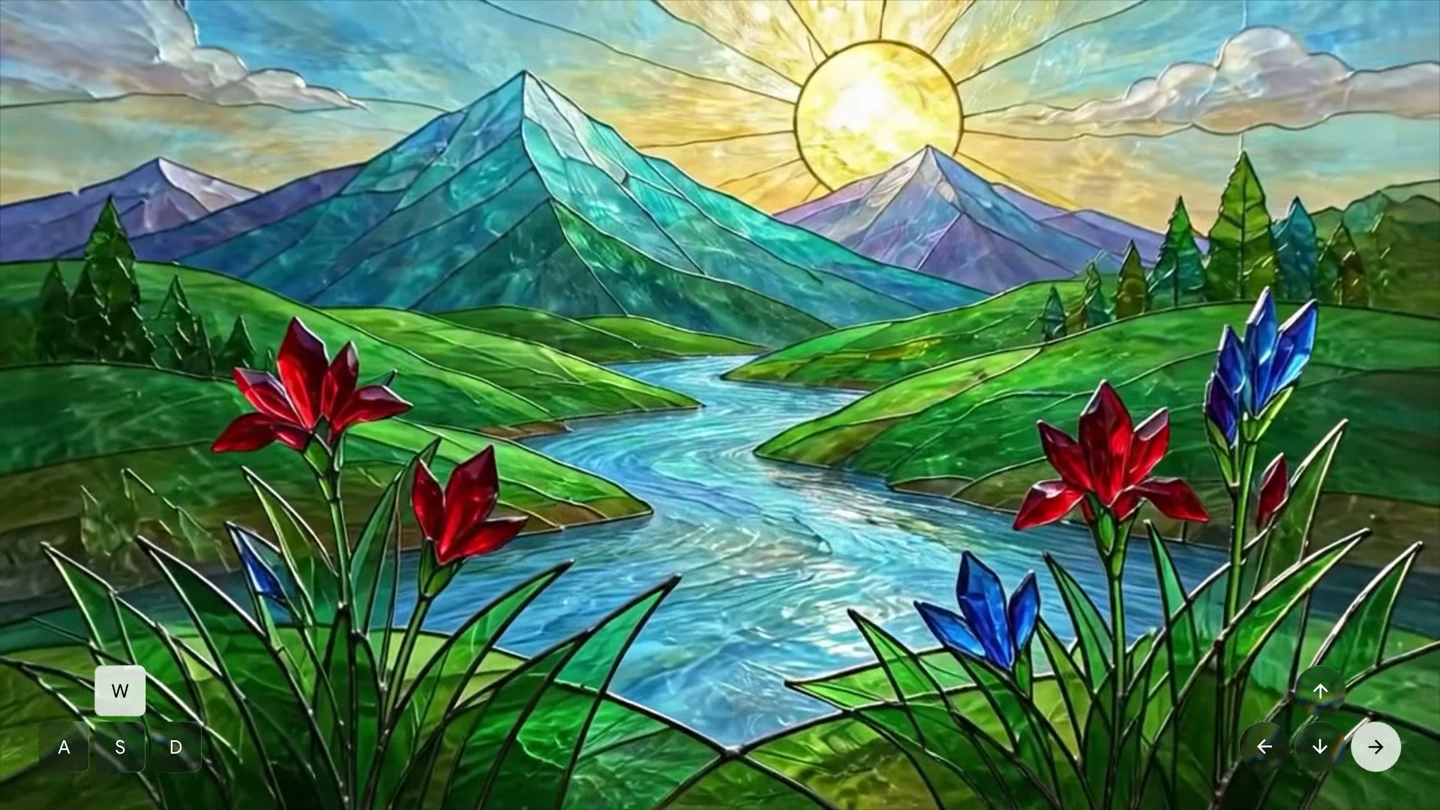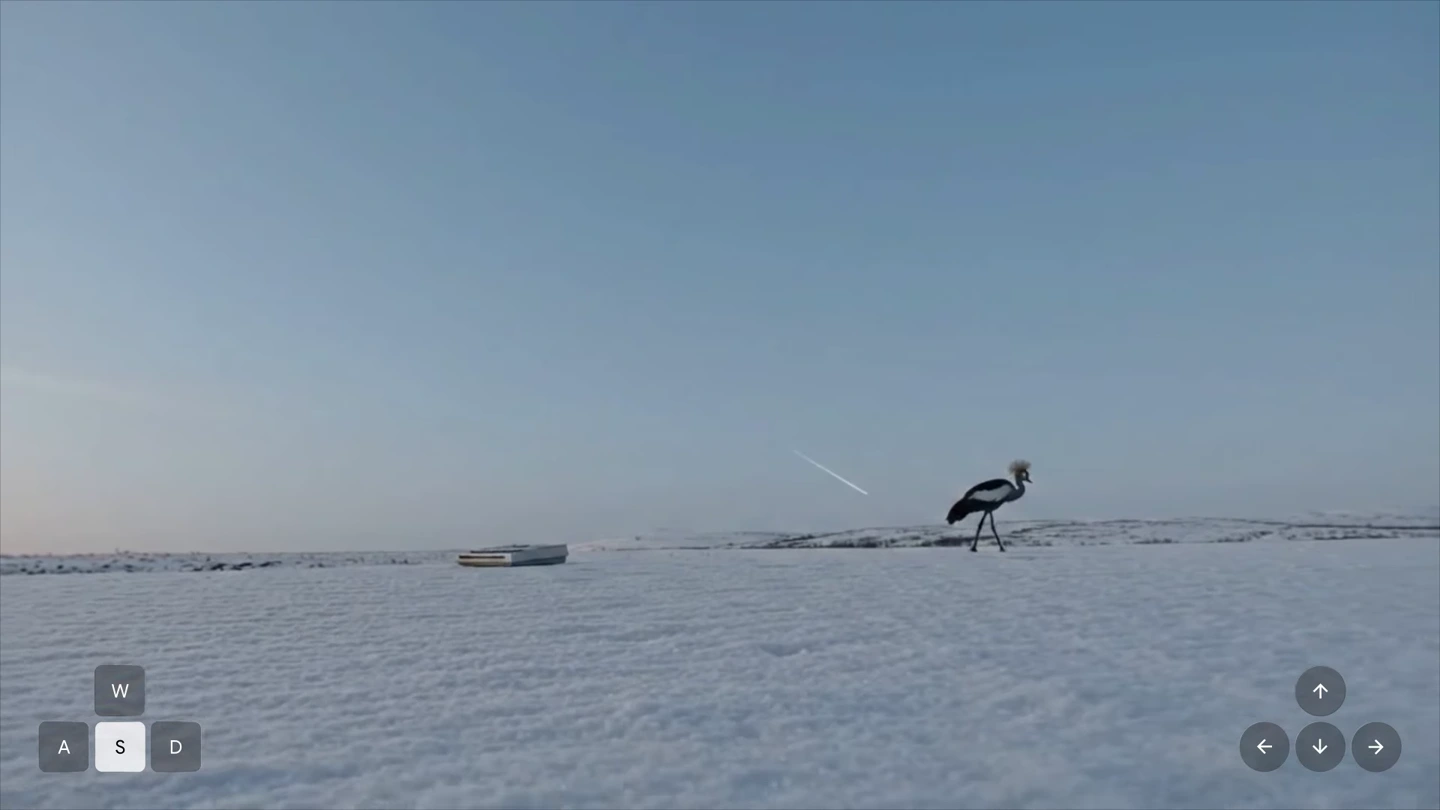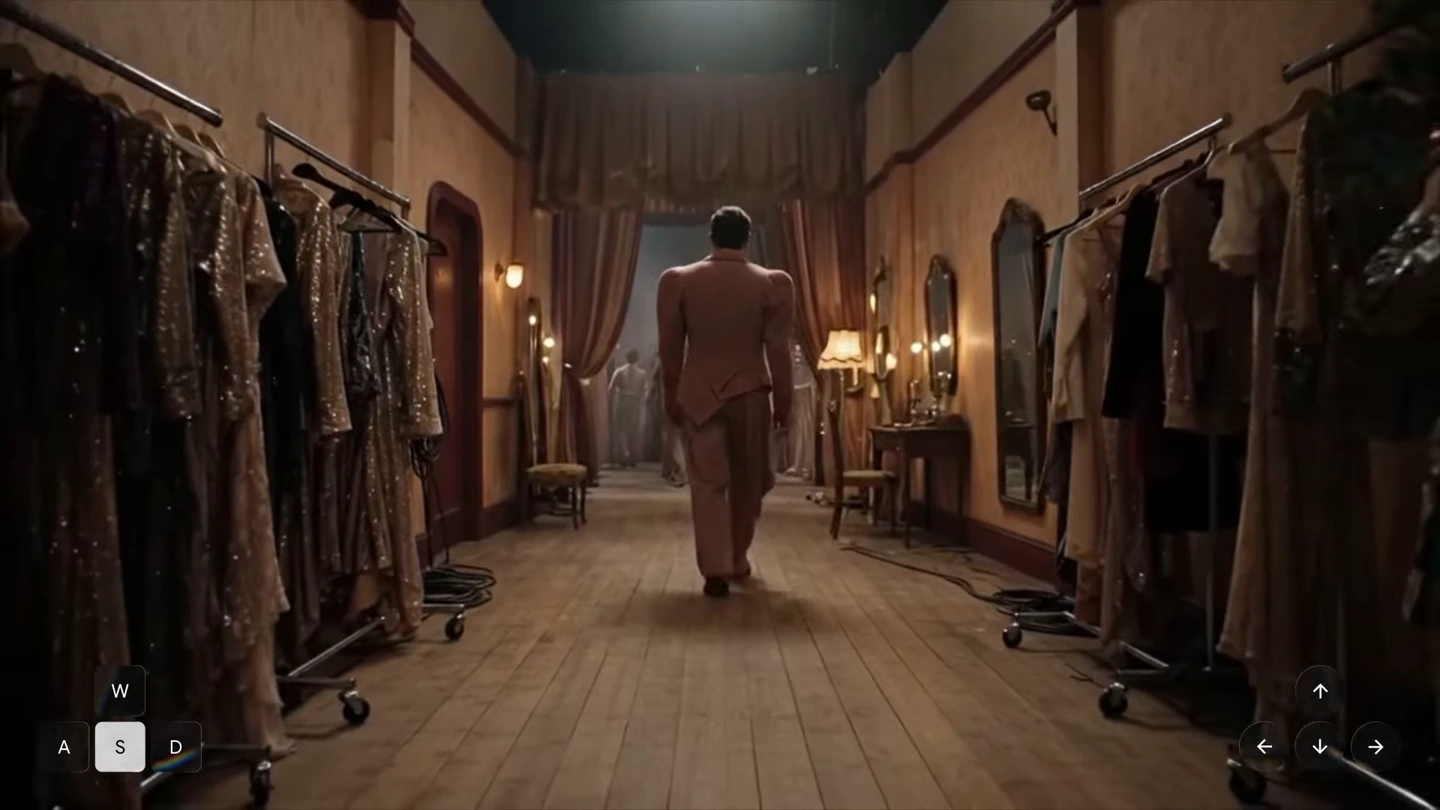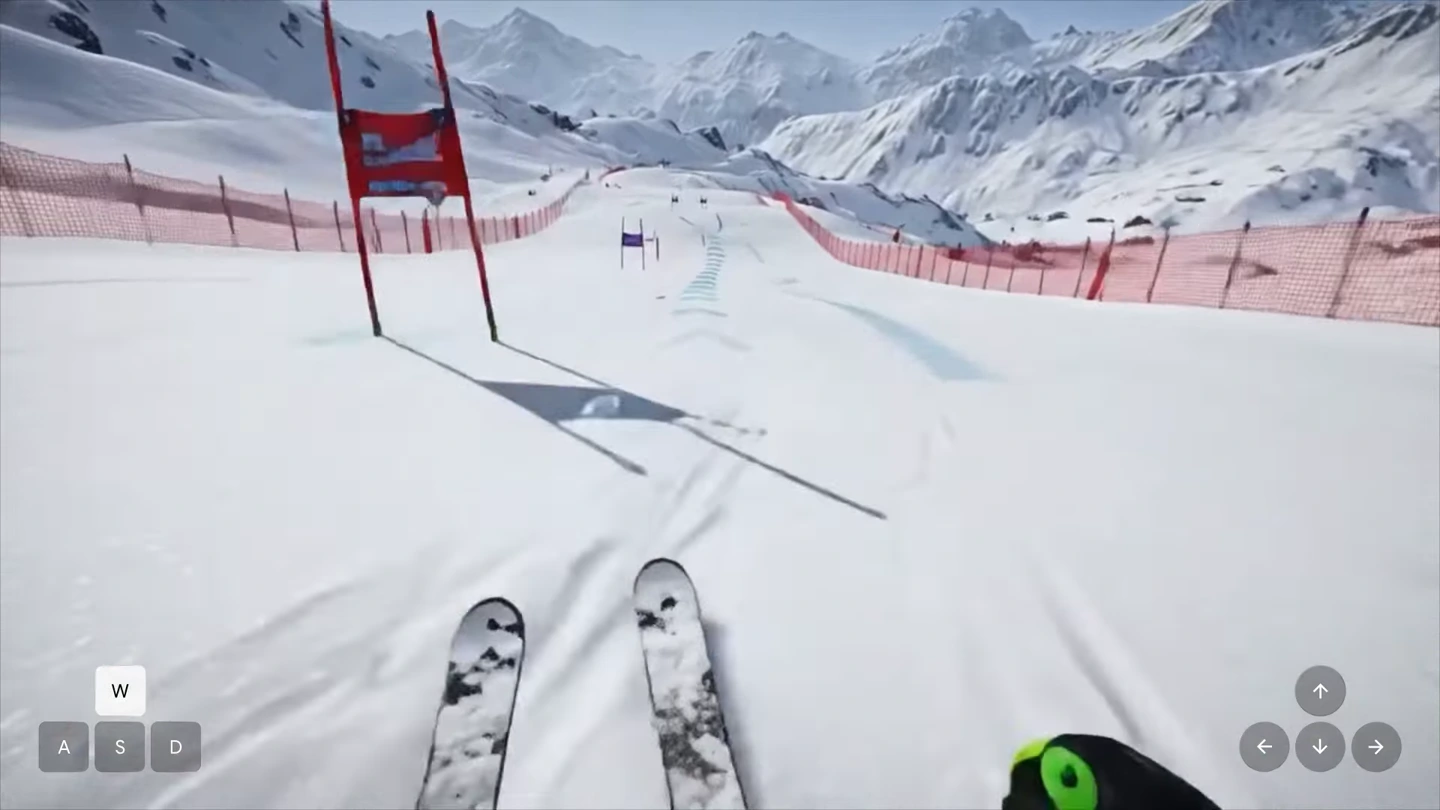
Pexo
Genie 4

Genie 4
Step into a scene. Shape what happens next.

Genie 4 is Google DeepMind’s world model for generating interactive video with synchronized audio. Build a setting from text or an image, navigate through it, and prompt new events while the scene runs. Announced on October 27, 2026, it began opening to eligible Google AI Ultra subscribers in Project Genie on November 18.

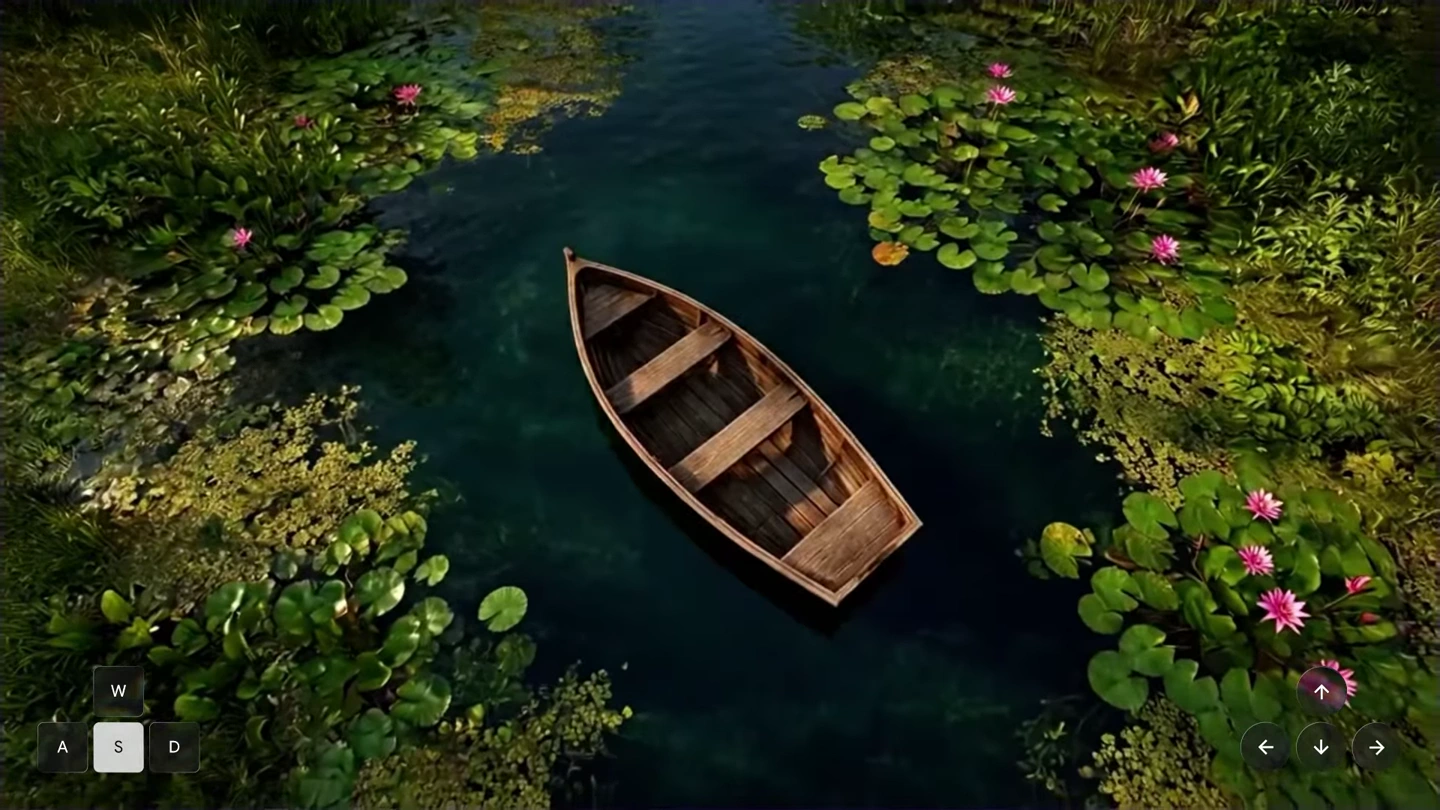
A camera moves above a rowboat on a lily pond. Seven-second excerpt from an interactive session; enable sound in the player.

Core capabilities

Wooden rowboat in a dark lily pond generated by Genie 4
EXAMPLE SCENE PROMPT
An overhead view of a weathered rowboat on a quiet lily pond. Keep the boat still as the camera explores the water.
Editorial scene brief paired with the displayed environment.

Build the world around a clear starting view

Describe the environment, viewpoint and nearby objects before entering the world. Project Genie can prepare a scene preview from text, or take an image of your own. A still rowboat on dark water gives navigation a readable anchor. Refine the initial composition first; the generated continuation can invent details beyond that view.
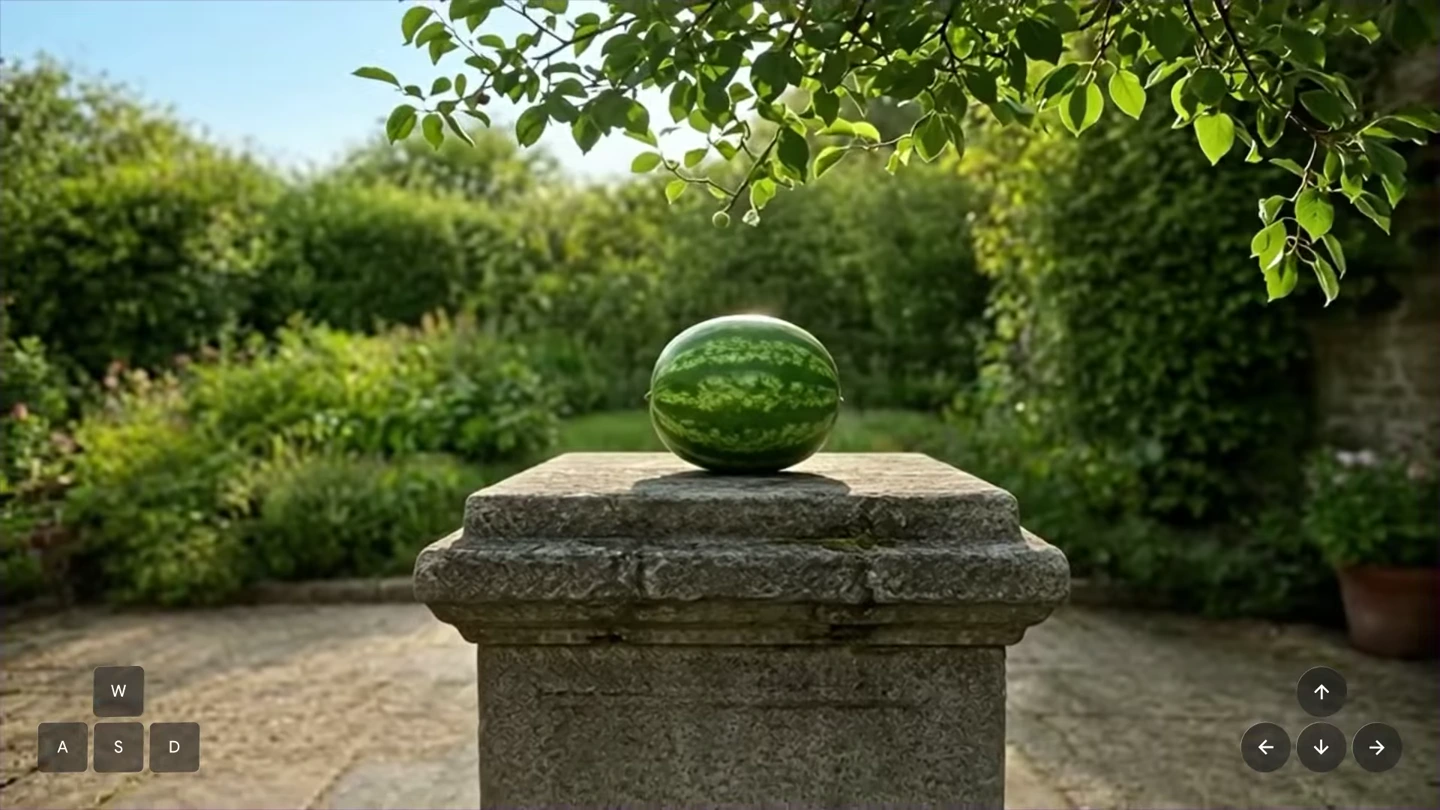
Whole watermelon on a stone plinth before the event
Earlier state
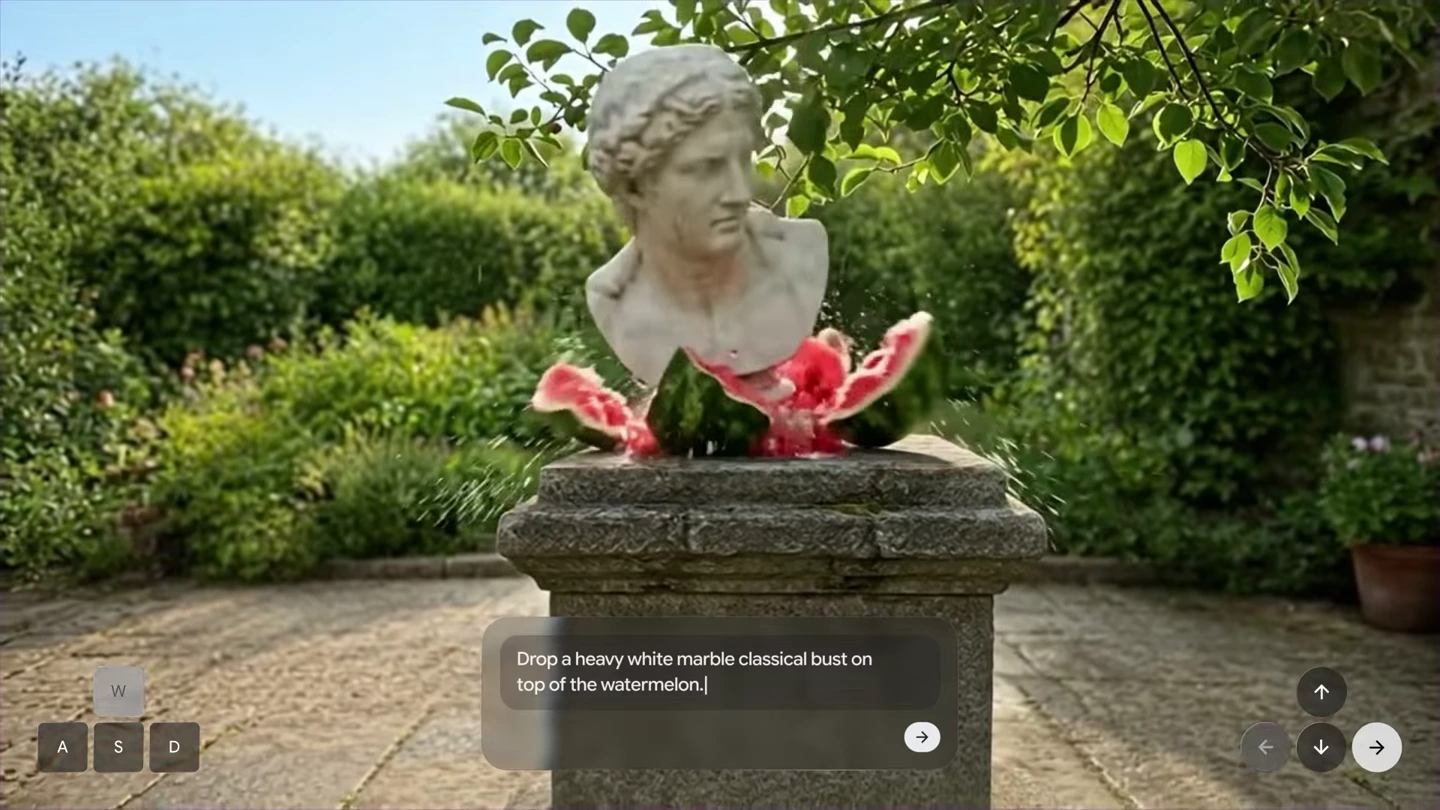
Marble bust resting among watermelon pieces after the event
Later state
Two frames from the same interactive demonstration; the visible instruction triggers the event.

Set an event in motion while exploring

Type one short instruction to change what happens next: introduce an object, change the weather or redirect an action. In the watermelon demonstration, a request to drop a marble bust changes the scene as it runs. These two frames show the earlier and later states of that same recording. Review the whole event, including surrounding objects.

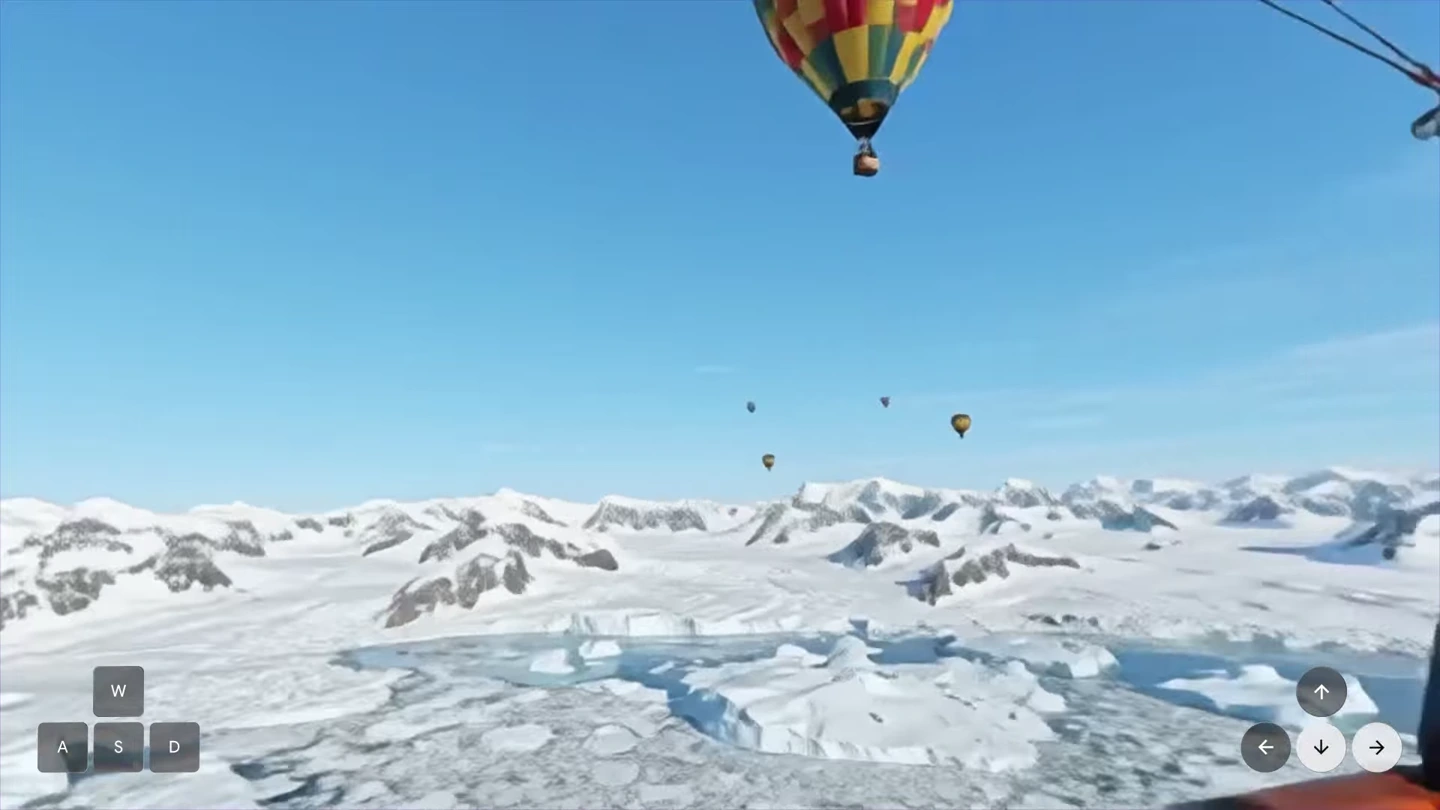
Wide view across snowy mountains and hot air balloons
Open landscape
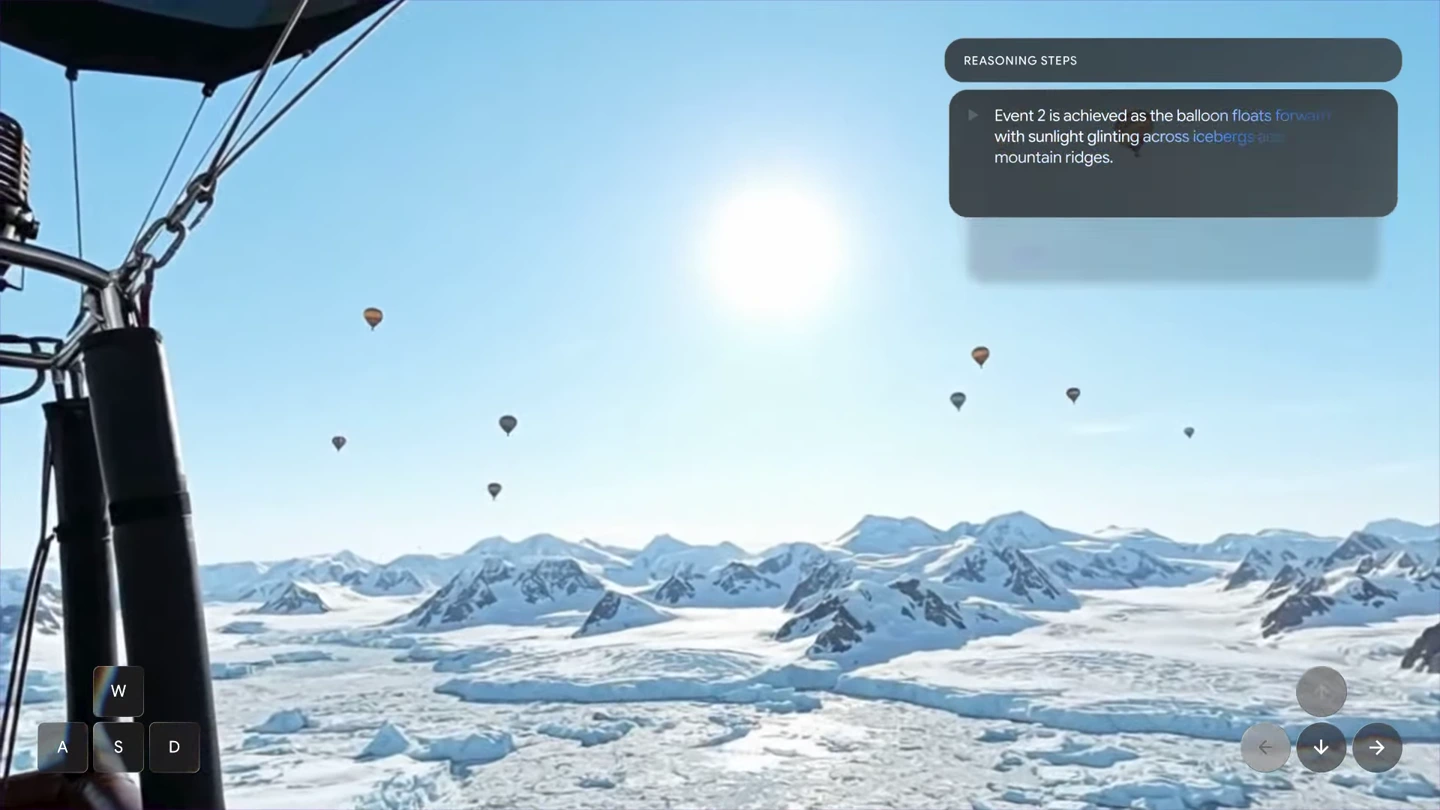
Closer viewpoint beside balloon rigging over the ice
View beside the balloon
Viewpoint changes within one continuous session.

Choose where to look as the world unfolds

Keyboard and mouse actions steer the view during generation. The balloon example moves from an open view across an icy landscape toward a balloon basket and its rigging. Use near and distant landmarks to judge whether the space stays coherent. Navigation explores generated video; it does not establish an exact 3D reconstruction of a real place.

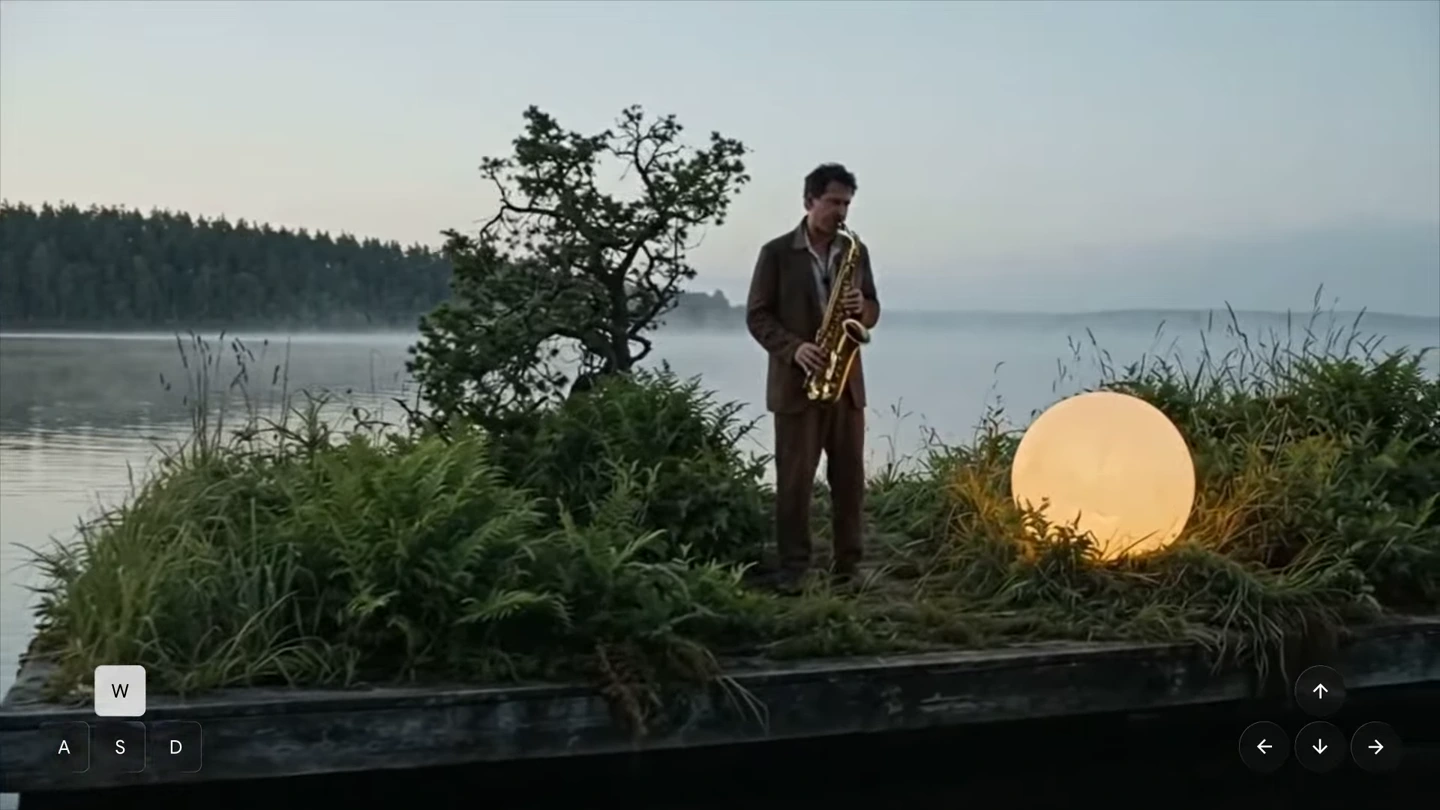
Saxophonist performing on a floating platform in a quiet lake
Actual amplitude waveform extracted from the saxophone demonstration audio
Saxophone and lake setting · waveform extracted from this recording’s audio.

Hear the setting as well as see it

Genie 4 generates sound alongside the world, including ambience, music and character speech. The lake performance gives that sound a visible source: a man playing a saxophone. Describe the source and the surrounding atmosphere, then listen to the result as the view changes. Audio precision remains an active research area.

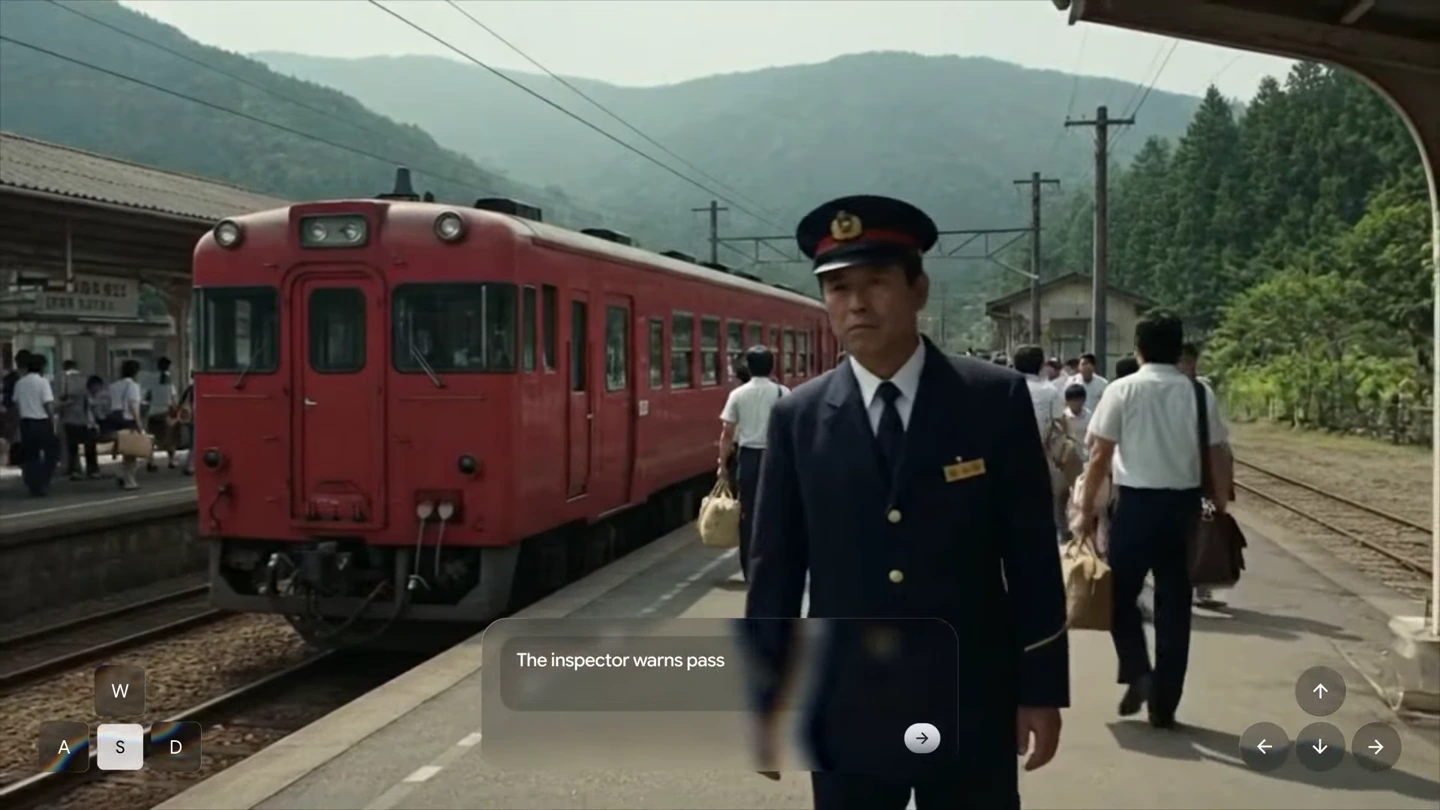
Railway inspector and passengers beside a red train in a generated station
Populated station · movement and continuity should be reviewed across the session.

Explore scenes with people and natural movement

People can move through the generated environment and respond as events develop. The station example brings a railway inspector, passengers and a red train into a shared scene. Give the central action enough space to read, and inspect how characters, surfaces and occlusions behave over time. Multiple independent agents and intricate interactions can still be inconsistent.

Explorable landscape made of stained glass with a river, flowers and mountains
Material-led world design · glass textures extend across the environment.

Carry a visual style through an explorable space

Name the medium and its material rules, then keep them consistent as you move. The stained-glass example turns water, plants and mountains into translucent colored forms with dark outlines. A specific material description gives the world a stronger visual direction than a general request for beauty. Check newly revealed areas for changes in texture or style.

Image showcase

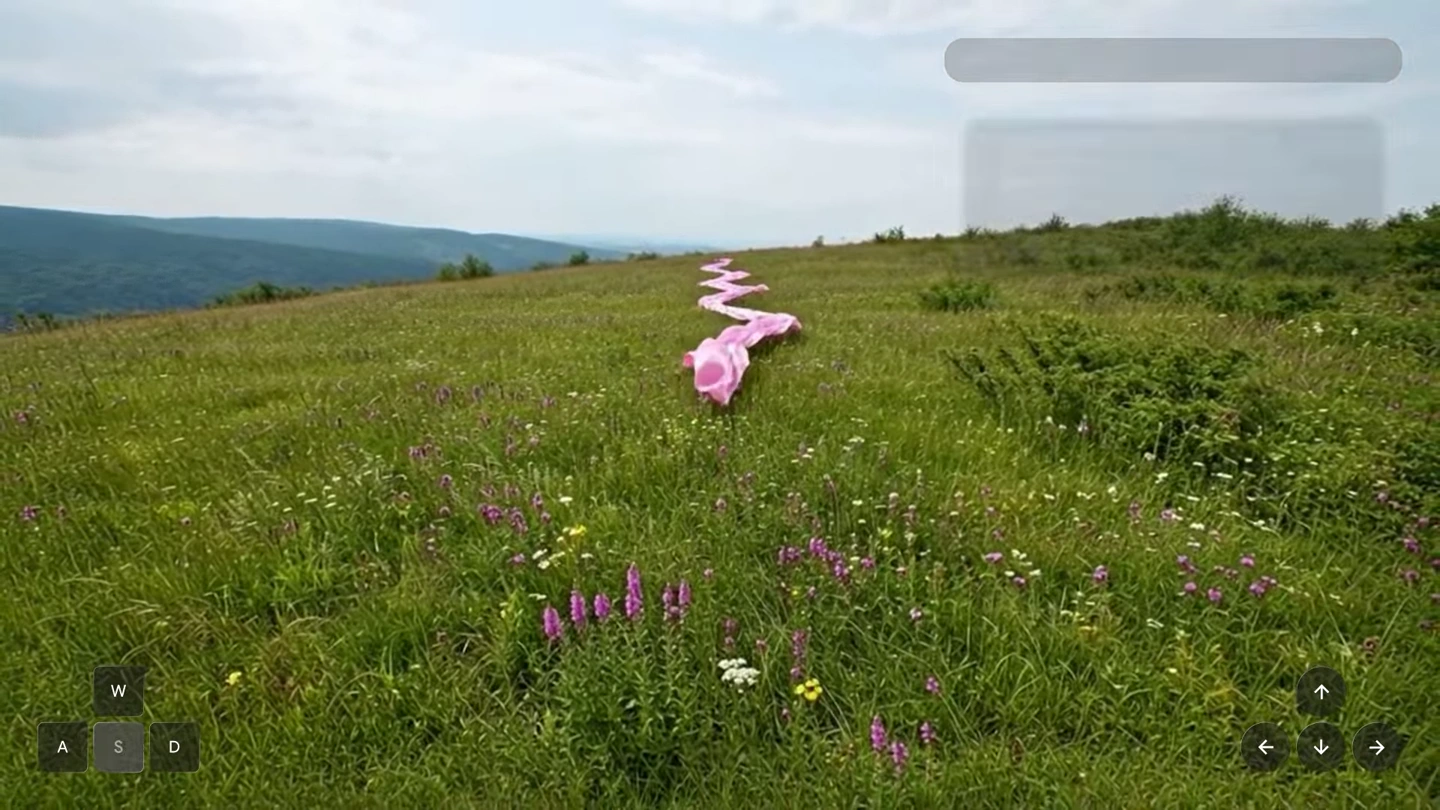
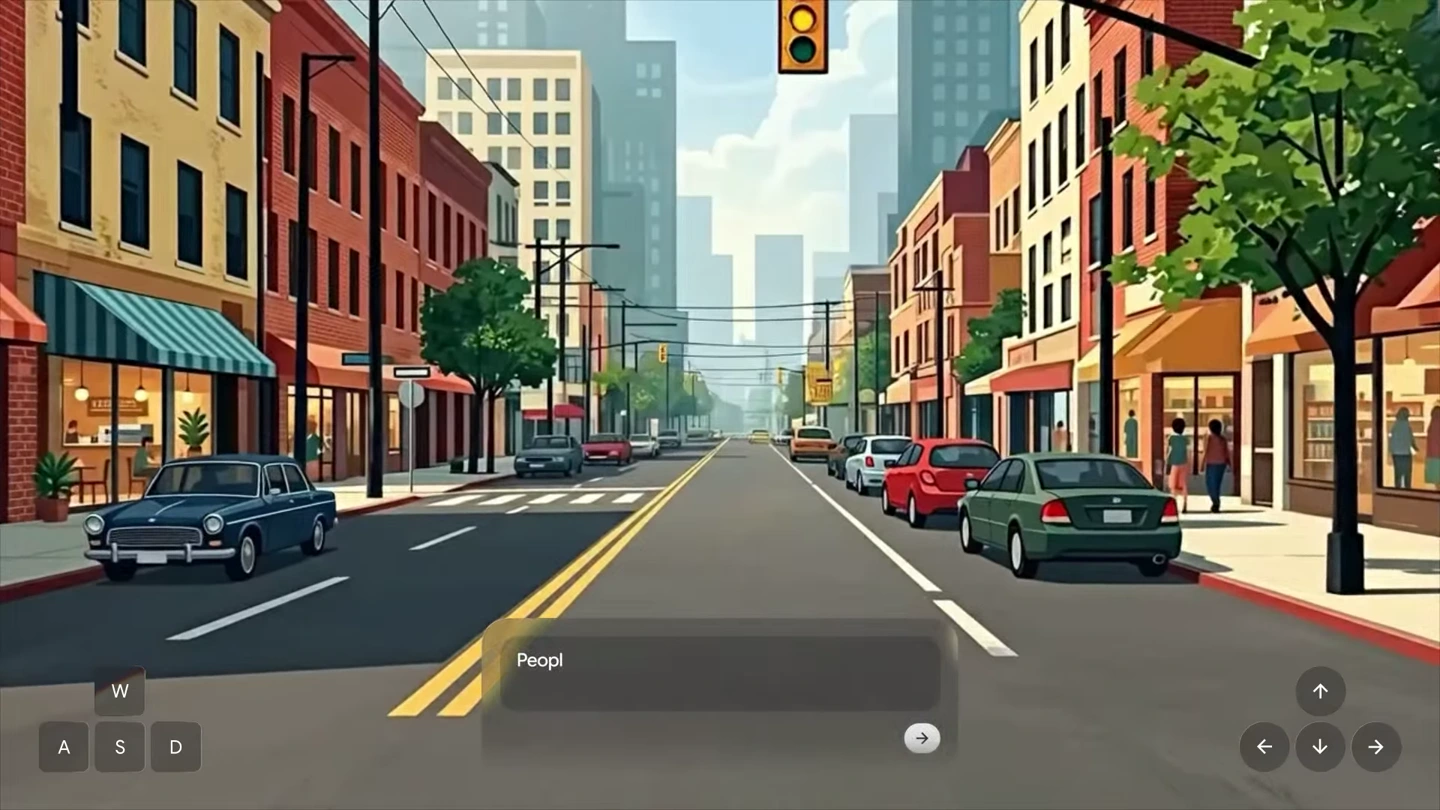
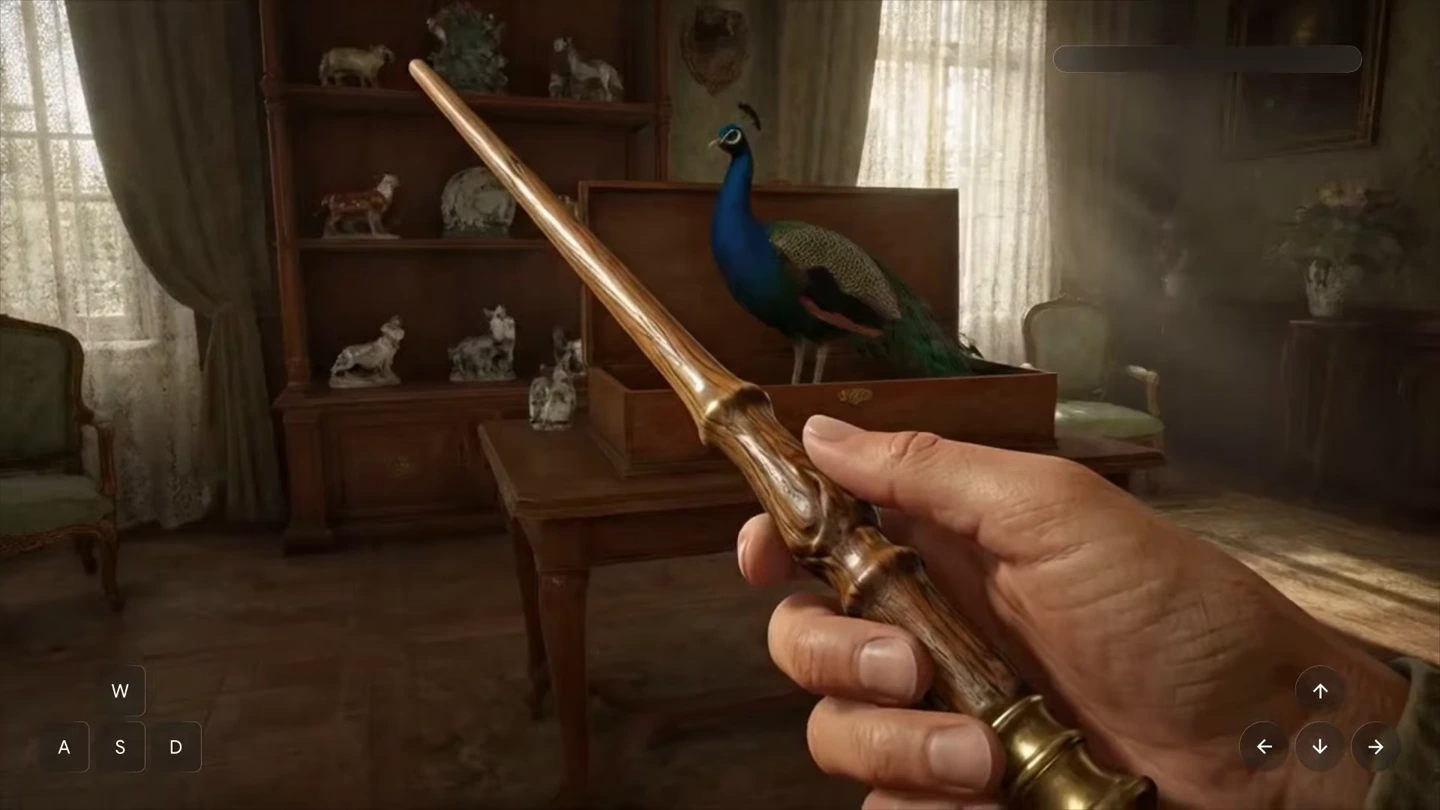
Source: Google DeepMind’s official Genie 4 interactive recordings; images are selected video frames. The waveform visualizes recorded audio. Pexo navigation previews below are separate product images.

Model comparison

DIMENSIONGenie 4Genie 3 · updated Project Genie
Creative emphasisResponsive world generation with native audioLonger exploration and panorama-seeded worlds
Continuous sessionAround one minute in the current model overviewUp to three minutes per generation in the November 18 update
AudioNative synchronized ambience, music and dialogueNo equivalent native-audio specification in the cited update
360° panorama groundingNot specified in the current Genie 4 overviewExplicitly supported in the updated Project Genie route
Live promptingChanges to events, weather, objects and viewpointReal-time promptable events also supported
Access contextRolling out to eligible Ultra subscribers in Project GenieRemains in the Project Genie model picker

Provider-described capabilities and product options, not a same-input quality benchmark. The emphasized column identifies this page’s model. The Genie 4 model card specifies real-time 720p video at up to 24 fps; presentation-recording dimensions do not change that specification.

Use-case scenarios

Interactive setting development

Explore an atmosphere, a route through a space or one live event before deciding which visual ideas belong in a story.

Camera and environment studies

Compare how a setting reads from different viewpoints. Treat unseen details as generated proposals and check continuity before using them as references.

Short experiential concepts

Try a compact encounter, environmental mystery or guided exploration. Review session limits and interaction quality before promising a finished experience.

Use cases

Develop a world or visual concept further with Pexo’s cinematic storytelling workflows.

Frequently Asked Questions About Genie 4

What is Genie 4, and when did it become available?

Genie 4 is Google DeepMind’s interactive world-generation model. It was announced on October 27, 2026. On November 18, Google began opening it in Project Genie to eligible Google AI Ultra subscribers; Google AI Pro members can join the waitlist. This is a research prototype with eligibility and product limits.

What does it take in and generate?

The model card lists text, images and real-time user actions as inputs, with real-time 720p video at up to 24 frames per second and synchronized audio as outputs. In Project Genie, check the preview before entering and use short prompts to steer subsequent events.

How long can I explore a world?

The current Genie 4 overview describes around one minute of continuous interaction. The updated Genie 3 option in Project Genie supports up to three minutes per generation and world chaining. Those are different model routes; the Genie 3 extension is not a three-minute Genie 4 specification.

Can it produce exact 3D scenes or complete games?

Its documented output is an interactive audiovisual simulation. A convincing camera view does not prove exact geometry, dependable physics or a production-ready game system. Real locations, text, object permanence and long-running scenes can be inaccurate or drift. Inspect the result against the needs of your project.

Can I use it for a polished video production?

It can help explore settings, camera ideas and short events. The demonstrations on this page are recordings of interactive sessions. Check capture, usage and access conditions in the current product, then review the material before incorporating it into a broader edit.

Official Genie 4 guide

Describe your idea and start your next creation.

Start creating