


Animated Crowdfunding Video
Make an animated crowdfunding video with Pexo. Show what your project will do, explain what funding supports, and give viewers a way to back it.
Make an AI game trailer from gameplay captures, character art, or a concept. Show what players do, build to one memorable reveal, and close with the game name and next step.
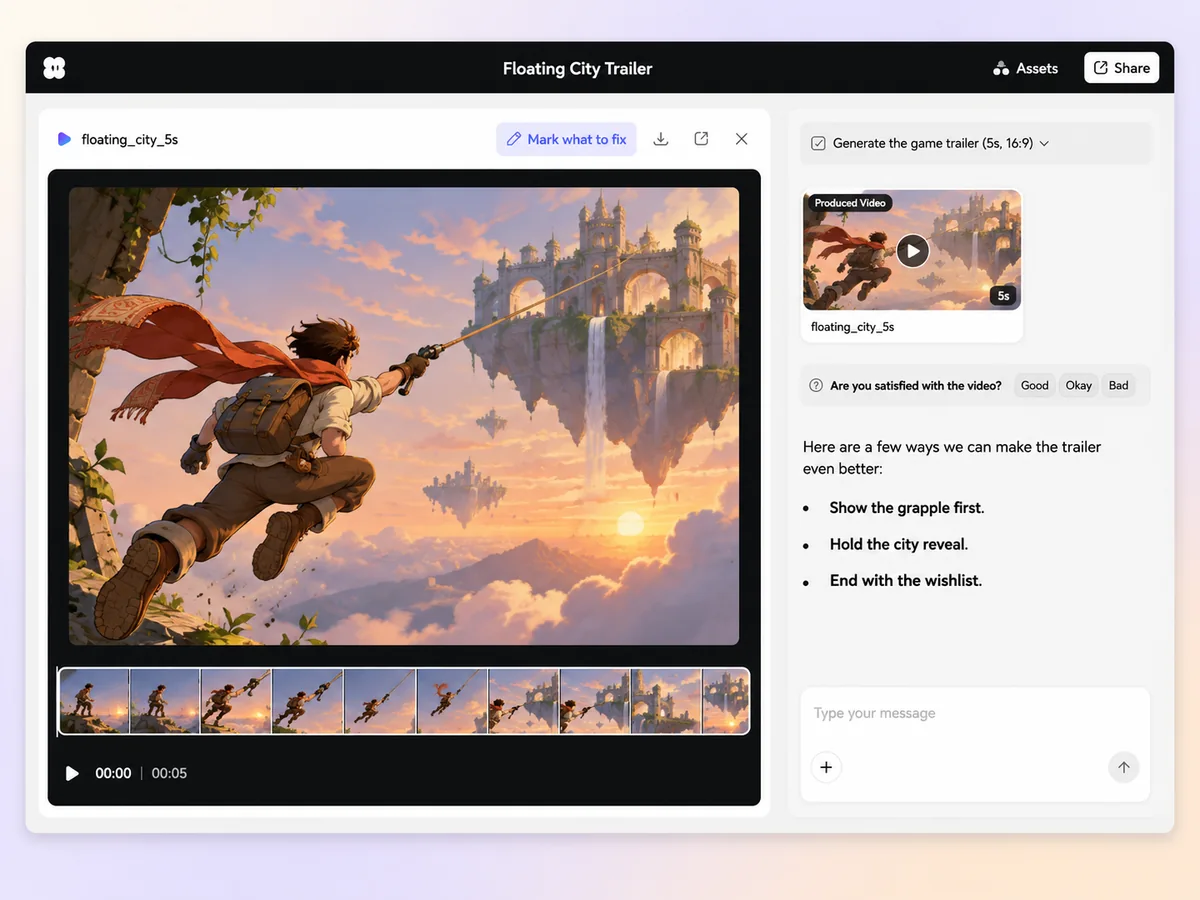
Start with the action you want players to remember. In Pexo’s game trailer maker, describe the mechanic and share the capture that shows it. Ask for an opening shot, a second beat that raises the stakes, and a reveal. Review that order in chat before the first cut.
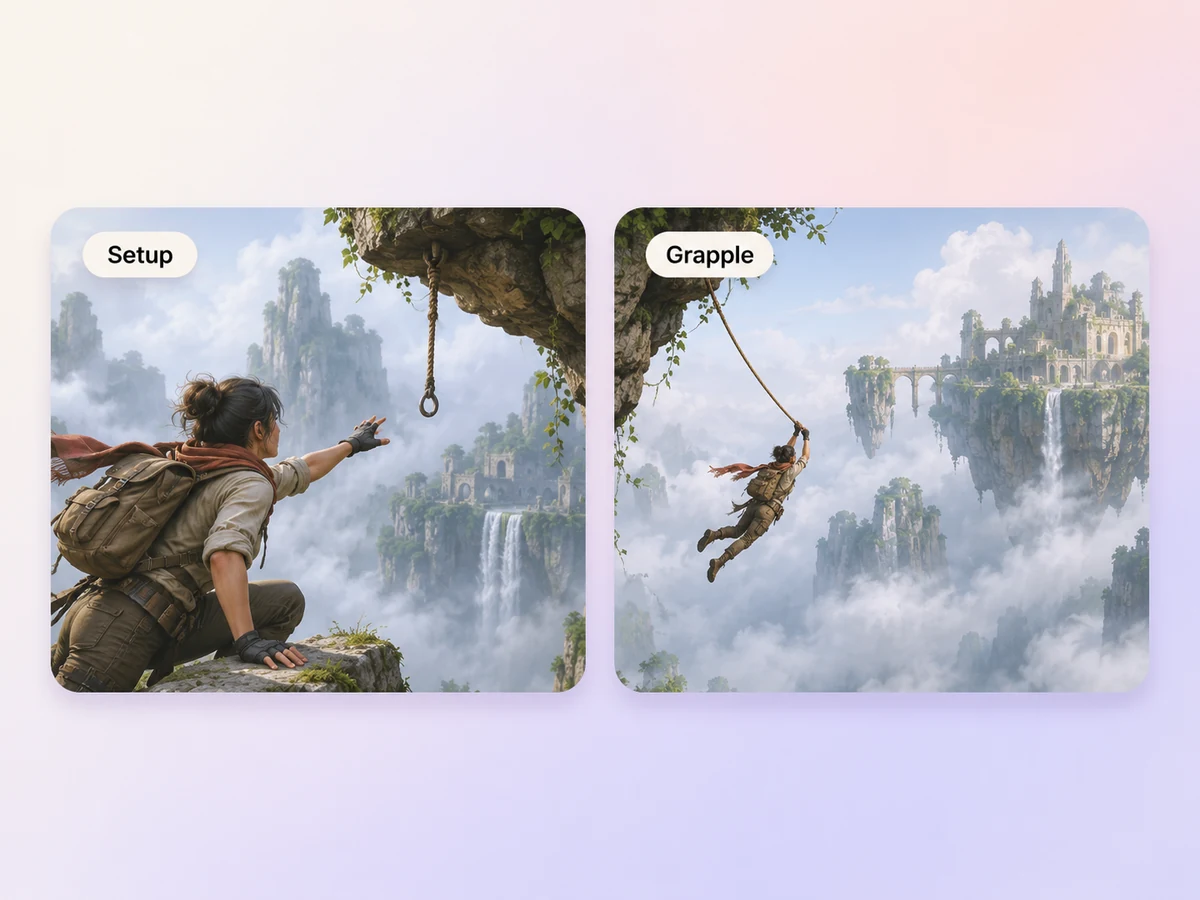
Choose clips with a clear setup and payoff, such as aiming a grapple and reaching the far ledge. Tell Pexo which moments to use in the cut. Keep interface elements visible when they explain the mechanic, and preview the sequence so the action reads at a glance.
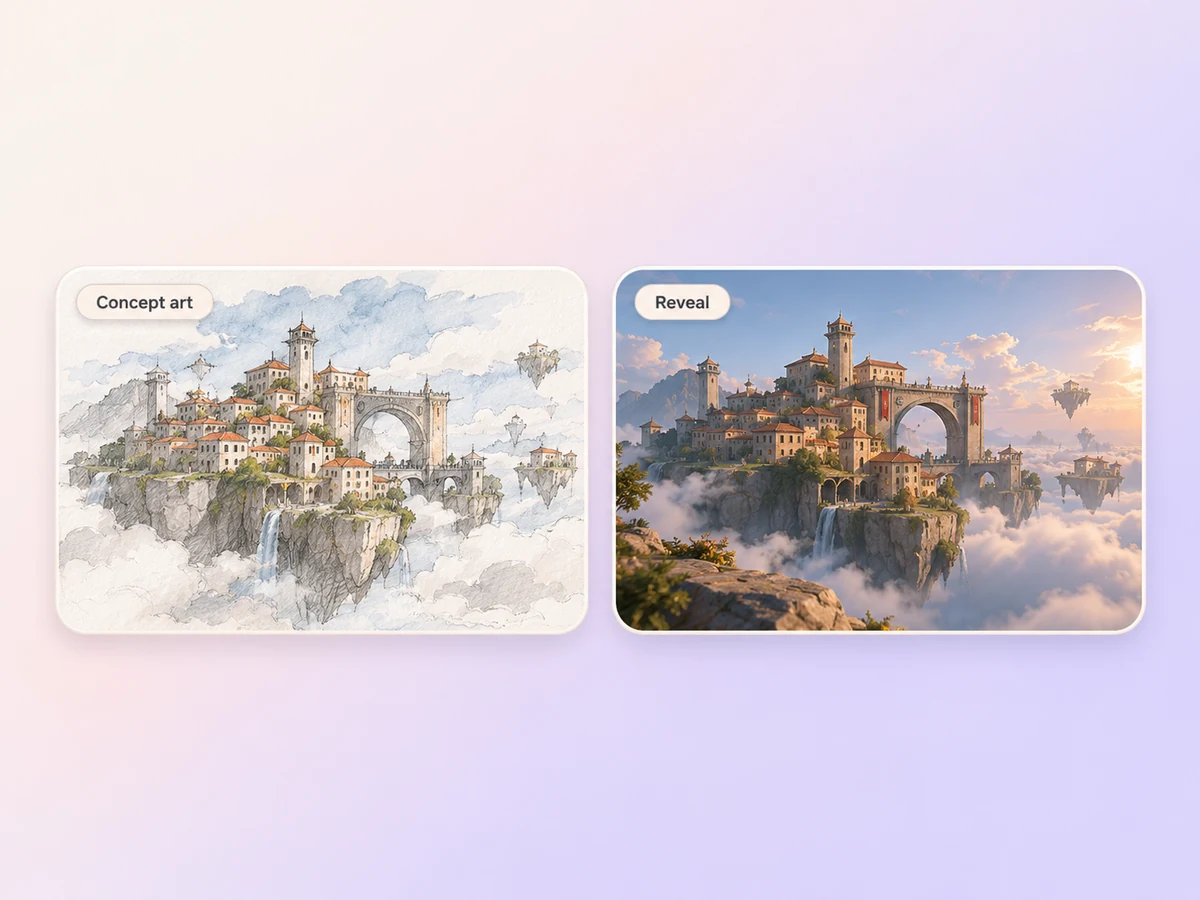
Use character art or an environment sketch to introduce the world between gameplay beats. Start with image to video and describe one movement, such as a slow push toward a floating city. Keep any concept sequence clearly identifiable when it differs from the playable build.
Hold on the strongest moment before the title. Give Pexo your approved game name, release date, and call to action. Choose one action, such as joining a playtest or visiting the store page, and check that viewers have time to read it.
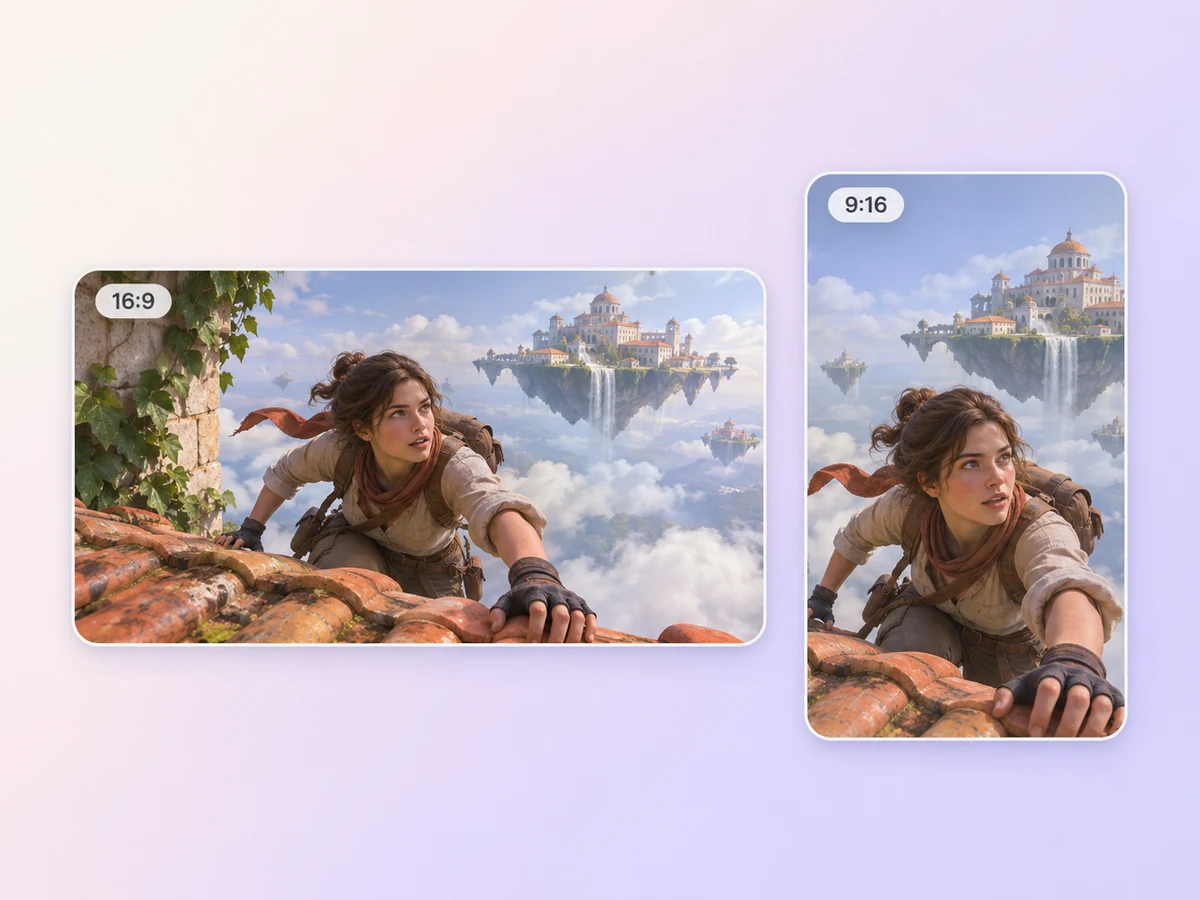
Ask for a 16:9 cut for a store page or a longer gameplay preview. For a 9:16 social cut, lead with one action that reads in a narrow frame. Check the game title and interface at the size players will see them.
Show a quick run that makes the movement mechanic clear. Then let players see the same move solve a bigger problem. Close with the game name and a wishlist prompt.

Open on two players trying different routes. Cut to the moment their actions line up and the team gets through. End on the demo date.

Introduce one character and one unanswered question. Pair a short concept sequence with a look at the world players can explore. Hold the title after the reveal.

A game trailer is a short preview of a video game that shows what players can expect from the experience. It can combine gameplay, character or world reveals, and a title card. A gameplay trailer typically highlights what players do, such as solving a puzzle or exploring a new area.
Yes. Start with approved concept art, environment sketches, or character sheets. Describe the motion you want and make a teaser trailer that introduces the game. Label pre-release or concept footage where viewers might otherwise read it as gameplay, and save a gameplay-focused cut for when you have captures.
Yes. Share the clips you want to show and tell Pexo which actions or interface details need to stay visible. A clip that shows the input and the result can explain a mechanic quickly. Review the cut for continuity and check that it represents the build you are promoting.
Pexo lets you plan the hook, source gameplay, and cinematic inserts in one conversation. It can use a model such as Kling AI 3.0 to animate a short insert from concept art. Set the intended format, such as 16:9 for a store page, and review the cut against your source clips.
A game trailer highlights a playable experience, including mechanics, characters, or levels. A launch trailer builds attention around a release and can announce a product, app, event, or game. For a game launch, use gameplay to show what is coming and a closing card to say when.
Start with subject + action + camera movement + setting + style. Say which clips are gameplay and give the exact closing line. Try “Open on our grapple clip. Follow the player between rooftops, then reveal the floating city in a wide illustrated shot. End on the game title and the demo date.”
Bring the shot that shows how the game plays. Build the rest of the trailer around that moment.
Make an animated crowdfunding video with Pexo. Show what your project will do, explain what funding supports, and give viewers a way to back it.
Make a sneak peek video that teases without spoiling. Pexo builds it with Seedance 2.5, Kling AI 3.0 and MiniMax H3 in 16:9, 9:16 or 1:1 up to 4K.
Make a website launch video with Seedance 2.5, Kling AI 3.0 and MiniMax H3. Describe your site, pick a model, and get a launch film in minutes.
Make a startup launch video from your pitch with Pexo. Script, presenter, music and edit in one pass with Seedance 2.5 and Kling AI 3.0, ready in minutes.
Make an event launch video with Seedance 2.5 and Kling AI 3.0. Pexo scripts, scores and edits a teaser that reveals the date and drives sign-ups.
Make a product reveal video that teases, then lands the hero shot. Pexo scripts and scores it with Seedance 2.5, Kling AI 3.0 and MiniMax H3 in minutes.
Make a software launch video that shows what shipped and why it matters. Pexo scripts, narrates and edits it with Seedance 2.5 and Kling AI 3.0.
Make an app launch video from your screens with Seedance 2.5, Kling AI 3.0 and MiniMax H3. Pexo scripts, voices and edits it in 16:9, 9:16 and 1:1.