Pexo
Kling Image 4.0

Kling Image 4.0
Create and edit images

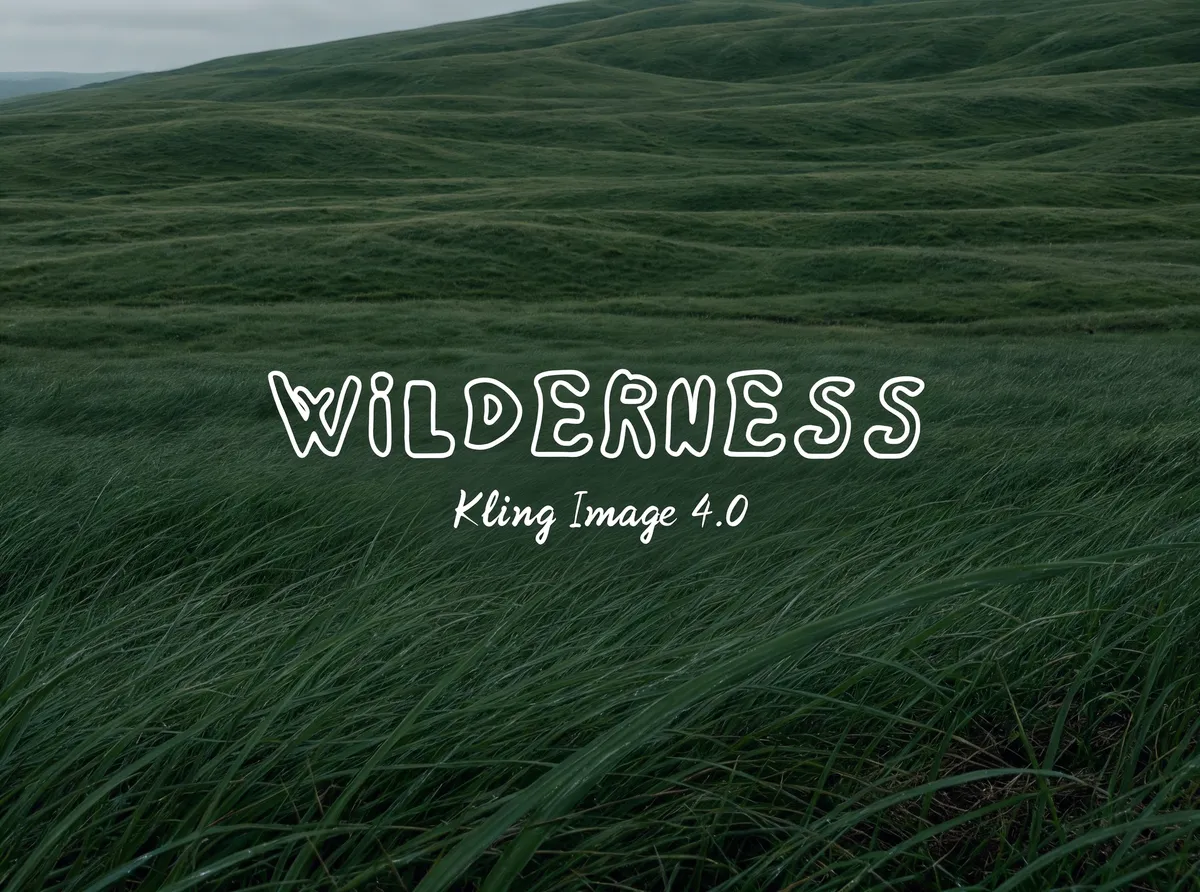
Kling Image 4.0 is Kling AI’s image generation and editing model, released on November 18, 2026. It is available in Kling Creative Studio, with API access for enterprises and developers. The provider documents text-to-image, image editing, up to 10 reference images, native 2K, 4K and 8K output, and long-form image layouts. Check every generated word and fine detail before delivery.

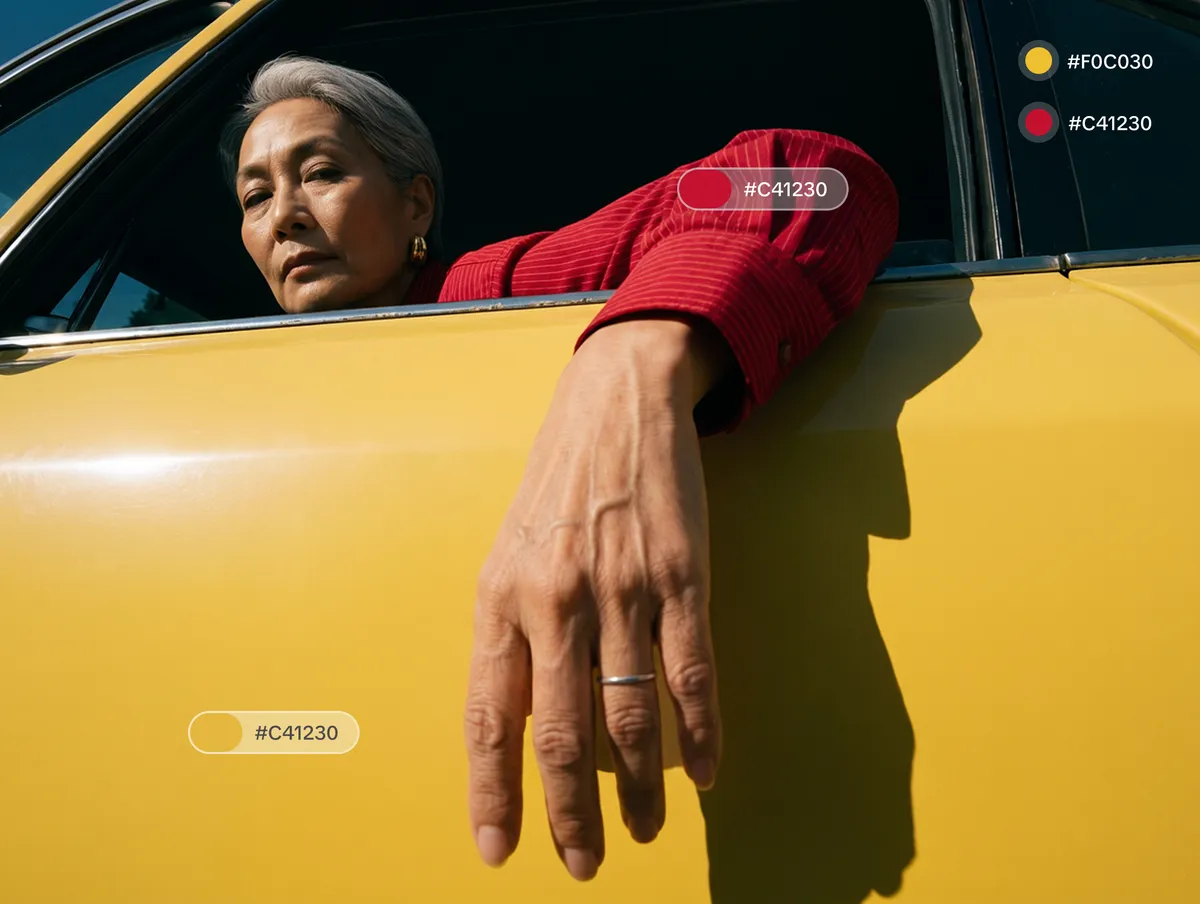
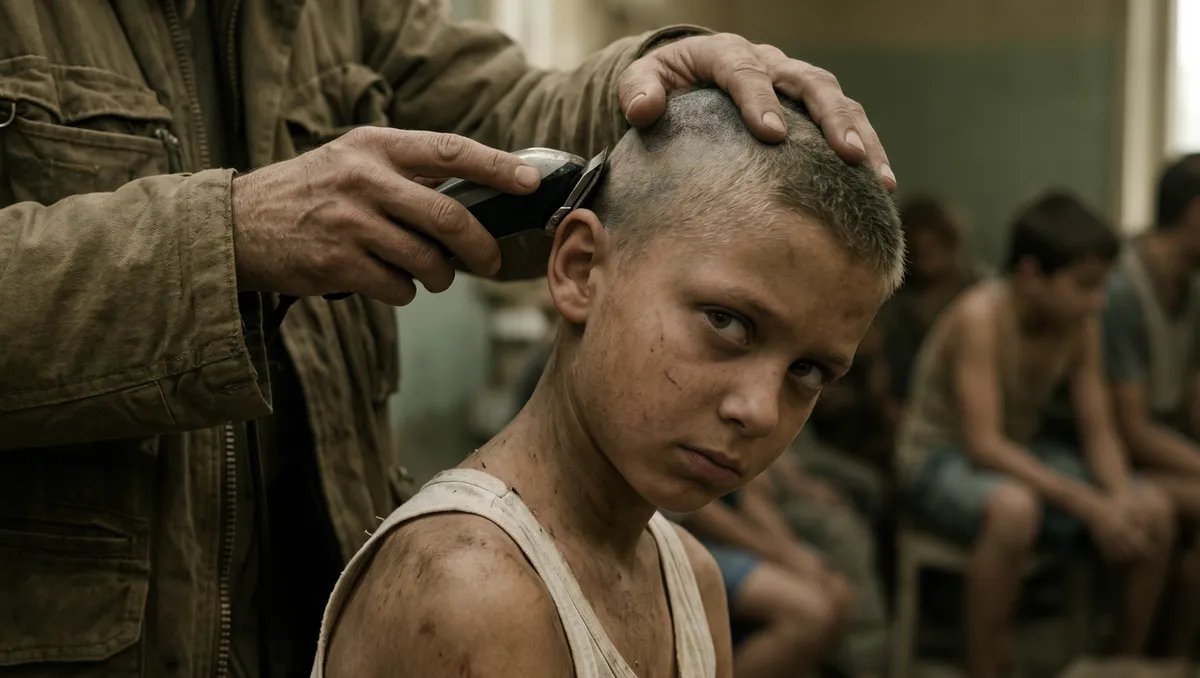
Kling Image 4.0 official example 1

Core capabilities

Kling Image 4.0 official example 6
Full-scene generation

Build a scene from a written brief

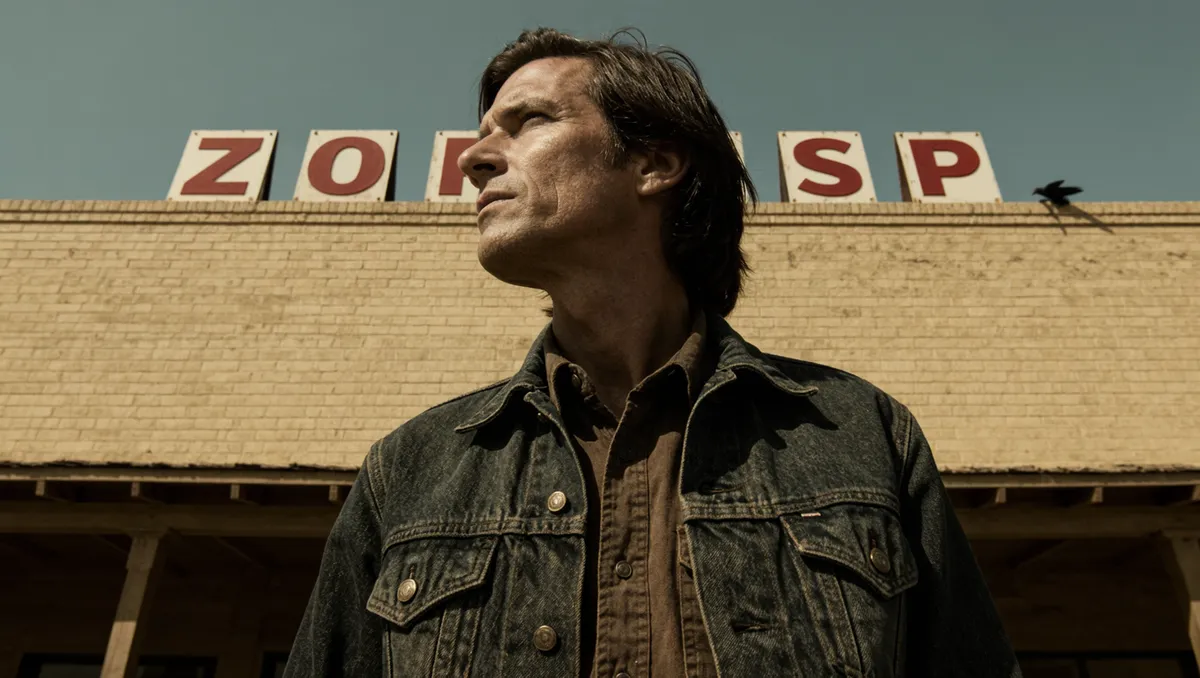
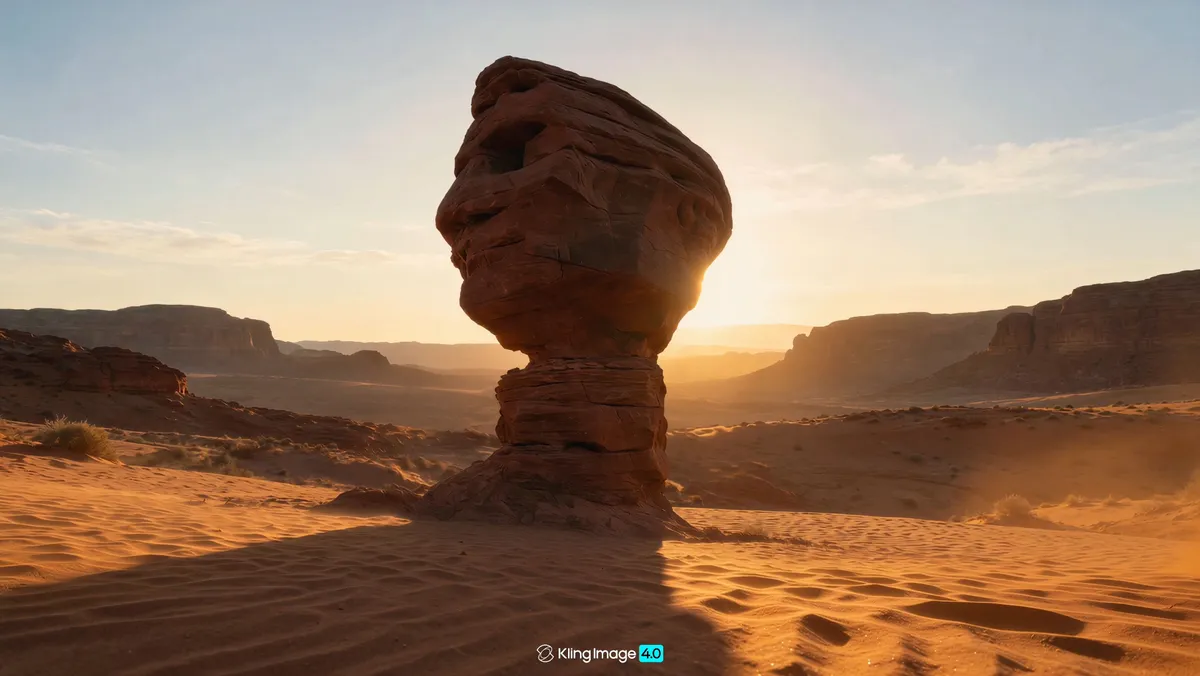
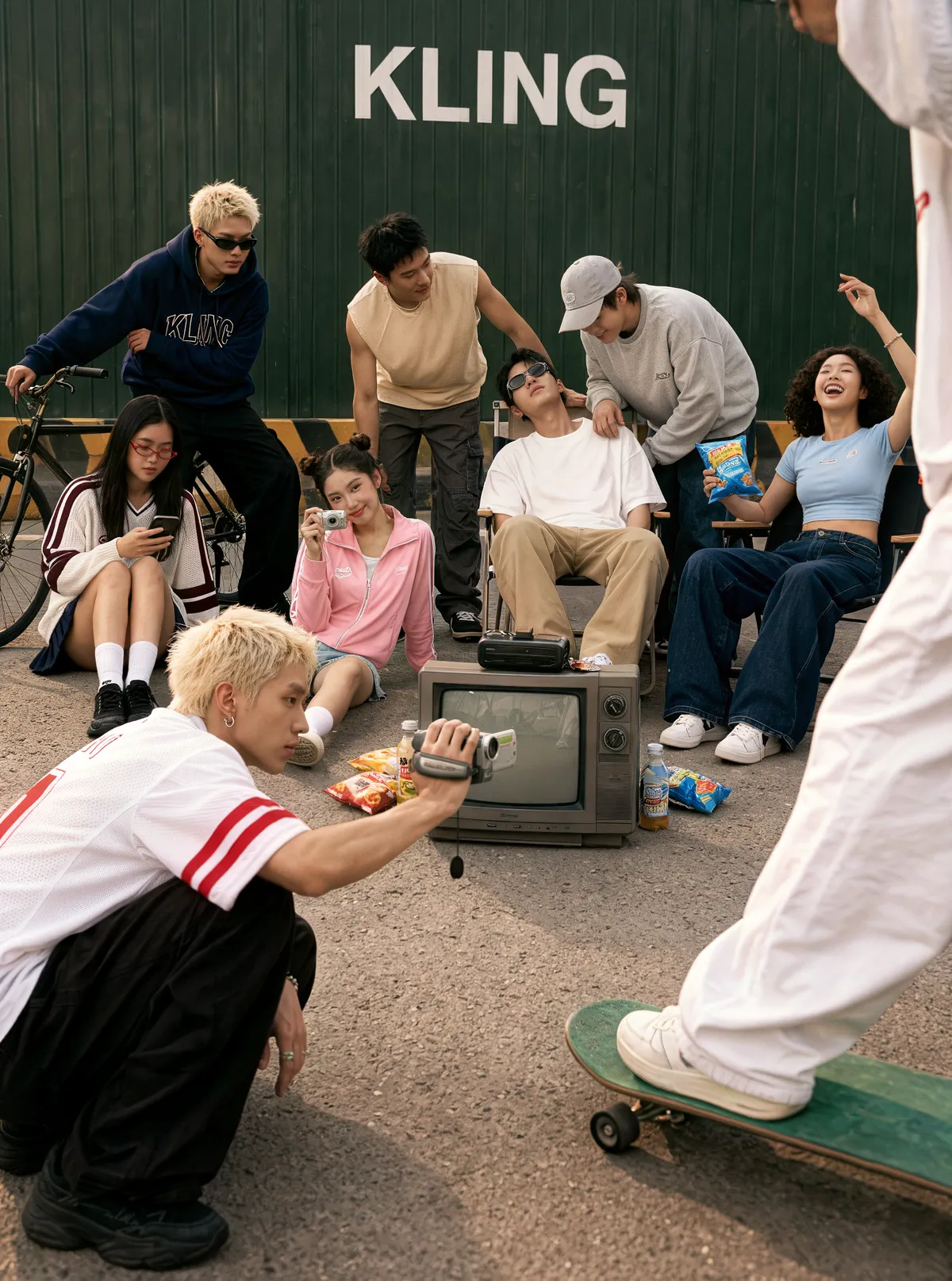
Start with a subject, setting, light and composition. Kling describes Image 4.0 as a text-to-image model focused on realistic detail and sharper results. Review the generated image at full size; a convincing scene can still contain small visual inconsistencies.
Kling Image 4.0 official example 5
Group composition sample

Guide the result with references

Supply up to 10 reference images when a task needs several visual cues. Assign each image a clear role, such as subject, material, palette or composition. Compare the result with every reference and inspect which details changed; a reference limit does not guarantee exact preservation.

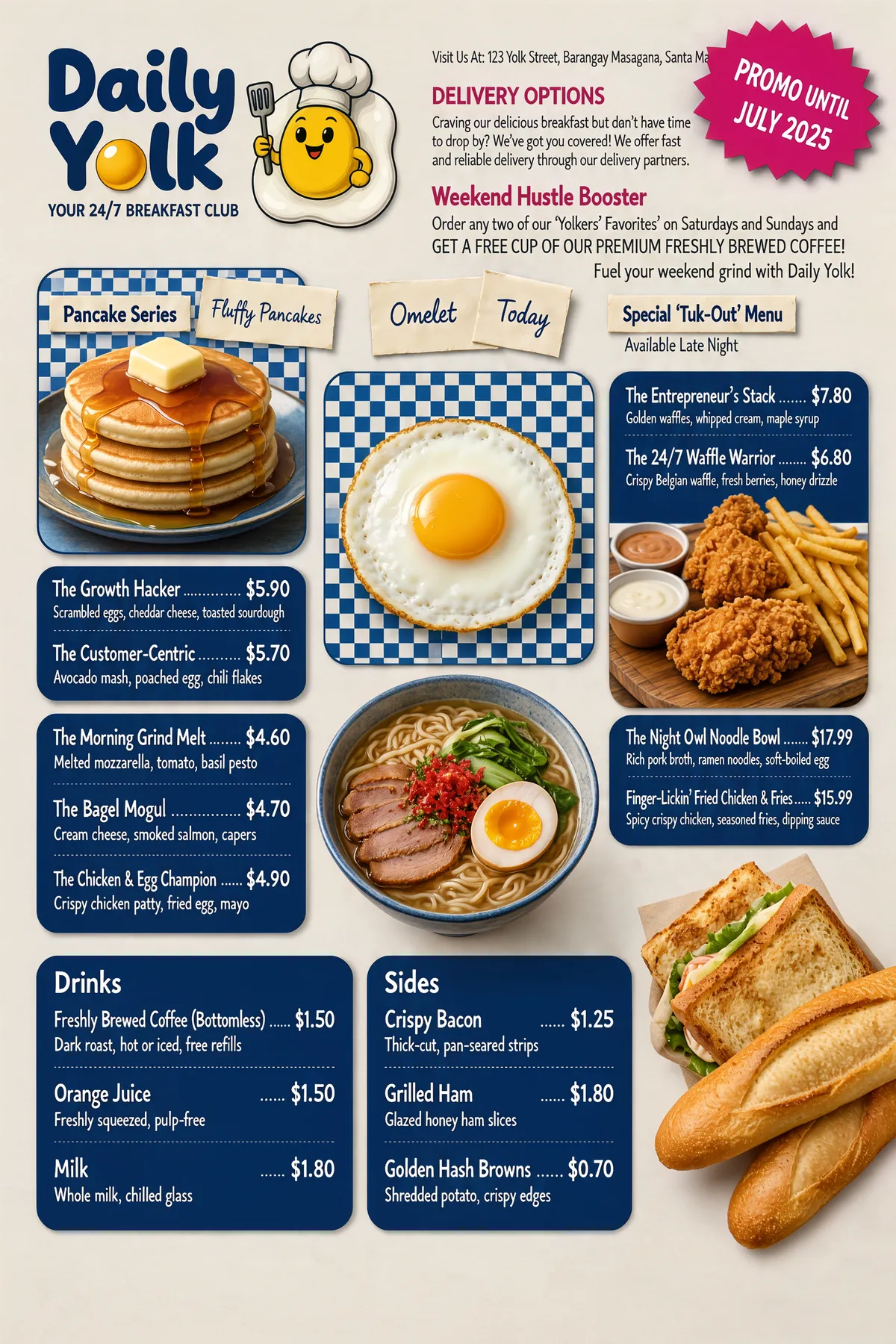
Kling Image 4.0 official example 24
Image with designed typography

Render words inside an image

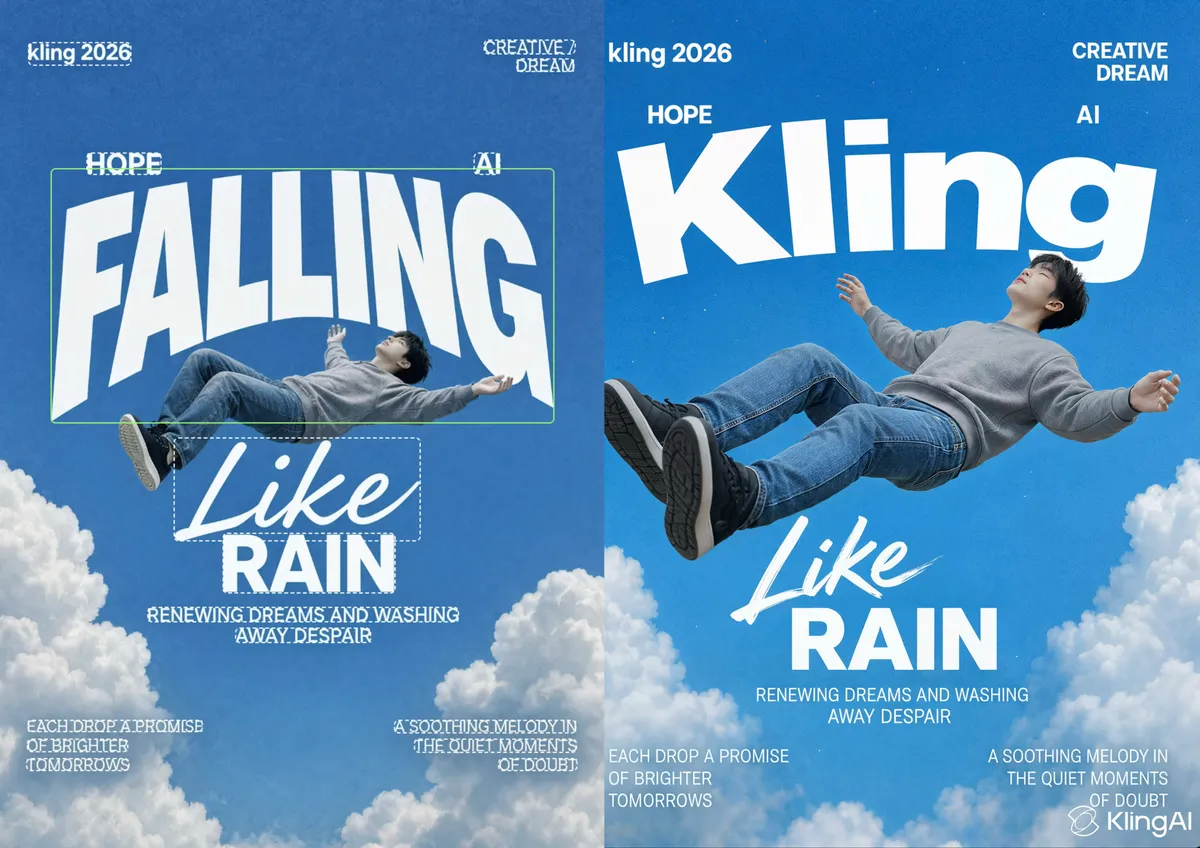
Kling documents support for rendering up to 2,000 characters in one image, including longer layouts such as posters and product pages. Keep the copy concise when legibility matters, then proofread every line at its intended display size.

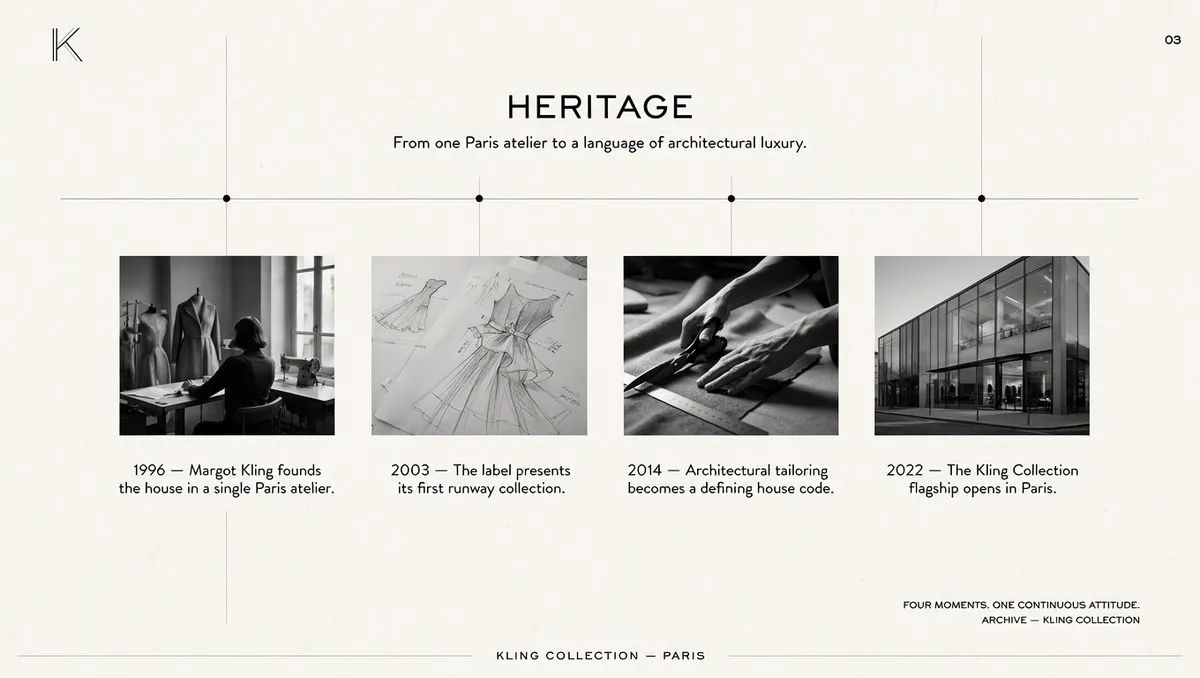
Heritage editorial layout with coordinated monochrome photographs
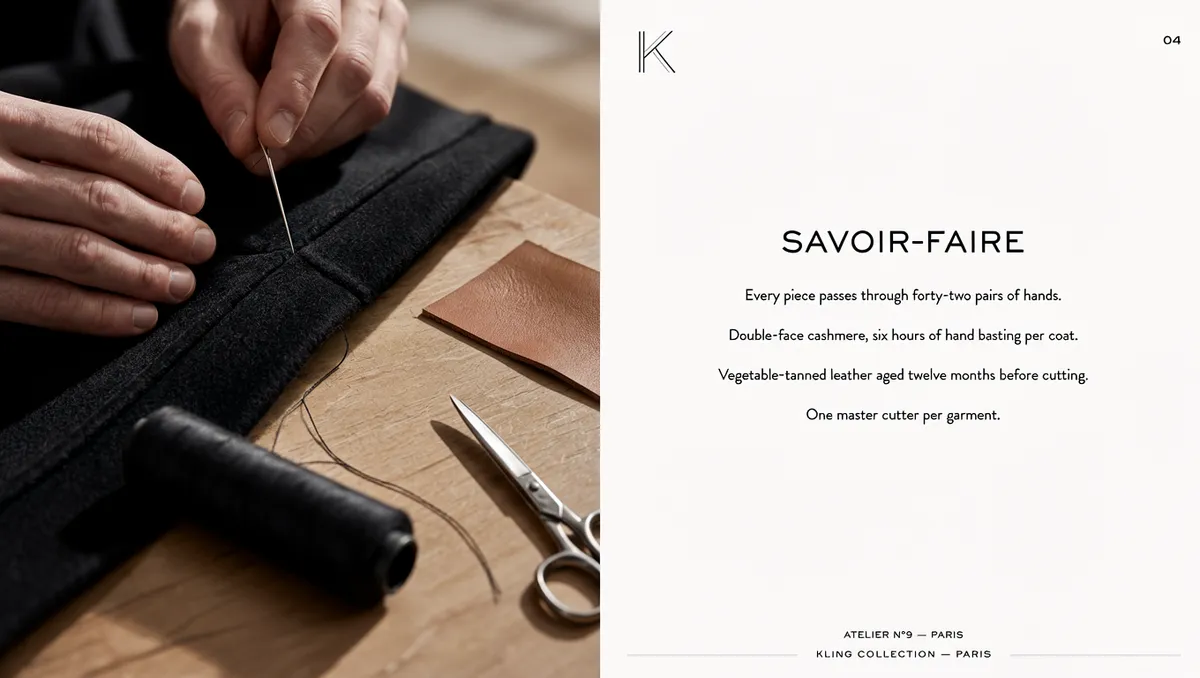
Coordinated editorial image set

Develop a consistent image set

The model can create up to 10 related images in a series. Define the recurring subject and visual direction in the prompt, then specify what should vary from frame to frame. Review continuity across the set rather than judging each image alone.

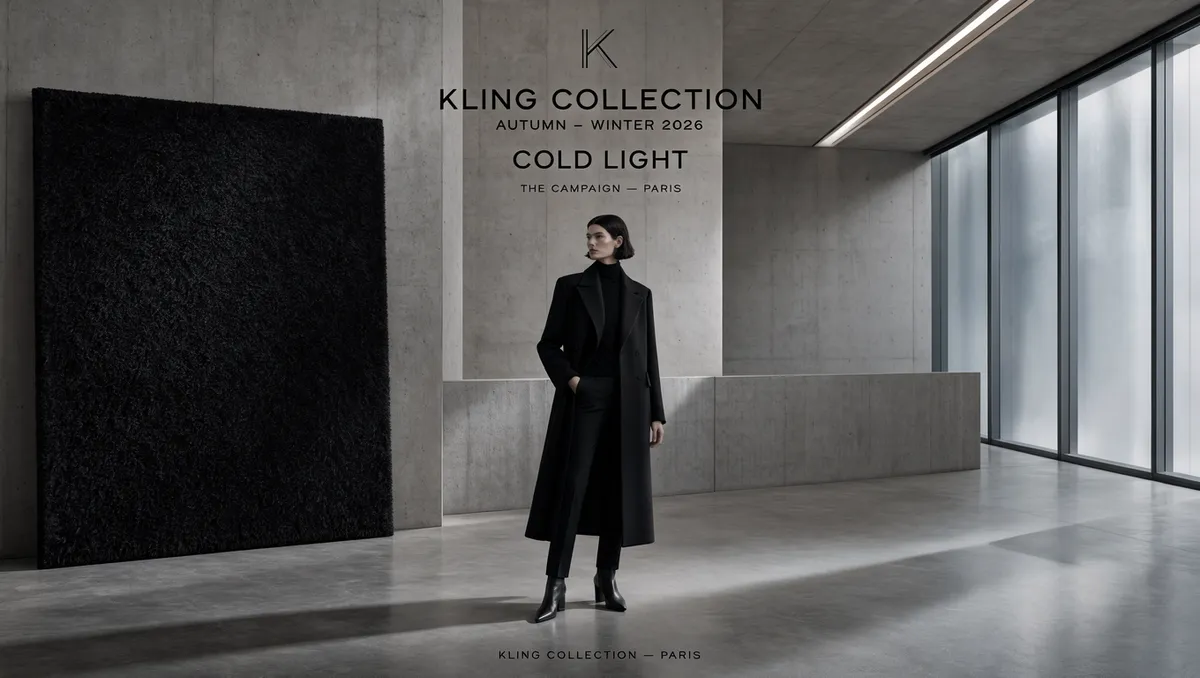
Kling Image 4.0 official example 29
Editorial layout and material detail

Explore product and editorial layouts

Use product details, typography and supporting imagery to explore a page or campaign composition. Kling’s examples include long-form image layouts and e-commerce detail pages. Treat generated wording, measurements and product features as concept material until they are checked against an approved brief.

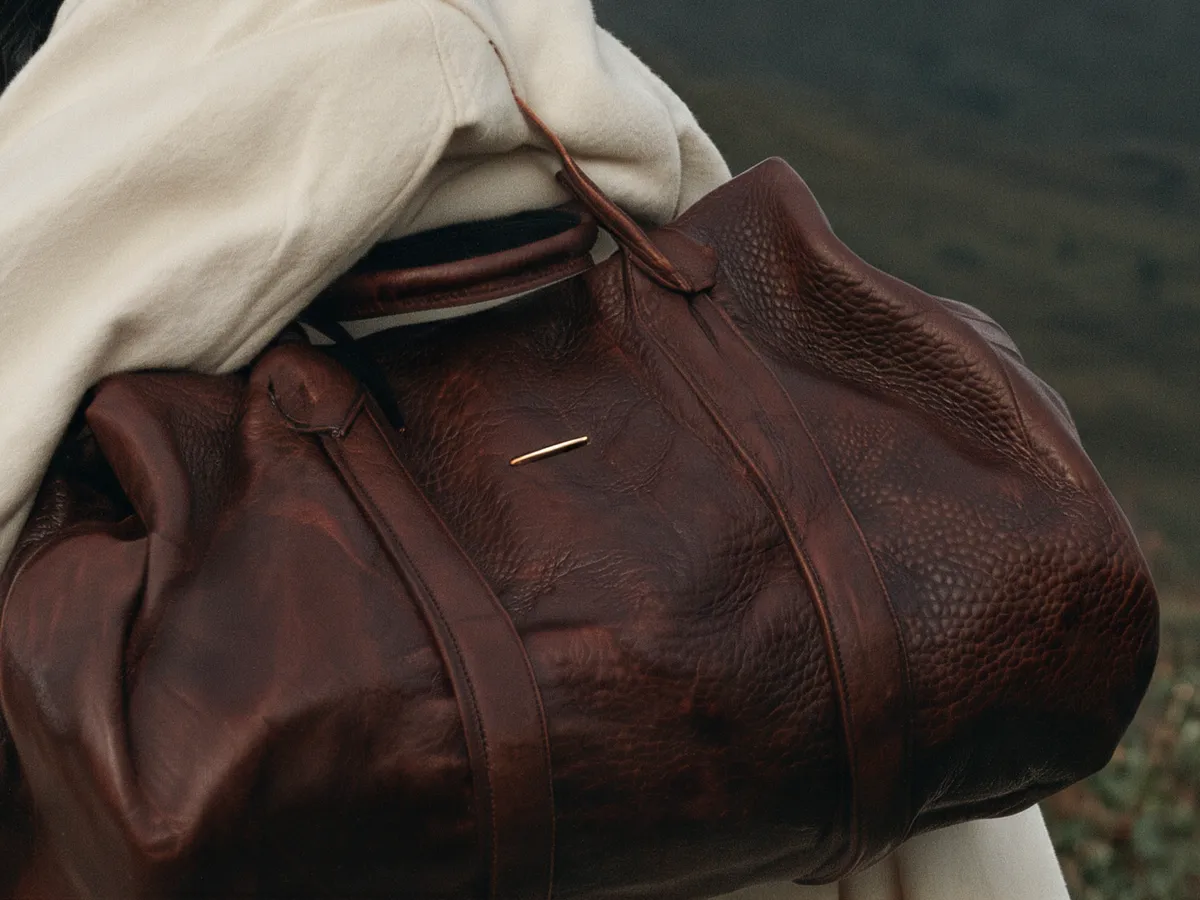
Kling Image 4.0 official example 14
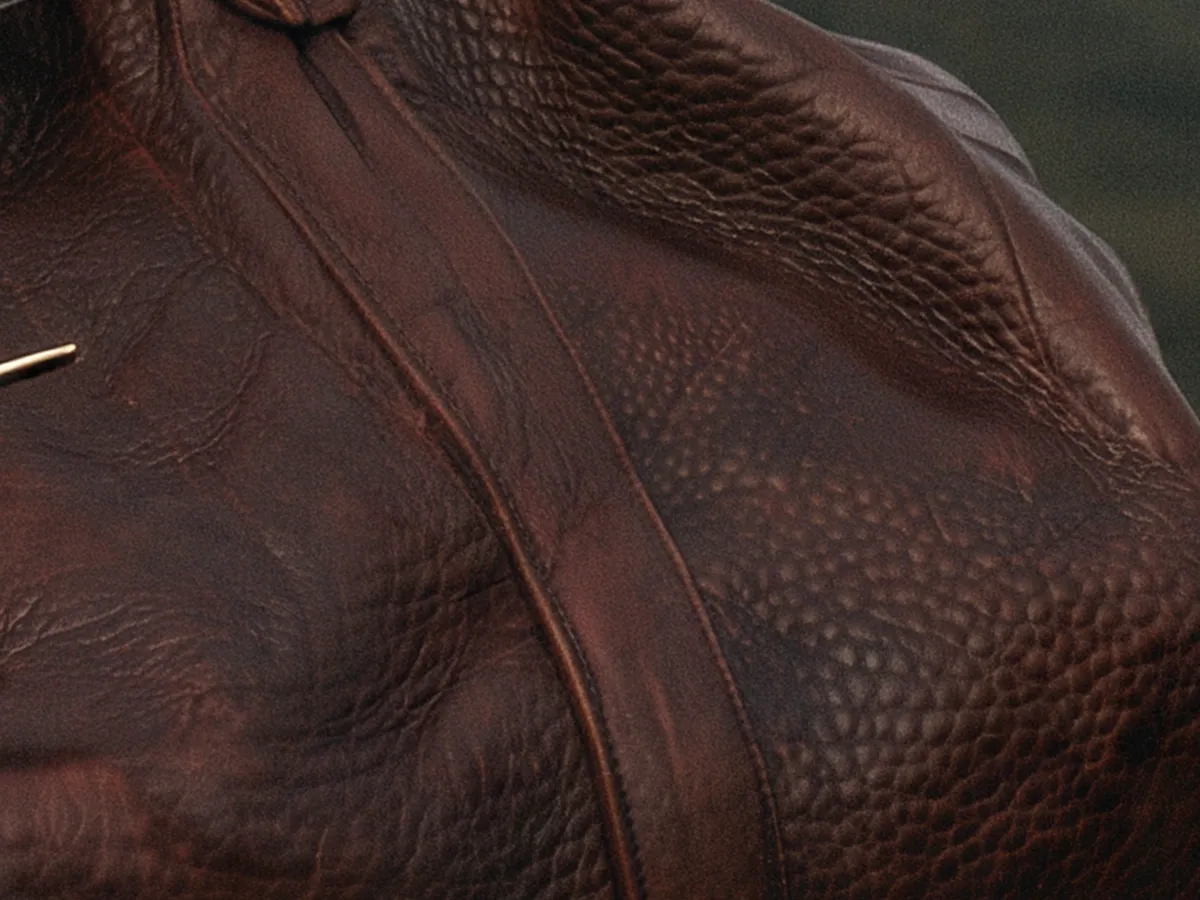
Close material detail

Choose a native output size

Kling lists native 2K, 4K and 8K image output. Select a size that suits the intended placement, then review fine edges, text and textures at delivery scale. The available controls may differ between Kling Studio and API routes.

Image showcase

Source: Kling AI’s official Kling Image 4.0 examples.

Model comparison

DIMENSIONKling Image 4.0Kling Image 3.0
Primary taskText-to-image generation and image editingText-to-image generation and image editing
Reference imagesUp to 10 images per inputUp to 10 reference images
Native image output2K, 4K and 8K1K and 2K listed for the standard API model
Text in imagesUp to 2,000 characters in one imageNot specified in the sources reviewed
ReleaseNovember 18, 2026January 31, 2026

Provider specifications for the named models; output controls vary by route. This is not a same-prompt Pexo benchmark. The 3.0 comparison uses the standard Kling Image 3.0 API entry, not Image 3.0 Omni.

Use-case scenarios

Campaign art direction

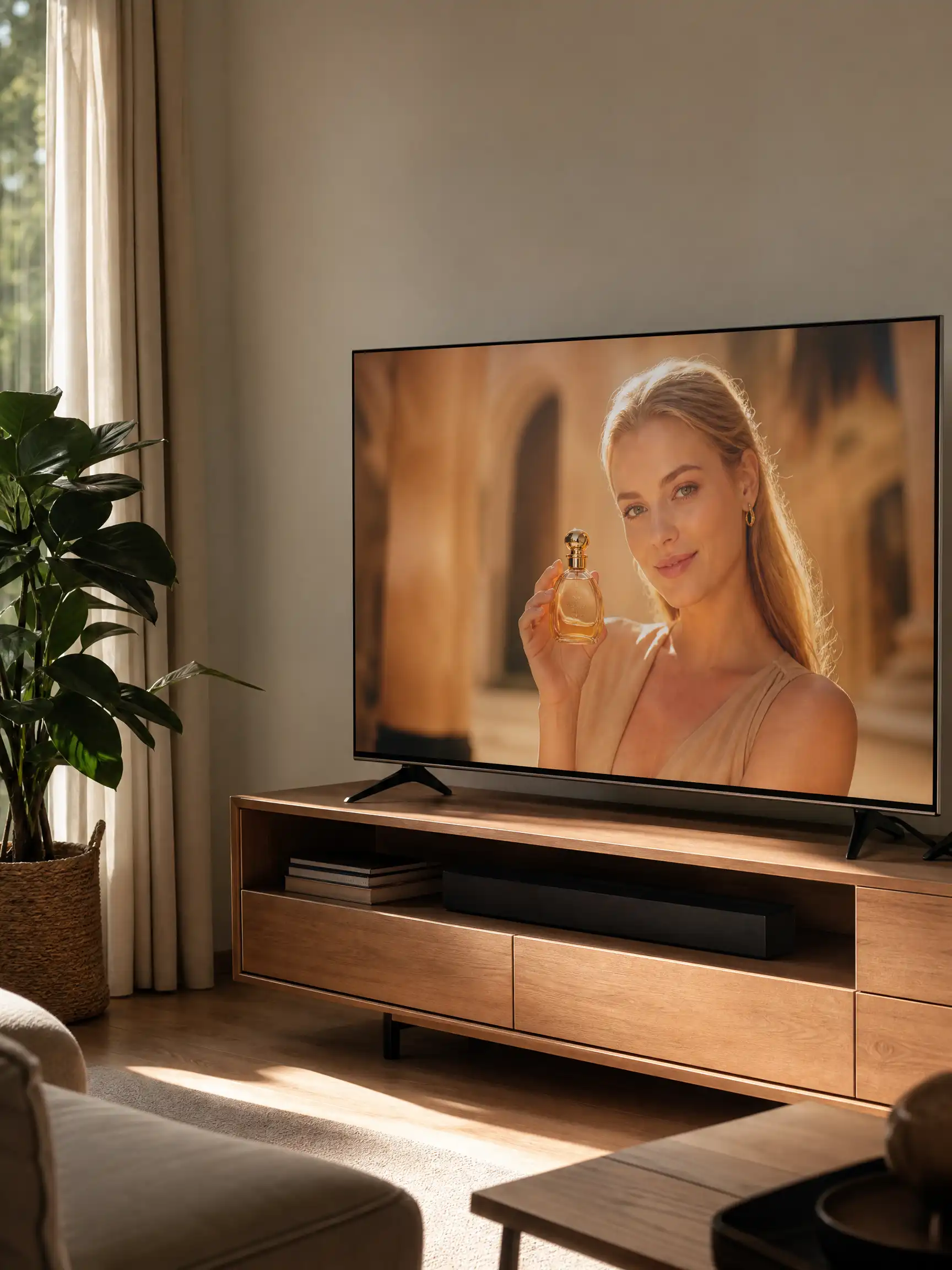
Build a key visual, then create related frames with the same subject and palette. Check that product labels, claims and required brand elements remain accurate.

Product-page concepts

Explore a long-form product layout or a set of product images from a detailed brief. Verify specifications, packaging and all generated copy against approved source material.

Storyboards and visual planning

Generate related stills to explore a sequence before motion work begins. Review composition and continuity across the series; still images do not establish video motion or timing.

Use cases

Bring a campaign visual, product concept, or mockup into a related Pexo video workflow.

Frequently Asked Questions About Kling Image 4.0

What is Kling Image 4.0?

Kling Image 4.0 is Kling AI’s image generation and editing model. The provider describes text-to-image, image editing, multi-image references and image-set workflows.

When was Kling Image 4.0 released?

Kling announced the model on November 18, 2026. Its launch page says it is available in Kling Creative Studio, with API access for enterprises and developers.

How many reference images can I use?

Kling documents up to 10 reference images per input. Clear instructions help identify the role of each reference, but generated results still need review.

What image sizes and text lengths does it support?

The release notes list native 2K, 4K and 8K output and up to 2,000 characters rendered in one image. Check the selected interface or API documentation for its current options.

Should I use Kling Image 4.0 or Kling Image 3.0?

The 4.0 release notes list native output up to 8K and a 2,000-character text-rendering capability. The standard 3.0 API entry lists 1K and 2K output; Image 3.0 Omni has separate specifications. Choose based on the exact route and inspect the result for your task.

Official Kling Image 4.0 guide

Describe your idea and start your next creation.

Start creating