Pexo
LongCat-Video-Avatar 1.6

LongCat-Video-Avatar 1.6
Animate a speaking character

LongCat-Video-Avatar 1.6 is Meituan’s open-weight model for generating avatar video from speech audio. It supports single and multiple characters and audio-driven continuation. Meituan released the code and weights on November 15, 2026.

Official 1.6 excerpt. A speaker outdoors moves her lips and tilts her head in time with the supplied speech. Turn on sound to compare the timing.

Core capabilities

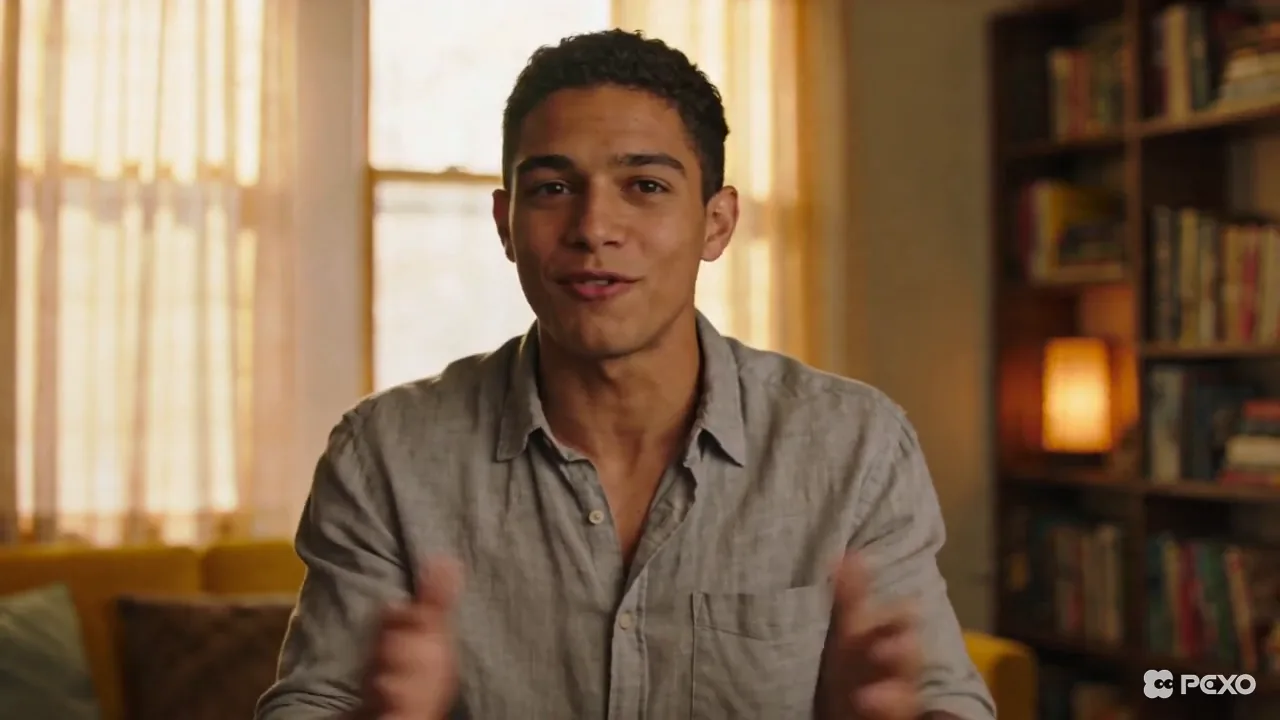
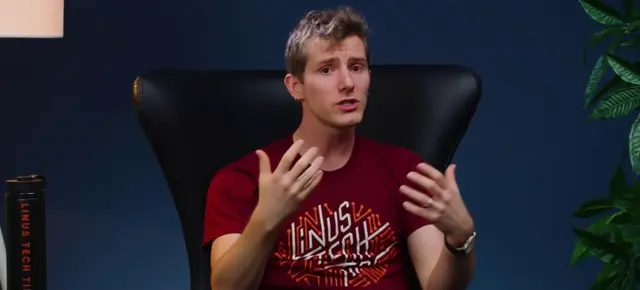
Seated presenter gesturing with both hands
Output frame · seated speaker gestures with both hands

Drive a presenter with speech

Pair a still portrait with a speech recording, or describe the scene in the documented text-driven workflow. The audio guides the timing of the performance. For a clean test, start with one clearly audible voice and leave enough room in the frame for gestures.
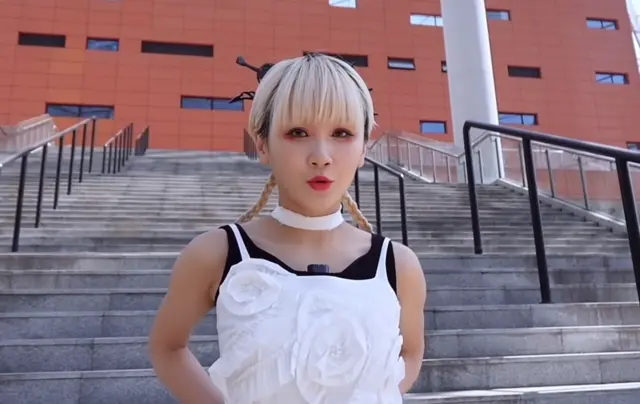

Outdoor speaker in front of red brick
Output frame · direct-to-camera close-up

Review lip sync and expression

Watch the mouth at consonants and pauses, then check eye, head and shoulder movement. Meituan reports changes in 1.6 aimed at reducing strained mouth shapes and making facial and body motion work together.

Two figures in a close dialogue scene
Output frame · two characters in a dialogue scene

Stage more than one speaker

The upstream implementation documents multi-character generation. Plan who talks when and keep dialogue tracks clearly separated in the workflow. Check that expressions and reactions follow the active speaker.

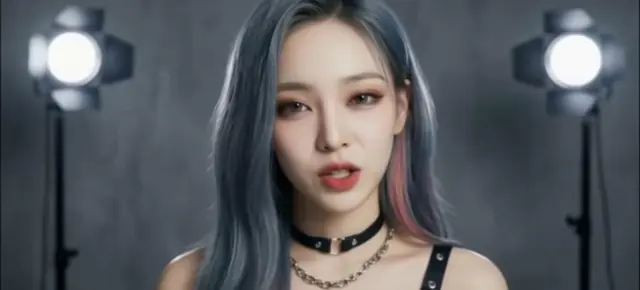
A speaker framed between two studio lights
Output frame · a studio portrait from a shorter example

Continue a performance across segments

Use the documented audio-driven continuation workflow for longer material. The team reports videos beyond 10 minutes in its demonstrations. Check visual continuity at transitions and inspect longer runs end to end before delivery.

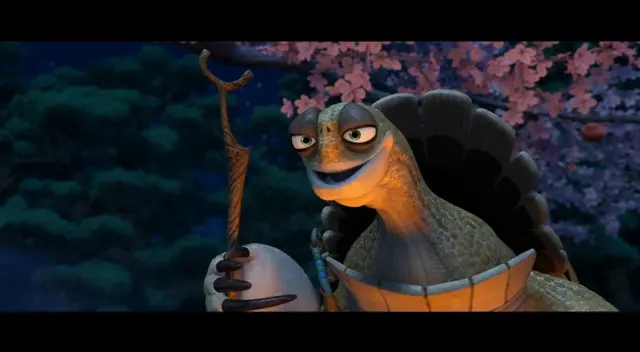
Stylized animated character under pink blossoms
Output frame · animated character under blossoms

Work with illustrated characters

A speaking performance can use a stylized reference. Choose a face with readable eyes and mouth shapes, then use a short test for timing before committing to a full exchange.

Host raises bags in a product presentation
Output frame · presenter lifts several items

Block gestures around a product

For a product pitch, give the subject a visible prop and frame both the face and hands. Check the prop during wide gestures and after it returns to rest.

Image showcase

Source: Meituan LongCat’s official LongCat-Video-Avatar 1.6 demonstrations. Pexo navigation previews below are separate product images.

Model comparison

DIMENSIONLongCat-Video-Avatar 1.6LongCat-Video-Avatar 1.5
Main taskAudio-driven single- and multi-character videoAudio-driven single- and multi-character video
Reference workflowAudio with text or an image, plus continuation modeAudio with text or an image, plus continuation mode
Motion focusRefined lip shapes and coordinated face, head and body motionPrevious release established stylized, interactive and multi-person scenes
Long takesTeam reports longer than 10 minutes in its continuation demosLong-form continuation supported
AvailabilityPublic code and model weightsPublic code and model weights

Based on the publisher’s documentation. Compare the two releases on the same reference and recording for your own workflow.

Use-case scenarios

Talking-head lessons

Animate a teacher or presenter from a prepared recording. Break lessons at natural pauses and review mouth timing before adding captions.

Character interviews

Create a two-person exchange from separated dialogue. Plan speaker order and reactions, then check the transition from listening to speaking.

Product walkthroughs

Plan each gesture around the spoken explanation. Check that the prop stays readable while the presenter moves.

Use cases

Continue a presenter-led project with Pexo’s video creation workflows.

Frequently Asked Questions About LongCat-Video-Avatar 1.6

What does LongCat-Video-Avatar 1.6 generate?

It produces speaking-character video driven by supplied audio, with workflows for one character or several. The reference implementation supports image-conditioned, text-conditioned and continuation workflows.

What changed from version 1.5?

The team focused on mouth shapes, speech alignment, coordinated expression and reduced visual drift in longer takes. Both versions have public weights.

Can I use a photo as the starting point?

Yes. The image-conditioned workflow combines a still reference with speech audio. Choose a photo you are authorized to use and test a short passage first.

How long can a video be?

Meituan reports demonstrations exceeding 10 minutes using continuation. That is a documented example, and practical duration depends on the workflow, hardware and tolerance for visual drift.

Where can I get the model?

The publisher provides public weights on Hugging Face and upstream inference code on GitHub. Check the model card and repository for the current license and setup instructions.

Official LongCat-Video-Avatar 1.6 guide

Describe your idea and start your next creation.

Start creating