 ChatGPT
 Perplexity
 Claude
 Gemini
 Grok




A client can like the images while the producer still needs a decision about timing, dialogue, or the product demonstration. Choose storyboard software around the decisions your team must carry into production.
Boords is a strong candidate for client review and timed animatics. StudioBinder suits boards connected to shoot planning. Storyboarder supports drawing and local project work, while Milanote suits collaborative visual planning. The right choice depends on what must leave the board when planning is finished.
What Must a Storyboard Tool Deliver?
It should give production a clear sequence, the words and actions assigned to each scene, and an identifiable approved version. If timing matters, it should also provide a way to check the pictures against spoken audio.
Consider Runa, a fictional tote that folds into an attached pouch. The illustrative brief calls for six panels in a 30-second video. The sequence introduces the need, shows the open tote, identifies the pouch, demonstrates folding, shows storage, and closes with the product name.
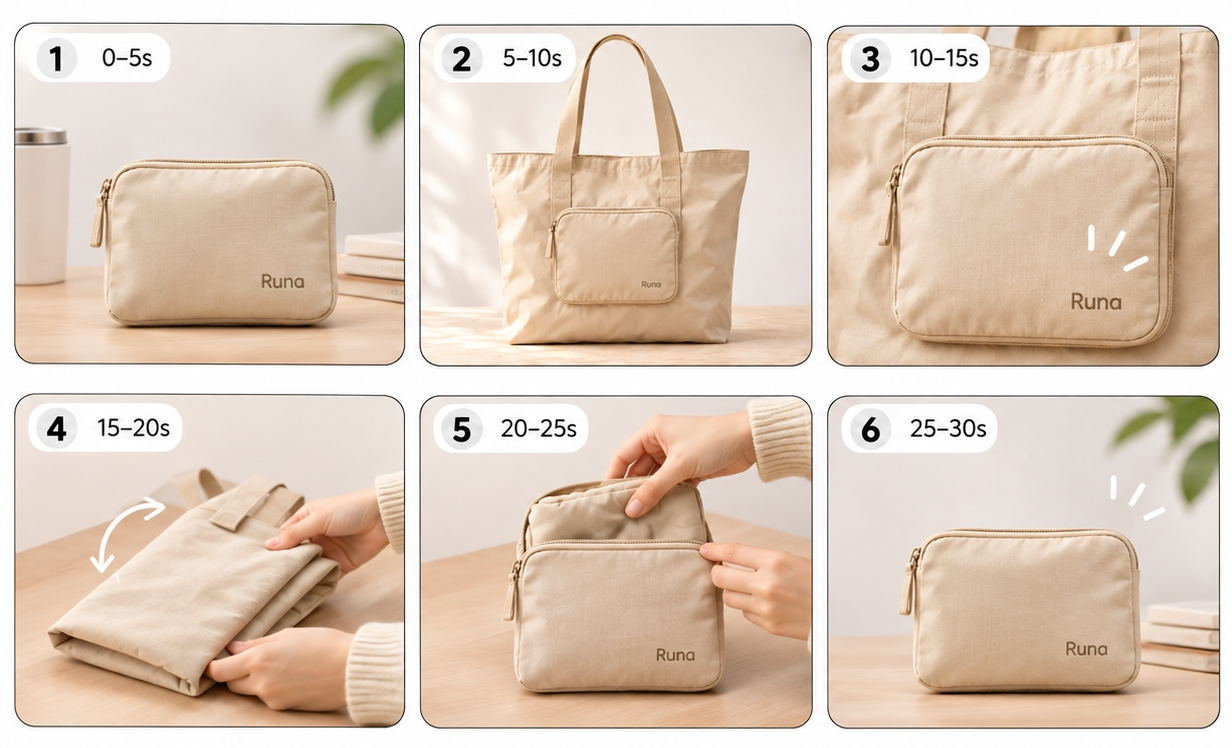
The product owner must verify the folding sequence against real references. The client reviews the story and presentation. A producer needs to know which drawings, lines, and durations have been accepted.
That creates three different approval questions. An attractive PDF can help answer the presentation question while leaving the timing and product checks unresolved.
How the Tools Were Compared
This is an editorial comparison of official product pages and documentation checked on November 4, 2026. It does not report a matched production test or rank speed, image quality, or return on investment.
Each tool was assessed against the same five needs: script-to-board handoff, timed animatics, client review, version records, and exports.
| Need | Boords | StudioBinder | Storyboarder | Milanote |
|---|---|---|---|---|
| Script and frames | Script tools and frame notes | Script-linked scenes and shot details | Fountain screenplay and board dialogue | Notes beside visual references |
| Timing | Frame timing and audio | Scrollable sequence; separate full animatic | Timed board playback | Sequence planning; separate timed edit |
| Client review | Frame comments and guest review | Shared boards and comments | Share exported review files | Board comments and sharing controls |
| Version record | Board versions and statuses | Archive; confirm approval-record needs | Keep named project snapshots | Keep approval snapshots; verify history needs |
| Delivery | PDF; paid animatic and editing exports | PDFs and shared links | PDF, GIF, and editing-app routes | PDF, PNG, text, and board files |
The snapshot recommendations are team practices, not claims that every tool has the same version-management features. Before buying, confirm the required export, reviewer access, and history features in the actual plan.
1. Boords for Review and Animatics
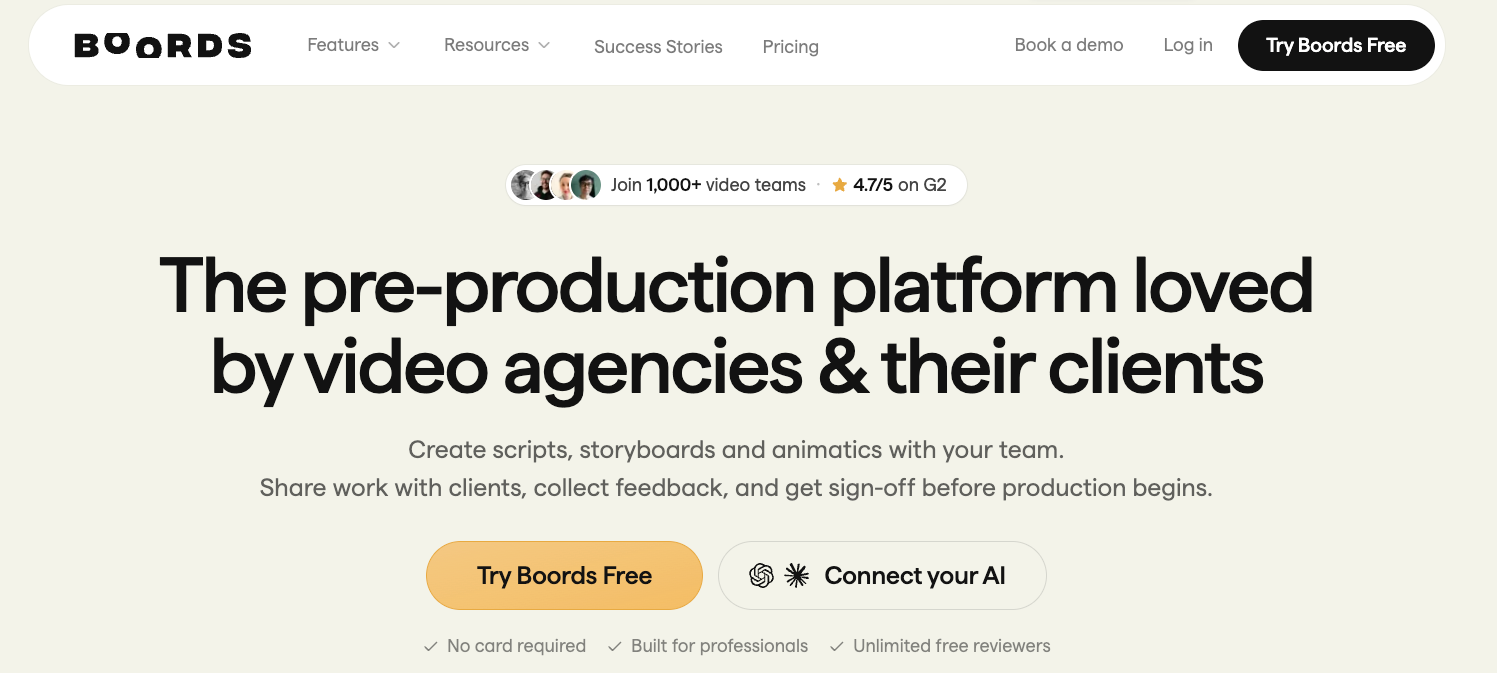
Boords fits a marketing team that wants the script, storyboard, timing review, and client feedback close together. You can work with frame text, upload product references, and gather comments on individual frames.
For Runa, the useful review is whether the folding demonstration has enough time before the storage scene. Boords supports frame durations and uploaded audio, so the team can review that relationship as an animatic. A sequence of still frames can establish pacing; it cannot prove that the real tote folds as drawn.
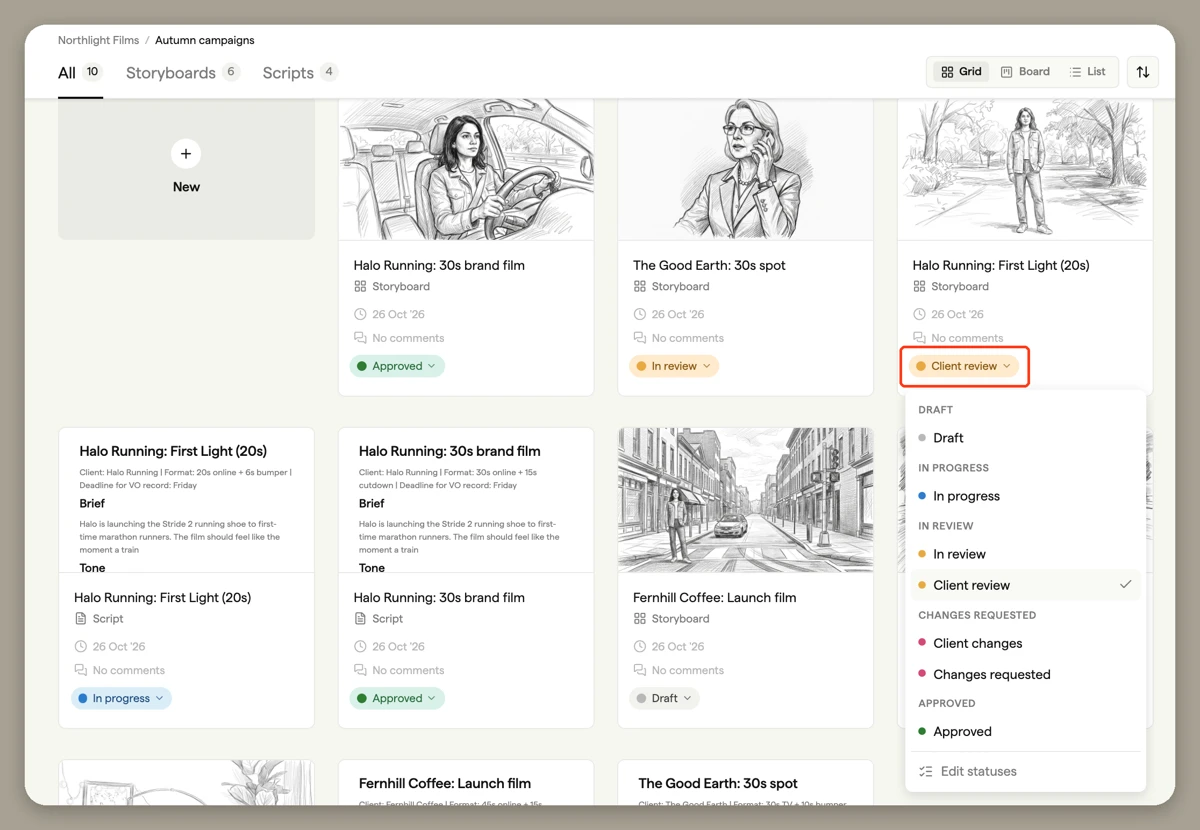
Its storyboard versions and statuses help separate review rounds. A new version preserves earlier iterations and starts with a Draft storyboard status. Comments and frame statuses can be copied, so a producer should distinguish carried-forward notes from newly completed review.
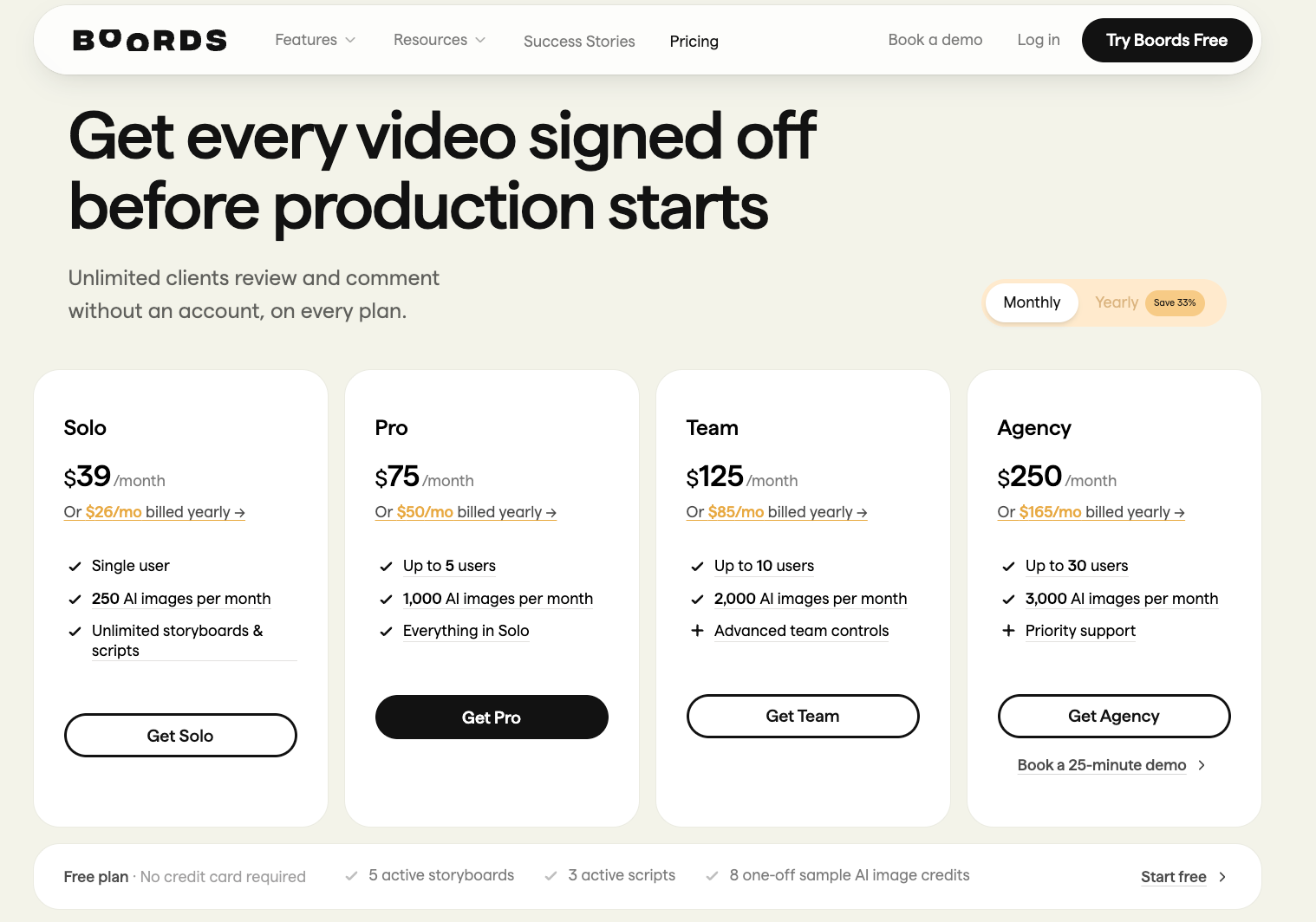
Delivery is also a purchasing decision. Current export guidance lists PDFs on every plan, with watermark conditions. MP4 animatics and editing-app exports have paid-plan or trial restrictions. Check the exact deliverable before choosing a plan; access to a board does not establish access to every export.
Best fit: teams with recurring client rounds and a need to approve pacing before production. If you only need a simple reference sheet, assess whether those review features justify the subscription.
2. StudioBinder for Production Planning
StudioBinder makes sense when the board must connect to a shoot. Its storyboard workflow links script scenes, visual panels, shot specifications, and wider production planning.
For Runa, the producer could organize the folding close-ups with their camera and framing notes, then use the board alongside shot lists and other shoot documents. Uploaded references and annotations help communicate what the crew must capture. Script importing can organize scenes, but it does not verify product behavior or supply approved product imagery by itself.
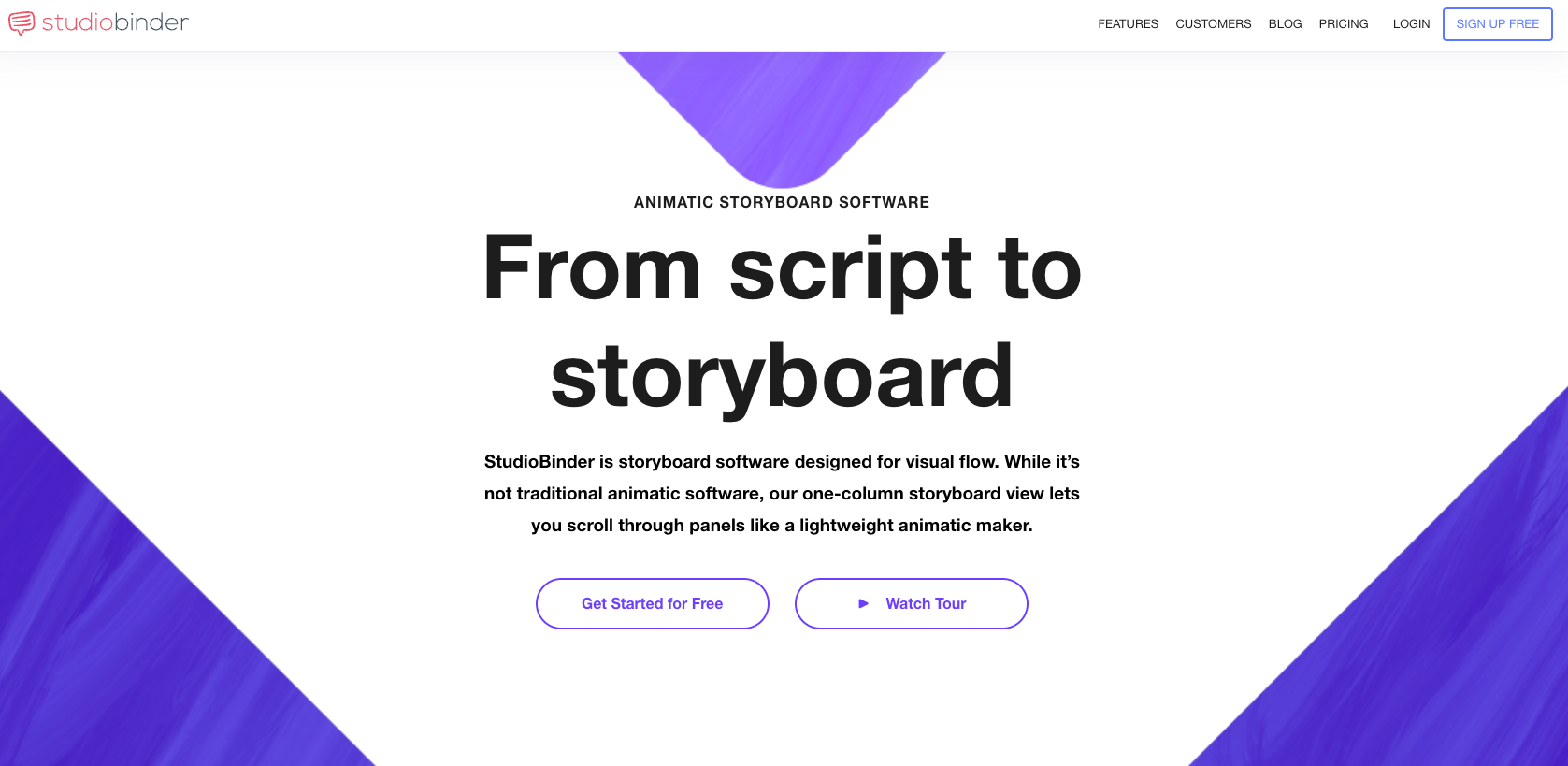
The timing boundary matters. StudioBinder describes its animatic-style storyboard view as a scrollable sequence, rather than traditional full animatic playback. If the buyer needs to hear narration against measured frame durations, plan a separate timed edit.
Shared links, collaborator comments, customized PDF exports, and storyboard archiving support handoff. For a formal approval process, confirm how your team will connect the approver, exported version, and subsequent changes. An archived board and a client sign-off serve different purposes.
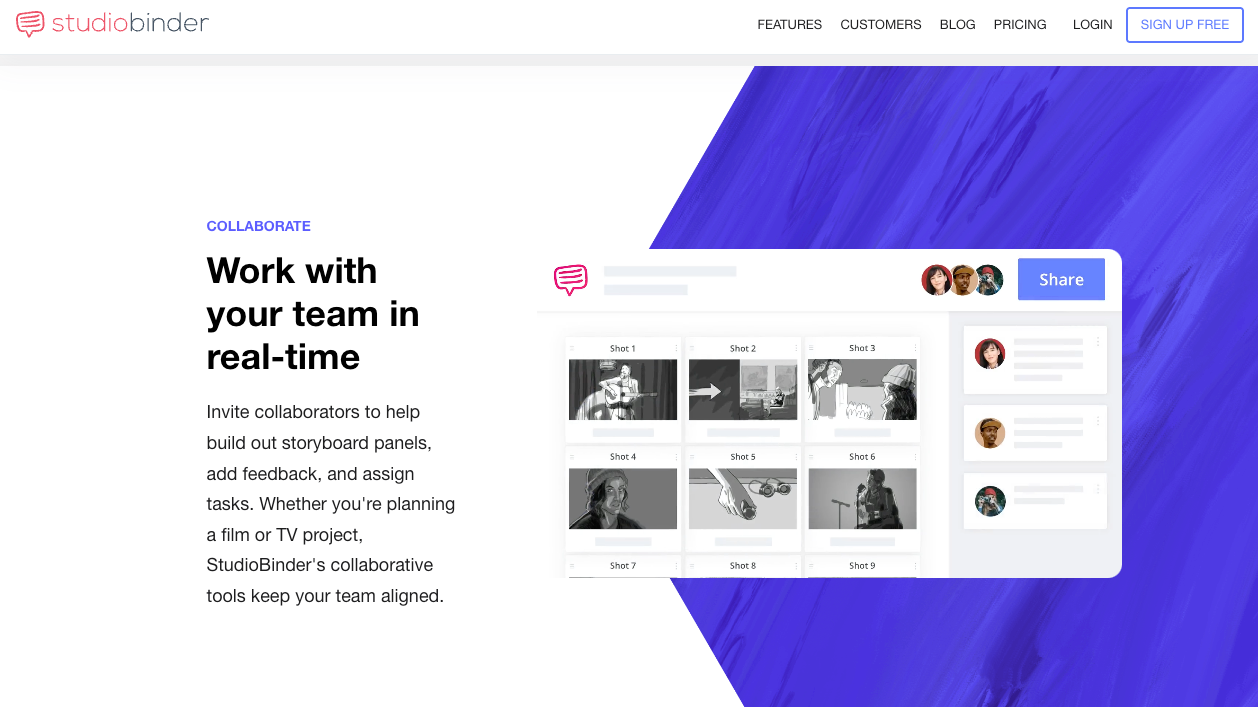
Best fit: teams preparing live-action product shoots with crew and shot-planning requirements. Confirm which production modules and collaboration features your selected subscription includes.
3. Storyboarder for Drawing a Board
Wonder Unit's Storyboarder is a free, open-source desktop option for people who want to sketch the action themselves. It supports starting a board from a Fountain screenplay, adding dialogue and action notes, and assigning timing to panels.
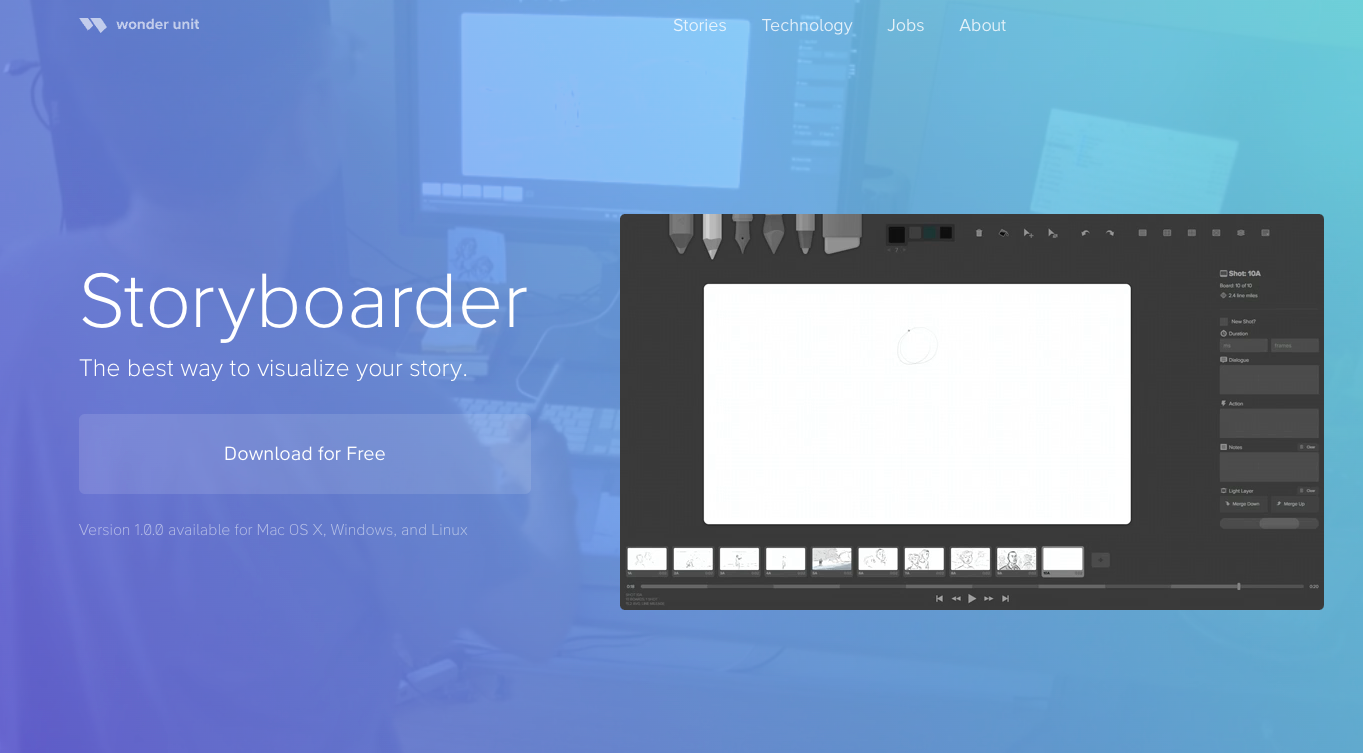
For Runa, an artist can draw intermediate folding positions that product photography does not clearly explain. Rough drawings are enough if the hand position and attached pouch remain understandable. The product owner still needs to check those positions against an approved demonstration.
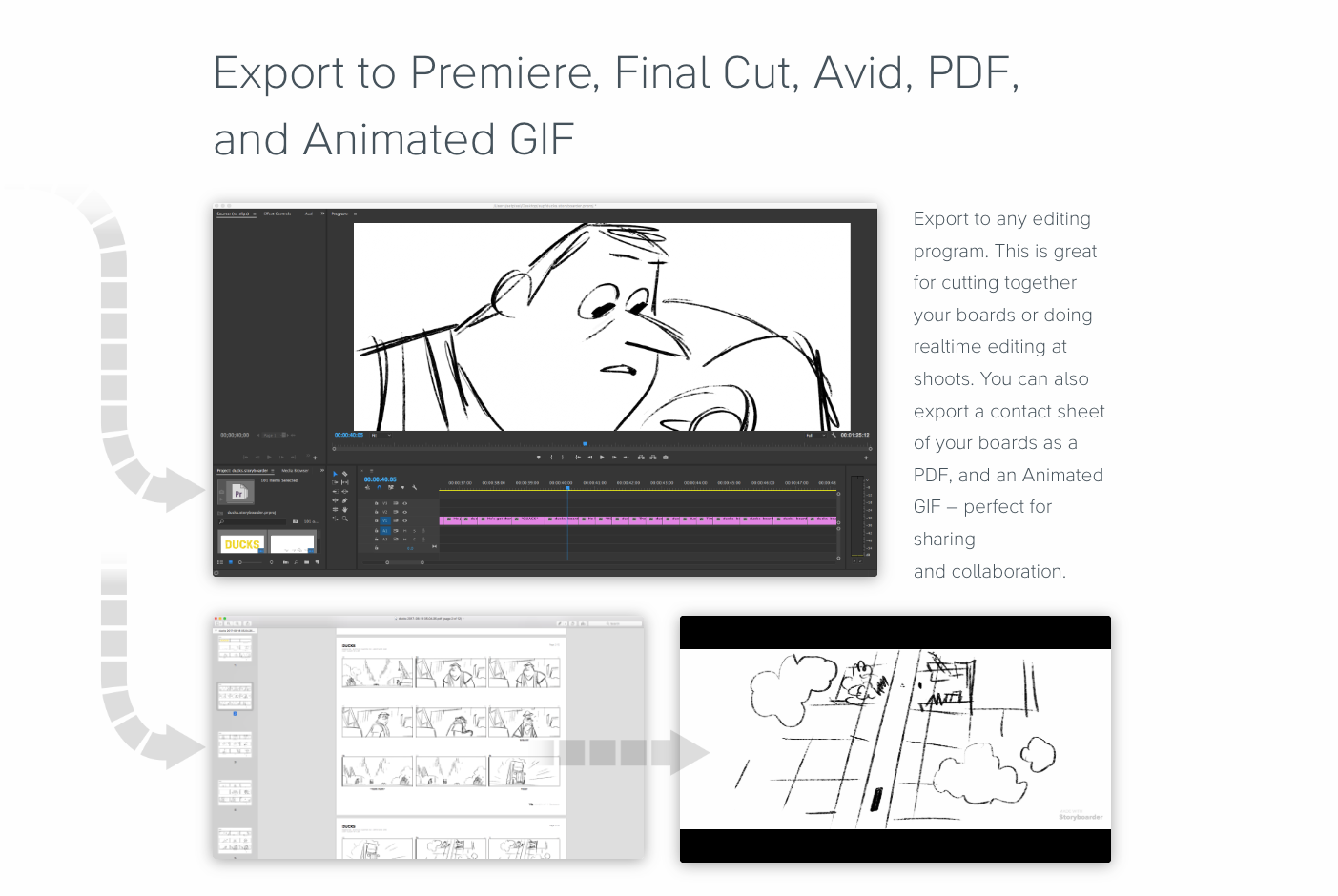
Timed playback helps an artist pitch the sequence. Wonder Unit also documents PDF, animated GIF, and editing-app export routes. Test the required export on your operating system and receiving application before adopting it for a client deadline.
Treat client review and version preservation as separate arrangements. A team can share exported files and keep named project snapshots with consolidated comments. Do not assume a local drawing project supplies the same guest-review and approval record as a dedicated cloud review workflow.
Best fit: a solo creator or small team with someone comfortable drawing and managing project files. Its value is direct visual authorship; the team takes responsibility for review distribution and backups.
4. Milanote for Collaborative Visual Planning
Milanote suits a team that needs to explore the visual direction together. Images, notes, videos, and other references can sit on a flexible canvas, with templates and sketch cards available for organizing scenes.
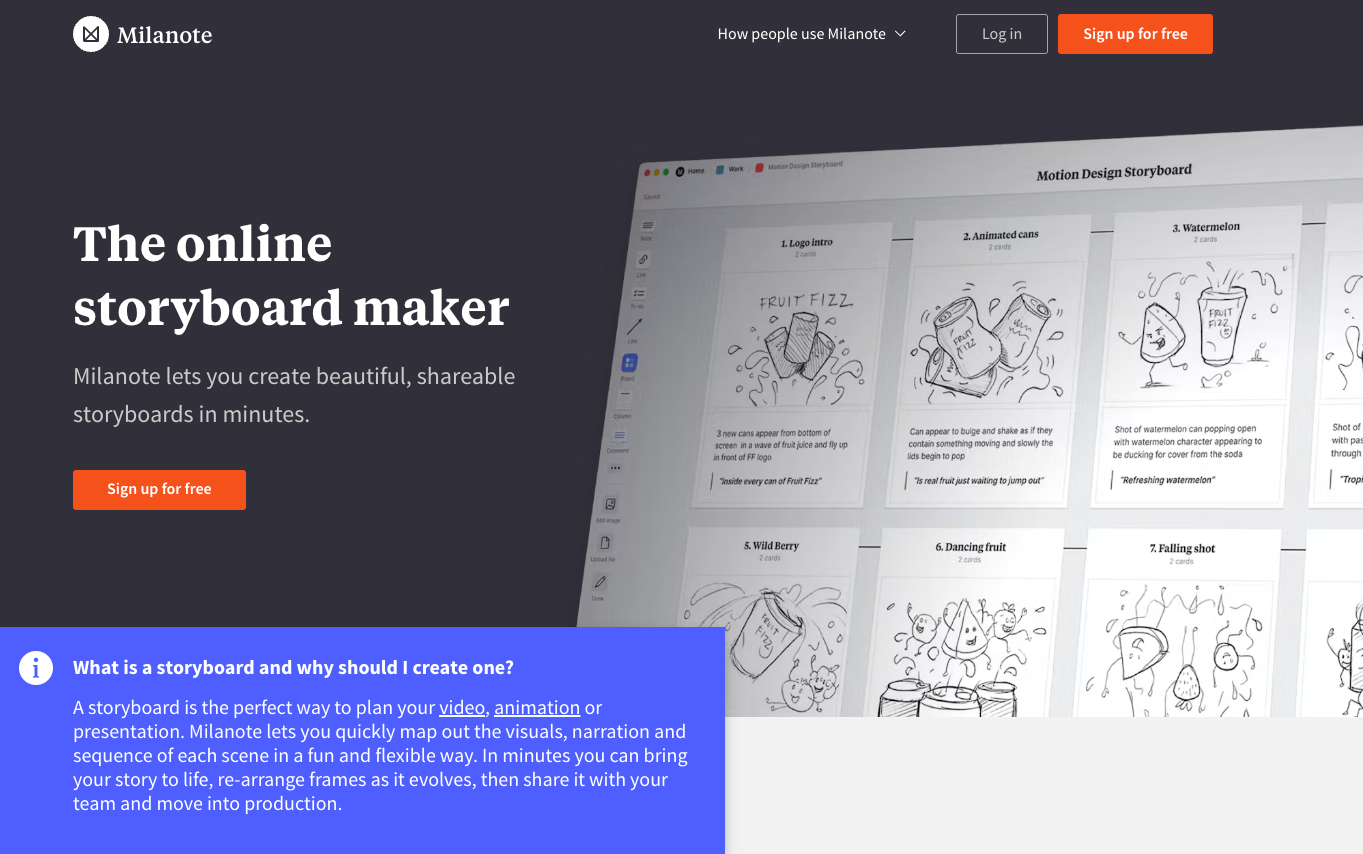
For Runa, put the approved tote photographs beside the proposed scene order and attach copy notes to each stage. Keep inspiration images visibly separate from production references. A collaborator should not mistake a mood image for the actual SKU.
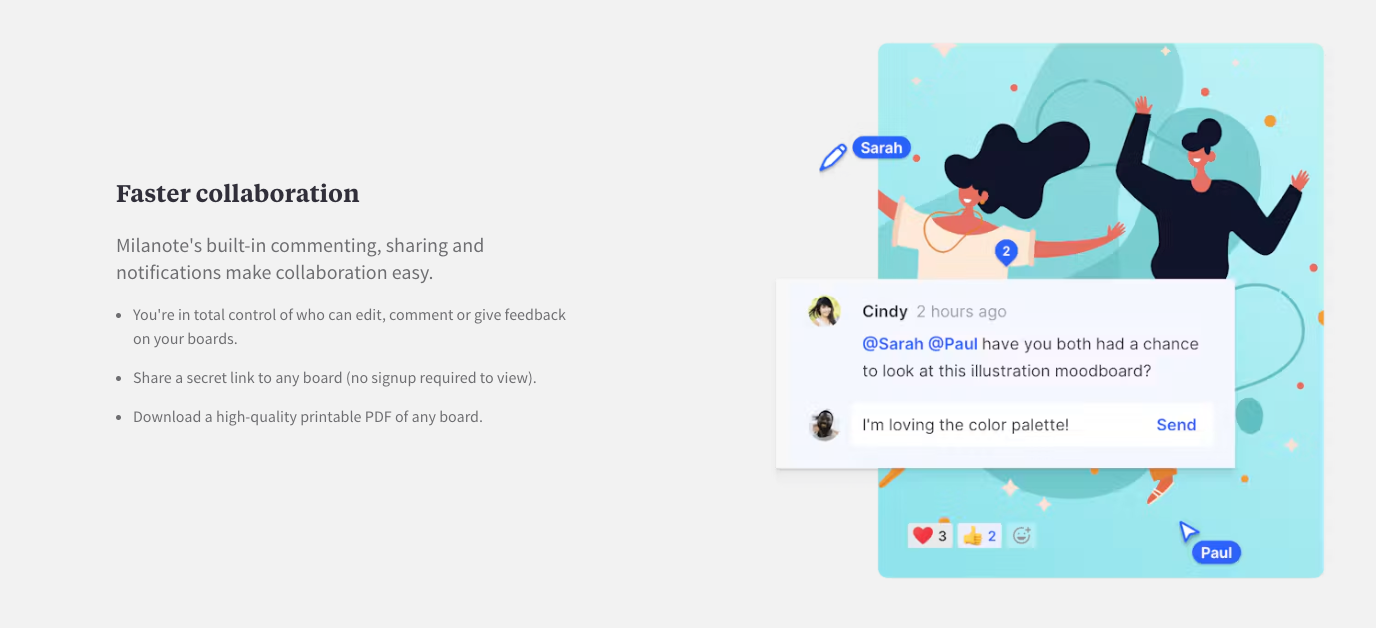
Milanote documents comments, sharing, and controls over who can edit or contribute feedback. Those capabilities support discussion. For formal approval, retain a dated snapshot and an explicit decision naming the accepted sequence. The reviewed pages did not establish a version-to-sign-off chain equivalent to Boords' documented workflow.
Export options include PDF, PNG, document formats, and a ZIP of board images or files. Its help guidance says PDF and PNG exports use a single page. Check legibility on a large board; a canvas that works when zoomed in may become tiny in a client PDF.
Best fit: teams aligning references, copy, and creative direction. Arrange a separate timed animatic when duration and voiceover need approval; embedded videos alone do not establish that timing workflow.
How Does an Approved Board Become a Video Brief?
Send the approved sequence with the assets and instructions needed to reproduce its meaning. A review link alone may not tell production which placeholder must be replaced or which words must remain exact.
For Runa, the handoff should include:
-
The approved board version, approval date, and named decision-makers.
-
The script, exact product name, and verified folding instructions.
-
Original product references, with placeholders marked for replacement.
-
Scene durations or the approved animatic, plus its audio status.
-
Delivery requirements and a short list of unresolved items.
The product-explainer brief shows how to keep claims beside their supporting assets. A useful production note here is: “Keep the pouch visibly attached throughout the folding demonstration.”
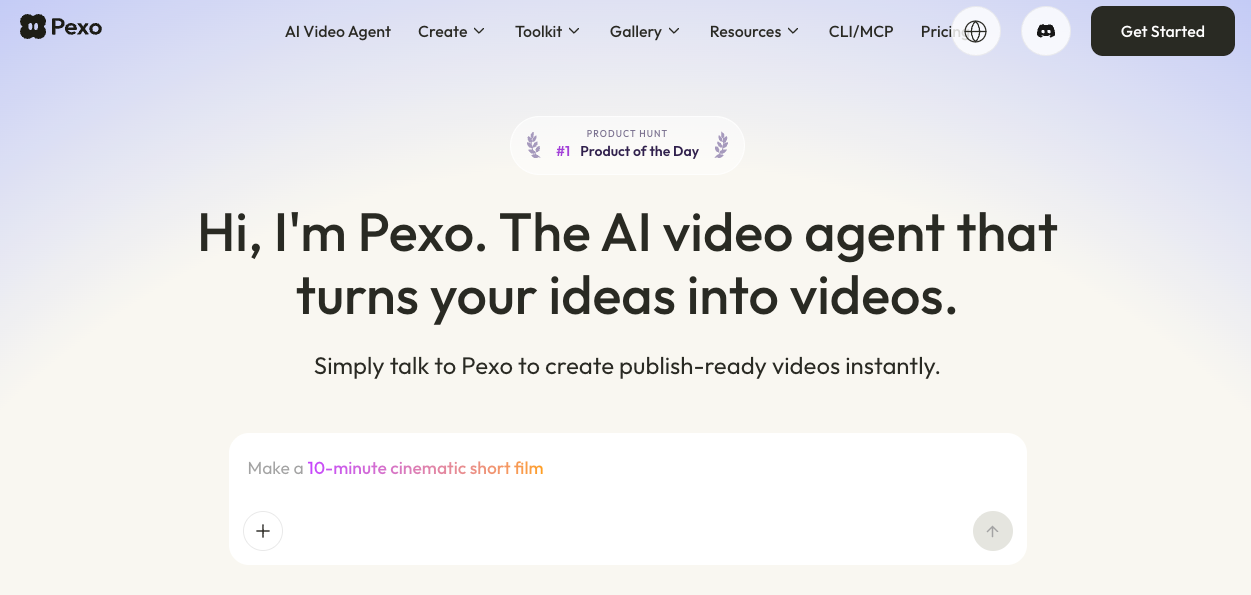
If production continues through Pexo's product-video workflow, provide the approved references and that direction, then review the proposed sequence. Pexo is an AI video agent for production and conversational revisions. Keep your chosen board's approval record; do not assume a native storyboard project or its comment history transfers into Pexo.
Verify reference-image, music, and likeness permissions for sharing and production. Check the receiving service's applicable upload and commercial-use terms. This article does not provide legal advice.
Which Tool Fits a Solo Team or Agency?
A solo creator who draws can start with Storyboarder. A solo marketer working mainly from photographs and notes may prefer Milanote. Boords is worth considering when either person needs repeated client feedback and an animatic. StudioBinder fits when planning the shoot is a substantial part of the assignment.
For an agency, identify the difficult handoff. Multiple client rounds favor evaluating Boords' review and version controls. A crew-facing production favors evaluating StudioBinder's connected planning. A visual concept team can use Milanote while maintaining a separate approval record. An agency artist can still use Storyboarder to originate panels.
Before committing, request a demonstration using your own requirements: change one frame after approval, locate the previously accepted version, and deliver the required export. Count paid creators, external reviewers, and export restrictions separately. Headcount alone will not reveal whether the plan fits.
Conclusion
Choose the tool that makes your next approval and handoff clear. For Runa, that means a producer can identify the accepted folding sequence, its wording, and its timing without interpreting scattered comments. A board is ready to leave planning when the next team knows what to make and what still needs a decision.