ChatGPT
 Perplexity
 Claude
 Gemini
 Grok



A product video brief should tell the team which product action must survive every version of the campaign. The shorter cut can lose a transition; it should still show the feature the ad promises.
Use this creative brief template to agree on that message, its evidence and usable files. Copy both tables and replace the prompts with approved decisions.
What Must a Product Video Brief Decide?
It must decide who the video addresses, what they should understand, how the product proves it and what production must deliver. It should also identify who resolves questions and who can approve the finished versions.
Keep the message narrow enough to demonstrate. “Show the removable divider changing the storage space” gives production a visible action. “Make the product feel innovative” still needs a decision about what viewers will see.
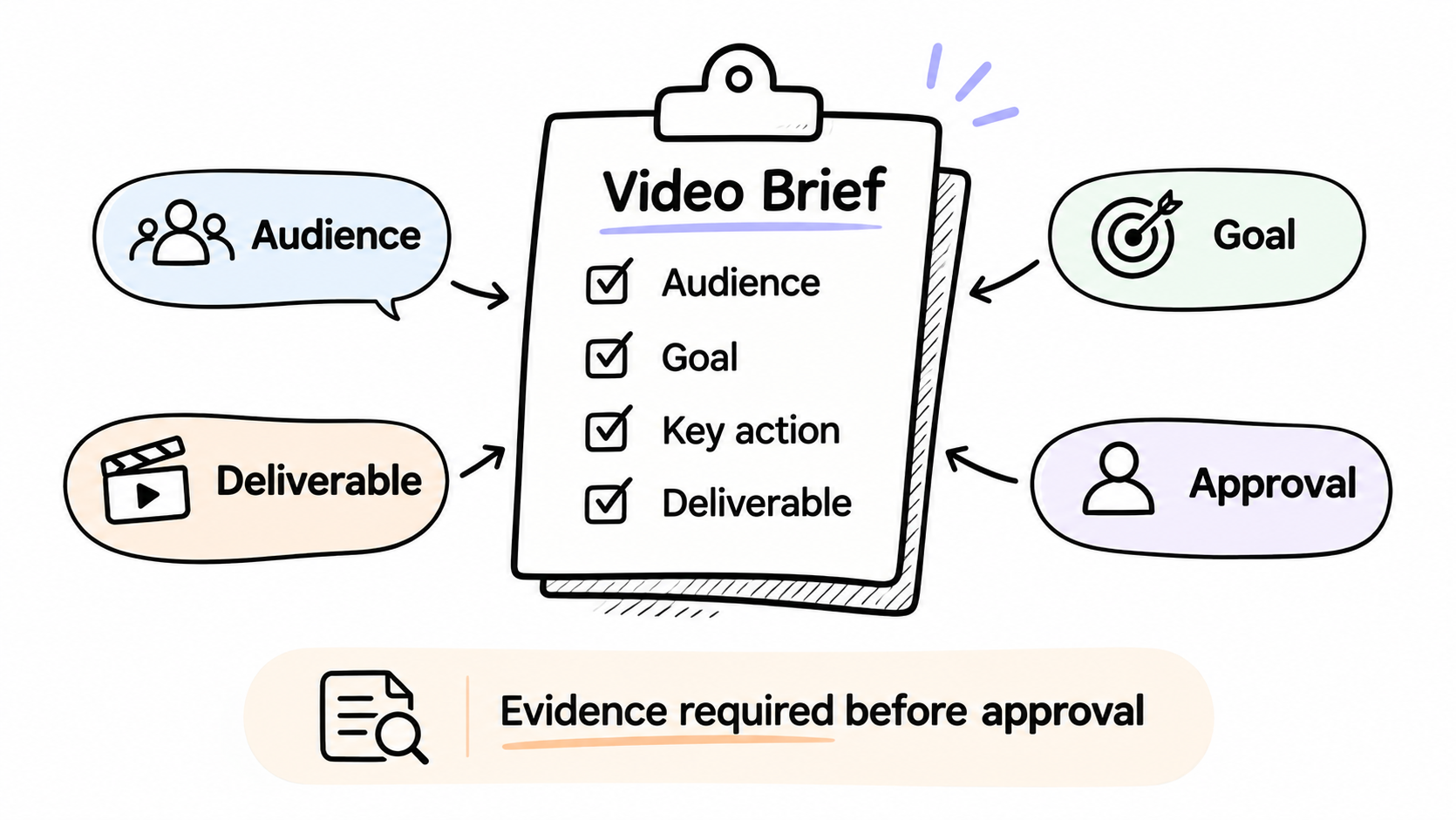
Attach evidence to objective claims before approving copy. For US advertising, the FTC's advertising substantiation policy calls for a reasonable basis before claims are disseminated. A line in brief is not evidence of itself.
Copyable Creative Brief Template
Copy both sections into one document. Add a version label and assign an owner to pending fields. Approval should identify the version it covers.
Audience, Message, Product Proof, and Source Assets
| Field | Fill in for this campaign |
|---|---|
| Campaign, brief version and status | Name; version; draft or approved; approval date |
| Product identity | Product name, SKU, variant and current packaging |
| Objective and audience | Intended audience, buying situation and desired action |
| Single message | The one point every version must communicate |
| Product proof | Exact approved facts; evidence file/version; fact owner |
| Required demonstration | The action or detail viewers must see |
| Source assets and permissions | File/version; owner; permitted channels, territories, term and edits; permission record |
| Brand direction and references | Tone, colors, logo, examples and what to learn from them |
| Copy and boundaries | Approved wording, CTA, disclosures and excluded claims |
| Confidential material | Restricted evidence location; permitted production excerpt; access owner |
Deliverables, Review Owner, and Acceptance Criteria
| Field | Fill in for this campaign |
|---|---|
| Channels and versions | Placement, duration, aspect ratio, pixel size and language for each deliverable |
| Delivery package | Video format; captions; thumbnails; source files if agreed |
| Schedule and release | First cut, feedback, delivery and embargo dates with time zones |
| Budget and revision allowance | Approved spend; included versions/revisions; person approving additions |
| Review responsibilities | Product-fact reviewer; brand reviewer; person consolidating notes; final approver |
| Acceptance criteria | Visible, audible or file-based checks for each version |
| Change handling | Where changes are recorded and which changes require renewed approval |
Include the actual license evidence behind the asset list. The US Copyright Office's permission guidance explains checking ownership and obtaining permission for intended uses where required. Download access alone should not be treated as permission for every campaign use.
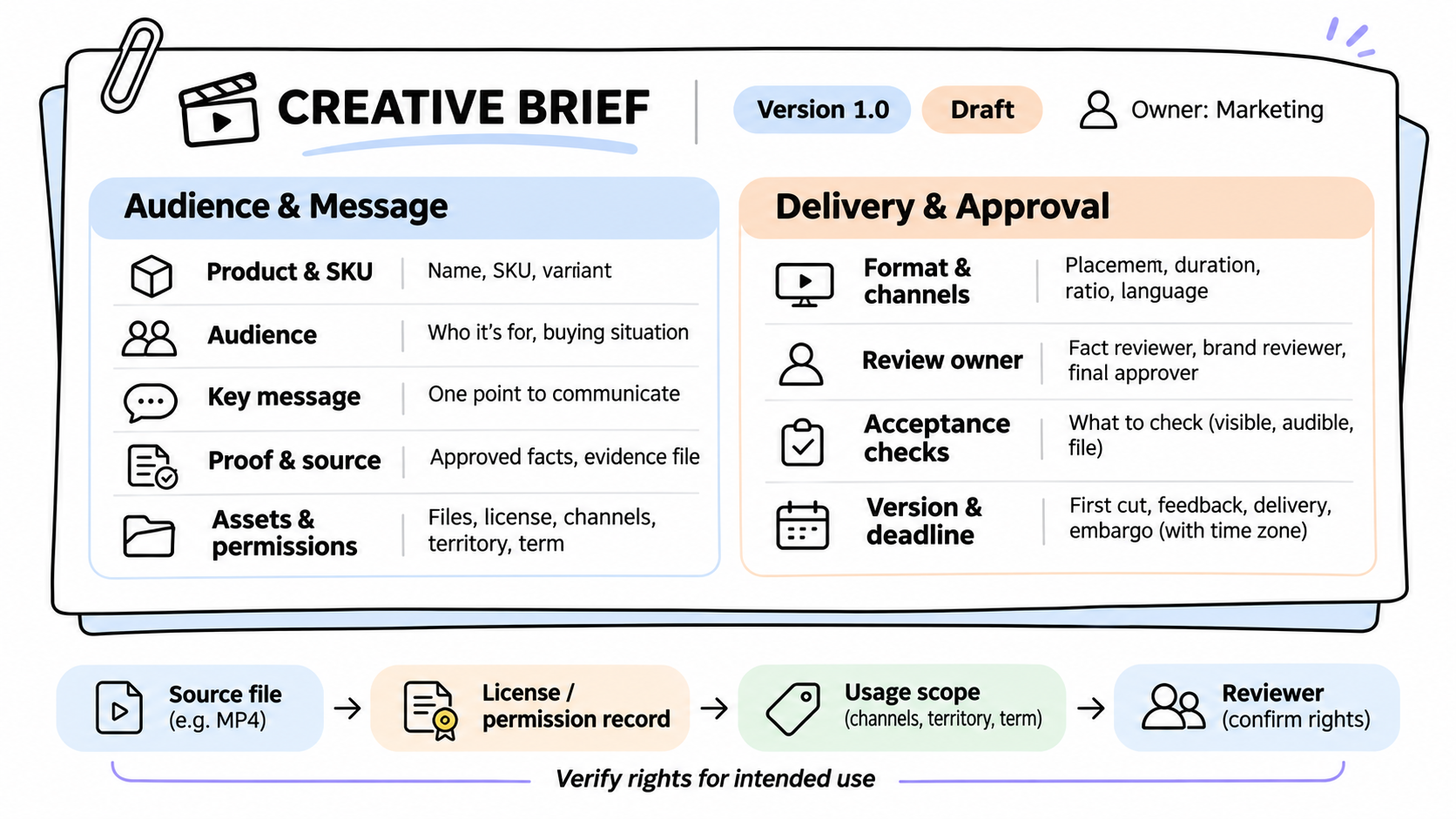
This article does not provide legal advice. Check actual licenses, confidentiality obligations and applicable requirements with the person responsible for those decisions.
A Filled Brief for a Fictional Product Launch
Brin is a fictional modular desk caddy. Every filename, role, date, permission and budget below is illustrative. This is a filled creative brief example, not a real campaign or a claim that permission has been obtained.
| Field | Fictional campaign entry |
|---|---|
| Campaign/version/status | Brin Divider Launch; v1.0; example marked approved on November 9, 2026 |
| Product identity | Brin B1, sand finish; current logo; no alternative colors shown |
| Objective/audience | Introduce the divider to shoppers organizing a small home desk; drive visits to the product page |
| Single message | Remove the divider to turn two compartments into one open space |
| Product proof | B1 specification v3 plus divider-demo-v2.mp4; product lead verifies configuration; no productivity or durability claim |
| Required demonstration | Show the same caddy before, during and after divider removal; keep the slot visible |
| Source assets/permissions | B1-front-v3.png, demo v2 and logo v4; assume brand-owned files cleared for editing and US web/social promotion through March 2027; no people or music supplied |
| Brand direction/references | Calm tabletop demonstration, sand background, clear product edges; no competitor assets in the deliverable |
| Copy/boundaries | “Arrange your desk essentials.” CTA: “Explore Brin.” No price, discount, testimonial or unsupported performance wording |
| Confidential material | Restricted specification folder; production receives only the approved divider facts and relevant images |
| Channels/versions | Paid social: 15 seconds, 9:16, 1080 × 1920; product page: 30 seconds, 16:9, 1920 × 1080; English |
| Delivery package | Two MP4 files, separate English SRT files and one thumbnail per version; no editable project requested |
| Schedule/release | First cut November 16; consolidated feedback November 17; delivery November 20; embargo until November 23, 2026, 09:00 UTC |
| Budget/revisions | Hypothetical US$1,500 production ceiling; two versions and two consolidated revision rounds; marketing lead approves scope additions |
| Review responsibilities | Product lead checks SKU/action; brand lead checks presentation; producer combines notes; marketing lead gives final release approval |
| Acceptance criteria | Correct B1 shape/color; divider action understandable in both cuts; exact copy; readable text; accurate captions; dimensions and durations match |
| Change handling | Producer logs requests against v1.0; changed claim, asset permission or deliverable returns to its reviewer before approval |
The durations and dimensions are example choices. Verify the actual placement's requirements and the producer's deliverables before work begins. The budget is hypothetical.
Turn the Approved Brief Into Video Production Inputs
Prepare a production copy containing the approved message, demonstration, wording, deliverables and usable assets. Keep sensitive research and contracts in their controlled repository; provide the facts production needs and a contact for questions.
For Brin, the key direction is simple: show the divider moving without changing the caddy's shape. The shorter version still needs that action, even if it has less room for the opening and closing shots.
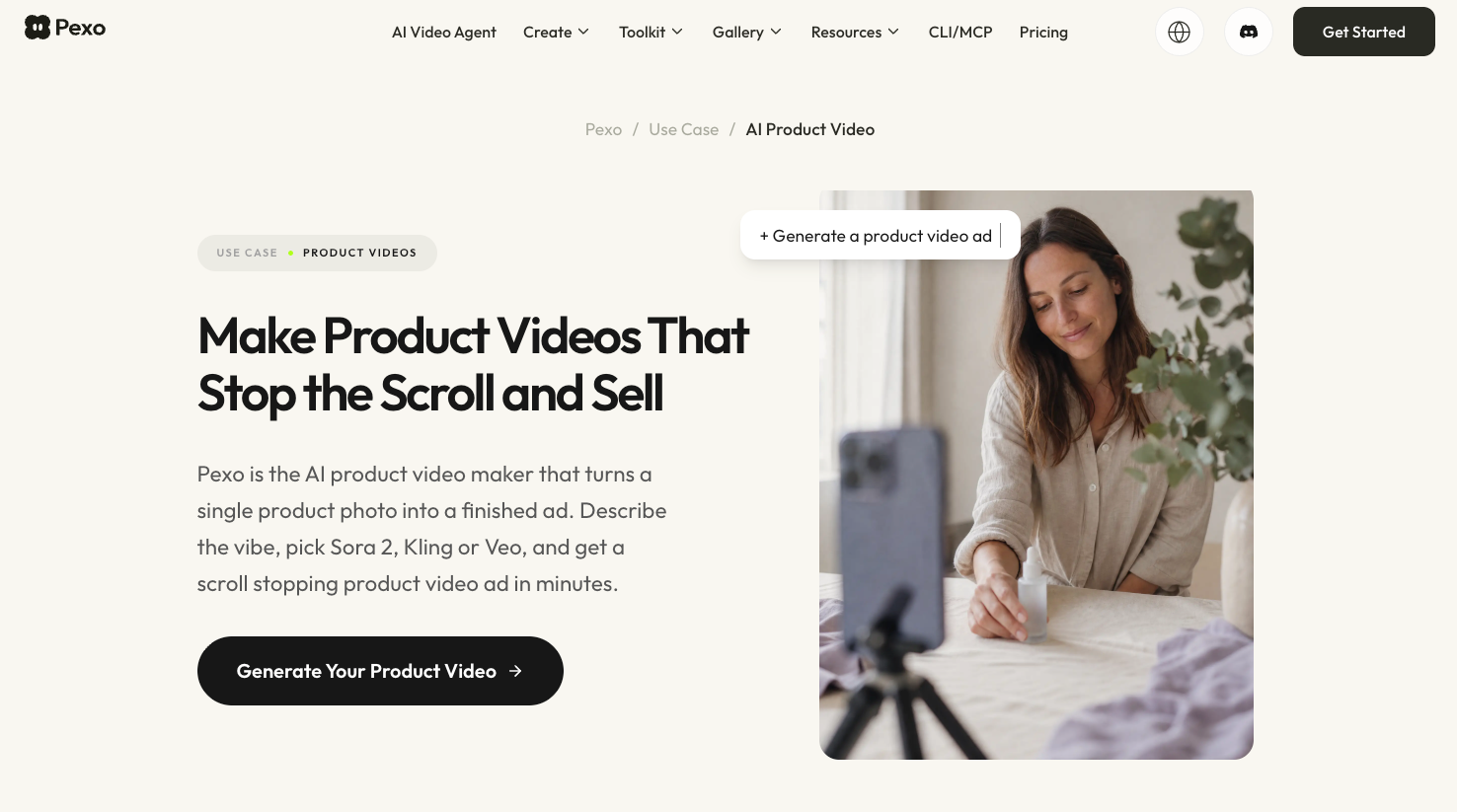
An optional Pexo video production workflow can take approved context and materials into script, scene development and conversational revisions. Give feedback against the brief: keep the final packshot, but make the divider slot visible during removal.
Keep sign-off and version history with the team. Pexo is an AI video agent, not an approval or project-management system. Confirm file inputs and requested deliverables before uploading, and review its upload and promotional-use terms, including applicable written-consent requirements. Internal brief approval does not settle a service's processing conditions.

Review the First Cut Against the Brief
Review each version independently. A correct widescreen demonstration does not establish that the vertical crop preserves the same action.
| Check | Pass condition for Brin |
|---|---|
| Product truth | Caddy and divider match the approved references throughout |
| Message | The compartment change is visible in both versions |
| Copy and sound | Wording matches approval; any added music or voice has appropriate permission |
| Delivery | Each file has the agreed duration, dimensions, language and caption timing |
| Release | Required reviewers approve the identified files; embargo remains attached |
Consolidate notes into specific changes. “The hand hides the divider slot in the vertical cut; change that framing and keep the approved wording” is actionable. A new benefit or offer is a brief change that needs approval before it becomes a production instruction.
Conclusion
A useful brief lets production show the promised feature and reviewers explain what needs to change. Before starting, identify the product evidence, deliverables and people approving them. Carry those decisions into each campaign version.