ChatGPT
 Perplexity
 Claude
 Gemini
 Grok
Grok


Choose motion graphics software around the changes your team needs to make. After Effects suits detailed animation over product footage. Canva and Adobe Express suit simpler layouts your marketing team can adapt. Cavalry deserves attention when several designs should follow the same animation rules.
The useful comparison is what happens when the label needs more reading time, the product image changes, or another colleague inherits the project. Those decisions matter more than how many effects appear in a demo reel.
What Motion Work Does a Product Video Need?
It needs movement that helps viewers follow the product explanation. That could be a callout identifying a removable part, a title introducing the use case, or a closing card directing the next action.
Keep the product demonstration separate from the graphic explanation. A line can point toward an opening; it cannot prove how the mechanism works. Use approved footage for the action and animate the supporting information around it.
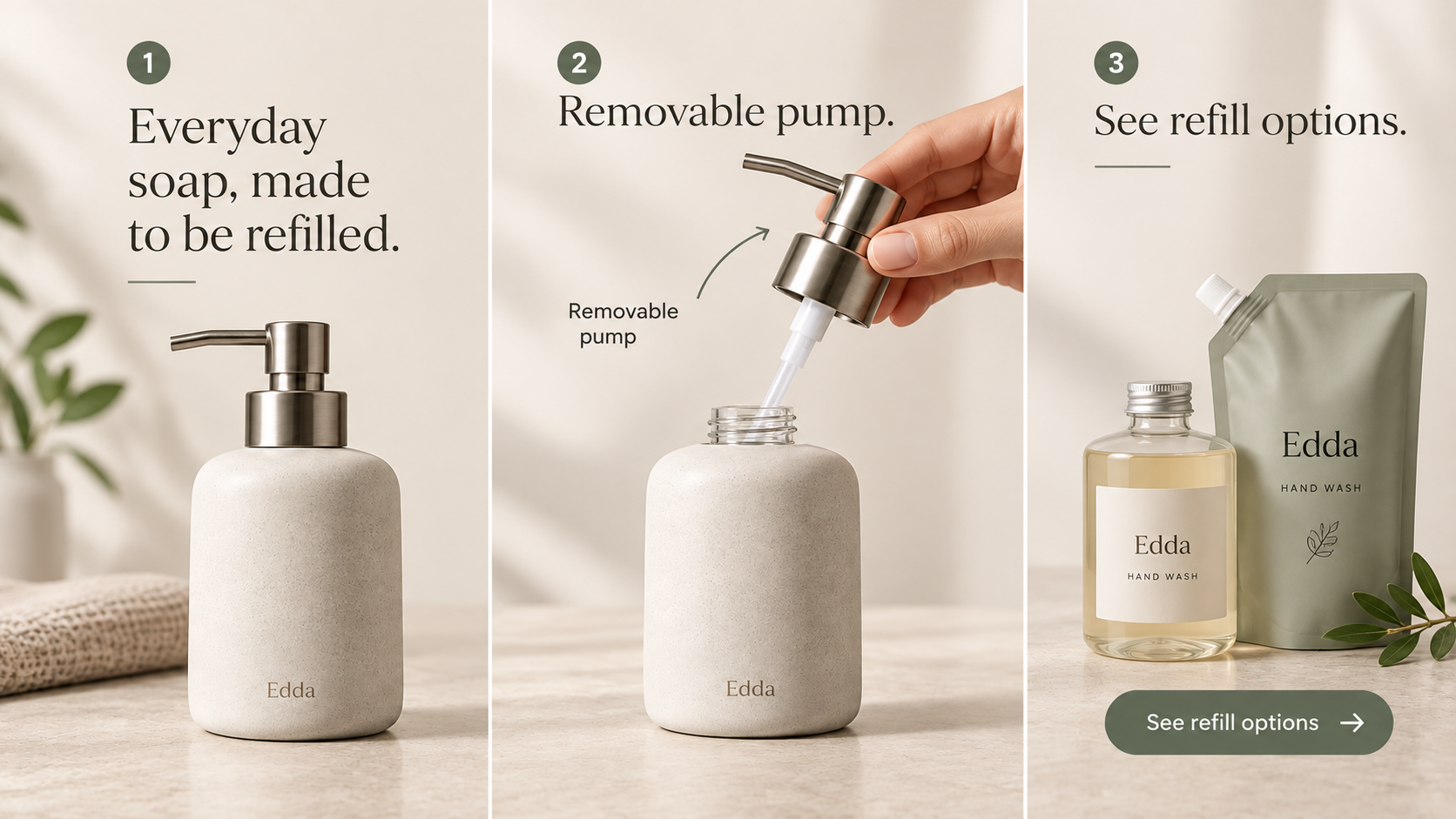
For recurring animated product ads, decide who will make changes after approval. A specialist can refine individual movements, but a marketing coordinator may need a simpler design they can update without rebuilding it.
Compare Tools on One Product Motion Brief
Use Edda, a fictional refillable soap dispenser, for the comparison. Assume the product owner has approved the sample claim, “Removable pump.” In your project, verify that wording against the actual product.
The source material is a current packshot, footage showing the pump being removed, a logo, and approved brand typography. The motion should identify the pump after the hand moves away, then close on the product name.
Give each tool the same revision: delay the callout until the pump clears the bottle, and keep the label visible longer. The footage and wording should stay unchanged.
| Tool | How the revision would be handled | Main review burden | Fits when |
|---|---|---|---|
| After Effects | Adjust the callout layer, keyframes, and hold | Inspect timing, movement, and compositing | A designer needs detailed control |
| Canva | Adjust element timing and the selected animation | Check the template still leaves the action visible | Marketers maintain a simple reusable layout |
| Adobe Express | Adjust object timing and entrance or exit behavior | Check the label and footage remain coordinated | The team already works with Adobe brand assets |
| Cavalry | Adjust the timing controls built into the scene | Check connected elements and other variants | A designer maintains a repeatable animation system |
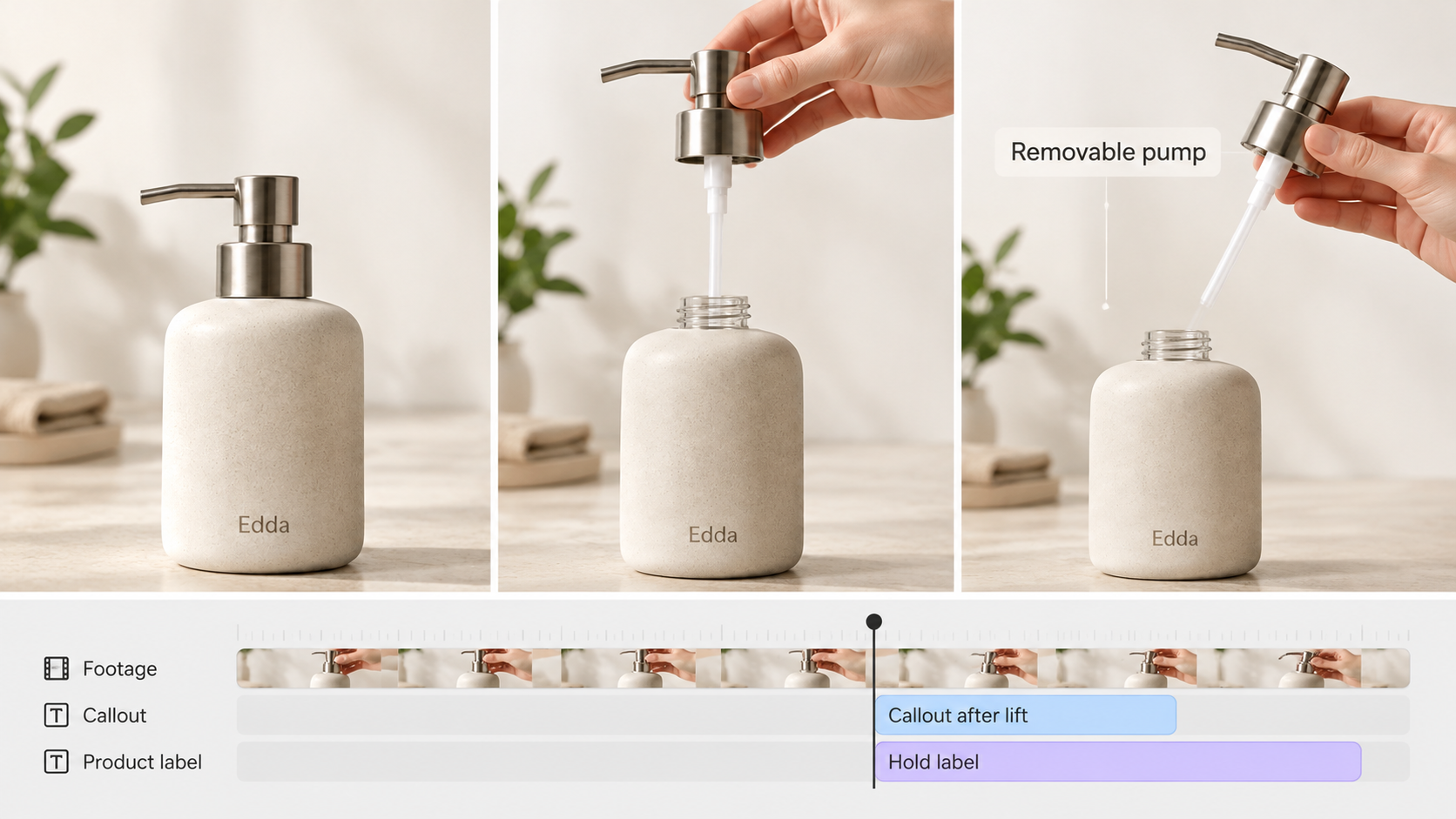
These are proposed workflows based on public documentation, rather than results from running the brief in every app. Compare the exported file and the work needed to revise it before committing.
1. After Effects for Detailed Motion Control
After Effects fits when a designer needs to decide precisely how the callout moves and settles. Keyframes define changes over time; the Graph Editor lets the designer refine movement between them. Tracking can help a graphic follow moving footage.
For Edda, keep the approved clip beneath separate callout and text layers. Animate the line toward the collar after the pump lifts away. Give “Removable pump” a readable hold before the closing card. The product action stays in the recording while the designer controls the explanation above it.
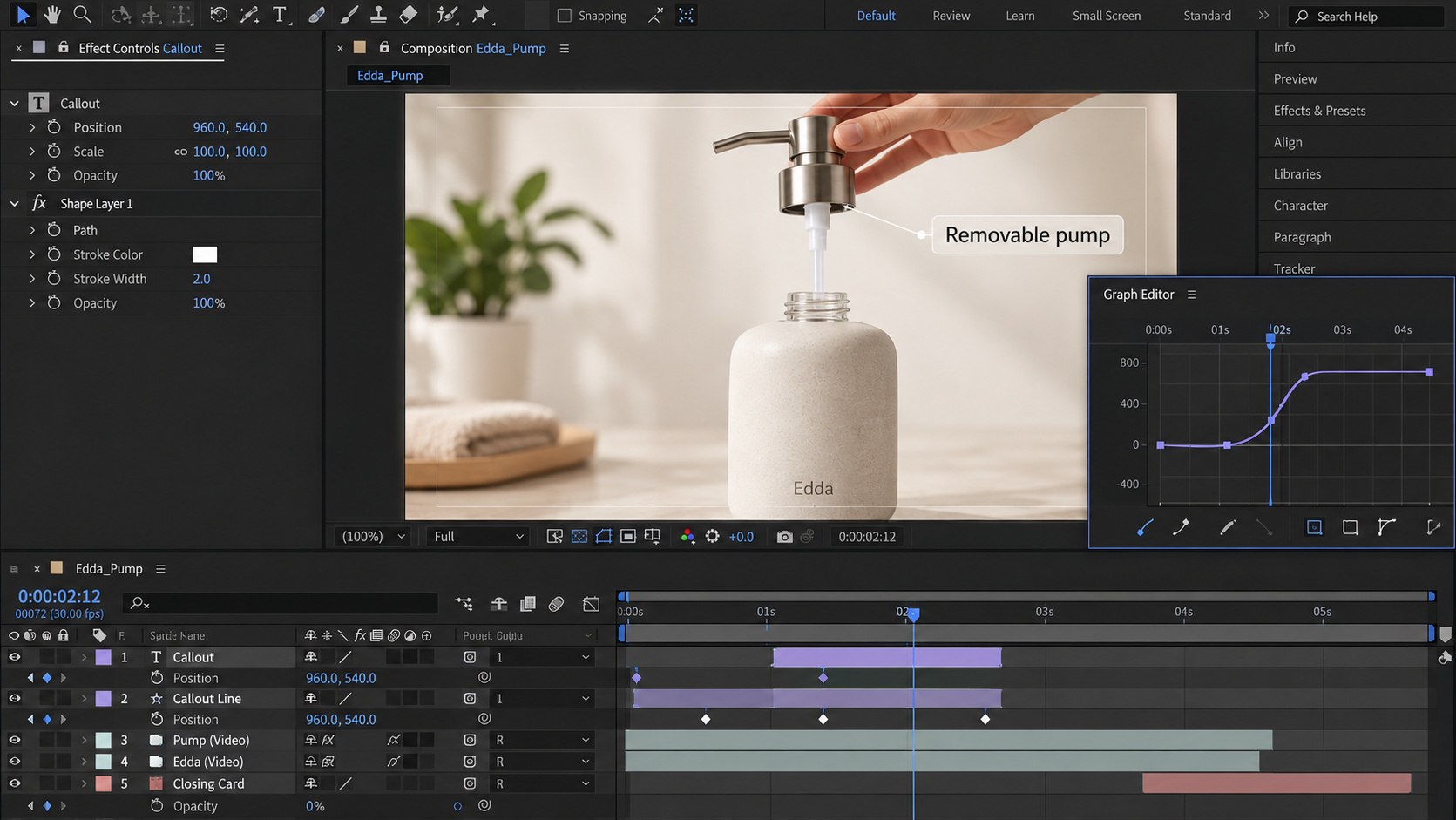
The requested revision has identifiable parts: move the callout's entrance later, then extend its hold. Check whether the delayed label now collides with the closing card. Detailed control still requires someone to resolve that timing relationship.
Adobe also supports Motion Graphics templates for Premiere. A designer can expose selected controls for later changes, although the template's usefulness depends on what they make editable.
On October 29, 2026, Adobe's US After Effects page displayed US$22.99 per month on an annual plan, billed monthly. Confirm the commitment, local checkout, and any third-party plug-in costs. That subscription does not include the labor to build or maintain Edda's animation.
Choose it when precise movement and a maintainable source project justify a designer's involvement. A team that only changes a photograph and headline may prefer a simpler setup.
2. Canva for Template-Based Motion
Canva suits the brief when marketers will maintain a straightforward product layout. Its controls cover pages, text, and individual elements, with element timing and custom movement paths. The practical question is whether a colleague can replace Edda's image and update the label without disturbing the demonstration.
The public US pricing view checked on October 29, 2026 showed Pro at US$144 per year for one person, alongside Free and business options. Check whether your chosen assets and team controls require a paid plan before comparing costs.
Start with the approved clip and reserve space beside the bottle for the label. Apply movement to the callout or text rather than animating every object. A template that makes the bottle bounce would compete with the hand removing the pump.
For the shared revision, move the label's appearance later and extend its visible duration. Preview the whole page afterward: an entrance effect can consume some of the time that looked available for reading.
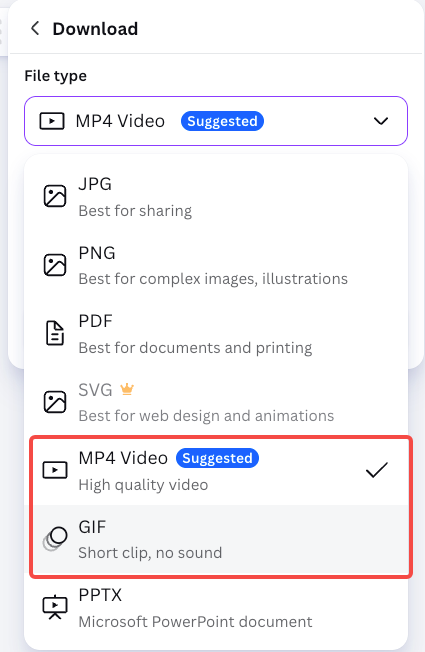
Canva's help documentation supports MP4 and GIF downloads. Verify the intended resolution in the actual account; some animation styles and export adjustments depend on the plan.
If the callout needs carefully shaped tracking or unusual compositing, prove that requirement in a sample before building the series around it.
3. Adobe Express for Simple Brand Motion
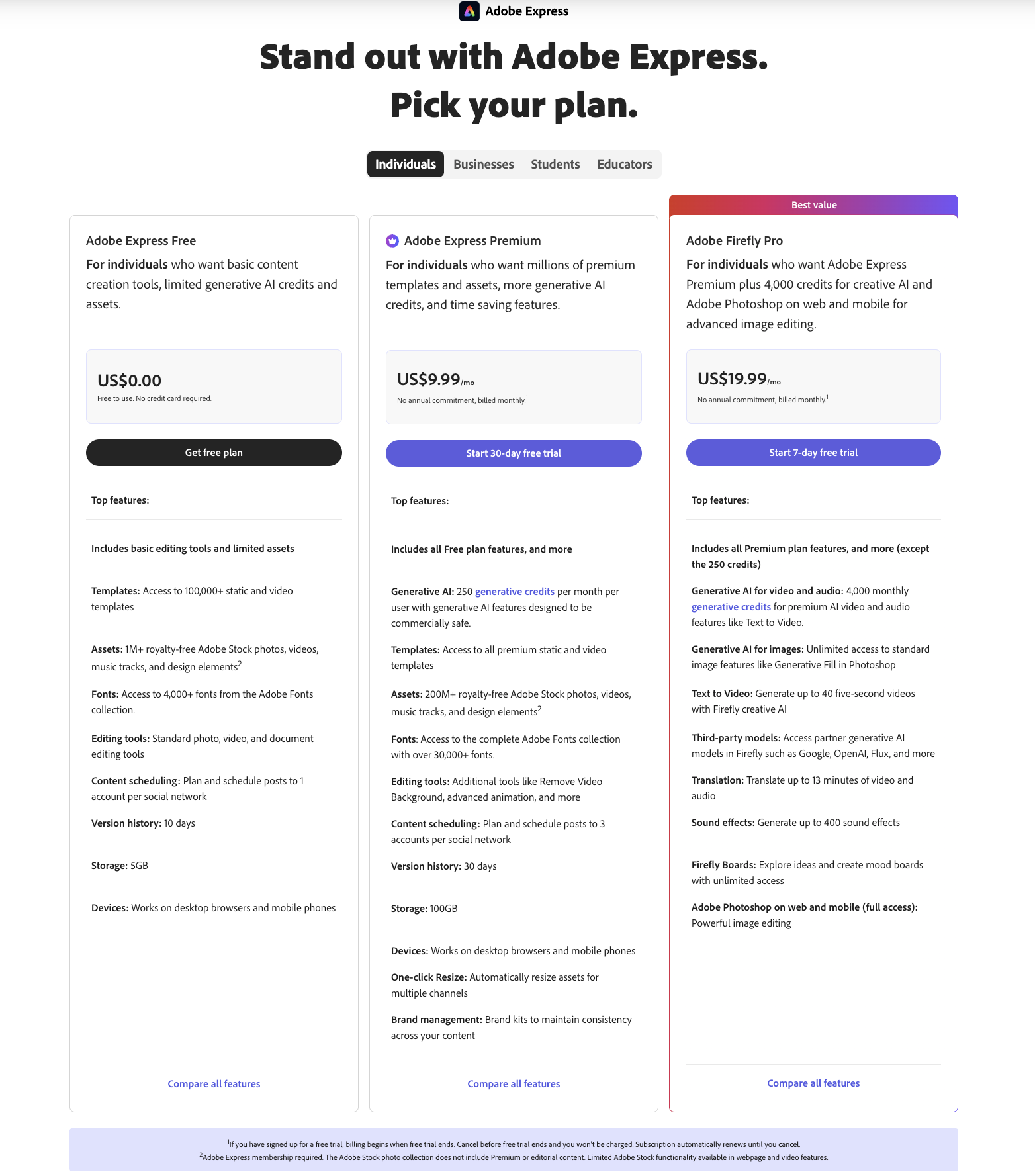
Check existing Adobe access before buying Express separately. Adobe's subscription guidance checked on October 29, 2026 says Premium is included with many Creative Cloud plans. Express also has a Free plan; premium features and content have their own conditions.
For a team already using Adobe brand assets, Express offers a place to build simple motion around them. Its documented controls include In, Out, and Loop behaviors for objects, with adjustments such as speed and direction.
Place the clip first, add the approved label, and give that label a simple entrance. Keep the product name steady while the viewer inspects the pump. The point is to make the action easier to follow without turning the whole layout into another moving subject.
The shared revision should focus on the label's timing and exit. If it still disappears too soon, review the object timing and the scene ending together. A different animation style may leave the reading problem unresolved.
Express can download video as MP4. Keep the editable design available separately when colleagues need to change text; the rendered movie does not preserve those design controls.
That makes Express a reasonable starting point for simple branded motion within an existing Adobe workflow. A designer who needs to reshape individual motion curves should compare that requirement with After Effects.
4. Cavalry for Procedural Motion Design
Cavalry is worth considering when the design should respond to shared rules. Its procedural approach connects properties so a change can affect related elements. Duplicators and data inputs support repeated arrangements rather than requiring every copy to be built separately.
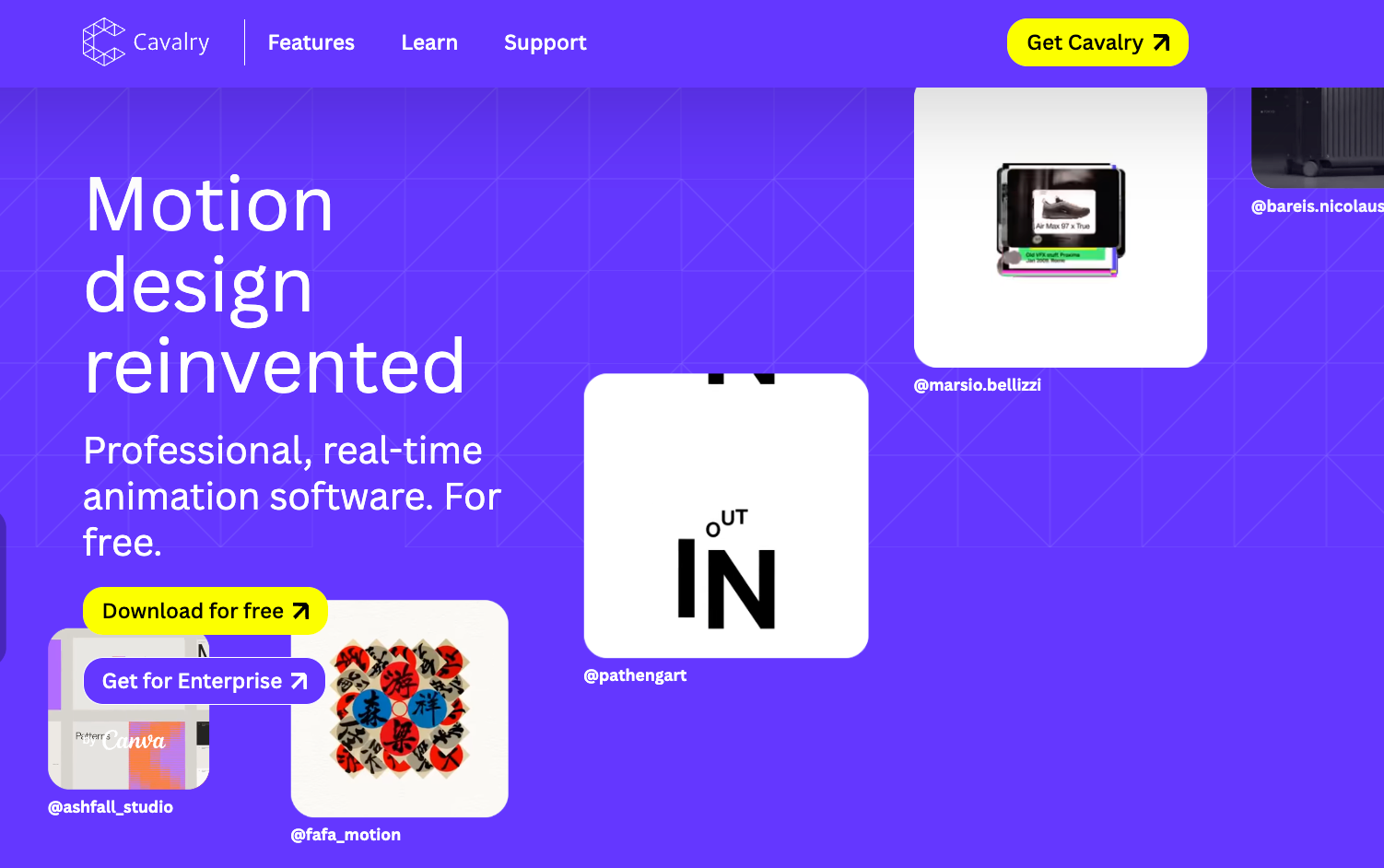
For Edda, a designer could build one callout treatment with controls for its entrance, label, and hold. Later product variants could use that treatment with approved replacement images and copy. This becomes useful when the repeated relationship matters: each label should enter after its corresponding action.
The shared revision then depends on how the scene was built. A well-chosen timing control may move several related elements together. An unclear setup could change more than the reviewer intended. Inspect every affected variant, including longer product names and different bottle silhouettes.
There is an important purchasing update: as checked on October 29, 2026, Cavalry by Canva is free for individuals and requires a Canva account. The site describes organizational SSO through Canva Enterprise or Education. Older Starter and Pro comparisons should not determine a new purchase.
Its Render Manager documents video and image-sequence outputs, including options supporting transparency. Confirm the required format with the receiving editor.
Choose Cavalry when a motion designer will maintain the system across repeated work. Free access makes it easier to evaluate, but the team still needs the design skills to build and revise that system.
When an AI Video Agent Fits Better Than Design Software
An AI video agent fits when the team needs help developing the whole video and wants to direct revisions through conversation. Design software fits when the team needs to construct and control the animation itself.
For Edda, that wider task might include arranging the opening, product demonstration, spoken explanation, and ending. You could bring the approved footage and direction to Pexo,then review how the explanation develops around the pump removal.
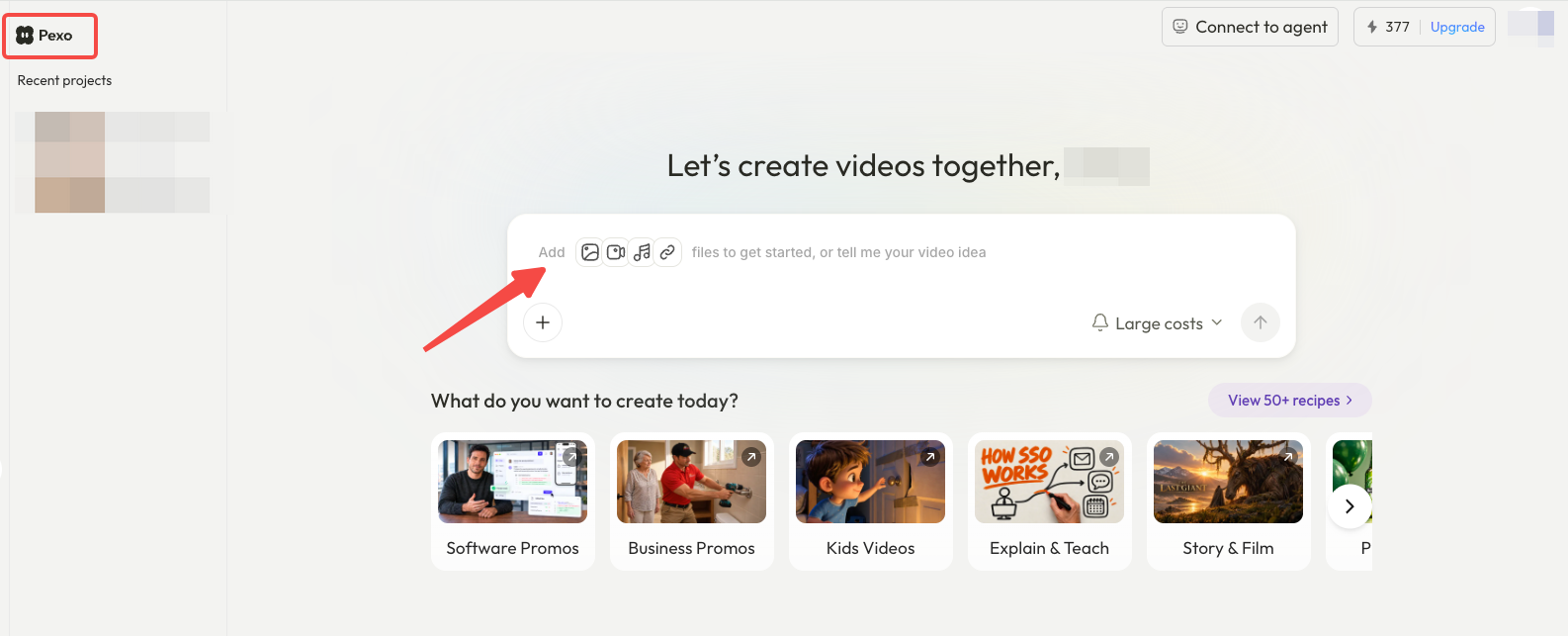
Its Motion workflow lets you describe on-screen text, placement, and timing in plain language. A useful note is: “Wait until the hand clears the bottle before showing ‘Removable pump.’ Keep the opening visible while the label holds.”
Keep a design application in the workflow if you need direct control over individual keyframes. With an agent, review the returned text and product details; exact lettering and unchanged surrounding scenes still need checking. Confirm any editable-project requirement before commissioning the video.
Clear supplied material for upload and processing. Check any written consent required for promotional use under Pexo's current terms. Choose the route your team can use to correct that label after the first review.