

 ChatGPT
 Perplexity
 Claude
 Gemini
 Grok
Grok


On March 24, 2026, OpenAI announced Sora's discontinuation. The app went dark on April 26, and the API follows on September 24. If you built a workflow around Sora, you need a replacement.
The good news? The AI video market has moved fast. We tested 10 Sora alternatives across video quality, ease of use, pricing, and production value. This guide covers what each tool does, what it costs, and who it's best for.
Why Look for a Sora Alternative?
Sora was impressive when OpenAI previewed it in 2024. By shutdown, the gaps were clear.
Unsustainable Economics
Operating Sora reportedly cost OpenAI ~$1 million per day against fewer than 500,000 active users. Building your workflow on a single vendor with no viable business model carries real risk.
Short Clips, No Editing
Sora maxed out at ~20 seconds in 1080p. It generated raw clips with no editing, sound design, or formatting tools. The gap between "generated clip" and "publishable video" was entirely on you.
Prompt Engineering Frustration
Small wording changes produced drastically different outputs. There was no way to iteratively refine a clip through conversation or visual feedback.
Quick Comparison: 10 Best Sora Alternatives at a Glance
| Tool | Best For | Max Length | Starting Price |
|---|---|---|---|
| Pexo AI | Full video production via conversation | ~2 min | $30/mo (4,800 credits) |
| Runway | Creative control and editing | ~60s | $12/mo |
| Kling AI | Budget-friendly cinematic clips | ~2 min | $6.99/mo |
| Pika | Stylized effects and creative experiments | ~25s | $8/mo |
| Luma Dream Machine | Environmental realism | ~20s | $30/mo |
| HeyGen | Avatar and presenter videos | 30 min | $29/mo |
| InVideo AI | Complete YouTube-style videos | Unlimited | $25/mo |
| Higgsfield | Multi-model prosumer studio | ~60s | $15/mo |
| Hailuo AI | Fast, high-volume generation | ~10s | $7.99/mo |
| PixVerse | Anime and stylized 2D motion | ~8s | $10/mo |
The 10 Best Sora Alternatives in 2026
1. Pexo AI â Best Sora Alternative Overall

Best for: creators and teams who want finished videos from a conversation, not a prompt box.
| Metric | Score (out of 10) |
|---|---|
| Video Quality | 9.0 |
| Ease of Use | 9.5 |
| Creative Control | 8.5 |
| Speed | 9.0 |
| Model Variety | 9.5 |
| Value | 8.5 |
Pexo isn't a Sora clone. It's a different category: an AI video agent that handles the entire production pipeline through conversation. Describe what you want in plain language, and Pexo handles scripting, scene composition, model selection, editing, and export.
The multi-model architecture is the key differentiator. Pexo routes your request through whichever model fits best: Kling, Seedance 2.0, Veo 3, and more. You never pick the model yourself. Say "a 30-second product ad for a skincare brand, vertical for Instagram Reels" and get the finished video. Need changes? Say so in the chat.
Key Features
- Conversational workflow: No timeline, no editing interface. Inputs include text, image, URL, and audio.
- Multi-model access: Text-to-video, image-to-video, URL-to-video, audio-to-video, and script-to-video across frontier models.
- End-to-end production: Scripting, generation, transitions, music, captions, and export in one thread.
- Iterative refinement: "Make the intro faster," "switch to a warmer color grade," "add a CTA at the end."
Pros
- Produces finished, publishable videos, not raw clips
- Zero learning curve: describe what you want, get it
- Multiple AI models without managing separate subscriptions
- Conversation-based iteration beats re-prompting from scratch
Cons
- Credit-based pricing requires usage monitoring
- Less frame-by-frame control than timeline editors
- Best for short-form (ads, social, explainers) rather than long-form
Pricing: $30/mo for 4,800 credits. See all plans.
Best For: Marketers, founders, and small teams who want production-ready video without learning editing software. If Sora left you with a raw clip and hours of post-production, Pexo closes that gap.
2. Runway â Best for Creative Control
Best for: filmmakers and designers who want precise visual control.
| Metric | Score (out of 10) |
|---|---|
| Video Quality | 9.0 |
| Ease of Use | 7.0 |
| Creative Control | 9.5 |
| Speed | 7.5 |
| Model Variety | 8.5 |
| Value | 6.5 |
Runway's Gen-4.5 produces high-quality output with strong prompt adherence. The real differentiator is Aleph, a post-generation editor that lets you tweak clips after creation using text prompts, something Sora never offered. One subscription now bundles Veo, Kling, Seedance, and FLUX alongside Runway's own model.
Pros: Highest creative control · Aleph post-editing is unique · Multi-model access · Proven track record Cons: 25 credits/second means $12/mo yields ~25 seconds · Learning curve for non-designers · No end-to-end workflow
Pricing: $12/mo (Standard) · $28/mo (Pro) · $76/mo (Max). Serious users should budget for Pro or above.
3. Kling AI 3.0 â Best Value for Cinematic Clips
Best for: high-quality generation at the lowest per-clip cost.
| Metric | Score (out of 10) |
|---|---|
| Video Quality | 8.5 |
| Ease of Use | 8.0 |
| Creative Control | 7.5 |
| Speed | 8.0 |
| Model Variety | 6.0 |
| Value | 9.5 |
Kling 3.0, featured in our best Kling AI alternatives roundup, introduced multi-shot storytelling (up to 6 connected shots), native audio in five languages, and the cleanest on-screen text rendering in the category. Clips run up to 2 minutes at $6.99/month. The daily credit refresh (66 credits/day) is the most generous trial tier available.
Pros: Best price-to-quality ratio · 2-minute clips handle short narratives · Multi-shot consistency · Native audio Cons: No editing or post-production tools · Motion physics trails Runway/Seedance · Prompt-and-wait workflow only
Pricing: $6.99/mo (Standard) · $25.99/mo (Pro) · $64.99/mo (Premier) · $180/mo (Ultra).
4. Pika 2.5 â Best for Stylized Effects
Best for: distinctive visual effects and physics-aware animation.
| Metric | Score (out of 10) |
|---|---|
| Video Quality | 8.0 |
| Ease of Use | 8.5 |
| Creative Control | 8.0 |
| Speed | 8.0 |
| Model Variety | 6.0 |
| Value | 7.5 |
Pika's Pikaffects system lets you melt, explode, inflate, or disintegrate objects, a niche Sora never touched. The 2.5 engine added physics-based interaction and auto-generated sound effects. Pika 2.5 Studio introduces timeline-and-layer editing, pushing it beyond clip generation into a compact motion design app.
Pros: Unique creative effects no one else offers · Physics engine produces natural motion · Auto sound effects · Studio mode adds editing Cons: Max ~25 seconds · 1080p locked to Pro+ tiers · Effects-forward approach may not suit corporate needs
Pricing: ~$8/mo (Standard) · ~$28/mo (Pro). Annual billing saves 20%.
5. Luma Dream Machine (Ray 3) â Best for Environmental Realism

Best for: realistic environments, lighting, and camera movement.
| Metric | Score (out of 10) |
|---|---|
| Video Quality | 9.0 |
| Ease of Use | 7.5 |
| Creative Control | 7.5 |
| Speed | 8.0 |
| Model Variety | 6.0 |
| Value | 6.0 |
Ray 3 is billed as the first "reasoning video model," interpreting intent, drafting concepts, and iterating before delivering a final clip. Landscapes, architectural shots, and atmospheric scenes look genuinely cinematic. Camera movement is smooth and deliberate. The January 2026 Ray 3.14 update brought native 1080p, 4x speed improvement, and 3x cost reduction.
Pros: Best environmental realism · Reasoning model means fewer wasted generations · Excellent camera dynamics Cons: Starts at $30/mo (4x Kling) · Character close-ups lag behind Kling and Seedance · Credits add up fast
Pricing: $30/mo (Plus) · $90/mo (Pro) · $300/mo (Ultra).
6. HeyGen â Best for Avatar and Presenter Videos
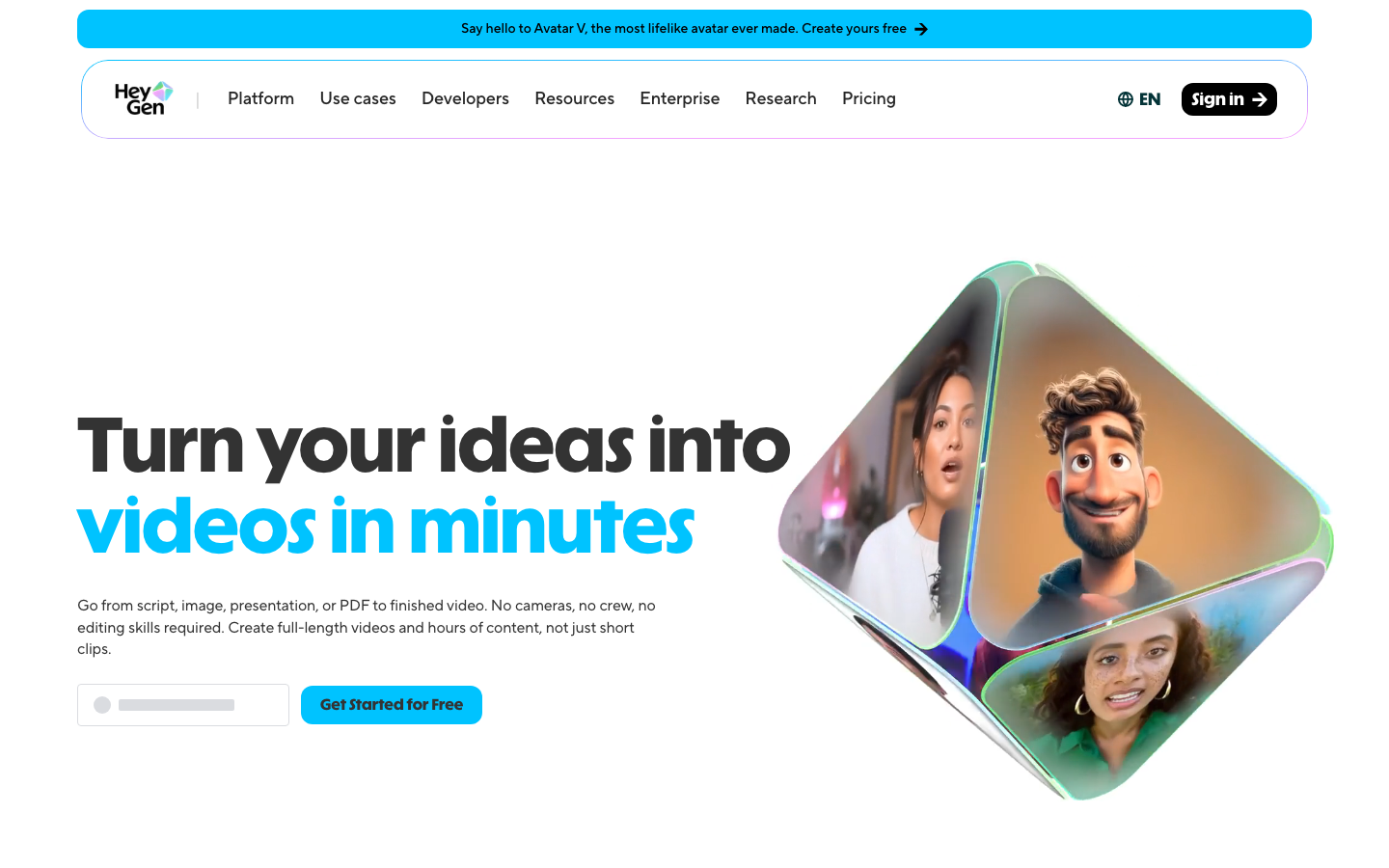
Best for: business teams producing talking-head videos at scale.
| Metric | Score (out of 10) |
|---|---|
| Video Quality | 8.0 |
| Ease of Use | 8.5 |
| Creative Control | 7.0 |
| Speed | 8.5 |
| Model Variety | 6.5 |
| Value | 7.0 |
HeyGen isn't a generative video model. It creates talking-head videos with digital avatars. The real power is localization: upload one English video and get 175+ language versions with matched lip movement. Avatar IV produces realistic expressions and gestures. Videos run up to 30 minutes.
Pros: Best avatar quality and lip sync · 175+ language localization · 30-minute videos · Clean enterprise features Cons: Can't create cinematic scenes or product shots · $29/mo entry with limited credits · Avatar-only output
Pricing: $29/mo (Creator) · $99/mo (Pro) · $149/mo+ (Business).
7. InVideo AI â Best for Complete Video Workflows
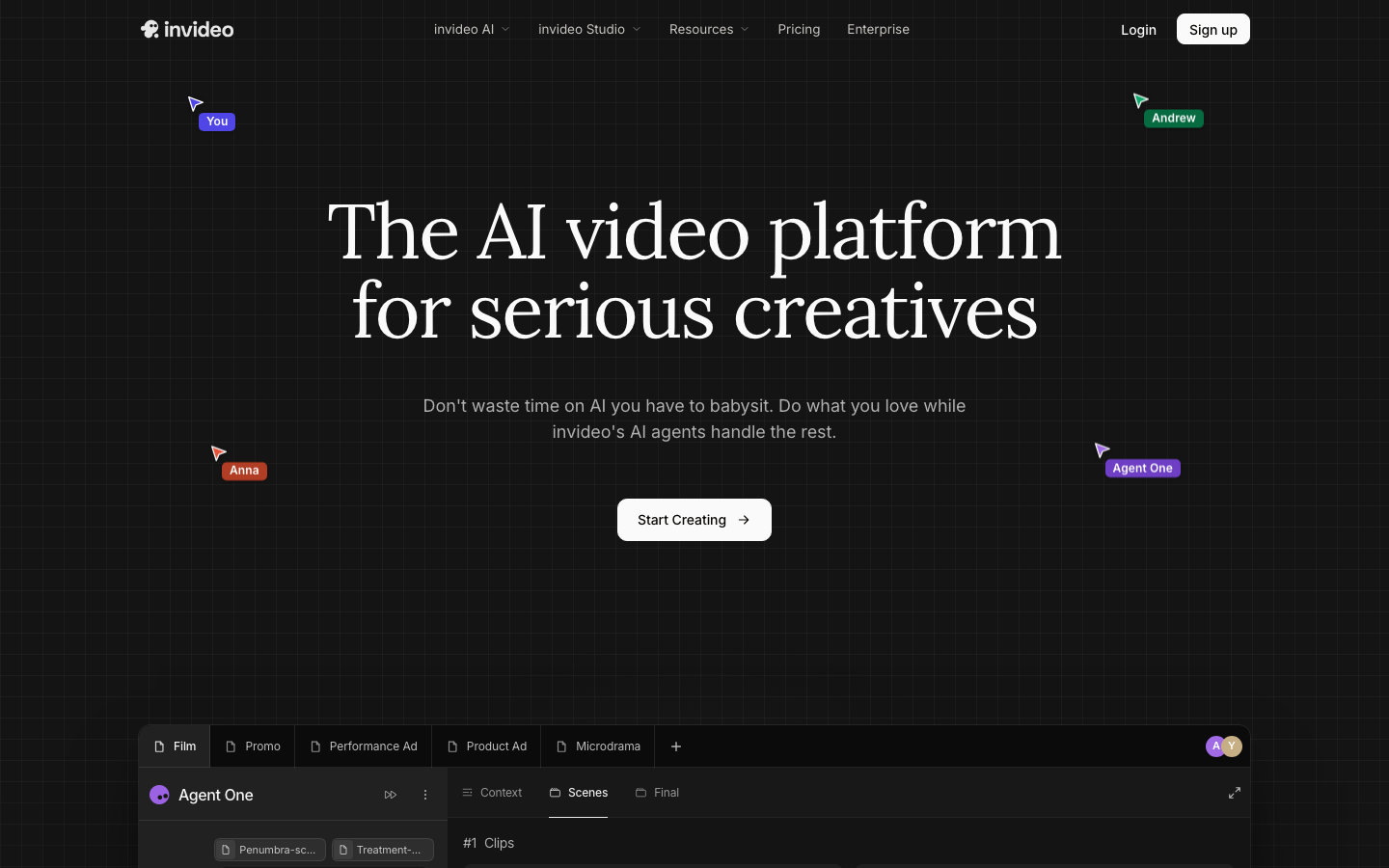
Best for: YouTube creators who need full, edited videos from a prompt.
| Metric | Score (out of 10) |
|---|---|
| Video Quality | 7.5 |
| Ease of Use | 9.0 |
| Creative Control | 7.0 |
| Speed | 8.5 |
| Model Variety | 8.0 |
| Value | 8.0 |
InVideo creates complete videos, not clips. It combines AI footage with a 2.5M+ stock library, AI voiceover, music, and captions. It's the only editor bundling both Sora 2 and Veo 3.1 within one subscription. Conversational editing lets you describe changes in plain language.
Pros: Full videos with narration, music, and captions · Dual Sora 2 + Veo 3.1 access · Intuitive conversational editor · 4K on Max Cons: Template-driven output can feel formulaic · Plus caps at 50 videos/month · Less suited for cinematic work
Pricing: $25/mo (Plus) · $60/mo (Max). Annual billing saves ~20%.
8. Higgsfield â Best Multi-Model Prosumer Studio
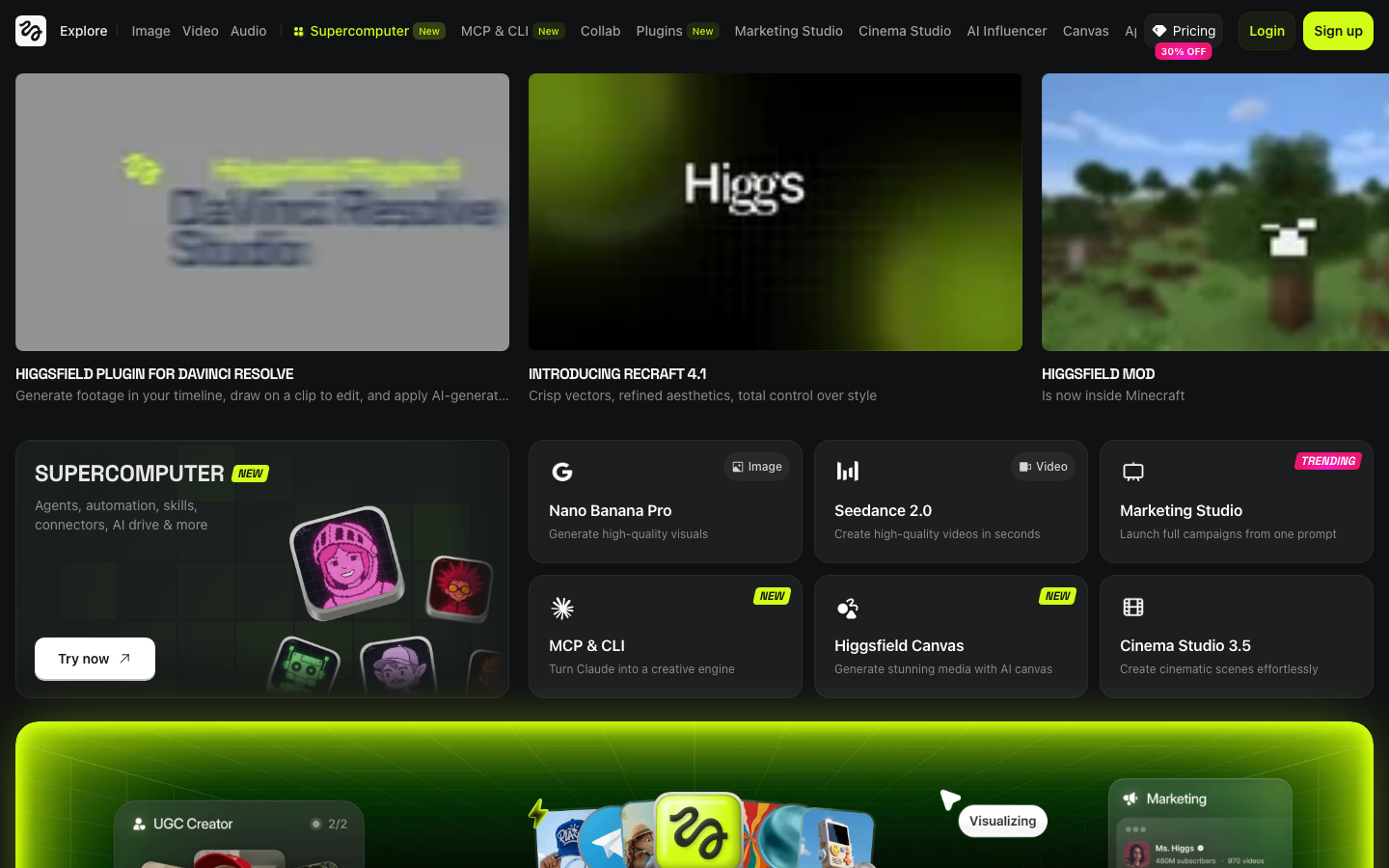
Best for: creators who want access to 15+ AI models in one editing environment.
| Metric | Score (out of 10) |
|---|---|
| Video Quality | 8.5 |
| Ease of Use | 7.5 |
| Creative Control | 8.5 |
| Speed | 8.0 |
| Model Variety | 9.5 |
| Value | 7.5 |
Higgsfield aggregates 15+ AI models, including Sora 2, Veo 3.1, Kling 3.0, Seedance 2.0, and Hailuo, under one subscription. Its Professional Studio combines text-to-video, cinematic camera control, and voice cloning in a single web platform. You can plan and direct entire scenes, not just generate clips.
Pros: Widest model selection (15+) in one platform · Full studio editing environment · Cinematic camera control · Voice cloning built in Cons: Credits expire after 90 days · Unlimited tiers may throttle during peak hours · Interface complexity rivals Runway
Pricing: $15/mo (Starter) · $34/mo (Plus) · $84/mo (Ultra).
9. Hailuo AI (MiniMax) â Best for Speed and Volume

Best for: high-volume generation with fast turnaround.
| Metric | Score (out of 10) |
|---|---|
| Video Quality | 8.0 |
| Ease of Use | 8.5 |
| Creative Control | 6.5 |
| Speed | 9.5 |
| Model Variety | 7.0 |
| Value | 8.5 |
Hailuo generates 1080p clips in 30-90 seconds, the fastest in the category. At ~$0.30 per 10-second clip, it undercuts most competitors. Paid tiers bundle Veo 3.1, Sora 2, and Seedance 2.0, making it a surprisingly capable multi-model platform.
Pros: Fastest generation speed · Lowest per-clip cost · Multi-model access on paid tiers · Simple interface Cons: 10-second max clips · Limited creative control · Quality doesn't match Seedance/Ray 3 for cinematic work
Pricing: $7.99/mo (Standard) · $24.99/mo (Pro) · $63.99/mo (Master).
10. PixVerse â Best for Anime and Stylized 2D
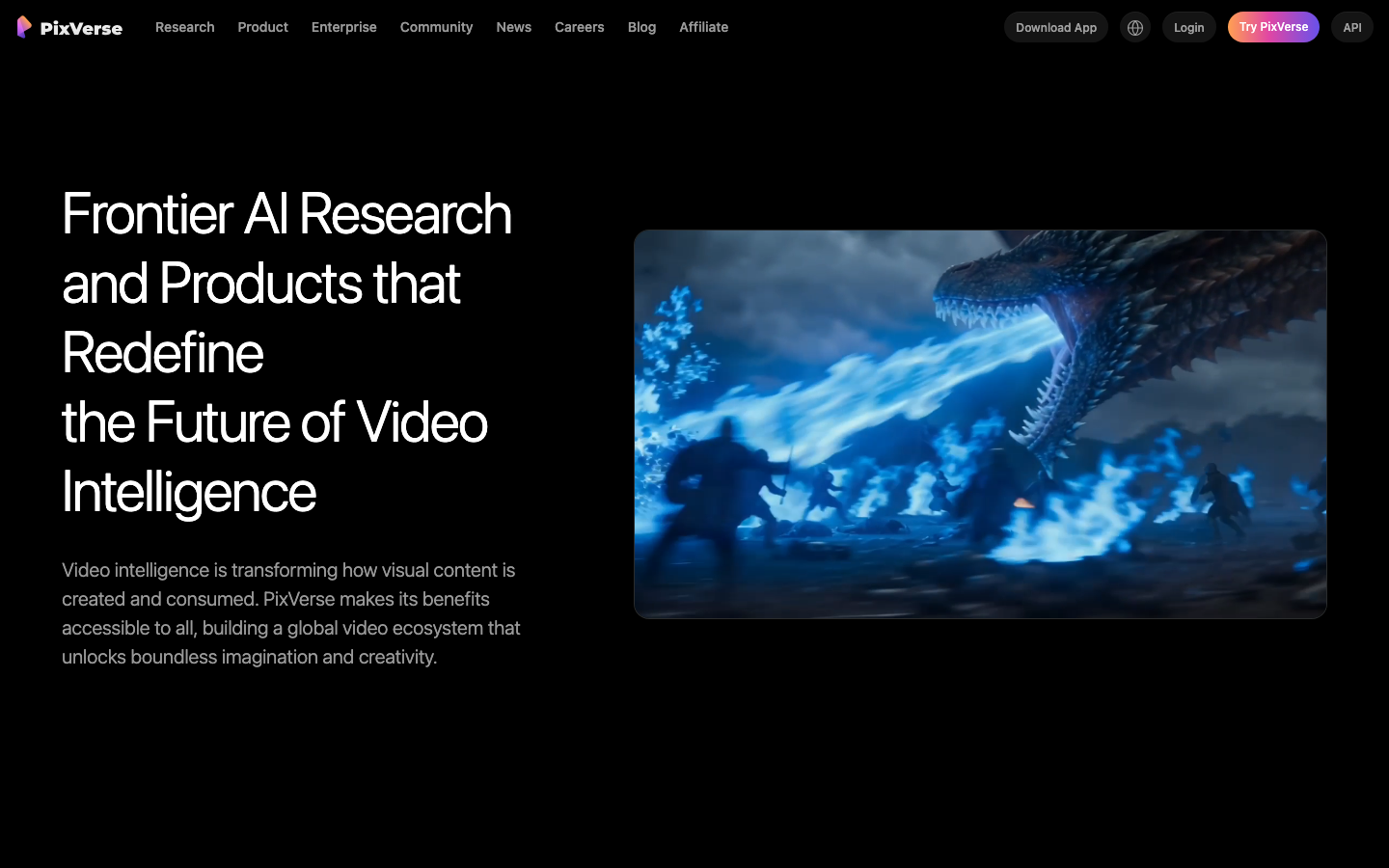
Best for: anime, stylized motion, and effects-template content.
| Metric | Score (out of 10) |
|---|---|
| Video Quality | 7.5 |
| Ease of Use | 8.0 |
| Creative Control | 7.5 |
| Speed | 8.0 |
| Model Variety | 5.5 |
| Value | 7.0 |
PixVerse is optimized for anime and stylized 2D motion. The image-to-video tool turns illustrations into animated sequences with smooth camera movement. It's a specialist: one thing done very well. Note that credits don't roll over between months.
Pros: Best anime/2D stylized output · Image-to-video works well with illustrations · Effects templates for social content Cons: ~8-second max clips · Credits per attempt, not per video · Photorealistic quality lags behind competitors
Pricing: $10/mo (Standard) · $30/mo (Pro) · $60/mo (Premium).
How to Choose the Right Sora Alternative
Want finished videos, not clips? Go with Pexo AI. It handles scripting, generation, editing, and export through one conversation. Try a product video or explainer to see the difference.
Need maximum creative control? Choose Runway. Gen-4.5 plus Aleph gives more post-generation control than any other tool.
Final Thoughts
Sora's shutdown marks the end of a chapter, not the end of AI video. The tools available today are more capable and more production-ready than anything Sora offered.
The real question isn't "which tool generates the best 10-second clip?" It's "which tool gets me from idea to finished video with the least friction?" If you want one tool that handles the entire process through conversation, Pexo AI is built for that. If you want hands-on control, Runway is unmatched. If you need volume at low cost, Kling and Hailuo deliver.
The best Sora alternative isn't a single answer. It's the tool that matches how you actually work.





