ChatGPT
 Perplexity
 Claude
 Gemini
 Grok
Grok


Two views may be enough for a product story. Keep the source take for context and add a closer view only where it helps the buyer understand the action.
For a Luma Shot Coverage product video, decide what the extra view needs to clarify before generating it. The editing decision is which moment deserves another angle—and whether that angle can sit beside the original without changing the product.
Which Source Take Can Anchor One Product Point?
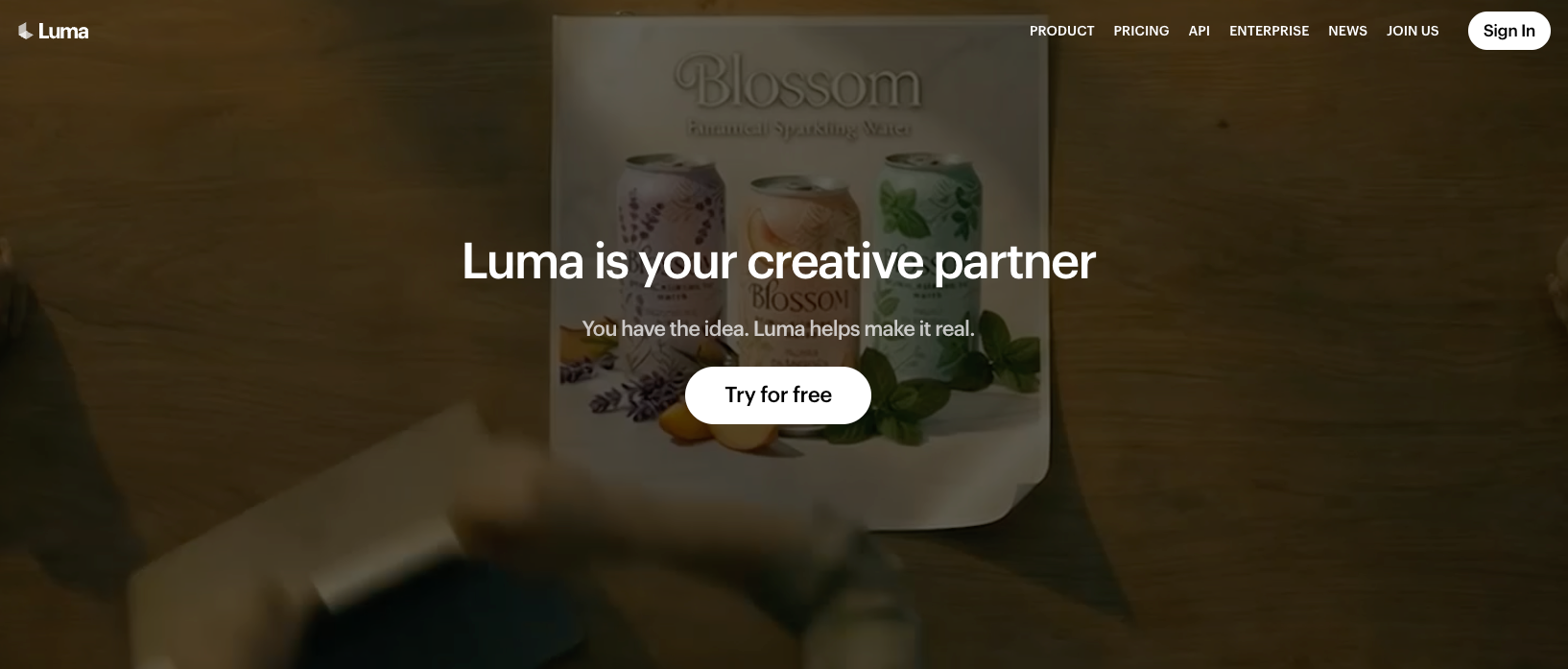
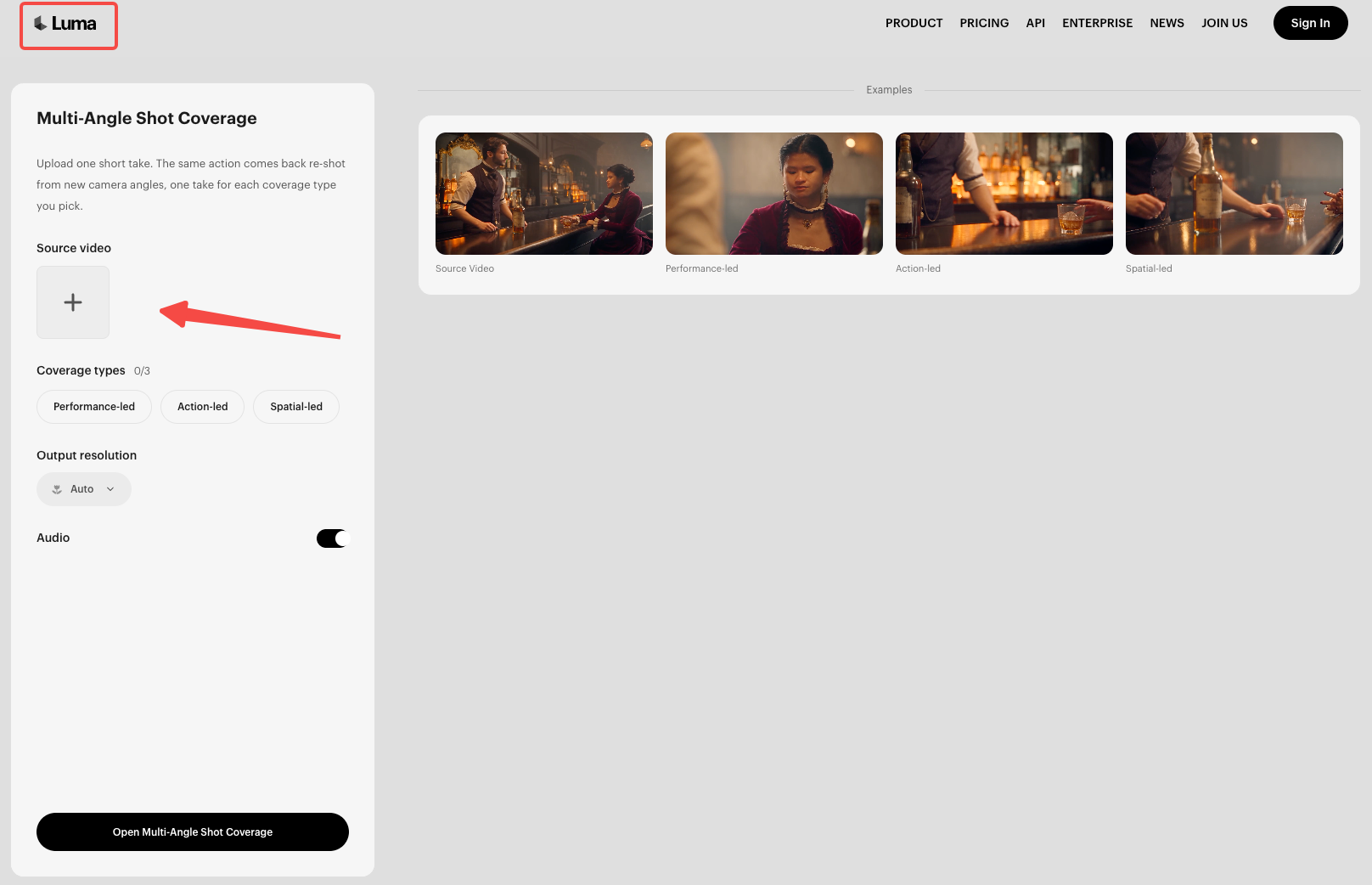
Choose a take that already shows the product point accurately. As checked on October 23, 2026, the form accepts one 4–15-second video and recommends a medium-wide source.Verify the current input limits and recommended framing in the Shot Coverage form before submission.
The Shot Coverage workflow turns one video shot into additional moving views. Treat them as generated interpretations; they cannot establish a feature the original or approved product information doesn't support.
Consider Noll, a fictional desktop phone stand. In the example source take, a phone rests on the stand while a cable passes through its front opening. The proposed message is “Room for your cable.” Confirm the equivalent claim against your actual product and footage.
Keep the original file before starting. Check permission for the upload, including any person, voice, music, or client material. A clip approved for publication may still have restrictions on processing by another service.
Pick Alternate Angles for the Story
Choose coverage for a particular viewing problem. Action-led emphasizes hands, objects, and movement details, making it the relevant starting point for Noll's cable opening.
Performance-led emphasizes people and reactions; Spatial-led establishes the scene's geography. You can select up to three types, but this story doesn't need all three.
Confirm the applicable generation charge before running the task. Luma's public model-rate table doesn't establish a fixed Shot Coverage fee. Record the charge for your selected task and settings, including another attempt if needed.
Establish the setting with the original take
Open on the real phone, stand, cable, and desk. Let the viewer locate the opening before cutting closer.
If a hand covers the opening throughout the take, a generated viewpoint cannot prove the hidden mechanism. Use a clearer original or shoot the missing detail.
Use one detail angle to focus attention
Look for a returned view that brings the opening forward while preserving the phone's position and stand's shape. Compare it with the source.
Reject a view that widens the opening, moves the connector, or changes the cable's route. Those differences can make the product appear easier to use than the footage supports.
Sequence the Selected Cuts into One Story
This example needs three beats, using the original take twice and one acceptable detail view. The second angle is optional if it cannot pass review.
| Beat | Selected material | What the buyer should understand | Acceptance check |
|---|---|---|---|
| Context | Original take with phone on stand | Where the cable sits in the setup | Actual stand, phone, and cable remain visible |
| Detail | Generated closer view, if accurate | Where the cable passes through | Opening shape and cable route match the source |
| Conclusion | Return to the original arrangement | The approved cable-space message | Copy stays within the verified product fact |
Match the action across the cut. If the source shows the cable already in place, a detail shot should not restart the insertion. Choose corresponding moments so the viewer can follow one event.
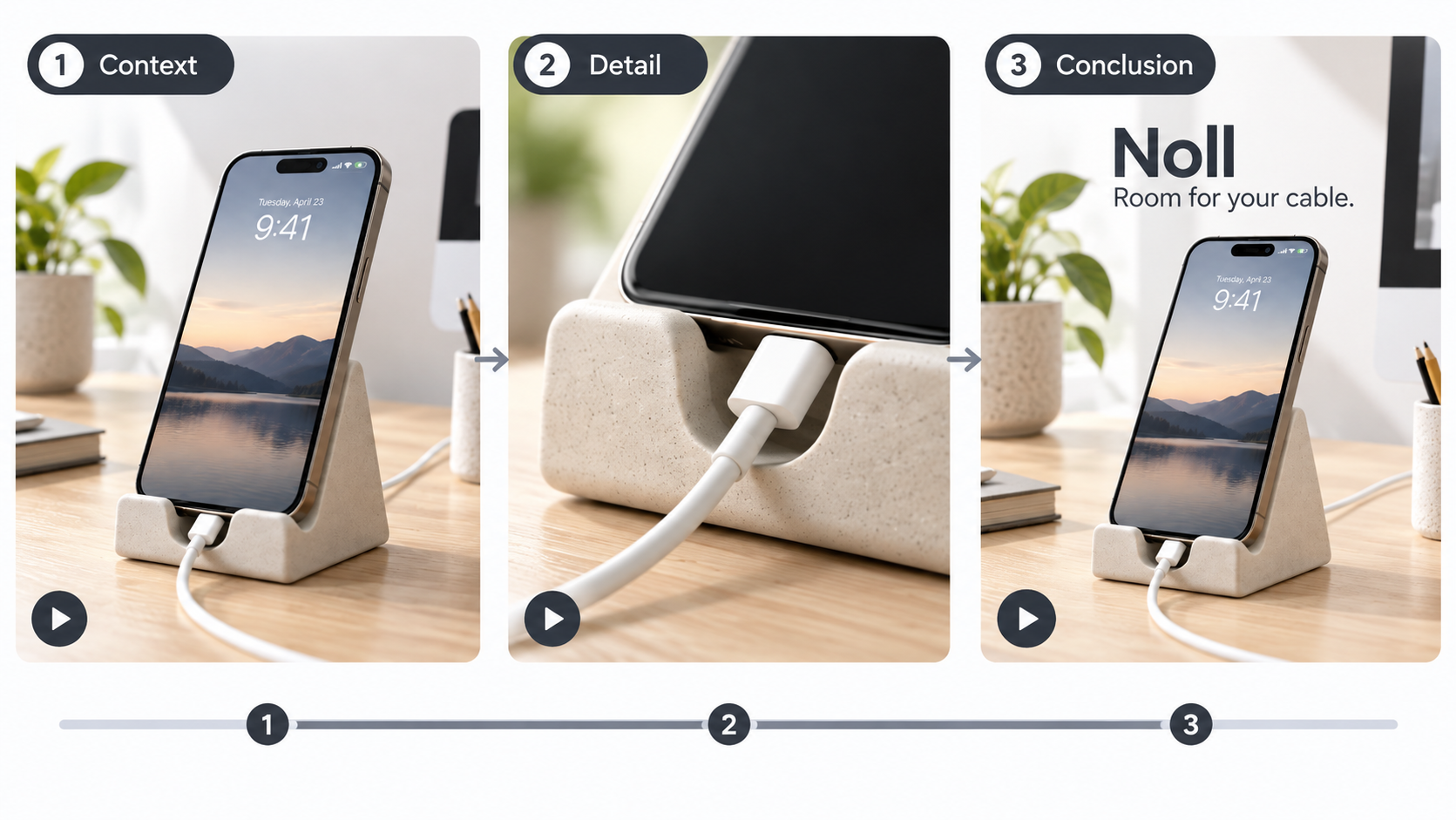
If a returned take introduces another cut or obscures the opening, use only a clean section—or leave it out. Finish with the arrangement the original shows.
Review Visual Continuity and Audio Before Publishing
Watch the joined sequence, then compare each selected view with the original. Check the stand's supports, opening, color, and any packaging text. Also inspect the phone, cable, hands, desk objects, lighting, and background.
An invented charging indicator could imply a result the source never established. Remove that implication even if the rest of the shot looks consistent. Generated coverage helps organize the explanation; it is not new evidence of product performance.
Plan sound separately. With audio on, the form describes generated sound and source dialogue delivered in a new voice. With audio off, takes are silent, but visible speech remains. If you reuse authorized source audio, check synchronization; an invented connector click could misrepresent the action.
Review the export with sound off too. The approved message should remain understandable through the action and readable copy.
Approve the Product Story Cut
Approve the sequence only when the detail view explains the same product shown in the source, the action joins naturally, and the audio is intentional. For Noll, that means the same opening and cable route throughout.
If the closer view changes either, keep the original take. Approve the simpler cut when the cable opening is clear and the message stays accurate.