ChatGPT
 Perplexity
 Claude
 Gemini
 Grok
Grok


For a travel-mug video about one-handed opening, let the thumb press lead the scene. The headline can follow once the buyer sees the lid release.
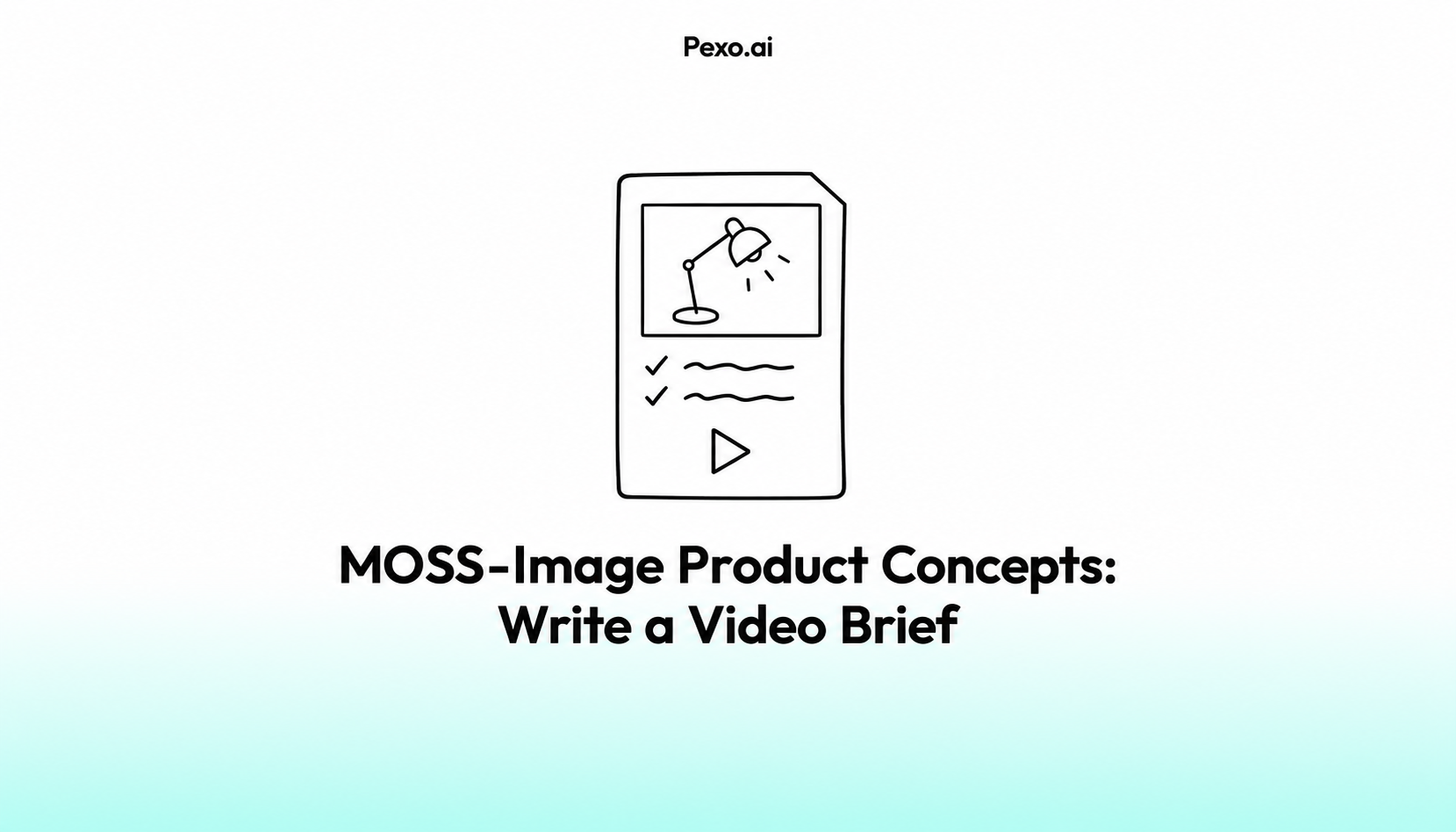
A MOSS-Image product video brief should explain that sequence. The still supplies a composition; your brief decides what moves, which words remain, and what the viewer must be able to inspect.
Which MOSS-Image Concept Serves the Buyer Question?
Choose the concept that makes the relevant product action easy to see. For one-handed opening, the lid release needs more attention than a decorative splash behind the mug.
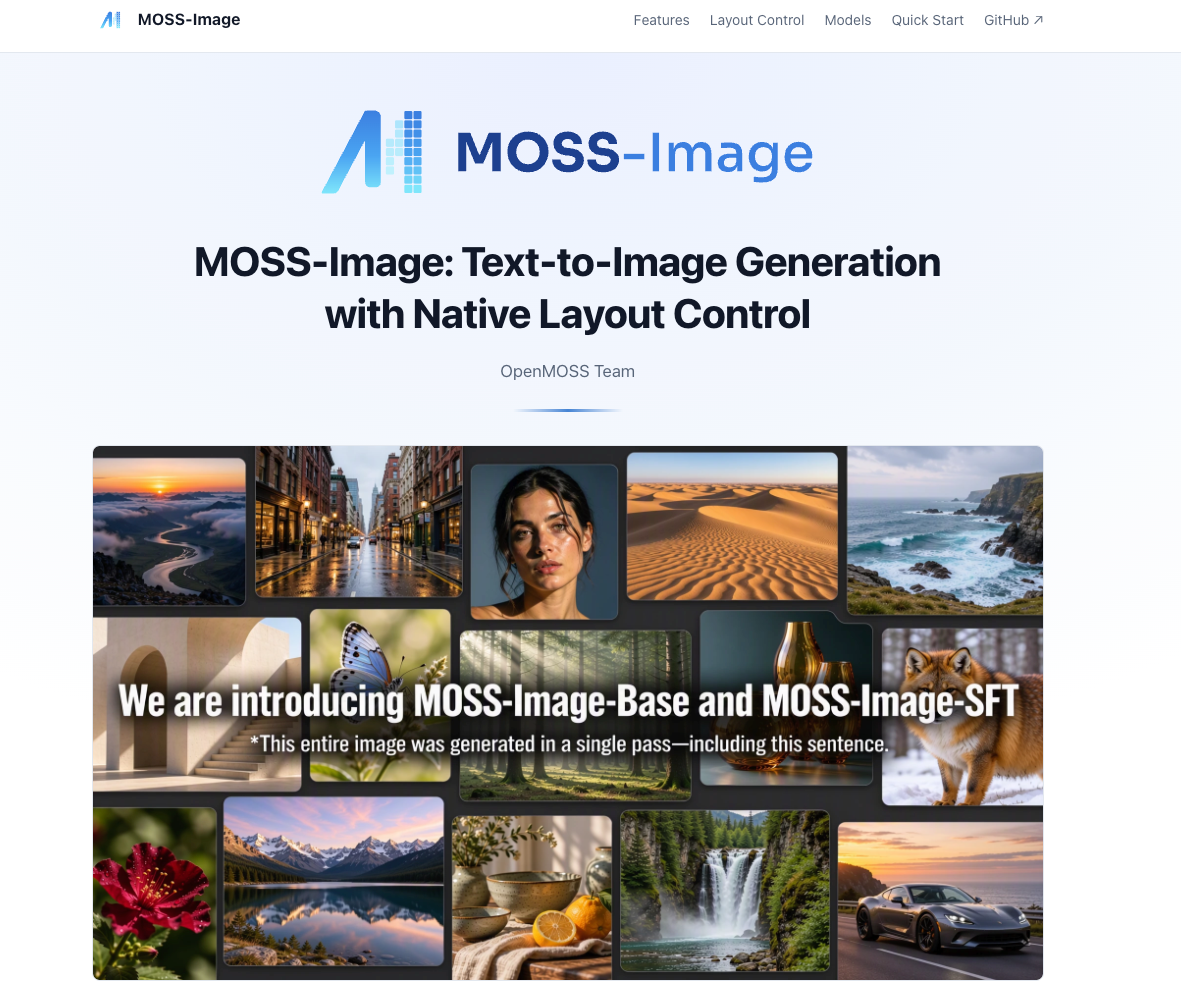
MOSS-Image supports text-to-image generation and layout control, including specified positions for objects and rendered text. Those positions can guide a composition. They don't establish how the product works or how a later video will preserve it.
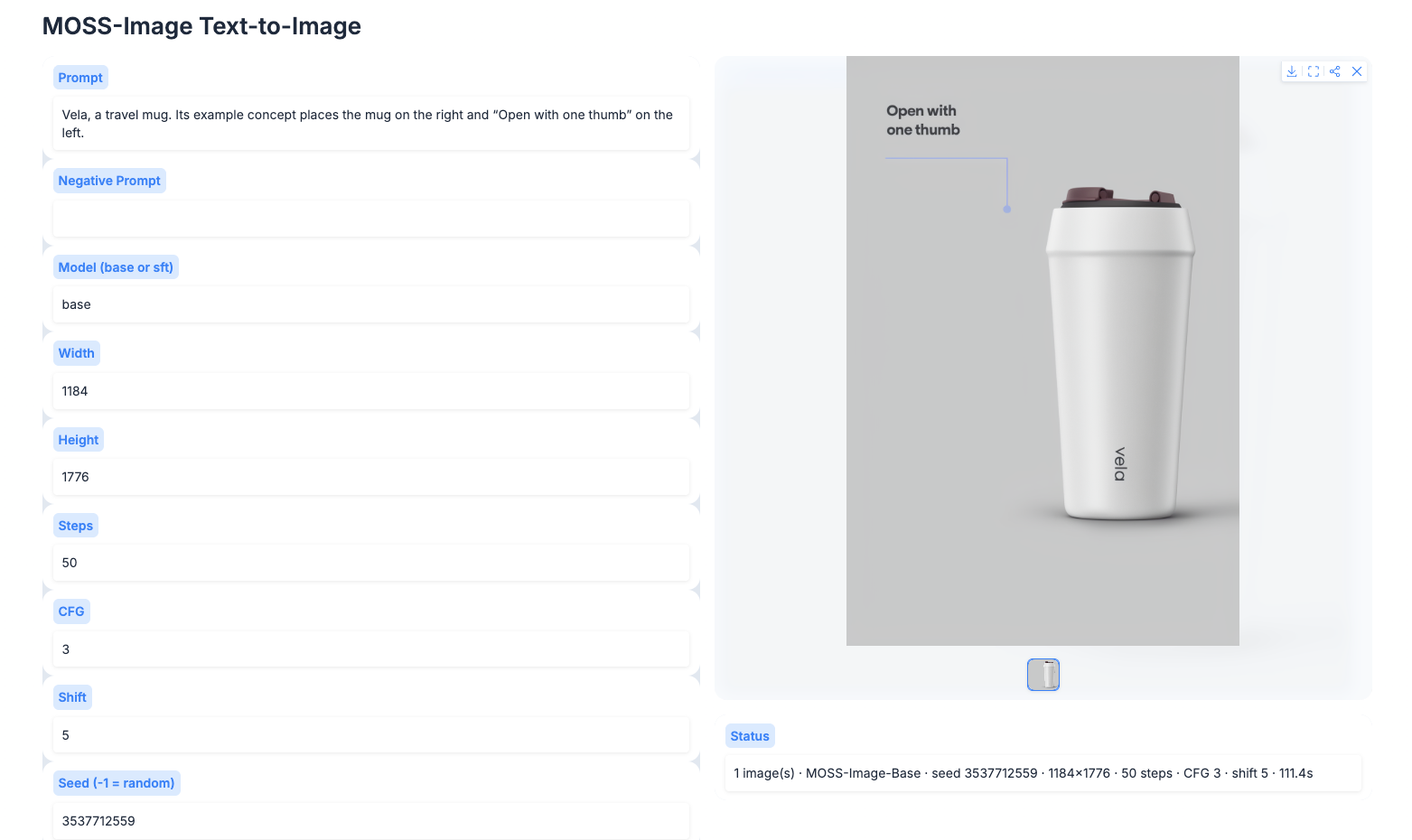
Consider Vela, a fictional travel mug. Its example concept places the mug on the right and “Open with one thumb” on the left. The product and claim are illustrative; replace both with checked details before production.
Keep this concept if the lid is visible and the message can sit beside the action. If the headline covers the release button, change the composition before asking for motion.
Turn the Static Concept into a Video Brief
Assign the concept's elements a place in the buyer's answer. Here is a one-page example to adapt:
| Brief field | Fictional Vela example |
|---|---|
| Buyer question | Can I open the lid with one hand? |
| Product fact and proof | Proposed line: “A thumb press releases the lid.” Product owner must confirm it against the current product and demonstration. |
| Visual direction | Keep the plum mug on the right, with clear space for copy on the left. Match its shape and label to the current packshot. |
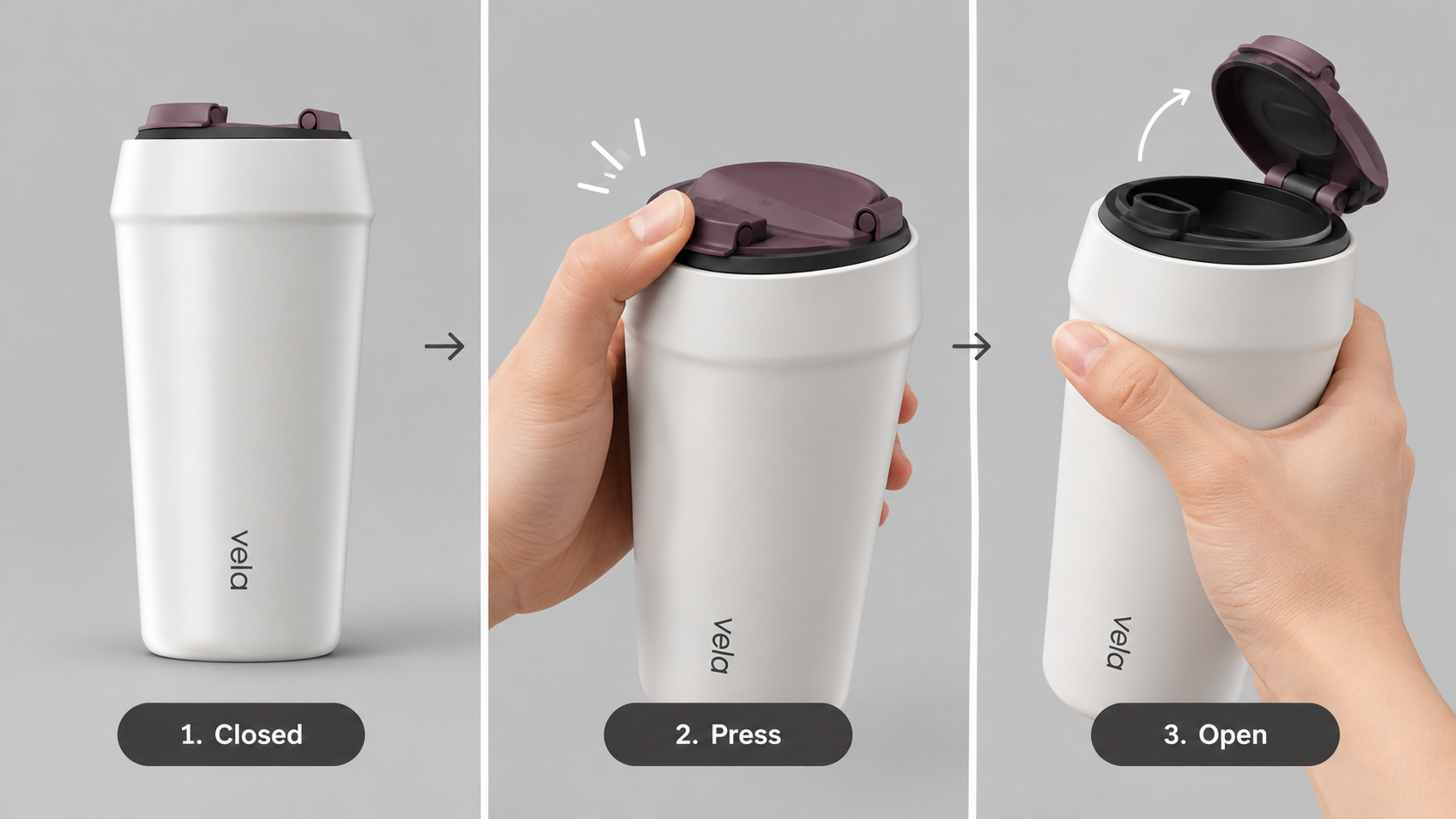
| Action | Show the thumb pressing the release, then the lid opening. Keep the button and hinge visible. |
| Copy sequence | Show the approved opening line after the action becomes clear. End with “See the lid details.” |
| Deliverable | One short vertical product-page video; confirm the page's required format before production. |
| First-cut acceptance | Correct mug and mechanism; understandable press-to-open action; exact approved copy; no added leakproof or insulation claims. |
Name the product fact the story must show
The claim needs a source outside the concept image. For Vela, someone must confirm that the depicted thumb press matches the actual opening mechanism. A hand posed near the lid cannot prove it.
Name the current demonstration or product document beside the approved sentence. If the fact remains unconfirmed, keep the brief in review. Attractive lettering doesn't make an unverified benefit usable.
Describe the Motion in the Video Brief
Describe the starting state, action, and visible result. “Animate the mug” leaves too much undecided. A clearer direction is: “Begin with the lid closed. Show the thumb pressing the release. Hold the open lid with the hinge visible.”
The camera can stay still while the mechanism moves. A sweeping camera move could hide the release at the moment the buyer needs it. If the action cannot be represented faithfully, plan a source-backed demonstration instead.
Separate Designed Layout from Verified Copy
Treat the headline's location and its wording as separate decisions. You may keep the left-side space while replacing “Open with one thumb” with the product owner's approved wording.
For every text element, specify whether it belongs on the physical product, in a later overlay, or nowhere in the video. Vela's package lettering must match the actual label. Its explanatory line can be added separately; a decorative badge implying unverified performance should go.
Don't ask the video to carry every word embedded in the still. A flattened concept may need a clean product view so obsolete lettering doesn't remain beneath new copy. Adding an overlay is not a reliable way to erase a wrong claim.
Review the Brief Before Generating Video
Read the action instructions without looking at the concept. Could a producer describe what happens first and why? Then compare the written requirements with the image: does the hand obscure the button, or does the proposed crop remove the headline space?
The product owner should approve the mechanism and claim; the marketing editor should approve the viewing order and final message. Neither approval guarantees that generated frames will preserve the label or layout.
Resolve conflicting instructions now. “Keep the entire poster unchanged” conflicts with moving its headline or revealing a hidden hinge. State which visual choice may change to make the product answer clear.
Hand Off One Approved Video Brief
The handoff should leave the producer with one buyer question, a supported claim, and an action they can describe without guessing. If Vela's opening mechanism is still uncertain, resolve that before requesting a video.
With the concept and brief approved, you can develop the video with Pexo, this guide's publisher. For Vela, ask for the thumb press first and the exact approved line afterward. Check the preview to see whether the button and hinge stay visible, then refine any moment that obscures the action.