
 ChatGPT
 Perplexity
 Claude
 Gemini
 Grok




Name the unfinished part of the video before paying for Studio. A noisy product close-up, a moving subject that needs isolation and an unsupported delivery format lead to different upgrade decisions.
For DaVinci Resolve free vs paid, start with the required export and work backward through the shots. The checklist below separates a missing feature from a hardware problem or source material that needs replacing.
What Can the Free Edition Finish?
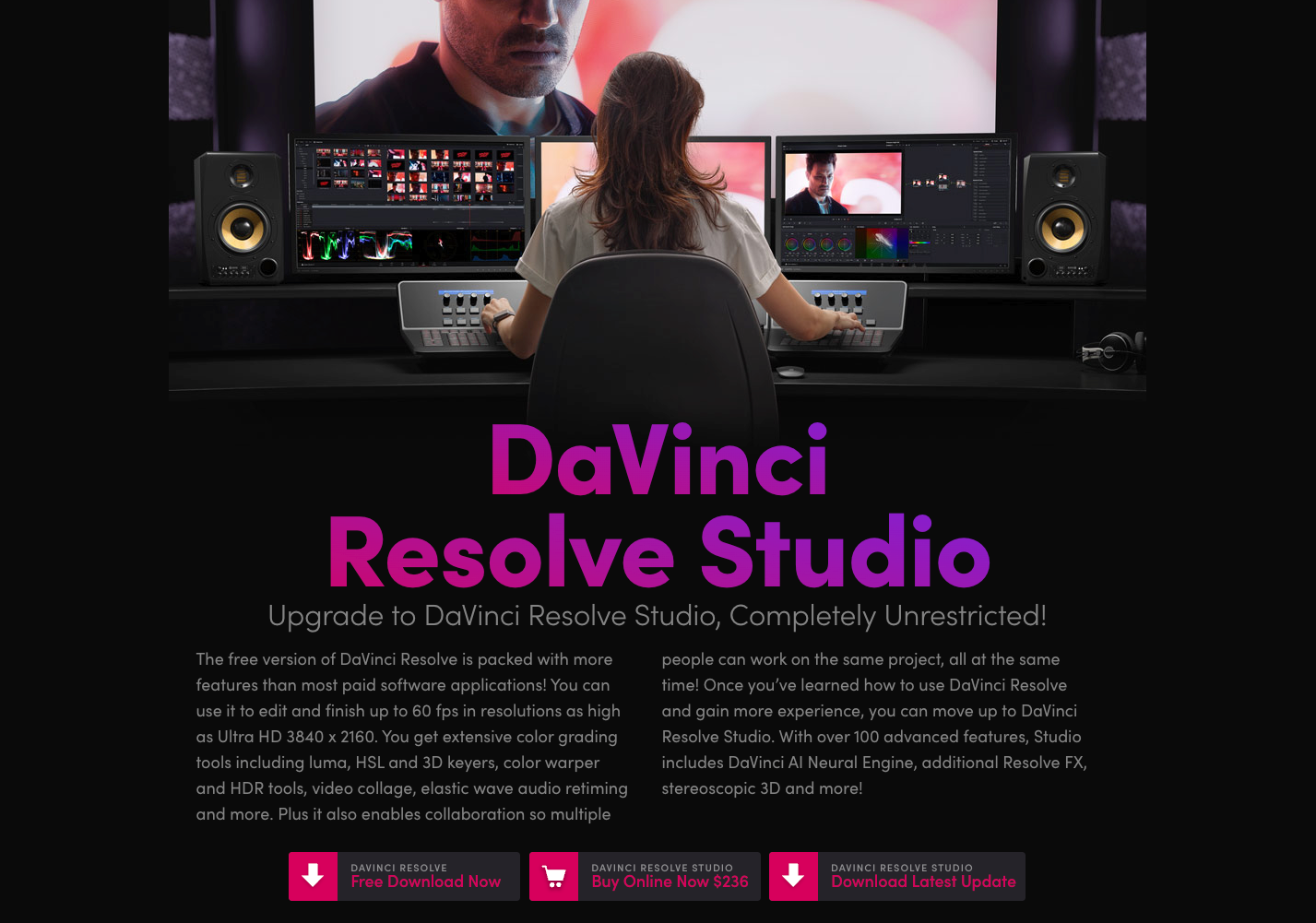
Free Resolve can finish editing, color correction, compositing and audio work when the source files and delivery settings are supported. It can suit product cutdowns that need trimming, readable titles, shot matching and a checked soundtrack.
Blackmagic describes Free's ceiling as Ultra HD 3840 × 2160 at up to 60fps. That ceiling does not guarantee every codec, profile or export setting within those dimensions.
Basic grading and manually shaped corrections do not automatically require Studio. A product shot that needs a modest exposure adjustment is a different task from one requiring advanced noise reduction.
The edition and purchase information here was checked on November 11, 2026. Blackmagic's US page showed Studio at $236, reduced from $295. Confirm the offer, currency, tax and license type at checkout; an upgrade decision should survive a change in the promotion.
Which Deliverables Need a Studio Feature?
A deliverable needs Studio when its required processing or delivery setting is restricted to that edition. Identify the specific restriction before assuming the whole project requires an upgrade.
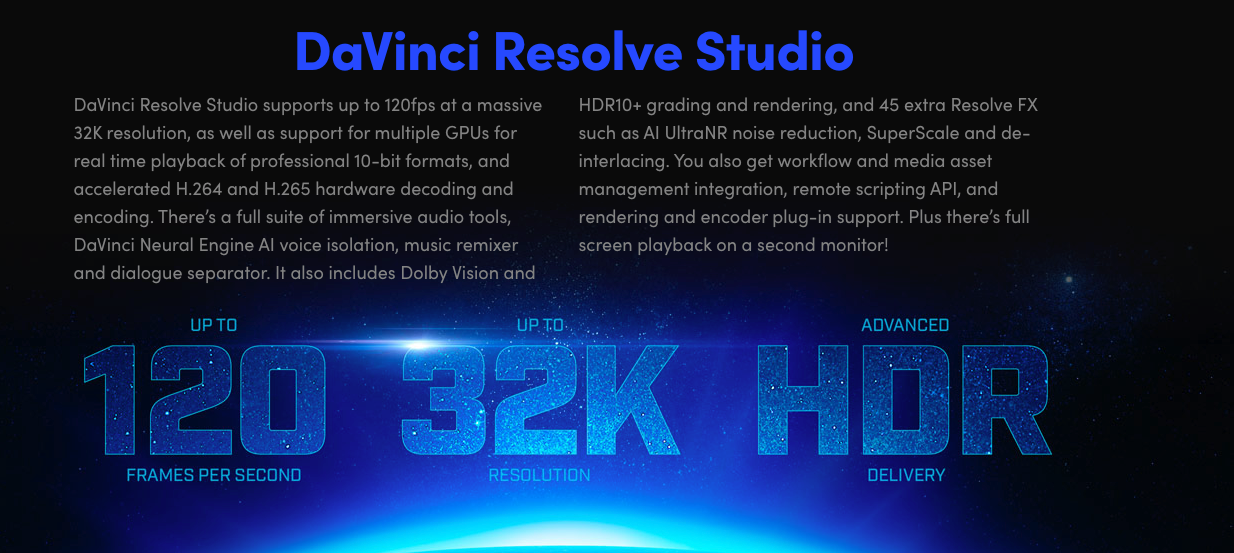
Blackmagic's September 2026 feature table marks timelines and renders above UHD, and timeline frame rates above 60fps, as Studio features. It also marks Magic Mask, temporal noise reduction, UltraNR and Voice Isolation as Studio tools.
Cleanup, Masks, Codecs, and Export Requirements
For cleanup, define what is wrong. Noise reduction might help a dark demonstration shot, but smoothing away the product's texture would fail the review. Listen to voice cleanup beneath the full mix, rather than judging an isolated preview alone.
For masks, distinguish automated subject selection from a correction you can draw and track manually. A short, uncomplicated shot may justify that manual work. Repeated moving-subject corrections may justify evaluating Magic Mask, provided its edges hold throughout the shot.
For codecs, use Blackmagic's supported formats and codecs list. Read the operating-system section, then the container, profile, decode and encode columns separately.
For example, its Windows table lists OS-supported 8-bit H.264 profiles and OS-supported 8/10-bit H.265 profiles. Studio adds profiles and acceleration. So “all 10-bit footage requires Studio” is too broad; a file's extension alone also cannot settle compatibility.
Record input and output requirements separately. A high-frame-rate source used in a slower timeline is a different requirement from delivering a high-frame-rate master. Advanced HDR mastering also needs its specific format checked; Free already includes HDR grading tools.
What Hardware and OS Limits Matter?
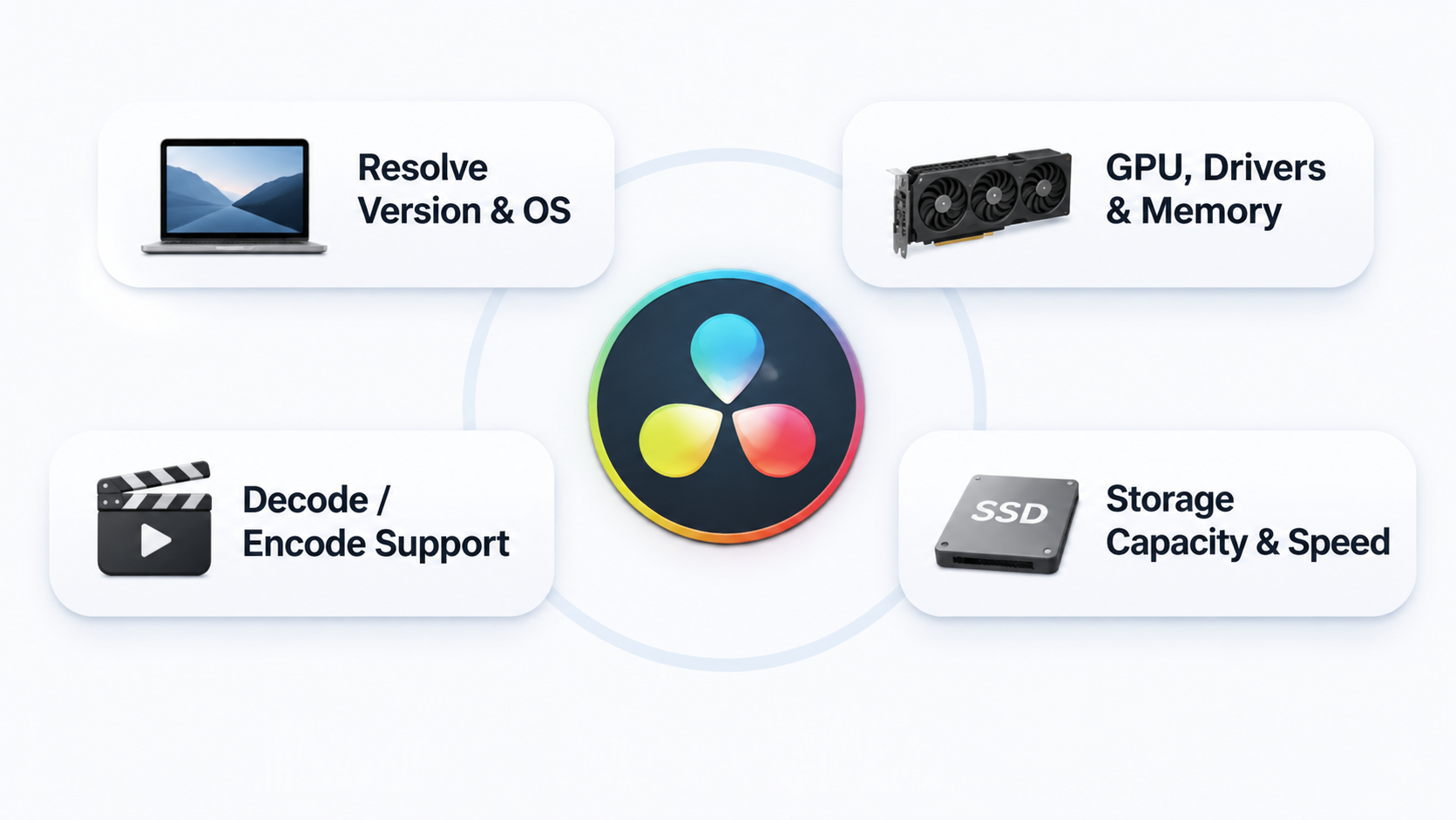
The installed build, OS, GPU, drivers and media format all matter. Studio can unlock processing and acceleration, but it cannot supply missing memory or make unsupported hardware suitable.
Check these before attributing a failure to the edition:
-
The exact Resolve version and its published OS requirements.
-
GPU support, driver version, available GPU memory and system memory.
-
Hardware decode or encode support for the particular profile.
-
Storage capacity and throughput for originals, proxies and cache.
The codec tables differ across macOS, Windows and Linux. Do not transfer a successful Mac import directly into a promise about a Windows workstation.
Proxies or render caching may make an edit more manageable. They do not change a Studio-only delivery requirement. Plan a full-quality export check using the intended source media before treating the job as solved.
An Upgrade Checklist for a Marketing Clip
Use Nelo, a fictional travel-pouch brand, for this illustrative assignment: one vertical 1080 × 1920, 30fps SDR video. It combines a filmed packing demonstration with a generated opening shot.
No footage was tested for this example. Replace the assumptions with your actual file properties and checks.
| Check | Assumed requirement | First action | What would justify Studio? |
|---|---|---|---|
| Delivery | Vertical SDR master at the stated size and rate | Confirm the exact codec/profile and export a sample in Free | A required format or setting is restricted |
| Product color | Match the pouch to approved photographs | Correct exposure and balance; compare the finished shot | Basic color matching alone is not a trigger |
| Moving hand | Brighten the product without changing the hand | Try a manually tracked correction | Repeated isolation needs warrant evaluating Magic Mask |
| Shadow noise | Keep fabric texture visible | Inspect the original and a normal correction | Needed temporal or AI noise reduction passes the texture check |
| Generated zipper | Opening shot depicts the wrong construction | Replace the shot or return it for production correction | Studio cannot establish the missing product fact |
| Computer | Preview stalls with several effects | Check resources, drivers, proxies and cache | A documented acceleration need, with compatible hardware |
Keep a short decision note beside the project:
Required delivery:
Source file and OS:
Blocked task / exact Studio feature:
Acceptable manual or media alternative:
Full-quality export check:
License quote / tax / other required purchases:
Decision and responsible editor:
If the only unresolved problem is the invented zipper, buying Studio leaves the central problem untouched. Correct the asset before spending time finishing it.
When Is Staying on Free the Better Fit?
Stay on Free when it handles the actual sources, corrections and final export without an unacceptable workaround. Occasional manual masking can be reasonable when the shot is simple and infrequent.
Keep the purchase tied to repeated work: which restricted task recurs, and what would using Studio change? Include review time and any hardware or plugin expense in that answer.
Before buying, read the website-purchase refund policy and confirm how it applies to your seller, region and activation status. Its software deadlines are inconsistent, so avoid treating a purchase as a guaranteed refundable test.
If the missing work is producing a new sequence from approved facts and assets, Pexo offers an optional upstream AI video agent path. Describe the story, review the preview and request specific changes. Resolve remains the place for the editor's detailed grading and finishing decisions.
Before uploading client footage to Pexo, check its processing and campaign-use terms, including applicable permissions or written consent. Neither software purchase clears source footage, voices or third-party effects for a campaign. This article does not provide legal advice.
Conclusion
Upgrade for a named finishing requirement that Free cannot meet acceptably. In the Nelo clip, noise reduction might support that decision; an inaccurate generated zipper would not. Keep the final export and product detail as the tests that decide where the money goes.