ChatGPT
 Perplexity
 Claude
 Gemini
 Grok


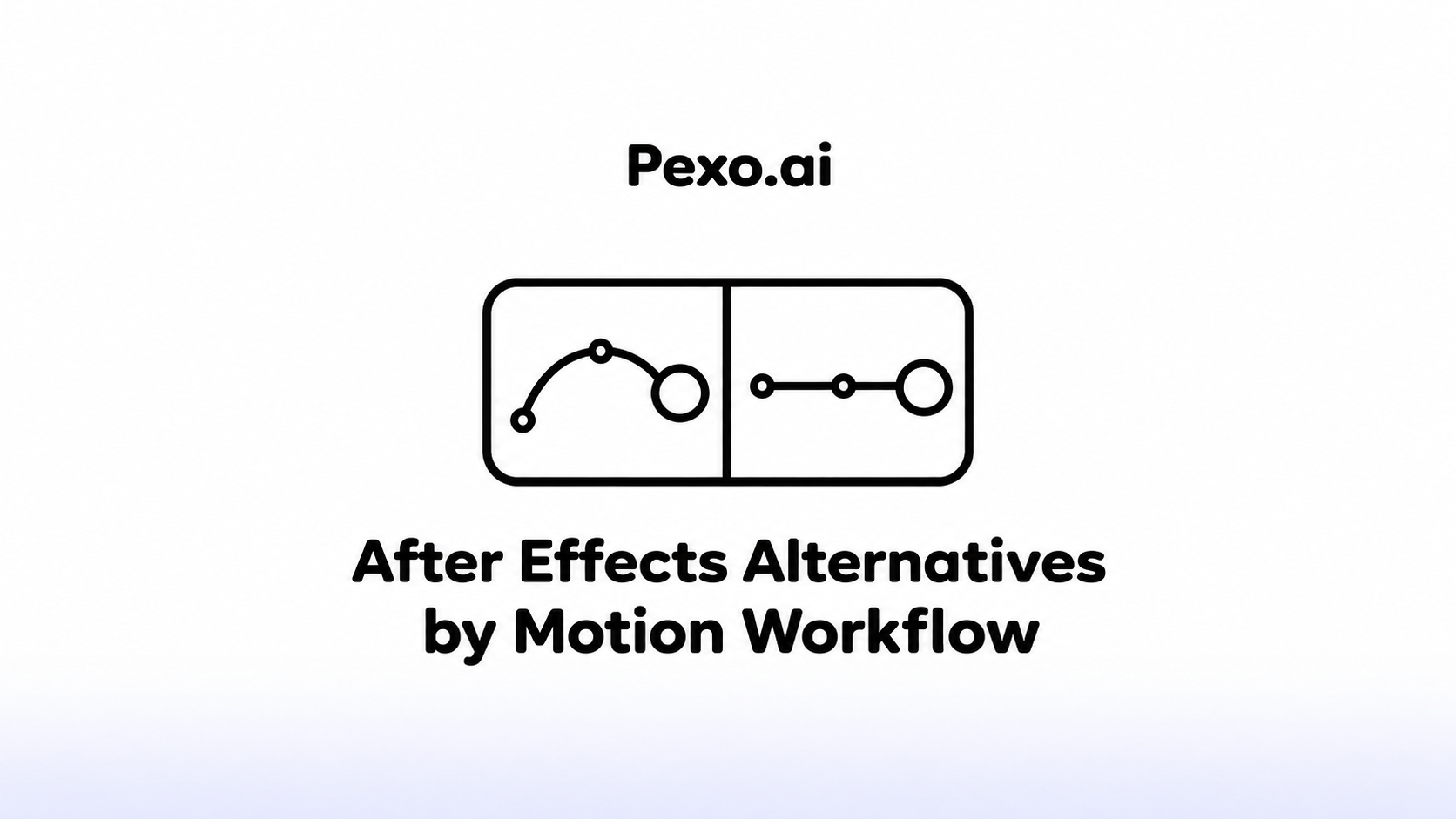

When a client asks for a different headline next month, someone needs access to the text and its timing. A compositor changing the background needs the masks and image relationships too. Those requests lead to different software choices.
Choose Adobe After Effects alternatives around the work that must remain editable after delivery. Fusion suits compositing, Motion suits Mac motion design, SVGator suits vector animation, Jitter suits browser motion, and Pikimov offers browser compositing. Generated finished video serves a different handoff.
Which After Effects Job Must the Replacement Handle?
Identify whether you need to composite footage, animate design elements, or deliver an animation that runs on a website. Then name who will revise it and which controls they need.
A motion designer may need curves and separate text layers. A developer may need an SVG or Lottie asset. A marketer may need a revised movie. “Editable” should describe a file and a recipient who can actually work with it.
| Workflow | Options to examine | Migration question |
|---|---|---|
| Footage compositing | Fusion; Pikimov | Can the team rebuild masks, effects, and tracking dependencies? |
| Mac titles and motion | Apple Motion | Will the next editor use Motion or Final Cut Pro? |
| Web vector animation | SVGator | Does the required behavior survive in the target player? |
| Browser brand motion | Jitter | Can colleagues revise the design in the shared workspace? |
| Finished marketing video | Conversational video production | Is a rendered video sufficient for the recipient? |
How the Options Were Compared
The comparison uses official product, help, pricing, and licensing pages checked on November 2, 2026. It examines documented controls and proposed migration work, without claiming a matched production test.
The shared example is Nera, a fictional desk lamp. Its brief contains approved product footage, a packshot, a vector logo, a callout, and a closing headline. The revision is to replace the headline and extend its reading time while preserving the product action.
Each tool is assessed for that relevant portion of the work: inputs, editable structure, output, and rebuilding. Prices below describe the displayed purchase conditions; they exclude migration labor and third-party assets.
1. Blackmagic Fusion for Compositing
Fusion is a strong fit when the task centers on combining and modifying footage. Its node graph connects image-processing steps; keyframe and spline editors control animation. Blackmagic offers Fusion within DaVinci Resolve as well as standalone Fusion Studio.
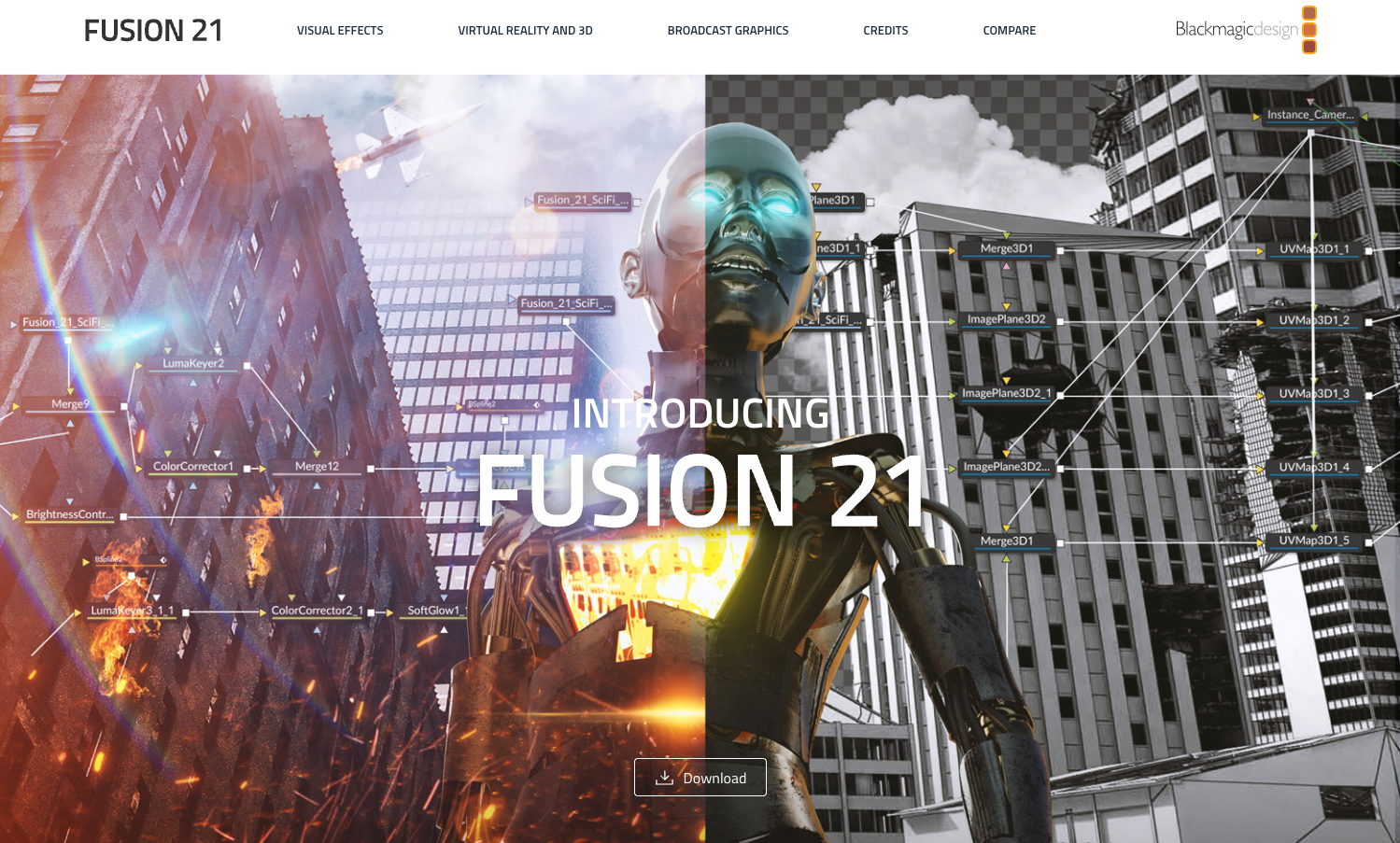
For Nera, build the footage, mask, callout, and text as connected elements. A designer can revise the headline timing without flattening the whole composite. The learning task is understanding those connections instead of expecting the After Effects layer stack to behave identically.
Plan to rebuild effect chains and animation relationships where no verified conversion exists. Render a video or image sequence for assembly, while retaining the native composition and referenced media for later changes. Confirm the selected edition's output and effects requirements.
Blackmagic's comparison page listed Fusion Studio at $295, while its product catalogue displayed $236 on the same check date. Confirm the applicable price at checkout. Resolve has a free edition, but its included tools should be checked against the paid Studio requirements.
Choose Fusion when a compositor will maintain the project. A team changing simple social headlines may find that rebuilding a node graph exceeds its needs.
2. Apple Motion for Mac Motion Design
Motion fits a Mac team making titles, graphic treatments, and templates for Final Cut Pro. It combines layers, keyframes, and behaviors, which can generate movement without individually keyframing every property.
For Nera, keep the headline and callout separate from the product footage. Adjust their timing in Motion, then publish selected controls in a Final Cut Pro template if the receiving editor needs them. Decide which wording and layout controls to expose before handing it over.
The US App Store listed the standalone Mac application at US$49.99 on November 2. Check the current Mac requirements and local checkout before buying.
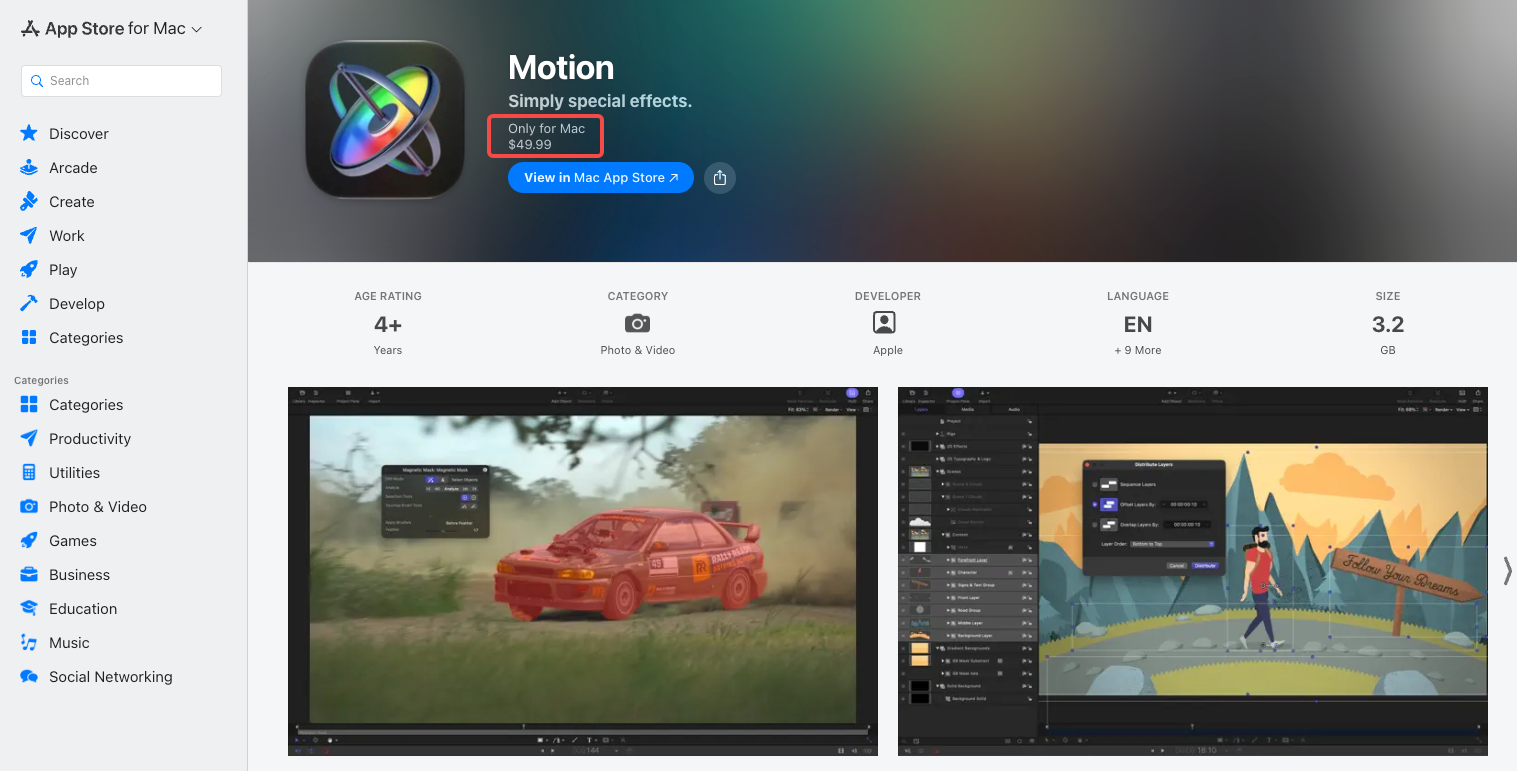
Motion can export movies and image sequences. Its source project and a published Final Cut template are different deliverables, so agree which the client needs.
Budget for rebuilding AE expressions, effects, and control rigs. Motion is a sensible choice within a Mac production workflow; it requires a different handoff plan for someone expecting an editable After Effects project.
3. SVGator for Vector and Lottie Assets
SVGator fits when the deliverable is an animated logo, icon, diagram, or web graphic. Its keyframe editor animates vector properties, with animated SVG and Lottie among the export options. It can supply the graphic component of Nera's campaign while another tool assembles the footage.
Start from the vector logo and callout artwork, then build their motion in SVGator. Review the exported animation in the actual website or app player. A successful preview inside the editor does not establish identical playback elsewhere.
There is a consequential migration limit: SVGator's supported-format guidance says re-importing an exported animated SVG retains only its first keyframe. Preserve the editable project. Lottie import is documented as Beta, so test imported behavior before committing a campaign library.
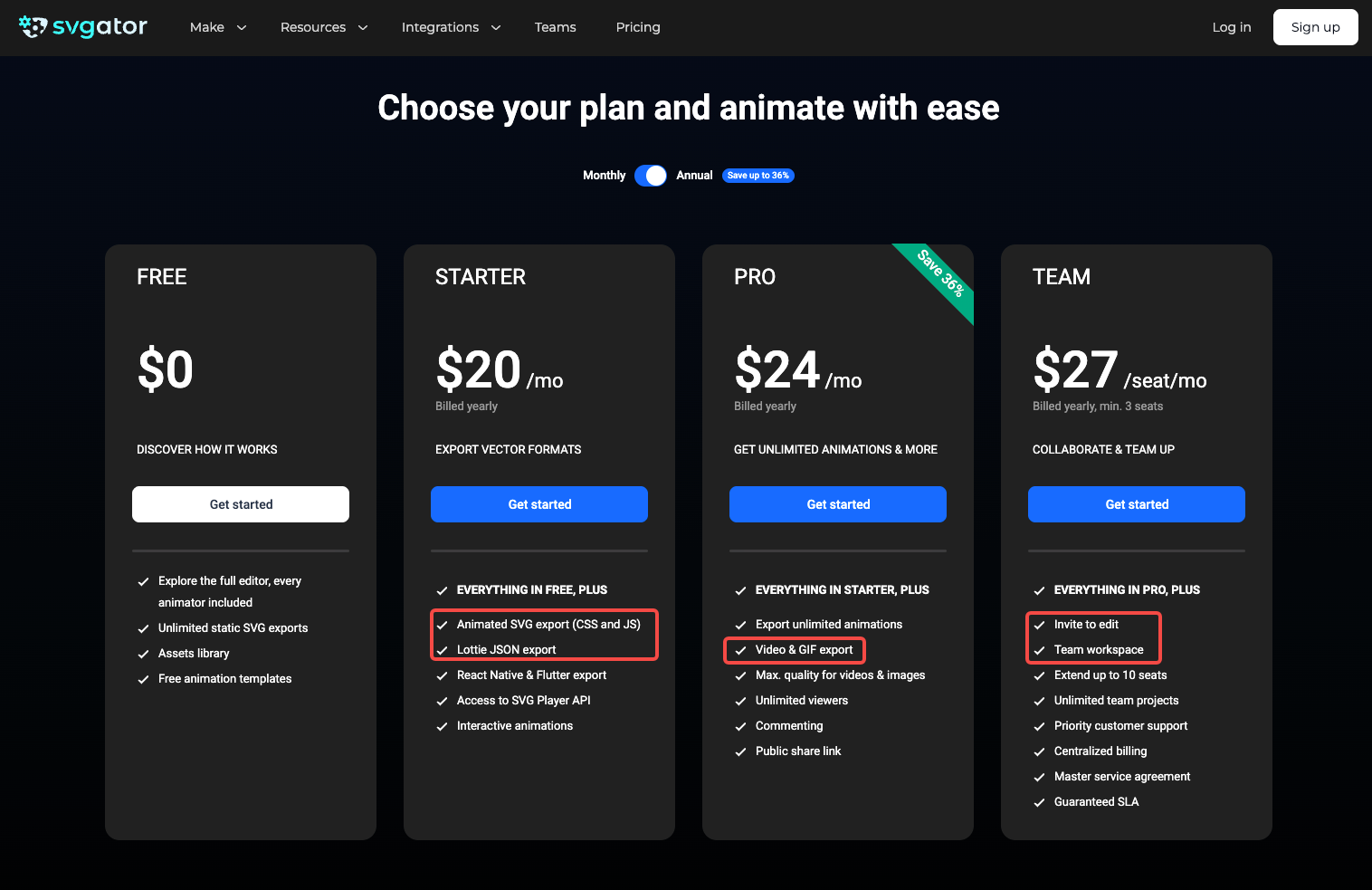
The annual-billing view showed Starter at $20 per month for vector exports and Pro at $24 per month adding watermark-free, full-quality video and GIF exports. Editing collaboration requires the Team plan.
Choose it for maintained vector assets. Treat an AE composition containing footage and plugins as a rebuild of selected artwork and motion.
4. Jitter for Browser Motion Graphics
Jitter suits teams creating branded motion together in a browser. Layers remain part of the design, but its documentation describes timed animation operations, rather than traditional keyframes. That distinction matters when recreating an AE timing setup.
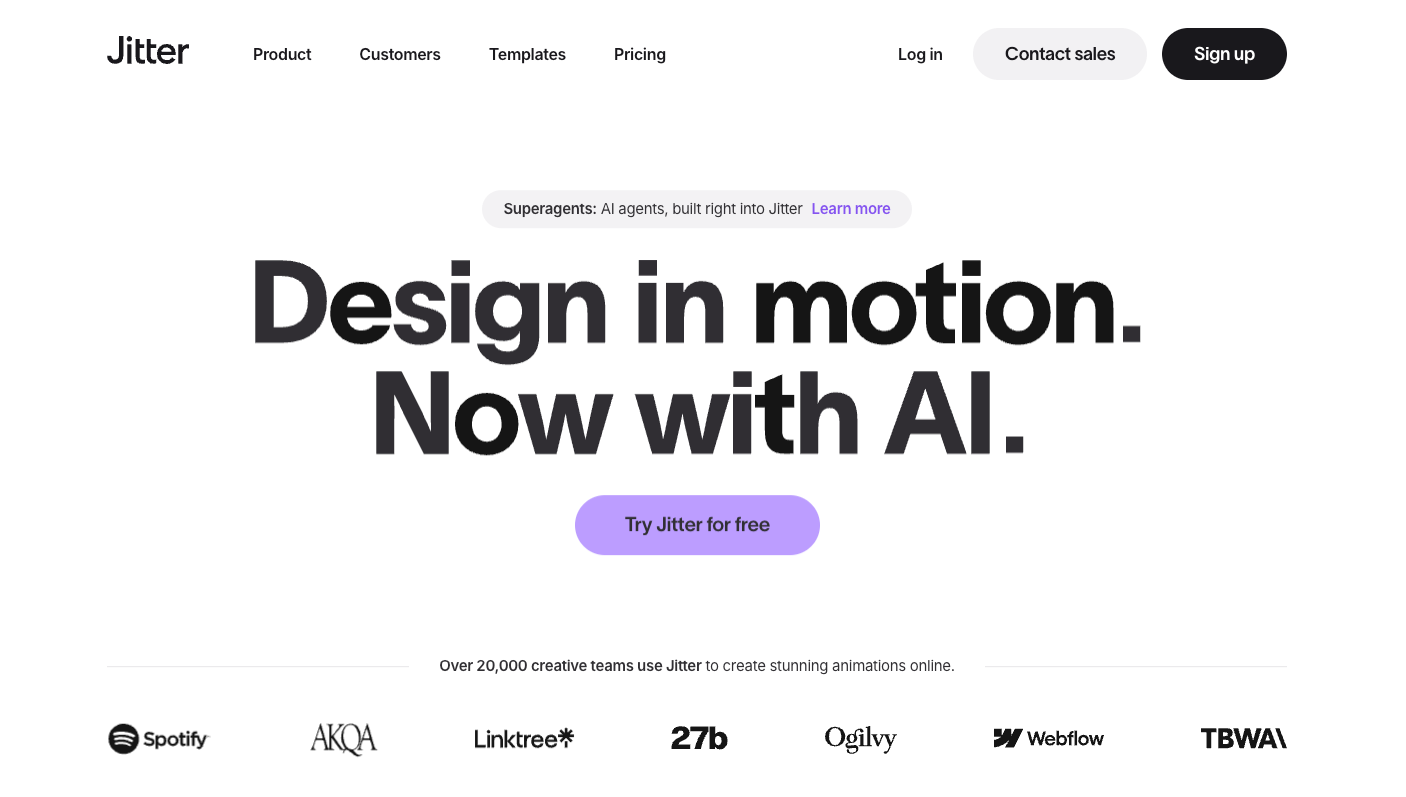
For Nera, bring in the design assets and construct the headline entrance, hold, and exit. Move the relevant operations when the reading time changes. Recheck the closing card after extending the headline so the two elements still have room.
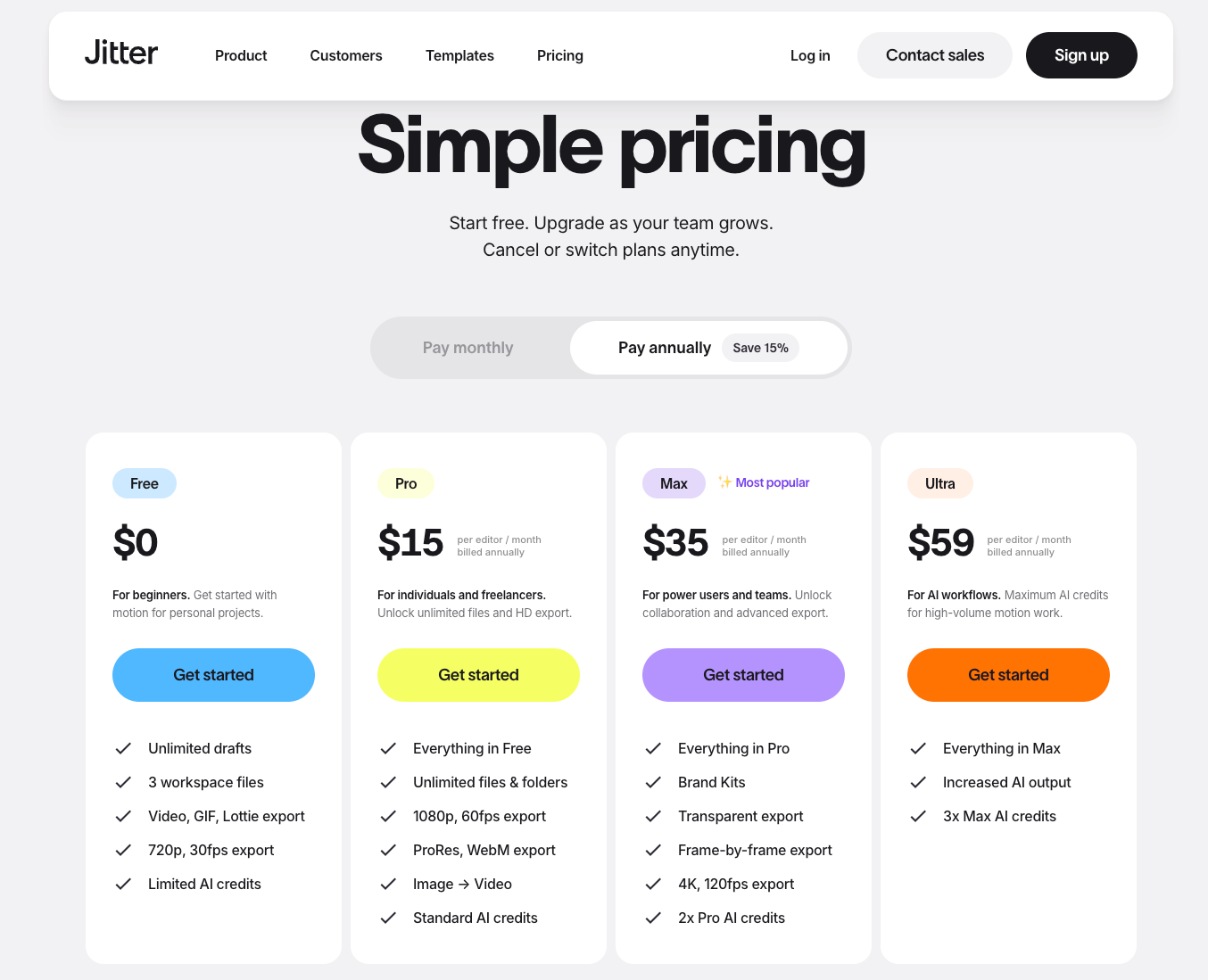
Jitter’s Free plan includes video, GIF, and Lottie exports, with video limited to 720p at 30fps. On annual billing, Pro costs $15 per editor per month and adds watermark-free 1080p/60fps, ProRes, and WebM exports. Max costs $35 on the same basis and adds 4K/120fps and transparent export, making it the relevant tier for compositing over product footage. Ultra costs $59 and increases the AI credit allowance. Prices are in USD, before applicable taxes.
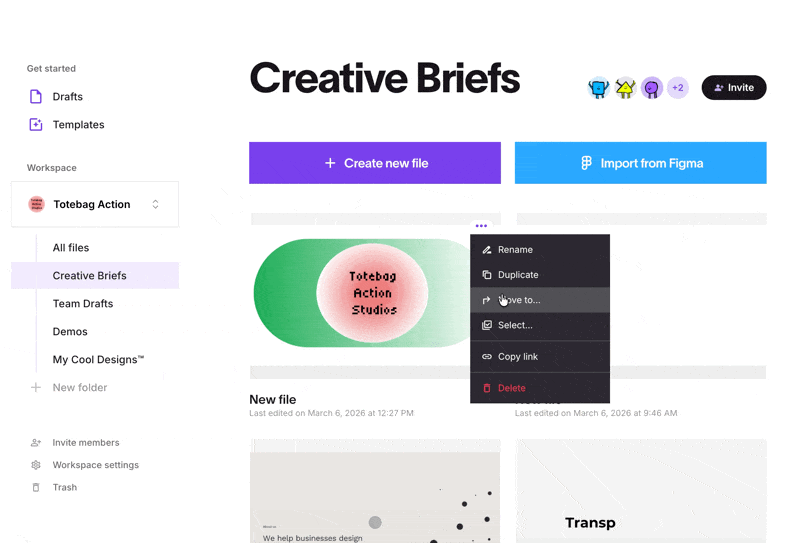
For handoff, Jitter documents sharing a file link so a recipient can duplicate it into another workspace. Check access, paid features, fonts, and asset permissions in that destination.
Choose Jitter when the team accepts its animation model and browser workspace. Recreating an expression-driven AE rig remains a separate design task.
5. Pikimov for Browser Compositing
Pikimov offers browser-based motion design and compositing with layers, compositions, keyframes, and a graph editor. Its public site describes the web editor as free, without signup, and processing files locally. That is distinct from a shared cloud project workflow.
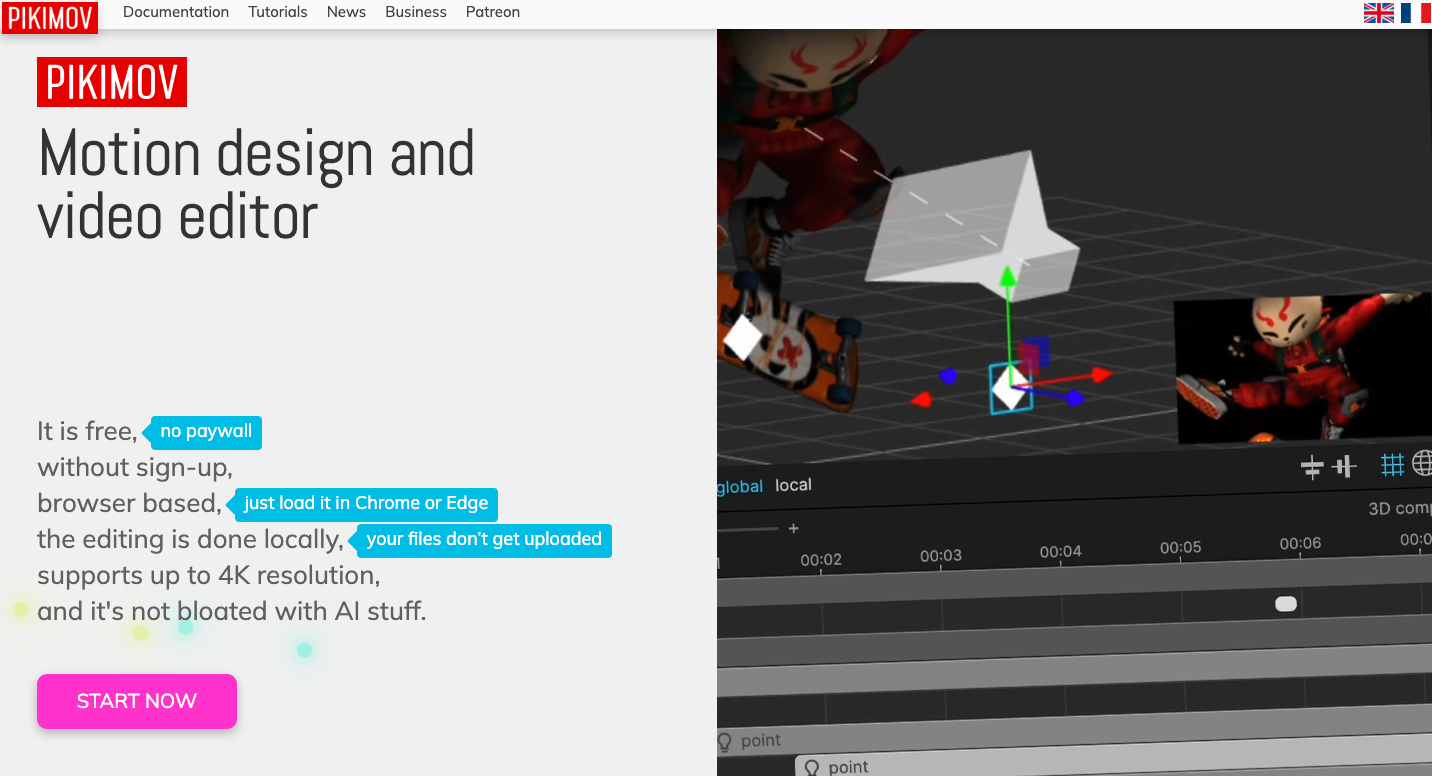
For Nera, import supported footage and artwork, build the overlay, and animate its properties. The manual lists common image, video, audio, font, and 3D inputs. It also warns that not every MOV codec is supported.
Keep the editable composition and its source assets available, then test reopening them on the receiving machine. Export a sample video early. Browser support and the actual media codecs are part of the migration decision, especially if the existing library contains varied production formats.
Do not assume similar controls establish compatibility with AE plugins or expressions. Rebuild a representative section and compare it with the reference render.
Pikimov is worth evaluating for locally processed browser work. Keep a desktop route available when a required codec, plugin, or delivery format remains unverified.
Where Generated Finished Video Fits
Generated finished video fits when the team wants help developing and revising the complete sequence. It does not satisfy a contract requiring editable AE layers, expressions, or plugins.
For Nera, that wider task includes arranging the opening, product action, graphic explanation, sound, and ending. With approved sources and a product video brief, you can develop that sequence through Pexo's product-video workflow. Pexo publishes this guide and works as a conversational AI video agent.
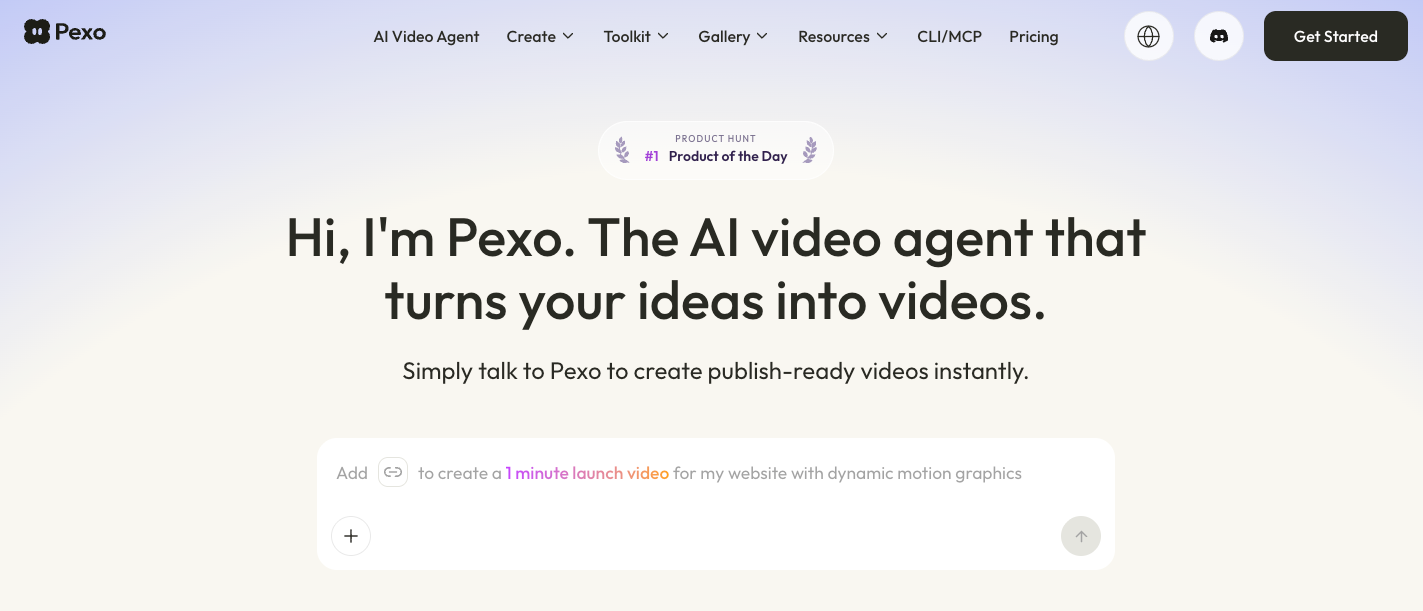
A useful revision is specific: “Extend the headline's reading time after the product action; keep the demonstration visible.” Inspect the returned cut for text accuracy and unintended visual changes. Confirm any source-project requirement before commissioning it.
Clear inputs for processing and resolve promotional-use consent under Pexo's current terms. An approved final video and an editable design project may require different production arrangements.
What Must Be Rebuilt During Migration?
Usually, the relationships inside the animation need more attention than the visible artwork. Inventory expressions, masks, tracking, plugin effects, text animators, and links between compositions before estimating the move.
Keep a reference render, approved source assets, and a list of controls the client must retain. Ask another person to change the headline and produce the agreed output in the new tool. That exposes missing dependencies while the original remains available.
Fonts need their own check. Adobe Fonts licensing guidance distinguishes delivered graphics from designs requiring direct font access: a client editing the latter needs its own font license. Sending the project does not supply that license.
Review template and stock terms separately for client delivery, external collaborators, and reuse. Software access does not settle those permissions. This article does not provide legal advice.
Conclusion
Select the tool around the next real revision and the file your recipient must edit. Rebuild one representative section, check its export, and confirm the handoff permissions before moving the library. Keep the original project available until the new workflow can deliver an acceptable change.