 ChatGPT
 Perplexity
 Claude
 Gemini
 Grok




Buying Final Cut Pro once fits regular Mac editing when you need few of the suite's other apps. Creator Studio deserves consideration when its additional apps, iPad access or subscriber content support work you actually produce.
The useful Final Cut Pro cost includes keeping those videos editable for the next product update. Compare the payment routes against your existing licenses, production schedule and supporting purchases before committing.
What Are the Current Ways to Get Final Cut Pro?
You can buy Final Cut Pro for Mac outright or access it through an Apple Creator Studio subscription. The standalone Mac purchase does not include the iPad app.
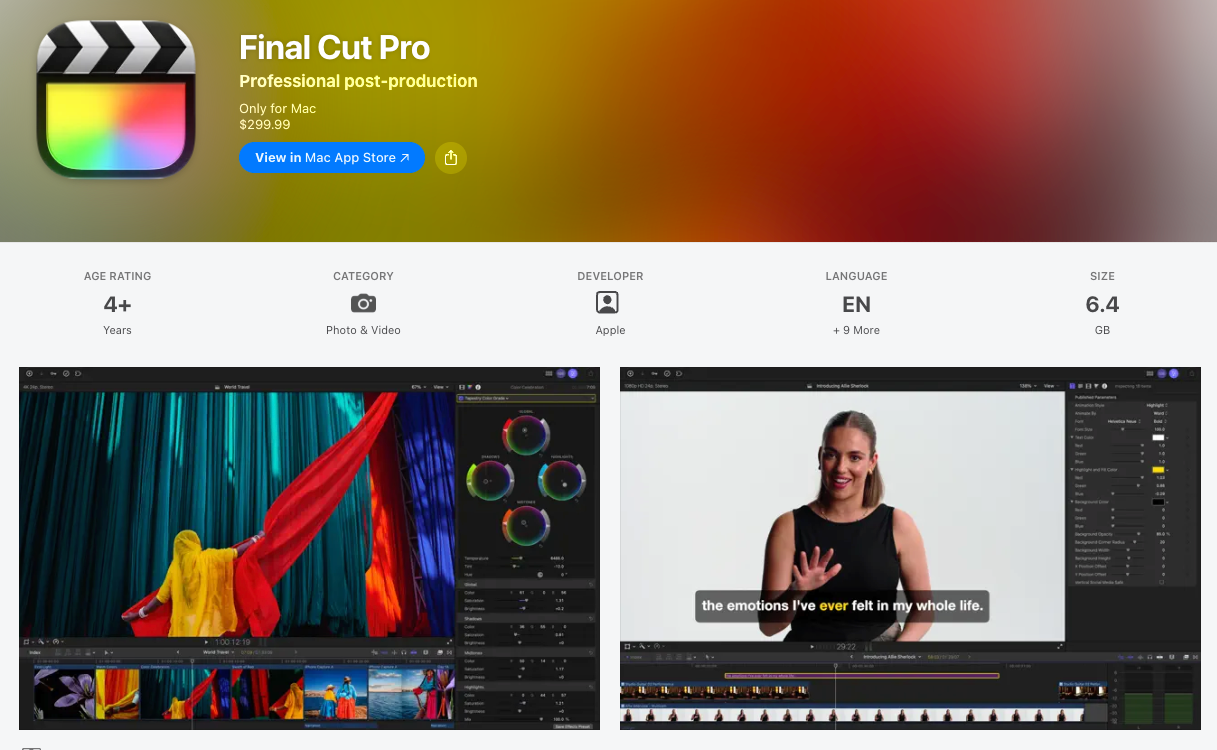
These US prices in USD were checked on November 11, 2026, using the Mac App Store listing and Apple's Creator Studio subscription page:
| Route | Published price | What to budget |
|---|---|---|
| Final Cut Pro for Mac, one-time purchase | $299.99 | Initial Mac app license |
| Standard Creator Studio, monthly | $12.99/month | Recurring subscription after any eligible trial |
| Standard Creator Studio, annual | $129/year | Full yearly payment; $10.75/month equivalent |
| Verified college student or educator subscription | $2.99/month or $29.99/year | Eligibility-dependent education offer |
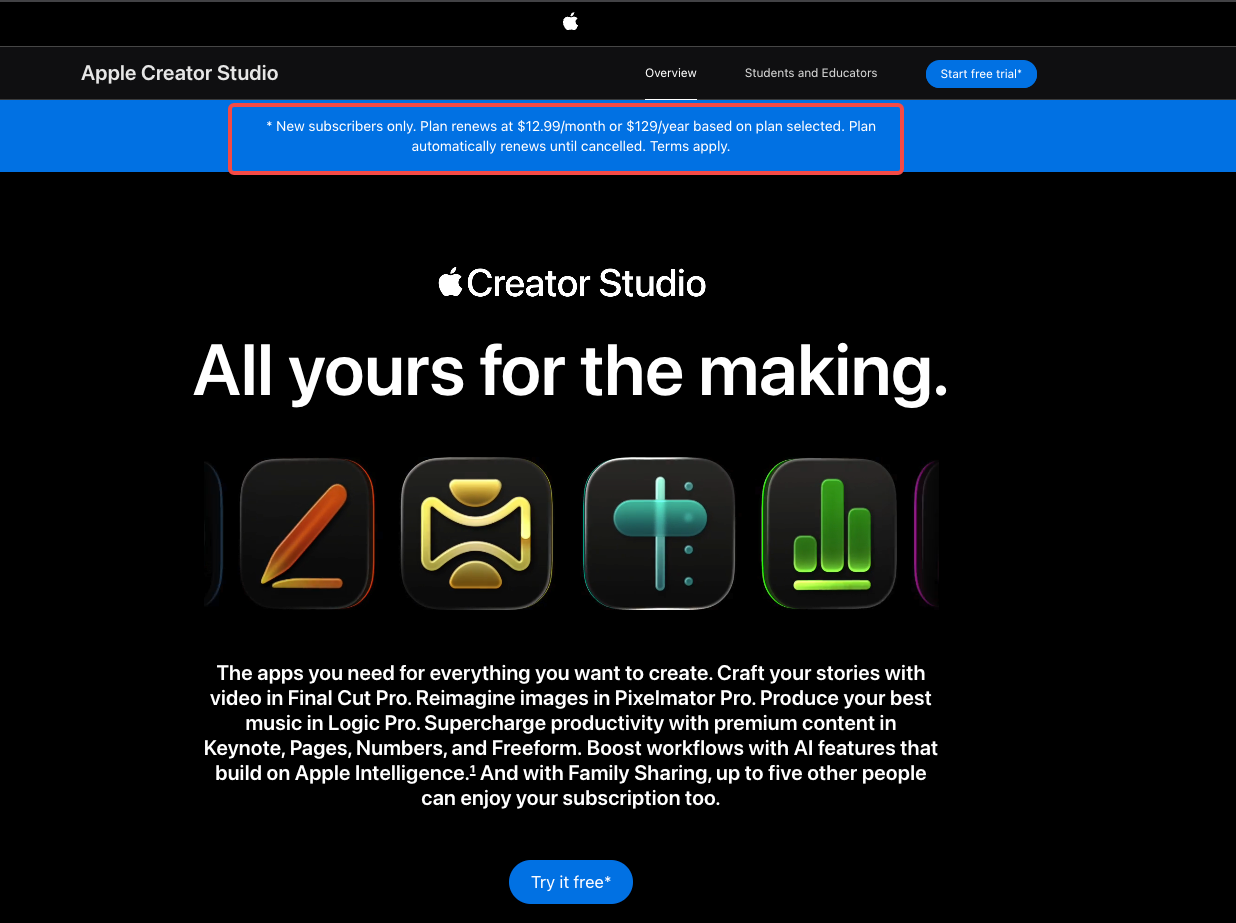
Confirm your storefront, applicable tax, trial eligibility and renewal amount before checkout. Education pricing is not the default rate for a marketing team.
Apple advertises a free month for new subscribers and a separate eligible-device offer. Keep promotional time outside the paid-period calculations below. A subscription renews automatically until canceled; the annual equivalent is not a monthly installment plan.
How Does the Mac Purchase Compare With Creator Studio?
The Mac purchase suits a team that wants continued use of the purchased editor without maintaining that subscription. Creator Studio bundles Final Cut with other creative apps and subscription benefits.
For video work, the suite includes Final Cut Pro on Mac and iPad, plus Motion and Compressor on Mac. Logic Pro, MainStage and Pixelmator Pro also contribute to the bundle. Count their value only when someone will use them for the campaign.
An existing Final Cut license changes the calculation immediately. Its purchase price has already been paid. Add a subscription only for something the current setup needs, such as iPad editing or particular subscriber content.
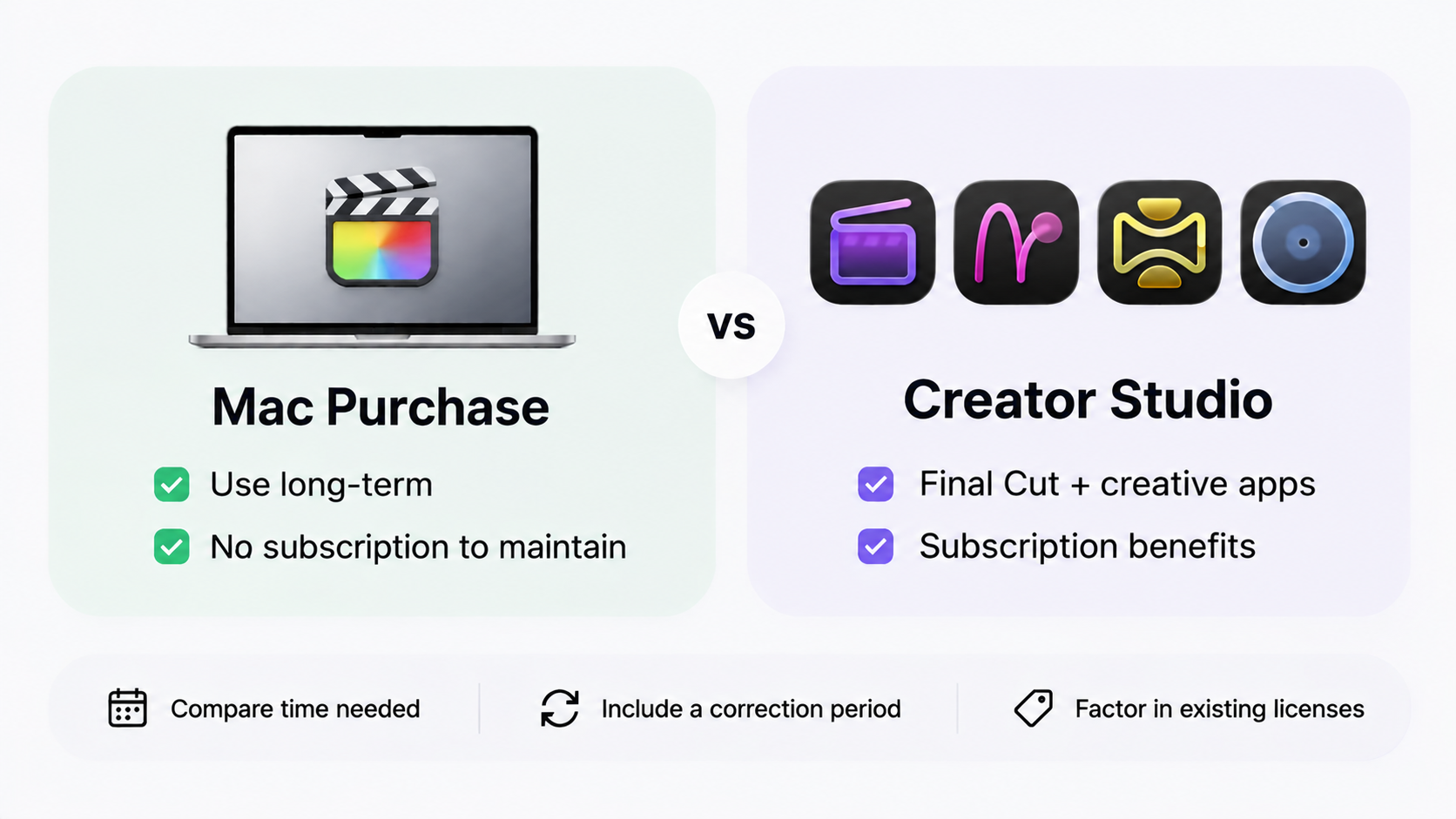
Buying once also does not establish a permanent promise of every future feature, free major upgrade or compatibility with future Macs. Keep the current license separate from assumptions about 2027 development.
For a short assignment, compare the paid months you need with the upfront purchase. Include the later period when someone may need to reopen the campaign for corrections.
A Recurring Video Budget Worksheet
Use Tern, a fictional desk-accessory brand, for this hypothetical schedule. One editor makes two product masters and four cutdowns each month, using a compatible Mac the business already owns.
That is six planned exports per month, or 72 over twelve months. Assume the editor needs Final Cut and Motion, but no separate Compressor purchase. These are planning choices, not measured production costs.
| Budget field | Hypothetical first-year calculation | Your team |
|---|---|---|
| Existing app licenses | None in the base example | ___ |
| Planned output | 12 × (2 masters + 4 cutdowns) = 72 exports | ___ |
| One-time Final Cut purchase | $299.99 | ___ |
| Required Motion purchase | $49.99 | ___ |
| Standalone software subtotal | $299.99 + $49.99 = $349.98 | ___ |
| Annual suite alternative | 1 paid year = $129 | ___ |
| Monthly suite alternative | 12 paid months × $12.99 = $155.88 | ___ |
| Plugins, licensed assets and storage | Add actual purchases or renewals | ___ |
| Editing and correction time | Planned hours × your internal or contractor rate | ___ |
| Tax and device changes | Add checkout tax and any required equipment | ___ |
The software subtotal favors a paid subscription year in this example, but the routes provide different access and content. Neither subtotal is the complete campaign budget.
Now suppose Tern already owns Final Cut. Adding only Motion costs $49.99 at the reviewed price; buying Final Cut again would overstate the new spending. If both are already owned, neither needs another initial purchase in this worksheet.
The 72 exports do not create 72 app-purchase charges. More cutdowns can still require editing hours, storage and additional licensed material. Keep those costs visible even when the software payment stays unchanged.
Which Devices and Extras Affect the Choice?
The exact app version, supported hardware and required extras can outweigh the difference between payment routes. Check those before paying.
On the review date, the current Mac App Store listing required macOS 26.6 or later. Some Creator Studio overview text still listed macOS 15.6. Check the specific download offered to your Mac instead of assuming that earlier minimum covers the latest release.
Features can also depend on Apple silicon or other hardware. If iPad work matters, verify the supported model, OS and transfer steps separately; buying the Mac app does not buy iPad access.
Motion and Compressor were each listed at $49.99 as separate Mac purchases. A delivery that only needs Final Cut's existing export options may not require Compressor. If you depend on direct Final Cut-to-Compressor delivery, check compatibility between the particular installed editions before choosing a mixed setup.
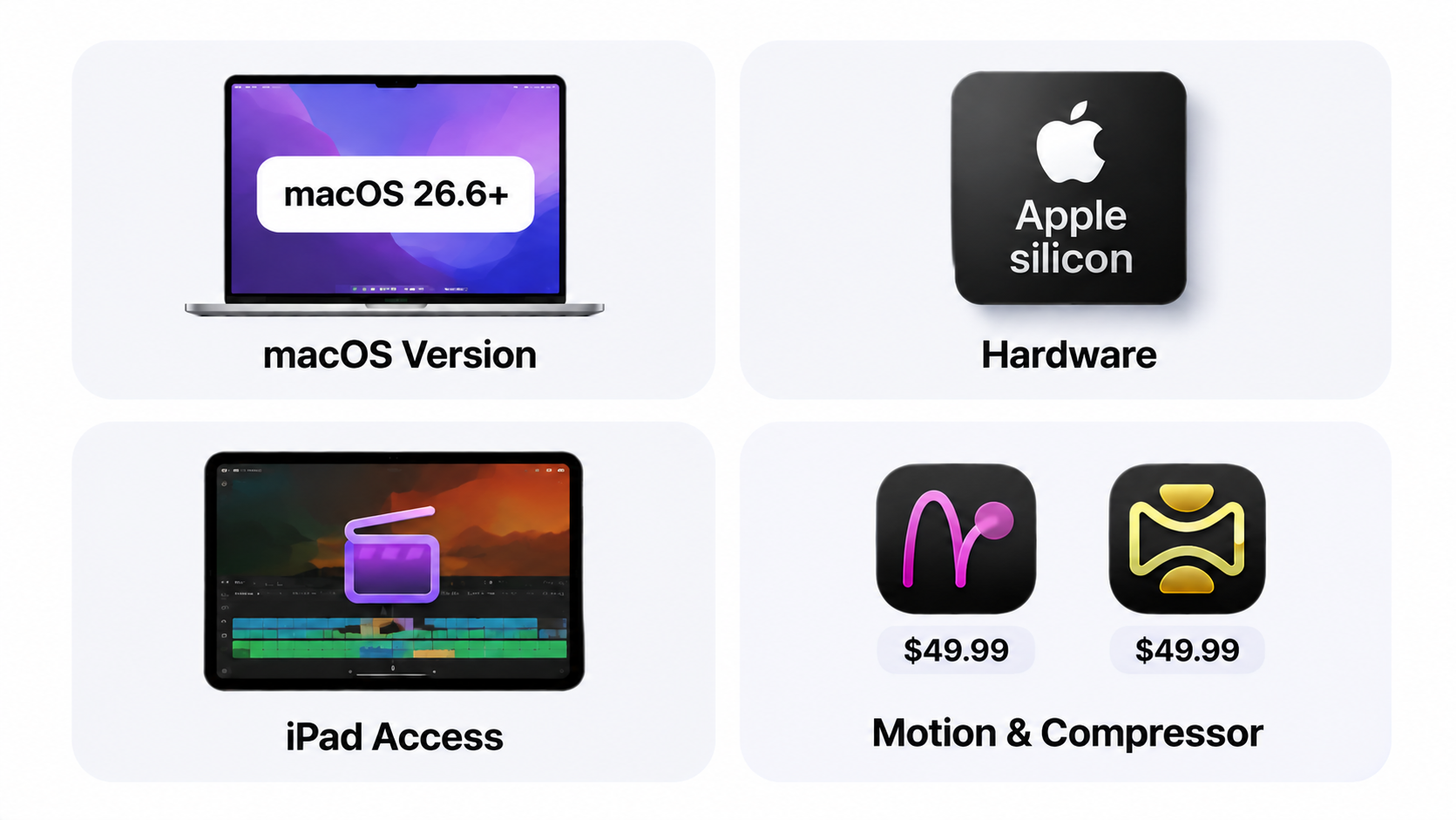
Price plugin updates, fonts, footage, music, fast working storage and backup separately. Software access does not clear those materials for a client's campaign. Review their actual licenses and intended use. This article does not provide legal advice.
When Is Final Cut the Right Workflow?
It fits when an editor needs direct control over recorded footage, cut timing, titles, sound and repeated exports on supported Apple devices. The purchase route should follow that editing assignment.
If the missing work is creating the product story from approved facts and assets, Pexo offers an optional upstream AI video agent workflow. Describe the direction, review the preview and request specific revisions. Keep Final Cut in the budget when the next step requires precise timeline editing.
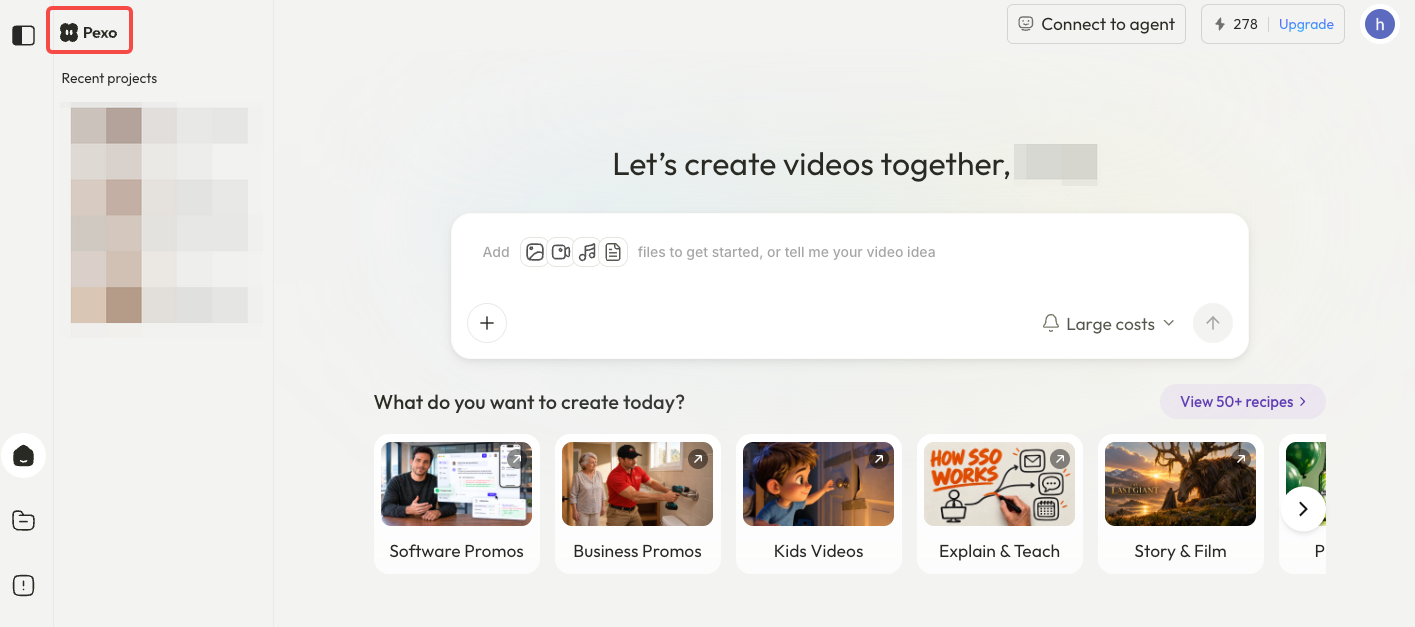
Before uploading client material to Pexo, check its processing and campaign-use terms, including applicable permissions or written consent. Confirm the required media handoff for the intended edit; do not assume a native Final Cut library is delivered.
Conclusion
Start with the apps already paid for, then price what the next year of editing actually requires. For Tern, needing Motion changes the first-year comparison; already owning Final Cut changes it again. Keep later corrections and the ability to reopen the project in the same purchasing decision.