ChatGPT
 Perplexity
 Claude
 Gemini
 Grok



Who needs to open the project after the first editor finishes? For a small marketing team, that answer can settle the DaVinci Resolve vs Final Cut Pro decision before a feature comparison does.
Final Cut Pro fits a team building around Mac libraries and the Magnetic Timeline. Resolve fits a team that wants editing, color, audio and compositing together, with desktop projects spanning Mac, Windows and Linux. The recipient's software and expected changes should influence the choice from the start.
Which Editor Fits the Same Product Video Brief?
Either can suit the brief below. Favor Final Cut when the editor and subsequent collaborators can work within its library workflow. Favor Resolve when shared finishing work or collaborators on other desktop operating systems are central requirements.
Consider Vela L2, a fictional clip-on desk lamp. This hypothetical campaign needs a 30-second widescreen demonstration and a 15-second vertical cut. Both show the clamp attaching and the head changing position, then end with an approved product-page CTA.
Assume these inputs:
-
ProRes camera footage of the clamp and hinge.
-
iPhone HEVC footage of the lamp on a desk.
-
WAV narration, licensed music and approved logo artwork.
-
A generated atmospheric insert, clearly separated from the real demonstration.
-
SDR H.264 delivery at 1920 × 1080 and 1080 × 1920.
The product owner checks the demonstration; the marketing lead approves wording. An outside editor may later replace the closing offer. These are planning assumptions, without a matched playback or export test behind them.
How Do Mac Workflow and Source Media Differ?
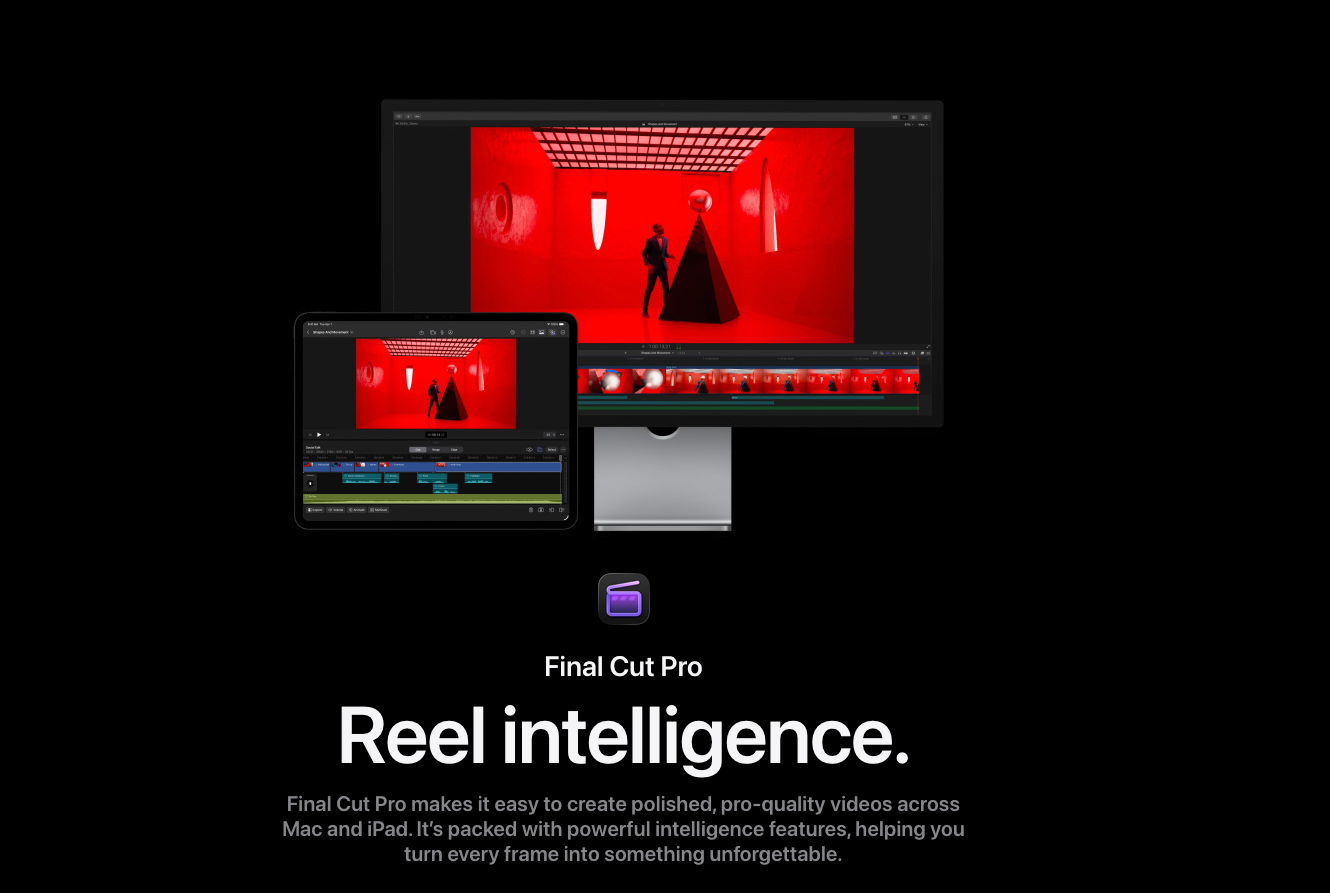
Final Cut Pro is an Apple workflow; Resolve also serves Windows and Linux collaborators. On Mac, check the exact current build before comparing features.
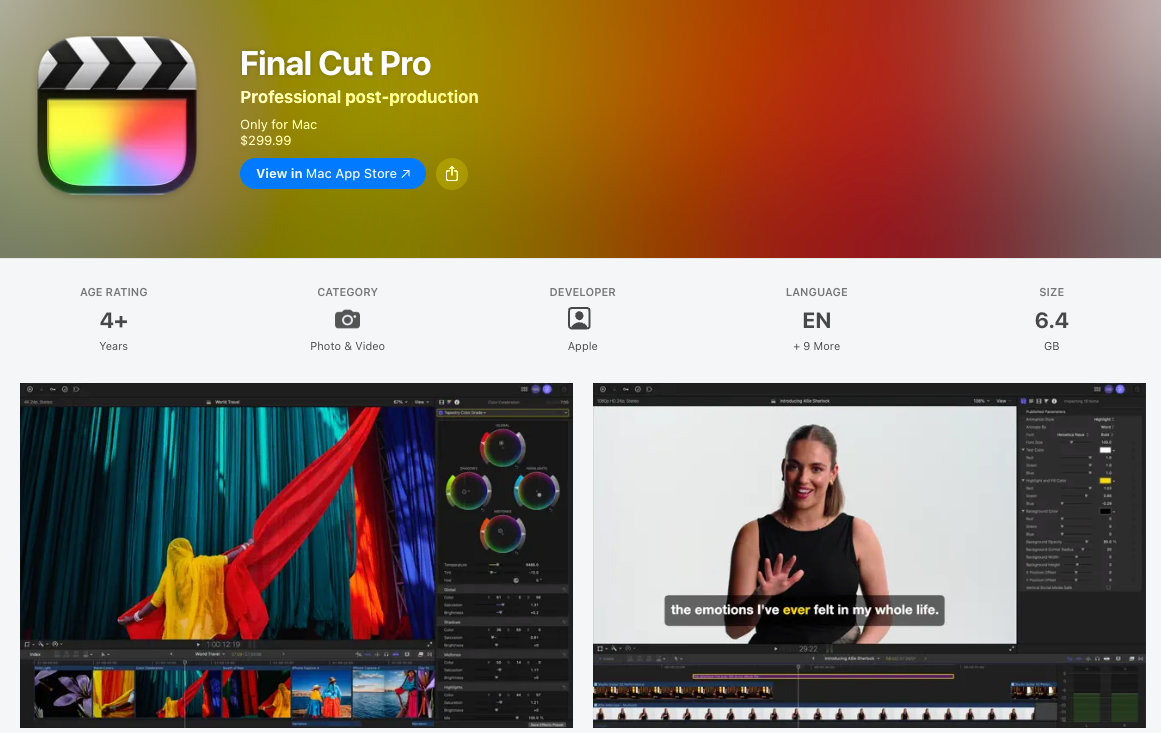
As checked on November 9, 2026, the latest Final Cut Pro Mac listing requires macOS 26.6 or later. It specifies 8GB memory, with 16GB recommended, and some features require Apple silicon. Apple's general product page still lists an older OS floor; use the intended build's requirements when planning installation.
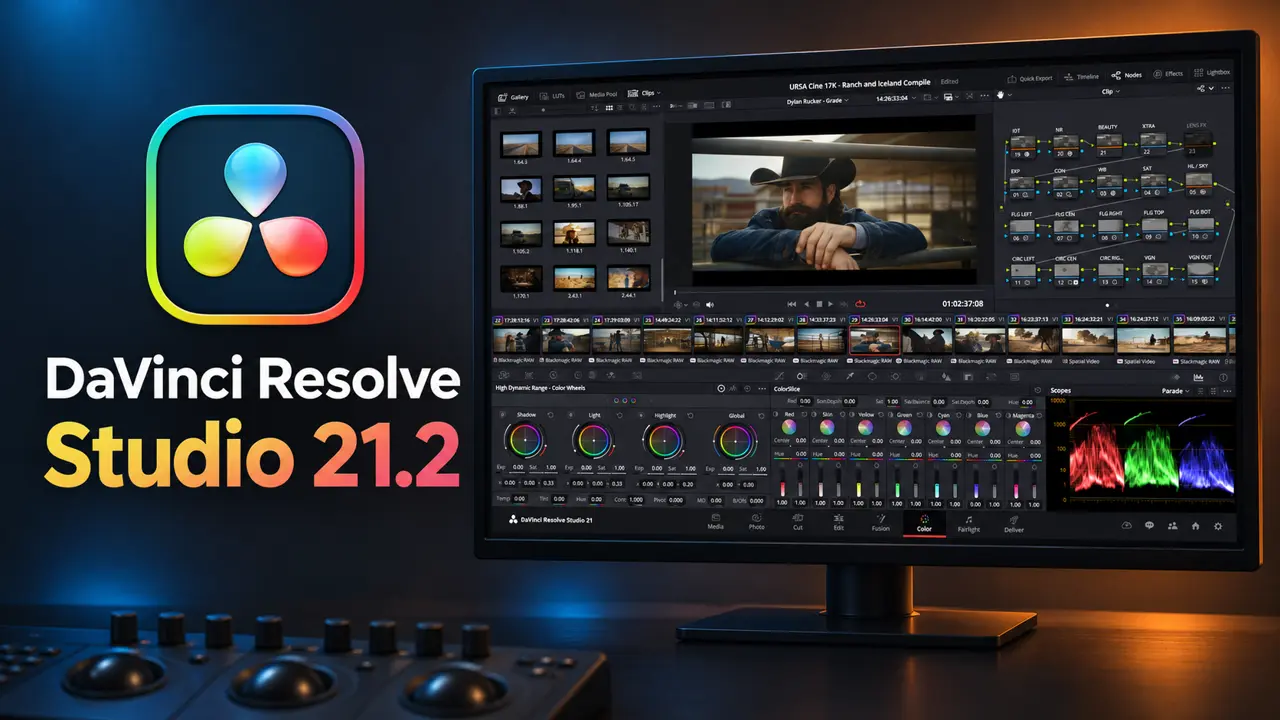
Resolve 21.2's release notes require macOS 15 Sequoia or later and an Apple silicon computer. They specify 8GB memory, or 16GB when using Fusion. An Intel Mac therefore changes this comparison materially. Minimum requirements also do not establish comfortable playback with your effects and source media.
For Vela, inventory codec, frame rate, resolution and color space before importing. Final Cut lists ProRes and HEVC support; Blackmagic publishes platform-specific decoding and encoding tables. A filename ending in .mov alone cannot tell the editor what it contains.
Keep camera originals, narration and graphics in stable folders. If proxies are needed, preserve their connection to the originals. Decide how the phone footage's HDR settings will become the requested SDR delivery before matching the lamp's color across shots.
Compare Timeline, Color, Audio, and Motion Control
Final Cut's Magnetic Timeline organizes connected clips around a primary storyline. Resolve offers track-based editing alongside dedicated Color, Fairlight and Fusion pages.
For Vela's shorter cut, the editing question is concrete: can you remove the desk introduction while retaining the complete clamp action and readable closing offer? In Final Cut, review connected titles and audio after rearranging the storyline. In Resolve, review track placement, linked clips and downstream timing after trims.
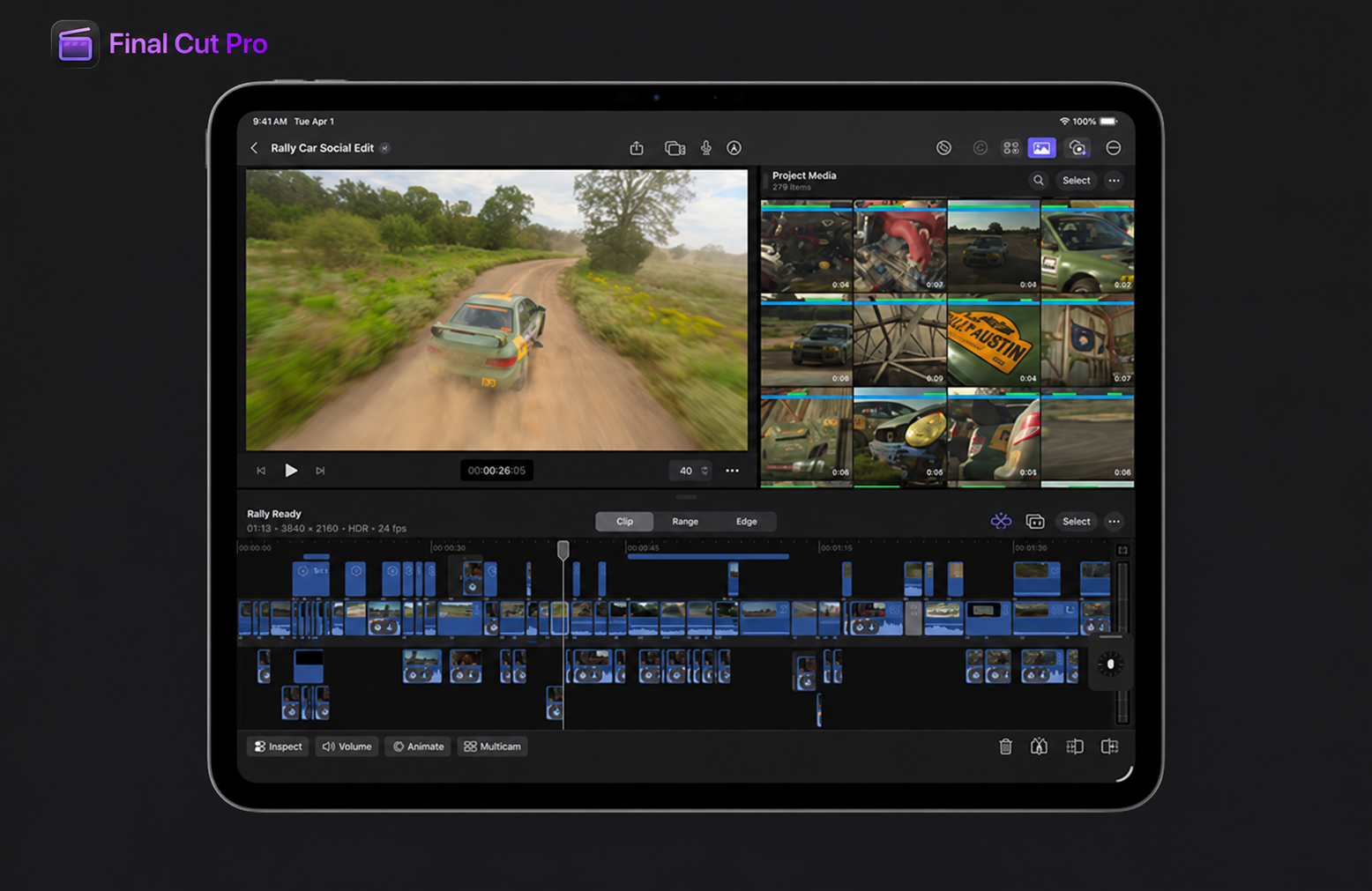
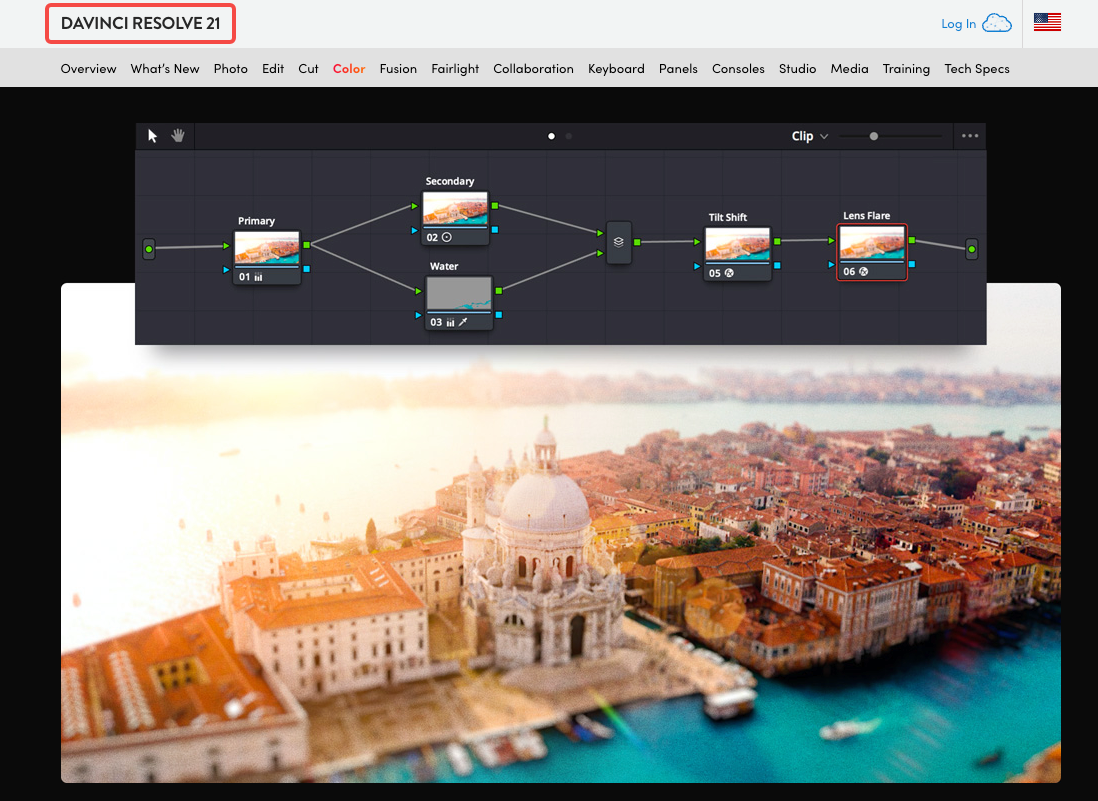
Both provide color correction. Final Cut offers wheels, curves, masks and scopes; Resolve's Color page supports a node workflow. If a colorist will isolate the lamp from its background and revise that treatment later, agree on the editable grading handoff early.
Final Cut uses audio roles to organize dialogue, music and effects, and can export role-based stems. Resolve's Fairlight page supplies audio post-production within the project. For this campaign, the practical requirement is keeping narration understandable above music in both lengths.
Final Cut includes titles and effects; Motion is a separate app for building more elaborate templates. Resolve includes Fusion's node-based compositing. Neither approach removes the need to check that an animated callout points to the correct hinge.
Choose controls the assigned editor can maintain. A custom title loses its reuse value if nobody receiving the project can change its wording.
How Does Each Editor Handle Review and Handoff?
Both can supply review exports. Editable handoff depends on whether the recipient uses the same application or needs an interchange file.
For client review, send a versioned video and request timecoded comments. Separate product corrections from preferences: “the clamp closes before contact” requires repair; “hold the desk view longer” changes pacing. Review both aspect ratios because reframing can hide the contact point.
Within Final Cut, hand over the library with consolidated media, plus access to licensed Motion templates, fonts and effects. Within Resolve, provide the agreed project or archive and its media. Check that the recipient can relink and open it before treating delivery as complete.
Resolve also documents simultaneous collaboration through shared project libraries, including Blackmagic Cloud workflows. Project access and access to the actual media remain separate arrangements. Confirm hosting, storage, software entitlements and charges for the chosen setup.

For a Final Cut-to-Resolve transfer, use an agreed FCPXML version with the media and a reference export. Allow for checking transitions, retiming, titles, captions, audio and grades against that reference. A translated timeline needs inspection before the recipient continues work.
For Vela's future offer change, an editable closing title matters more than whether the review file plays correctly.
A Decision Matrix for a Lean Marketing Team
Use the requirements your campaign actually has. These are conditional recommendations for the fictional brief, without a speed or quality ranking.
| Requirement | Final Cut Pro route | DaVinci Resolve route |
|---|---|---|
| One Mac editor maintains recurring cutdowns | Fits an established library and Magnetic Timeline workflow | Fits an established track-based workflow |
| Outside colorist already works in Resolve | Budget FCPXML preparation and conform review | Keep finishing in the agreed Resolve project |
| Recipient edits on Windows or Linux | Arrange interchange and inspect the transfer | Agree on compatible versions, media and effects |
| Reusable custom motion graphic | Include Motion template dependencies where used | Include Fusion composition dependencies where used |
| Future offer replacement | Supply editable title, font and media | Supply editable title, font and media |
Software cost also needs a dated comparison. On November 9, 2026, the US purchase options reviewed were:
| Option | Displayed USD price | Budget boundary |
|---|---|---|
| Resolve | Free | Verify needed codecs and edition-specific features |
| Resolve Studio | $236, reduced from $295 | Current promotion; recheck checkout and taxes |
| Final Cut Pro for Mac | $299.99 one-time purchase | Motion and Compressor are separate purchases |
| Apple Creator Studio | $12.99/month or $129/year | Includes Final Cut Pro, Motion and Compressor; ongoing subscription |
Blackmagic's Resolve product page shows the Studio offer. Apple reserves some premium content for Creator Studio subscribers. Confirm regional pricing and the exact content entitlement; add storage, plugins and handoff work to the software figure.
Where Can Generated Shots Enter the Edit?
Generated material can enter either edit as reviewed media once its actual format meets the project's requirements. Keep the real clamp demonstration as the source for Vela's visible product action.
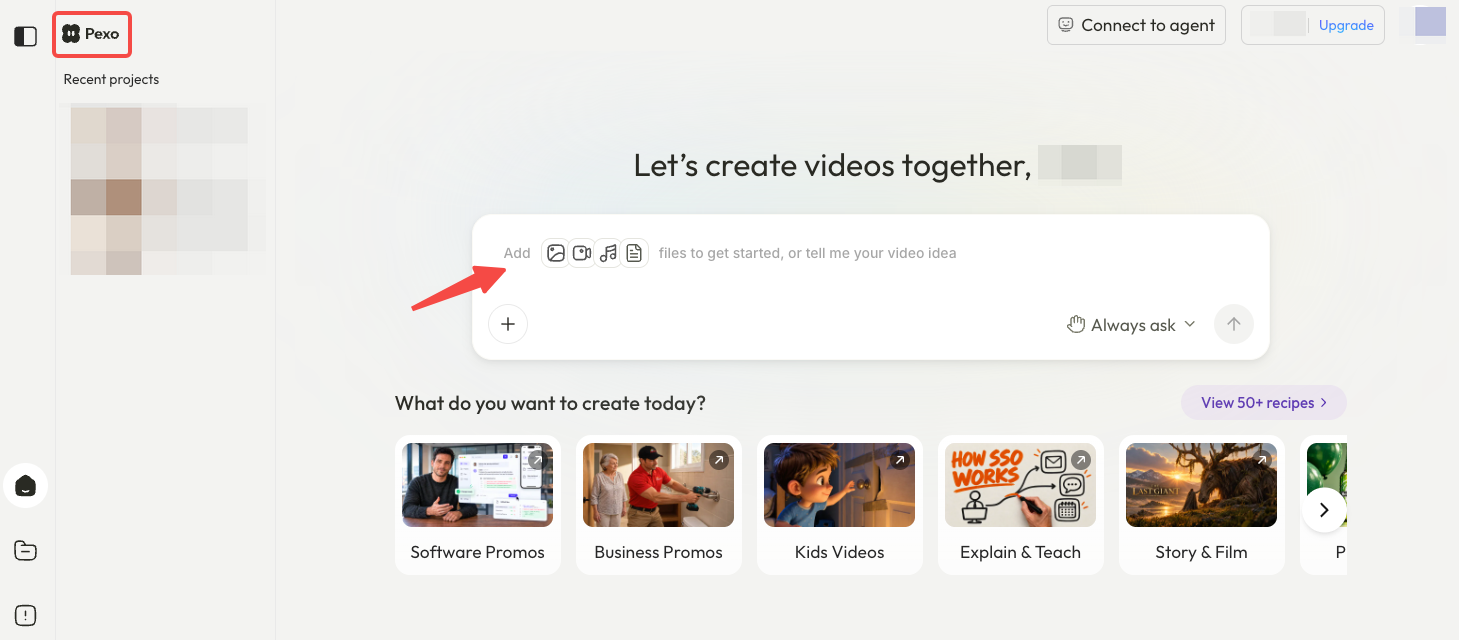
If the team needs a new atmospheric sequence, Pexo offers an AI video agent workflow using supplied context and assets, with revisions through conversation. Brief the setting, the sequence's purpose and what must remain unchanged, then inspect the returned video before approving it.
A finished upstream video can also be a delivery candidate. If an editor must change individual words or music later, confirm the available files first. Do not assume a video export includes a Final Cut library, Resolve project or separate editable layers.
Before supplying campaign assets, check upload permissions and Pexo's applicable written-consent requirements for transmitting promotional material or conducting commercial activities through the platform under its terms. Software access does not clear music, talent, stock or font-sharing rights. This article does not provide legal advice.
Conclusion
Choose Final Cut Pro when the campaign can stay within the team's Mac library workflow. Choose Resolve when shared finishing or desktop collaboration across operating systems drives the assignment. For Vela, name the person responsible for the next offer change and agree on the files they will receive before the edit begins.