 ChatGPT
 Perplexity
 Claude
 Gemini
 Grok



You've got six product demos to finish this month. One opening is too long, a product name needs correcting, and two videos also need Spanish versions. If you're pricing ElevenLabs for a series like this, the monthly plan is only the starting point. How many characters, retakes, and credits will the work actually take?
Take Northline Home, an invented home-goods brand producing six 30-second product demos each month. I'll use its workload to estimate script usage, revisions, cutdowns, language versions, and the plan features and commercial rights the team needs.
What does ElevenLabs charge for a video voiceover workflow?
ElevenLabs uses credits across its products. Text to Speech consumes credits from the same shared pool that may also cover Speech to Text, music, sound effects, voice tools, dubbing, or other products. A plan with a large balance can therefore support fewer voiceovers when the team uses the same account for several audio tasks.
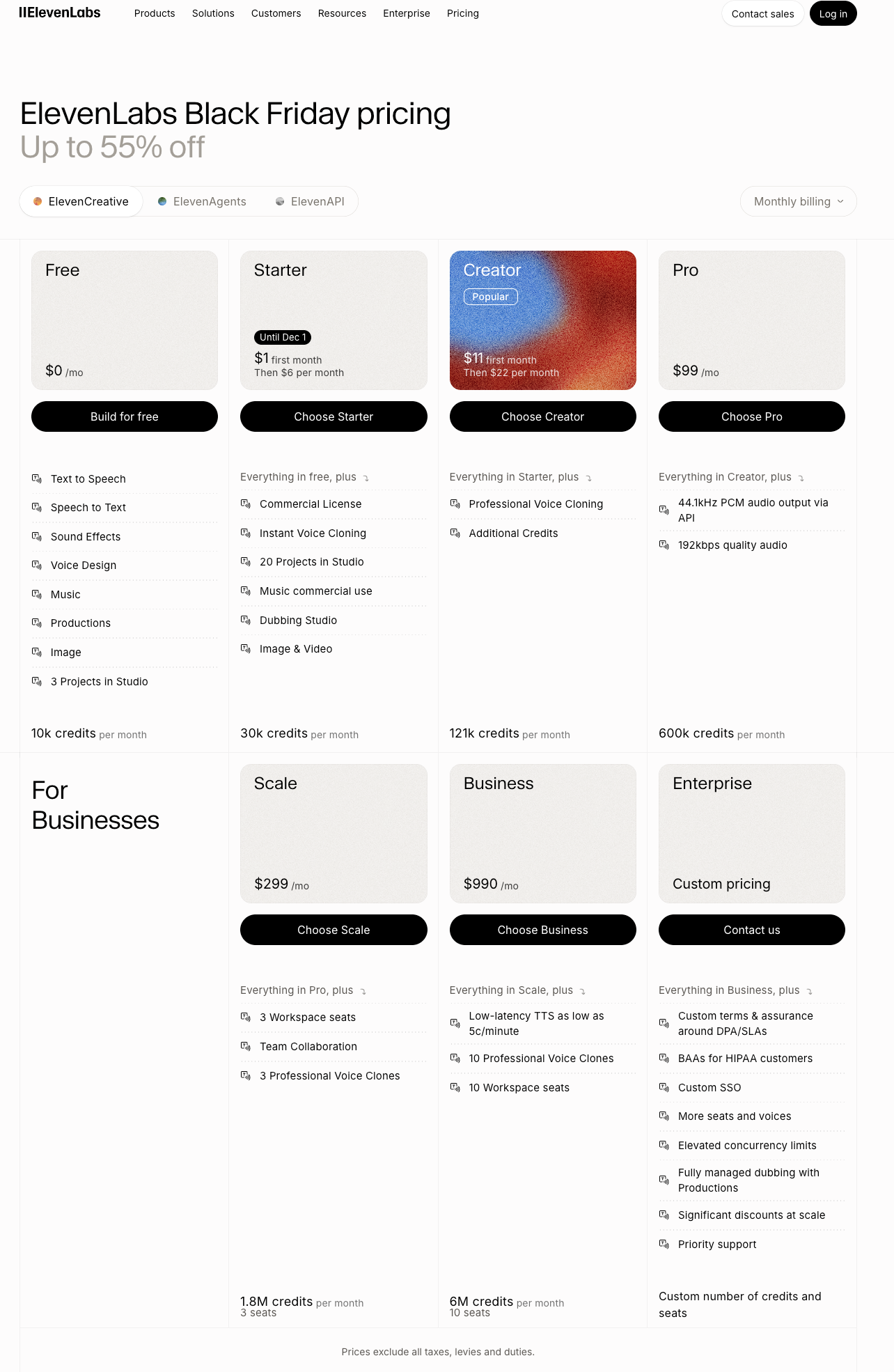
The official pricing page currently shows this monthly USD reference:
| Plan | Published monthly price | Published monthly credits | Relevant voiceover condition |
|---|---|---|---|
| Free | $0 | 10,000 | Personal-use conditions shown on the current plan |
| Starter | $6 | 30,000 | Commercial license listed |
| Creator | $22 | 121,000 | Professional Voice Cloning listed |
| Pro | $99 | 600,000 | Higher audio quality options listed |
| Scale | $299 | 1,800,000 | 3 seats and team collaboration listed |
| Business | $990 | 6,000,000 | 10 seats and business features listed |
| Enterprise | Custom | Custom | Custom terms and support |
Promotional pricing and plan details may change. Verify the displayed price, billing cycle, taxes, credits, and features before subscribing. The current ElevenLabs pricing page is the source to use at checkout.
Separate subscription limits from actual audio usage
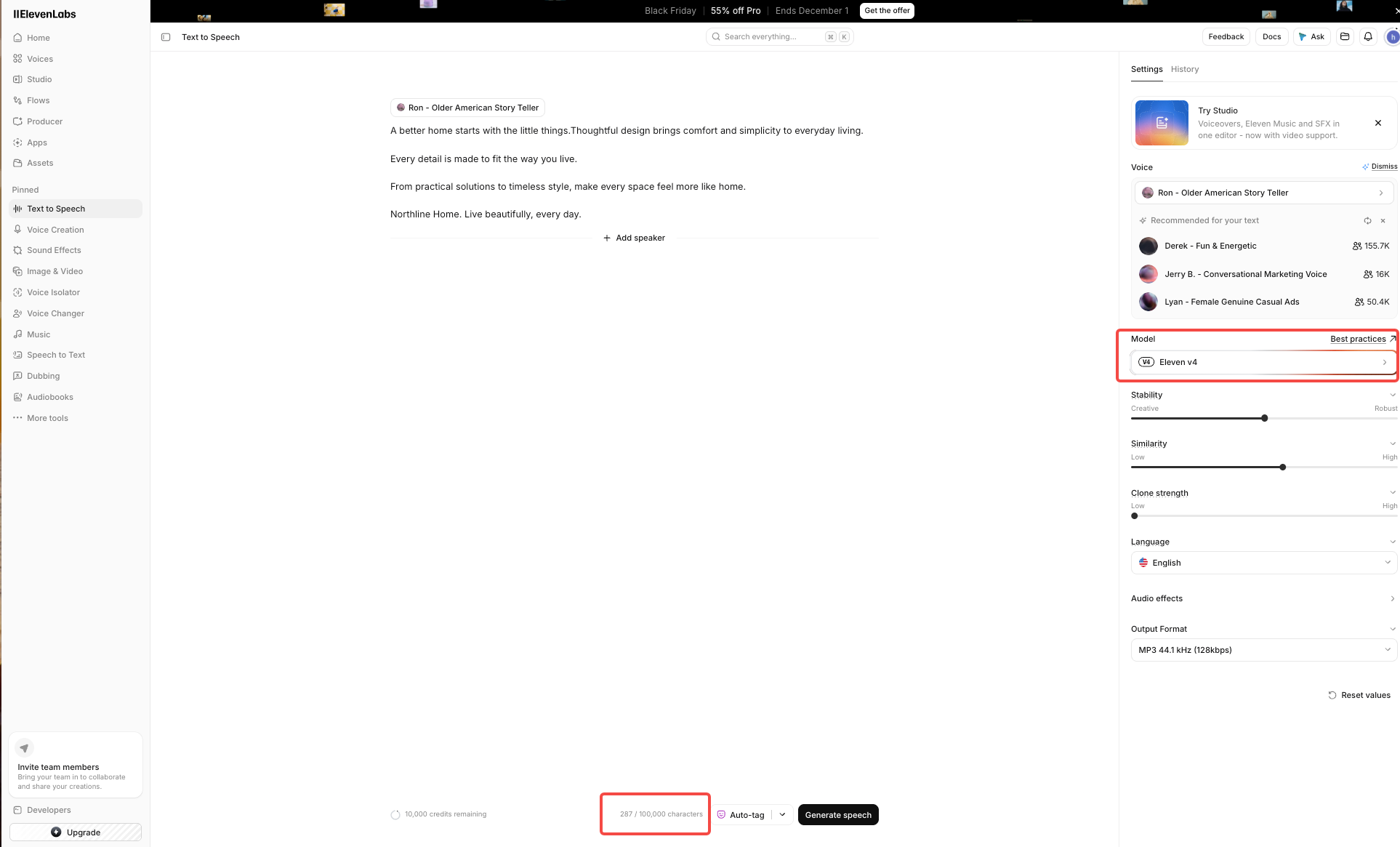
The plan gives the team access to a credit pool. Your script determines how much of that pool each generation uses. The current pricing information describes standard Text to Speech consumption by characters, with exact rates depending on the model and product route.
A 30-second voiceover does not have one universal credit cost. The total changes with the script length, language, model, pronunciation retries, and the number of versions generated. Count the characters in the final script and include the discarded versions in your estimate. Eligible identical-text regenerations can be free up to two times per item, provided the text, voice settings, and other parameters remain unchanged. Count these separately from billable revisions.
A plan can also have limits on projects, editors, audio quality, custom voices, or downloads. Those limits affect the workflow even when the credit balance appears sufficient.
Include retakes and revised scripts in the estimate
Use the final script as the first line of the budget, then add the work that happens around it. If a product name is corrected after the first render, the changed sentence may be regenerated. If the opening changes, the new line may alter the timing of every visual that follows it.
A useful estimate has three layers:
-
approved script characters
-
discarded or revised generations
-
alternate languages and cutdowns
Keep the accepted audio separate from the drafts. The team should know which file belongs to the approved video before the next campaign starts.
Which plan details affect a marketing team?
Voice access, export and team needs
A solo editor may only need one voice, one project, and a downloadable file. A marketing team may need folders, project access, shared pronunciation guidance, and a repeatable review process.
Check the plan for:
-
number of projects
-
editor and viewer access
-
available voice library
-
language and accent options
-
pronunciation controls
-
output format and quality
-
workspace or collaboration features
-
additional credit purchase rules
-
download access after cancellation or downgrade
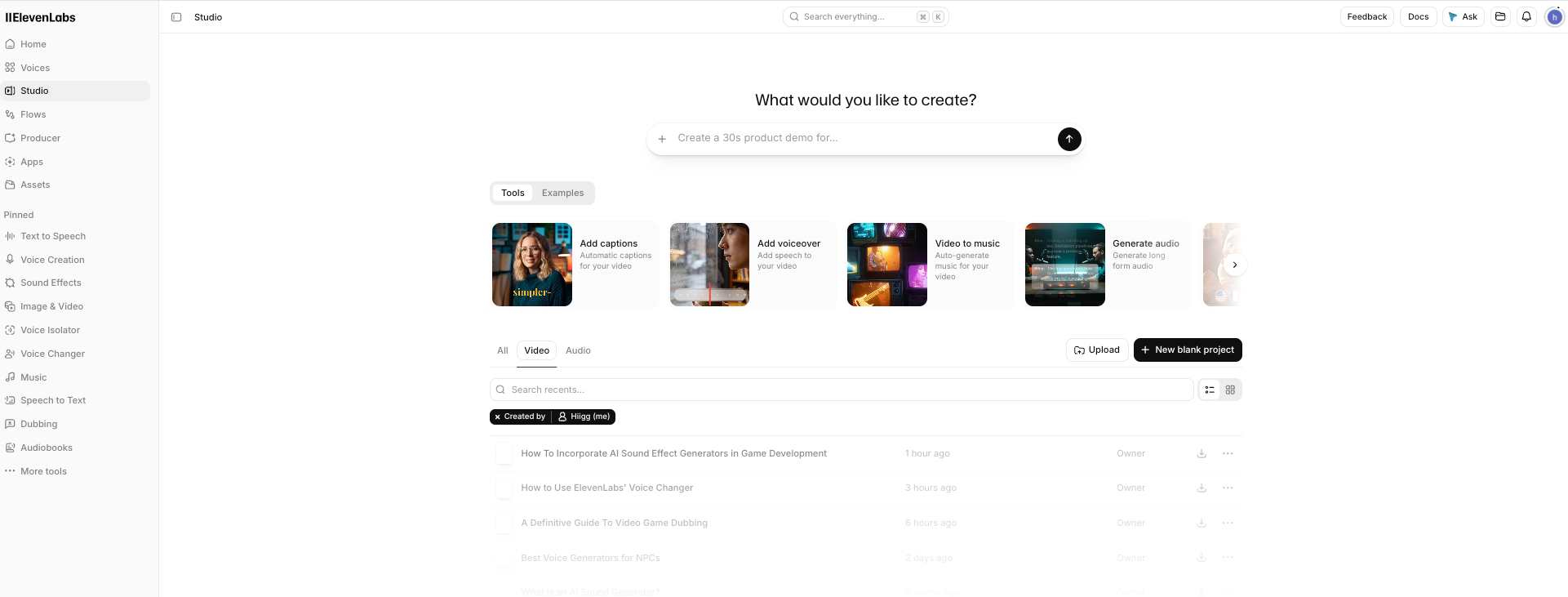
The Studio workflow may be enough for a small team producing individual narrations. A team producing multiple products may need a shared workspace so the approved voice, script, and export are easy to find.
Commercial-use and voice consent terms
Commercial rights are a plan condition. Current ElevenLabs documentation states that paid plans provide commercial rights, while the free plan is for non-commercial use with attribution. Confirm the exact plan attached to the generated file before placing the voiceover in a paid product advertisement.
Voice cloning needs a separate permission record. A voice sample belongs to a specific person. Consent should cover creating the clone, synthesizing new speech, languages, advertising channels, territory, duration, and future revisions. ElevenLabs’ current voice-cloning documentation also distinguishes Professional Voice Cloning from other voice options and requires its own verification path.
Keep the consent record outside the audio project. An account permission or a shared project link does not replace the speaker’s agreement.
Build a monthly voiceover budget for repeated videos
Assume Northline Home, an invented home-goods brand, produces six product videos each month. Each video has:
-
one approved 30-second English narration
-
one opening revision
-
one accepted final render
-
one shorter cutdown
-
one Spanish version for two of the six products
Use the account’s displayed character-to-credit rate to fill the worksheet:
| Monthly item | Quantity | Characters per item | Planned generations | Credits shown in account |
|---|---|---|---|---|
| Main English scripts | 6 | 6 | ||
| English opening revisions | 6 | 6 | ||
| Short cutdowns | 6 | 6 | ||
| Spanish versions | 2 | 2 | ||
| Pronunciation retries | ||||
| Discarded takes |
Add the subscription price, taxes, extra credits, editor seats, and any paid voice or music features. Do not divide the plan price by six and call that the cost per video. The six videos may consume different amounts of text and require different numbers of retries.
Track the accepted file name, script version, voice, model, generation date, and approval owner. This record makes a later correction easier to price.
When might another production route make more sense?
ElevenLabs is a good fit when narration is the part of the workflow that changes most often. It gives the team a place to revise script text, pronunciation, voice direction, and language versions.
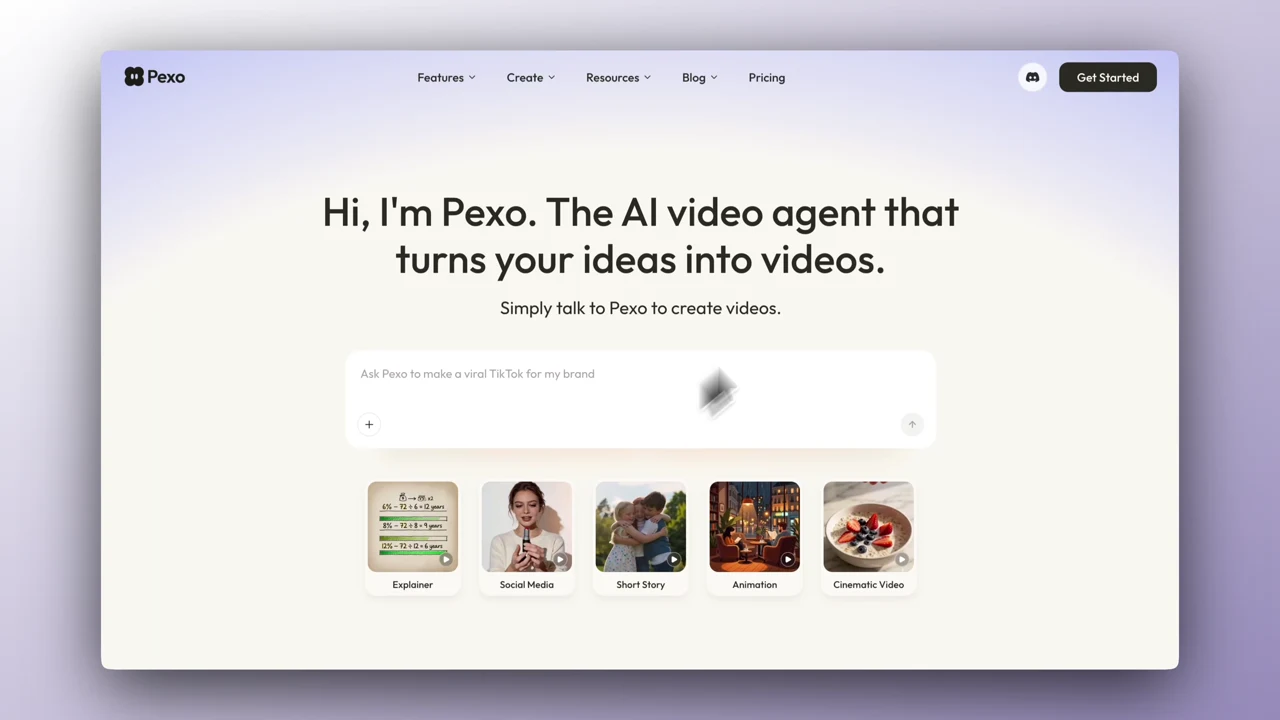
A complete video route may make more sense when the script, shot order, captions, music, and scene revisions need to move together. Pexo uses its own credit system and lists ElevenLabs among its model providers. Its terms state that third-party provider terms may apply, so do not assume a Pexo plan grants the same rights as a standalone ElevenLabs subscription. Confirm the applicable voice model and commercial-use terms before launch. Use the Pexo AI video agent when the team is evaluating the whole video task rather than voice generation alone.
Decision checklist before subscribing
-
Count characters in approved scripts.
-
Add opening revisions, pronunciation retries, cutdowns, and translations.
-
Confirm the plan’s commercial rights.
-
Check project, editor, viewer, voice, and export limits.
-
Verify whether credits are shared across other ElevenLabs products.
-
Record rollover, cancellation, downgrade, and extra-credit terms.
-
Store voice consent separately from the audio project.
-
Export approved files before changing the account.
-
Compare the narration budget with a complete-video route when several production elements change together.
ElevenLabs pricing can work well for recurring brand voiceovers when the team tracks actual text usage and revision patterns. The plan should follow the work the team repeats, rather than the largest credit number on the pricing page. This article does not provide legal advice. Verify the latest official terms and the specific input, plan, and voice conditions before commercial use.