ChatGPT
 Perplexity
 Claude
 Gemini
 Grok



An editor reviewing music inside Suno needs fewer downloads than an editor auditioning every candidate in a separate timeline. That difference matters when you budget a month of product videos.
For Suno pricing, count generation attempts, distinct songs downloaded and the editing needed before a track earns approval. The worksheet below connects those quantities to a recurring video schedule, using an acceptance rate your team can replace.
What Does Each Suno Plan Include?
Free suits personal exploration; Pro adds paid music production features, while Premier adds more capacity and Suno Studio. Choose around the music your editor must deliver and revise.
These USD prices and allowances appeared on the Suno plan comparison on November 9, 2026:
| Plan | Monthly billing | Annual billing | Generation allowance | Monthly song downloads |
|---|---|---|---|---|
| Free | $0 | — | 50 credits daily | No recurring allowance |
| Pro | $10/month | $96/year; $8/month equivalent | 2,500 credits monthly | 20 |
| Premier | $30/month | $288/year; $24/month equivalent | 10,000 credits monthly | 60 |
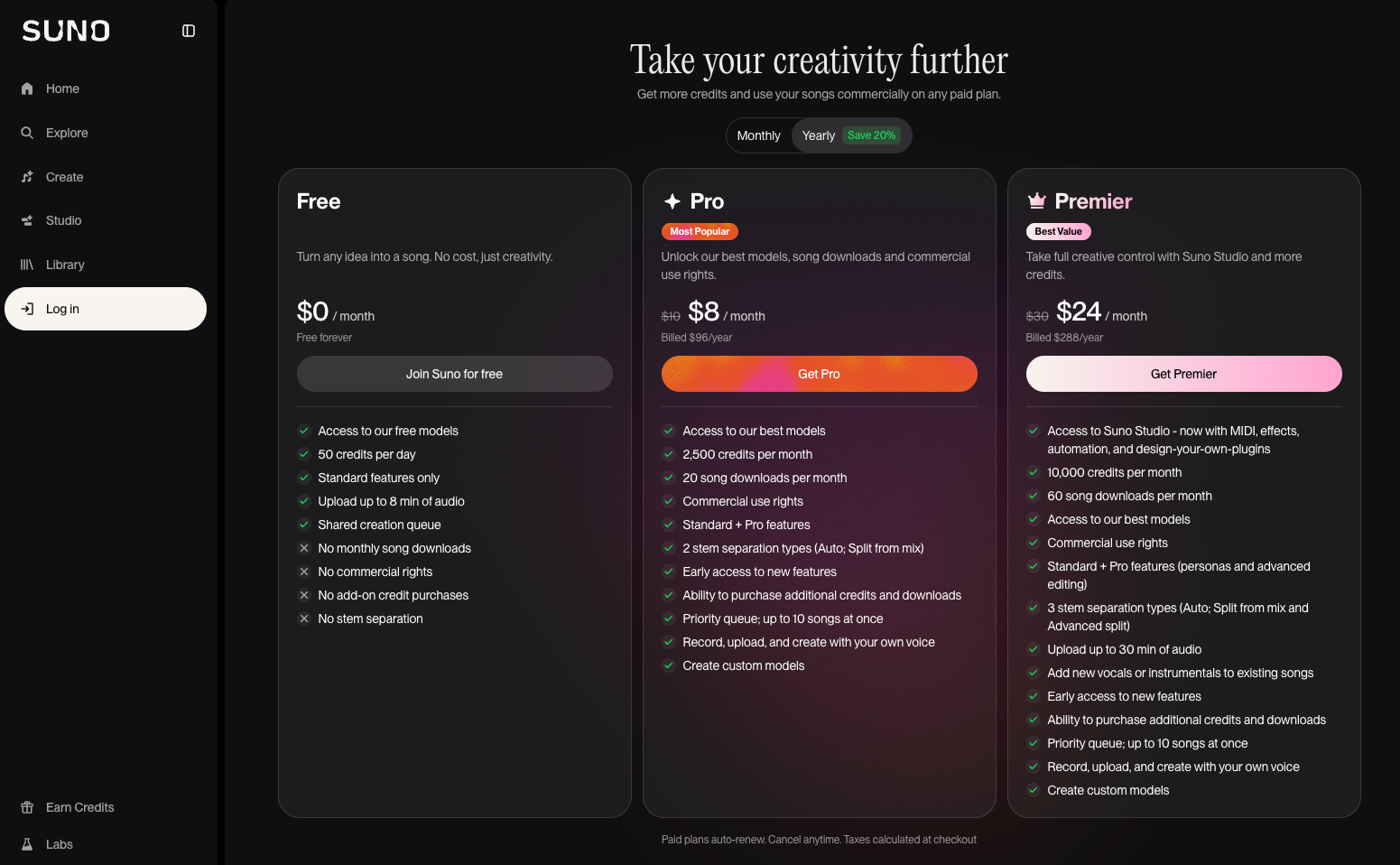
Annual plans replenish credits monthly. Paid subscriptions renew automatically; taxes are calculated at checkout. Confirm the selected billing term before paying.
Free has no commercial rights or stem separation. Pro includes Auto and Split from Mix separation; Premier adds Advanced Split and Studio. Paid plans allow additional credit and download purchases, but the reviewed public pricing page did not quote those add-on prices.
Free download eligibility also depends on account history: older accounts may have trial downloads, and newer accounts may occasionally receive them. A trial download does not establish commercial permission.
How Do Generation Credits and Downloads Differ?
Credits pay for creating and processing music. Download allowances govern taking distinct songs out of Suno through its download channel.
The current v6 FAQ lists 10 credits for one standard generation producing two songs. Max Mode costs more, and prompts containing many images or videos can increase usage. Check the displayed cost for the actual task.
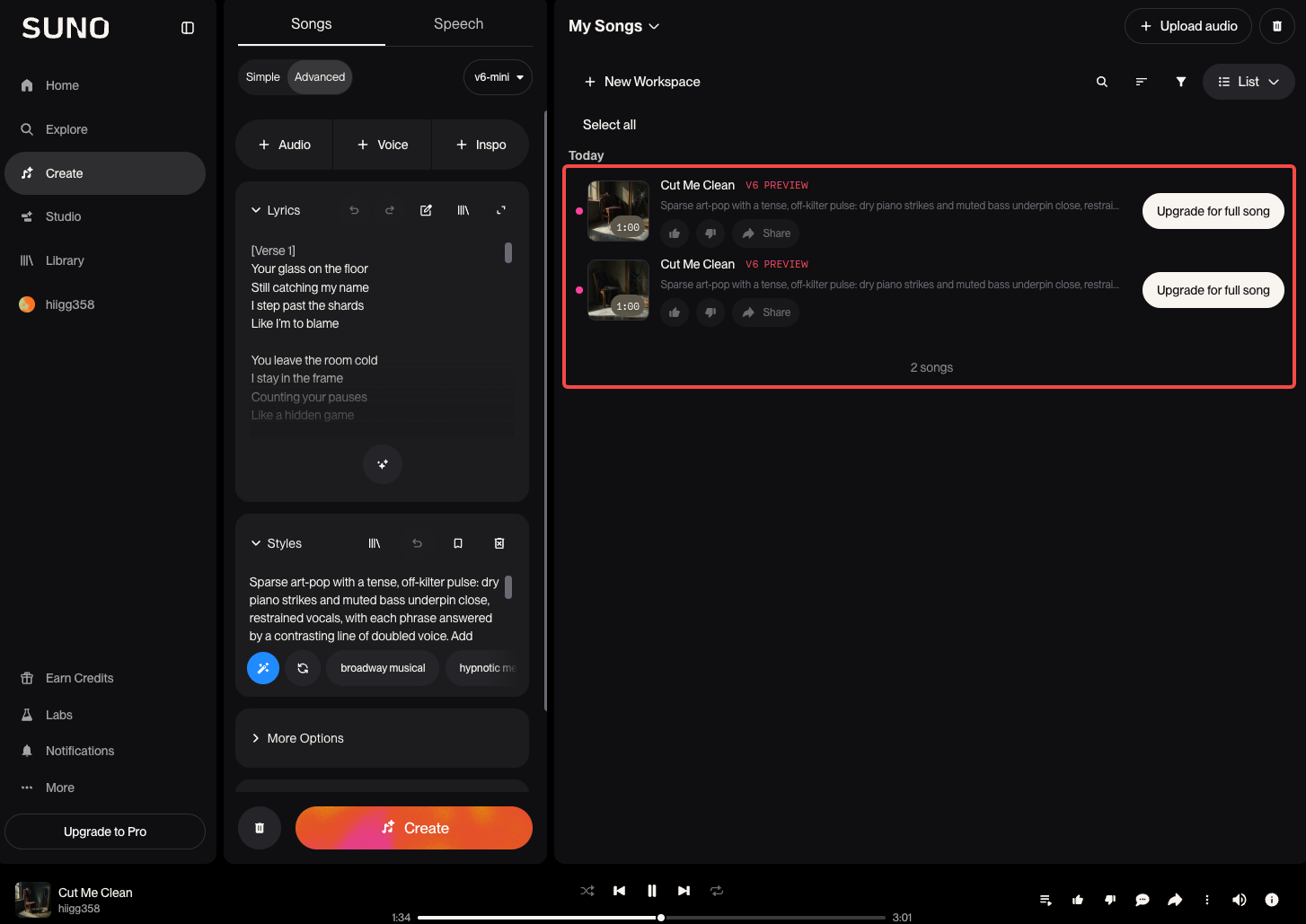
Suno counts another download of the same song, or that song in another format, within its original download. Stems are included with that song's download, although extracting them uses credits separately. Failed or interrupted downloads do not consume the allowance; that statement does not establish a failed-generation refund policy.
Unused monthly downloads expire at reset. Suno says Studio workflows are outside these download limits; confirm that your planned export uses that workflow before relying on the exception.
A Monthly Video Soundtrack Budget Worksheet
Use the number of distinct music selections you need, then work backward to attempts. Several cutdowns might share one approved song; several musical directions might require separate selections.
Consider Tavi, a fictional desk organizer brand, planning eight soundtrack selections for a month of videos. Every workload figure below is hypothetical. The 25% acceptance assumption is an editable planning input, not a measured Suno success rate.
| Budget field | Calculation or decision | Hypothetical month | Your month |
|---|---|---|---|
| Accepted songs needed | Distinct approved selections | 8 | ___ |
| Candidate acceptance rate | Accepted songs ÷ candidates reviewed | 25% | ___ |
| Candidates needed | Round up accepted songs ÷ assumed rate | 32 | ___ |
| Standard generation actions | Round up candidates ÷ 2 | 16 | ___ |
| Generation credits | Actions × displayed task cost | 16 × 10 = 160 | ___ |
| Revision reserve | Additional actions × task cost | 4 × 10 = 40 | ___ |
| Distinct songs downloaded | Offline shortlist, including final selections | 24, including the accepted 8 | ___ |
| Stem extractions | Songs × selected extraction cost | 4 Auto extractions × 50 = 200 | ___ |
| Total planned credits | Generation + reserve + extraction | 400 | ___ |
| Cash budget | Subscription + quoted add-ons + tax + outside editing | Fill from checkout and your editor's quote | ___ |
Here, Pro's credits cover the planned work, but 24 distinct downloads exceed its 20-download allowance. The editor could shortlist more songs inside Suno, price additional downloads or compare Premier against the actual requirement. Unused generation credits do not resolve that download shortage.
If acceptance falls to a hypothetical 12.5%, eight selections require 64 candidates: 32 standard actions, or 320 generation credits. The offline shortlist can still remain 24 songs. Acceptance and download habits affect different parts of the budget.
After production, divide actual music spending by the number of approved, usable tracks. A song rejected because it obscures the voiceover still consumed production effort, even if the melody sounded promising alone.
When Do Stems and Editing Change the Plan Choice?
They matter when the editor needs control over individual musical parts. Removing a vocal beneath narration or changing an ending can require more than a finished stereo file.
Suno lists Auto Split at 50 credits per extraction, producing up to 12 stems. Split from Mix costs 10 credits per stem on Pro and Premier. Advanced Split, also 10 credits per stem, is Premier-only and lets users select instruments.
Tavi's worksheet reserves four Auto extractions. It does not assume every candidate needs stems. Listen to the extracted parts before approving them: a separation feature does not guarantee isolated recordings free of bleed or artifacts.
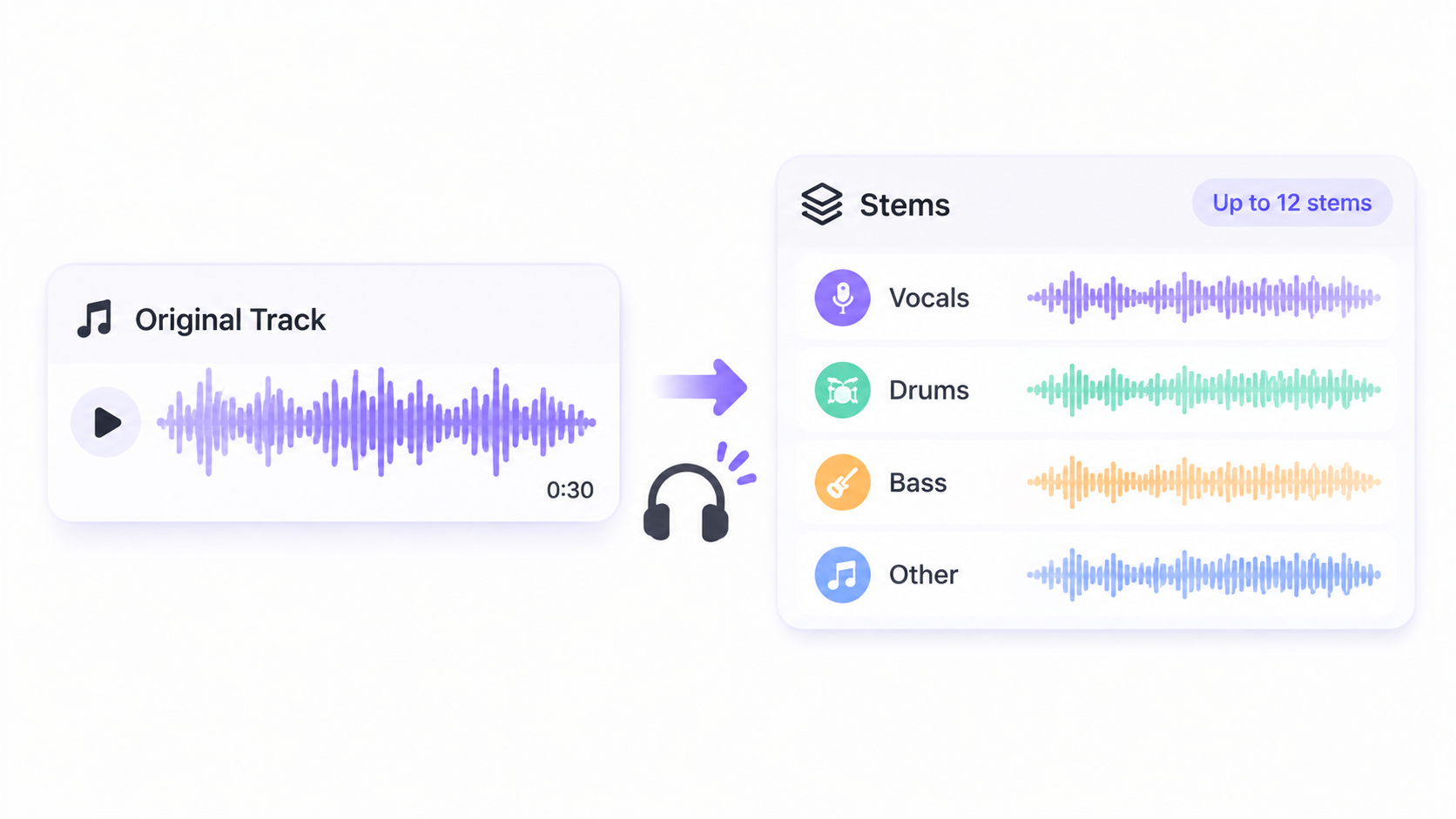
Request the full mix alongside the selected stems. The editor needs a reference for balance and a clear instruction about which part may change.
When Is a Dedicated Music Subscription Useful?
It is useful when original music exploration recurs often enough to justify both the subscription and review time. Occasional soundtracks deserve a smaller commitment until the team understands its actual acceptance rate.
Before a song enters the video, retain its generation date, subscription status and permitted-download record. Suno's commercial-use conditions require an authorized download and include restrictions, including for its collaborative Remix feature. Payment alone does not clear uploaded recordings, lyrics or voices, or guarantee copyright protection.
If the next task is assembling the product story, Pexo offers an optional AI video agent workflow using your direction and approved assets. Share the music's intended role, then review how it supports the demonstration and narration. Keep the music subscription budget separate from the cost of producing that video.
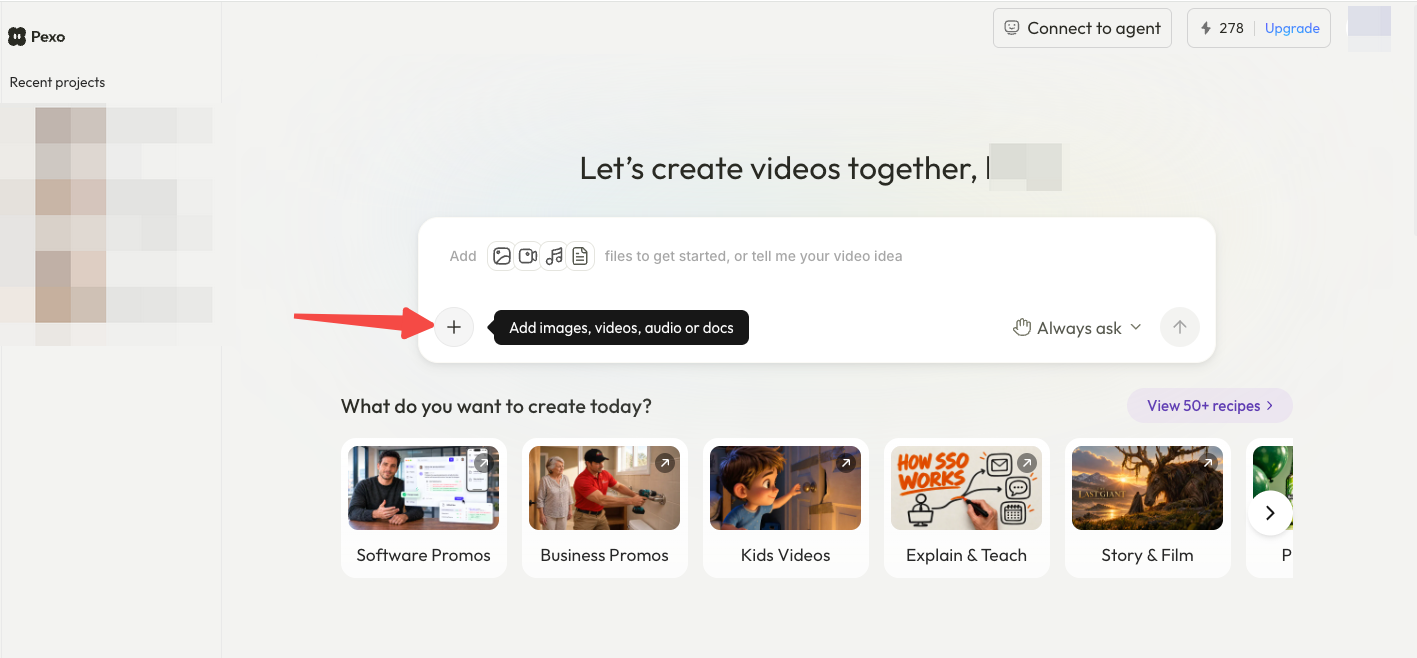
Before uploading music to Pexo, check its upload and campaign-use terms for any permissions or written consent needed. Keep the intended channels and reuse restrictions with the file. This article does not provide legal advice.
Conclusion
Choose the plan after deciding where music review happens. A team that exports a large shortlist may need download capacity before it needs more generation credits. Track the first month's accepted songs, downloads and stem work, then use those actual quantities to budget the next one.