 ChatGPT
 Perplexity
 Claude
 Gemini
 Grok



You have a product demo that works visually, but the narration still needs three changes before anyone can approve it. The opening is too slow, the product name is pronounced incorrectly, and the revised claim no longer fits the original timing. A voiceover tool earns its place when those edits stay manageable across the next ten videos.
This review looks at Murf AI as a voiceover workflow for repeat product demos. It uses one fictional 30-second script to examine script edits, pronunciation, pacing, voice consistency, export, collaboration, commercial-use conditions, and the point where a narration tool stops being a complete video workflow.
Is Murf AI a fit for product demo narration?
Murf is a sensible candidate when the marketing team already has a locked visual edit or storyboard and needs synthetic narration that can be revised without recording a new take. Its Studio plans include AI voices, styles, pronunciation controls, projects, and downloadable output. Current plan details, voice-generation allowances, commercial rights, and editor limits vary by tier and may change, so check the account and current pricing page before committing.

The product demo test uses Northline Home, an invented home-goods brand. Its 30-second script explains a collapsible storage basket:
“Northline Home’s FoldFlat basket opens in seconds, holds a full load of laundry, and folds away when the room is clear.”
The team wants one narrator across a series of six demos, a calm delivery, clean audio for a video editor, and the ability to revise the product name without rebuilding the entire project.
Murf fits the narration part of that task. It does not replace the product brief, shot planning, footage review, or final video assembly. The team still needs to decide what the viewer sees when each line is spoken.
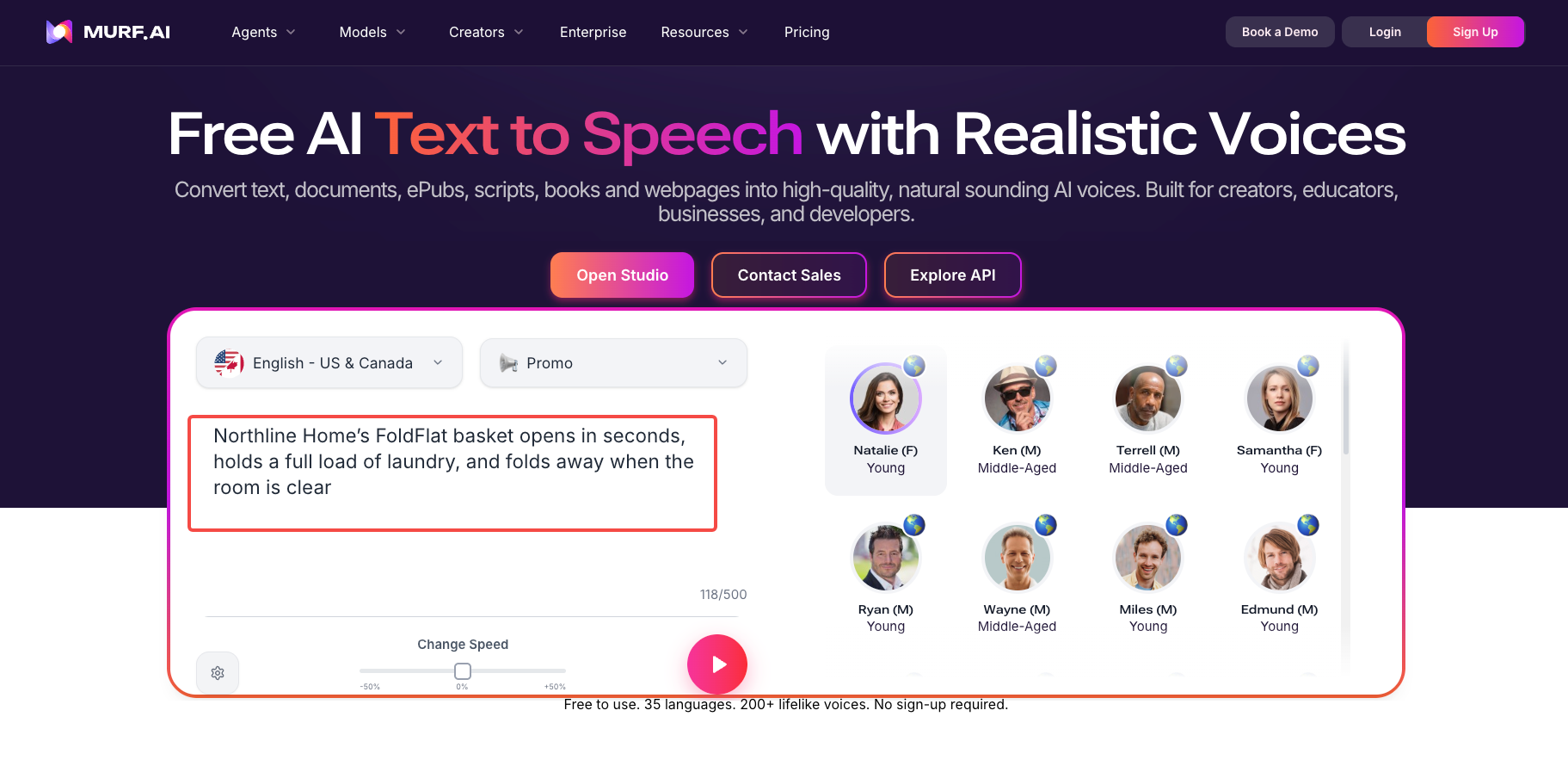
How does the voiceover workflow handle script changes?
Draft a short product script and select a voice
Start with a short script that contains one claim per sentence. Split the Northline Home line into separate blocks:
-
“Northline Home’s FoldFlat basket opens in seconds.”
-
“It holds a full load of laundry.”
-
“Then it folds away when the room is clear.”
This makes the revision visible. If the product team changes “a full load” to a more specific approved description, the editor can inspect that sentence without losing the entire pacing plan.
Choose a voice by the conditions of the video. A quiet product demo may need a measured read with enough space for the basket to appear. A fast social cut may need a tighter delivery. The voice style should serve the shot, so select it after the storyboard has a rough timing.
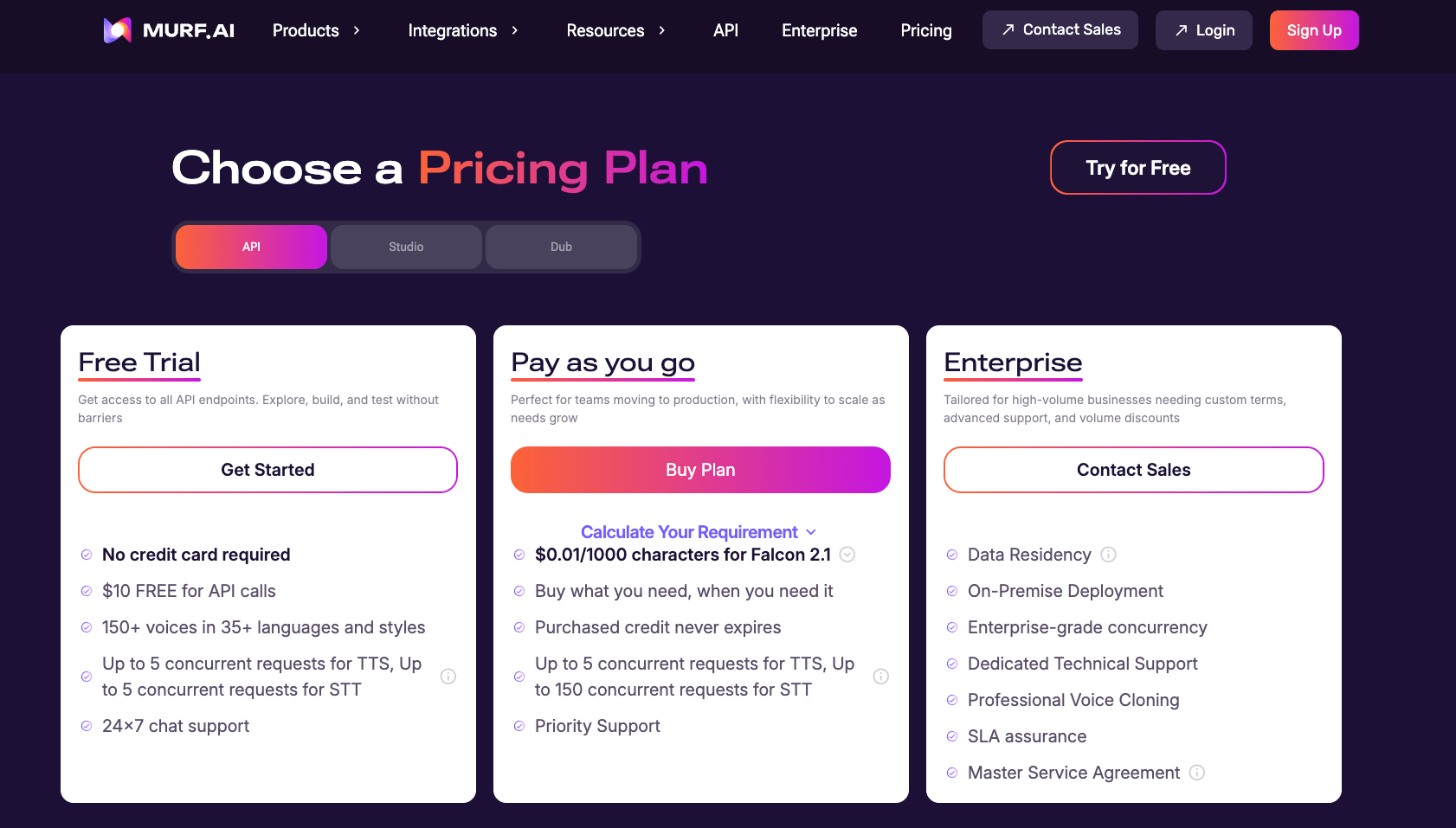
Murf’s current pricing page lists a free Studio plan with limited voice-generation time and no commercial rights, while paid plans list downloads and commercial rights. Treat those as plan conditions, not permanent product guarantees. The exact plan, billing period, region, and account display should be captured with the project record. Murf’s current pricing page.
Review pronunciation, pacing and revised lines
Product names need their own pronunciation check. Add pronunciation guidance for “FoldFlat” if the default read stresses the wrong syllable. Listen to the name in the opening line and again after a revision. A pronunciation change that sounds acceptable in isolation can become distracting when the same narrator appears across a series.
Review the voiceover against the picture:
-
Does the first line leave room for the product to enter?
-
Does the second line land while the basket is visibly open?
-
Does “folds away” arrive as the closing action appears?
-
Does the final word finish before the end card?
-
Does the narration leave enough space for music and product sound?
A voiceover that sounds polished can still be wrong for the cut. Keep the script, pronunciation note, selected voice, speed or style settings, and approved audio export together.
What should a marketing team evaluate before paying?
Voice consistency across repeated videos
For a recurring demo series, compare the same narrator across different scripts. Listen for changes in pace, emphasis, warmth, and pronunciation. The brand does not need every line to sound identical, but the narrator should still feel like the same voice in the same product family.
Use a small repeatability sheet:
| Check | Demo 1 | Demo 2 | Demo 3 |
|---|---|---|---|
| Product name | Pass / Revise | Pass / Revise | Pass / Revise |
| Opening pace | |||
| Claim emphasis | |||
| Final CTA timing | |||
| Music balance |
This helps separate a voice problem from a script problem. If every opening runs long, shorten the copy before changing the narrator.
For multiple languages, confirm whether the same voice is available in the required locales and whether pronunciation, emphasis, and pacing remain suitable. Murf’s current product information lists multiple languages and accents, but language availability and voice behavior should be checked in the account used for production.
Export, collaboration and commercial-use terms
A video editor may need a clean narration file without background music. Murf’s current help documentation describes audio export formats and a voice-plus-music export that downloads as a single file. That means the team should decide whether it needs a voice-only export, a mixed reference, or both before the edit is handed off.
Check:
-
file format and sample quality
-
mono or stereo output
-
voice-only versus voice-plus-music export
-
project sharing and editor permissions
-
download access after cancellation
-
commercial rights for the selected plan
-
broadcast rights if the spot will run on television or radio
Murf’s terms state that Murf-created voices may be used commercially, while its help guidance separates standard commercial use from higher-tier broadcasting rights. The current plan and intended distribution determine which condition applies. Murf’s terms of service.
Where are the limits for a finished product video?
Murf solves narration decisions. It does not decide whether the product is visible at the right moment, whether a generated shot keeps the packaging accurate, or whether the full edit makes sense without sound.
The limit appears when the team has to coordinate narration with:
-
multiple product shots
-
on-screen claims and captions
-
music and sound effects
-
language versions
-
cutdowns for different placements
-
a visual revision that changes the spoken line
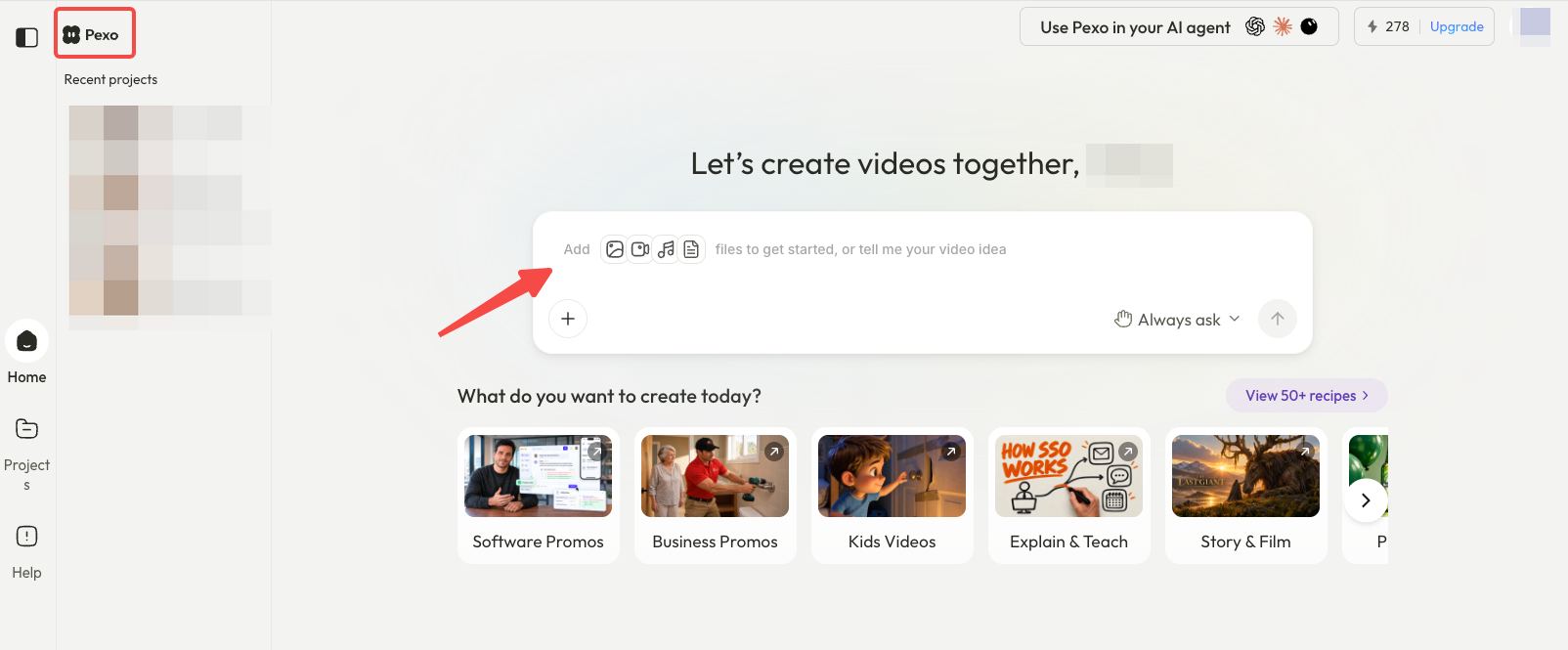
At that point, the team needs a complete production brief and a version record. Pexo can be a separate route when approved product material, voice direction, and a full scene plan need to become one reviewable cut. The Pexo AI video agent can help organize that broader production task. Murf remains useful as a narration component when the team wants to control the voice separately.
Voice cloning adds another boundary. Murf’s terms require explicit written consent from the speaker before recordings are used to train and synthesize a cloned voice. Consent should cover the intended advertising use, languages, duration, territory, and future revisions. A standard library voice and a cloned voice do not carry the same permission question.
How should you choose a voice production route?
Choose Murf when the visual edit already exists, the script changes often, and the team needs a repeatable narration workflow with downloadable audio.
Use a separate voice or recording route when a real performer’s identity is part of the product story, when the delivery needs a human performance, or when the campaign requires broadcast or union terms that a standard synthetic voice plan does not cover.
Use a complete video workflow when the team is still deciding the story, shot order, narration, captions, and cutdowns together. The choice should follow the work that still changes most often.
Verdict for repeat product demos
Murf is worth considering when narration is the part of the product-video workflow that changes most often. Its value comes from editable script blocks, pronunciation control, repeatable voice selection, and downloadable audio that can move into an existing edit.
It becomes a narrower fit when the team needs a complete story, coordinated visuals, sound design, captions, and multiple cutdowns in one production route. Choose the voice workflow around the revision the team expects to make next, then verify the current plan and rights before the first paid campaign.