 ChatGPT
 Perplexity
 Claude
 Gemini
 Grok


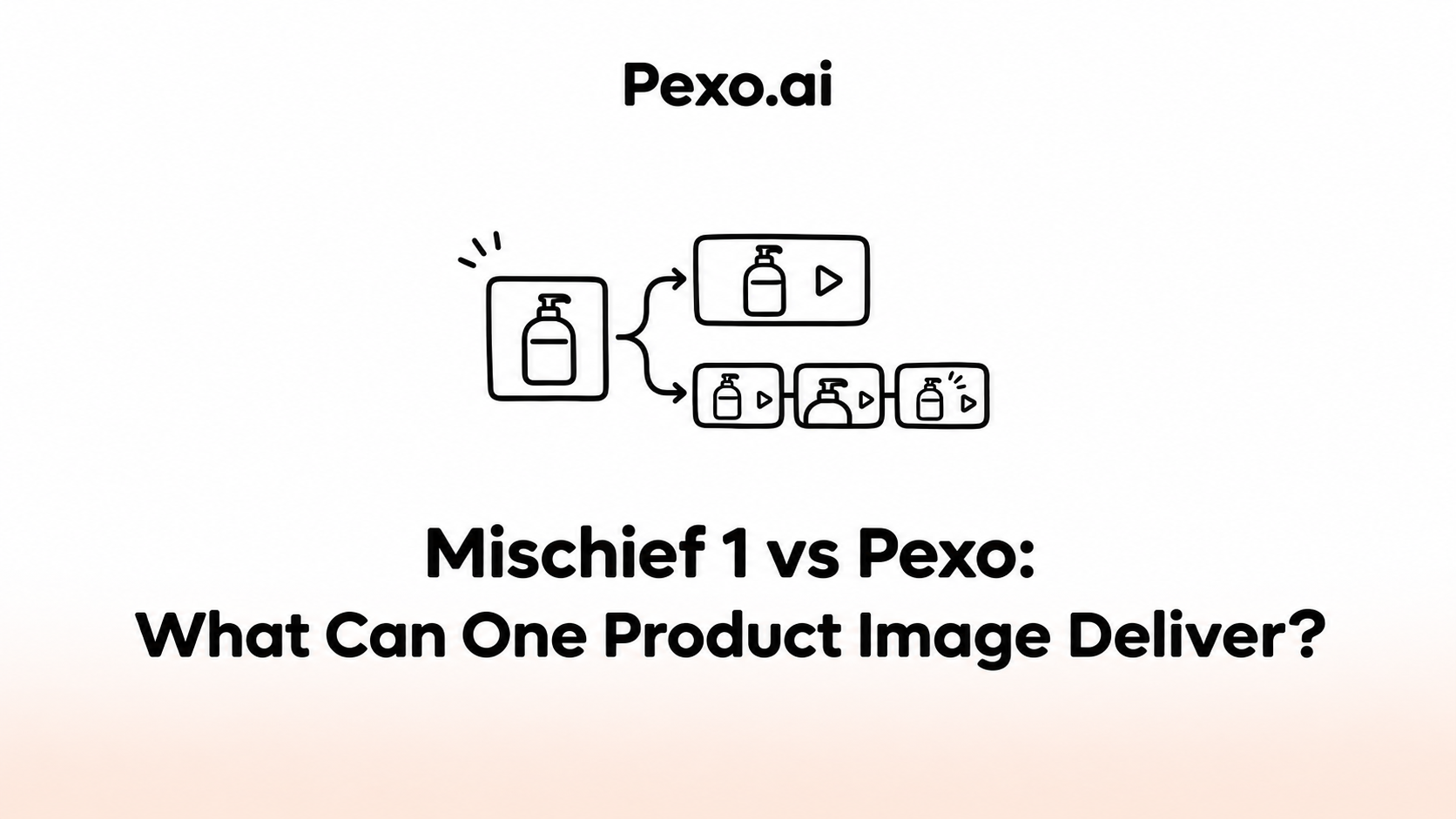

One product image can lead to two different commissions: a moving close-up for a planned scene, or a complete video explaining the product. Mischief 1 is worth considering for the motion draft. Pexo offers a conversational route for developing the explanation and its revisions.
This Mischief 1 vs Pexo guide compares documented workflow fit for one fictional brief. Pexo publishes it; public documentation and displayed prices were checked on November 5, 2026. It is not a matched production test or a ranking of output quality or generation speed.
What Must This Product Image Communicate?
It must support the product fact you want buyers to understand. Decide whether the next delivery needs to draw attention to that fact or explain its use in a complete story.
Consider Aven, a fictional desk tray with three compartments. The shared brief asks: “Where would my everyday desk items go?” Both routes receive the same approved photograph and written direction. For this exercise, the product owner has confirmed the three-compartment layout; replace that assumption with your own product evidence.
The photograph can show the divisions. It cannot establish that particular objects fit unless their dimensions or a real demonstration support that claim. A useful product explainer brief keeps that distinction beside the proposed message.

Compare the Documented Workflows
Use the same approved Aven photograph and claim in both briefs. The table compares the next delivery each route is documented to support, not two tested versions of a finished ad.
| Decision | Mischief 1 through fal | Pexo |
|---|---|---|
| Starting materials | Image file URL and motion prompt | Approved image and written direction; other owned assets can support the story |
| Next delivery | A three- or five-second image-to-video shot | Script and storyboard planning, followed by a video developed from the approved direction |
| Revision task | Adjust the image, prompt or generation settings and inspect the new shot | Discuss scene order, pacing, captions or voiceover; inspect the returned cut |
| Published billing unit | $0.005 per generated second at 480p; $0.01 at 720p | The displayed Pro subscription is $30/month with 3,000 base credits; promotional credits vary |
| Evidence still needed | Actual product fidelity, accepted attempts and generation time for this brief | Actual product fidelity, task-level credit usage and delivery time for this brief |
At fal's listed rate, a requested five-second 720p generation costs $0.05 before taxes or other work. That is a shot-generation charge, not the price of a completed explainer. Pexo's current pricing covers subscription access and credits used across production; its monthly fee is not a per-video quote. Compare actual charges, rejected attempts and review time only for equivalent accepted deliveries.
For this brief, choose the shot route if a finished story only lacks a compartment close-up. Choose the wider production route if the opening, sequence, explanation and ending still need planning. This is a scope decision; the available documentation does not establish a quality, speed or total-cost winner.
Can Mischief 1 Test the Needed Motion?
Yes, it can generate a short motion draft from an image and a prompt. That suits a team checking whether a camera move makes Aven's compartments easier to inspect.
The Mischief 1 endpoint on fal takes an image reference and motion direction. Its current options include three- or five-second output. This describes the fal route; account access and settings should be checked where you intend to generate.
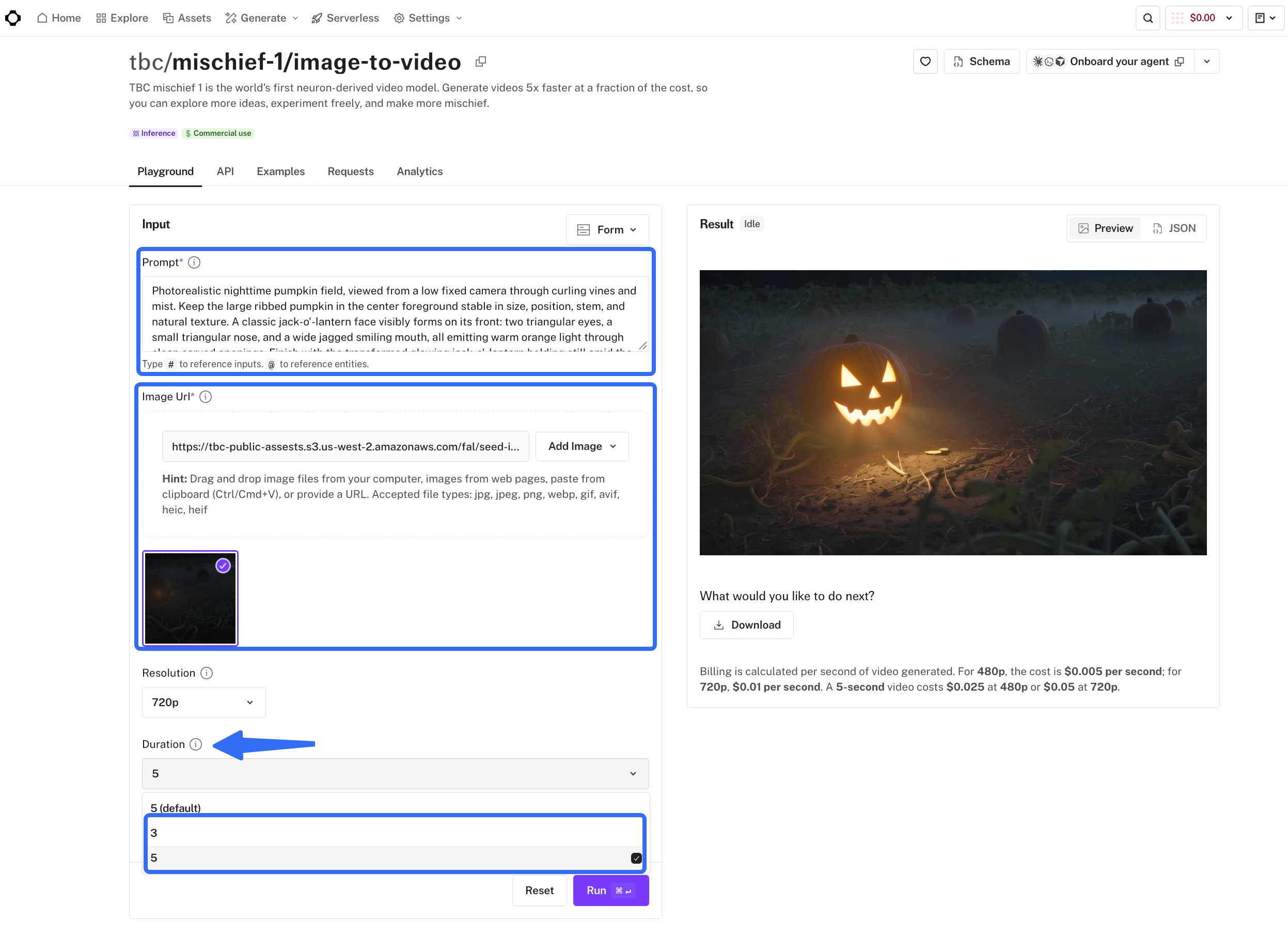
A product-page URL is not required. The endpoint's image URL identifies the picture file. For Aven, the motion approval would cover whether the returned view keeps all three compartments recognizable throughout the move.
The surrounding explanation still needs an owner. Someone must decide what precedes this shot, which words belong beside it, and where the viewer goes next.
Can Pexo Build a Claim-Led Story from the Brief?
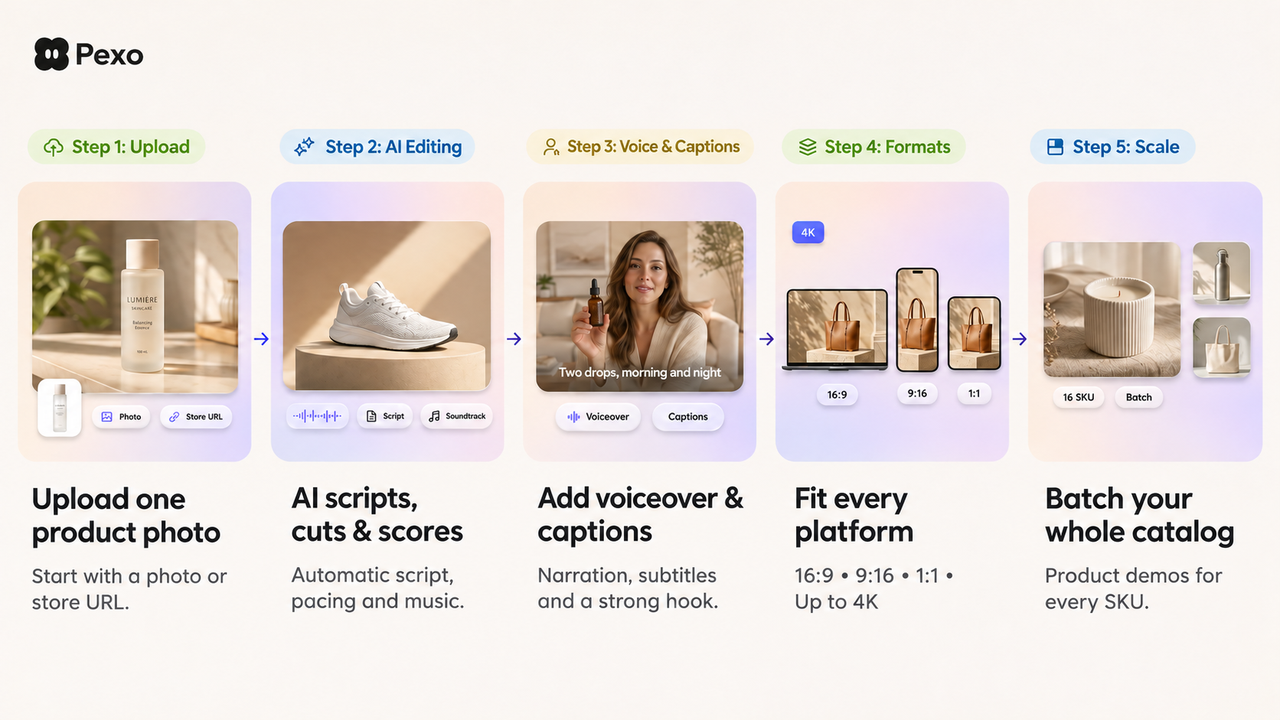
Yes, Pexo's published workflow supports developing a video from supplied assets and direction, including script and storyboard planning, with revisions guided by feedback. A product-page URL is optional here too: your image and written brief can be the starting materials.
For Aven, ask the plan to introduce the desk-organizing question, show the compartment layout, and end with an invitation to check dimensions. The brief should prohibit invented capacity claims or objects that appear to fit without evidence.
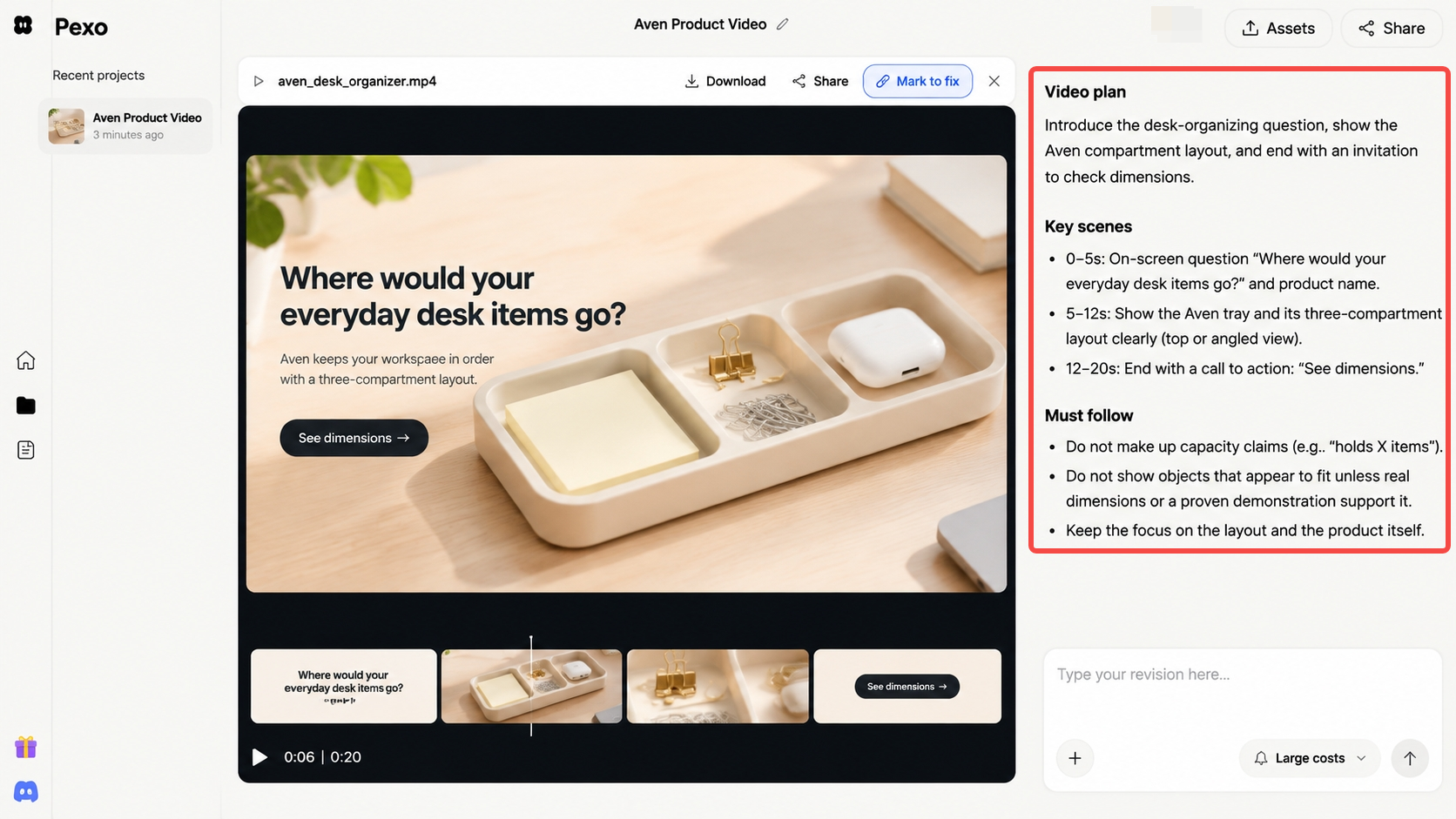
Reviewing that plan may reveal a missing source. If the proposed story needs a loaded tray, supply approved evidence or change the scene. One photograph gives production a starting point; additional scenes still need factual support.
Compare Two Approval Tasks
Motion and Product Detail
For the motion draft, compare the source photograph with the moving result. Aven should keep three compartments, the same divider positions, and the approved color. Any visible logo or label needs checking across frames.
If a divider bends or lettering changes, revise or reject the clip. A pleasing final frame cannot rescue incorrect product details earlier in the shot.
The same check applies inside a Pexo video. A note might say: “The middle compartment changes width during the move. Keep its proportions consistent with the source.” Review the returned sequence again; a specific note does not guarantee that surrounding details remain untouched.
Claims and Story Handoff
The story approval asks what a buyer could reasonably conclude from the whole video. Showing separate compartments supports a layout explanation. Narration promising “everything on your desk fits” introduces a different claim.
Mischief's accepted shot can enter a story your team already owns. Pexo supports conversation about scene order, pacing, captions, and voiceover across the video. In either route, check that the words describe what the evidence supports.
Record both decisions separately: “motion accepted” and “product story approved.” This prevents a usable insert from being mistaken for approval of the full marketing message.
Which Deliverable Should the Team Commission?
Commission a Mischief 1 draft when your team has a story and needs to evaluate one moving product view. Consider Pexo when the work includes shaping and revising the complete explanation.
If Aven's sequence is still undecided, bring the approved image and claim to Pexo's product-video workflow. Ask to review the story before production. If the existing cut only lacks a compartment close-up, a motion asset may be enough.
Before commissioning either, check source-image and output permissions. For the fal route, consult fal's applicable terms; for Pexo, resolve promotional-use consent under its current terms. Check people, trademarks, cross-service processing, and the intended publishing channel separately. This article does not provide legal advice.