ChatGPT
 Perplexity
 Claude
 Gemini
 Grok




A customer interview can supply the words for a product video, but the transcript must carry the speaker's meaning into the edit. A missing qualification or a sentence assigned to the interviewer can change what the customer appears to endorse.
Choose video transcription software around what happens after the first text appears. Descript connects corrections with media editing. Riverside connects recording with transcript handoff. Rev offers human transcription options, while Otter organizes meeting and interview conversations.
What Must a Marketing Transcript Preserve?
It should preserve the words, speaker identity, relevant context and a reliable route back to the recording. Product names, quantities, dates and qualifications deserve particular attention before a quote becomes advertising copy.
For this guide, consider a hypothetical brief: turn an approved two-person customer interview into a short video explaining a product's setup. The team has an MP4 recording, a speaker list and approved product terminology. It needs a corrected review document, selected excerpts and captions for the eventual cut.
Keep these deliverables distinct:
-
Source transcript: a corrected account of the original interview, with source timestamps.
-
Approved excerpts: selected passages with the surrounding context and permission to use them.
-
Cut transcript or captions: text timed to the edited video, after passages have been removed or rearranged.
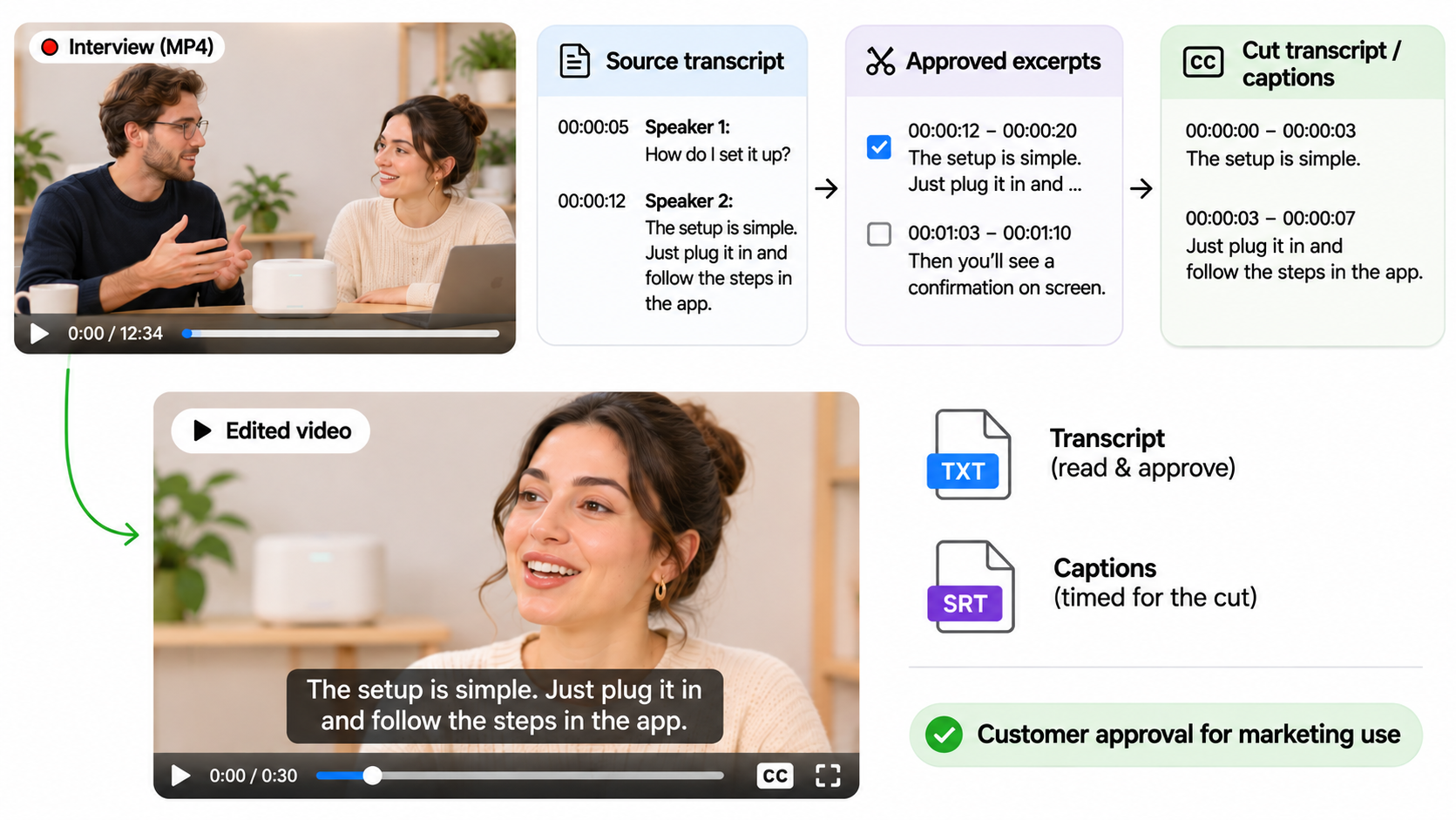
A TXT file helps someone read and approve language. An SRT file contains timed caption entries. Neither file, by itself, proves that a customer approved a marketing use.
How the Tools Were Compared
The comparison uses public product and help documentation checked on November 6, 2026. It evaluates source formats, speaker labels, correction, TXT/SRT delivery and reviewer permissions. It does not rank independently measured transcription accuracy.
| Tool | Starting material | Text and caption handoff | Review distinction |
|---|---|---|---|
| Descript | Imported audio/video, including common MP4 and MOV files | TXT transcript; SRT/VTT subtitles | Project commenters and editors have different permissions |
| Riverside | Studio recordings or supported external uploads | Full or edited TXT/SRT on eligible plans | Review links allow comments without timeline access |
| Rev | Uploaded audio/video, including MP4, MOV and WAV | Human transcript: TXT/DOCX/PDF; captions ordered separately | Sharing can allow viewing or editing |
| Otter | Meetings or imported recordings, including MP4, MOV and WAV | Basic: TXT; paid plans add formats including SRT | Transcript editing requires Collaborator access |
These are examples of supported inputs, not complete codec lists. Check the actual file, language, duration and account limits before buying. Use one authorized excerpt to check the chosen route rather than sending confidential interviews to every candidate.
1. Descript for Transcript-Led Editing

Descript suits a team that expects to cut the interview as well as correct its text. Import the recording, check speaker labels and product terms, then work from the transcript toward a shorter composition.
The useful distinction is between correcting a transcription error and changing the media. Descript's Correct mode fixes words without changing the underlying audio or video. Ordinary script editing can remove or rearrange the corresponding media. A reviewer fixing a model number should understand which operation they are performing.
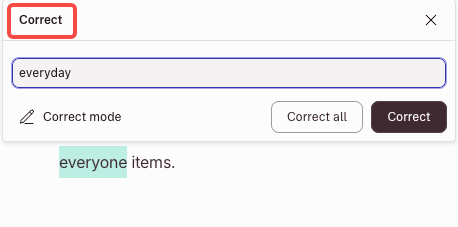
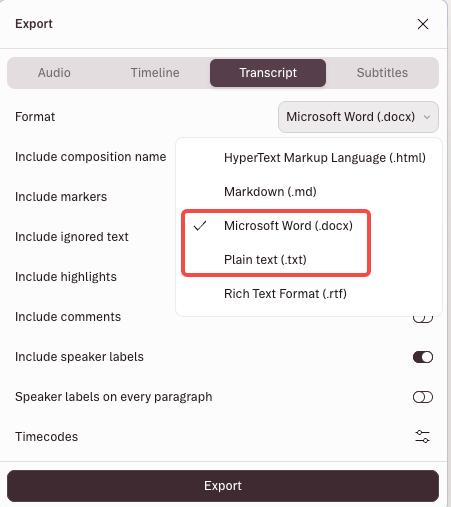
Transcript exports include TXT and DOCX. Subtitle exports include SRT and VTT, with options for speaker labels and line lengths, check the export options available on your plan. Export from the composition you actually intend to deliver; a full-interview transcript will not describe a cut that omits half the conversation.
Project commenters can view and comment. Project editors can make edits and export, but they do not receive all Drive-level capabilities. For client review, comments may be enough: a producer can apply corrections while preserving the intended cut.
Choose Descript when the person checking the words also needs to shape the interview video. A text-only procurement decision should not assume that its broader editing workflow is necessary.
2. Riverside for Recording and Transcript Handoff
Riverside fits teams recording customer conversations there and keeping the transcript close to the participant tracks. It also accepts external recordings through a dedicated upload workflow.
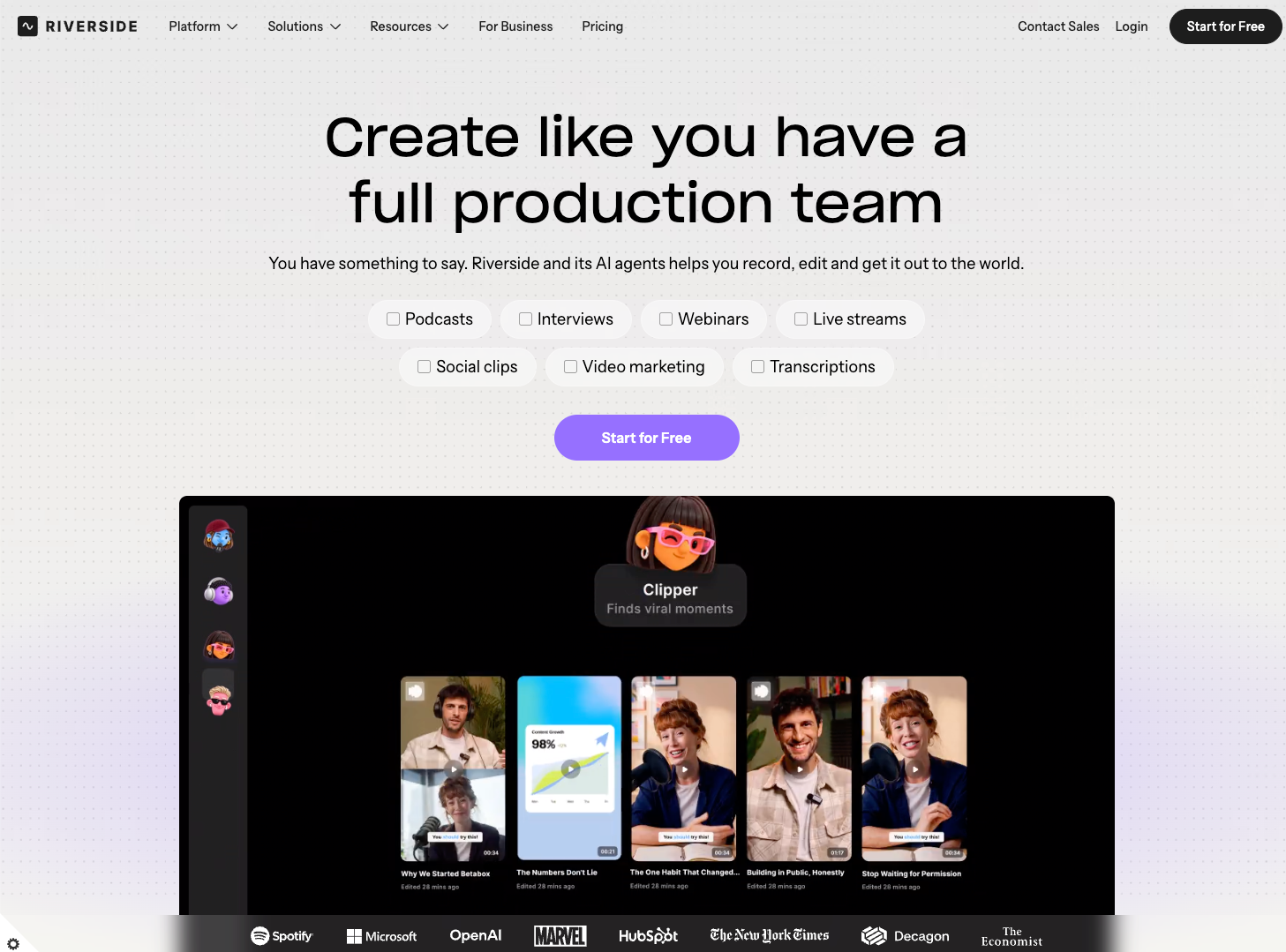
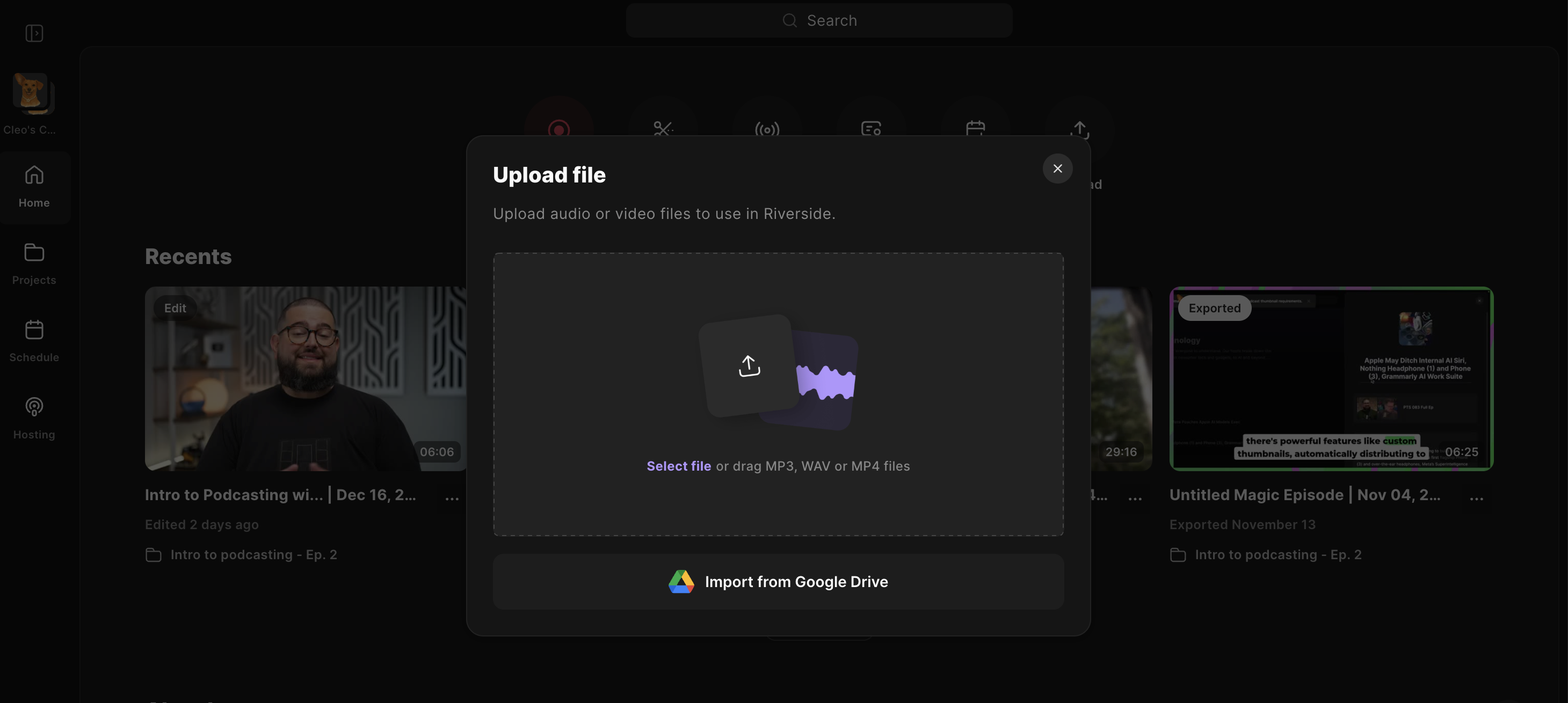
That entry point matters. Riverside distinguishes an external recording uploaded for transcription from media added later inside an edit. Screen-share audio, Media Board playback and files placed directly into the editor are not all transcribed as participant speech.
The external-upload requirements list MP4, WEBM and MPEG video, plus audio formats including WAV and MP3. For external recordings, Riverside does not accept AV1. Convert it to a supported codec such as H.264 before uploading. Riverside converts 10-bit HDR to SDR during processing, so compare the resulting color with the source. Do not assume a camera's MOV file will follow the same route without conversion.
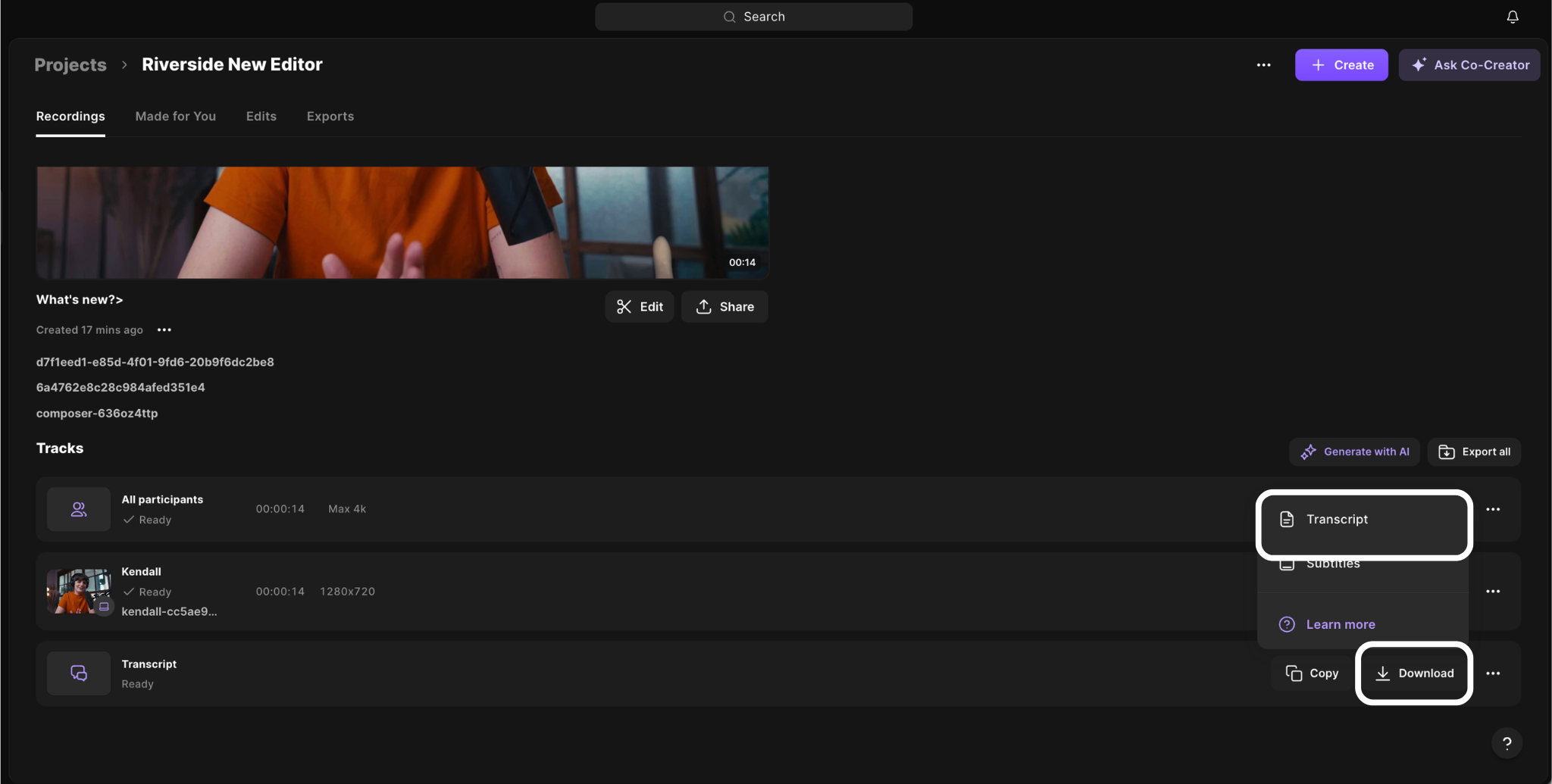
Speaker tracks can be named, and transcript text can be corrected. Eligible plans provide TXT and SRT downloads for the full recording or the edited recording. The latter reflects cuts, rearrangements and corrections. SRT does not preserve the editor's decorative caption styling.
Riverside's review link lets clients see the video and transcript and leave comments without accessing the timeline. This suits a producer who wants feedback while retaining editing responsibility. Confirm download eligibility and review-link permissions on the plan you select.
3. Rev for Human Review Options
Rev is worth considering when the team wants a human transcription service or an additional expert review before selecting customer language. Its upload flow accepts common audio and video files; provide speaker names and product terminology with the order.
Human involvement does not remove the brand's approval task. Rev's editor lets users listen back, correct words and speaker names, and add comments. Speaker identification may still need attention when voices overlap or cannot be distinguished. Premium Transcription adds a second expert review, including consistency checks across sections.
The important purchasing distinction appears in Rev's service-specific file formats. Human transcription delivers TXT, DOCX or PDF. A caption order provides timed formats such as SRT. AI transcription can also export SRT, but Rev says its timing is less precise than AI captions and it cannot be edited in the caption editor.
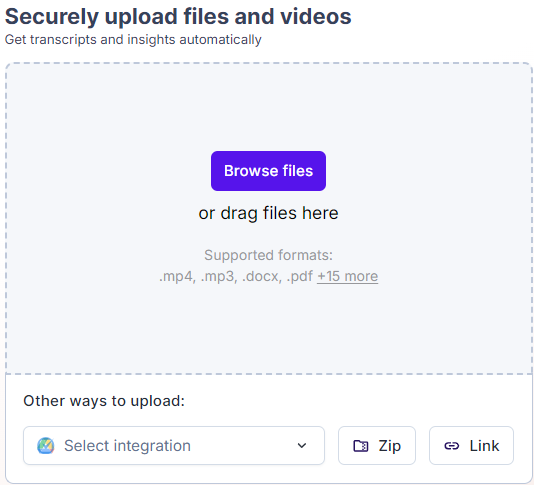
Order the deliverable production needs. A readable interview document and a caption-ready file may require different services.
Rev supports sharing with viewing or editing permissions. Give the client the appropriate access, then record which corrected version and excerpts they approved. A paid human review is not evidence that a product claim is substantiated.
4. Otter for Meeting and Interview Notes
Otter suits teams whose interviews already live among recorded conversations, searchable notes and meeting follow-ups. It can also transcribe imported files rather than requiring a meeting bot.
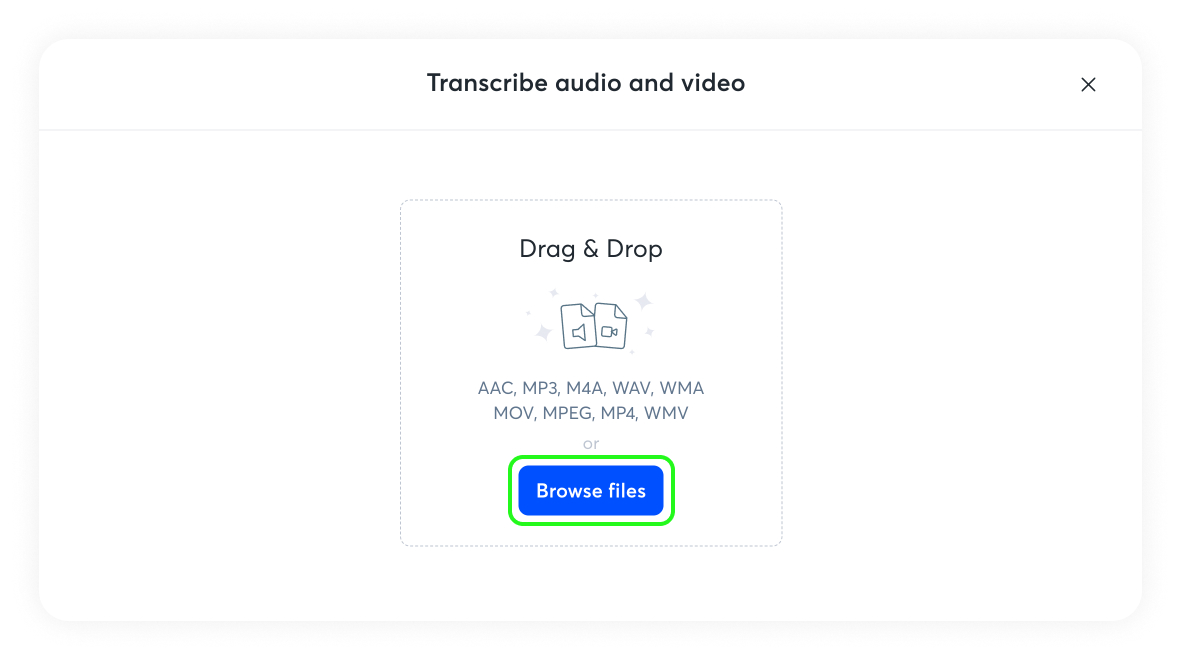
Its input list includes MP4, MOV and WAV. After processing, collaborators can correct words, punctuation and speaker assignments. Newly encountered speakers may need manual naming; a label is something to verify against the recording, not a confirmed identity.
Basic users can export TXT. SRT and other export formats require a paid plan. Exporting shared conversations also depends on permissions, and Enterprise administrators can disable exports. Someone being able to read a conversation does not necessarily mean they can download it.
Otter is useful for locating a relevant passage and preparing a review document. If the final video rearranges the interview, retime captions against that cut rather than treating the original SRT as finished.
Check privacy before importing client material. Otter's current privacy policy describes AI training uses involving de-identified audio recordings. It also covers transcriptions that may contain personal information. Business or enterprise agreements can affect the applicable processing relationship. Verify the terms governing your workspace and the client's permission for that processing.
How to Turn a Corrected Transcript Into a Video Brief
Start with approved excerpts and the viewer's question. For the hypothetical setup interview, the brief should identify what the customer actually did and which product action the viewer needs to see.
Before handing the material to production, complete this checklist:
-
Identify the source recording, version and timestamp for every selected passage.
-
Confirm speaker names, product terminology, numbers and qualifications against the audio.
-
Mark exact quotations separately from proposed narration or paraphrases.
-
Record permission for the intended promotional use, including voice and image where relevant.
-
Attach approved product visuals and evidence for any added claim.
-
State the scene order, delivery format and review owner.
-
Build or update captions after the final cut; check them during playback.
The brief can then guide a Pexo video production workflow, using approved material and conversational revision notes. For example: keep the customer's setup explanation intact, show the corresponding product action, and leave its qualification attached.
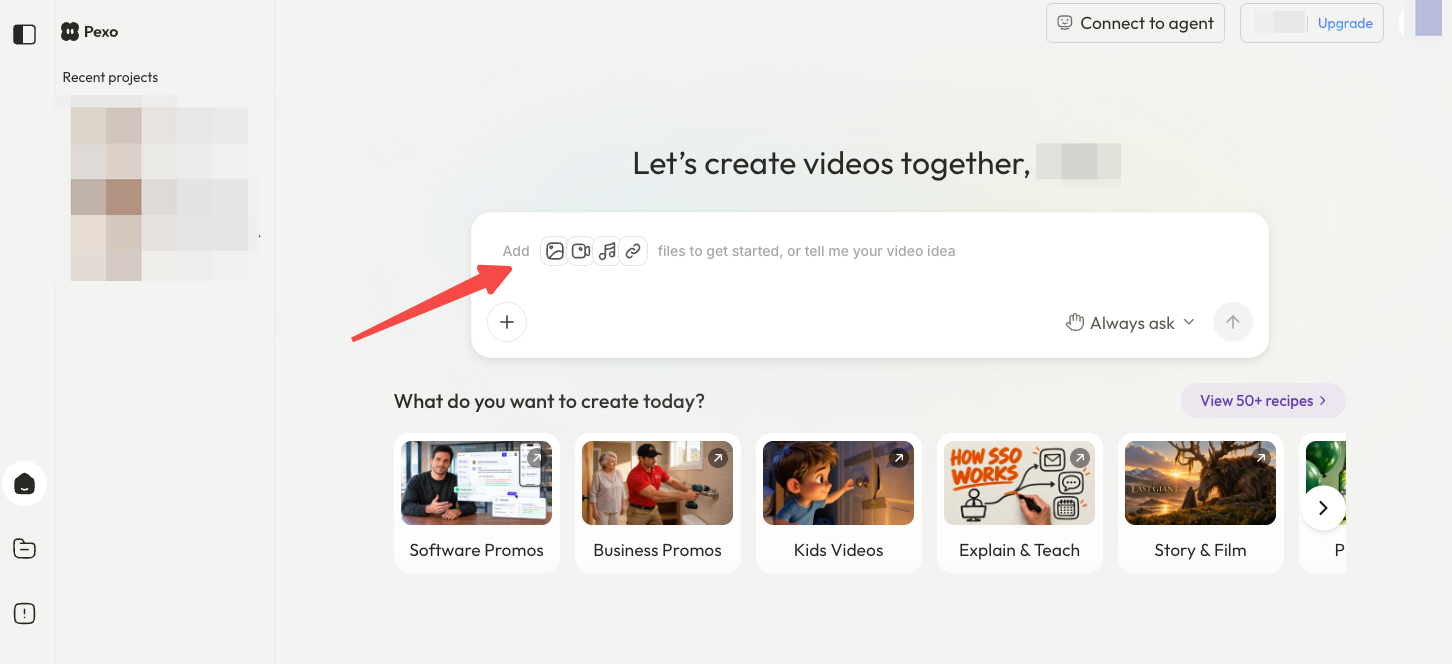
Pexo is an AI video agent, not a transcription service. Confirm accepted inputs before handoff; this workflow does not assume native project or SRT import. Permission to obtain a transcript should also be checked separately from permission to upload it elsewhere or create a promotional video.
Which Tool Fits Each Source File?
Choose Descript for an existing interview that needs transcript-led media editing. Choose Riverside when studio participant tracks and recording-to-review handoff are central. Choose Rev when a human transcription or review service is part of the assignment. Choose Otter for conversations that need searchable notes and permission-controlled text handoff.
For a mixed camera-and-audio package, check whether you need synchronized tracks, a single reference export or only an audio transcript. Preserve the originals before converting anything. If the audio is unintelligible, another export format will not restore the missing words.
Conclusion
Select the tool that can carry the interview through correction, approval and the required export. Before building the video, check one chosen passage against the recording and its permission record. The useful handoff preserves what the customer meant and gives production a clear boundary for the next edit.