ChatGPT
 Perplexity
 Claude
 Gemini
 Grok
Grok


A launch team may have final packaging but no public product page, or a finished script but no customer footage. Those gaps favor different video makers. Choose around the material you can disclose and the scene you can approve.
Creatify and Tagshop AI offer product-link starting points. Arcads supports actor-led scripts alongside broader ad production. HeyGen offers a product-and-presenter image stage before animation. These reviews compare those routes for an unreleased item, without declaring a performance winner.
What Must a UGC Launch Video Maker Deliver Before Release?
It must introduce the approved product accurately, keep the launch message within supported claims, and leave a workable correction path. Before release, an invented customer history can be as damaging as the wrong package.
Actual customer UGC records someone's genuine experience. Paid creator content is commissioned and needs accurate attribution and relevant disclosures. A synthetic creator-style launch ad can introduce a product, but its presenter must not invent having bought or used it.
Evaluate confidentiality before uploading. Confirm who can access inputs, how providers process them, whether improvement or promotional use is permitted, and what deletion covers. A private project view alone does not establish an embargo agreement. If the terms do not fit the launch, obtain written arrangements or trial with nonconfidential substitutes.
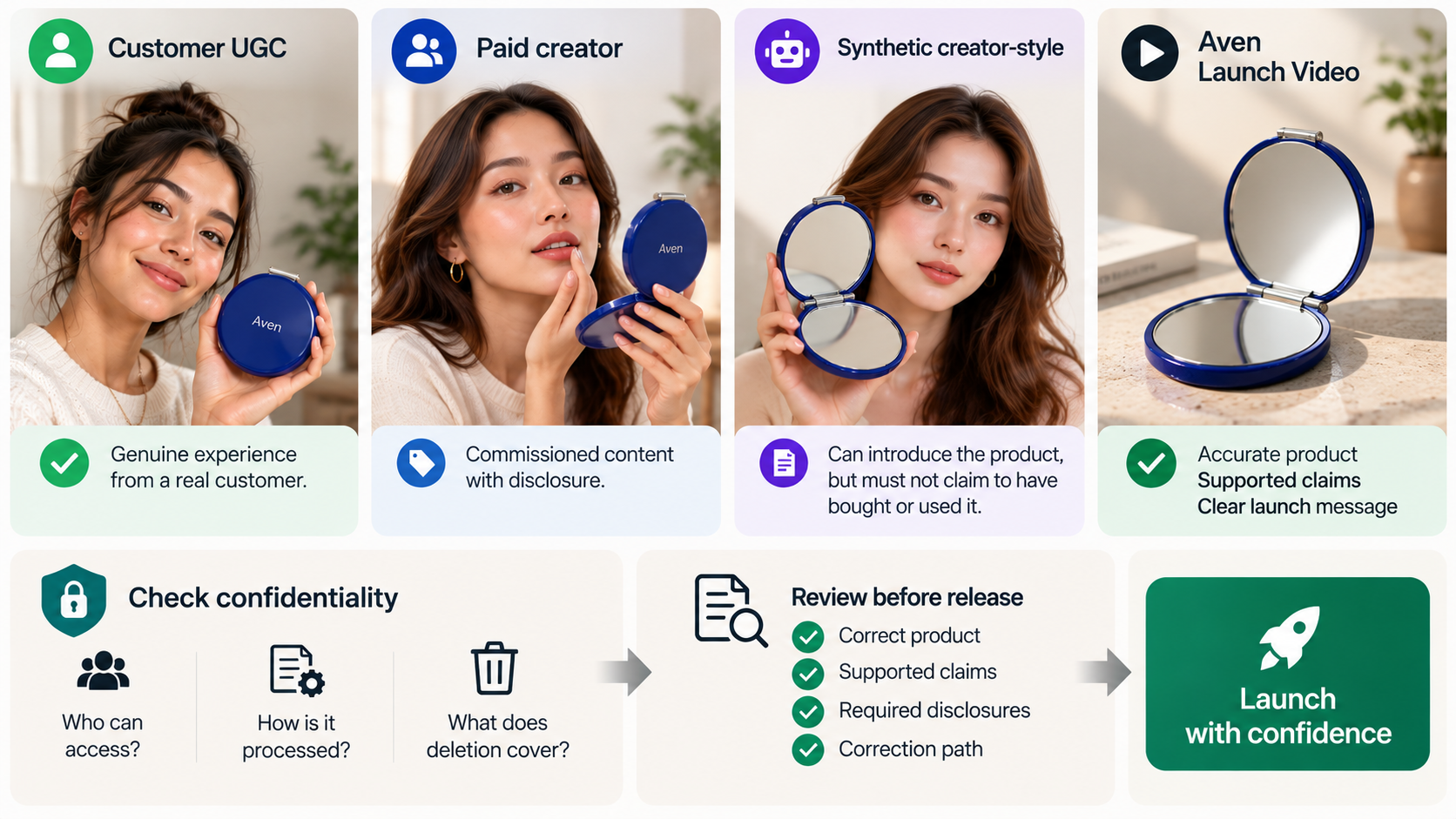
The feature, billing and input-rights pages discussed below were checked October 21, 2026. The comparison uses public documentation and a fictional brief; it does not report generated outputs or campaign results.
Compare Four Tools With One Unreleased Product Brief
Use a fictional Aven pocket mirror: cobalt case, silver hinge and two reflective panels. The team has approved photos and an opening clip. An older page draft still shows a prototype hinge; the final assets must take precedence.
The approved line is: “Meet Aven. Two mirrors in a folding case.” The closing action is “Join the launch list.” No price, release date, durability claim or customer quotation is approved. The requested ad introduces the mirror, shows it open, and closes on the launch-list message.
| Route | First material to approve | Launch-specific return condition |
|---|---|---|
| Creatify | Extracted page assets and script | Prototype hinge or unsupported offer enters the draft |
| Arcads | Actor, spoken script and product scene | Presenter invents experience or handling changes the mirror |
| HeyGen | Combined product-and-avatar image | Grip, size or hinge is wrong before animation |
| Tagshop AI | Extracted product details and creator-style script | Draft turns an introduction into a false testimonial |
For each route, request one correction: replace the closing caption with “Get launch updates,” keeping the approved spoken line and product scene. Record what actually changes, additional charges and the deliverable an agency receives. This is a proposed comparison, not evidence that all four preserve every untouched element.
1. Creatify for Product-Page-Led Launch Variants
Creatify fits a team whose approved product information is ready to become several ad directions. Its URL-to-video workflow draws assets and a script from a product link. Its pricing FAQ also documents adding images, video and descriptions directly, which matters when the product page is not ready for release.
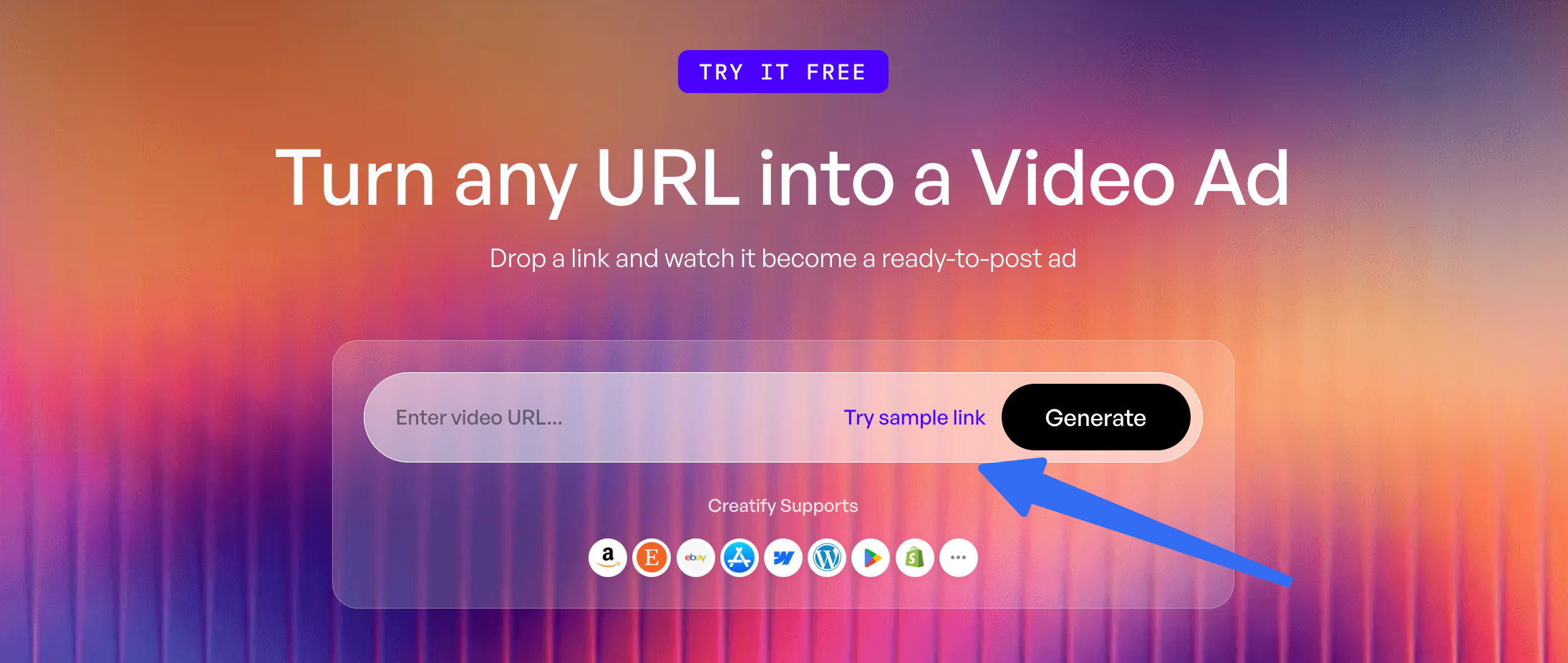
For Aven, check the imported selection before approving the script. The prototype page image must not outrank the final hinge photo. Remove inferred launch dates and offers, then inspect the mirror through the opening action. Page extraction supplies material; the team still decides which version represents the launch SKU.
The revision and credit rules distinguish manual project edits from new AI generation. Manual text, caption, trim and media changes are described as free; regenerating video, voice, avatar or script uses credits. Ask whether the proposed caption correction stays within that manual path. Do not price a new spoken line as if it were a caption edit.
Its input and asset licenses include service improvement and promotion purposes; community assets have separate conditions, verify the applicable general terms and the specific Community Asset License for the account and assets being used. An embargo requires closer review than a general ownership statement. The privacy page does not establish a launch-specific confidentiality commitment.
Shortlist Creatify when page ingestion and editable assembly are useful starting points. For a protected page, verify access separately or supply approved assets; do not make a confidential listing public just to enable extraction.
2. Arcads for Actor-Led Launch Scripts
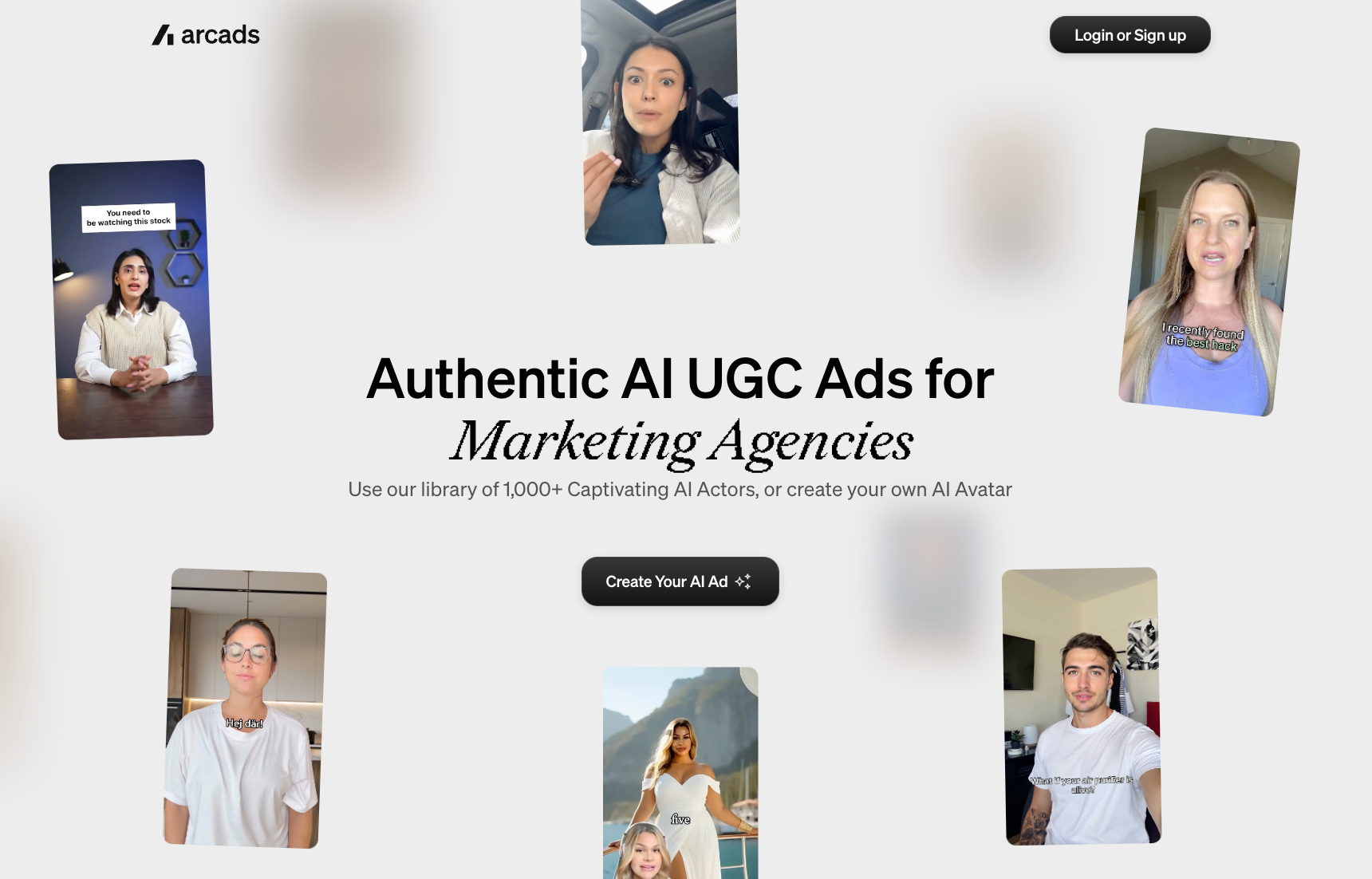
Arcads is worth examining when the launch message depends on a presenter's delivery. Its AI Video Ads guide covers script-, image- and prompt-led ads, including actors holding or showing products. It also describes captions, music, resizing and broader production tools, so this is more than a talking-actor library.
Give the actor Aven's approved introduction. A natural delivery should still sound like an introduction to a new item. Adding “I've carried this everywhere” would create a different, unsupported claim. For a product-holding scene, inspect the hinge and both panels throughout the movement; a plausible face cannot validate the product action.
The billing guide uses a shared credit balance with model-dependent charges. It warns that account rates can vary; use the displayed generation charge rather than an old per-video estimate.
A procurement issue remains in the current terms. They list permitted edits and restrict feeding videos into other AI or software that changes image, voice or speech. Meanwhile, the newer help material describes editing inside Arcads. Obtain clarification for the intended correction and agency work before relying on either description alone.
Those terms also include confidentiality provisions alongside a license covering training and promotional uses of supplied elements. Confirm how these apply to unreleased assets. Arcads fits a script-led launch if the team can approve delivery and product handling, and resolve the required editing and input-use permissions.
3. HeyGen for Presenter and Small-Product Shots
HeyGen's Product Placement sequence offers a useful early decision: upload a product image, select an avatar, generate combined images, and choose one before adding the script. The guide favors small or handheld products and warns that large objects may be scaled down.
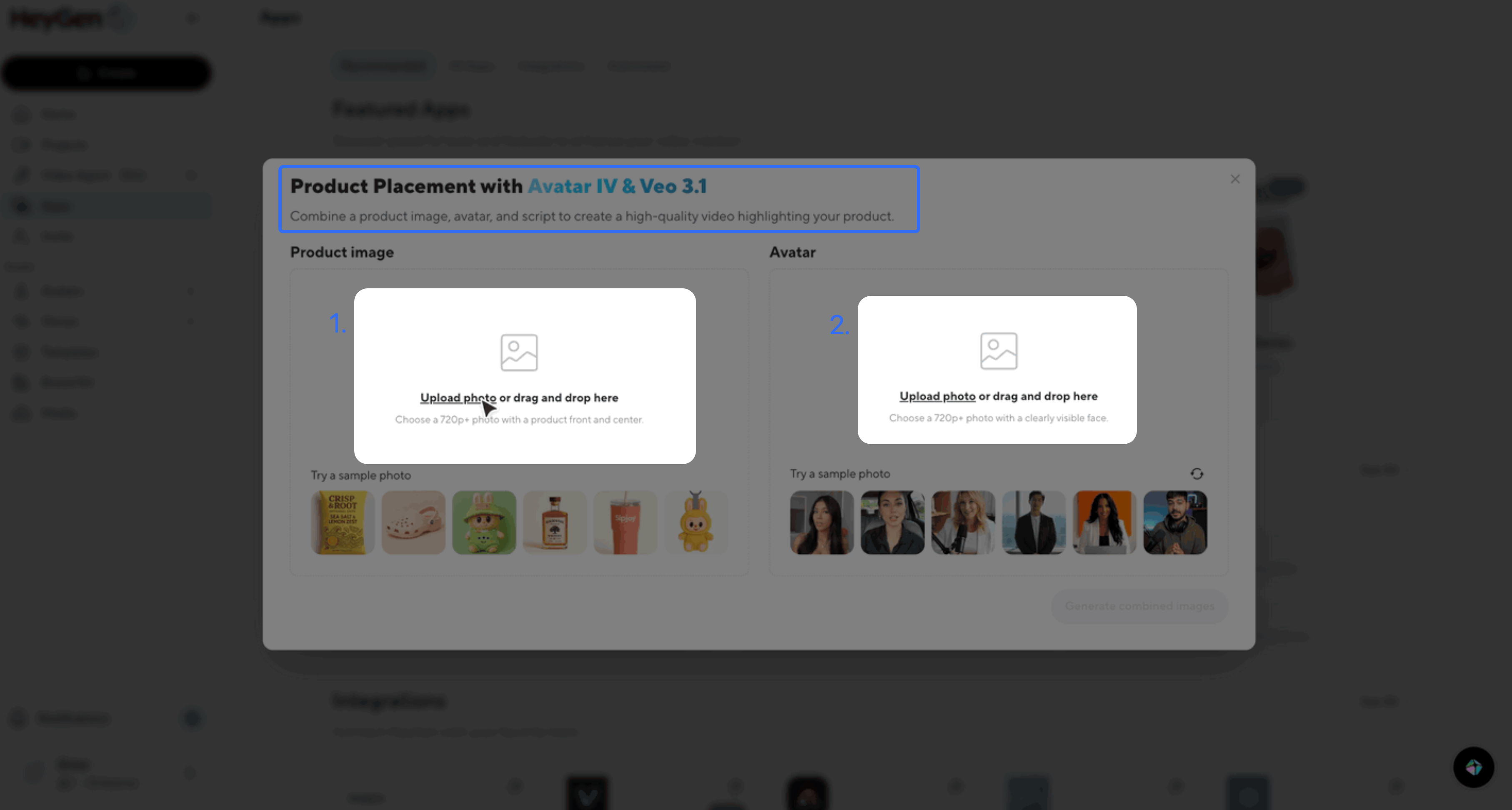
Aven suits that starting size, but the chosen image still needs approval. Check whether the hand hides a panel, the silver hinge remains visible and the mirror has believable proportions. Reject a faulty combination before requesting motion. An approved still also needs another inspection once the hand or lid moves.
Use the supplied launch line instead of asking for a random script. The editing guidance, specifically for Video Agent and AI Studio, separates ordinary layout edits from avatar re-rendering that consumes credits. Confirm the correction path for a Product Placement output; that guide does not establish identical behavior in every HeyGen tool.
The privacy policy permits model training and describes an opt-out request. Settle its scope and effective status before submitting embargoed images. The terms distinguish paid-plan content rights from Free-plan output restricted to personal, noncommercial and internal evaluation uses.
HeyGen fits when the team wants to approve a small product beside a presenter before animation. Check Product Placement access and credit allowance in the intended plan.
4. Tagshop AI for Product-URL Creator-Style Ads
Tagshop AI suits teams exploring a product-link-to-creator-ad sequence. Its URL-to-video workflow describes extraction, avatar selection and script generation, with script review before finalization. Its help center also documents a video editor and saved-draft rendering.
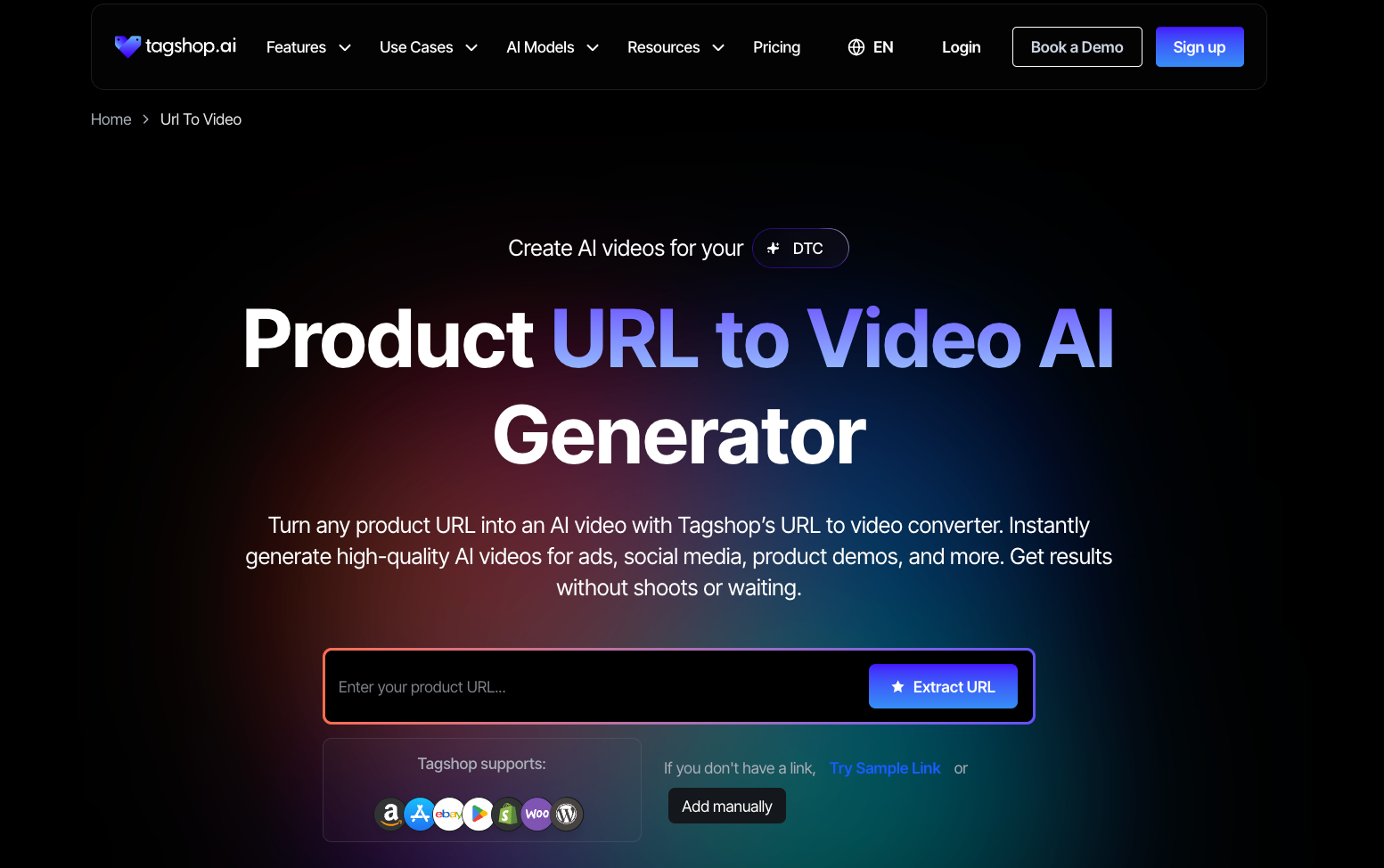
For Aven, compare extracted facts against the approved pack. A page may describe a future offer without authorizing it in this launch ad. Review the generated narration for invented use history as well as incorrect specifications. The desired voice is conversational; the content remains a brand introduction.
Run the closing-caption correction through the available editor and inspect the next render. Editing a saved draft does not establish that a new render is free. The billing guide says monthly credits reset while annual credits remain valid for the year. Confirm the charge for the selected generation route, particularly if production straddles a billing cycle.
Its terms grant input/output processing and improvement rights while reserving separate conditions for supplied avatars, music and other library material. The short privacy policy does not provide an embargo-specific promise. Plan storage periods should not be treated as proof of immediate deletion from every processor.
Shortlist Tagshop AI when the team wants URL extraction followed by script and presenter choices. Verify private-page access, the planned revision charge and agency delivery before committing the unreleased product pack.
Choose a Workflow by What the Team Must Approve
Start with the earliest decision the team needs to see. Creatify and Tagshop AI make sense to examine when product-information extraction is useful. Arcads centers this comparison on actor delivery; HeyGen supplies a documented combined-image selection stage.
Ask each shortlisted vendor for the same launch handoff: approved export, script, product sources, usage conditions and a clear answer about editable-project access. A flattened video export does not necessarily include editable captions or isolated narration. Confirm the account or seat an outside editor would need.
Count the versions approved after correction, along with review time and generation charges. If confidentiality or the agency's essential edit remains unresolved, keep that route off the launch schedule. A larger actor library will not resolve either problem.