ChatGPT
 Perplexity
 Claude
 Gemini
 Grok
Grok



A support reply can become a demonstration. A design sketch can explain a product choice. An old launch clip can supply the opening for an update, provided the changed detail is clear.
Useful YouTube video ideas begin with something your team can show and a question worth answering. The six formats below turn existing product material into specific episodes, with enough visual direction to decide what to make next.
Which Product Questions Deserve a YouTube Video?
Choose questions where seeing an action, arrangement, or comparison helps someone decide. Start with recurring sales questions, support themes, and gaps in the current demo. Remove personal details before sharing those materials with a production service.
For each idea, identify the question, the evidence you have, and the scene viewers need to see. If the essential action was never filmed, add that shot to the plan. A folder of attractive packshots cannot show how a mechanism works.
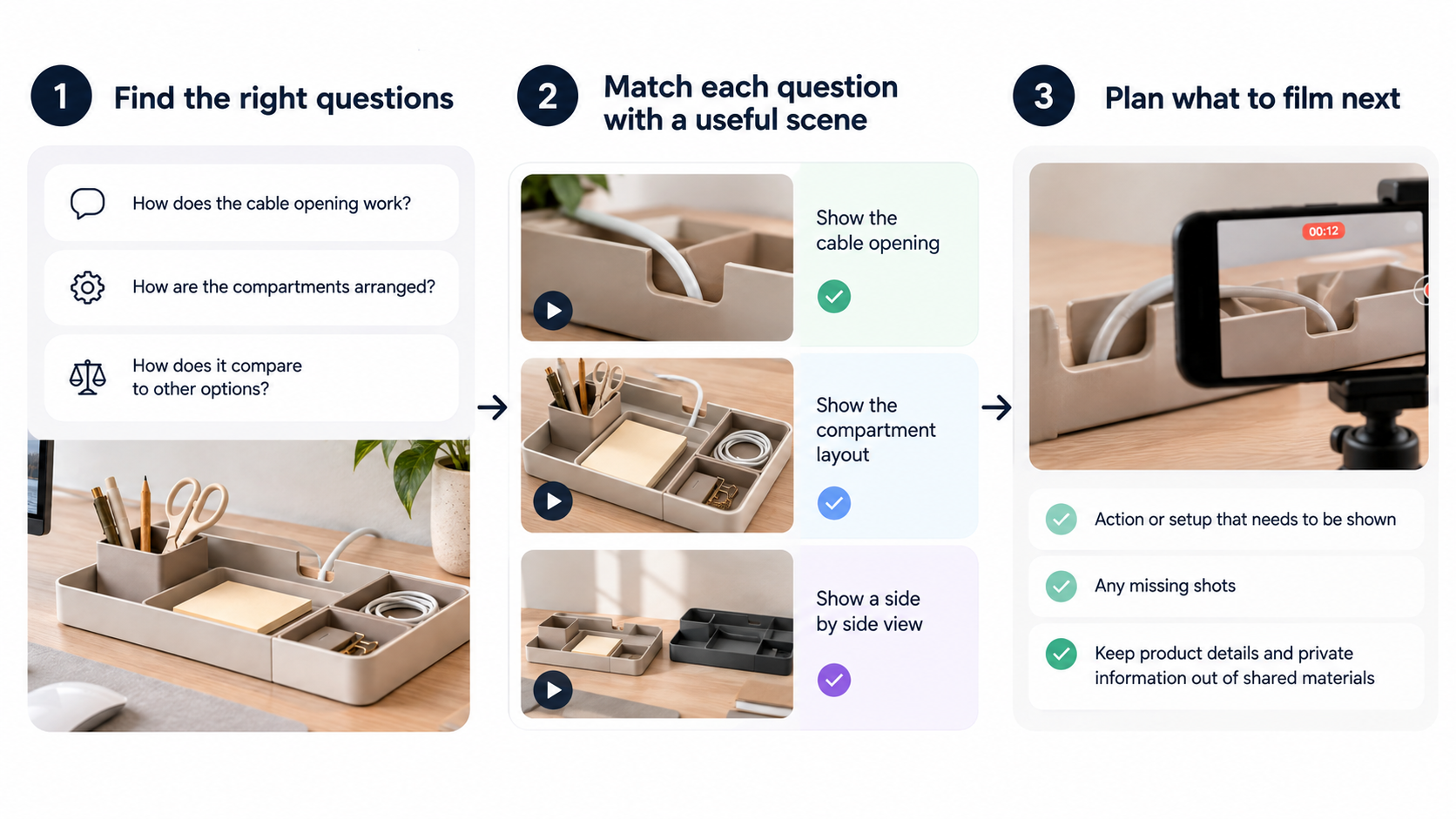
The examples use Mere, a fictional modular desk organizer. Each includes a video idea and a sample title you can adapt.
1. Show One Product Problem and Its Fix
“How do I reach the cable behind the tray?” is a useful demonstration topic when your product has an approved way to do it.
Use the assembly instructions, a current product photo, and an uninterrupted clip of the tray being removed. Open on the obstructed cable, show the removal, then show the cable accessible. Keep the hand clear of the release point.
The episode could be “Mere Setup Fix: Reach the Cable Behind the Tray.” End with the tray correctly replaced. That last shot prevents a workaround from looking like the intended permanent setup.
2. Walk Through a Real Use Case
A use-case video answers “What would using this look like during my day?” It follows a task through to completion.
For a small-desk setup, gather a wide desk photo, the approved assembly sequence, and clips showing the actual objects being stored. Begin with the available workspace, place the organizer, then show someone retrieving a notebook and returning it.
Call the episode “Set Up a Small Writing Desk With Mere.” Keep the wide view long enough to judge the arrangement. For a customer-led episode, use their authorized footage and let them describe the task in their own words. Identify a team-staged demonstration as such, and keep customer accounts faithful to their actual experience.
3. Answer a Purchase Objection on Camera
“Will it fit beneath my monitor?” needs a visible measurement and a useful limit.
Bring the current dimension drawing, a ruler, and footage of the organizer beside the monitor stand. Show where each measurement starts and ends, then explain how viewers can check their own clearance. Include protruding parts that affect fit.
“Measure Before You Buy: Mere Under a Monitor” gives this episode a clear purpose. The presenter should distinguish the demonstrated arrangement from other monitor setups. One neat desk cannot establish universal compatibility.
4. Compare Two Options on Clear Criteria
Help viewers answer “Which version fits my setup?” with criteria they can inspect.
For a narrow and wide organizer, use current specifications, both physical products, and the same desk and packing list. Show footprint first, place the same objects in each, then explain the trade-off. Keep camera distance consistent so one model doesn't look smaller through framing alone.
An episode titled “Mere Narrow vs Wide: Desk Footprint and Notebook Fit” can favor different options for different desks. Any capacity or compatibility statement still needs evidence; avoid declaring a winner from appearance.
5. Explain a Product Change or Launch Update
An update should answer “What changed, and does it affect my version?”
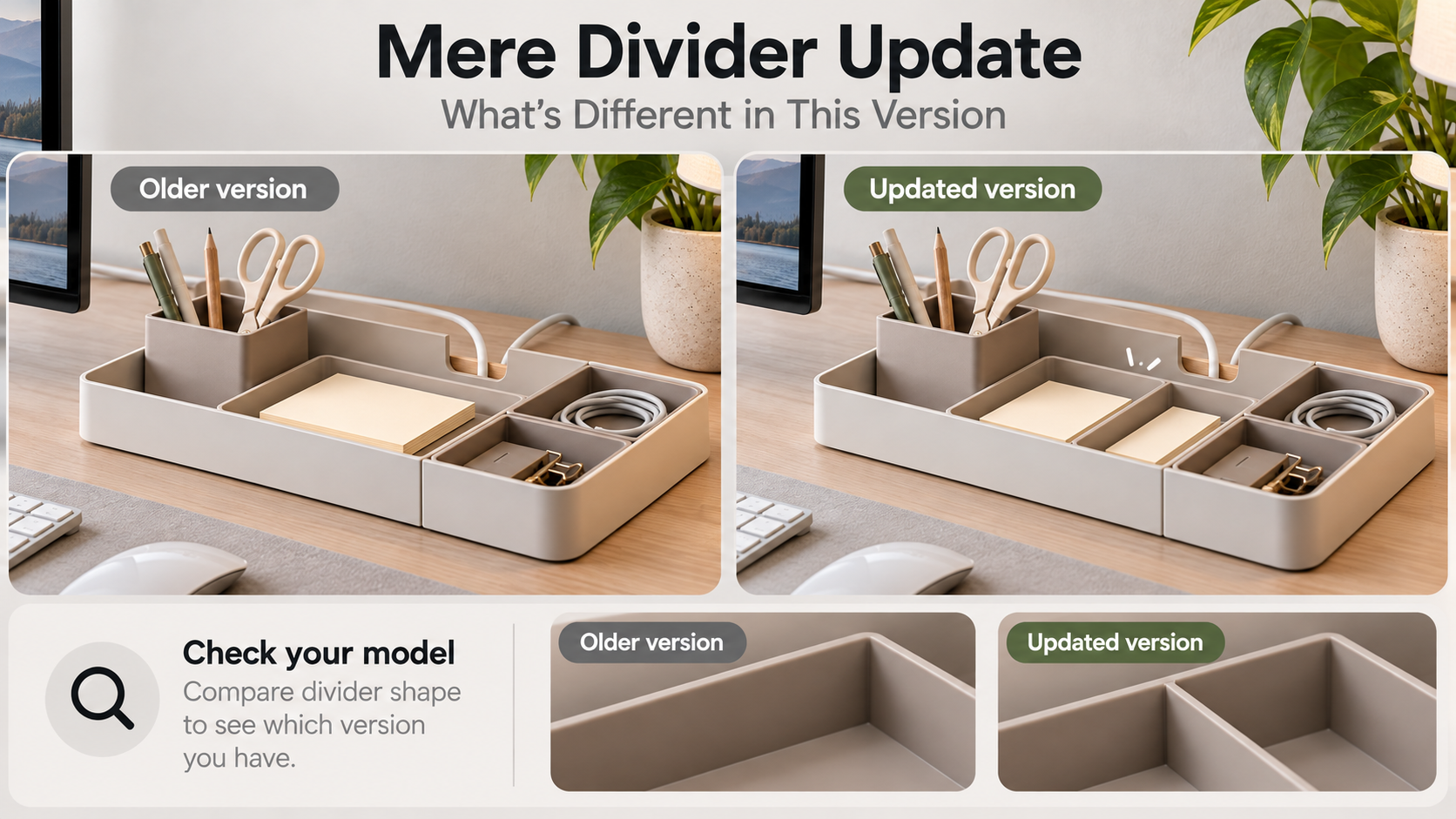
Use dated product photos, an approved change note, and footage of the old and new components. For a revised divider, show both versions side by side before demonstrating the new arrangement. Label them throughout the comparison.
“Mere Divider Update: What's Different in This Version” should close with how buyers can identify their model. Include availability or accessory compatibility only when confirmed. A launch montage alone leaves existing owners guessing whether they need to do anything.
6. Tell a Behind-the-Product Story
Give the design story a question: “Why is the cable opening at the back?”
The material might include dated sketches, prototypes, and a recorded explanation from the person responsible for the design. Show the earlier option, explain the documented constraint, and reveal the chosen construction on the finished product.
The deliverable could be “Why Mere's Cable Opening Moved.” Label prototypes clearly. If the records don't establish why a choice was made, interview the designer before writing that explanation. A plausible origin story becomes misleading when presented as company history.
Turn One Idea Into a Repeatable Series
Pick the format for which you already have several answerable questions. A product demo series might cover cable access, divider adjustment, and cleaning in separate episodes. Keep a recognizable opening frame and question-led title pattern, while giving each episode its own demonstration.
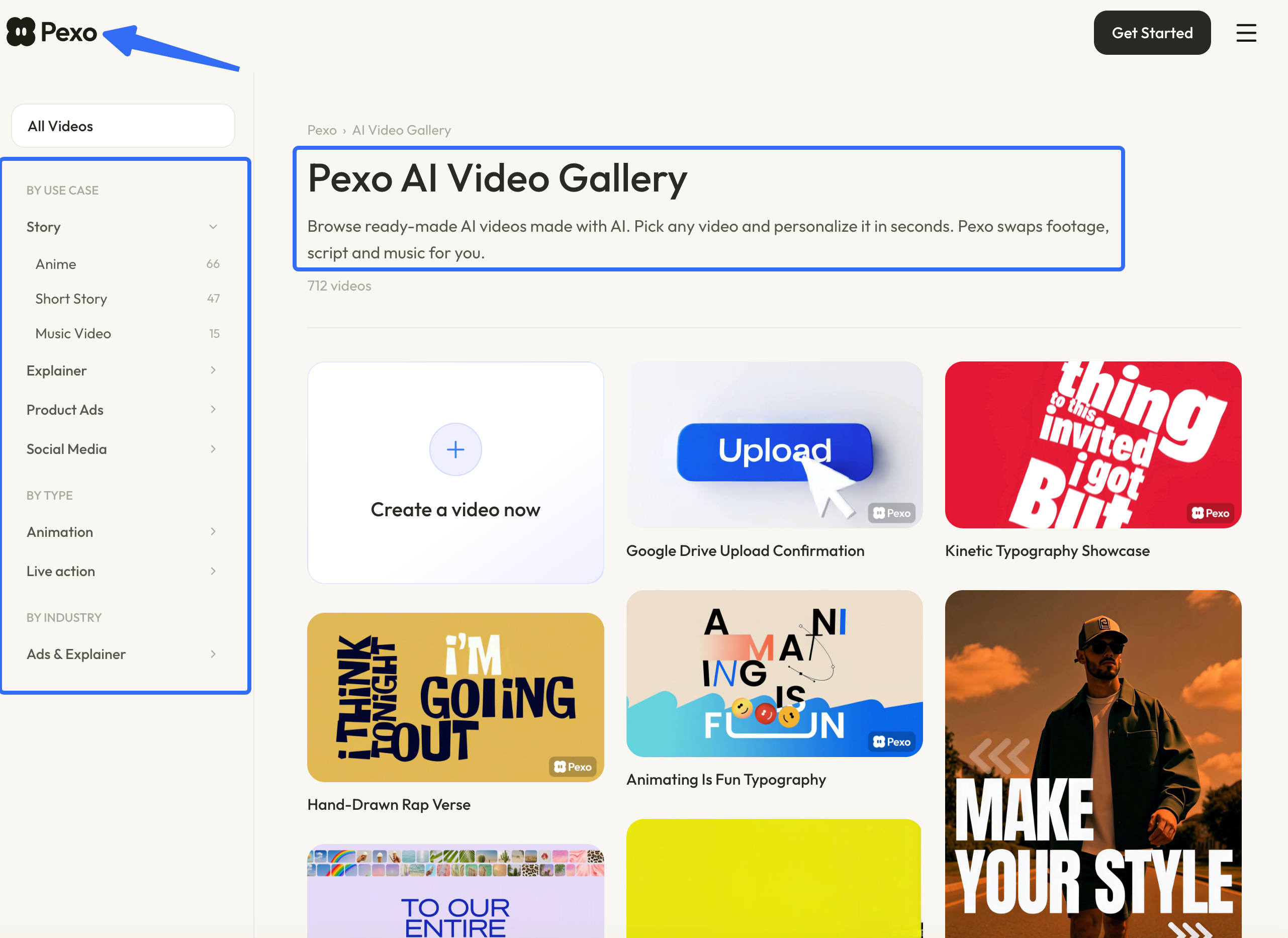
For ecommerce YouTube content, the next topic can come from an unresolved buyer question. Repeat the series label while changing the problem: “Mere Setup Fix: Adjust the Divider.” To choose a style for branded YouTube videos, browse Pexo's video gallery, including its product and explainer categories. Use the references to discuss framing and scene order.
Once an episode has a question and usable assets, a conversational production route can help develop the cut. Bring those materials and your direction to Pexo, review the preview, and request a specific change where the explanation loses clarity. Keep someone responsible for product accuracy through revisions.