ChatGPT
 Perplexity
 Claude
 Gemini
 Grok
Grok



A product link can carry an entire listing into Topview AI's ad workflow, including claims your team no longer uses. Which claim does the draft choose, and does its footage show that claim? The answer matters more than how quickly the first cut appears.
This Topview AI review follows the company's public product, pricing, and terms pages checked on October 15, 2026. It uses one fictional brief for a Ridgeway packing cube with two separate zip compartments. This is a planning example, not a video made in Topview or Pexo. It uses their published workflows to show what a product-ad team should check in its own trial.
What Job Does Topview AI Handle for Product Ads?
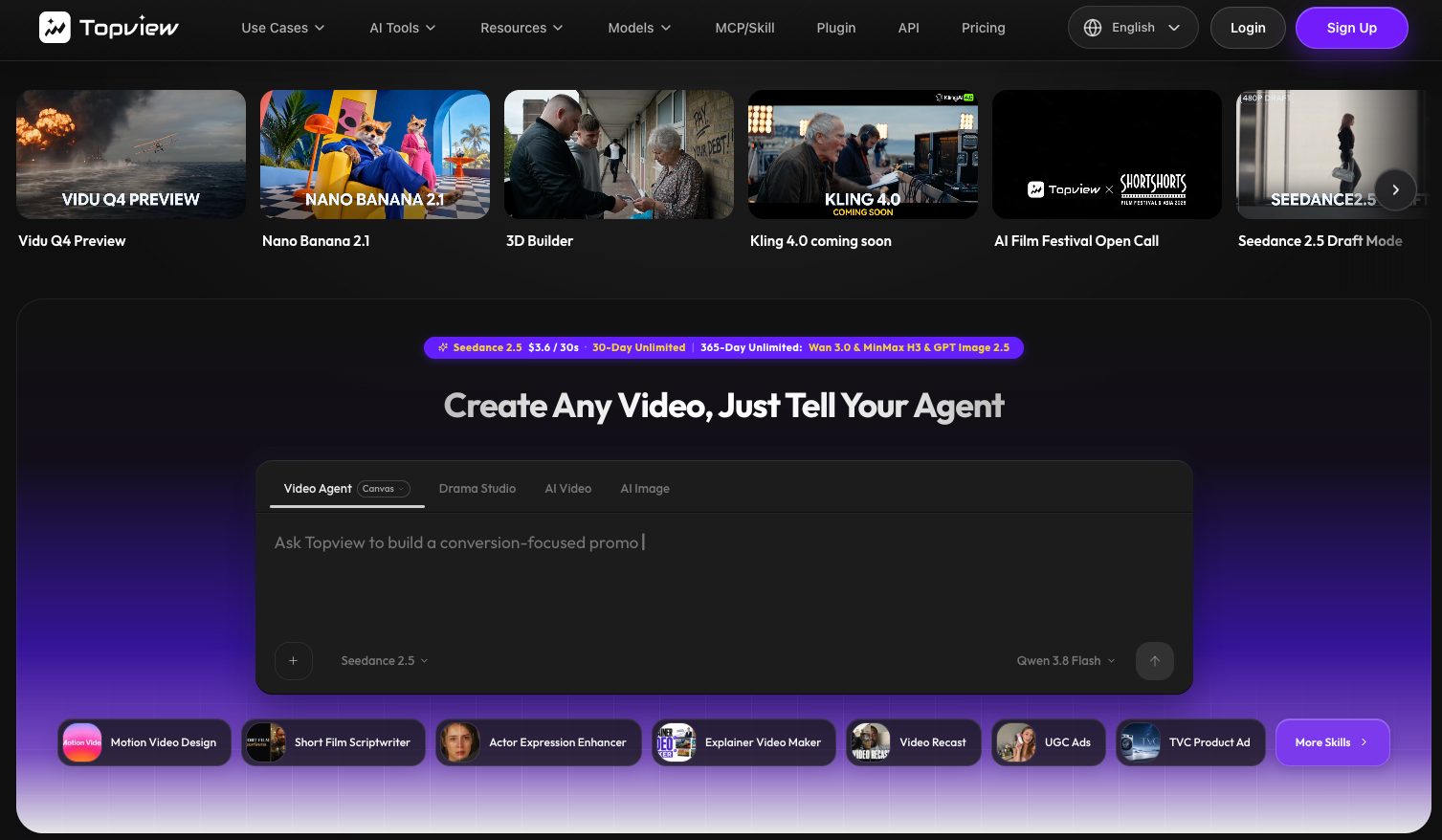
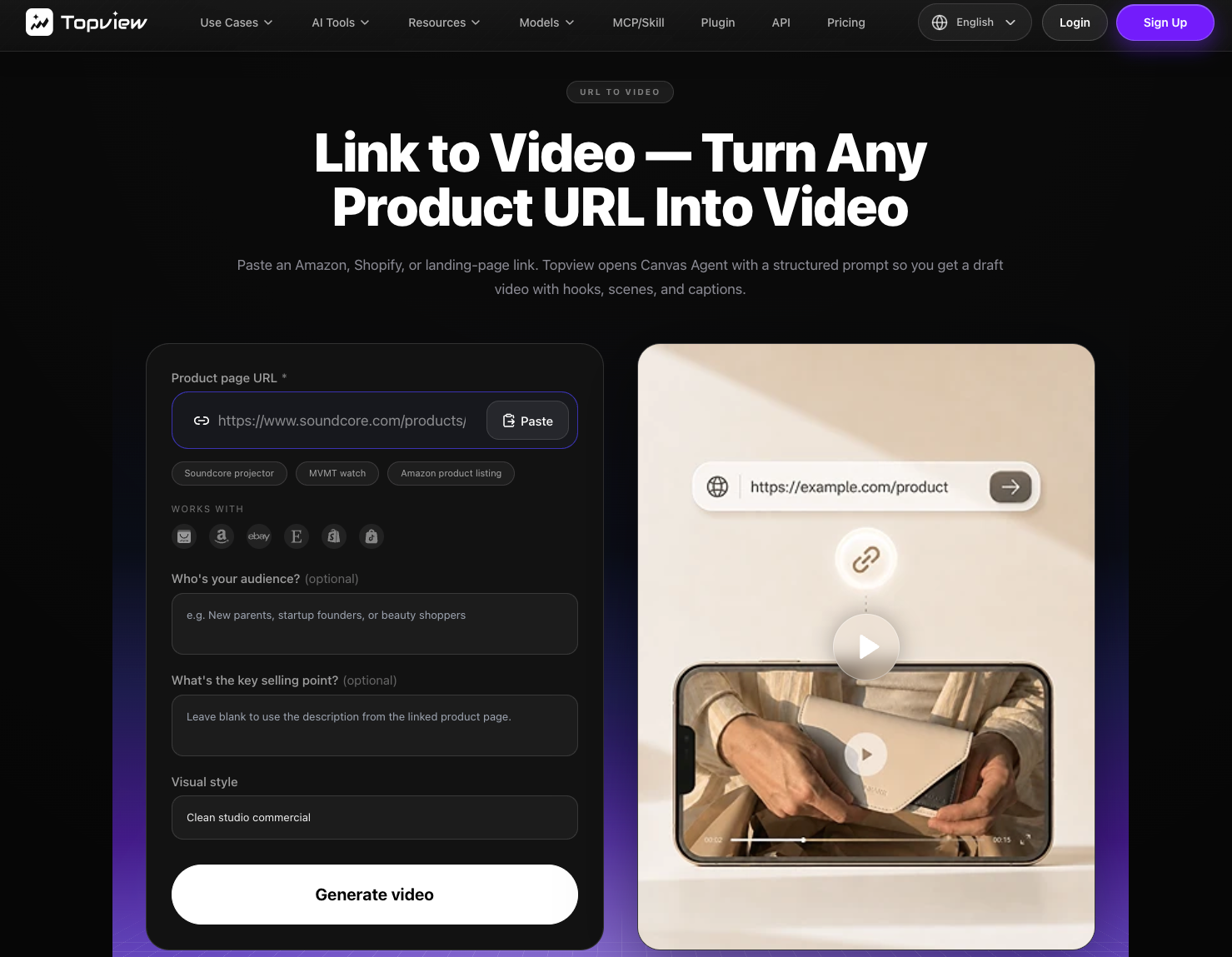
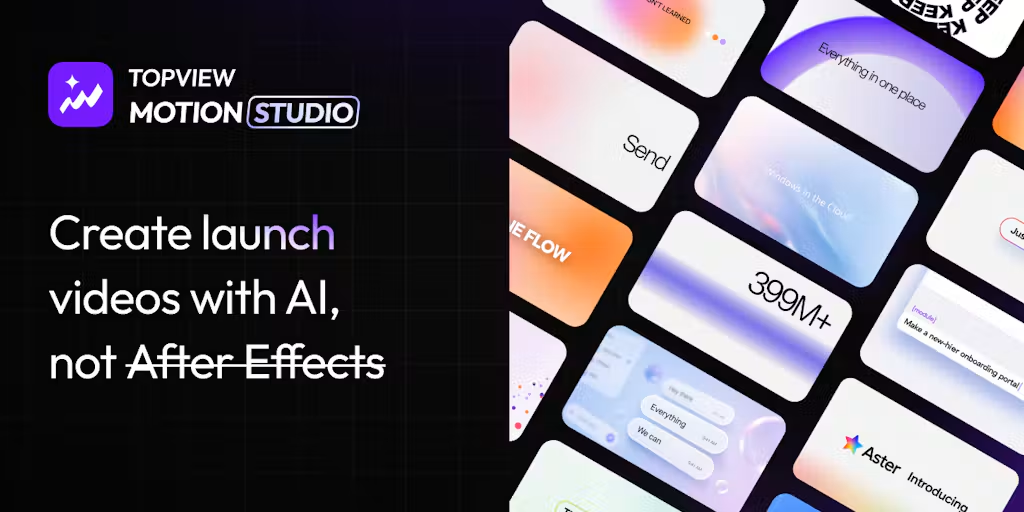
Topview AI is a plausible fit when a team has product pages, photos, or clips and needs editable ad concepts from them. Its Link to Video workflow accepts a public product URL, optional audience and selling-point cues, and a visual style. Topview says it then opens a Canvas project with a structured prompt for scenes, captions, and a draft. Its AI Video Agent also accepts a brief or script with optional image and video references.
That is more than a single exported clip. The published Canvas workflow includes changing copy, swapping visuals, reordering scenes, and asking for a new scene or variation. For a product team, the useful question is whether those controls let it correct the particular mistake that blocks approval. A fresh hook is valuable only if the product shown under it is still the one for sale.
Topview also promotes AI avatars and UGC-style ads. A spokesperson does little for Ridgeway if viewers never see the two separate zippers. Start with the proof shot, then decide whether a presenter adds anything.
From Product Input to an Ad Draft
Give the tool a public page with current product facts, then add the materials that page alone may not settle. For Ridgeway, the team would supply approved front and open views, a clip of each zipper opening, the current color names, the logo, and the landing page. The single approved claim is “two separate zip compartments.” The brief excludes “waterproof,” “airline approved,” and any capacity promise because the supplied pack does not establish them.
| Input to check | Ridgeway trial brief — fictional | Why it matters |
|---|---|---|
| Product page | Current description and available colors | A URL can import an obsolete offer or image if the page is stale |
| Approved claim | “Two separate zip compartments” | One claim can be checked against an actual product view |
| Proof media | Continuous clip opening both compartments | A closed pack shot cannot show the internal separation |
| Brand assets | Logo, type, color names, approved end card | The first draft should not invent a variant |
| Ad direction | Show the second compartment before the CTA | Scene order determines whether the claim is believable |
| Landing action | “See sizes and colors” | The end card must lead to a page with those choices |
Topview's product-link page says it reads on-page benefits and visual context. If the listing mixes old and new versions, the draft may carry both. Check the extracted angle and script before spending further work on visuals. A product page does not approve every claim it contains.
Where Product Accuracy Needs Human Review
The first cut should be judged against what the viewer can actually see. In Ridgeway's ad, “two separate zip compartments” passes only if the cut shows both zipper paths and makes the separation legible. A fast montage of a closed cube, travel scenery, and a smiling actor might feel like an ad while leaving the central claim unproved.
Look at three different failure points. The spoken or written claim may add “waterproof” without support. The product image may change the zipper placement or show a color that is no longer sold. The scene order may put the proof after the CTA, when the buyer has already been asked to click. These failures have different fixes; rewriting a caption will not repair an inaccurate visual.
Also check the landing page and any required ad disclosure in the intended placement. A correct video paired with an out-of-date offer is still inaccurate. Generated text, logos, and pack details deserve a frame-by-frame review where the product is smallest on screen.
What Changes Can a Team Make After the First Draft?
Topview's published workflow supports several kinds of ad revisions: edit copy, swap a visual, reorder scenes, or ask its Agent for a new direction while keeping project context. Its Canvas description says teams can compare options and refine the parts needing changes. That is useful when Ridgeway's first shot works but the internal compartment view does not.
The team should phrase the correction against an approval condition: “Keep the opening pack shot. Replace the second scene with our supplied clip showing both zippers. Keep the approved ‘two separate zip compartments’ line, and remove the waterproof caption.” Afterward, inspect the whole cut. A replaced shot can shift timing, break a voice line, or make the closing CTA arrive before the demonstration lands.
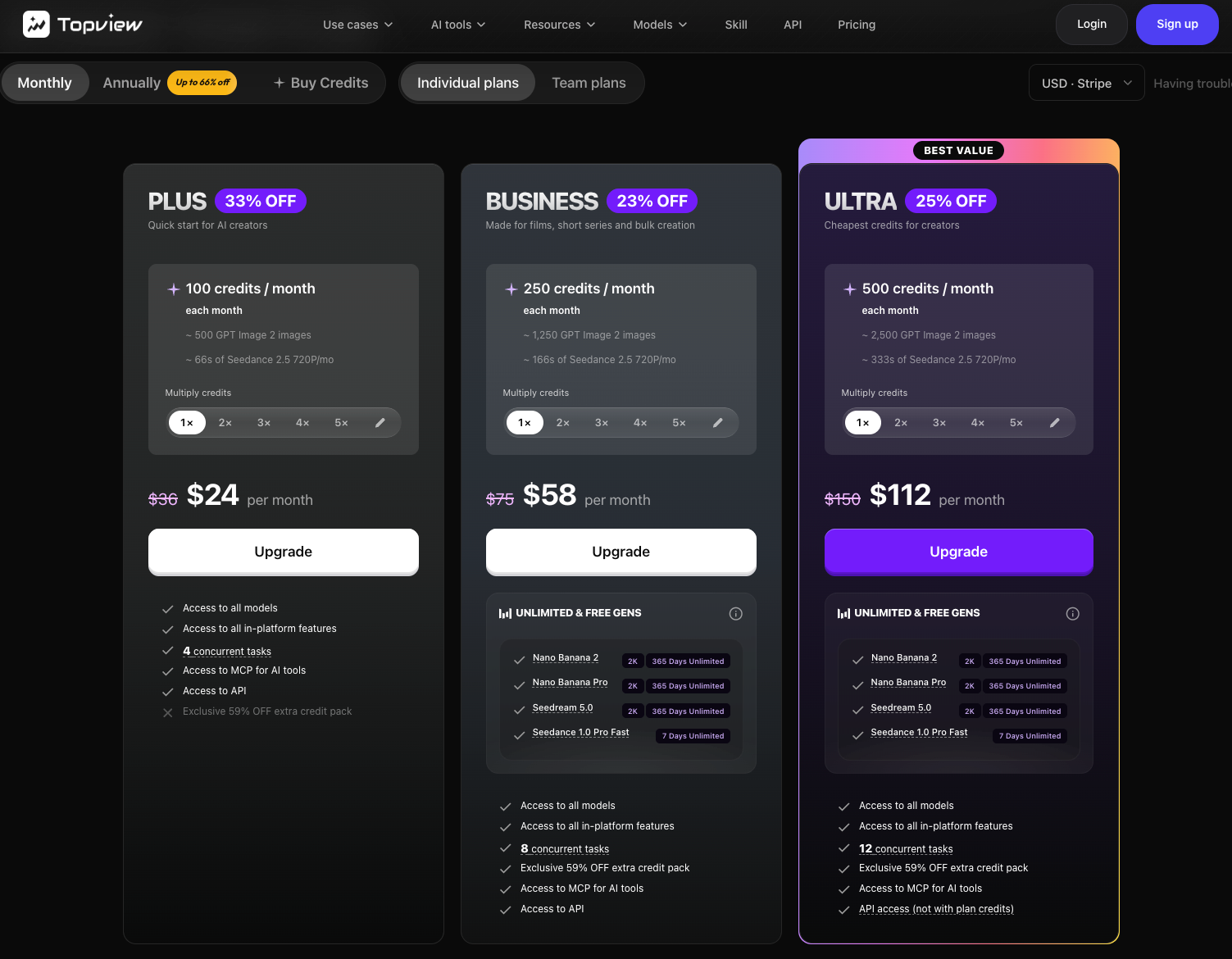
There is an important distinction between the ability to revise and the cost of reaching an approved ad. The public pricing page says credit costs vary by tool and may change. It does not tell this team how many generations and ad revisions its Ridgeway brief will require. Log the credits and staff review time for the first draft, each correction, and the accepted export during a real trial. Without that record, “cheap per generation” says little about cost per usable ad.
Strengths, Limits, and Best-Fit Teams
Topview's strengths on paper are a direct product-link entry point and a Canvas that keeps scenes, references, and revisions in one project. A team with a clean listing and someone who can review product imagery may find that combination useful for producing several ad angles. The editing surface matters most when an approved opening can be kept while one weak scene changes.
The limits are equally practical. The public pages cannot show how faithfully a specific packing cube will render, how many corrections it will take, or whether the resulting export fits your account's plan. Topview's pricing page separates plans, credit types, and export features; its terms restrict commercial use by Free Users. Do not infer paid-ad clearance from a free trial button or from a general statement that output may be used for lawful purposes.
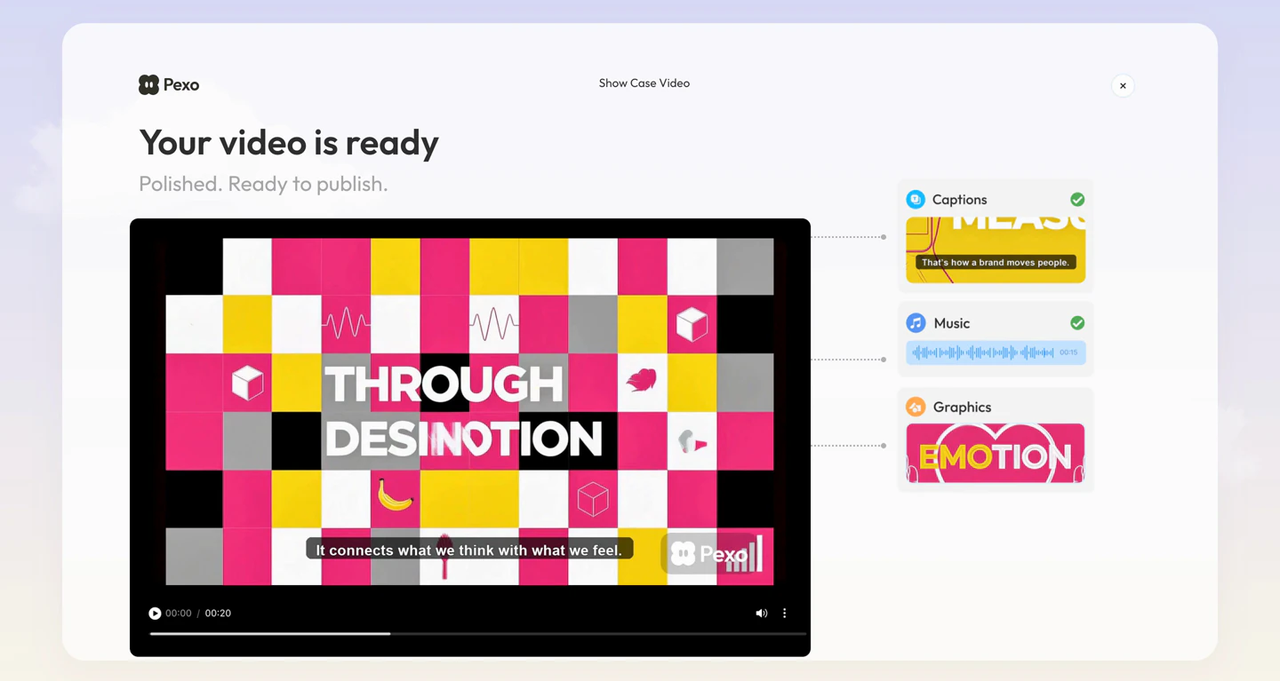
Pexo, the publisher of this guide, offers another route when a team prefers to describe a whole-video direction, review a plan, and request changes in conversation. Its start guide covers websites and supplied assets, while its revision guide describes broader conversational changes and feedback on a marked frame. Topview also describes conversational revision. Its product-link-to-Canvas path suits a team that wants to inspect and change scenes there. Pexo's direction, preview, and whole-cut revision path suits a team steering the video through conversation. Neither description proves which route will make Ridgeway's ad more accurate, faster, or cheaper.
Choose Topview for a trial when product-link intake and scene-level Canvas work match how your team reviews ads. Consider Pexo when the team wants to steer the complete video through a conversation and judge revisions against a brief. If a real product claim depends on a physical action absent from your source media, shoot that action first. Neither route can turn missing proof into reliable product evidence.
A Product-Ad Trial Brief to Run Before Buying
Use one approved product and one ad placement for the trial. Keep the brief beside the draft: exact claim, current product page, key assets, forbidden claims, viewer action, and approver. Ridgeway's two-zipper claim is modest, which makes a wrong scene easy to spot.
Run the same acceptance questions through the first draft and one purposeful revision:
| Trial checkpoint | Pass condition | If it fails |
|---|---|---|
| Input intake | Draft uses the current cube, colors, and approved claim | Correct the source page or add the approved asset |
| Product proof | Both compartments are visible before the CTA | Replace or reshoot the proof shot |
| Copy and sound | Caption, voice, and screen text agree on “two separate zip compartments” | Edit the mismatched line and review the full cut |
| Revision | Correct the failed scene without losing the approved opening | Note the extra work and whether another attempt is justified |
| Delivery | Export fits the intended placement and account terms | Check plan, file, rights, and platform rules before use |
Save the first draft, feedback, revised cut, and final file outside the tool if you need an approval trail. This is a trial practice, not a claim that Topview supplies client sign-off. Record what changed and how many credits were consumed, including failed attempts. Can your team repeat the total effort for another ad?
For a second route with the same brief, ask Pexo to plan a product ad from the approved materials. Review the direction and preview, then request one specific correction. Compare the accepted cuts and the work needed to reach them; a feature list alone cannot choose the route for you.